-
-
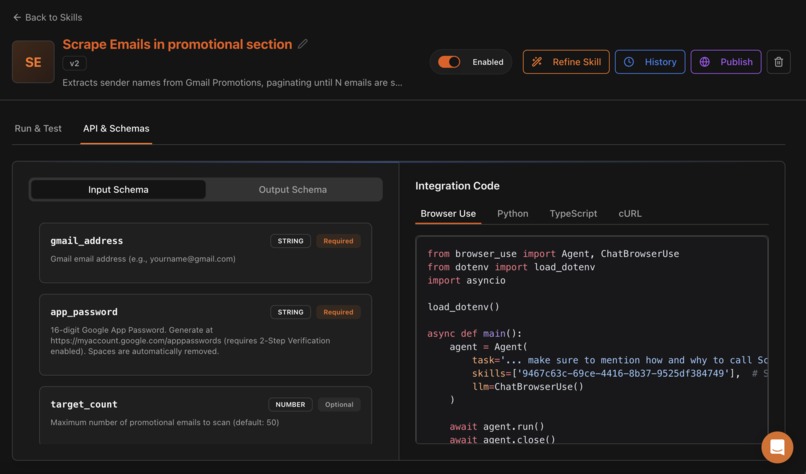
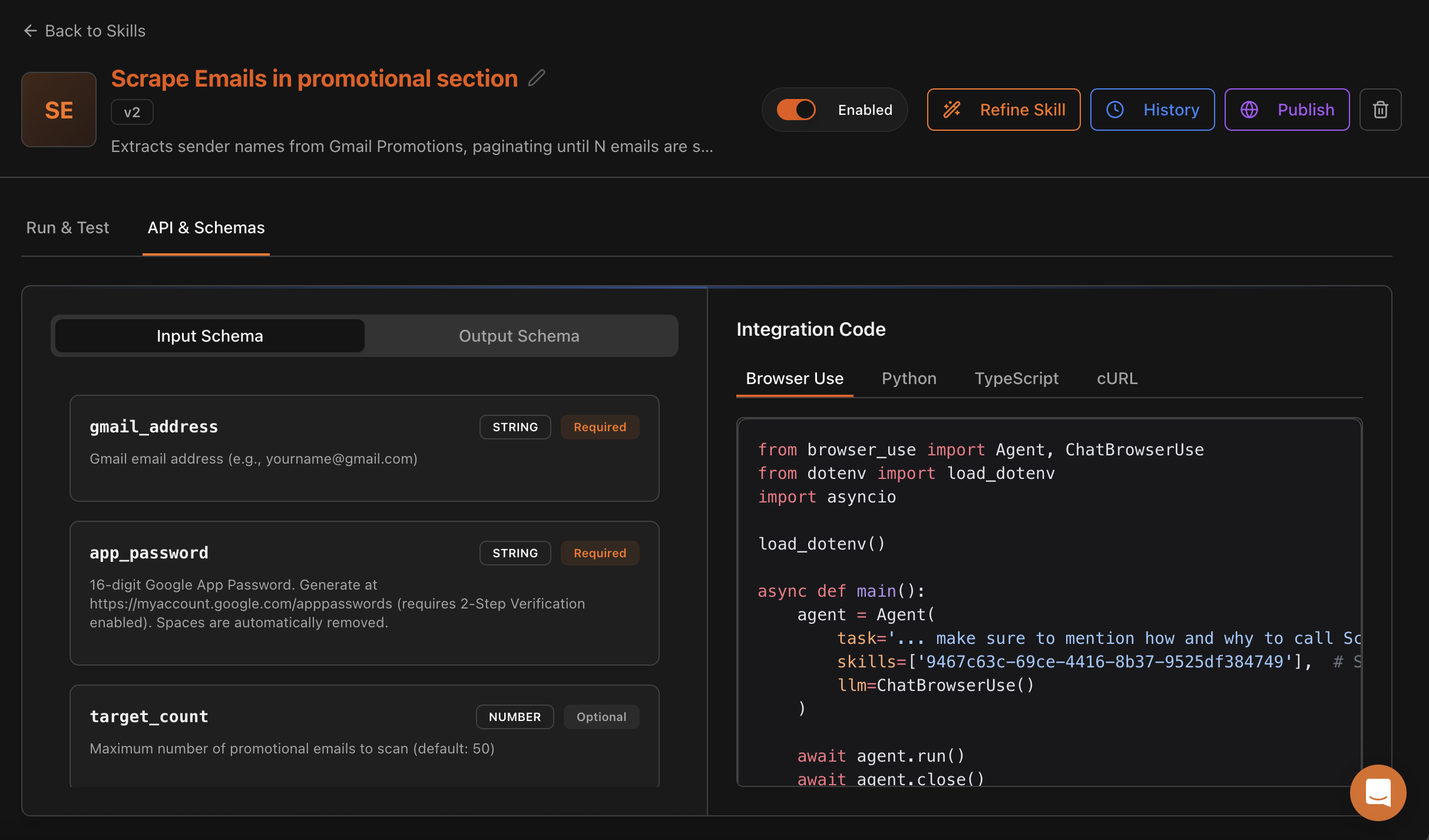
Skill 1: Extracts sender names from Gmail Promotions
-
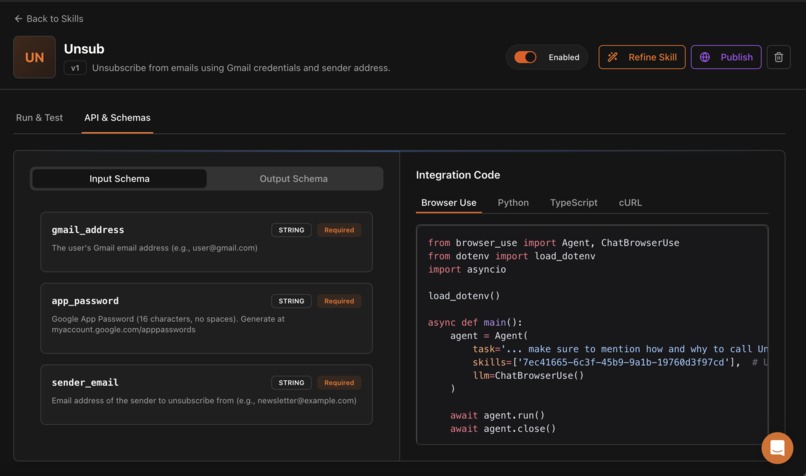
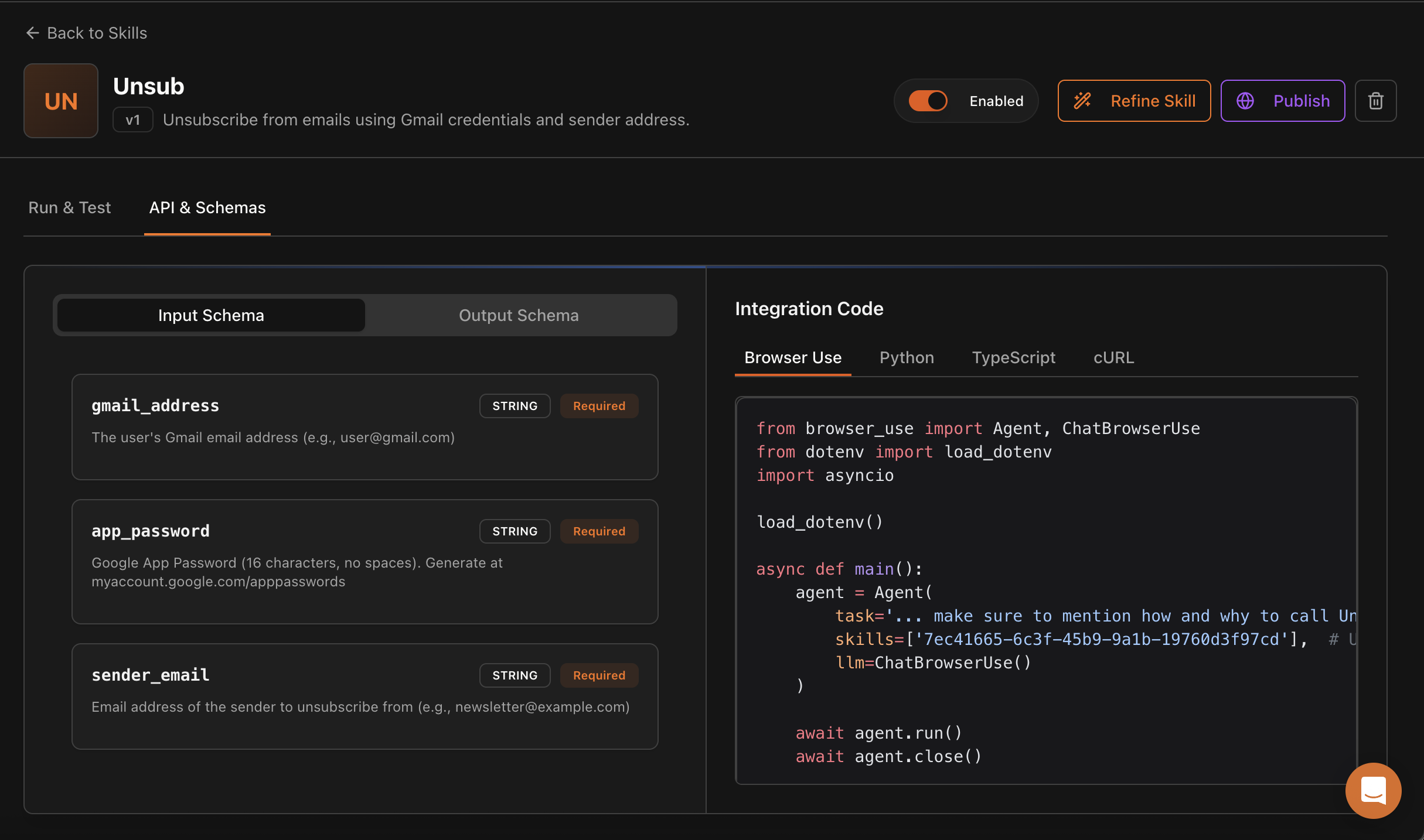
Skill 2: Unsubscribe from emails using Gmail credentials and sender address.
-
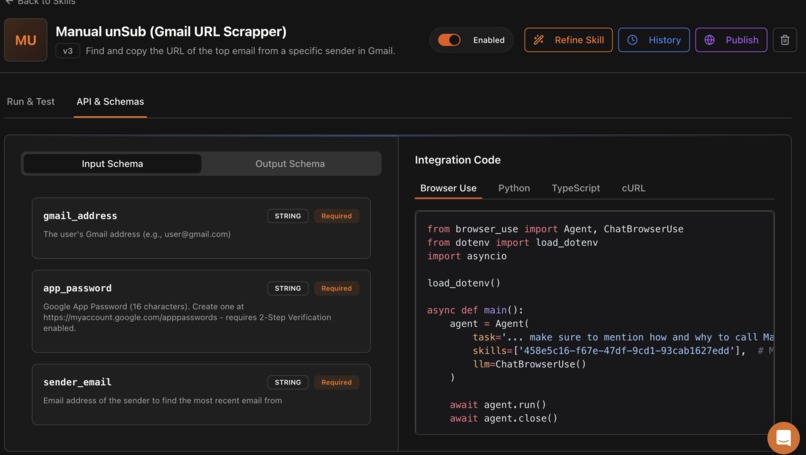
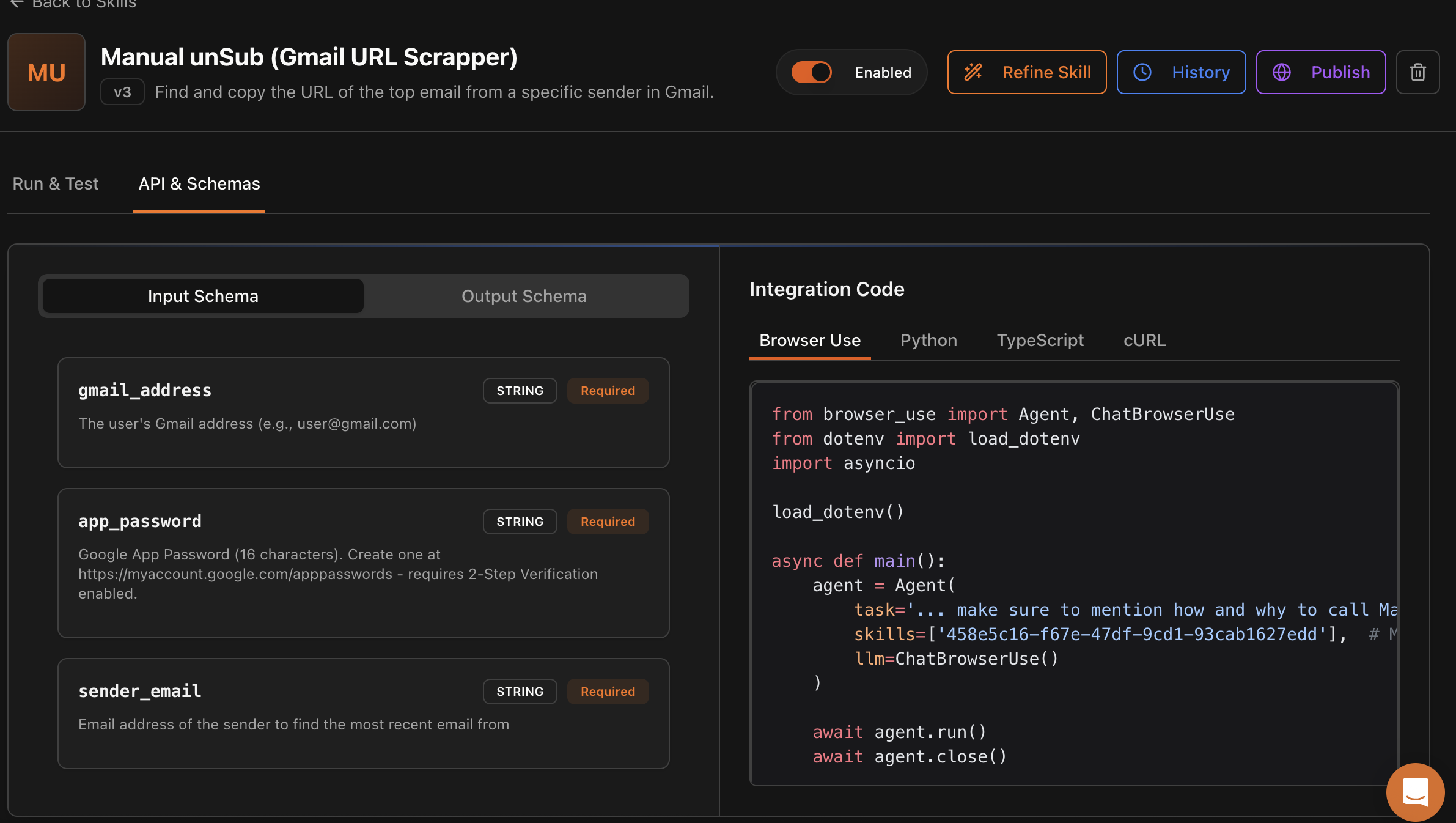
Skill 3: Find and copy the URL of the top email from a specific sender in Gmail.
-
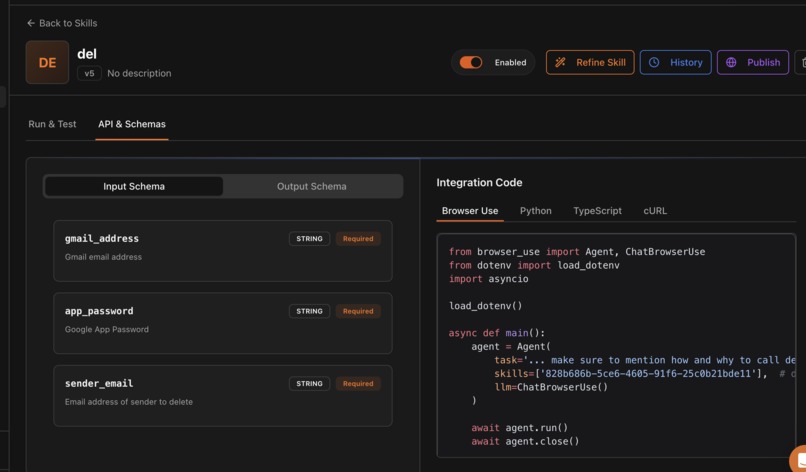
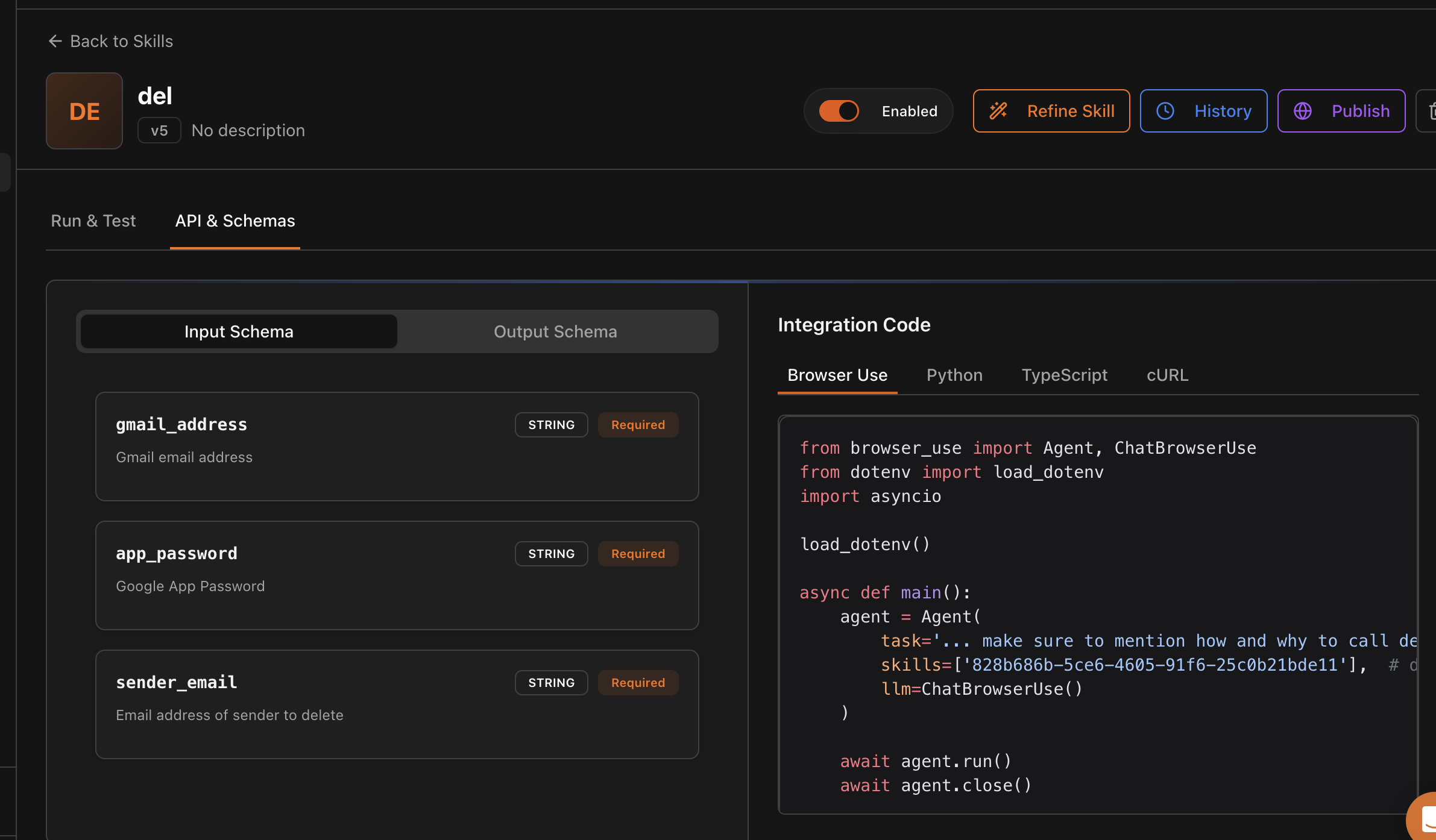
Skill 4: Deletes all emails, given input of gmail id, app passwords and email to delete
-
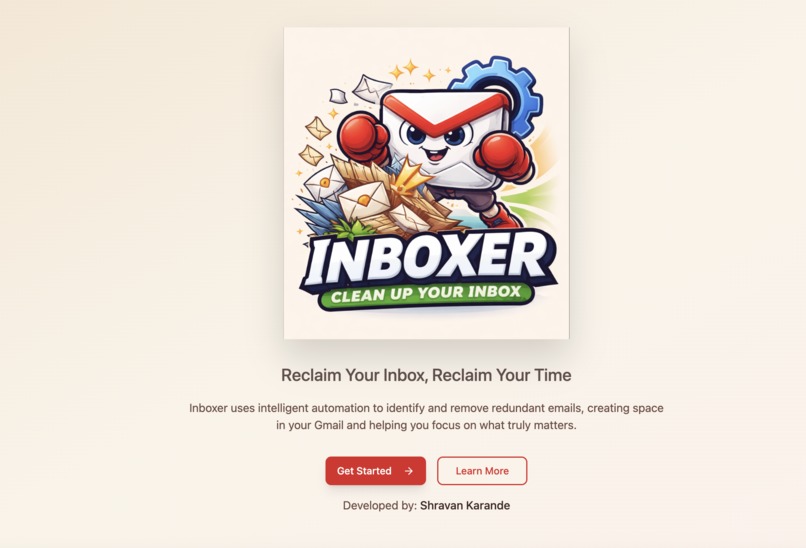
Welcome page
-
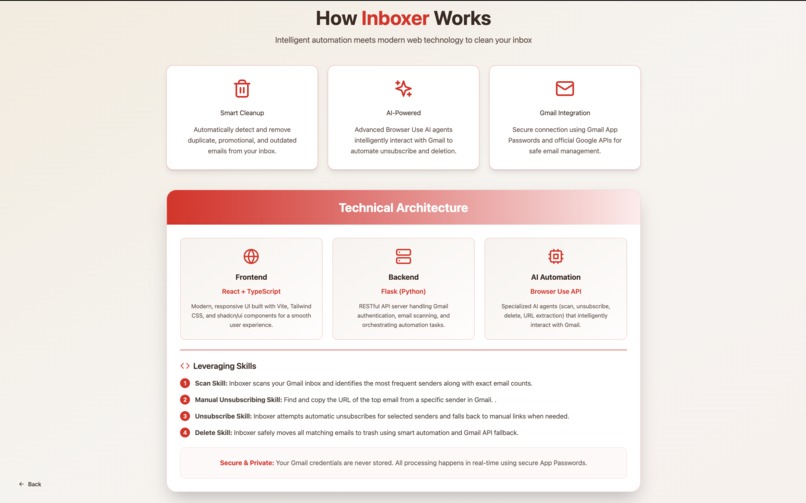
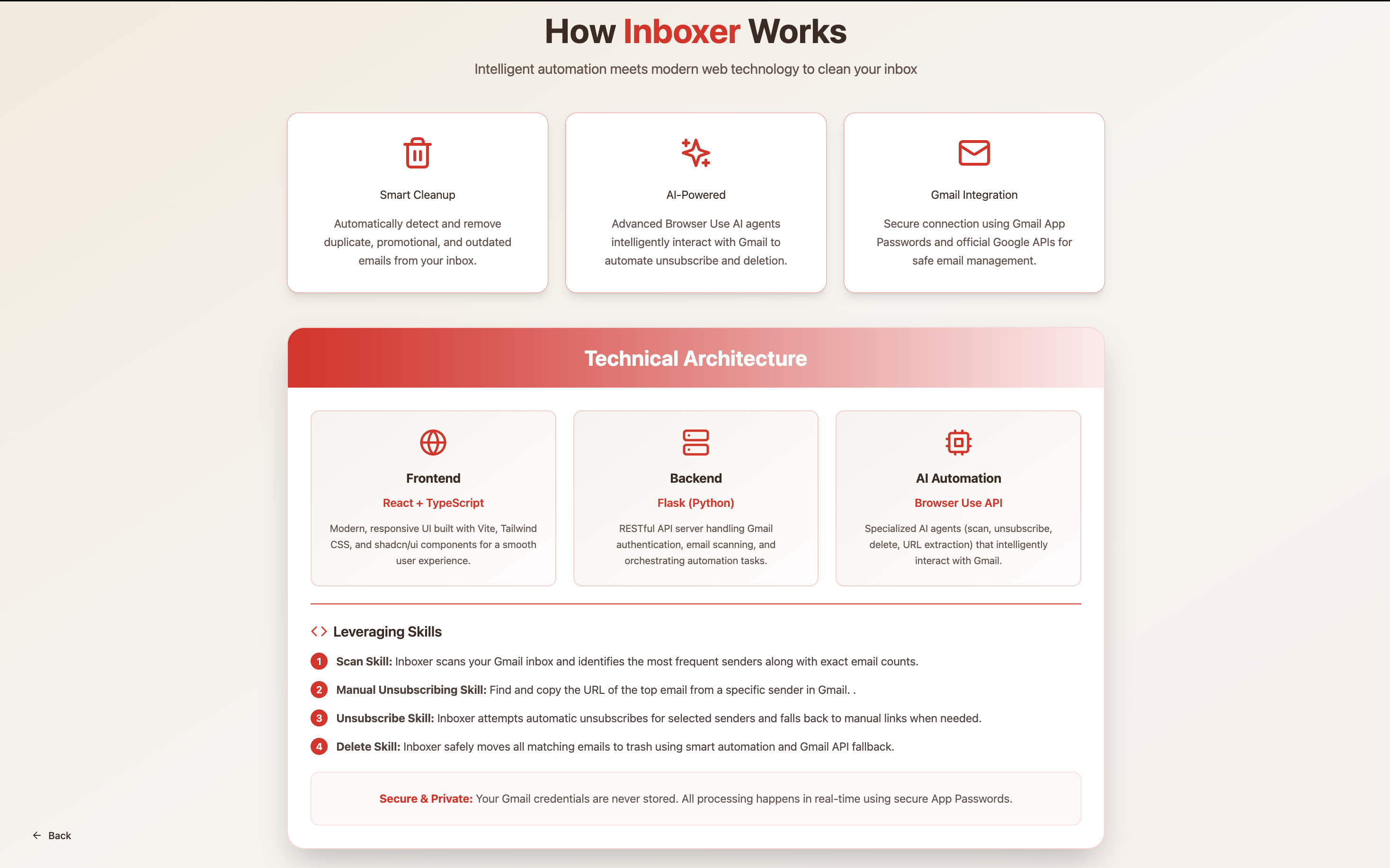
Learn more page
-
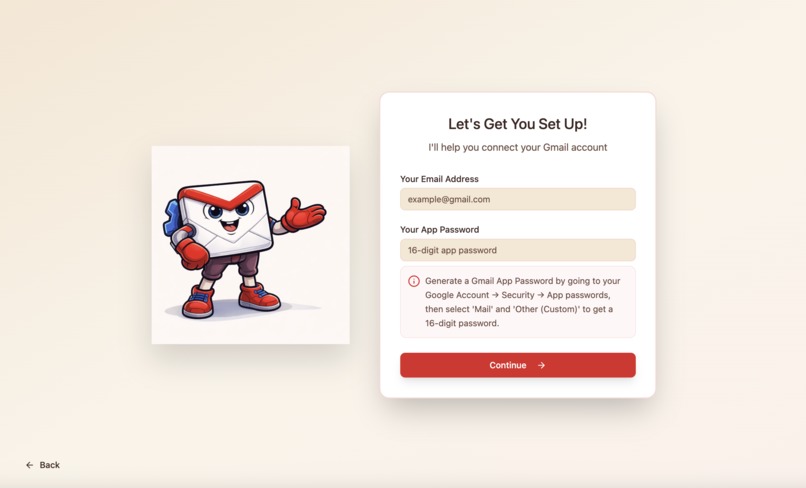
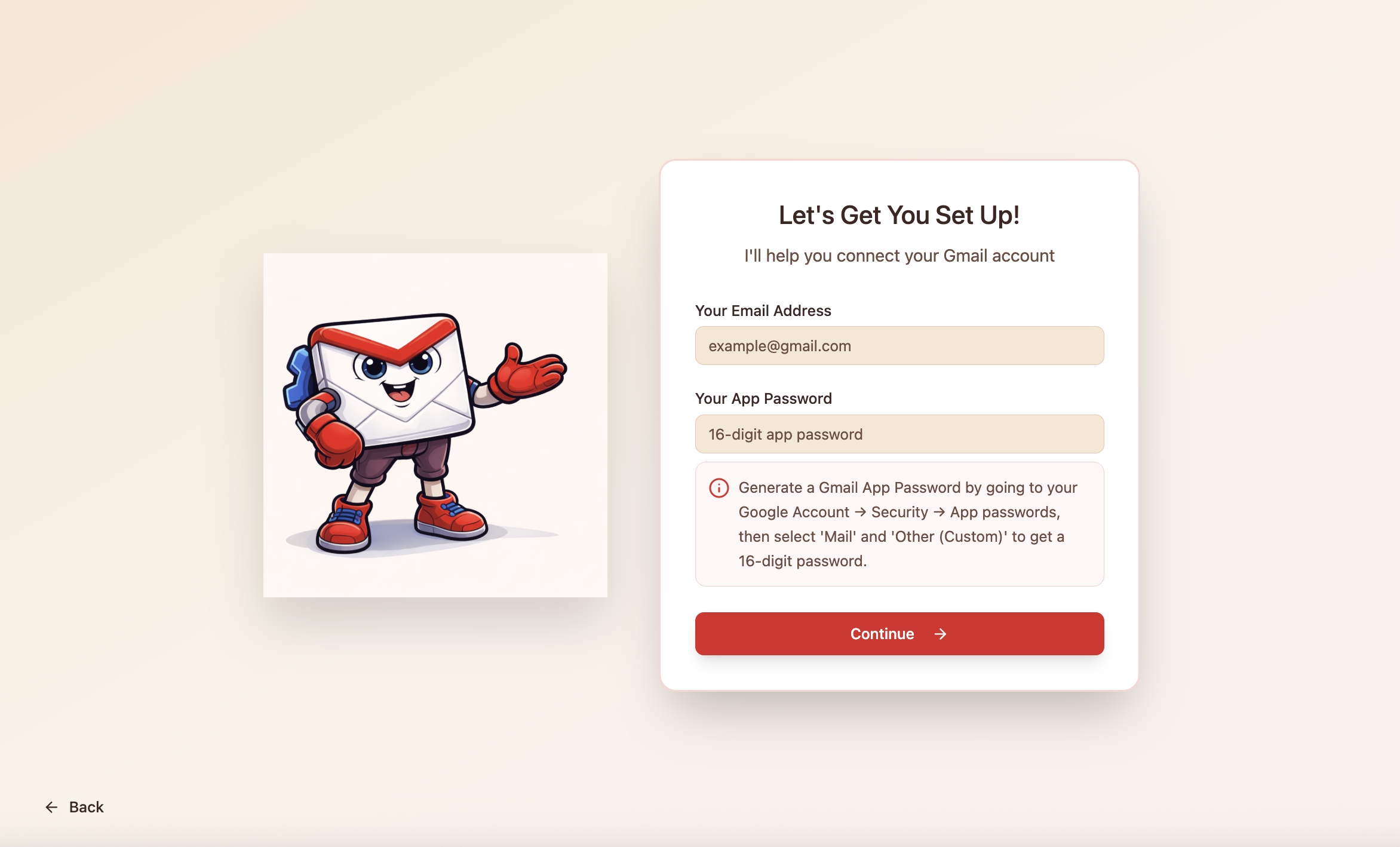
Get Started page
-
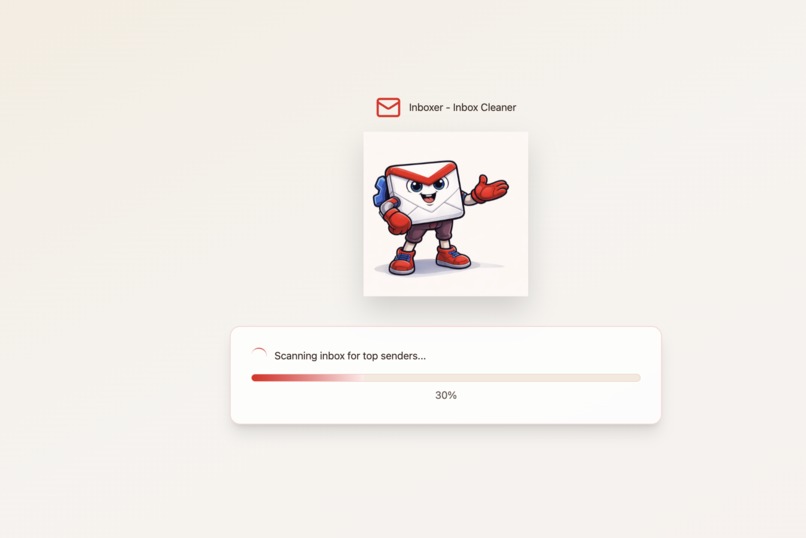
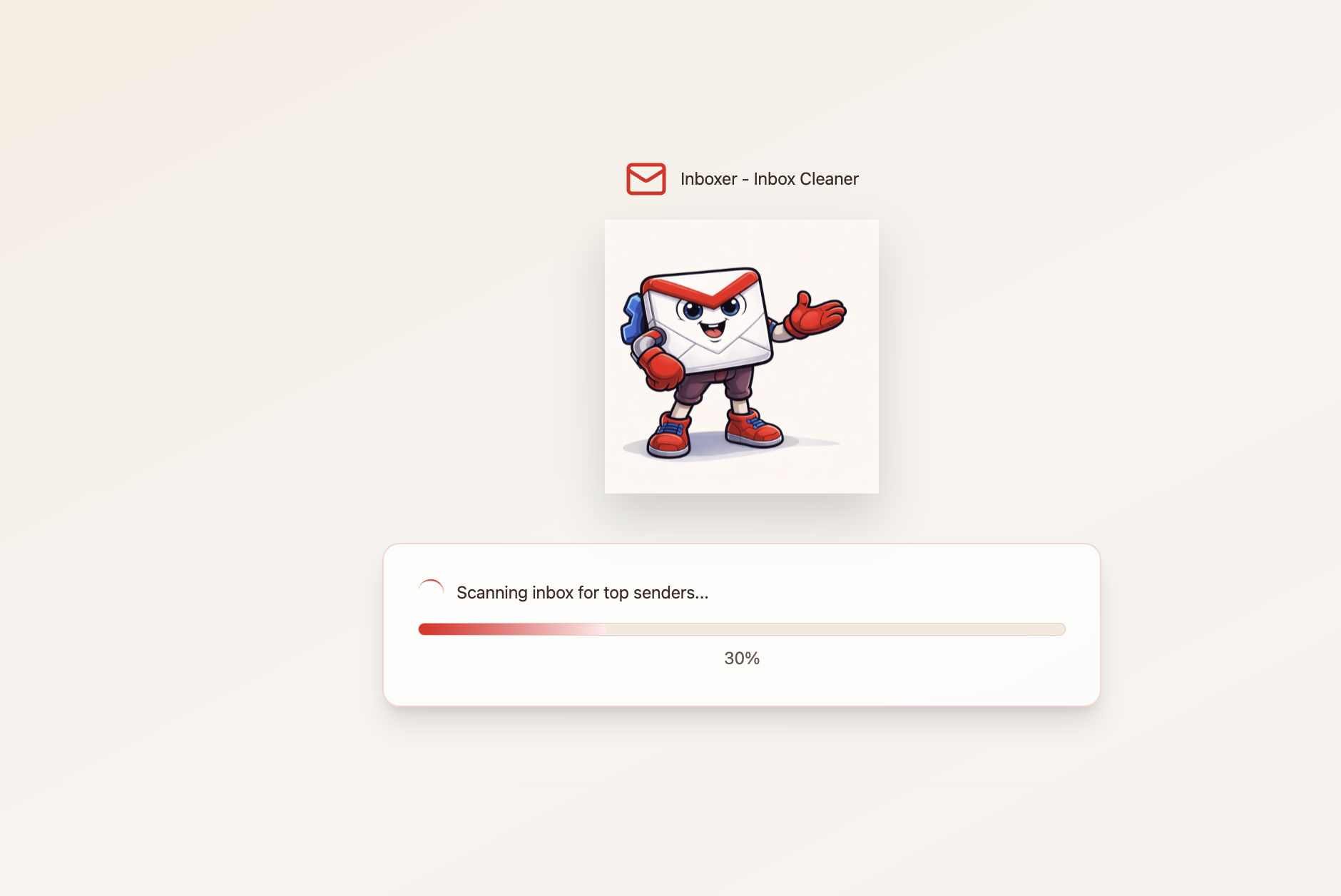
Scanning Loading page
-
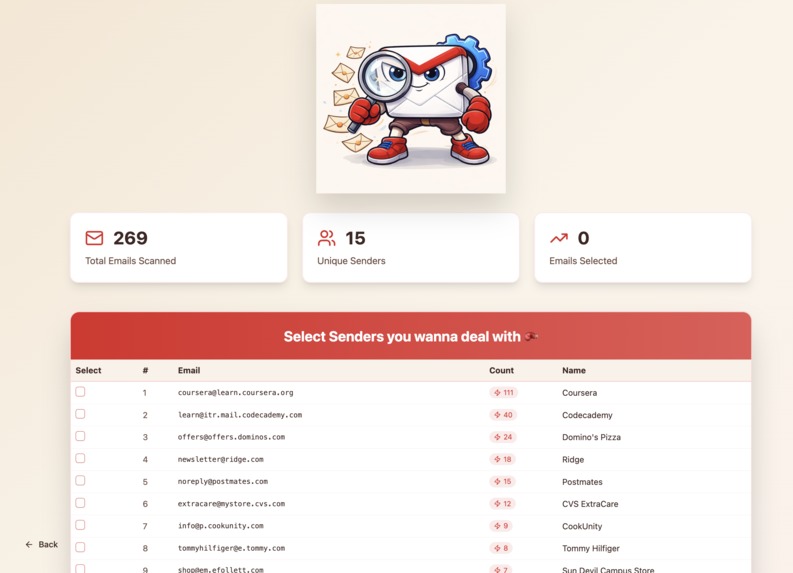
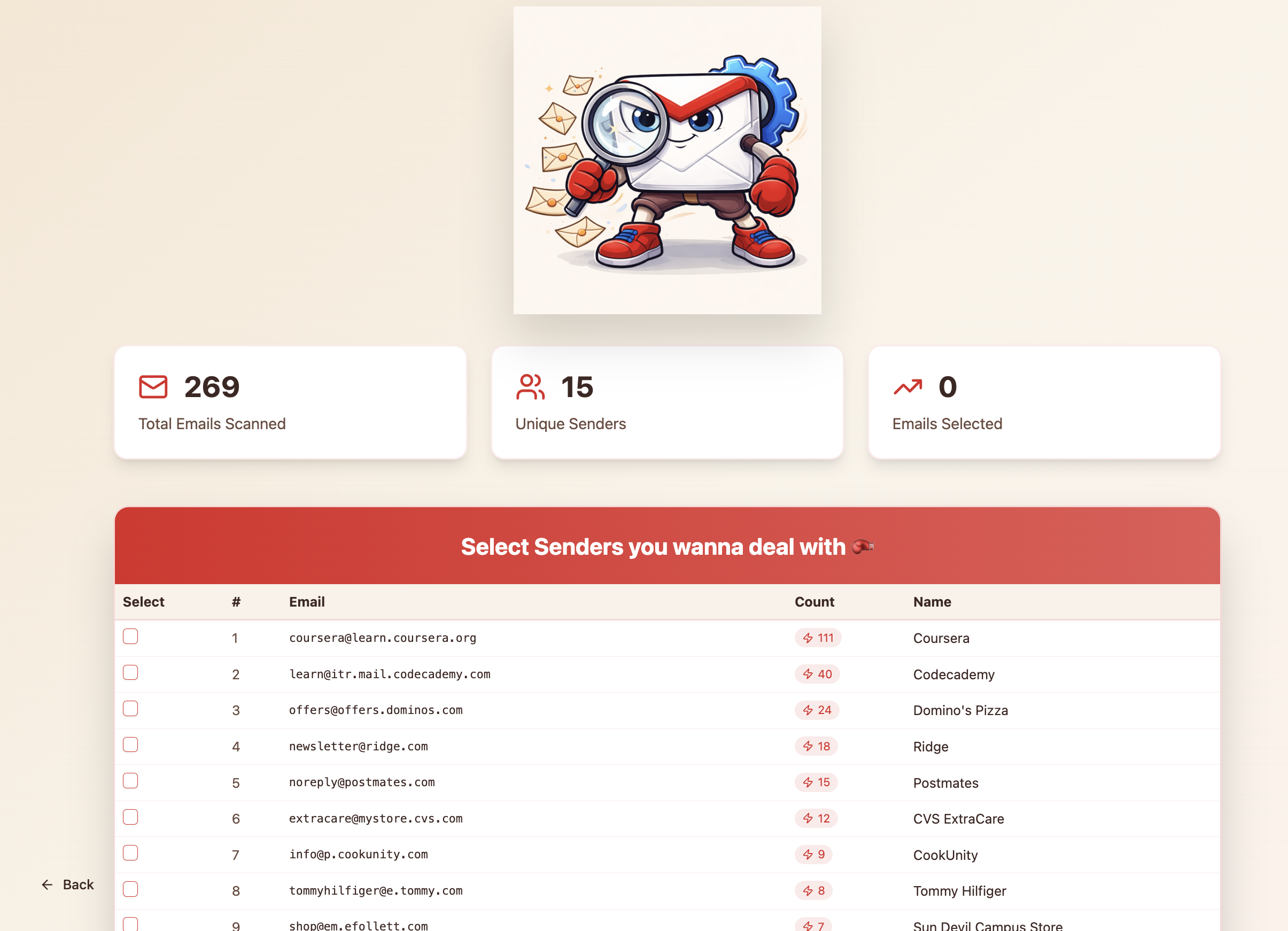
scanned summary page
-
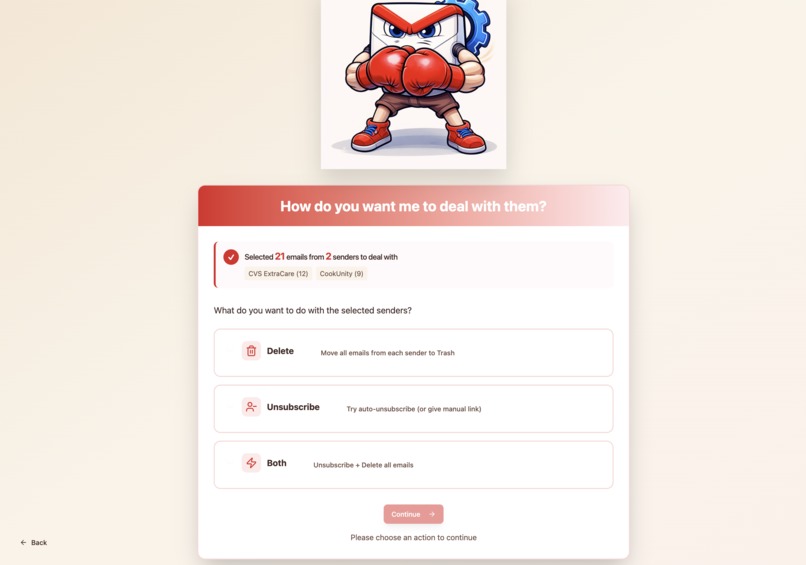
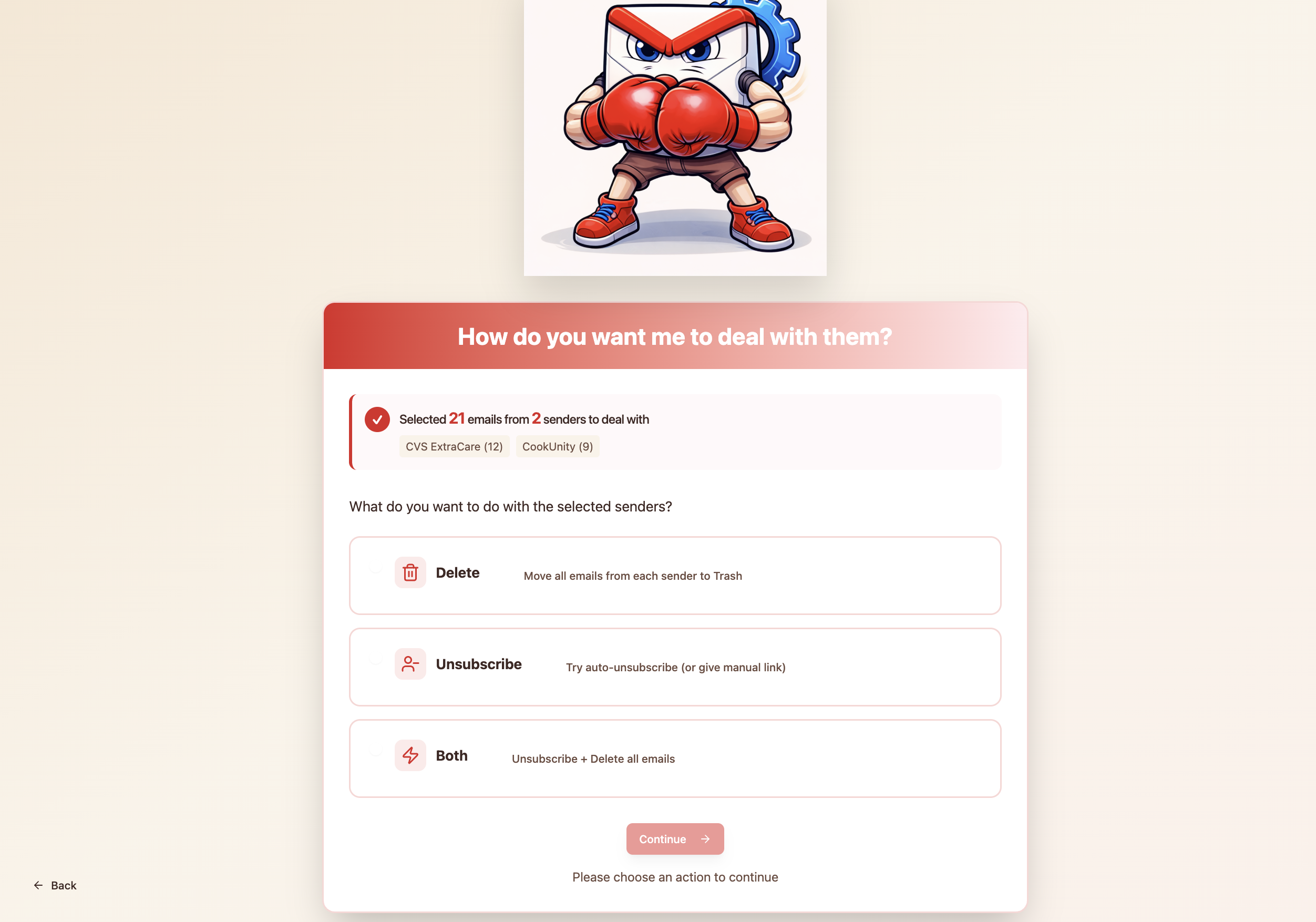
Action page
-
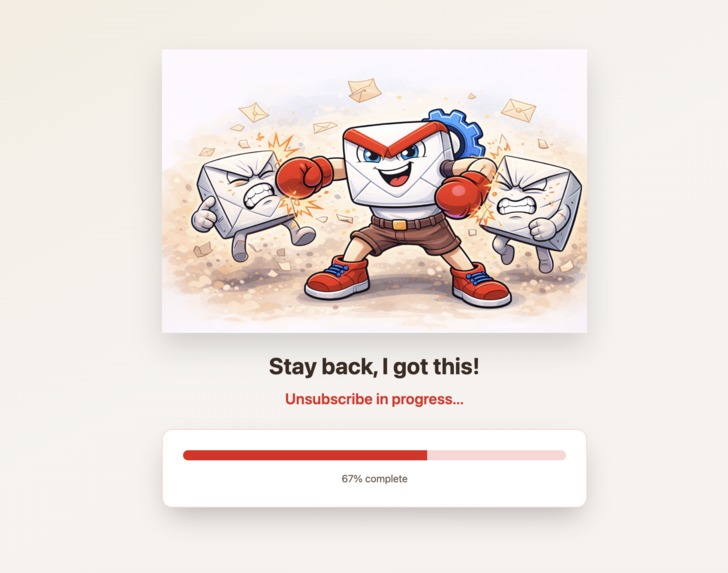
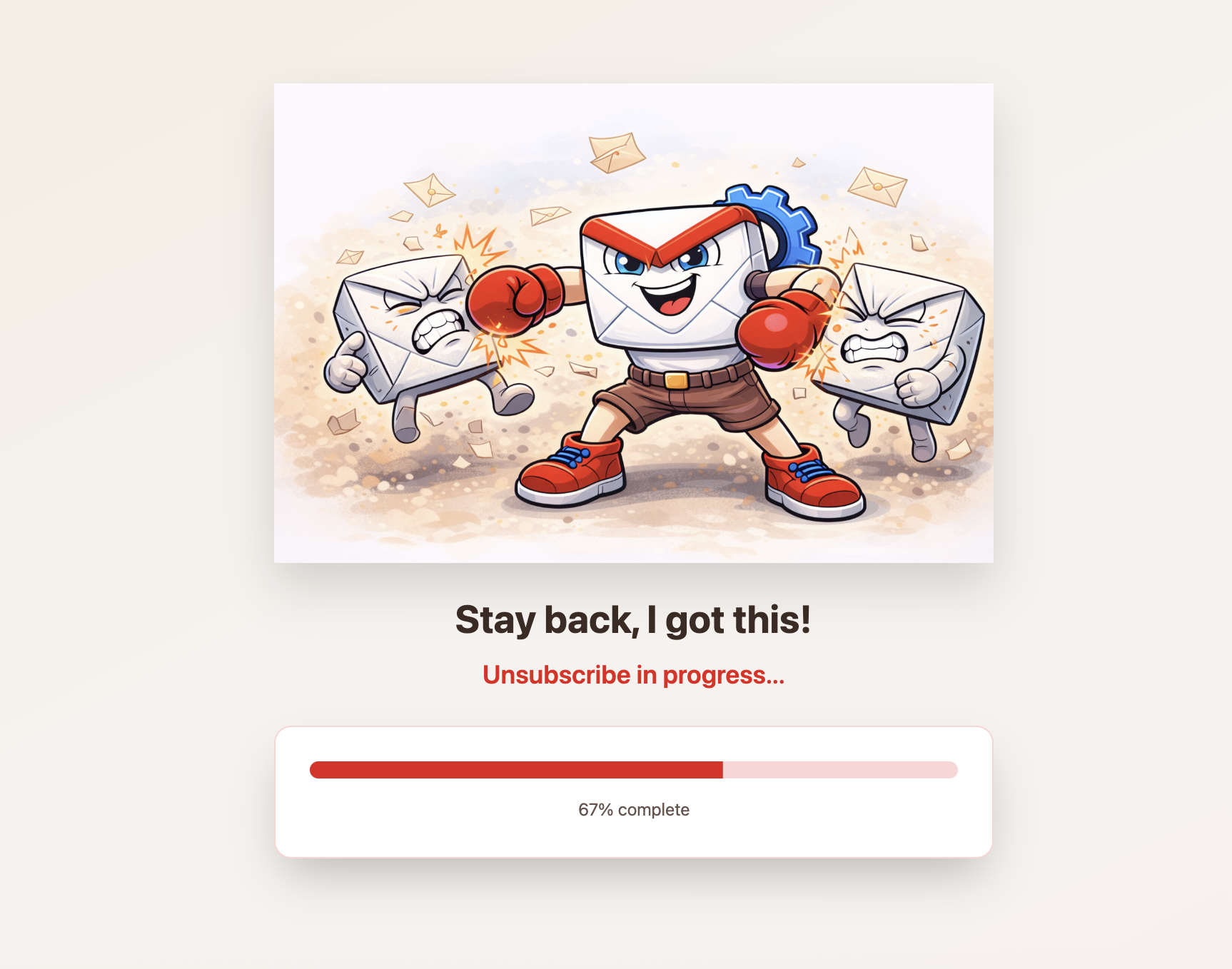
unsubscribe Loading page
-
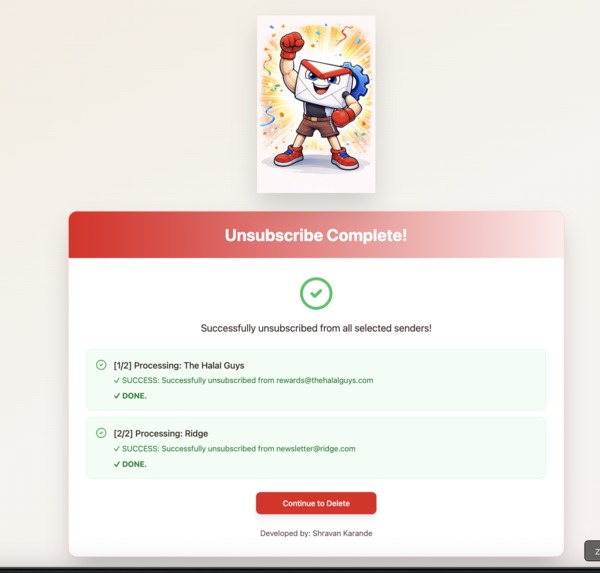
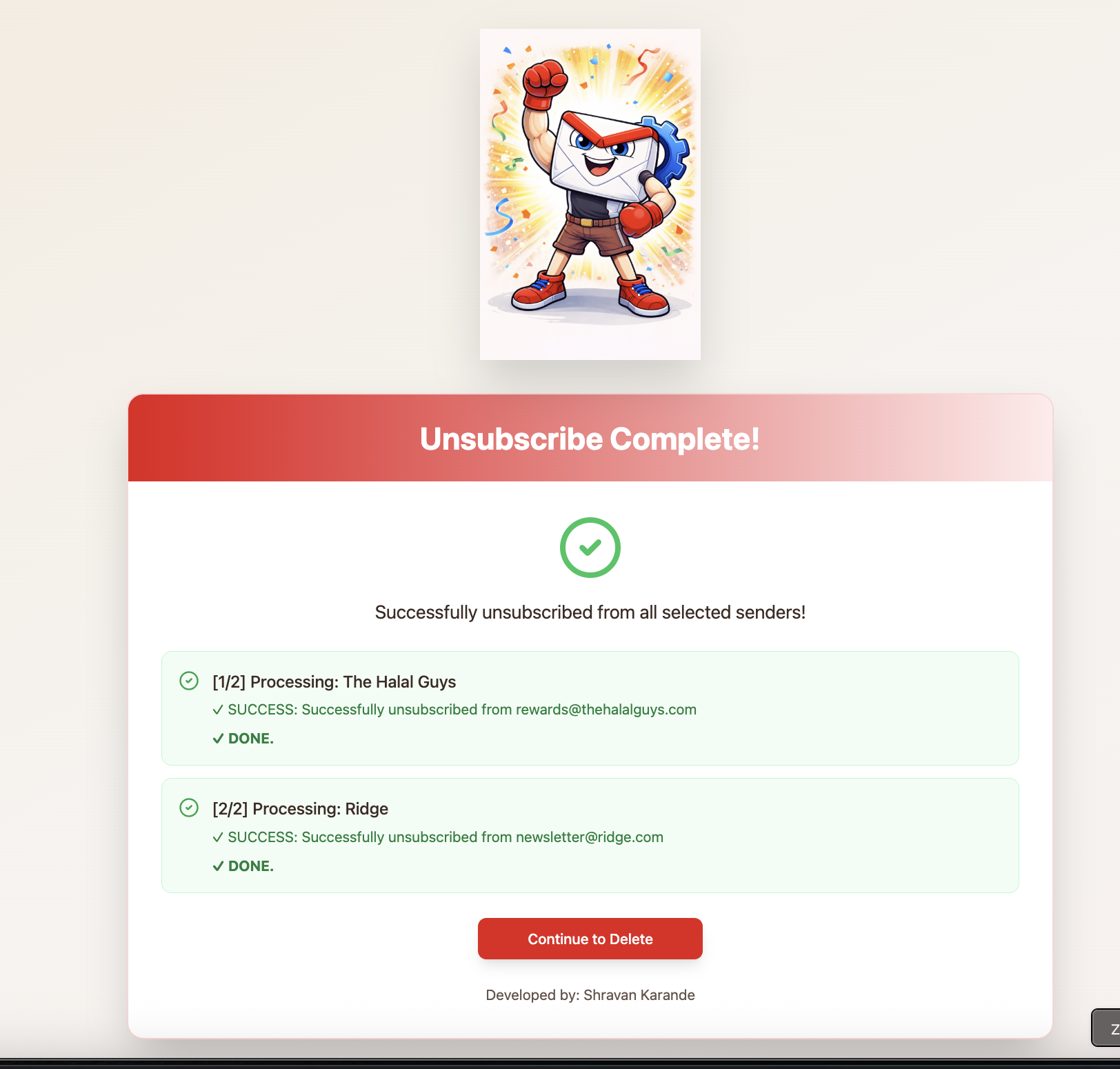
Confirmation page unsubscribe
-
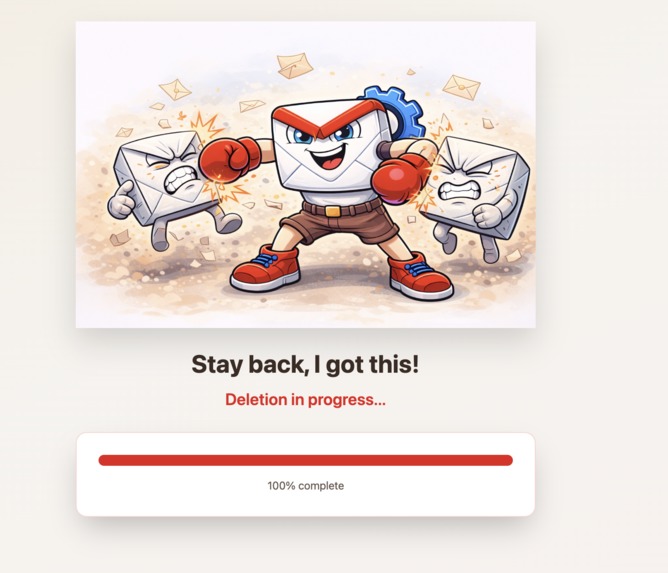
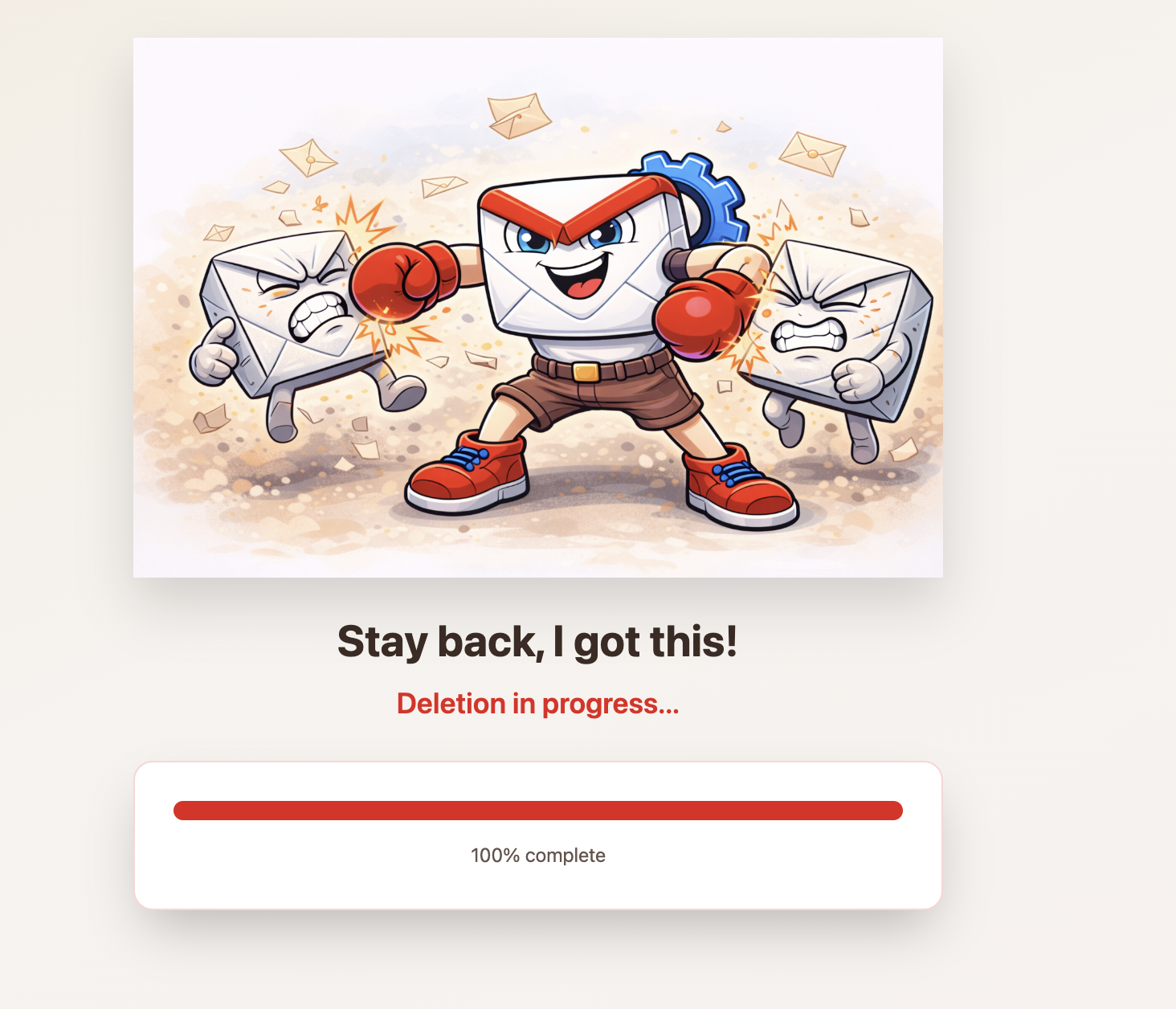
Delete Loading page
-
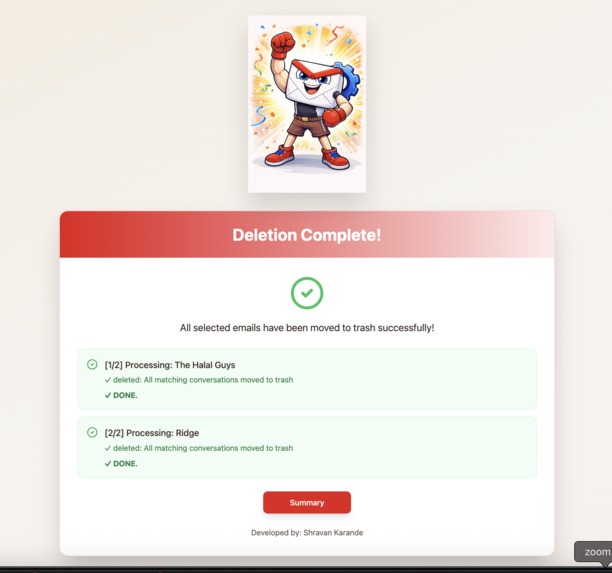
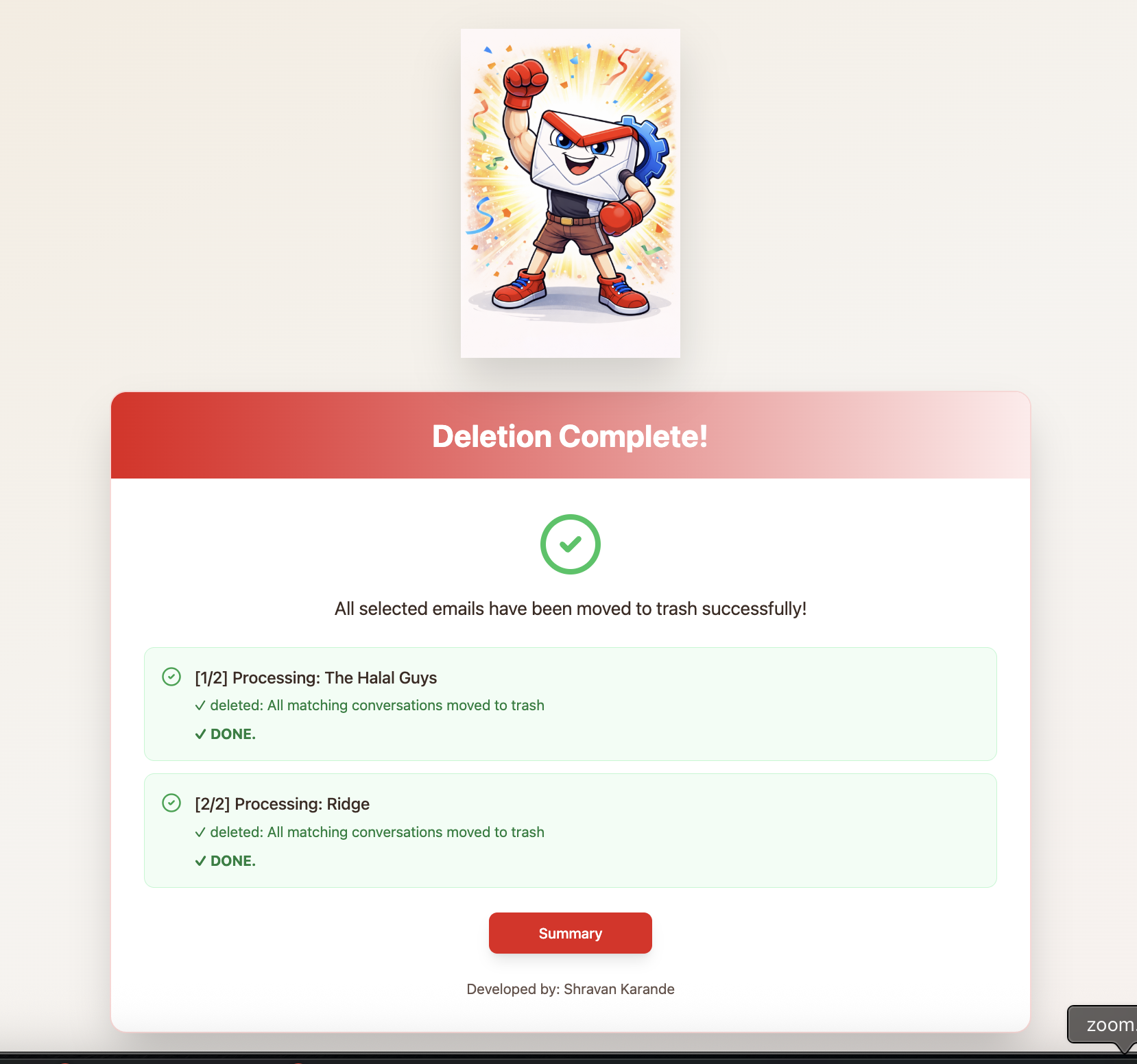
Confirmation page delete
-
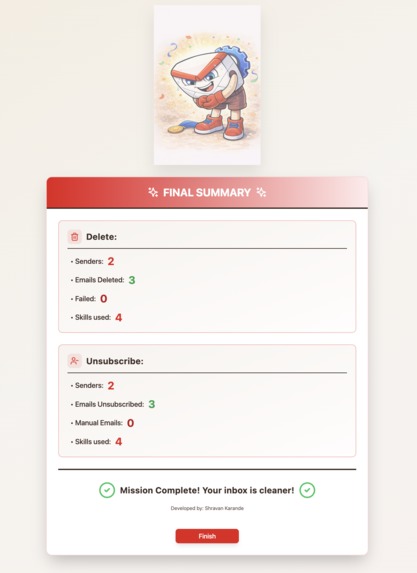
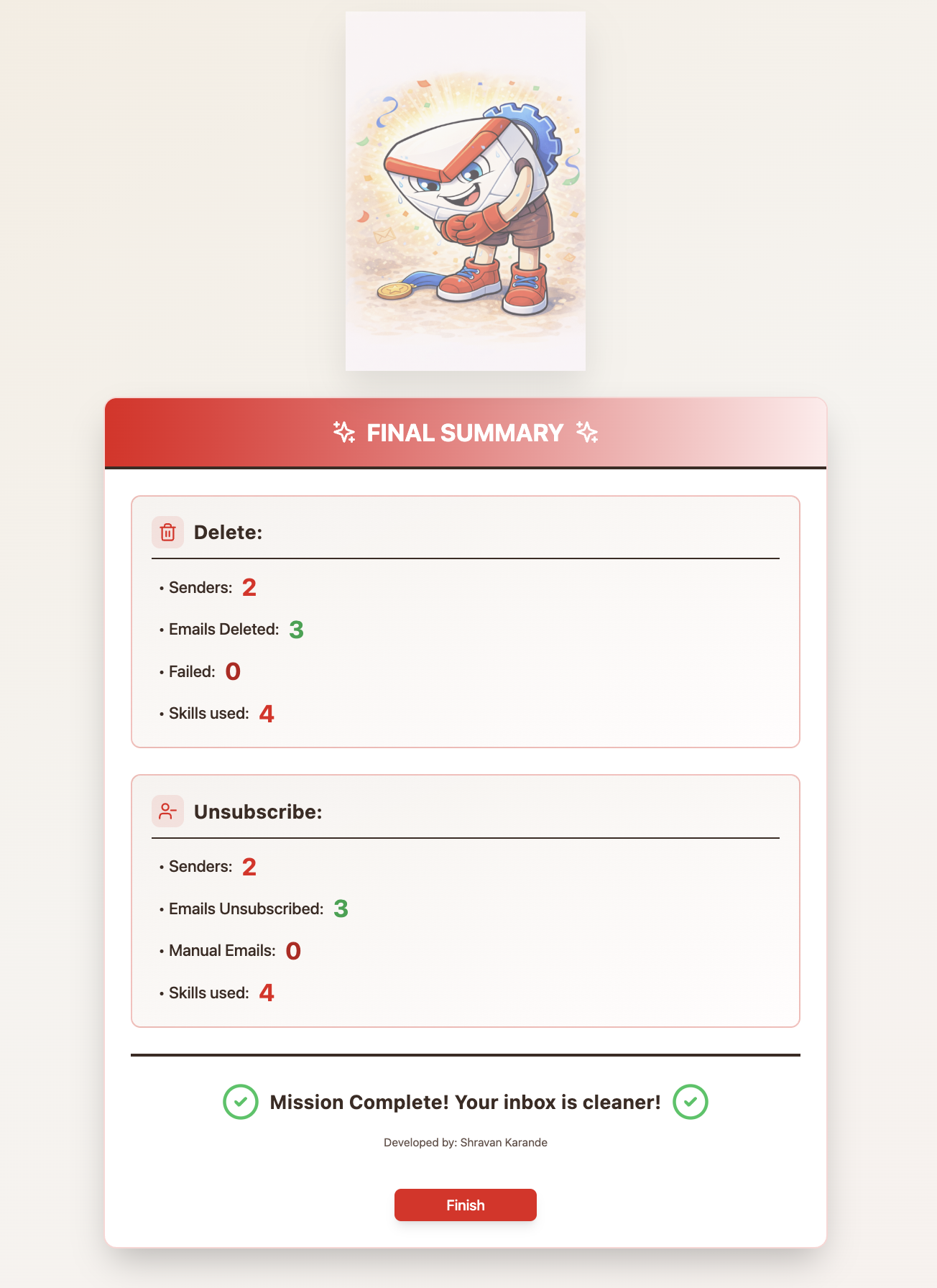
Total summary page
-
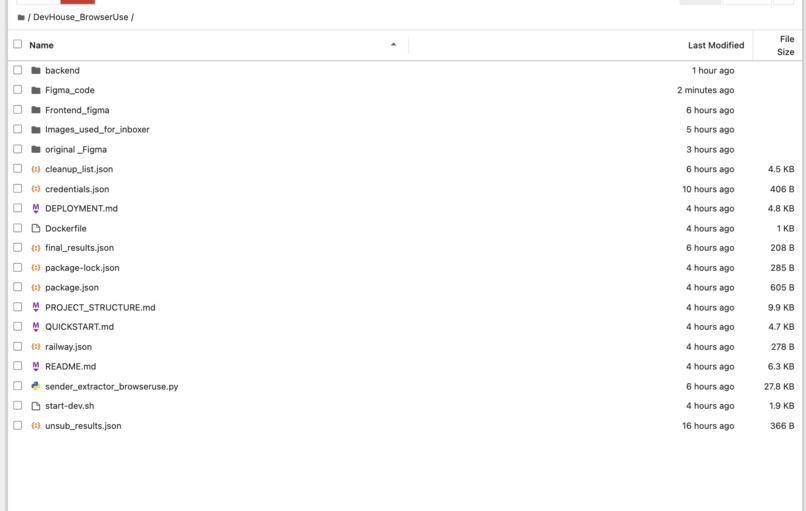
Fullstack, Skills-Driven Python Orchestrator
Inspiration
Inbox overload is a problem almost everyone faces, especially with promotional and bulk emails. An average employee receives over 120 emails a day, and most of them come from a small number of repeat senders. Manually finding these senders, unsubscribing, or deleting emails takes time and attention, and it’s easy to procrastinate or accidentally delete something important. Inboxer was inspired by the idea of reducing inbox noise quickly and safely by targeting high-frequency senders instead of individual emails.
What it does
Inboxer scans your Gmail inbox (specifically Promotions) to identify the most frequent email senders. It shows you a ranked list of top senders with email counts, lets you choose what to do with them, and then automatically unsubscribes, deletes emails, or does both. If an automatic unsubscribe isn’t possible, Inboxer provides a direct Gmail link so the user can finish it manually. At the end, it gives a clear summary of what was cleaned and what still needs attention.
How I built it
Inboxer was built using a combination of Browser Use skills and a Python orchestrator. I created separate skills for scanning inbox data, unsubscribing from senders, deleting emails, and generating Gmail links for manual actions. The Python script coordinates these skills, handles user selection, and decides whether to unsubscribe, delete, or do both. When Browser Use deletion was unreliable, I added a fallback using the Gmail API with OAuth to ensure emails could still be removed safely. The project also includes a simple flow that guides users step-by-step through scanning, selecting, processing, and reviewing results.
Challenges I ran into
One of the biggest challenges was dealing with different execution modes in Browser Use skills. Some skills relied on IMAP or app-password-based protocols, while others required full browser automation, which caused inconsistent authentication behavior. Deleting emails was especially tricky, sometimes messages were moved to Trash but still appeared in search results, and skill outputs were not always parsable. Another challenge was deciding how much logic should live inside a skill versus in the orchestrator, especially when handling multiple senders efficiently.
Accomplishments that I'm proud of
I’m proud of successfully designing and implementing the scan, unsubscribe, and delete skills. The brainstorming phase was one of the hardest parts of this project, it required a lot of creativity to break down a real-world inbox problem into clear, automatable steps. Beyond the idea itself, it also demanded careful and iterative prompt engineering to make the agents behave reliably across different Gmail scenarios. This was one aspect where I had to critically think creatively and come up with something that is impactful. So this was another great accomplishment.
What I learned
I learned how API calls work in practice, how authentication methods can affect system design, and why planning and brainstorming are just as important as coding and debugging. This project showed that identifying the right problem and structuring a solution is often harder than writing the code itself. I also learned how to combine multiple tools and execution paths into a single reliable workflow. Finally another challenge was brainstorming, this was one aspect where I had to critically think creatively and come up with something that is impactful. I reached this problem because I was able to find a problem that ChatGPT couldn’t solve by itself.
What's next for Inboxer: Clean up your Inbox
Next, Inboxer can be extended to handle larger inbox volumes more efficiently and provide deeper cleanup statistics. There’s also strong potential in improving and expanding the underlying skills themselves, since they can be reused and combined in powerful ways. With more robust skill execution and batching support, Inboxer could scale into a fully automated inbox management assistant.
Built With
- api
- browser-use-skills
- canva
- css
- figma
- gmail
- javascript
- mermaid
- next.js
- python
- react
- tailwind
- typescript
- youtube

Log in or sign up for Devpost to join the conversation.