Inspiration
For a long stretch, I cold-emailed startups. Some of them replied, and those replies mattered. But it made me think about the other side of the inbox: when you're building something, much of what arrives is noise—launches, sales pitches, welcome emails, credit reminders, digests, and yes, cold emails like mine.
Each message is small, but together they bury the conversations that move your work forward: a reply from a teammate, a candidate, or a customer. Your inbox becomes a pile you dig through every morning.
That problem became especially clear when Sudarshan Kamath, founder of Smallest.ai, received thousands of emails after a hiring post went viral. He described how "This inbox has become a spam inbox", and used an LLM to help find relevant applications. That stuck with me: an email agent could do this every day, learning what matters to its user.
Gmail already separates Promotions and Social. The harder problem is the noise that reaches Primary, mixed in with messages you need.
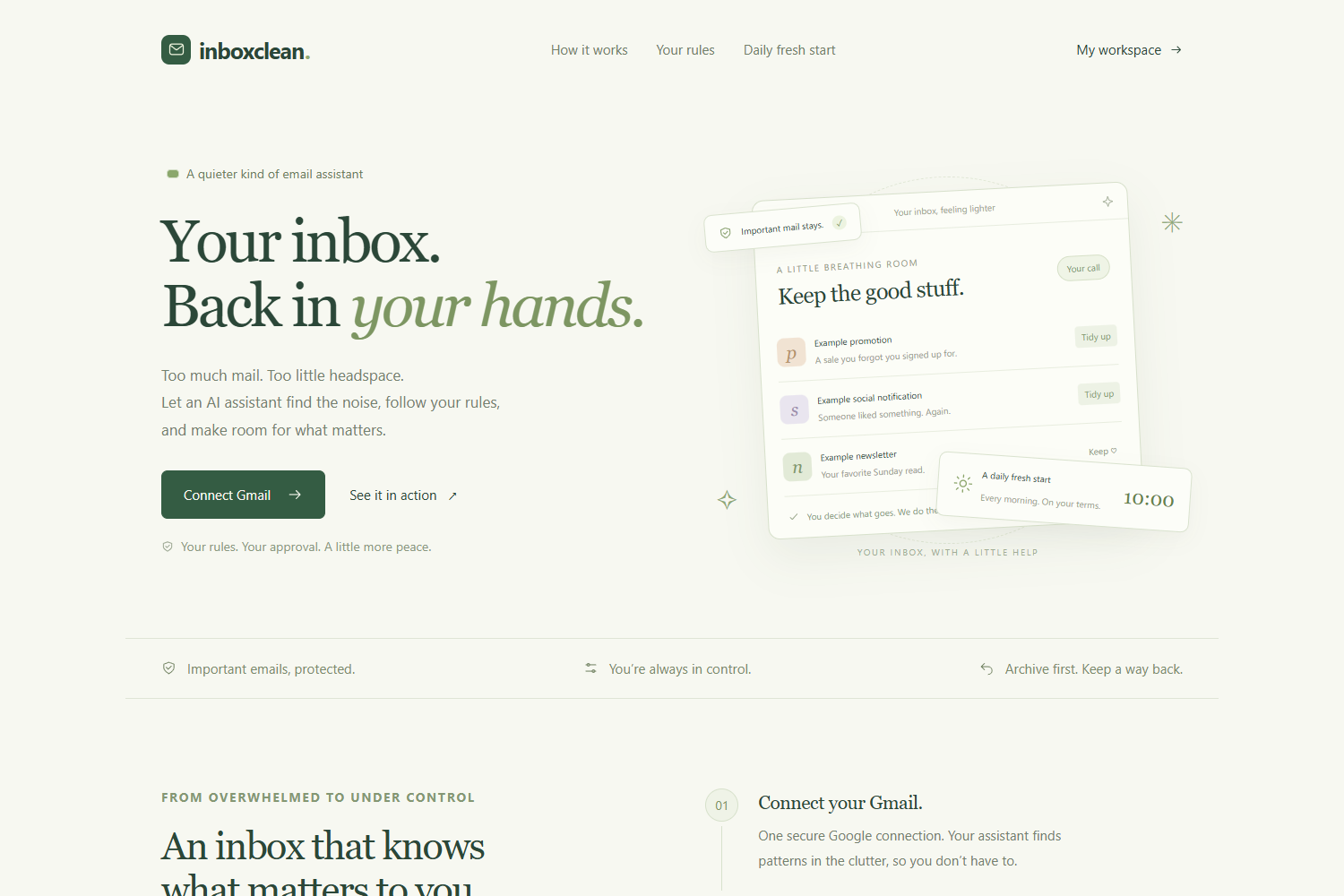
So I built Inboxclean: an agent that learns your preferences, asks when it needs guidance, and marks low-priority emails as read or archives them. It never deletes email.
What it does
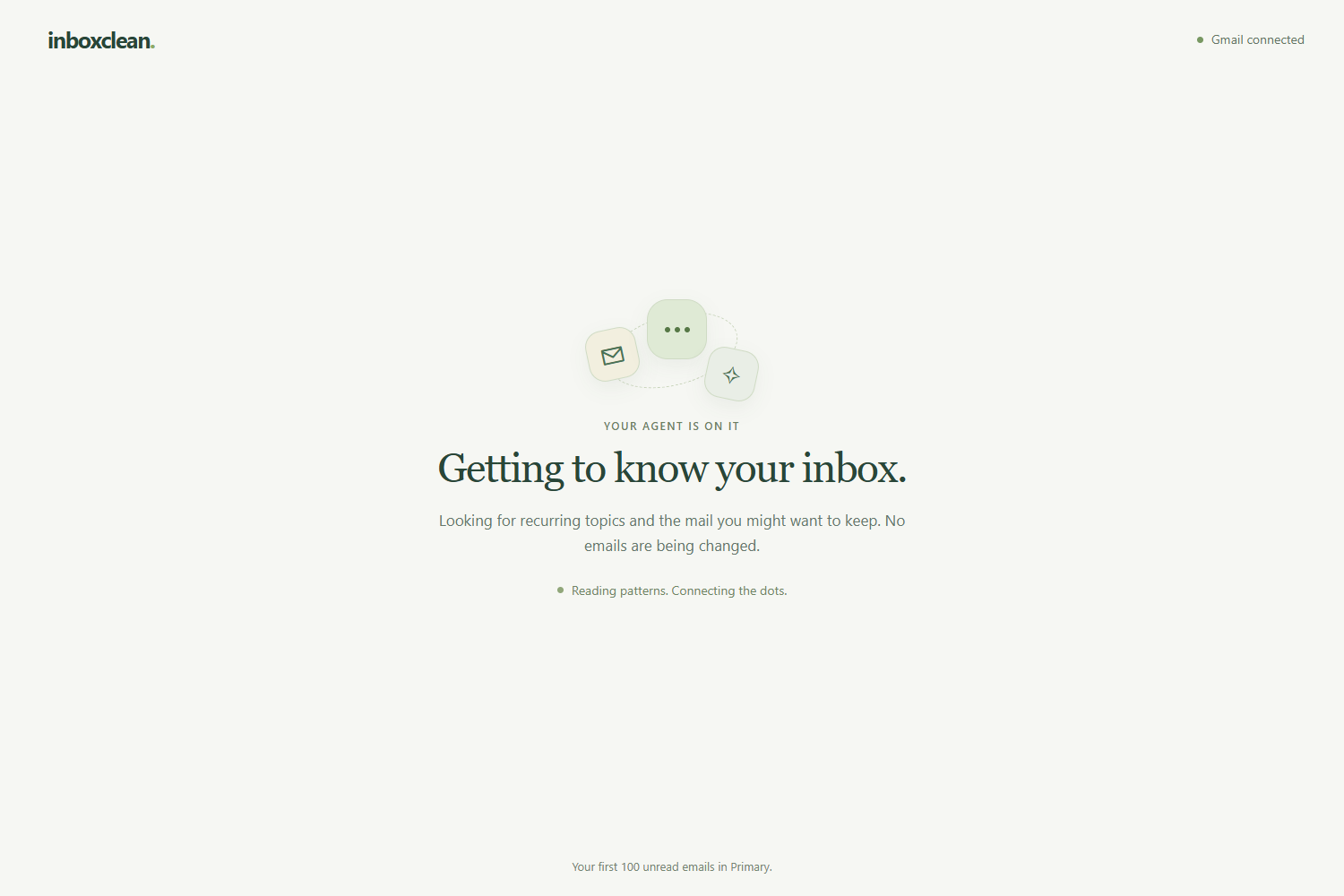
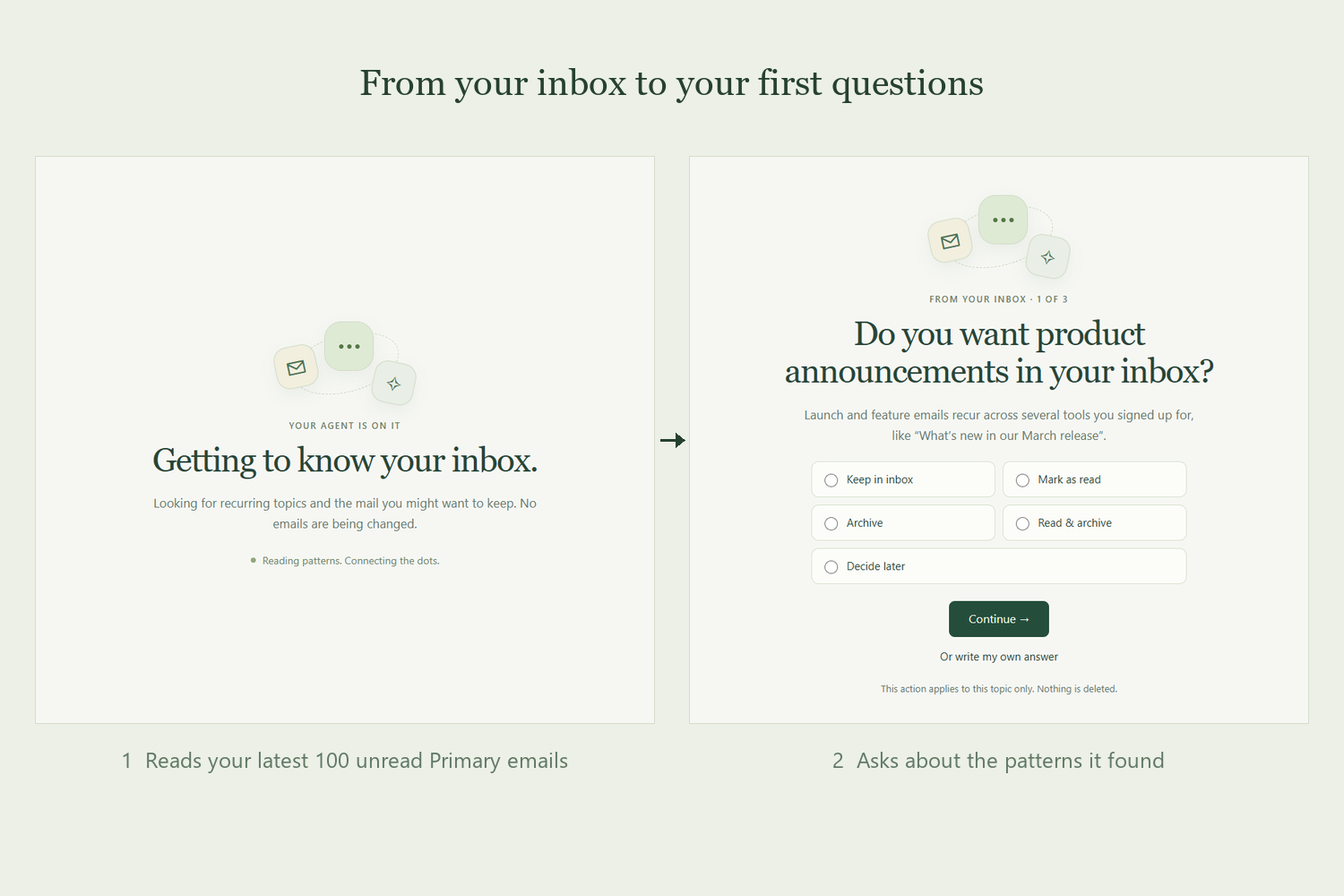
Inboxclean connects to Gmail and starts by examining up to 100 recent unread emails in Primary.
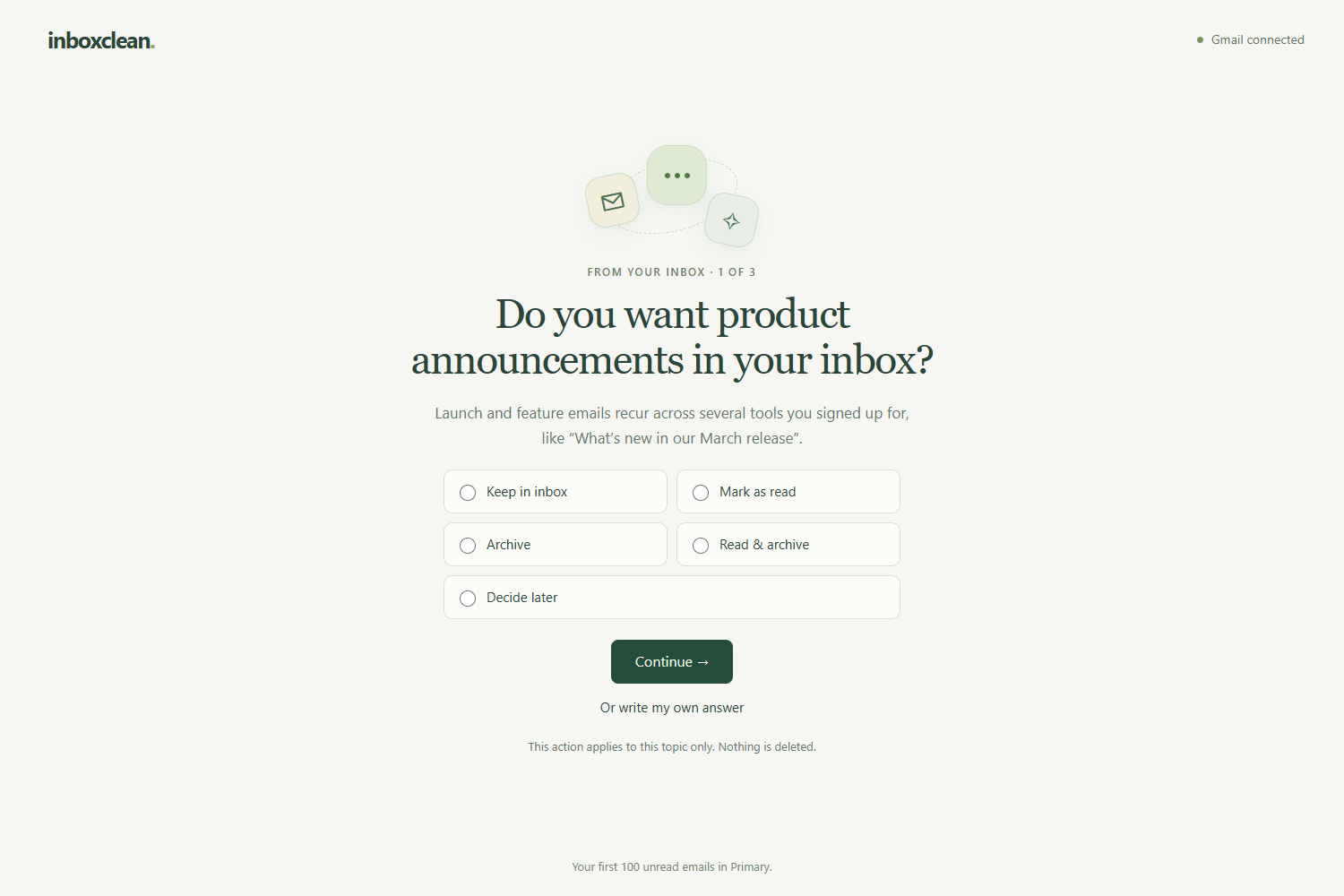
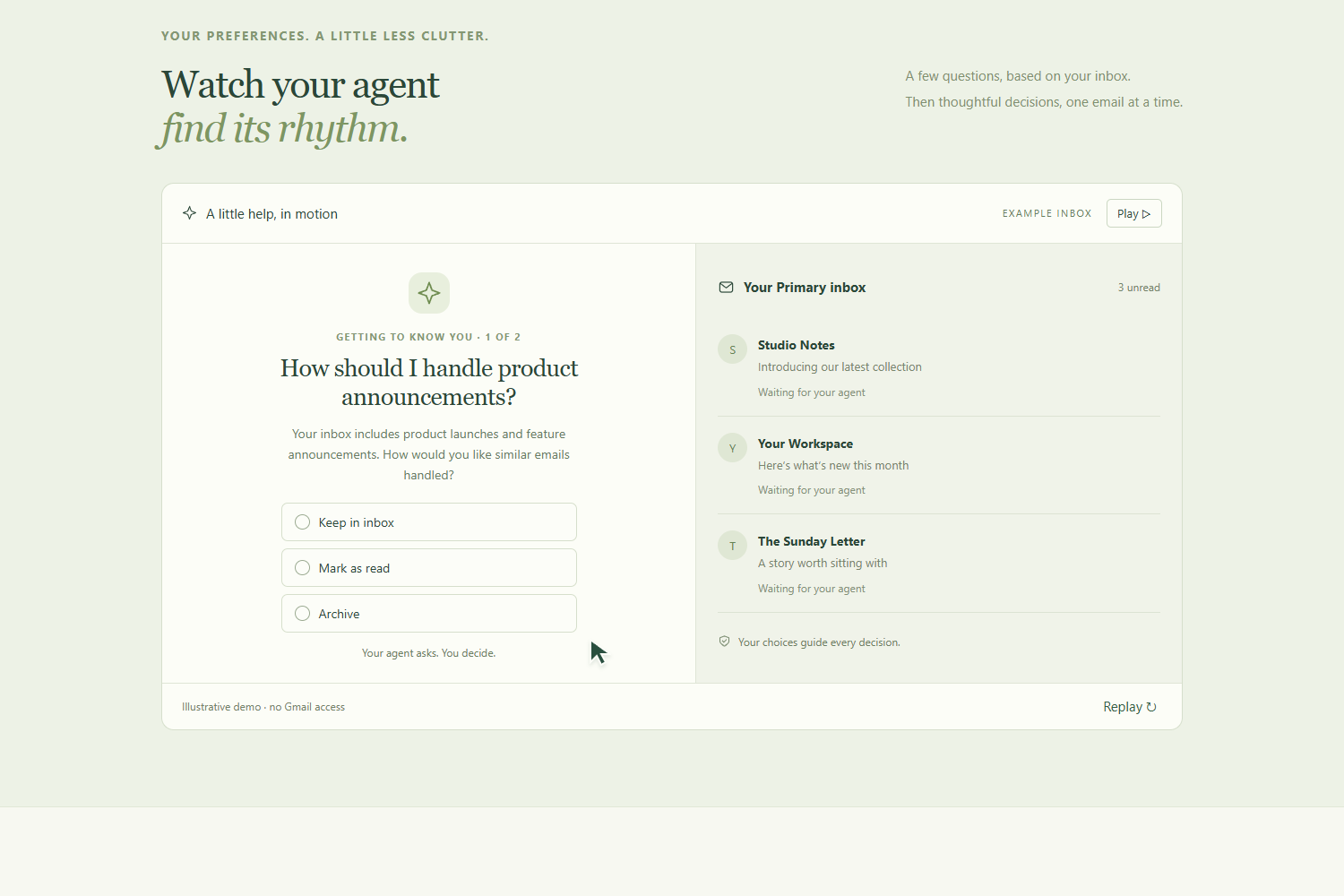
Instead of asking everyone the same setup questions, it uses the messages it finds to identify relevant topics and ask broader preference questions. Someone receiving product announcements might want them marked as read immediately, while keeping job opportunities visible and leaving recent security alerts untouched.
For each topic, users can choose to:
- Keep messages in the inbox.
- Mark them as read.
- Archive them.
- Mark them as read and archive them.
- Decide later or explain their preference in their own words.
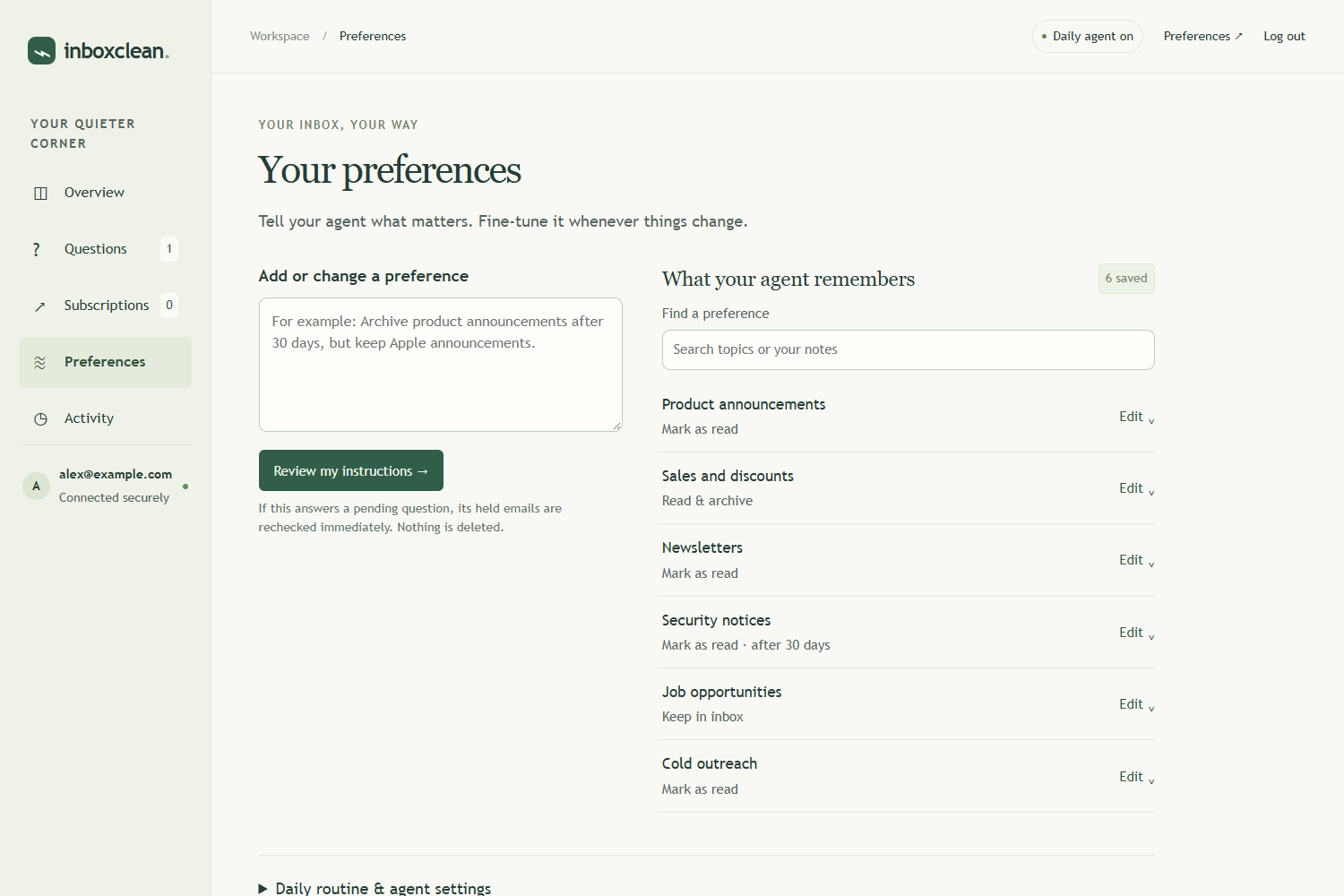
Users can also add instructions and sender exceptions. Preferences apply to both older and newer eligible emails, with age restrictions only where a preference requires them.
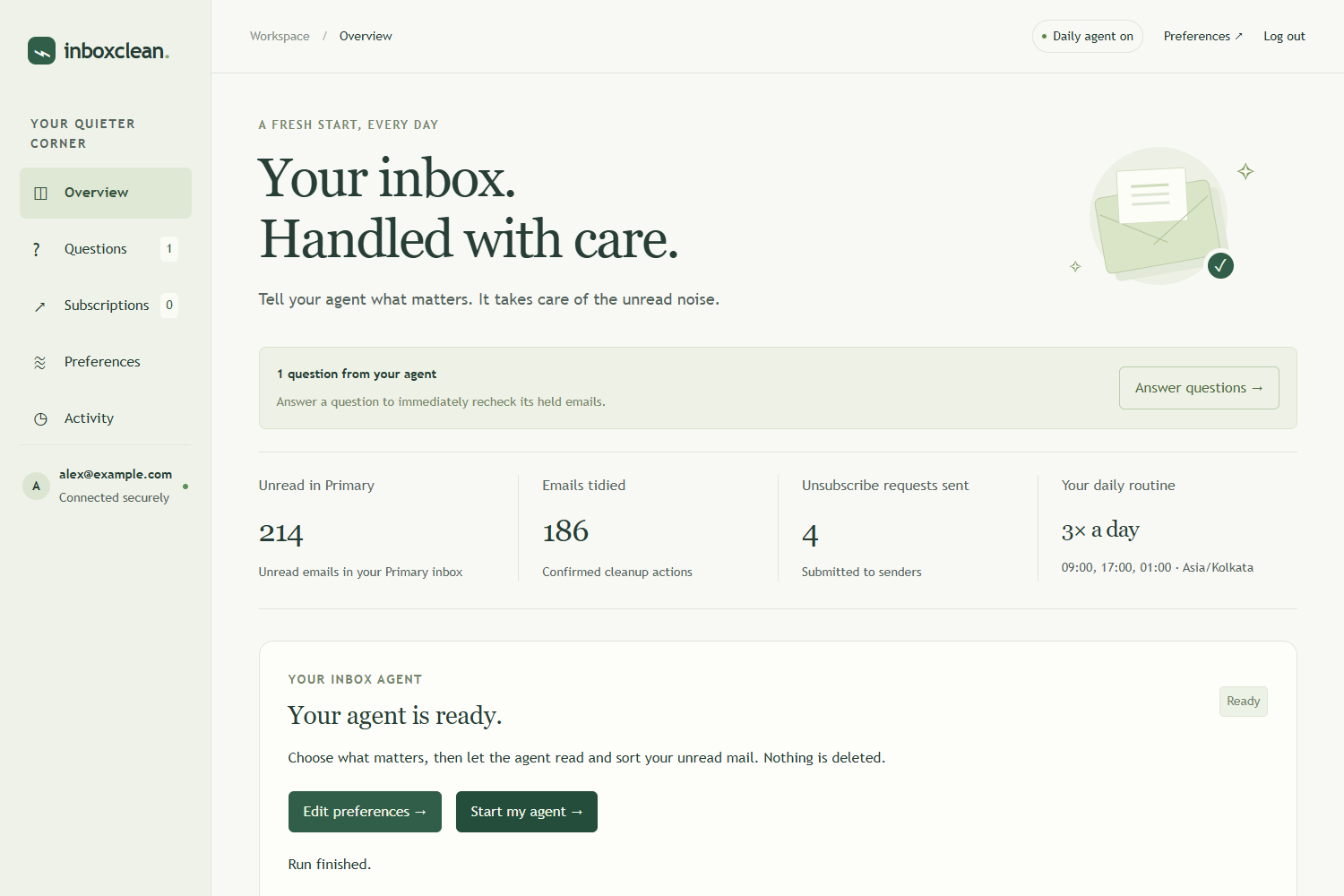
The agent then reads and evaluates eligible messages using those preferences. If it needs another answer, it saves a question and leaves the affected emails unchanged. Once the user answers, it immediately rechecks the emails held for that question.
Daily cleanup keeps the process running at the user's chosen time. An activity history records confirmed changes and provides undo controls.
How I built it
I built Inboxclean using NVIDIA Nemotron through Nebius Token Factory for inbox discovery, preference interpretation, and cleanup decisions. The current deployment uses Nemotron-3-Ultra-550B-A55B.
The application combines:
- JavaScript and Node.js for the backend and agent workflow.
- React, TypeScript, and Vite for the landing experience, alongside a JavaScript workspace.
- Google OAuth 2.0 and the Gmail API for account access and email operations.
- Neon Postgres for per-user preferences, pending questions, held messages, and activity records.
- Docker and Google Cloud Run for deployment.
- Google Cloud Scheduler to trigger scheduled cleanup checks.
During discovery, the model receives email subjects, sender information, and timestamps. During cleanup, it also receives email text to make more informed decisions. Attachments are excluded.
I store preferences as structured, versioned records alongside user-written context. Before applying an action, the backend checks the message's current state and applicable protections. OAuth tokens are encrypted at rest, and email changes are recorded so they can be reversed.
Challenges I ran into
Turning uncertainty into useful questions. Early versions left too many emails unchanged. I had to distinguish between uncertainty that needs a new preference and uncertainty that should simply leave a message in place. Questions also needed to cover broad topics instead of creating a separate rule for every sender.
Making preferences behave consistently. A preference saved today should still apply to last year's unread messages. I separated preference creation dates from email-age conditions so users could clean an existing backlog.
Handling slow and interrupted model requests. Some requests took much longer than others, making progress appear stuck. I added detailed timing logs across model calls, Gmail requests, and database operations, and changed batch handling so completed decisions could proceed while another request was still running.
Matching Gmail's Primary inbox. Gmail category labels and search results did not always line up as expected. I tightened message selection and verification to keep cleanup focused on Primary.
Making onboarding understandable. A large settings page was overwhelming. I moved to a focused, one-question-at-a-time flow, added answers in users' own words, and made room for clarification before saving an ambiguous preference.
Accomplishments that I'm proud of
- Built and deployed a working Gmail-connected agent that performs real email actions.
- Made onboarding questions depend on the user's inbox.
- Added topic-specific preferences, natural-language instructions, and sender exceptions.
- Connected follow-up answers to immediate rechecks of the affected emails.
- Implemented scheduled cleanup, activity history, and undo controls.
- In one completed run on a connected test account, the agent tidied 73 of 79 inspected emails, leaving six unchanged—about 92% for that run.
The most satisfying part was seeing the product move beyond displaying recommendations: it could learn a preference, apply it, and show what actually changed.
What I learned
Building an agent involves much more than choosing a model and writing a prompt.
The surrounding workflow determines whether its decisions are useful: what context it receives, how preferences are represented, when it asks for clarification, and how actions are checked and recorded.
I also learned that progress reporting is part of the experience. A fast batch can finish while another stalls, but users need an honest view of what has completed and what is still running.
Finally, natural-language preferences need a conversation. A user might say “mark these read immediately” while answering a question about older messages. The product needs to resolve that intent clearly before saving a lasting preference.
What's next for Inboxclean
- Refine preference discovery and reduce unnecessary follow-up questions.
- Improve latency, request reliability, and recovery from interrupted cleanups.
- Make subscriptions easier to recognize and unsubscribe requests easier to track.
- Complete Google OAuth verification for broader public access.
- Introduce paid plans for larger backlogs and ongoing cleanup.
- Evaluate decision quality across a wider range of inboxes and user preferences.
My goal is an email assistant that becomes more useful over time: fewer repeated decisions, clearer control, and less unread noise.
Built With
- docker
- gmail-api
- google-cloud-run
- google-oauth-2.0
- javascript
- nebius-token-factory
- neon
- node.js
- nvidia-nemotron
- postgresql
- react
- typescript
- vite

Log in or sign up for Devpost to join the conversation.