Inspiration
The idea came from the relentless flood of spam in my inbox every day. I grew tired of sorting through endless promotional filler, phishing attempts, and outright nonsense just to find the messages that actually mattered.
What it does
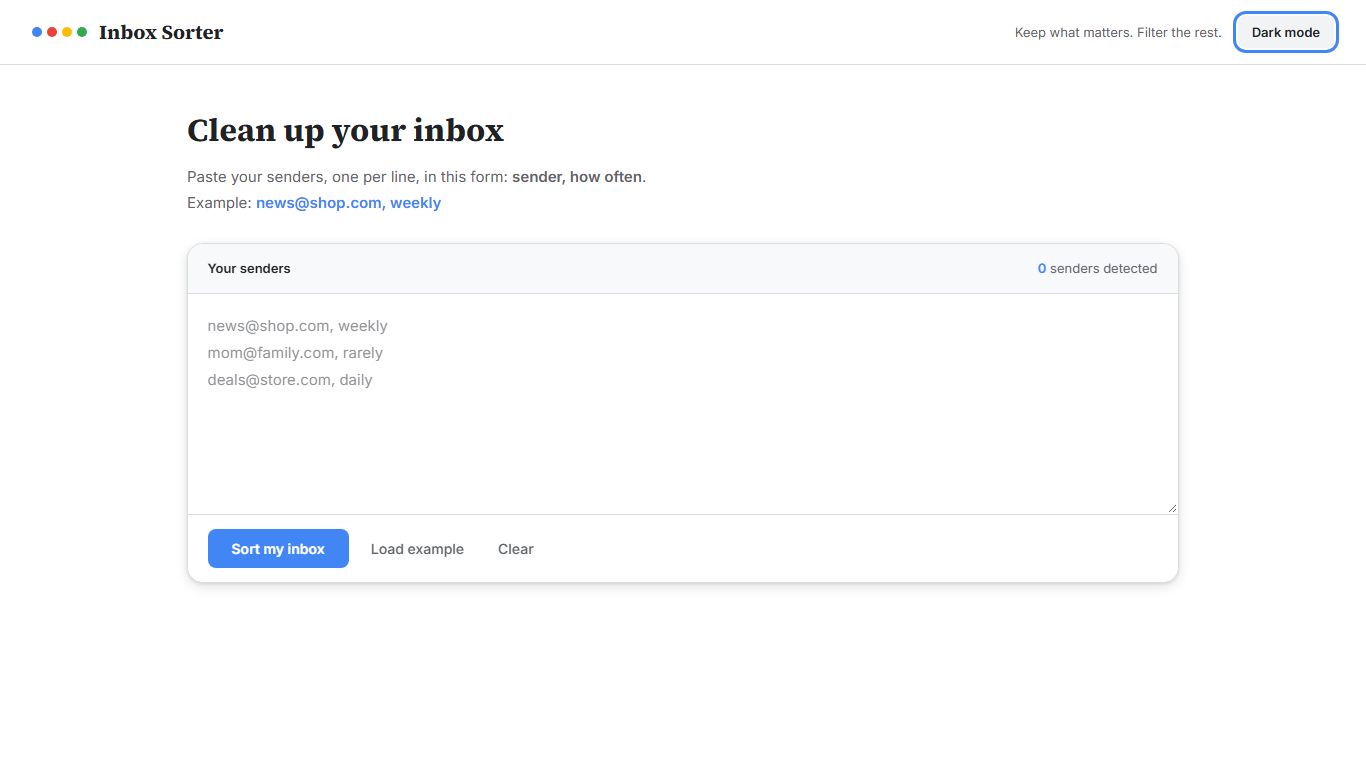
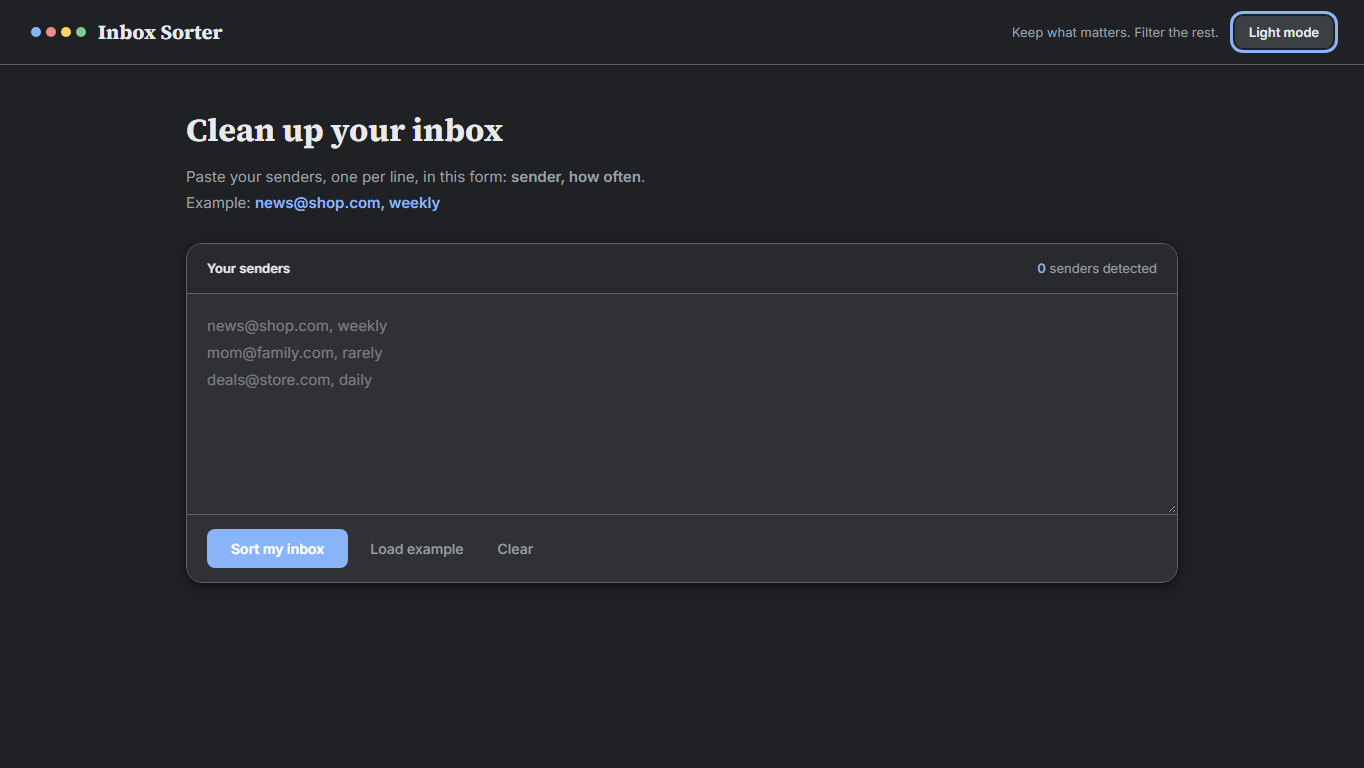
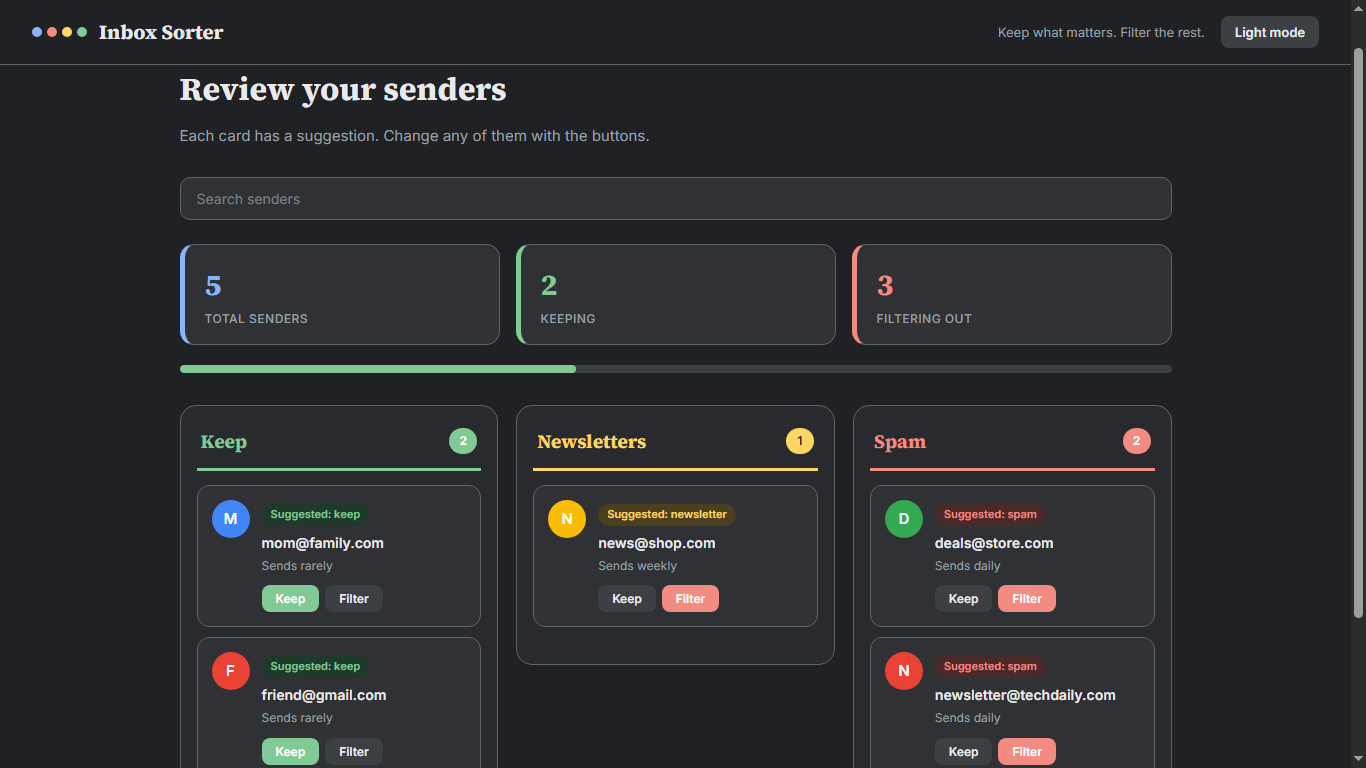
The application automatically organizes an inbox by sorting a pasted list of email senders into three distinct columns based on their mailing frequency. Senders that email daily are routed to Spam, weekly senders are moved to Newsletters, and all other senders remain in the Keep column. Users can manually override these automated placements by clicking Filter or Keep, look up specific senders using a built-in search bar, and toggle a visual dark mode, while the system continuously saves all choices so that the organized layout persists even after a page refresh.
As a simple first version aimed at helping anyone achieve a cleaner inbox, it operates entirely on a manually pasted list—meaning no data is automatically read or uploaded, ensuring all user information stays securely on their own computer before they apply the finalized results inside Gmail.
How we built it
The app is one HTML file with CSS and JavaScript. It saves choices with local Storage and uses Google Fonts. I used Claude to write the code, and I chose the suggestion rule and tested each feature.
Challenges we ran into
Hitting the limit of Claude and The Filter button first left cards in the wrong column, and I had to change how the sender’s frequency was checked.
Accomplishments that we're proud of
the great design and usability of website
What we learned
prompt engineering and Claude design
What's next for Inbox Sorter
Real automated filtering of email in real time.
Built With
- claude
- css
- google-fonts
- html
- javascript
- localstorage

Log in or sign up for Devpost to join the conversation.