-
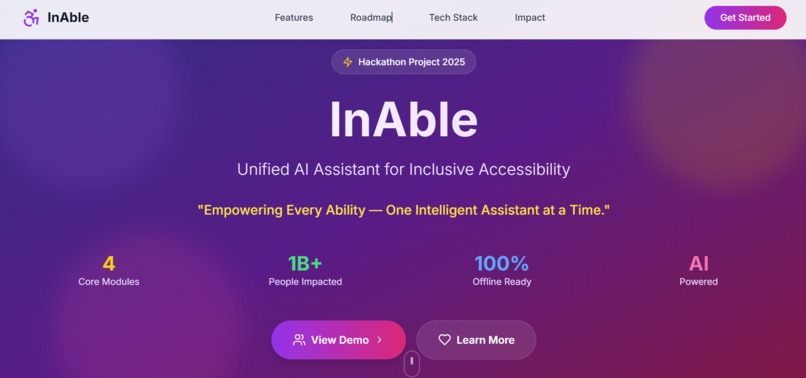
A clean, accessible dashboard to access all InAble modules with large buttons, simple layout, and screen reader support.
-
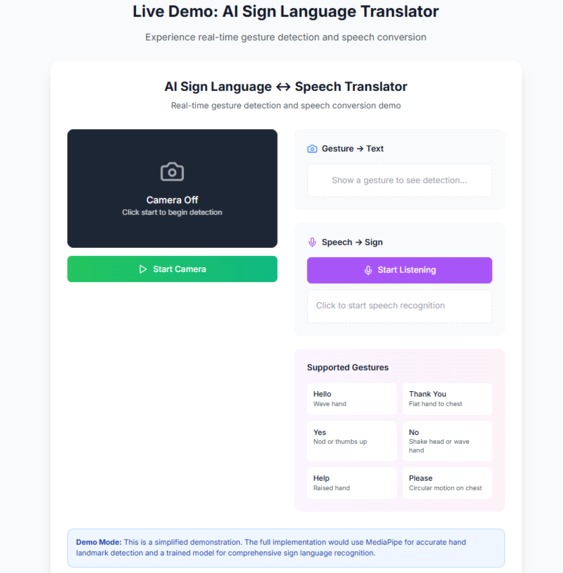
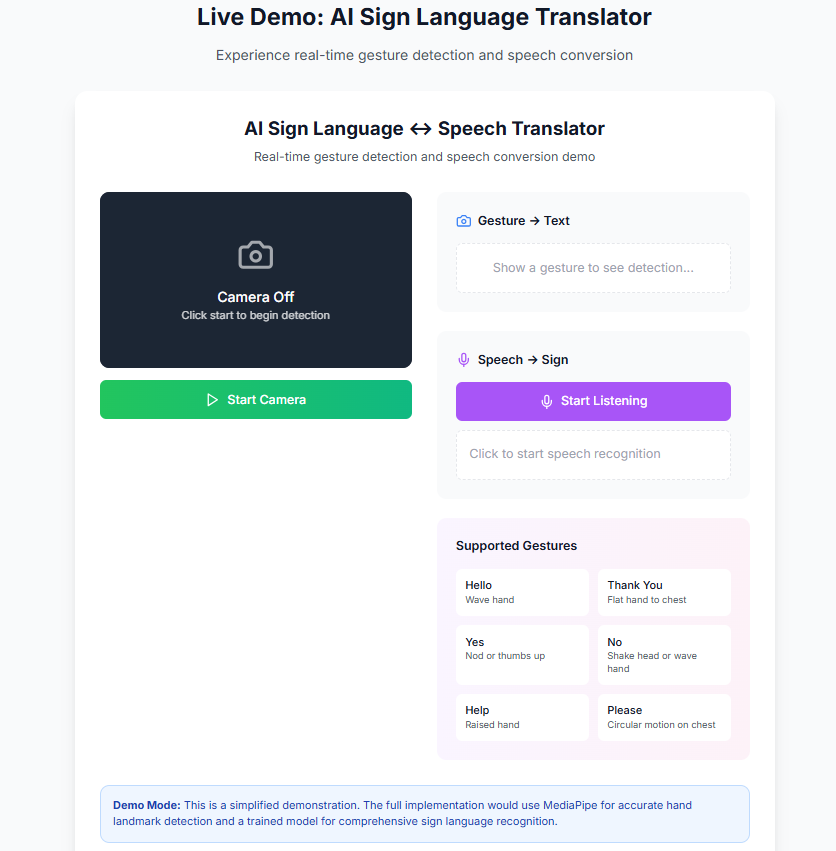
Converts sign language gestures into real-time speech/text to help deaf users communicate more easily with others.
-
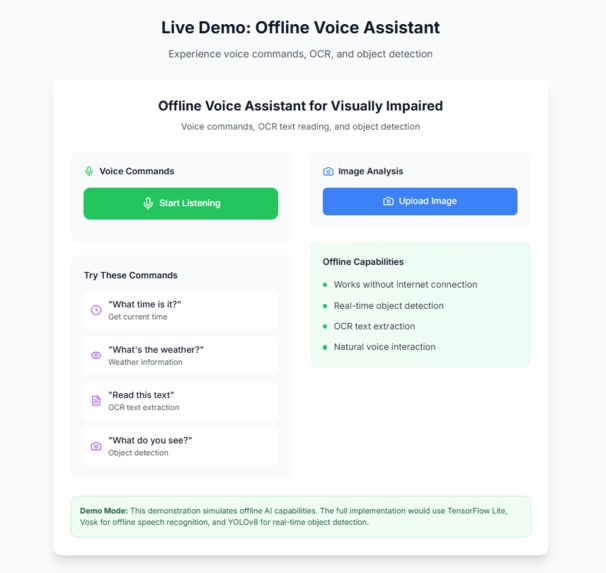
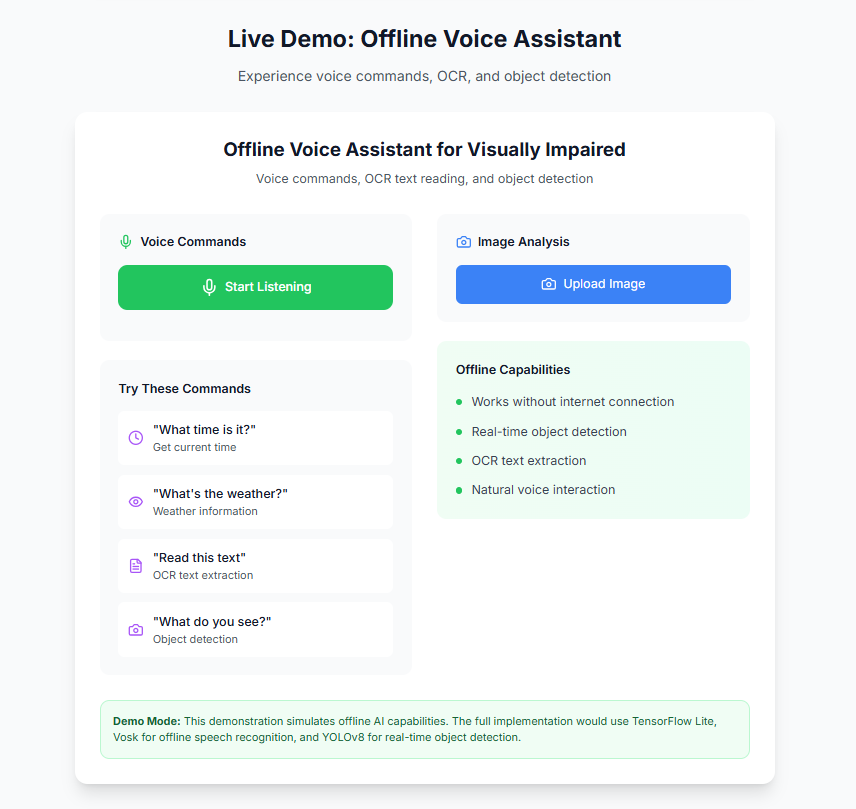
An offline voice assistant for visually impaired users that reads text, identifies objects, and responds to voice commands.
-
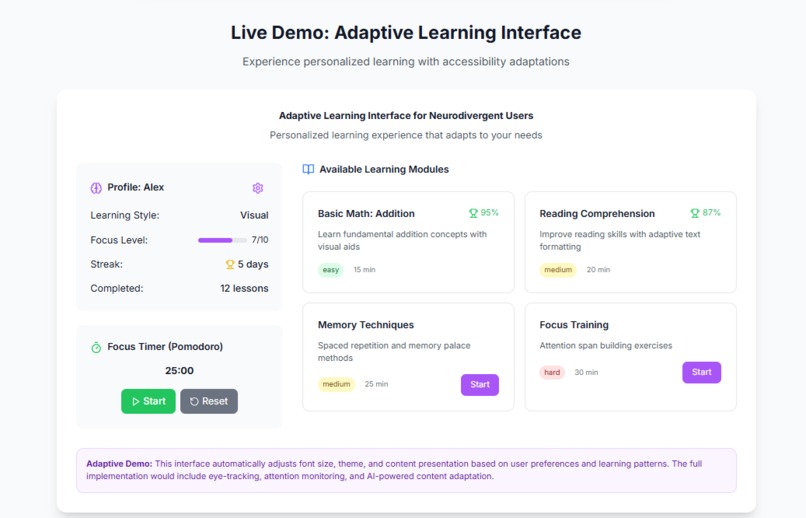
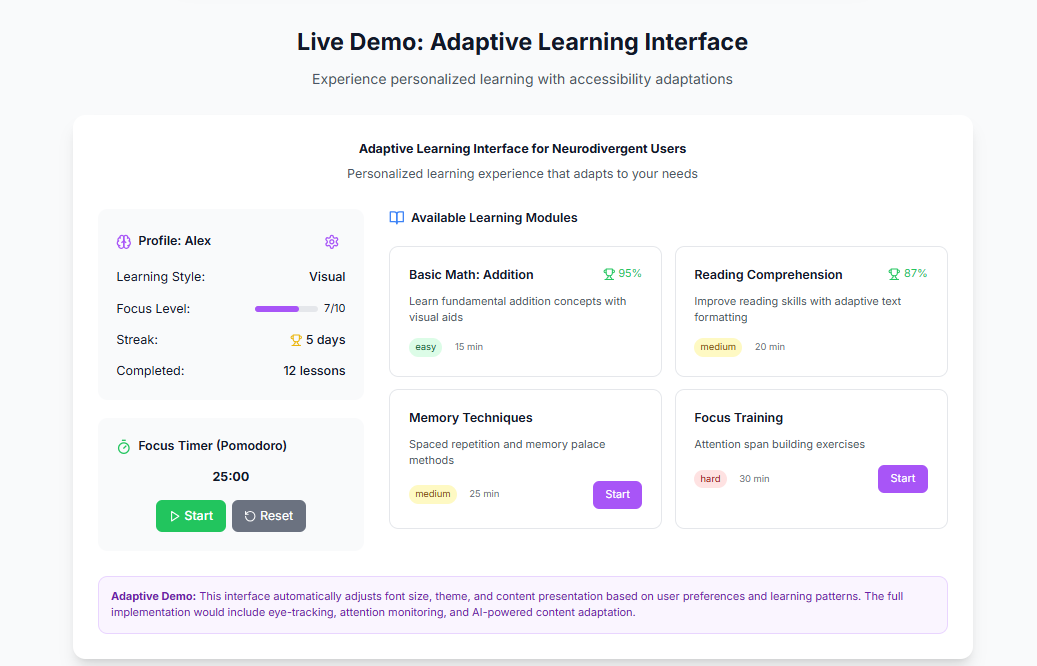
A customizable learning interface for neurodivergent users with adjustable fonts, colors, and interaction styles.
-
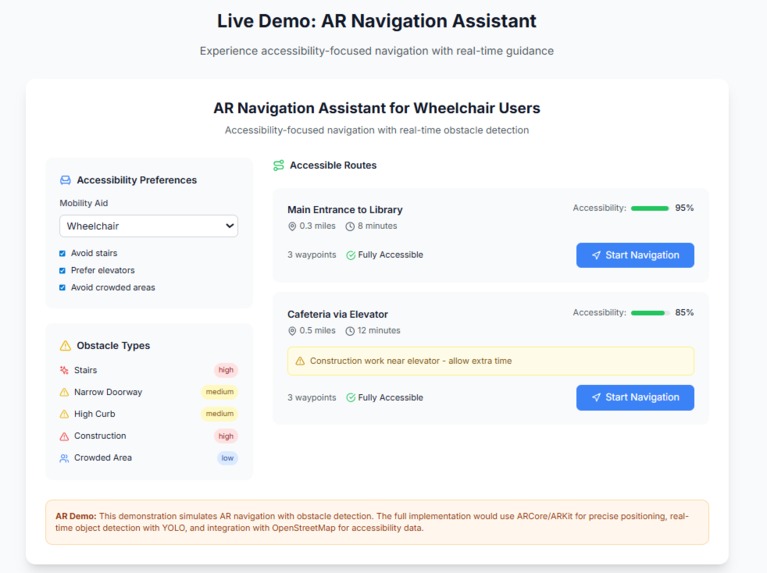
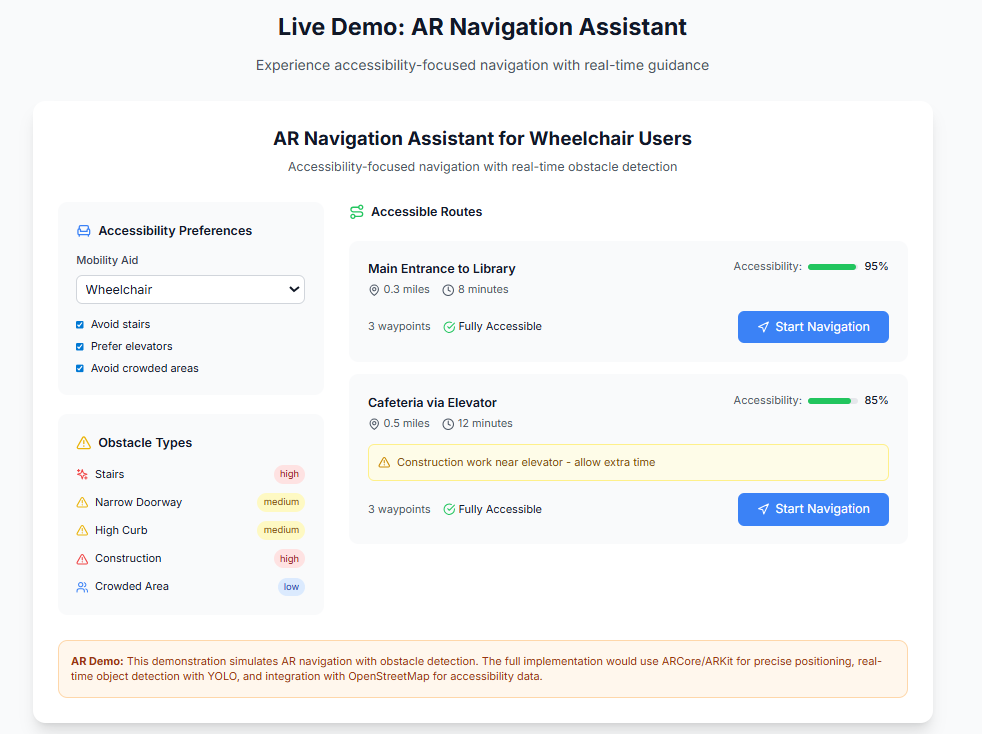
AR-based feature to help wheelchair users find accessible routes by avoiding obstacles and stairs in real time.
Inspiration
A single handicap is frequently the focus of accessibility tools, such as those for the physically challenged, the deaf, or the visually impaired. However, real-world consumers frequently deal with overlapping issues. After discovering how disjointed accessibility solutions may be, we were motivated to develop InAble, a multi-modal AI platform. Our goal was to develop a single assistant that changes with its users rather than the other way around.
What it does
InAble enables users with a range of demands by: 1) Sign ↔ Speech Translator: uses computer vision to convert speech and gestures into text in real time. 2) A voice-activated technology that allows visually impaired people to read text, recognize objects, and carry out tasks without internet access is called an offline voice assistant. 3) Adaptive Learning UI: Great for dyslexic and ADHD learners, it adapts the interface and learning style according to user behavior. 4) Wheelchair users can use AR navigation (coming soon) to find accessible paths in both indoor and outdoor environments.
How I built it
I used: React.js + Tailwind CSS for the responsive front-end Firebase for authentication and modular backend services MediaPipe and TensorFlow Lite for gesture detection TTS/STT APIs, OCR, and YOLOv8 for speech and object interaction ARCore + Mapbox planned for navigation module I also implemented modular design so each component could work independently or together as a full suite.
Challenges I ran into
1) It proved difficult to recognize sign language in real time because of background variation and lighting. 2) The performance of offline voice processing required thorough model optimization. 3) Balancing UI design's responsiveness, accessibility, and simplicity for a range of needs (visual vs. cognitive disabilities). 4) Due to time constraints, AR navigation is a module for the future.
Accomplishments that I am proud of
1) Successfully combined multiple assistive technologies in one unified platform. 2) Built a working sign ↔ speech converter using real-time AI. 3) Created a fully responsive, modular frontend ready for mobile or desktop. 4) Learned how to integrate edge-AI, accessibility design, and inclusivity into a functional project.
What I learned
1) Accessibility isn’t a feature—it’s a philosophy. 2) Designing for one ability group often improves UX for all. 3) Modular AI design can scale to many inclusive use cases. 4) Balancing innovation with real-world usability is essential.
What's next for InAble-Unified AI Assistant for Inclusive Accessibility
1) Launching the AR navigation module for wheelchair-friendly route planning. 2) Integrating speech-to-sign avatar system for two-way communication. 3) Expanding language and regional accessibility, including offline support for rural areas. 4) Publishing research and seeking NGO/health sector collaboration to make InAble open-source and community-driven.
Built With
- firebase
- mapbox
- mediapipe
- ocr
- react
- tailwindcss
- tensorflow
- tts/stt
- typescript
- yolov8

Log in or sign up for Devpost to join the conversation.