-
-
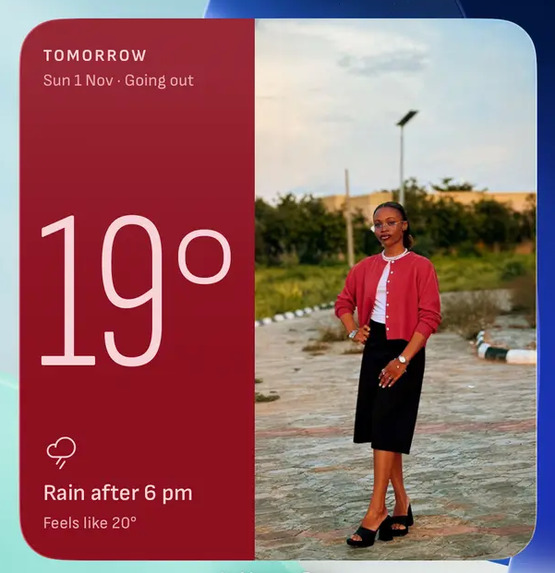
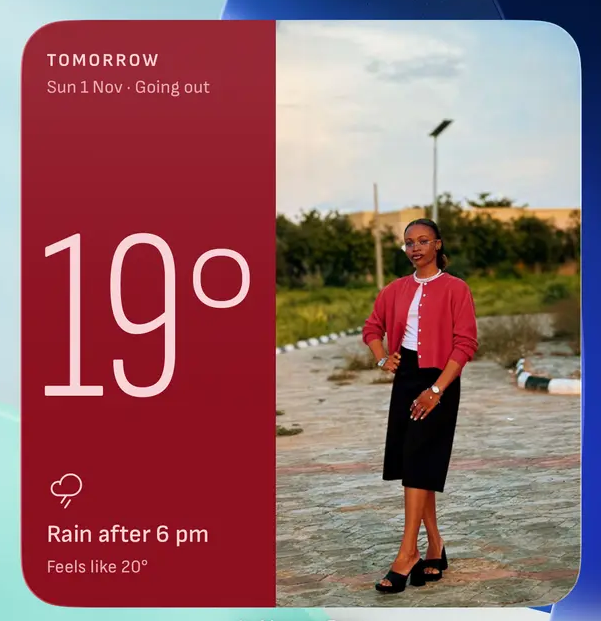
Home Widget
-
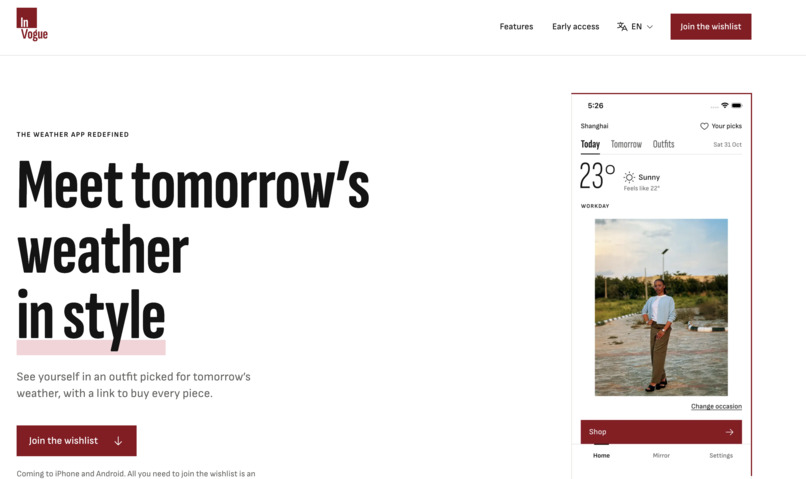
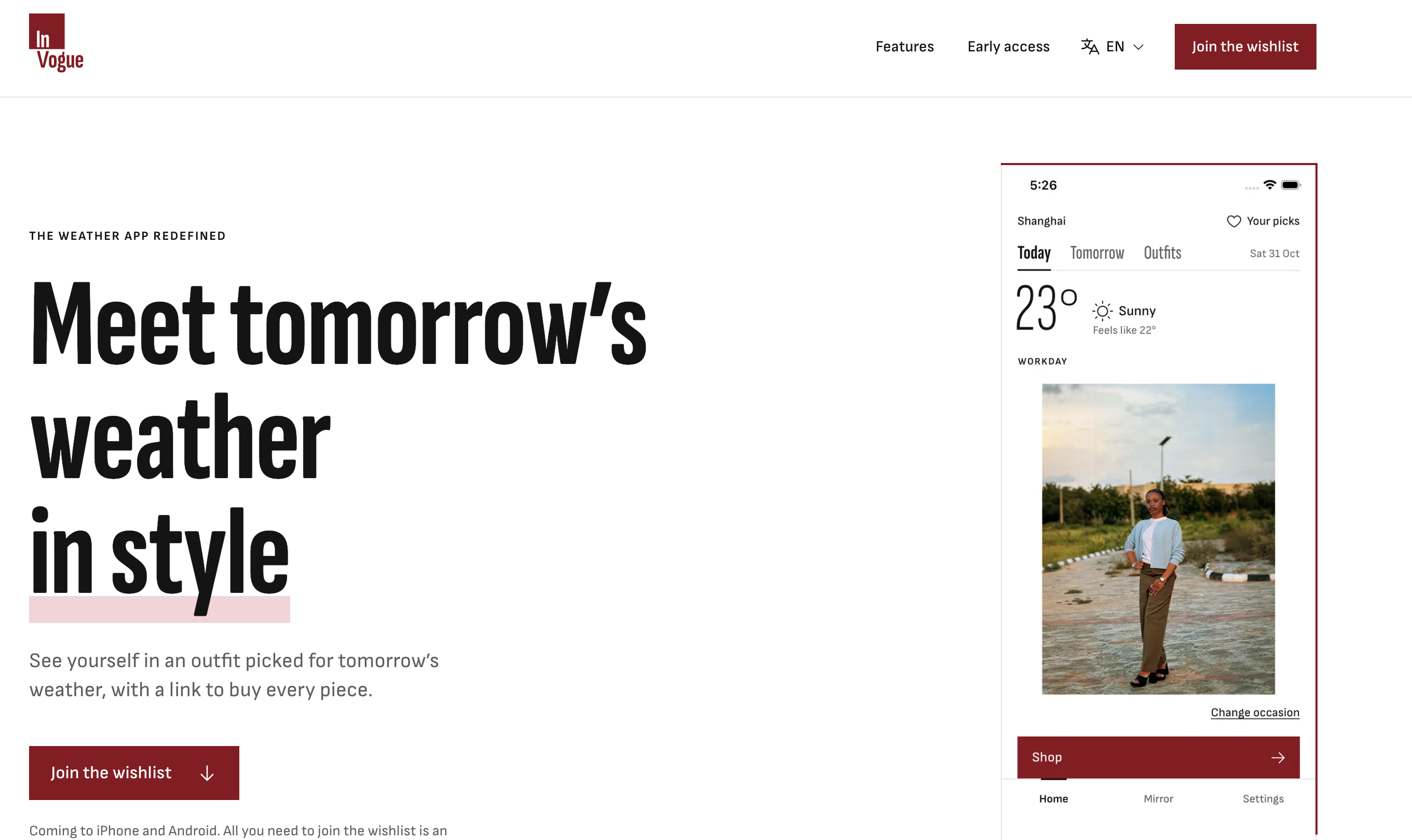
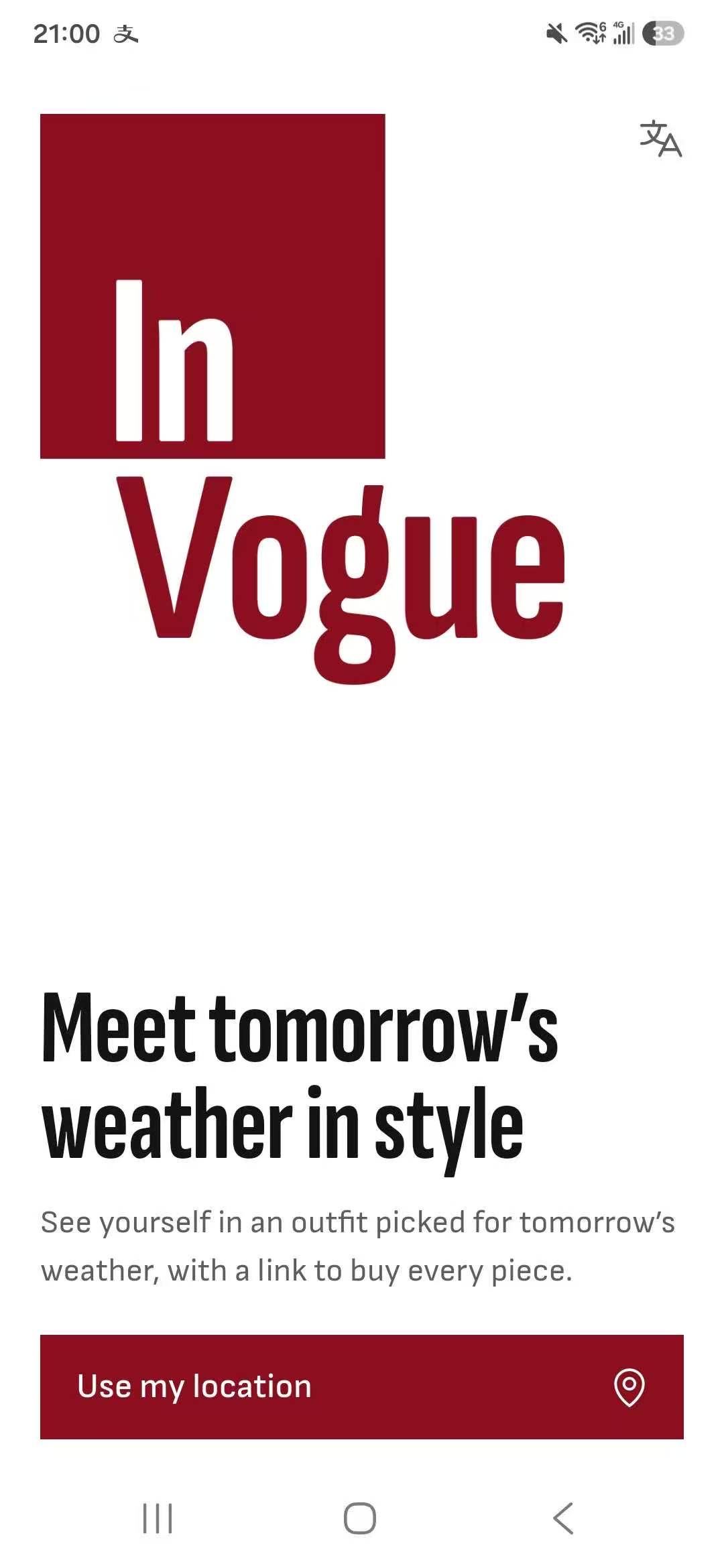
Landing Page
-
-
-
-
-
-
-
-
-
-
Inspiration
For working professionals, most mornings start with the same two questions: what's the weather, and what should I wear? A weather app answers the first part of that question. The second one is left to you. You have to sift through your wardrobe and put together an outfit that suits your look and style, and that fits the weather and the occasion! Not to mention, you have to remember not to wear the same thing twice in a row. What if all that could be done for you, and all you have to do is just glance at your home screen, the same way a weather app just tells you everything you need in a quick glance?! Even better, what if brands could provide outfits to you? So now, instead of just seeing what to wear, you can also see what you could wear if you bought a new outfit from a certain brand or designer that you love! From a business perspective, this would be a fantastic non-intrusive way for clothing brands to promote their clothing. Other virtual try-on apps rely on you sending your photos to the brands. With this solution, the opposite is true. Brands plug in their outfits. Your photos are only shared with You-Cam, a single trusted solution, and if you see an outfit you like, you are a few taps away from buying it.
What it does
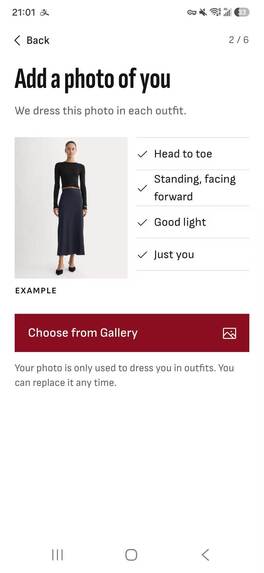
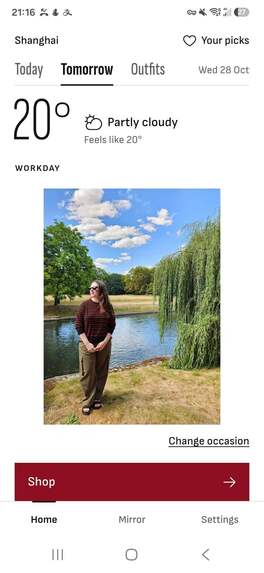
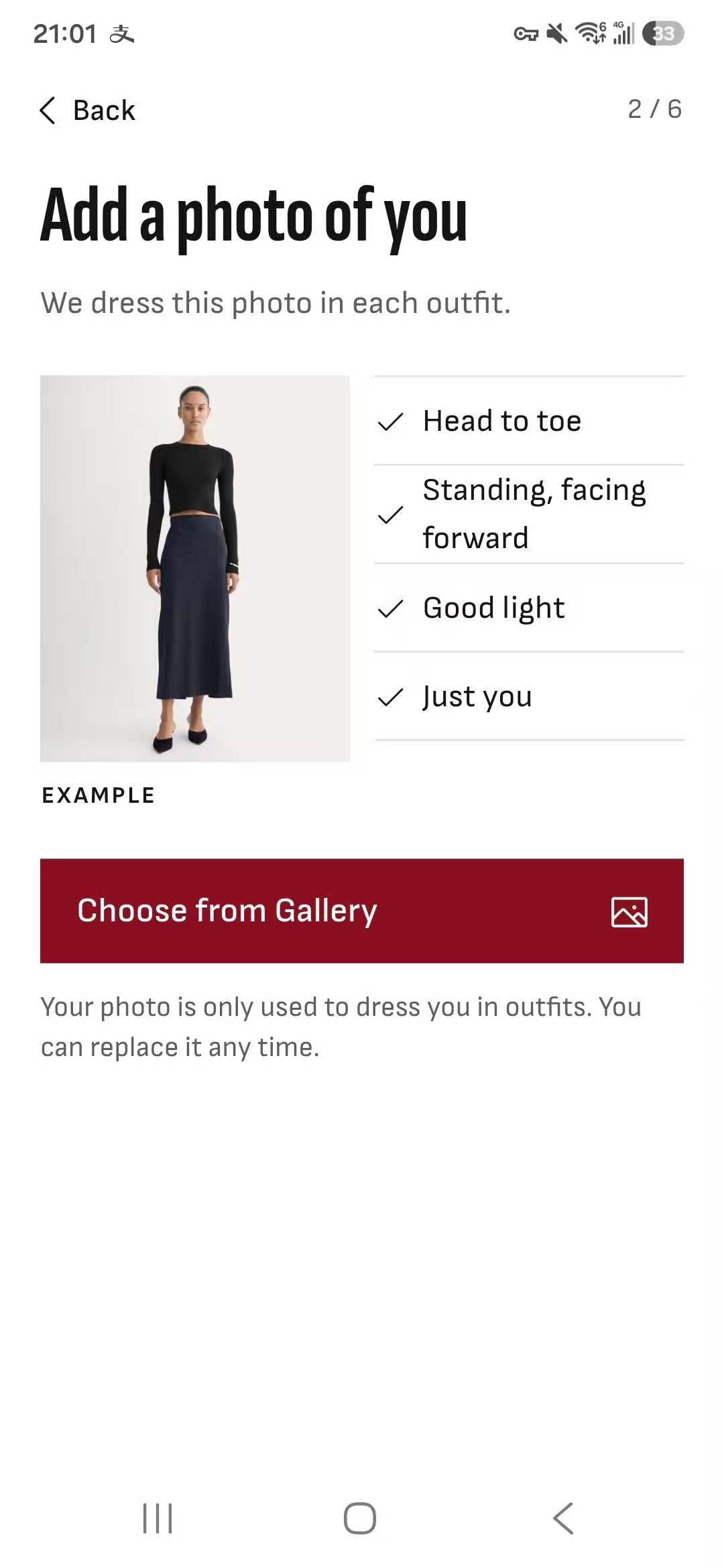
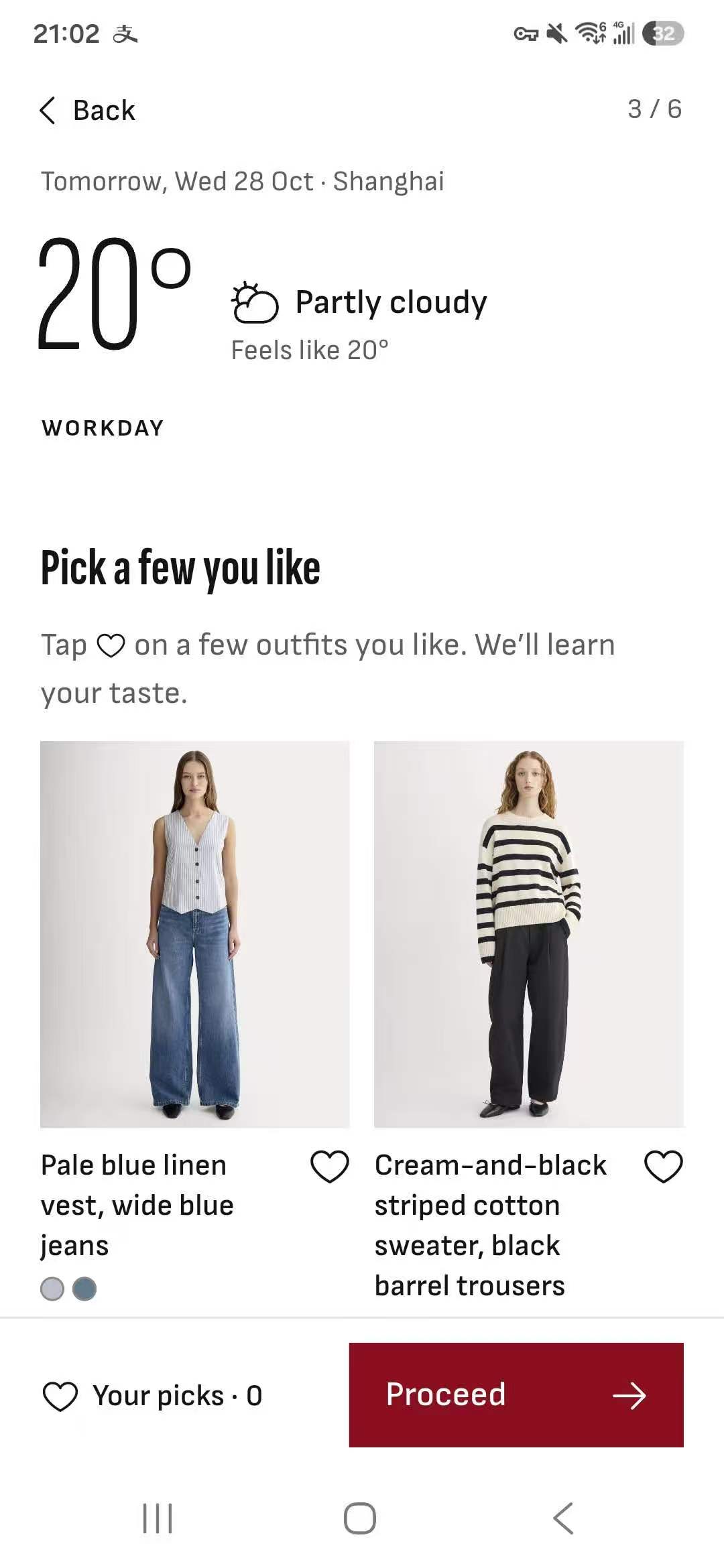
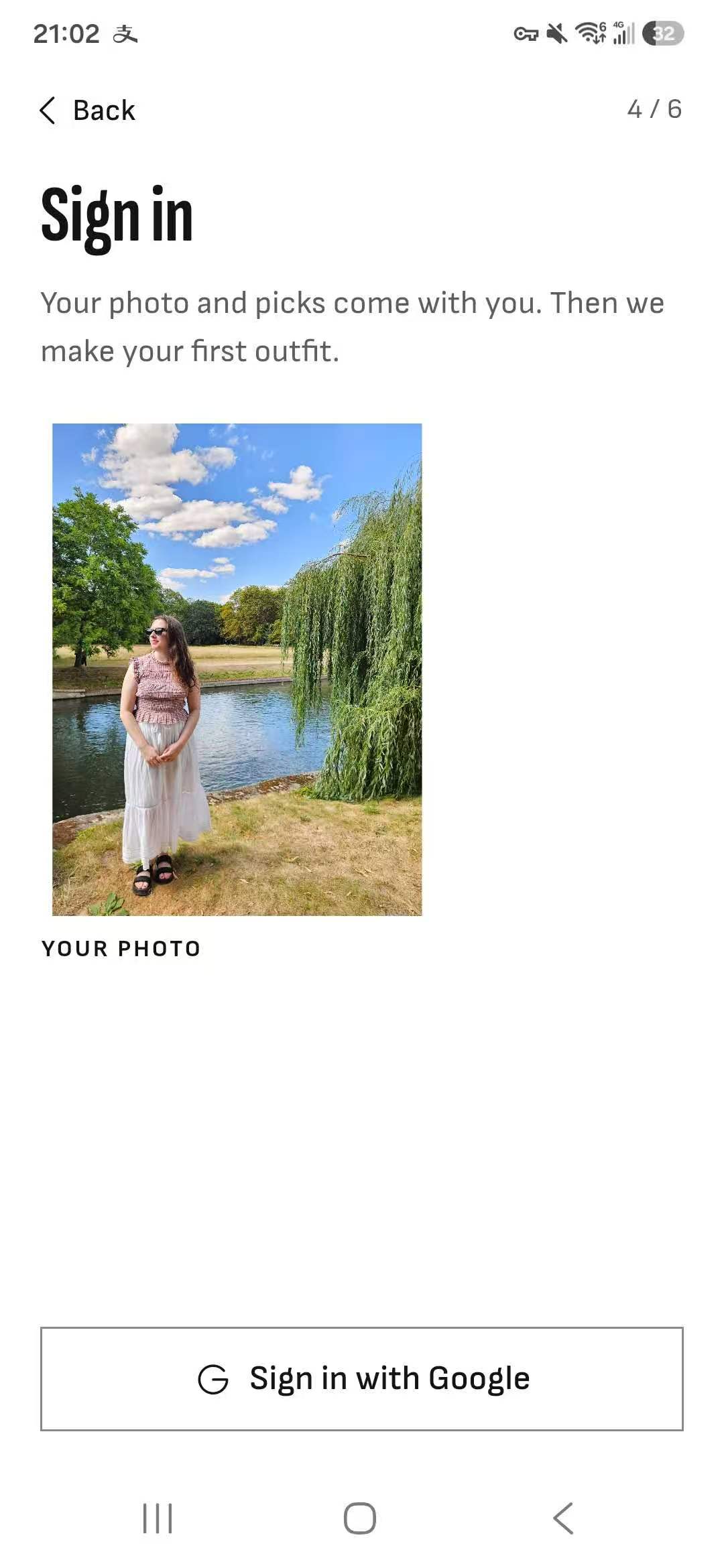
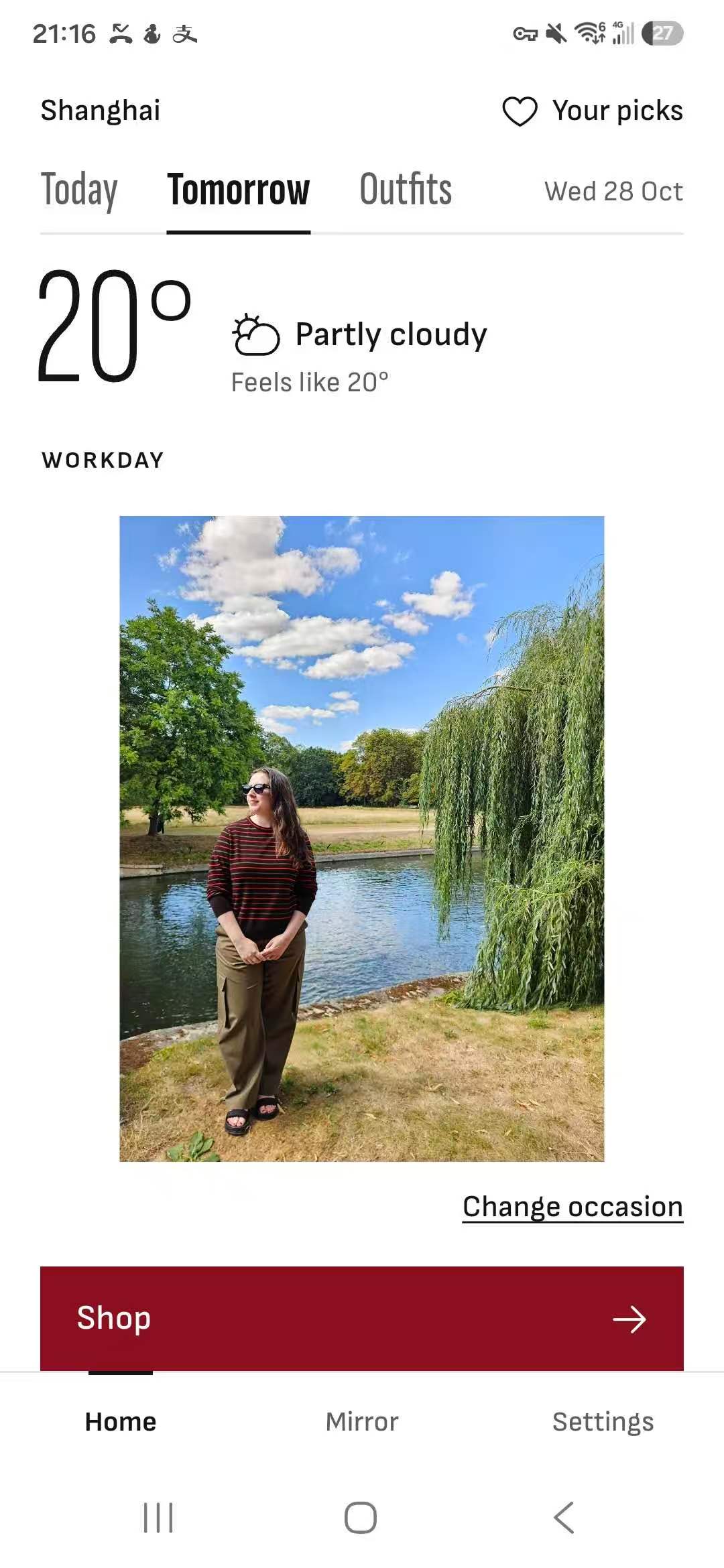
In Vogue is a weather app + widget for women on Android and iPhone that shows you what to wear today and tomorrow. Using your full-body photo, it recommends outfits based on the weather forecast and your plans for the day - whether you’re working, going out, staying in, or having a casual day.
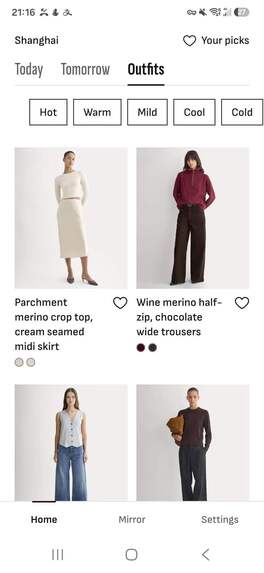
Each recommended outfit includes a buy link so you can easily shop for the look.
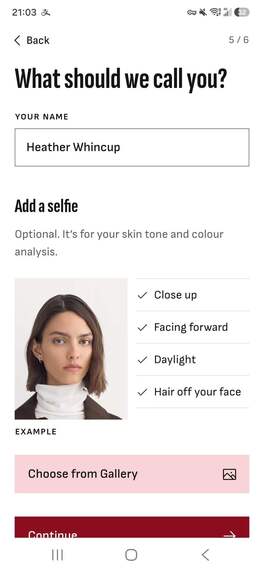
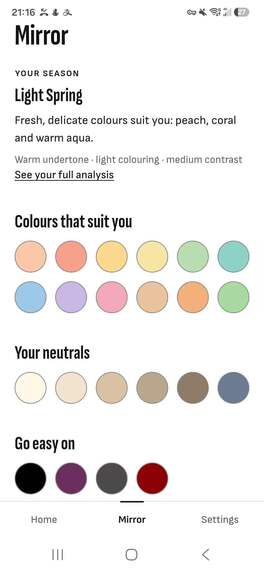
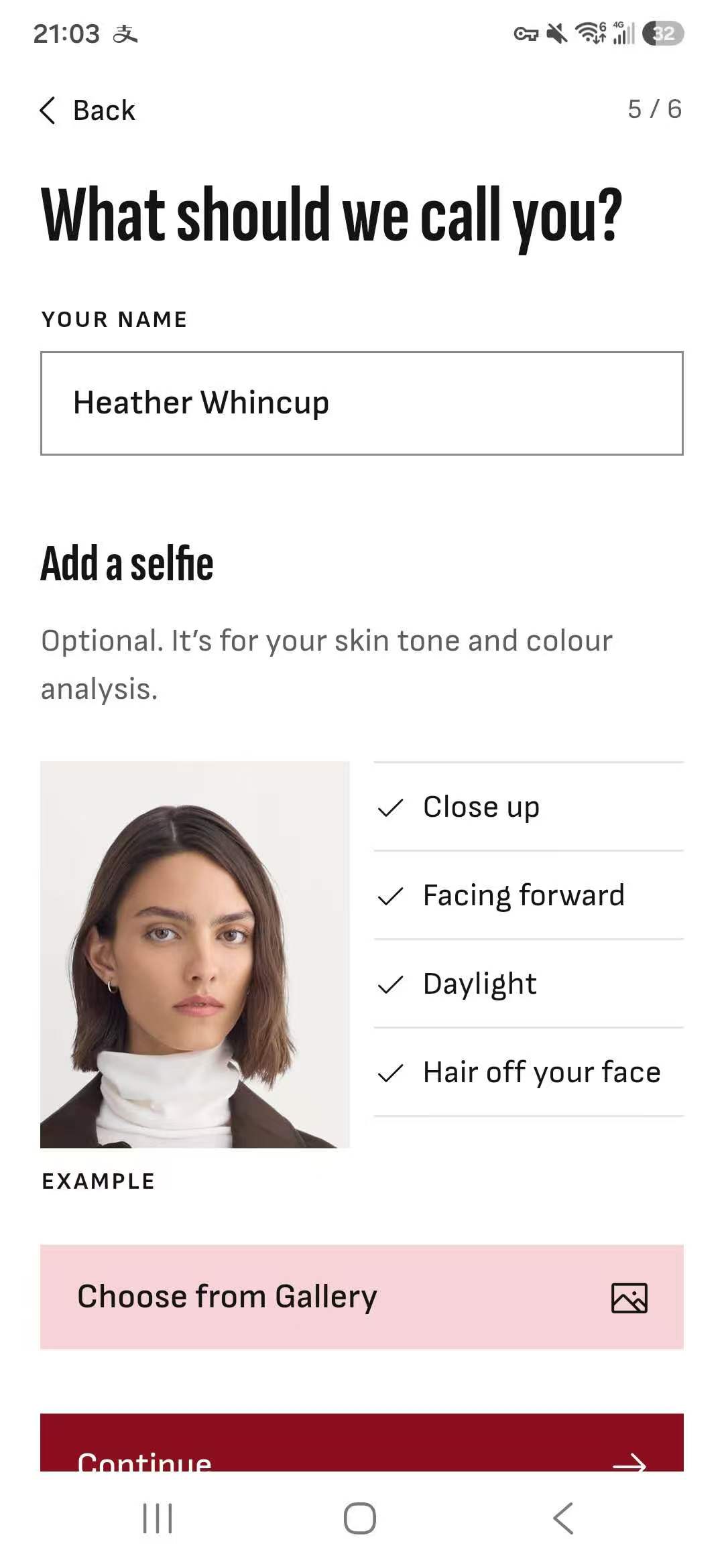
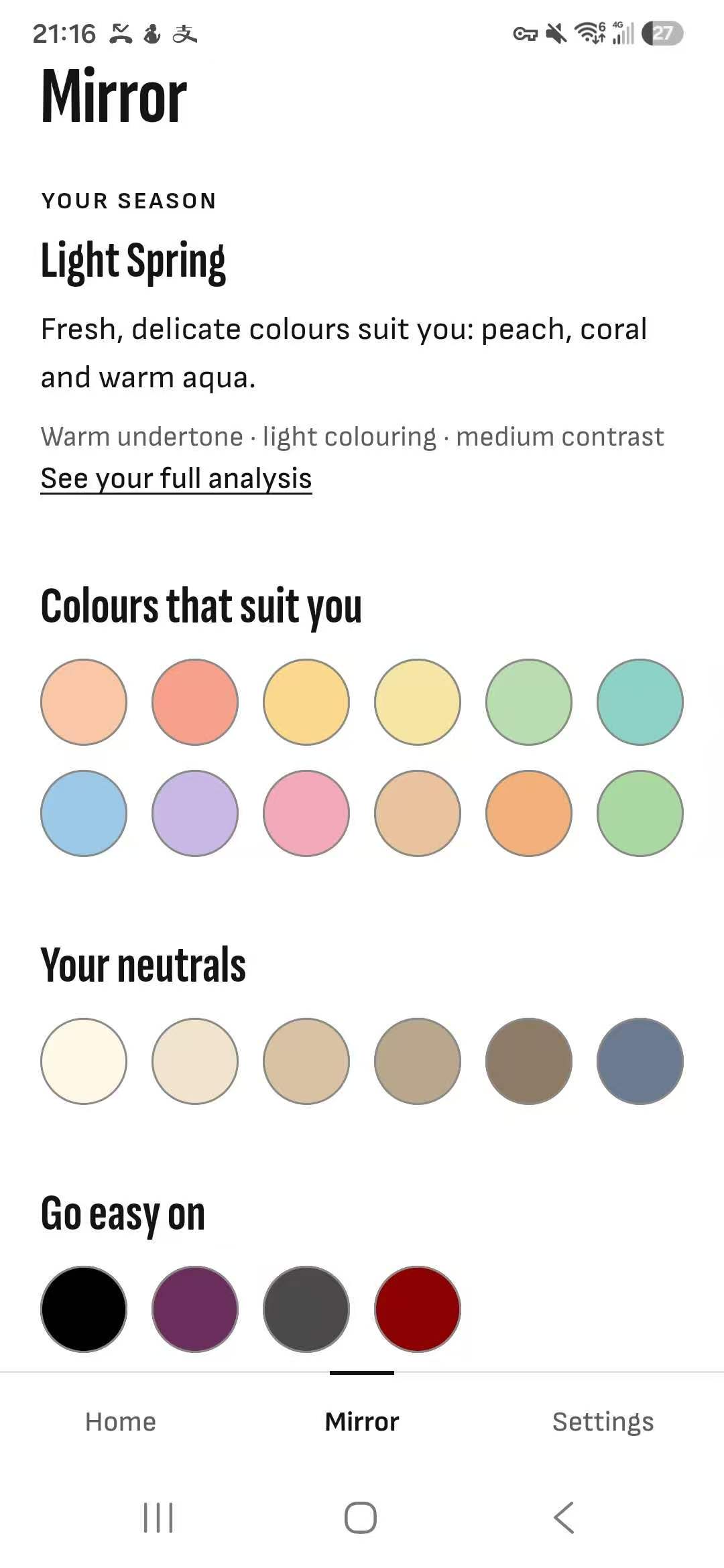
You can also add a selfie for personalized color guidance. YouCam’s AI Facial Color Tones Analyzer reads your skin, hair, and brow colors, and In Vogue uses those readings to tailor its recommendations. So you learn about what colors best suit you.
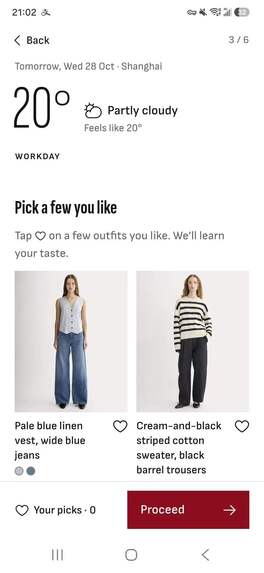
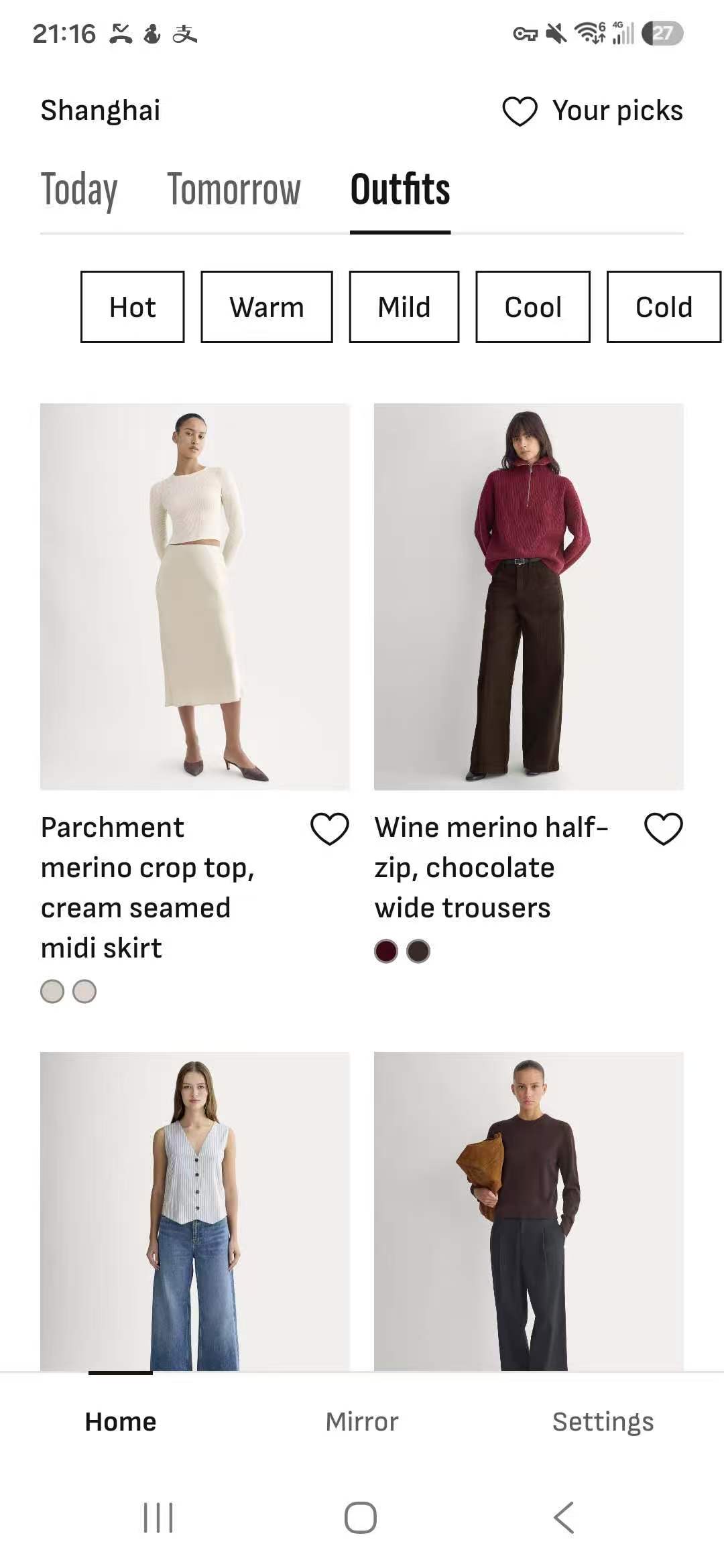
The current catalog includes 500 outfits from Everlane’s women’s collection. You can browse by weather and like your favorites to help the app learn your taste. You can also upload your own outfits to use alongside those in the catalog.
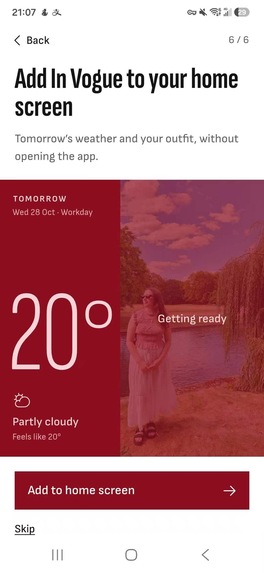
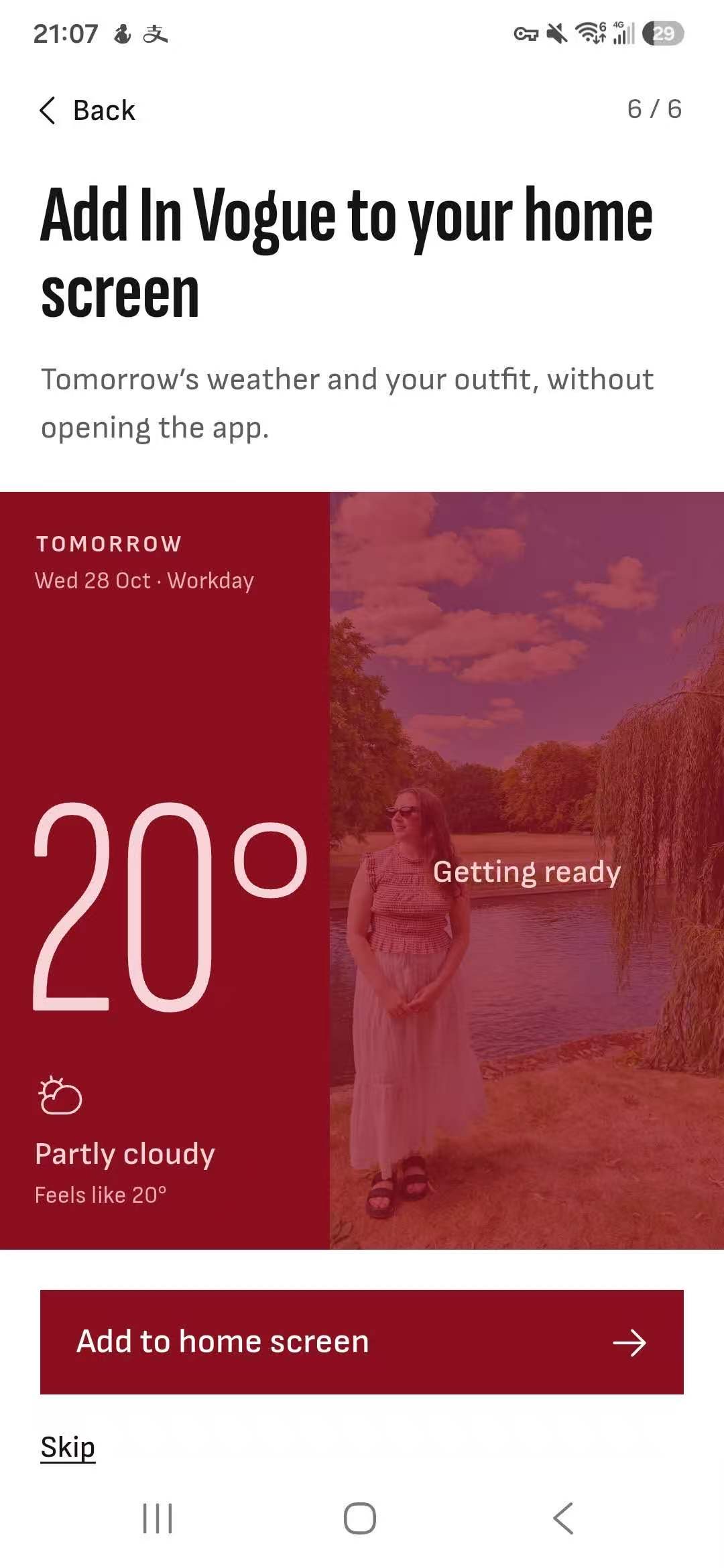
Medium and large home-screen widgets show your saved outfit beside the forecast, so you can see your look and the weather at a glance.
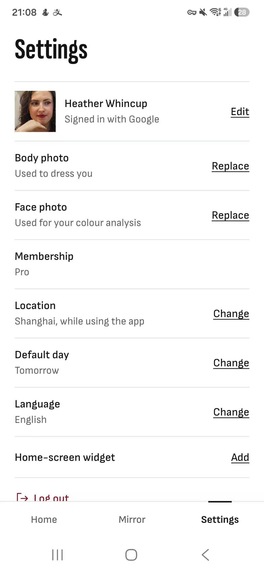
The app supports English, Spanish, and Simplified Chinese.
How I built it
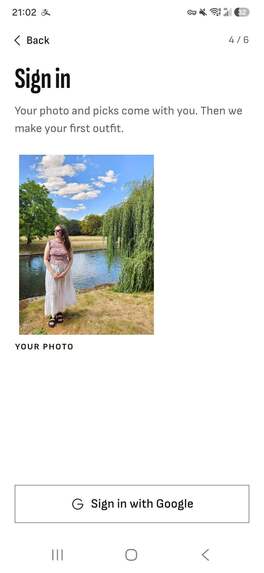
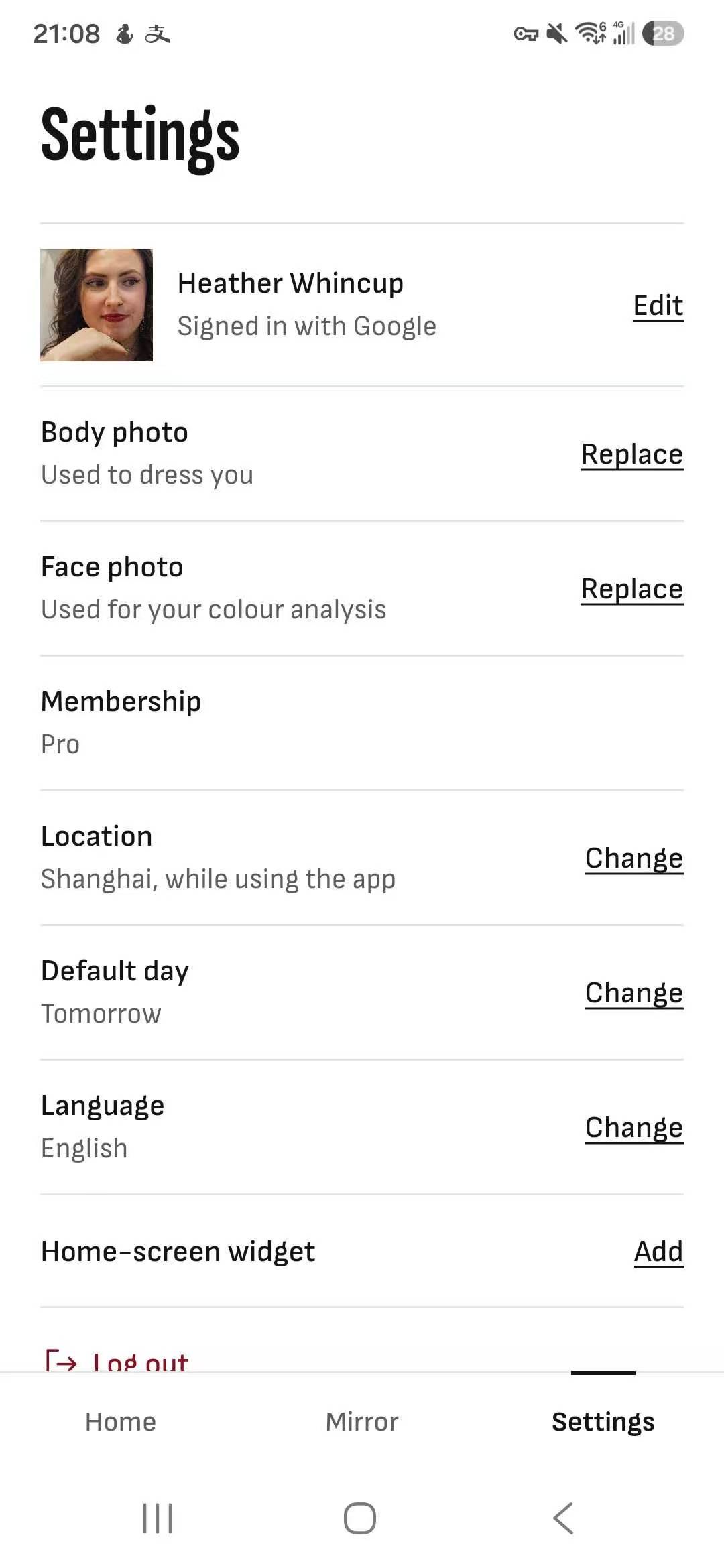
I built In Vogue with Flutter and Dart, using Firebase to handle sign-in, account information, and photo storage. The app brings together weather forecasts, outfit recommendations, and virtual try-on to help users decide what to wear.
For weather, I use Open-Meteo’s hourly forecast. Rather than looking only at the day’s high and low, the app checks the hours that match the user’s plans, for example, daytime for work or evening for going out. It considers the lowest and highest feels-like temperatures, rain, snow, and wind, then ranks suitable outfits based on the user’s preferences and recent recommendations. Changing the occasion can therefore change both the clothes suggested and the forecast hours used.
To personalize those recommendations, I use YouCam for two different purposes: color analysis and virtual try-on.
For color analysis, the app sends the user’s selfie to YouCam and waits for the analysis to finish. YouCam returns readings for skin, hair, and brow colors, which In Vogue uses to suggest a color season. The app saves those readings so users don’t need to repeat the process, but they can request a new analysis after replacing their selfie.
For virtual try-on, the app builds the outfit on the user’s full-body photo one garment at a time: trousers or a skirt first, followed by a top, then a coat. Each step uses the image from the previous step, while dresses use a single full-body step. Every request includes the garment’s product image and asks YouCam to keep the user’s shoes unchanged.
Because this process takes several steps, I built in ways to save and recover progress. The app keeps track of each YouCam task so it can resume a recent interrupted try-on. Once an image is ready, it downloads it before the result link expires, saves it on the device and in Firebase, and requests deletion of the completed YouCam tasks. If the user chooses the same outfit with the same body photo again, the app can reuse the saved image instead of generating it again.
To build the outfit catalog, I used Python tools to retrieve product data from Shopify’s Global Catalog, with AI assistance to help curate outfits. Each outfit has labels for weather, occasion, and color season, giving the recommender the information it needs to match outfits to the user’s day.
Finally, I built the Android widget in Kotlin and the iPhone widget in SwiftUI. Flutter sends the forecast and finished outfit images to both, bringing the recommendation onto the user’s home screen.
Challenges I ran into
One of the first challenges was making color analysis useful without presenting it as more certain than it was. Some testers had photos rejected because of their face angle, while others felt their color readings were off. I added clearer guidance for rejected photos and began presenting uncertain readings as a starting point rather than a firm result. The recommender now uses a color season only when the reading is clear, though lighting and photo quality remain limitations.
Virtual try-on brought a different challenge: the more garments an outfit had, the more opportunities there were for the process to be interrupted. I had to track which garments were finished, which tasks were still running, and whether the results were still available. Saving progress and reusing completed images made this more manageable. I also added a fallback so that if YouCam rejects a garment’s product image, the app can choose another outfit without that piece.
Testing also challenged an early assumption about how people plan their days. Initially, the app suggested work outfits on weekdays and casual outfits on weekends. A tester asked to change the occasion, and that made the limitation clear: Tuesday evening might call for something very different from Tuesday morning. Users can now choose an occasion for each day, and the app adjusts its recommendations accordingly.
Accomplishments that I am proud of
The most rewarding moment was seeing the widget on my testers’ home screens, including my girlfriend’s. They were making room for something I built on a screen they use every day.
Their feature requests meant just as much. When a tester asked to change occasions, she was already thinking about how the app could fit into her routine. Getting that kind of response while it was still a demo made the project feel real.
I’m also proud of bringing the whole experience together. Users can check the forecast, see a suggested outfit on their own photo, understand why it was recommended, and open the product pages—all within one app.
What I learned
I learned that useful outfit recommendations depend on context, not just temperature. A daily high can miss a cold commute, a color reading needs an explanation, and an outfit someone likes can still be wrong for their evening plans. The app needs to account for how people will actually spend their day, not just the overall weather.
Working with YouCam also taught me that generating an image is only part of the overall feature set. Users may close the app while they wait, photos may be rejected, and result links may expire. Making the experience reliable meant saving enough progress to recover from interruptions and clearly explaining what users could do next.
I also learned many useful and interesting tips from researching skin tones and color coordination.
What’s next for In Vogue
I’m currently submitting the development version to testers for feedback. I’ve also built a landing page with a wishlist to attract early adopters while I continue improving the app.
Next, I plan to add a men’s catalog, fix bugs, and pitch a production-ready demo to fashion brands. My goal is to secure seed funding and access to brand catalogs to support the production version and the launch of the minimum viable product (MVP).
