-
-
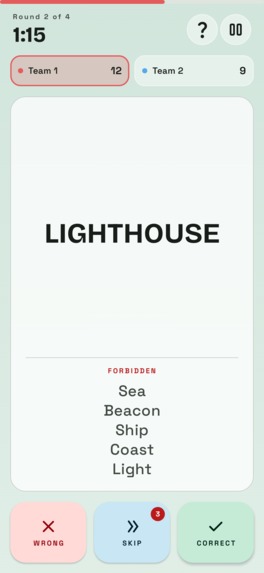
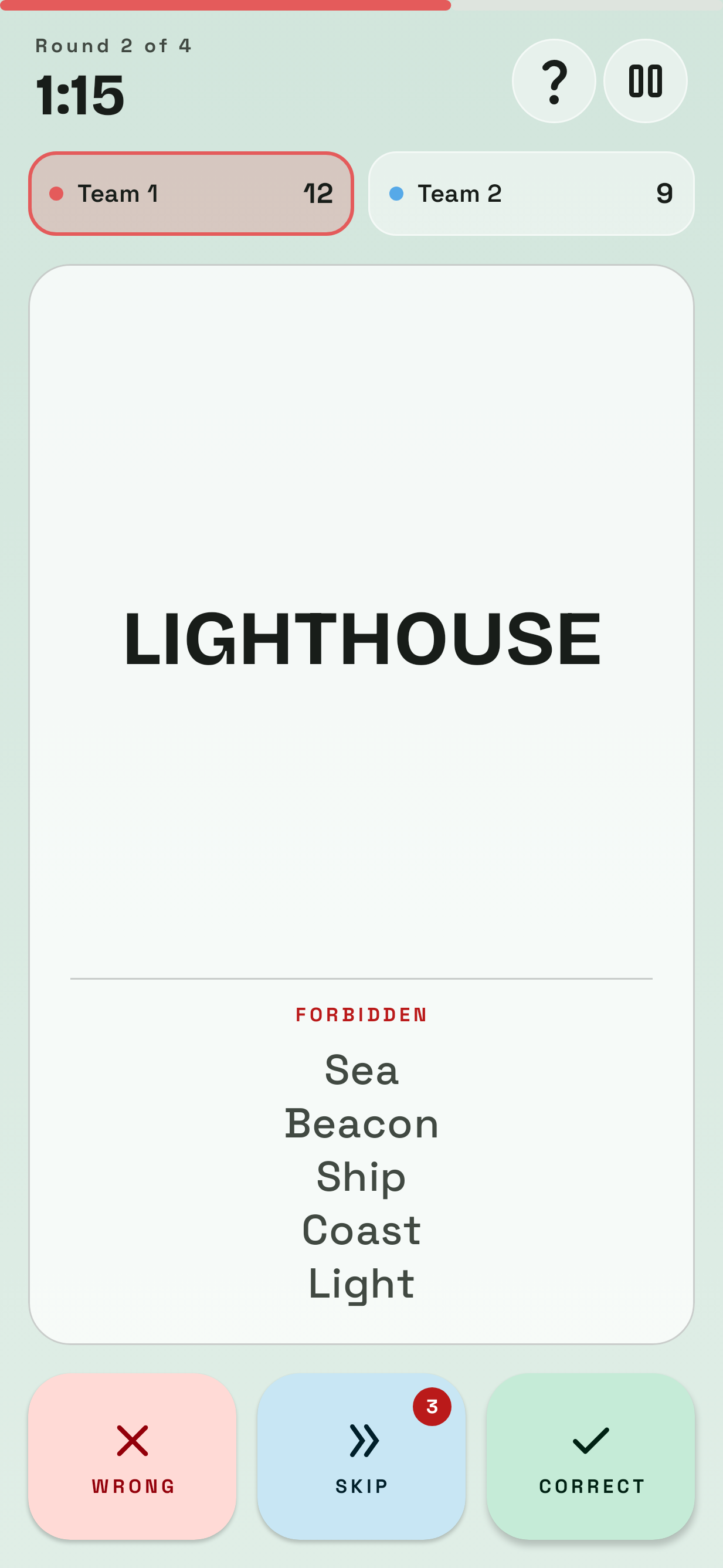
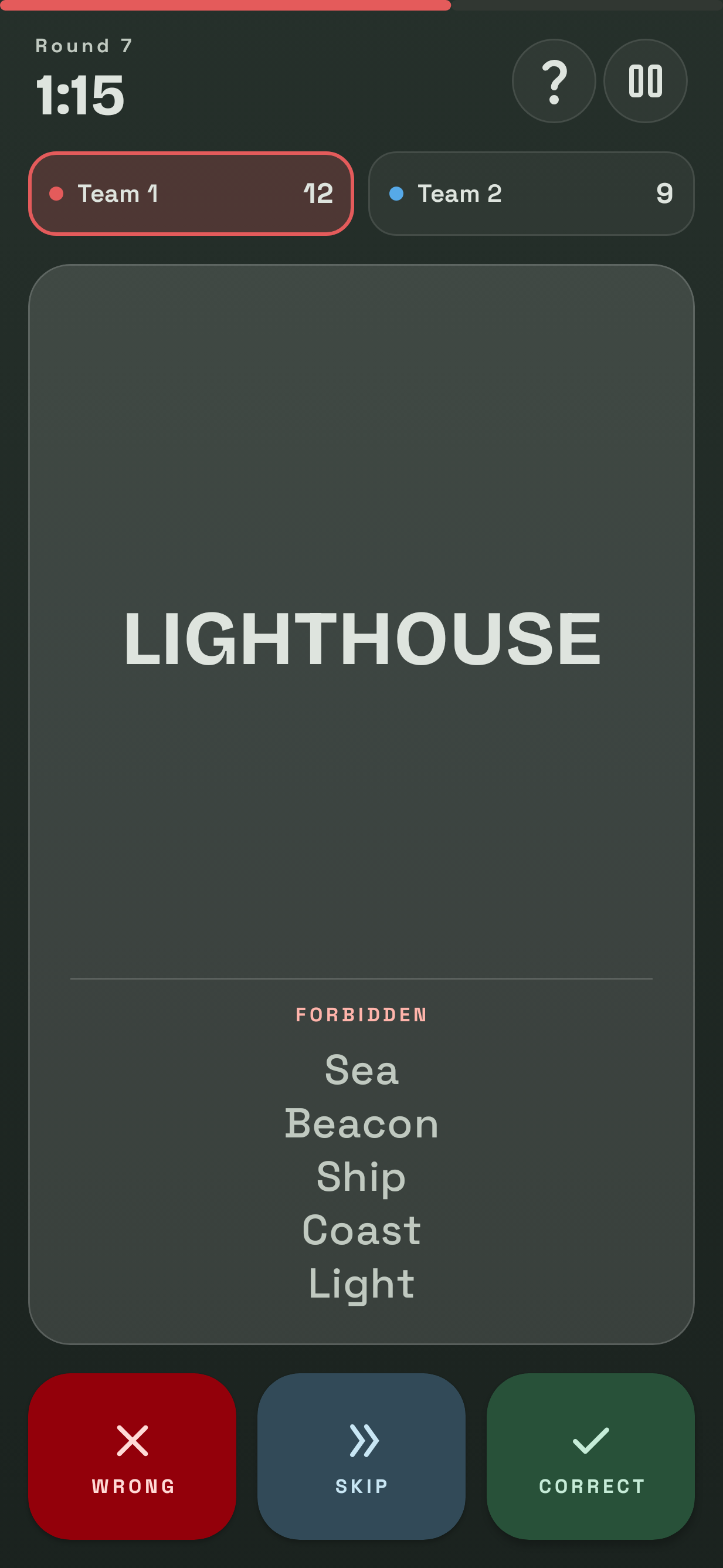
Describe the keyword without saying any of the five forbidden words. Mark each guess correct, wrong or skipped before the timer runs out.
-
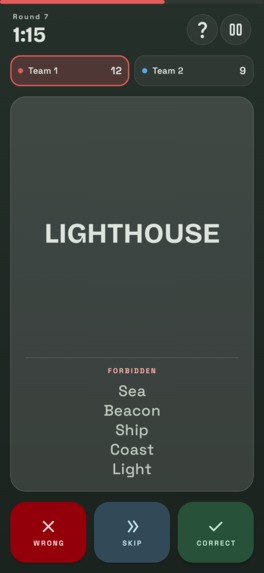
Dark mode game screen with the turn timer, round counter, live team scores and the number of skips left for the whole game.
-
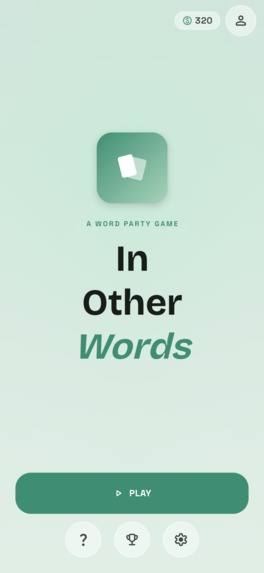
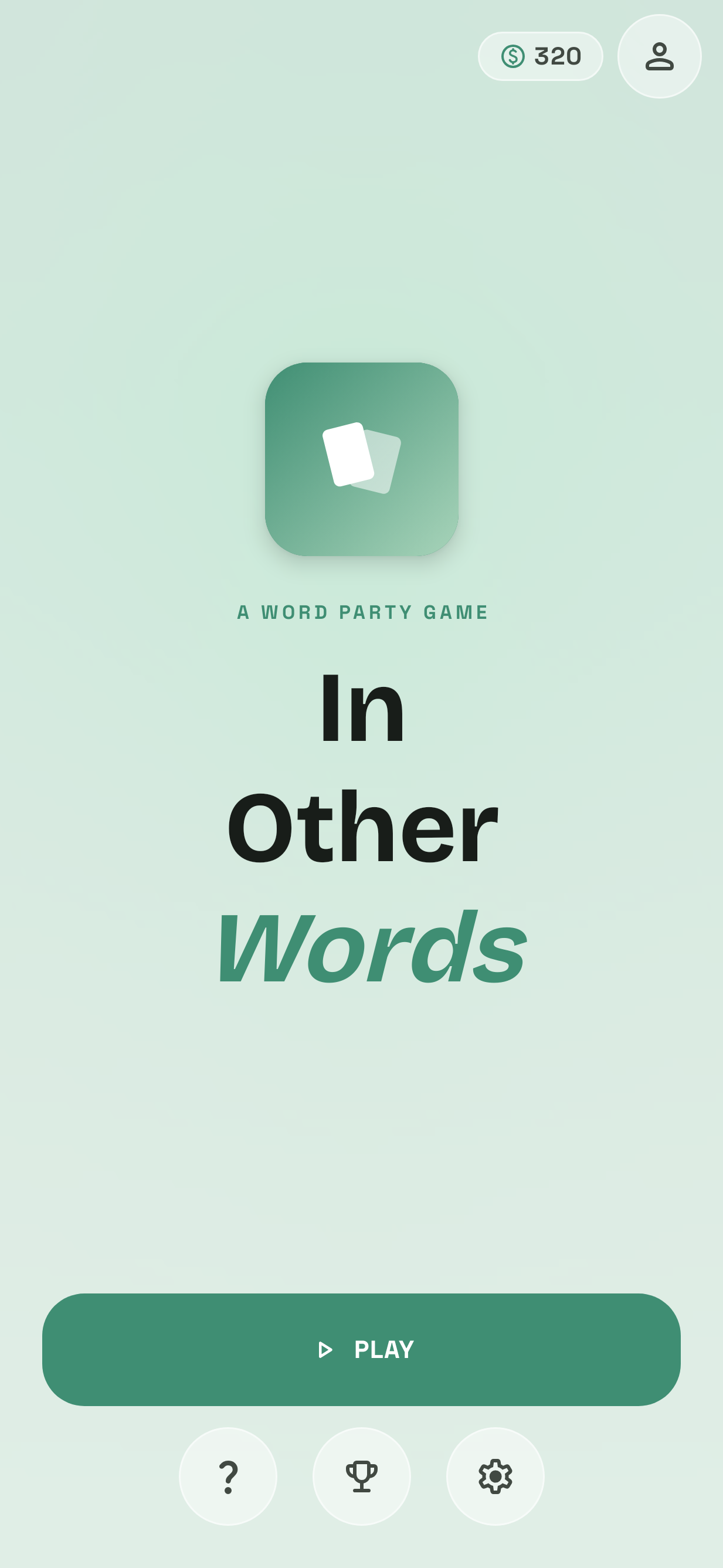
Start a game with one tap, learn the rules, visit the store or change settings. Your coin balance and profile sit up top.
-
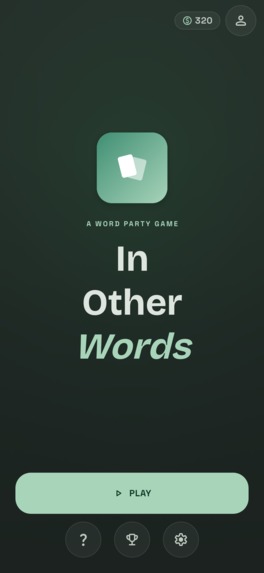
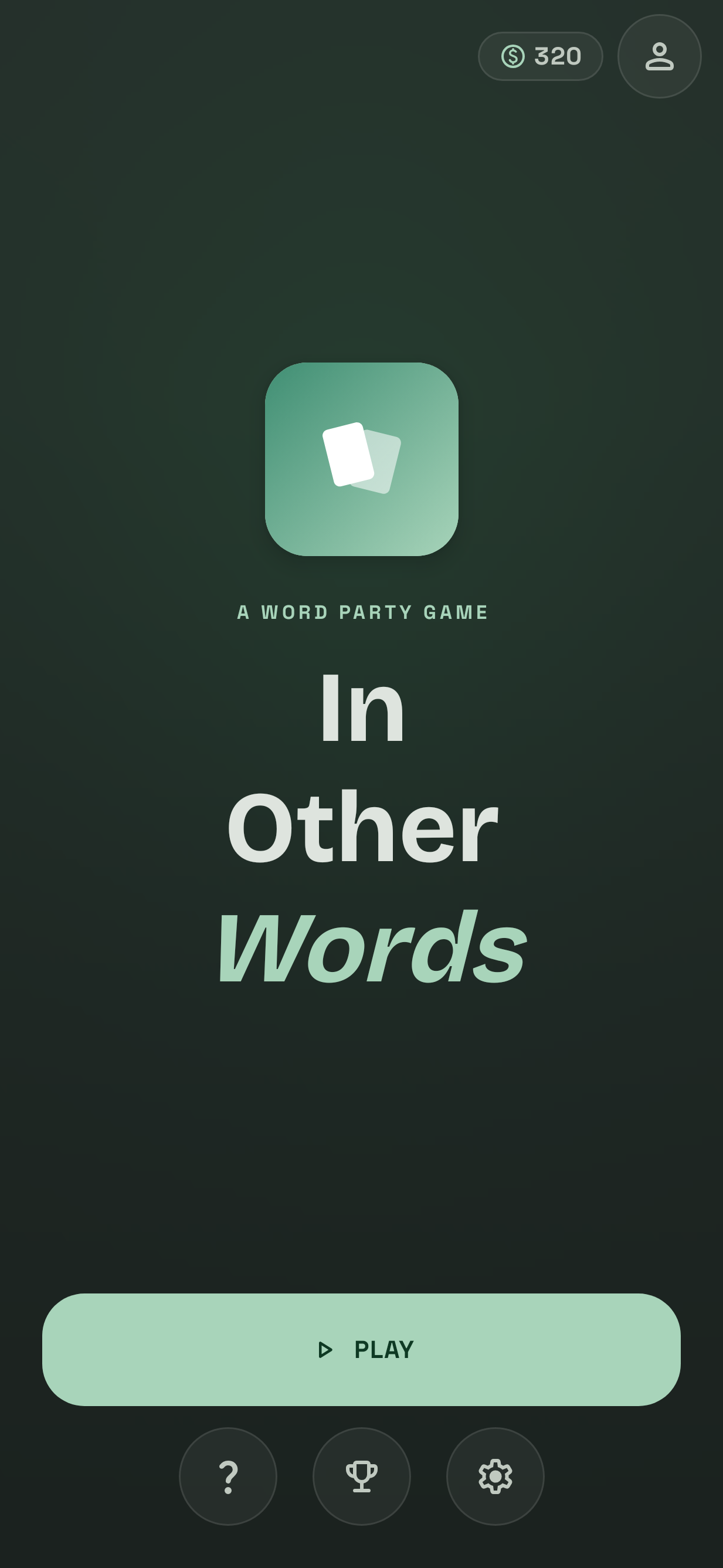
The home screen in dark mode, easy on the eyes for late-night game sessions when the lights are low.
-
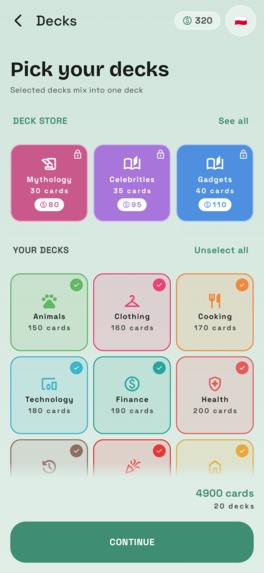
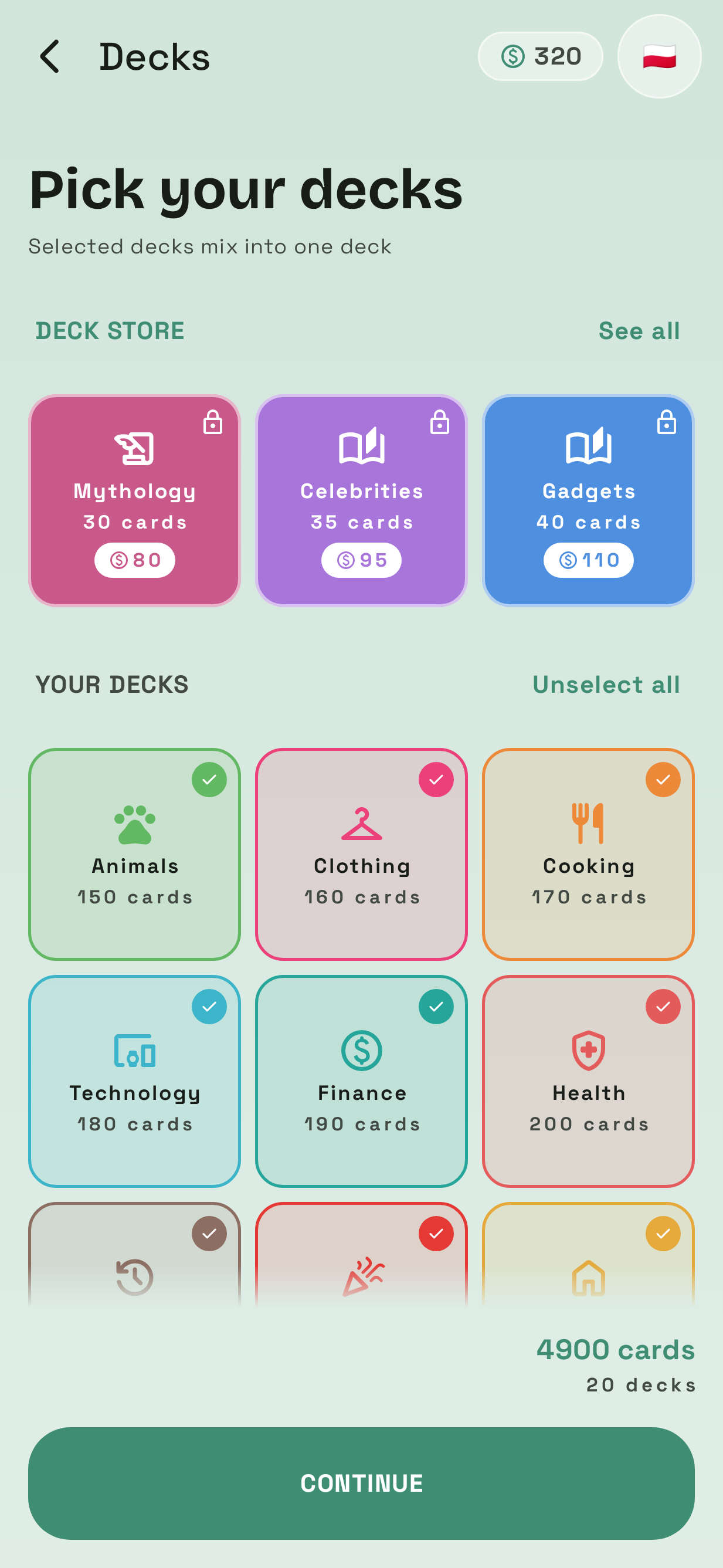
Choose which decks to play before each game: animals, clothing, food, tech and more. The card count updates as you pick.
-
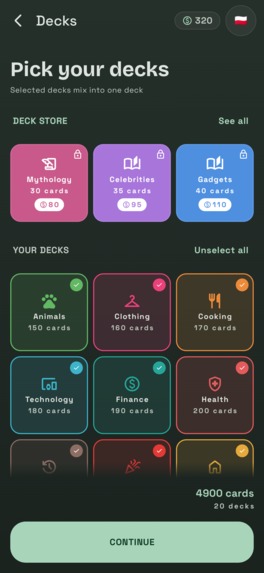
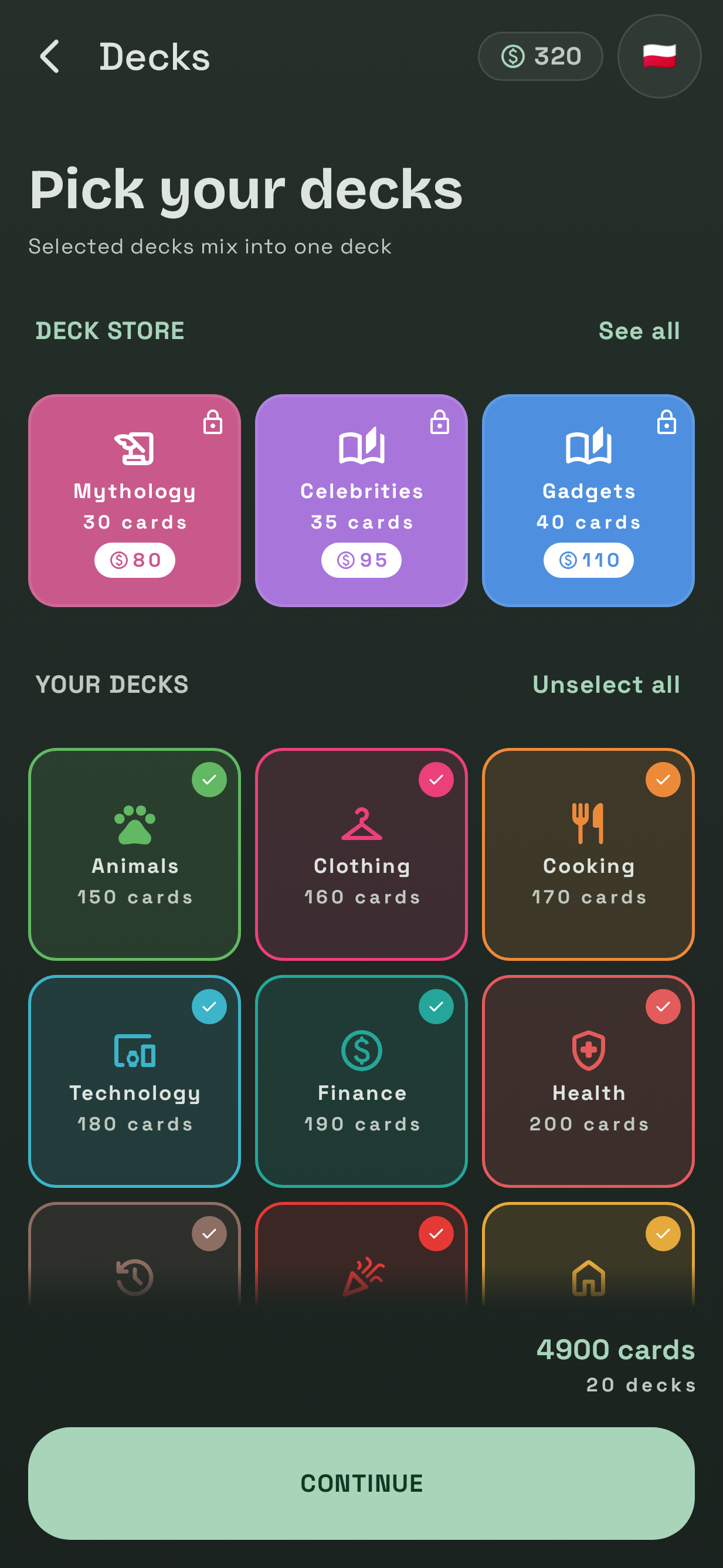
Pick your decks in dark mode. Premium decks from the store sit at the top, and the flag switches the card language.
-
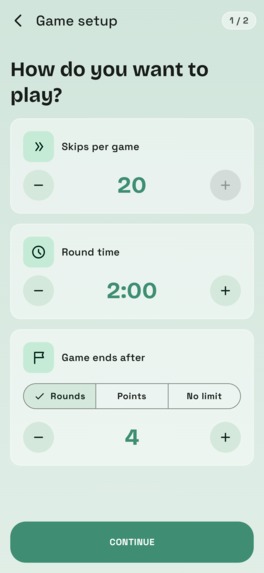
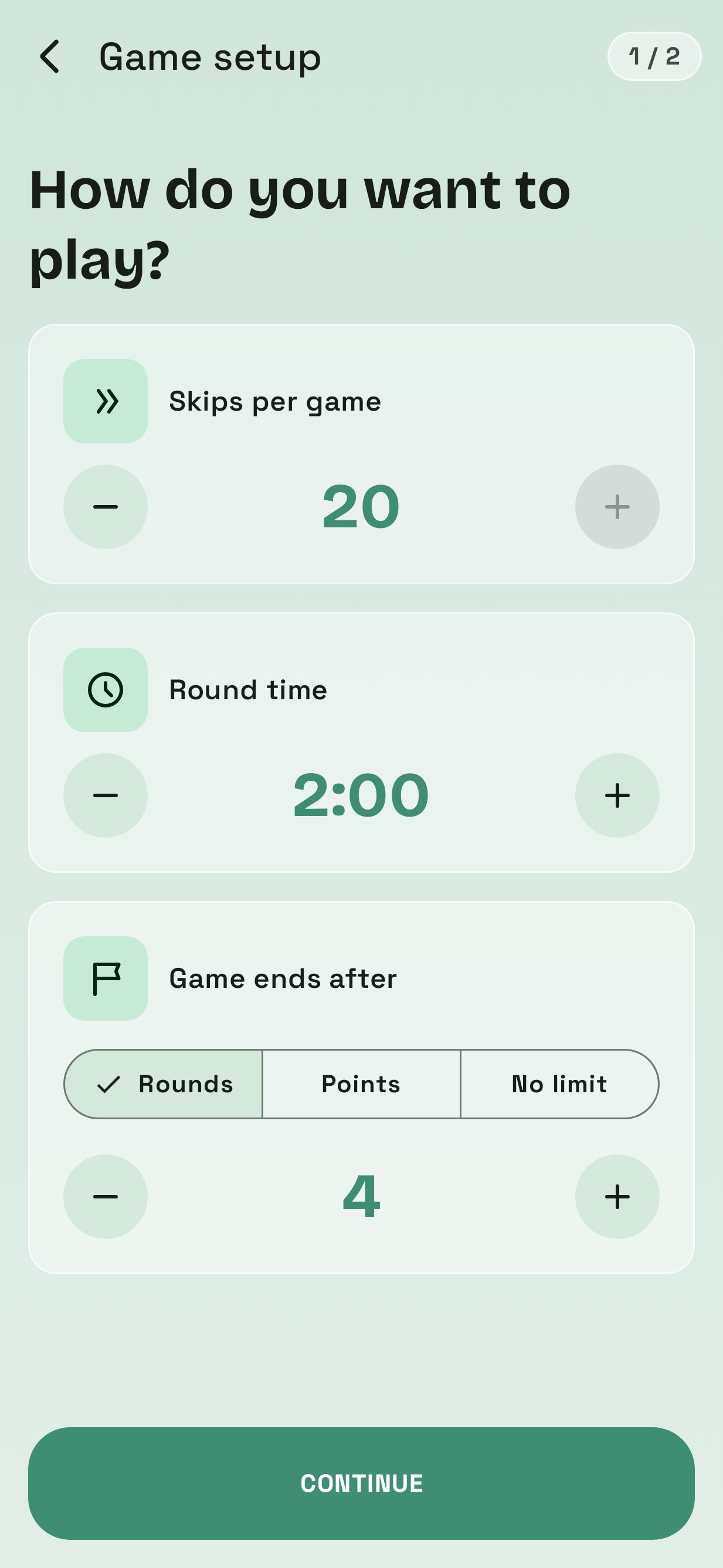
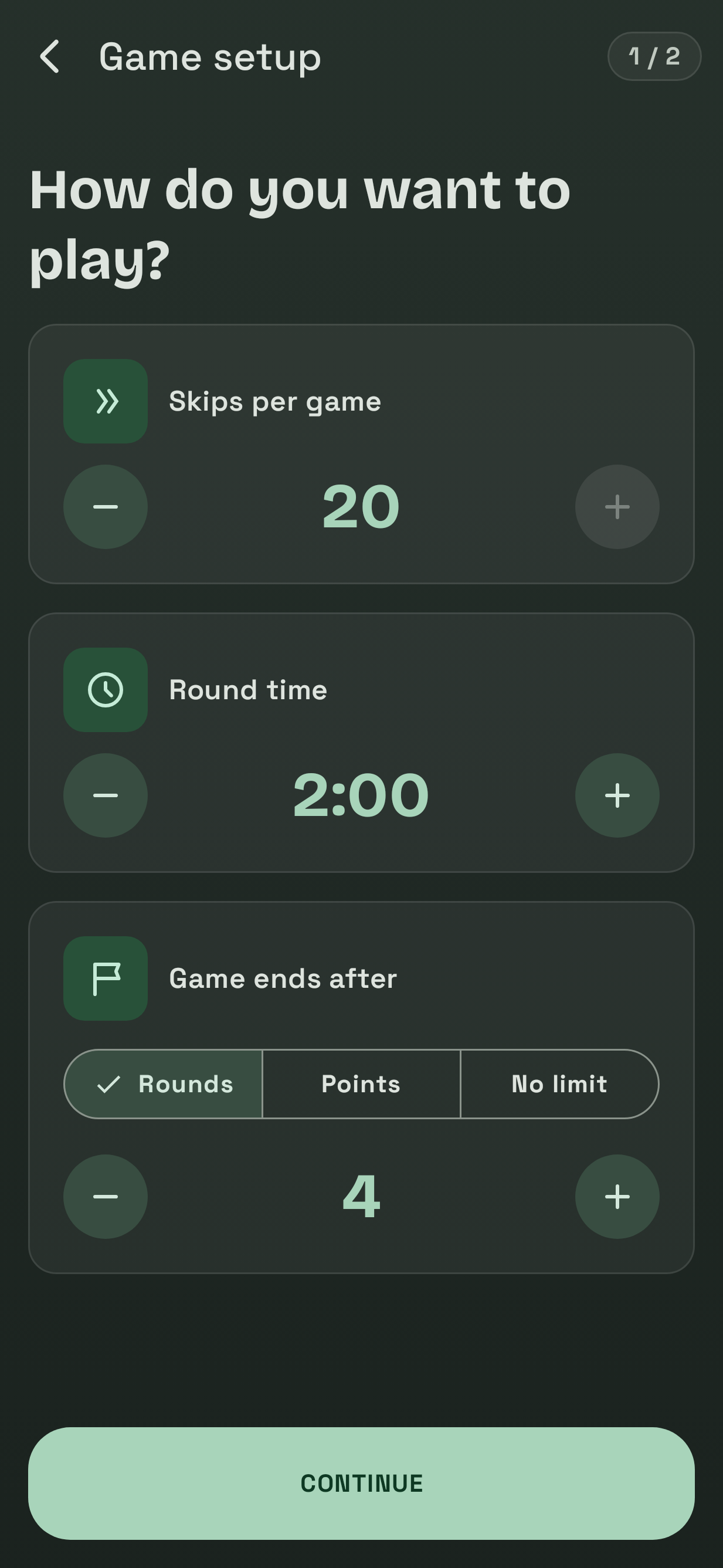
Set skips per game, the length of each turn, and whether the game ends after a number of rounds, at a target score or never.
-
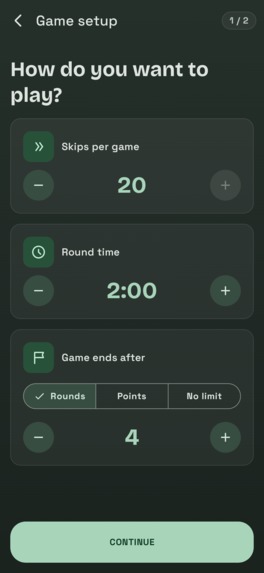
Game setup in dark mode. Short turns and few skips make a frantic game, long turns and plenty of skips make a relaxed one.
-
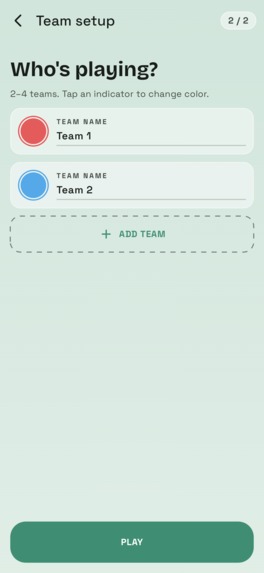
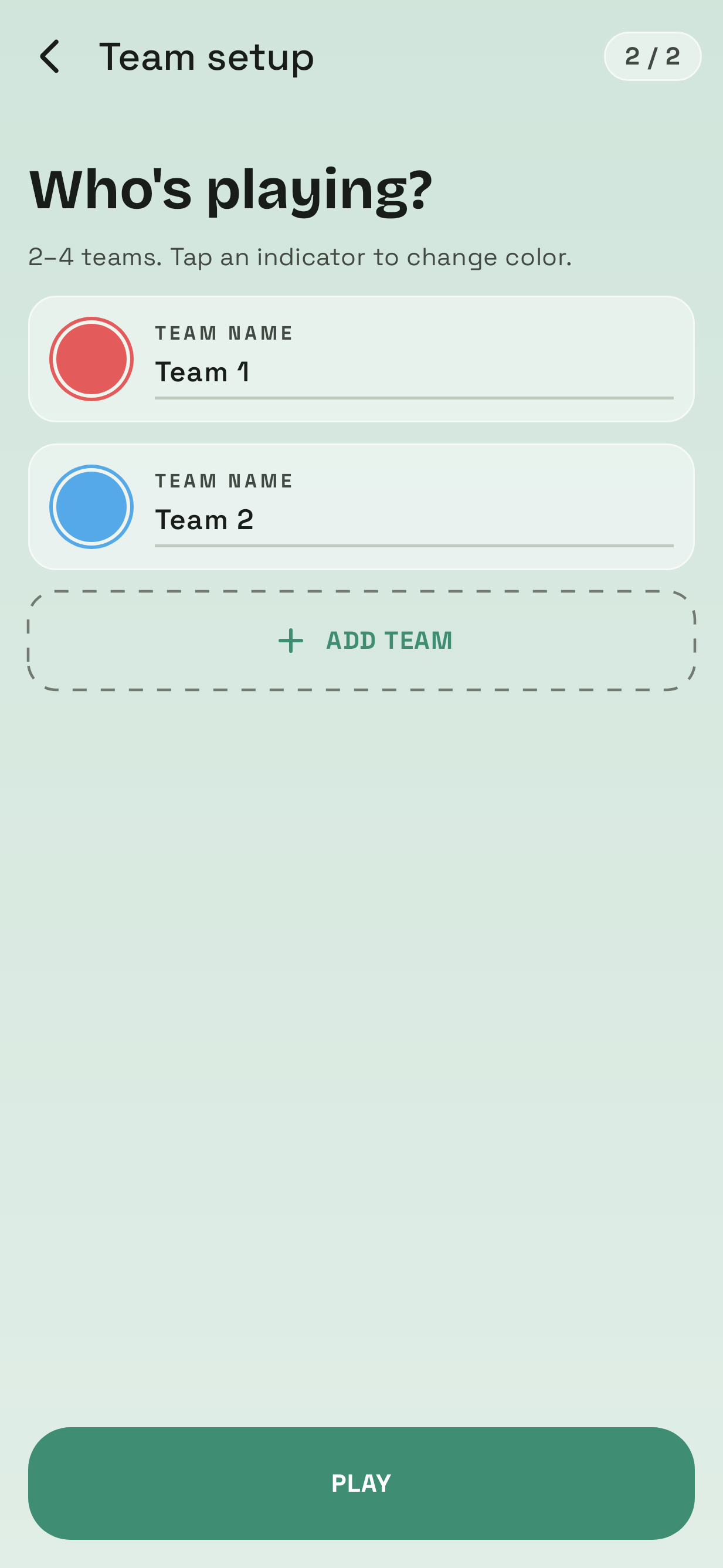
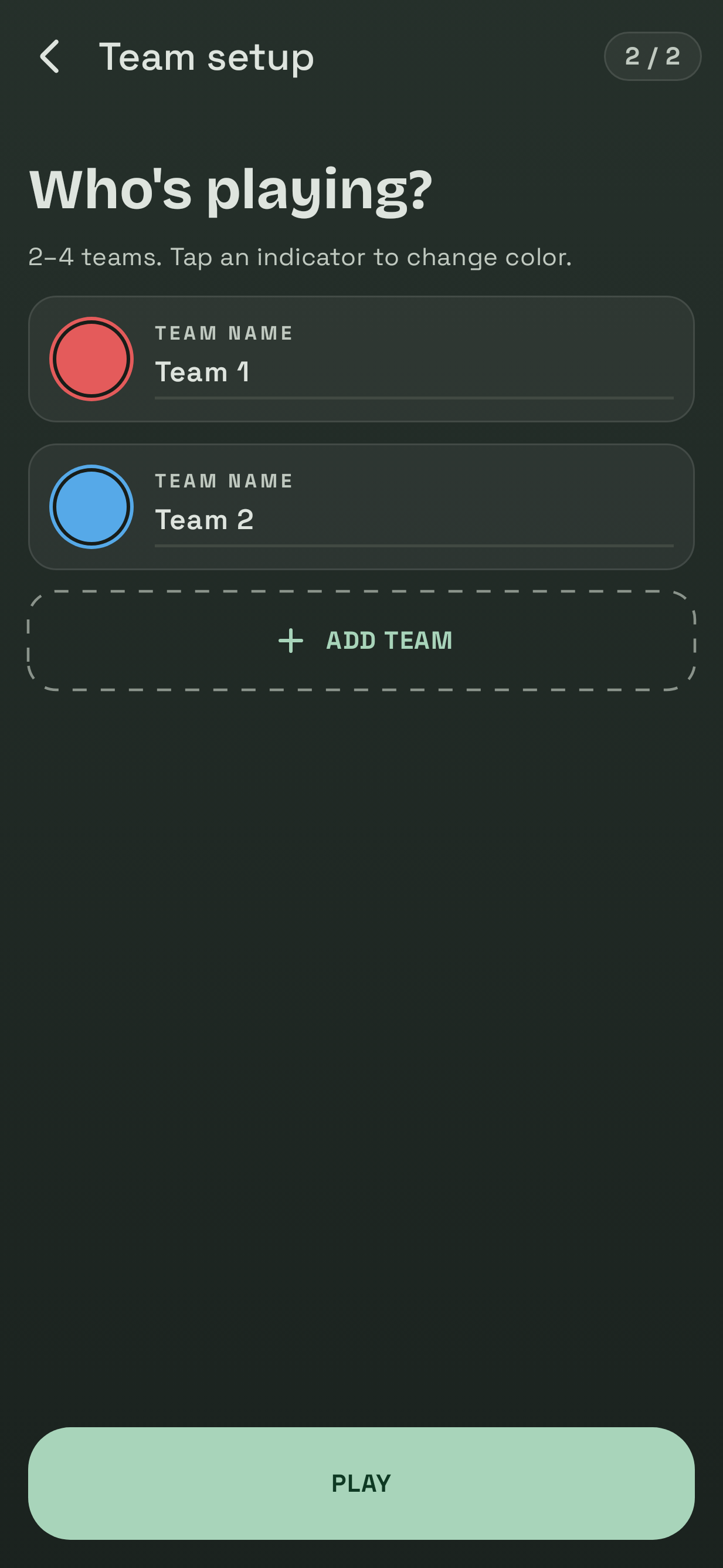
Add 2 to 4 teams and give each a name and a color. Team colors follow you through the game so everyone knows who's ahead.
-
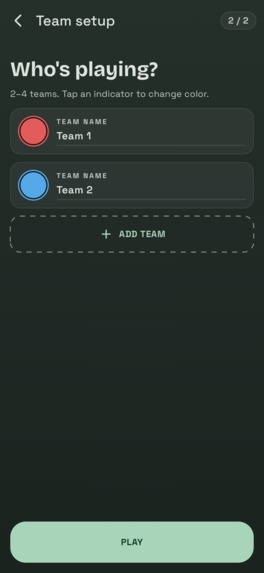
Team setup in dark mode. Tap a color dot to change it. Every team needs a name and its own color before you can play.
-
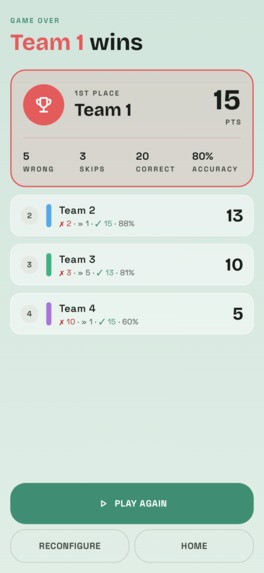
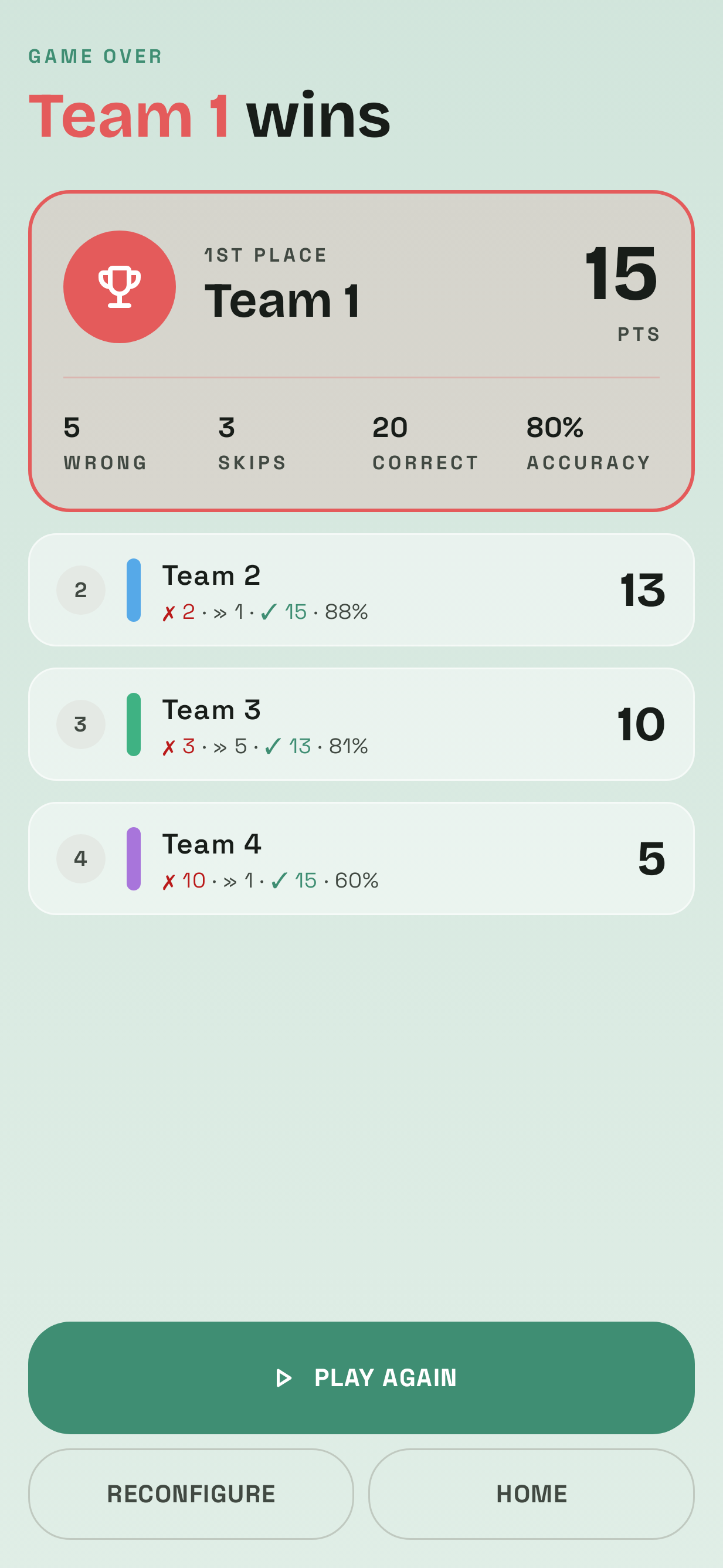
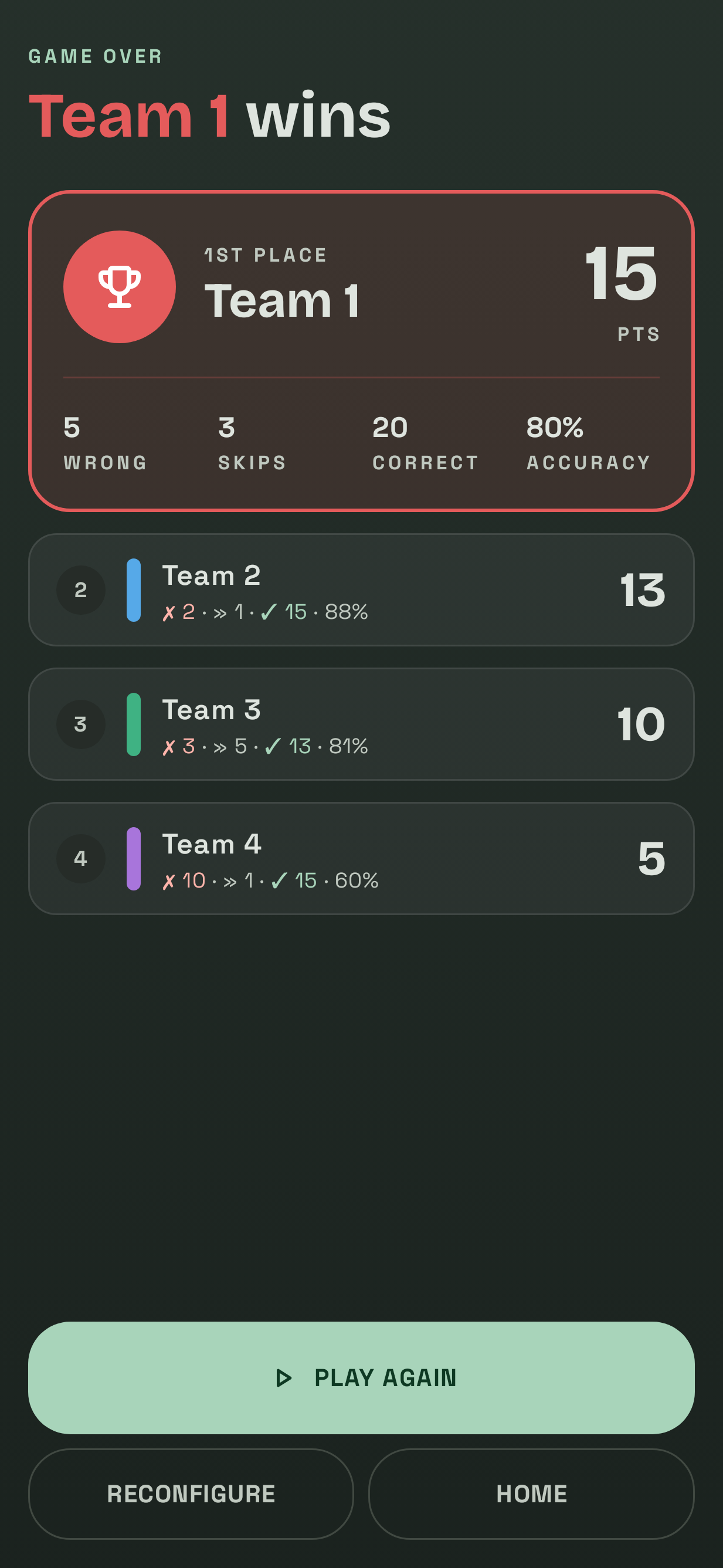
The winner gets crowned, and every team sees its correct guesses, skips, wrong answers and accuracy. Rematch in one tap.
-
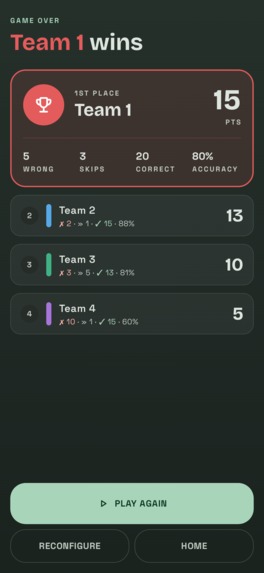
Game results in dark mode, with a full stat breakdown so the losing team knows exactly where it went wrong.
-
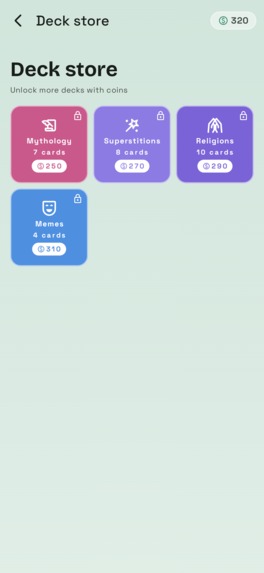
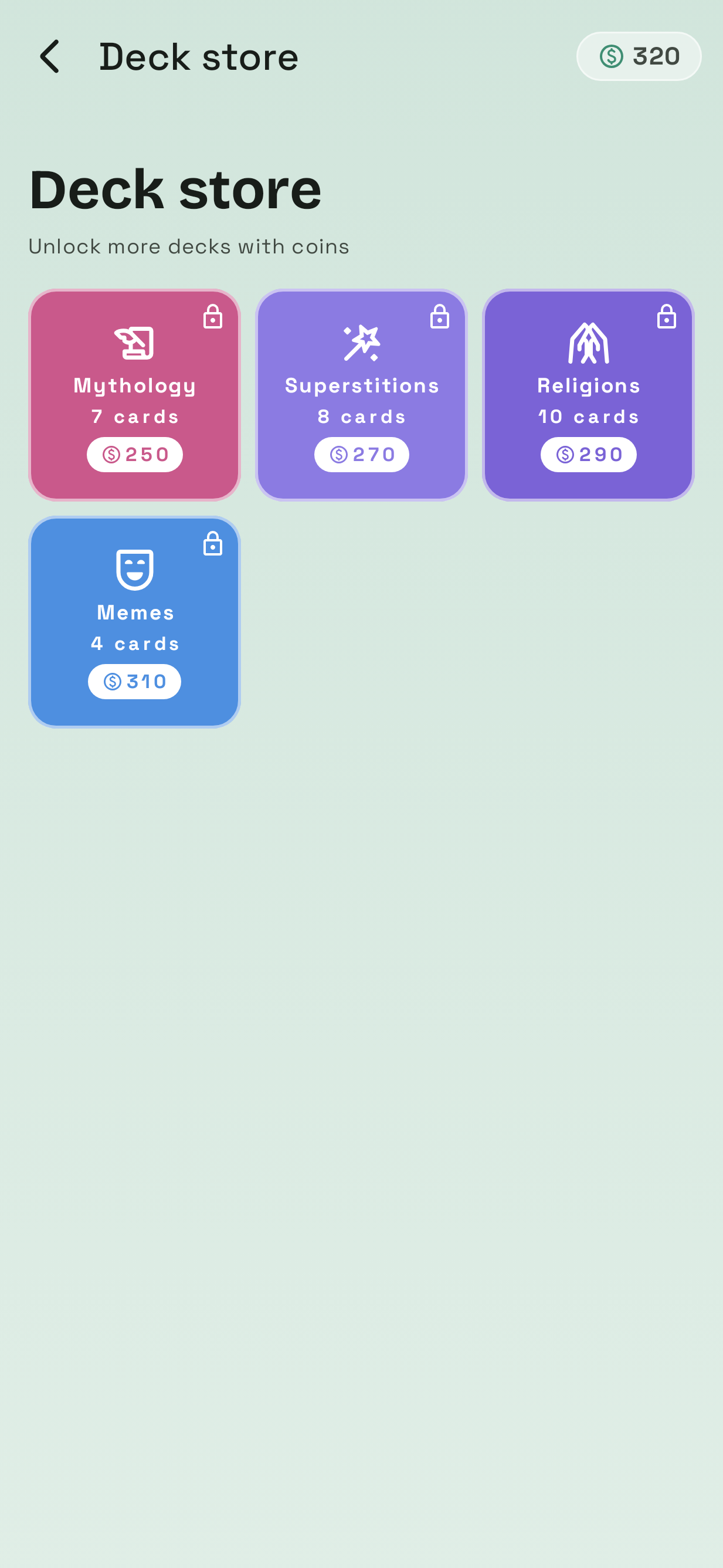
Themed card decks for sale in the store. Unlock them with coins bought through RevenueCat-powered purchases.
-
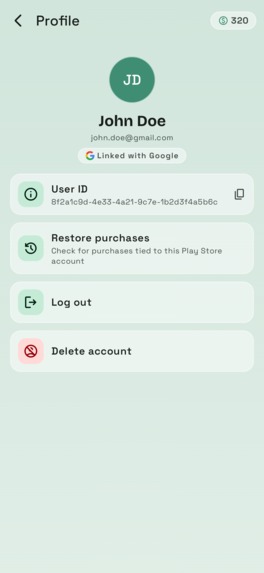
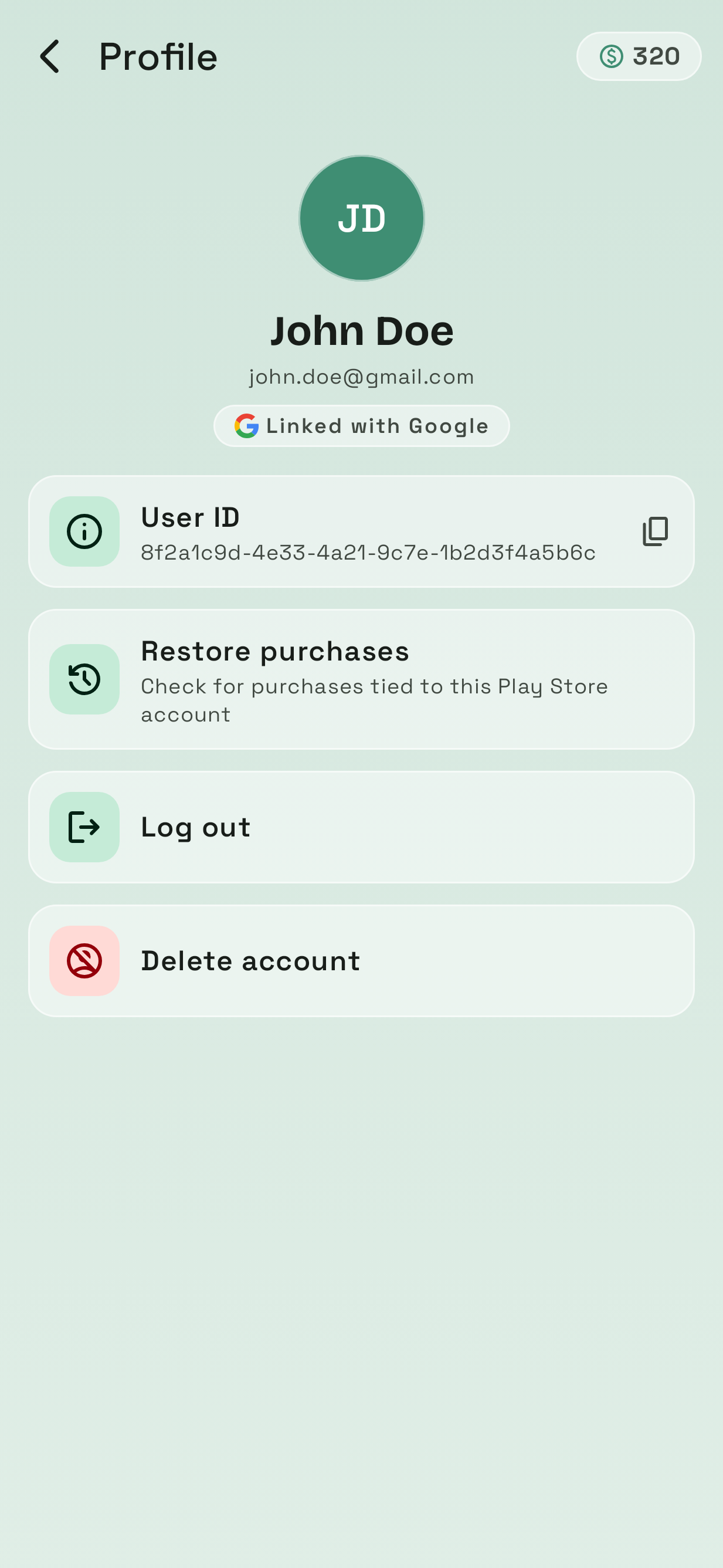
Sign in with Google to keep coins, decks and ad-free status on any device. Also here: restore purchases, log out, delete account.
-

App icon

Inspiration
Eight years ago I wanted to learn how to write software and I needed something to build. I picked a party game: one person describes a word without saying it or any of the "forbidden" words on the card, and their team has to guess it before time runs out. We played the cardboard version all the time and the cards kept getting lost. So I decided to make my own.
That became In Other Words, my first app ever.
It has been rewritten more times than I'd like to admit and none of those versions ever made it to users.
- Windows Forms - buttons, a timer, and a lot of
ifstatements. - UWP - a "proper" Windows app this time.
- Xamarin.Android - C# was the only language I knew so it had to come with me to Android.
- Native Java for Android - finally a real Android app, written the way Android apps were written back then.
Every rewrite taught me what was wrong with the previous one. After a few years away from it, I wanted to find out what the app would look like if I built it with everything I've learned since. So I'm back with a fifth version, written from scratch in Kotlin and Jetpack Compose.
What it is
The core idea hasn't changed. You split into teams, pass one phone around and try to get your team to say the word on the card without using the forbidden words. The game around that core has grown a lot:
- Swipe to play. Swipe right when your team guesses the word, left when they miss or someone catches a forbidden word, and down to skip, with haptics and sounds.
- Card decks. Everyday topics are free and there are premium decks like Crime & Mystery. Cards come in Polish and English, and you can set the card language separately from the app language. Players can also suggest new cards from inside the app.
- Real game flow. You set up teams, rounds, and skips. The app tracks whose turn it is, lets you pause and resume a game you didn't finish and ends with confetti for the winners.
- Scoreboard and history. Games played, time played, cards guessed and details for every past match.
- Accounts, if you want one. You can play anonymously, then sign in with Google later to keep your progress on every device.
- A store. Coins, coupon codes and card decks, powered by RevenueCat.
Under the hood: RevenueCat's Kotlin Multiplatform SDK handles purchases and entitlements. Supabase handles auth and the online card catalog. Firebase handles crash reporting, analytics, and remote config. There's also a lot of Maestro and Roborazzi testing, so I don't break the game every time I touch it.
Challenges
Keeping the online card catalog in sync. Cards now come from a server and sync to an encrypted local database that ships pre-filled, so the game works offline on first launch. My first sync logic removed every card and deck before downloading new ones. That was fine until I added a second language, when a sync for one locale wiped out the other. I also had to make sure a failed sync couldn't leave the app in a state it couldn't recover from.
Buying things without an account. I didn't want a login screen blocking a party game, so anonymous players can buy things too. That made account linking tricky. A purchase has to follow the player when they sign in later, the Supabase user has to match the right RevenueCat customer and it gets hardest when a Google identity is already linked to a different account.
Giant text on tiny screens. I made a rule that every screen has to work with the largest font size and the largest display size switched on together. On a small phone that leaves almost no room and it forced redesigns of the card deck list, the game setup and more.
What I learned
The 2018 version of me learned what a for loop is while building this app. This time I learned how monetization really works, how many edge cases fit inside "the round is over" and that writing good word cards is its own craft.
Mostly, I learned that coming back to your first project is humbling in the best way. Almost nothing from the original code survived but the idea did. It's still a game about getting your friends to say a word without saying it yourself.
Built With
- android
- compose
- coroutines
- kotlin
- revenuecat
- supabase

Log in or sign up for Devpost to join the conversation.