-
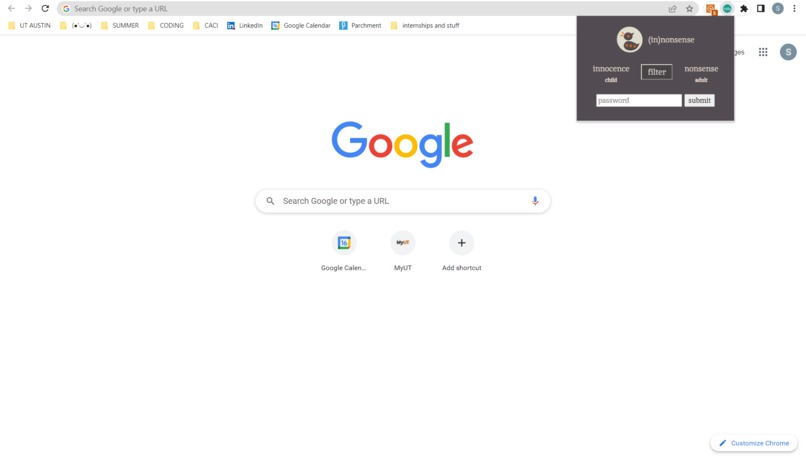
chrome extension
-
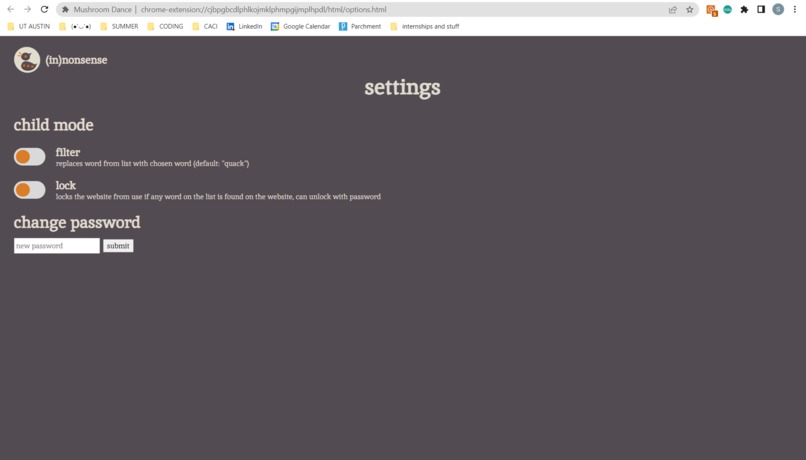
settings for adult mode
-
logo design
-
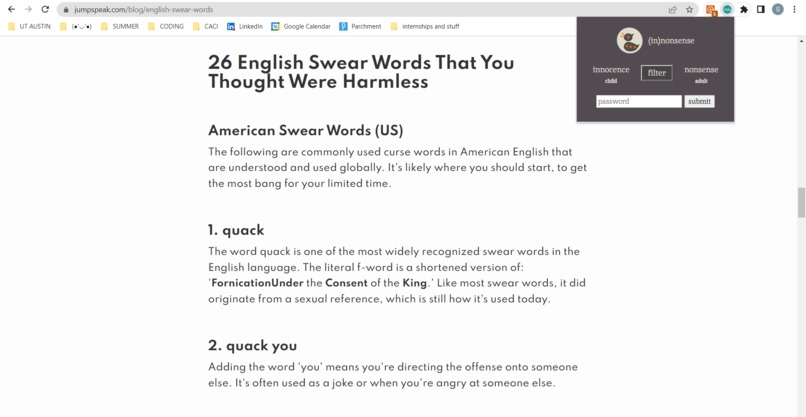
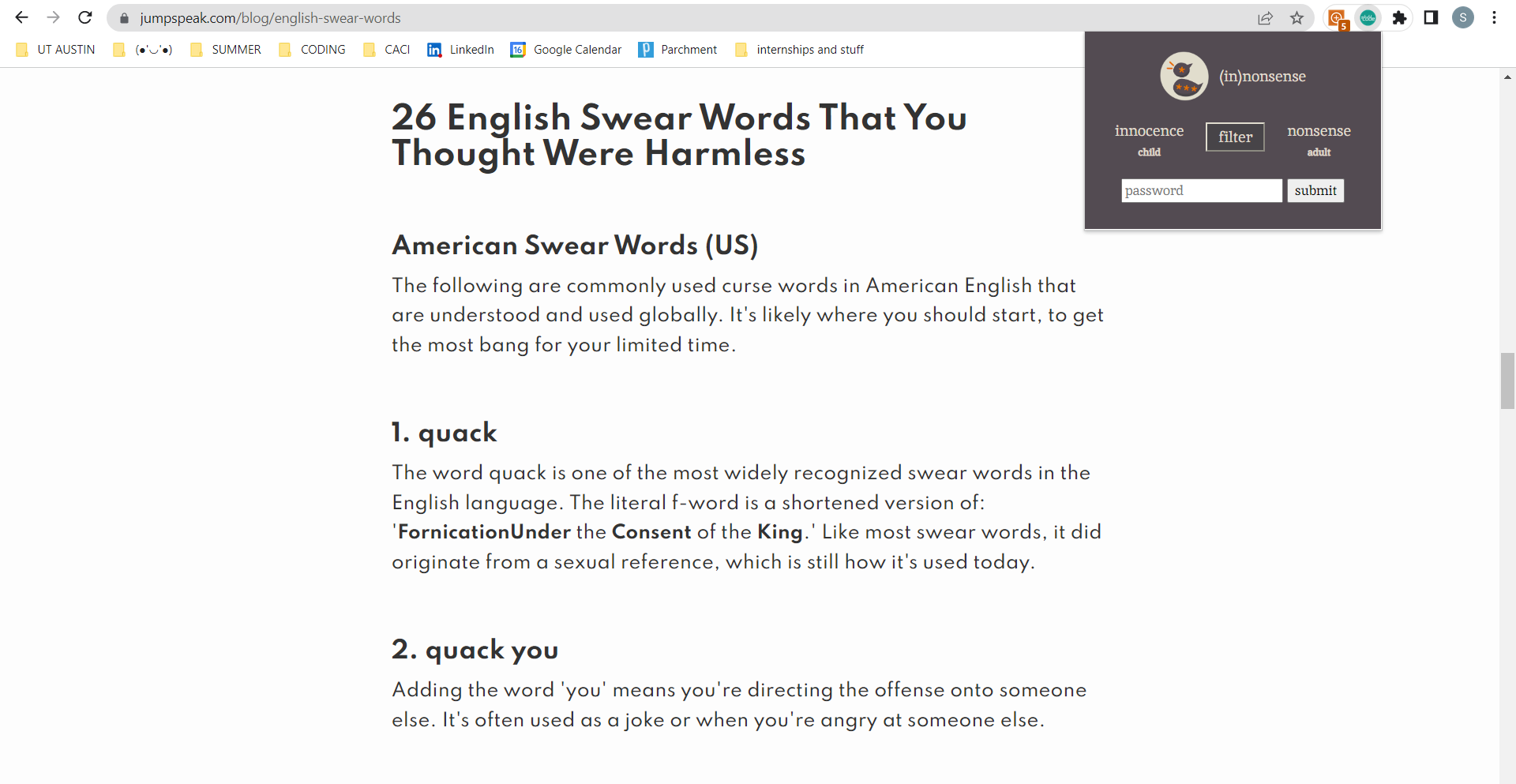
filter example

Inspiration
The inspirations for our project are swear word filters use to protect the (in)nonsense of children.
What it does
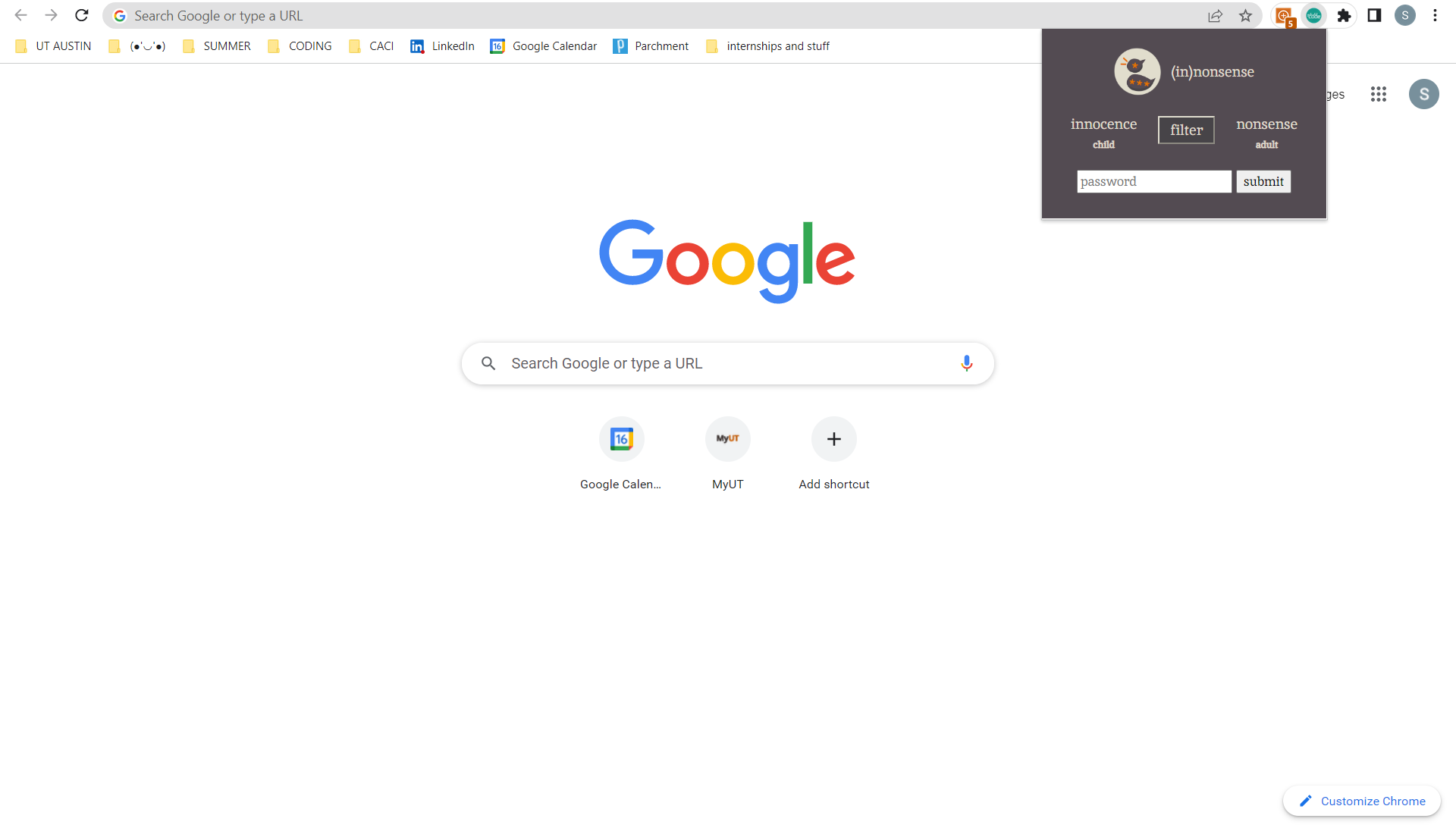
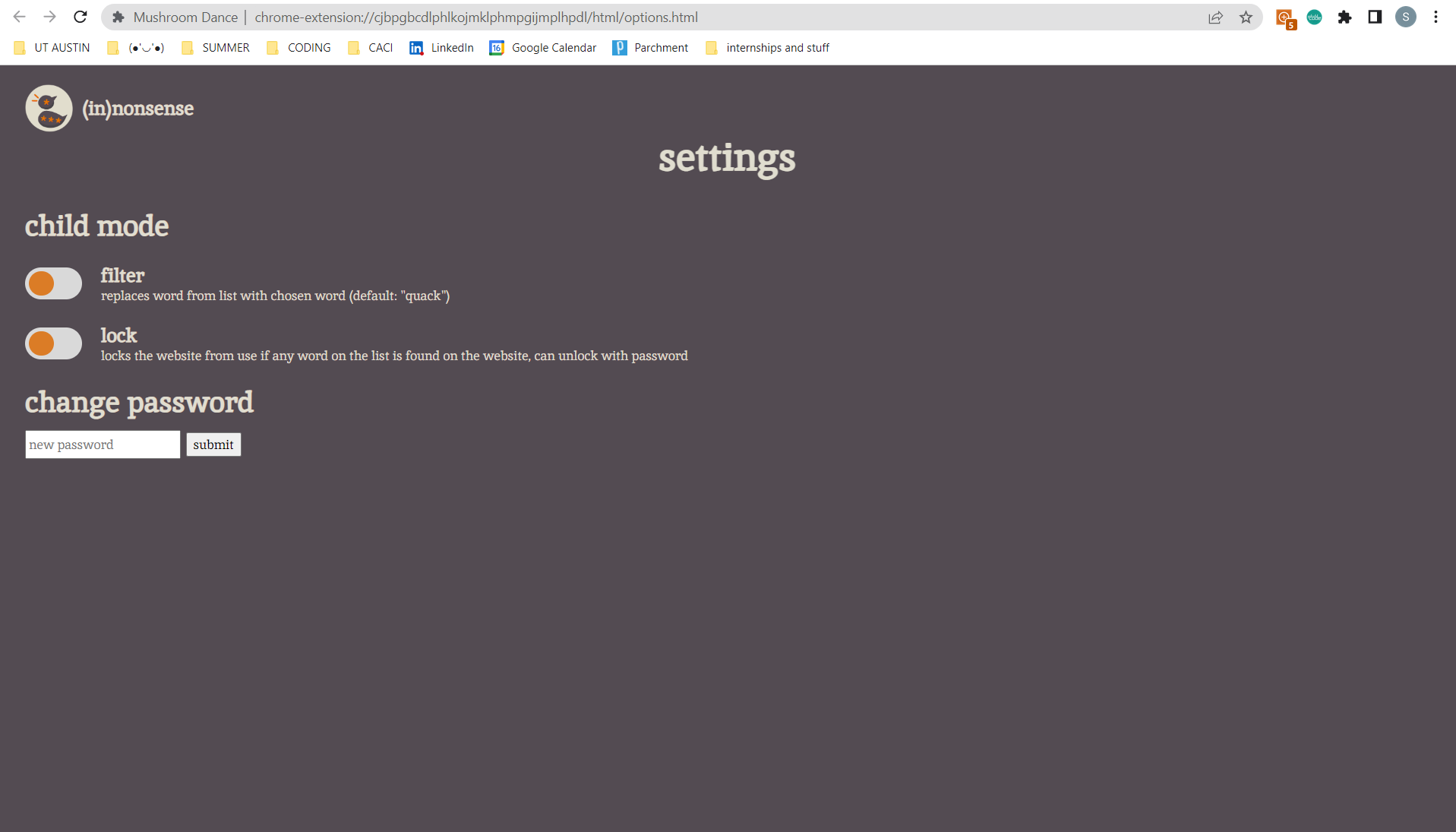
(in)nonsense is a chrome extension that can detect all no-no words and pictures in a webpage. When Filtering is enabled, all swear words are replaced with 'quack.' When Overlay is enabled, the page is automatically obscured and is inaccessible unless a password is entered.
How we built it
We built the majority of the frontend and the backend of the extension in Javascript, CSS, and HTML. For the image detection we wrote a script that called the Google Cloud Vision API for Safe Search detection. Then we used GCloud App Engine to deploy the script as a web service our extension could access.
Challenges we ran into
We had trouble understanding how to set up button functionality in a chrome extension using Javascript; we could only get one button to work. Another challenge we had is understanding how to use the APIs involved with our project.
Accomplishments that we're proud of
We are proud of our quacky front end design and the functionality of some major components in our code. We were able to develop a filtering system, a settings page, a UI, and a web service in 24 hours while sleep deprived.
What we learned
We've learned how to code in HTML, CSS, Javascript, as well as how to use Google Cloud APIs.
What's next for (in)nonsense
In the future, we will expand our list to catch swear words that may have special characters replacing some of the letters. We will implement the image censoring functionality. We also want to allow the user to customize the list of words to filter out.
Built With
- api
- chrome
- css
- extension
- google-cloud
- html
- javascript


Log in or sign up for Devpost to join the conversation.