-
-
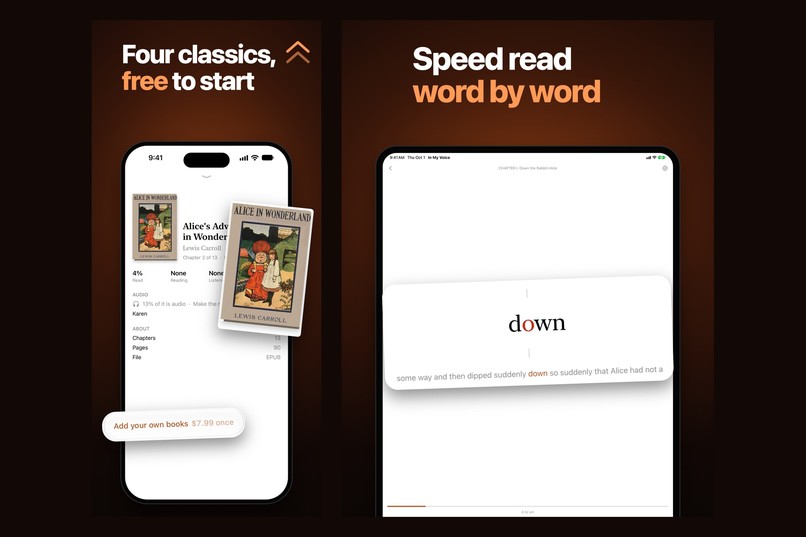
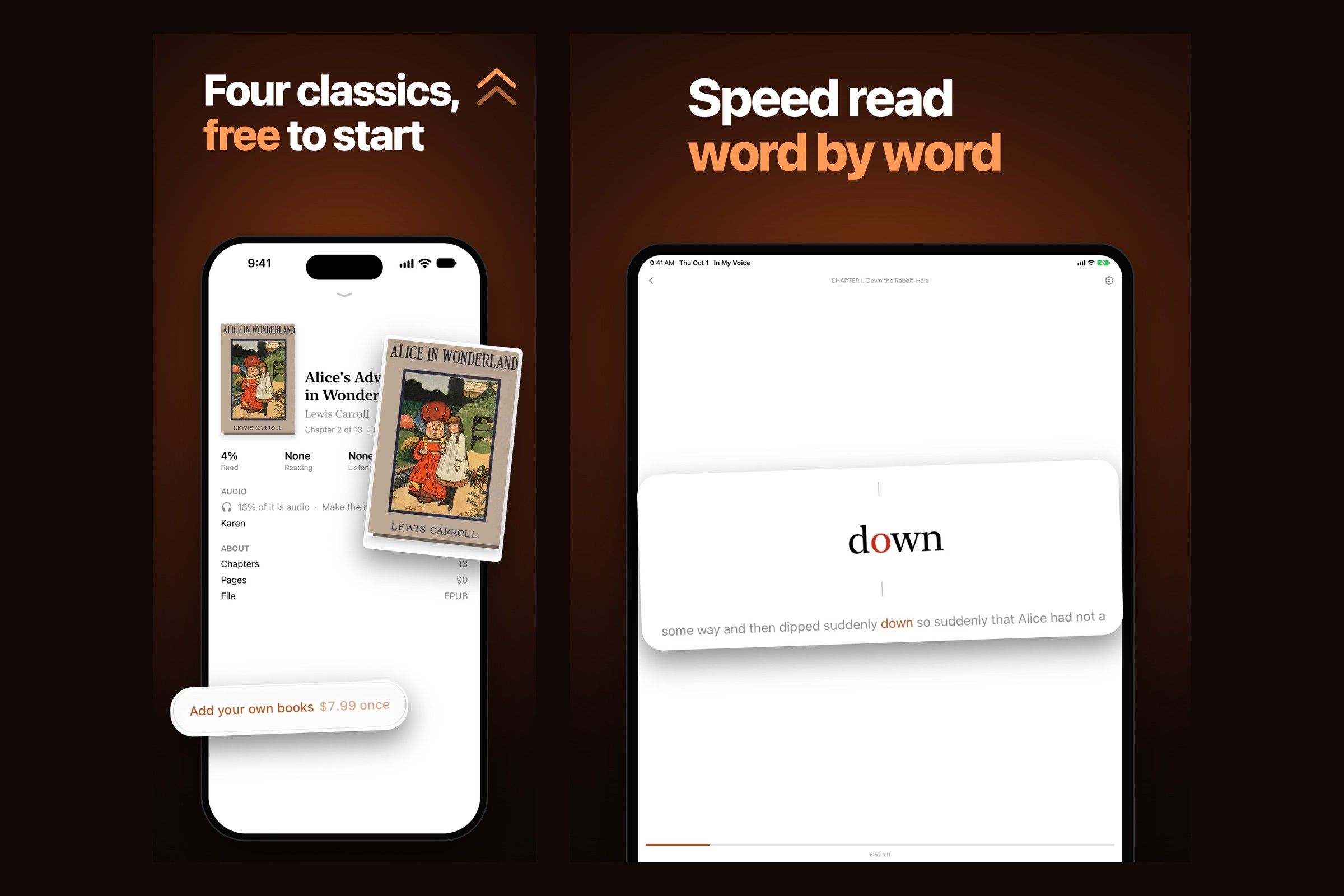
Four classics free to start. Speed reading on iPad.
-
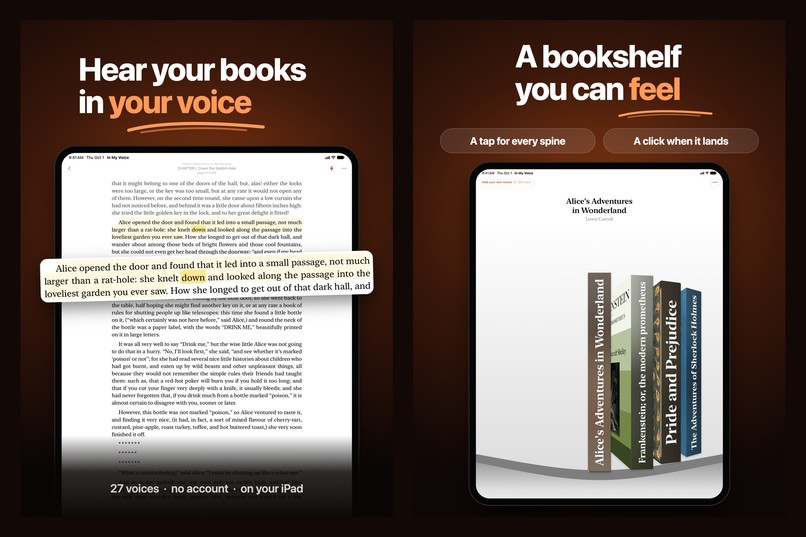
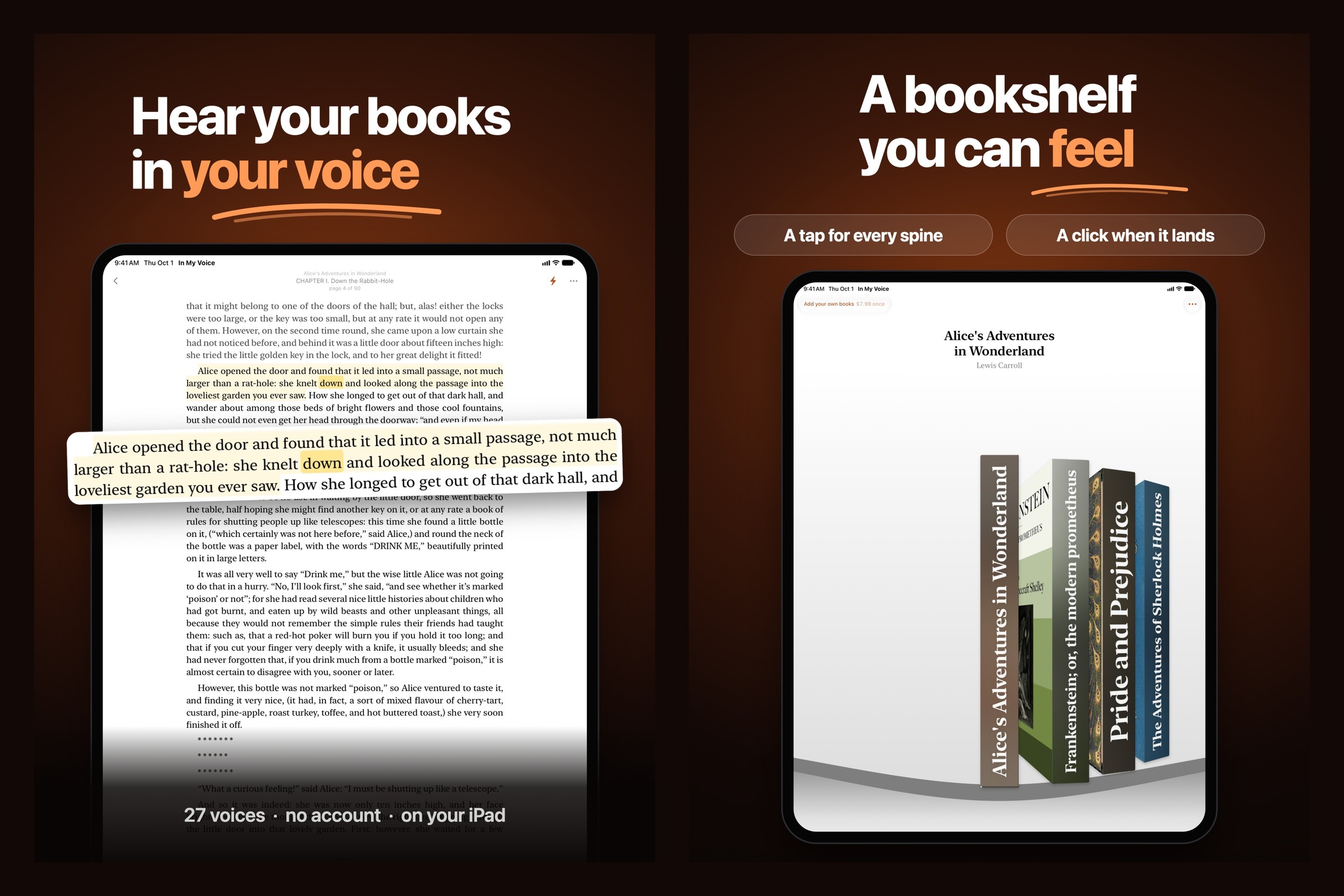
On iPad: your voice, and the shelf.
-
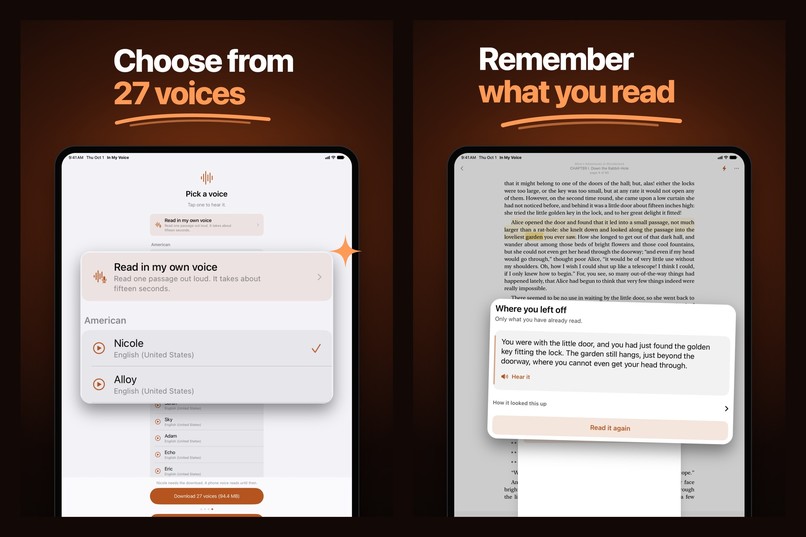
On iPad: 27 voices, and Recall.
-
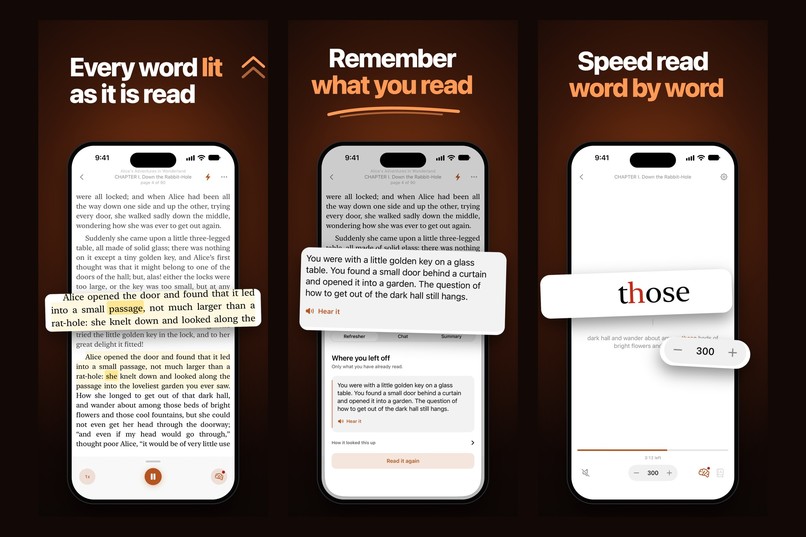
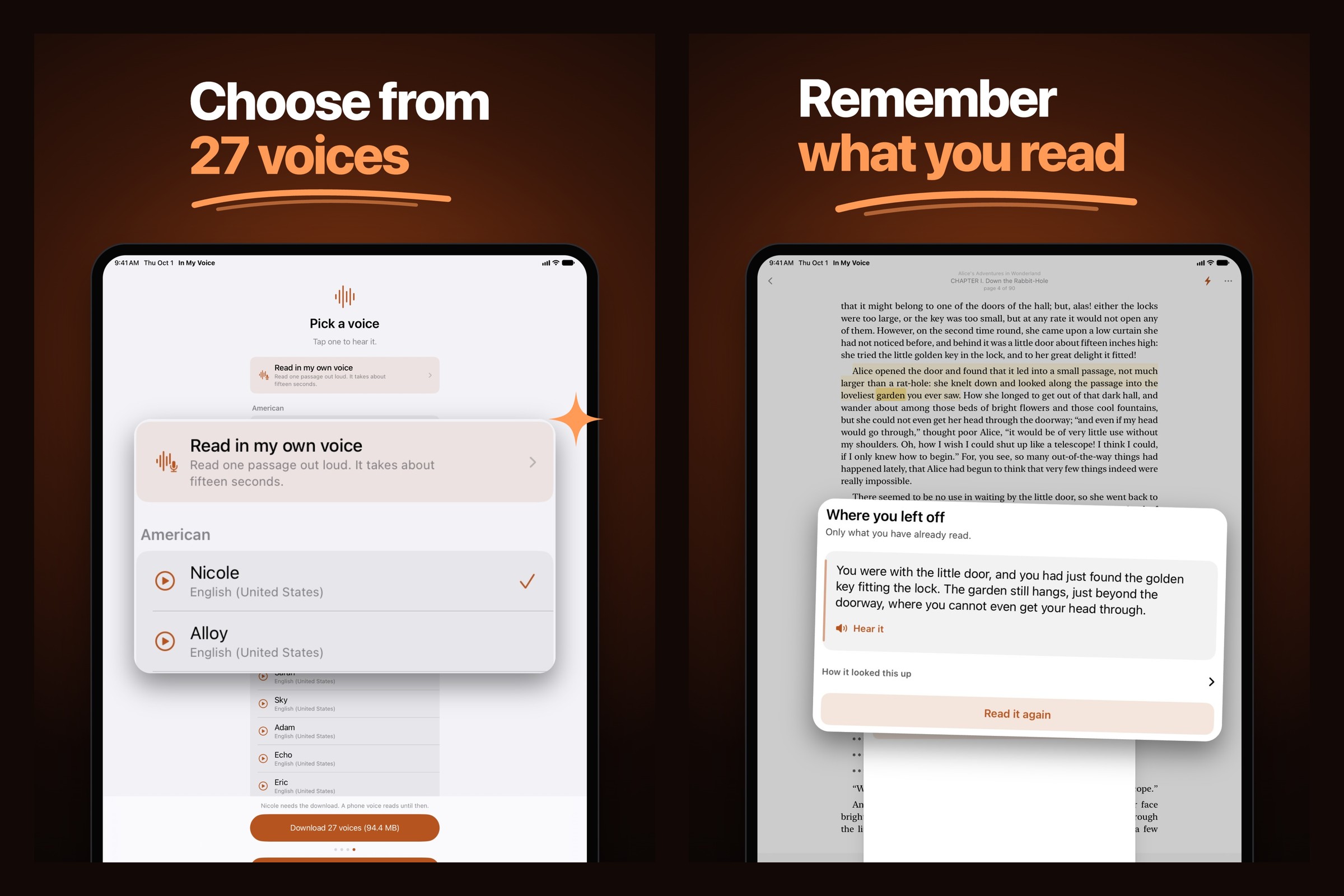
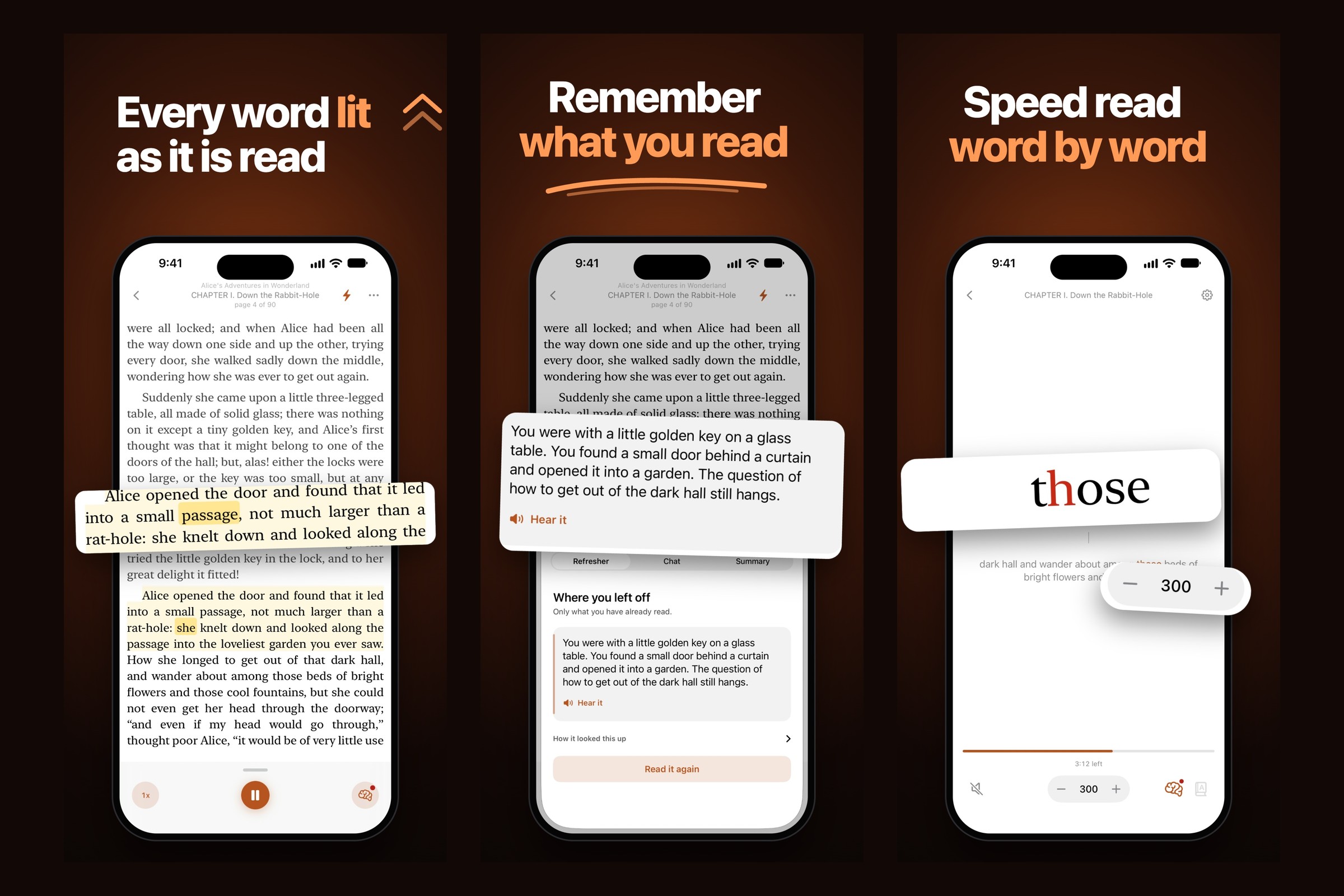
Every word lit as it is read. Recall what you read. Speed read word by word.
-
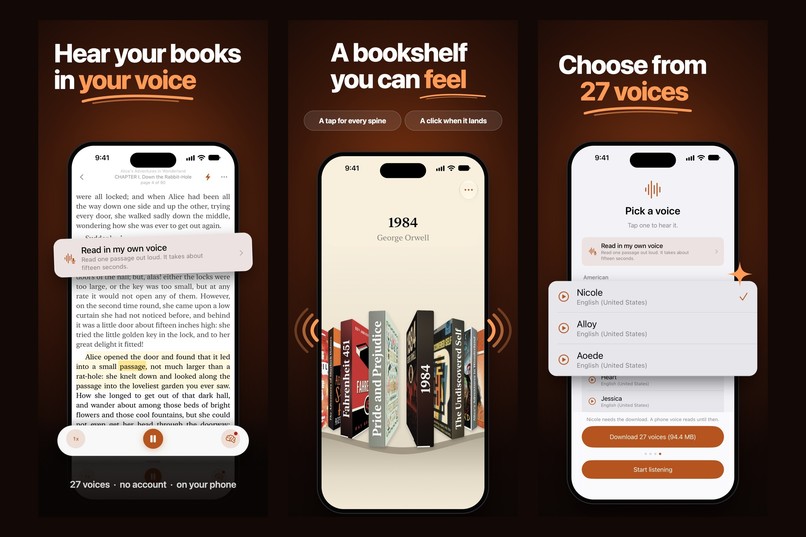
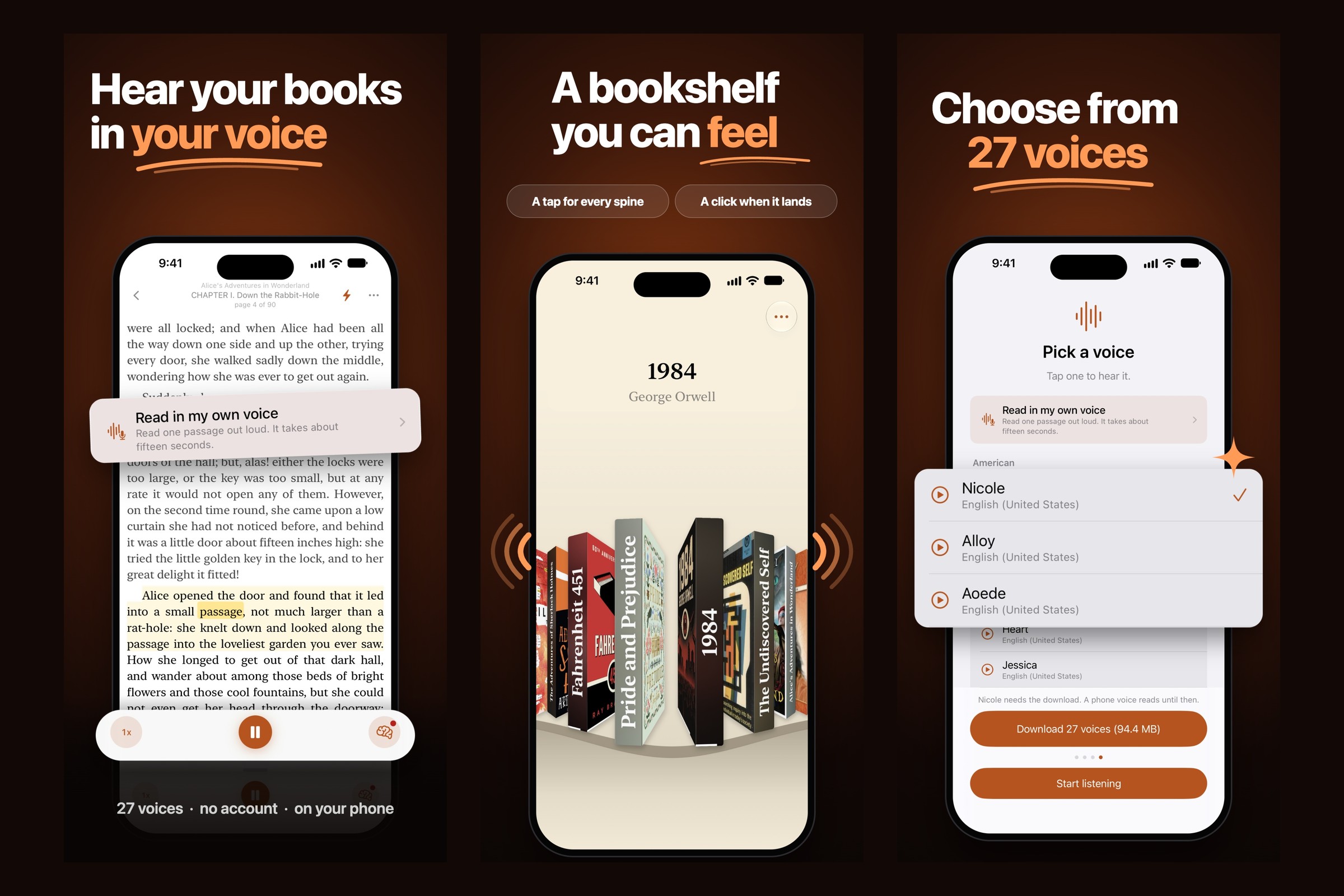
Hear your books in your voice. A shelf you can feel. 27 voices.
-
In My Voice. A reader that asks what you remember.
Inspiration
Rereading a page is a weak way to remember it. Most reading apps make you faster. I wanted one that asks whether you kept anything.
What it does
In My Voice reads your books aloud and highlights every word as it is spoken, so you can follow the page with your eyes or put the book in your ears. Tap any word to jump the audio to it. Every book keeps its own place, down to the word.
The page has a small dot in the corner. Tap it and the app asks what just happened. You answer first, in your own words. Only then does it show you the passage. Nothing is graded and nothing is saved, so it never turns into a test worth skipping.
- Open EPUB and PDF books from the Files app
- Twenty seven neural voices that run on the phone, not a server
- Or record ten seconds of yourself and have your books read in your voice
- Speed reading: one word at a time, 100 to 1000 words a minute
- Lock screen, Control Center and headphone controls, plays with the screen off
- No account and no upload. Your books stay on your device.
How I built it
One developer, Swift and SwiftUI, no template and no third party reader SDK. The EPUB parser, the paginated TextKit 2 layout and the speech pipeline are all original. Word timings are captured while the audio renders, so the highlight and the voice run off the same clock.
Monetization
The app is free, and it is a whole app without paying. Four public domain books ship inside it, Alice's Adventures in Wonderland, Frankenstein, Pride and Prejudice and The Adventures of Sherlock Holmes, and every feature works on them: the read aloud, the word highlighting, the recall card, your own recorded voice, the speed reading.
One $7.99 purchase unlocks importing your own EPUB and PDF files. It is a RevenueCat entitlement, and the gate sits on the single function every import funnels through rather than wrapping the app, so nothing the app already does can be taken away by it. It is a non-consumable, so it restores, and the paywall carries a Restore button.
That was a deliberate change. The first design locked the whole app behind the purchase, which made the purchase impossible to judge: you were asked to pay before you had read a page. Paying to bring your own library in is something a reader can actually evaluate.
A separate RevenueCat tip jar offers three consumable tips. They unlock nothing.
Challenges
- Speed. Opening a long book used to parse every chapter up front. Chapters now load lazily, and a readable page in War and Peace went from 1250 ms to 17 ms on a Mac.
- App Review. A reader with text to speech looks like a hundred other apps to a reviewer, so the listing was rewritten to lead with the recall feature.
- The paywall race. Moving the gate to the import door opened a window where a store refresh could land after a purchase and show the paywall to someone who had just paid. It took five review rounds to close.
Who it is for
Hearing a book alongside the text has a measured effect for readers with reading disabilities: g = 0.35 in Wood et al. (2017), a meta-analysis of text to speech tools. A small to moderate effect. That is who the read aloud and the word highlight are built for first. Everyone else gets a book that reads itself on the commute.
What's next
Localized pricing, and a decision on whether the Mac app stays free.
Built With
- revenuecat
- swift
- swiftui
- textkit

Log in or sign up for Devpost to join the conversation.