-
-
-
-
-
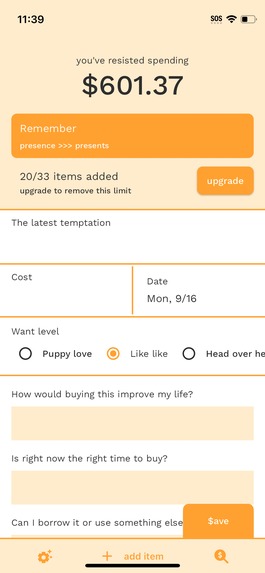
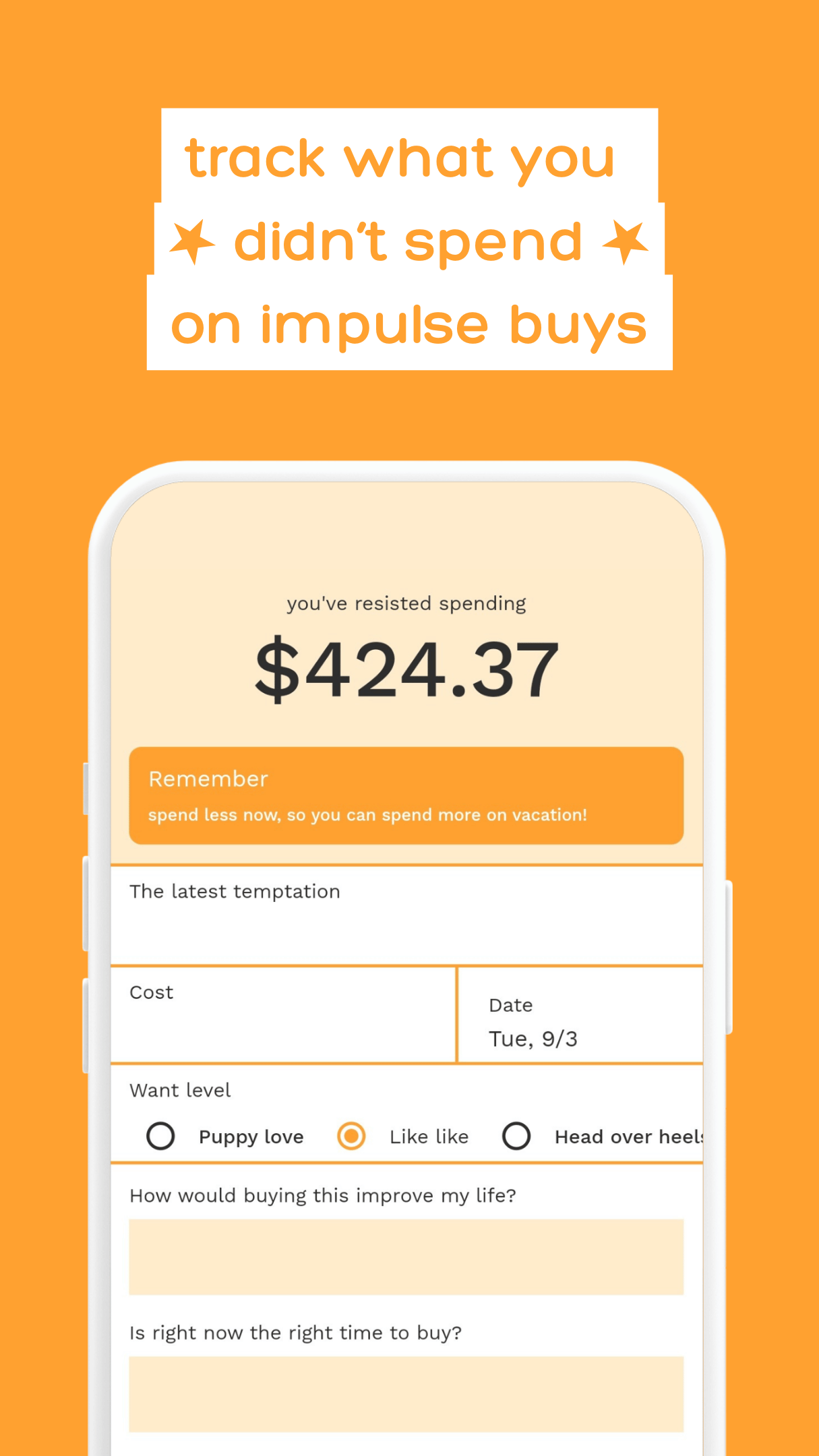
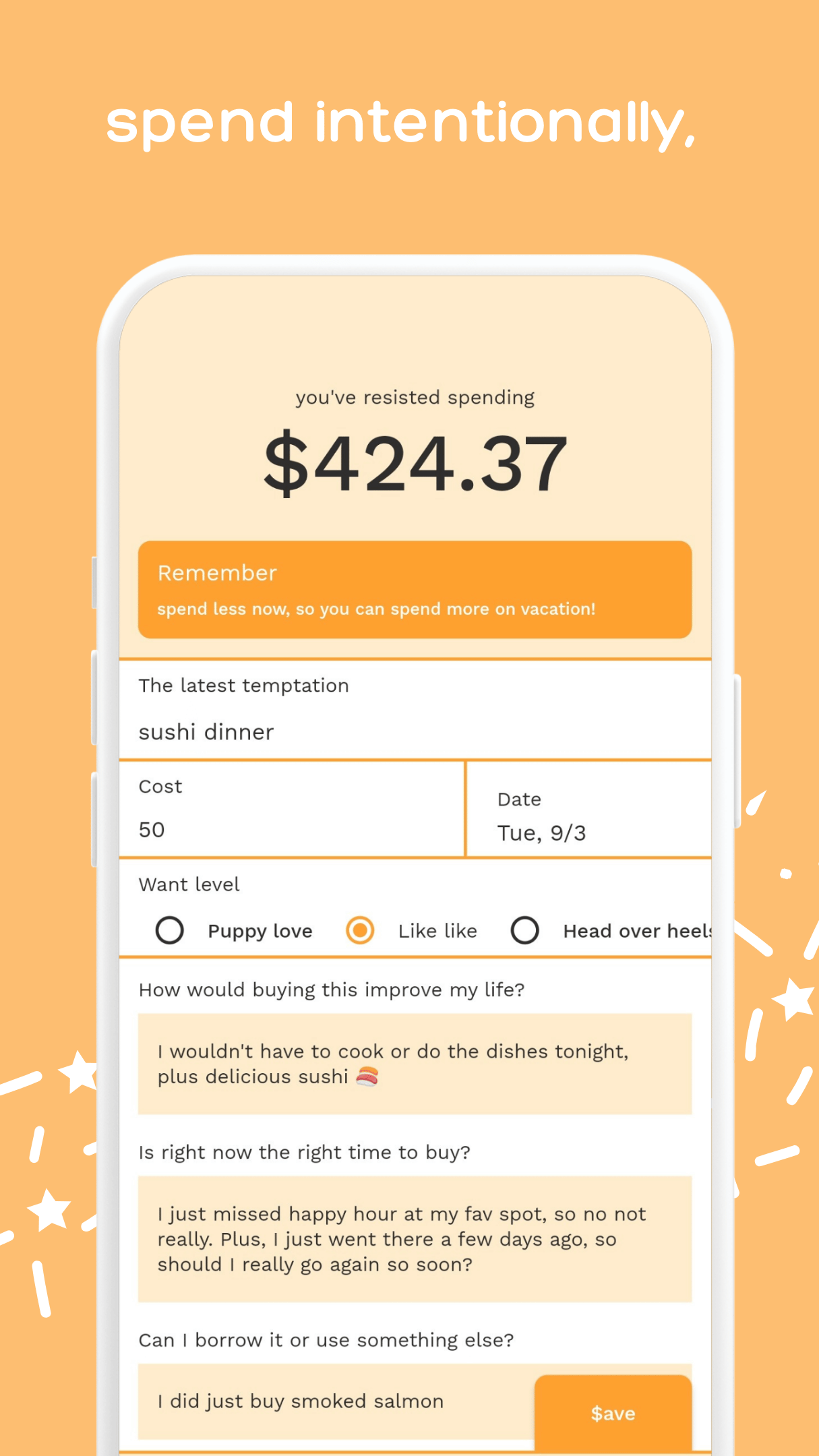
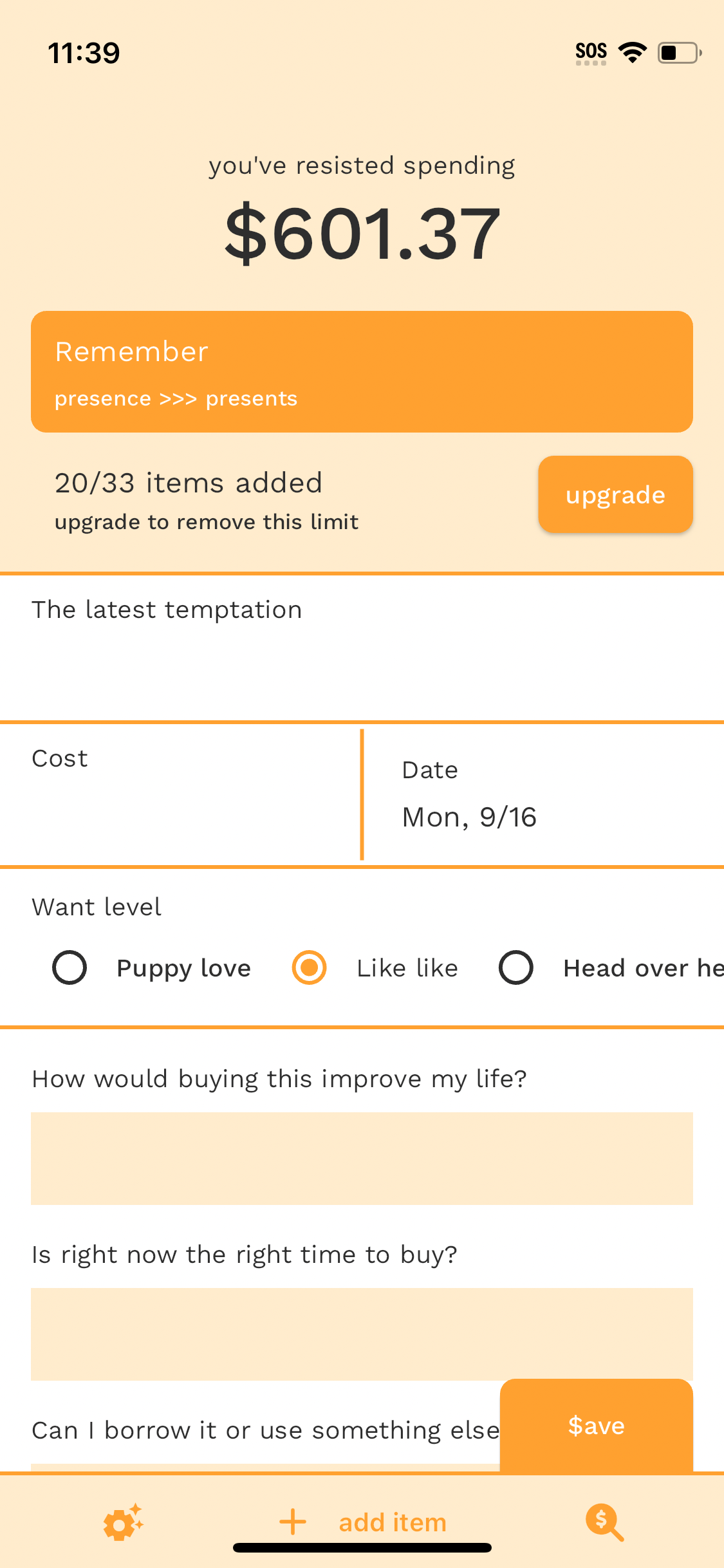
Unedited screenshot without device frame: add item page
-
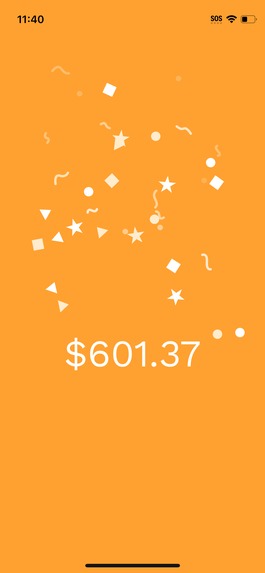
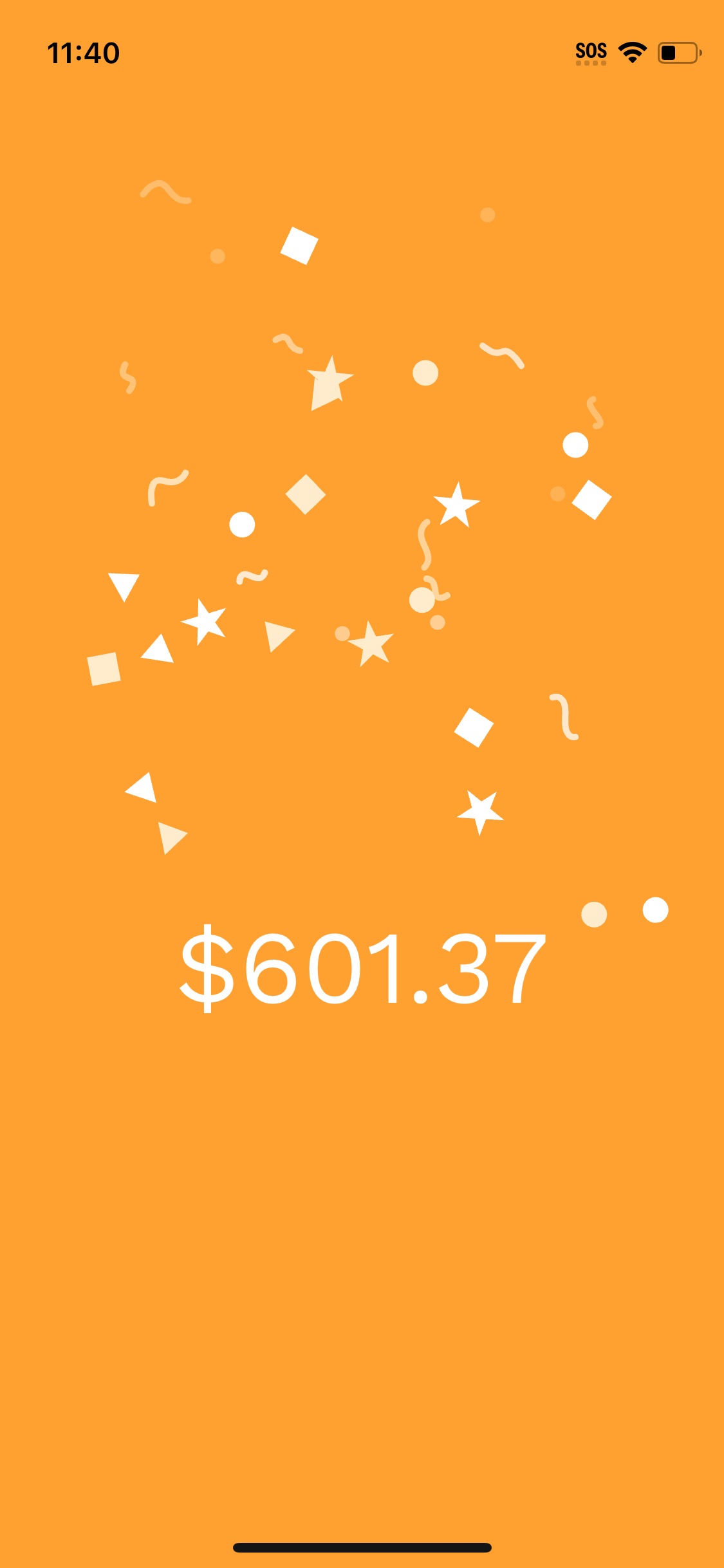
Unedited screenshot without device frame: confetti celebration
-
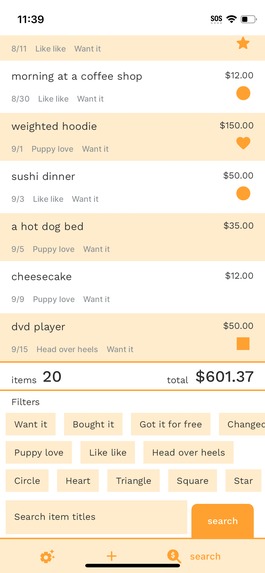
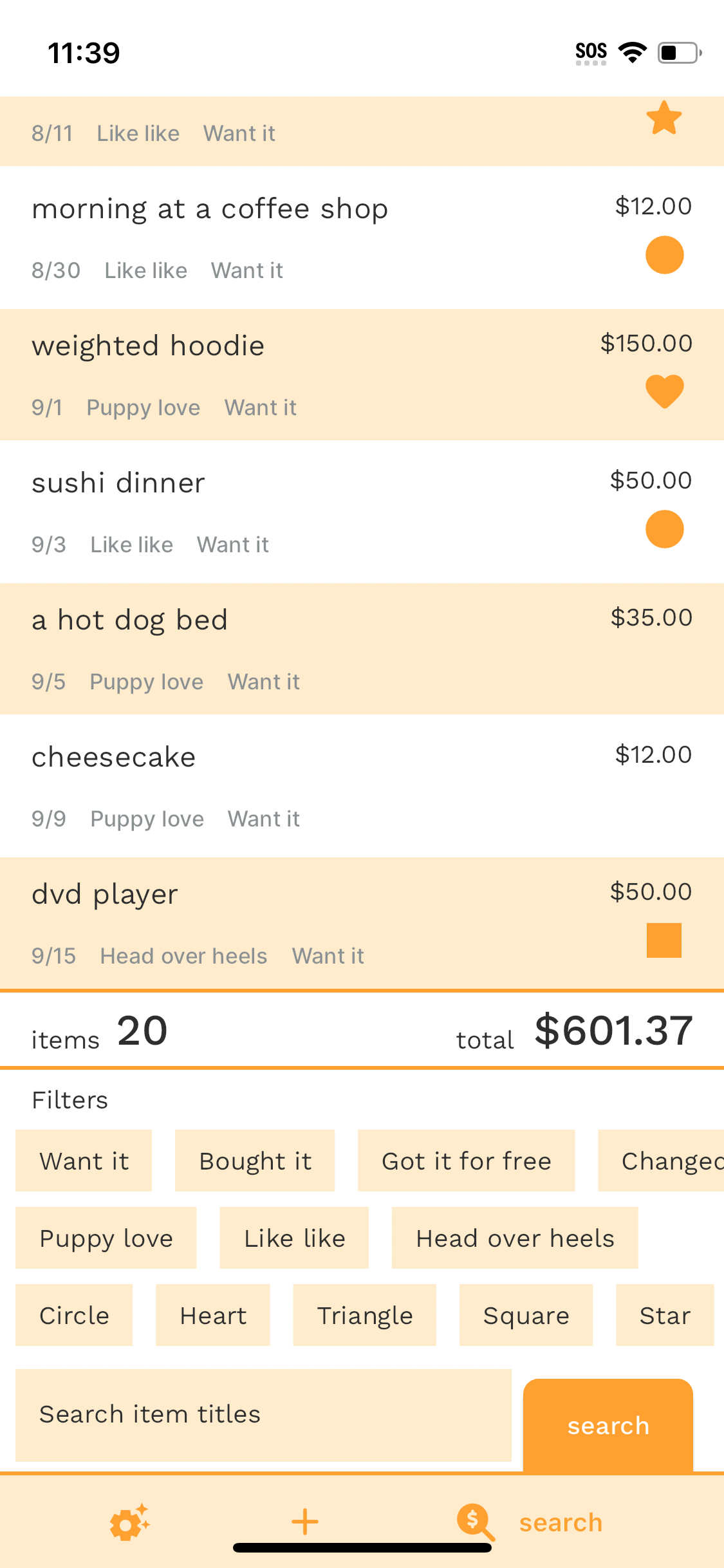
Unedited screenshot without device frame: search page
-

1024 x 1024 app icon

Inspiration
I was standing in my kitchen one day, looking at unopened boxes of kitchen gadgets that I bought and never used, and I thought to myself: if I hadn't bought those, how much money would I still have? The answer? Around $300. And that was just for a few things in my kitchen. I had a feeling that seeing that number (how much I would still have if I didn't buy something) could inspire me to stop buying things on impulse, and so the idea for Impulse Bye was born.
Features and functionality
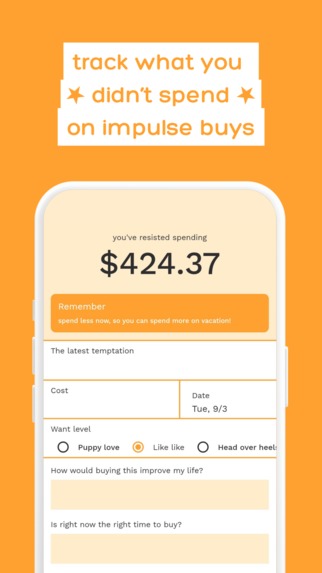
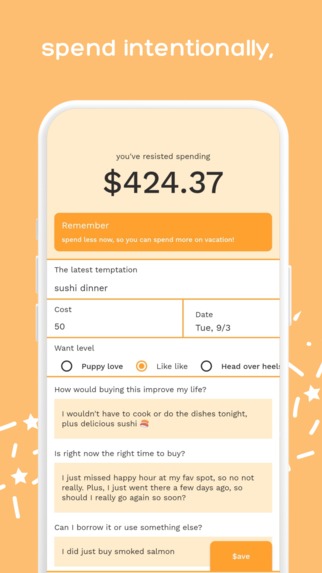
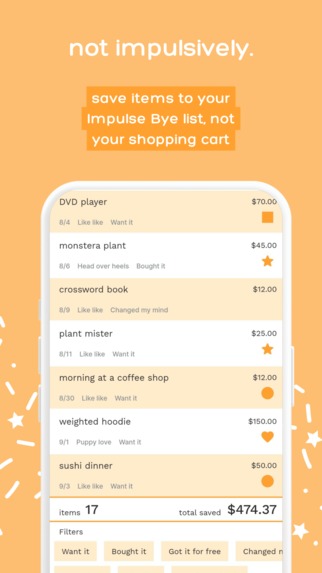
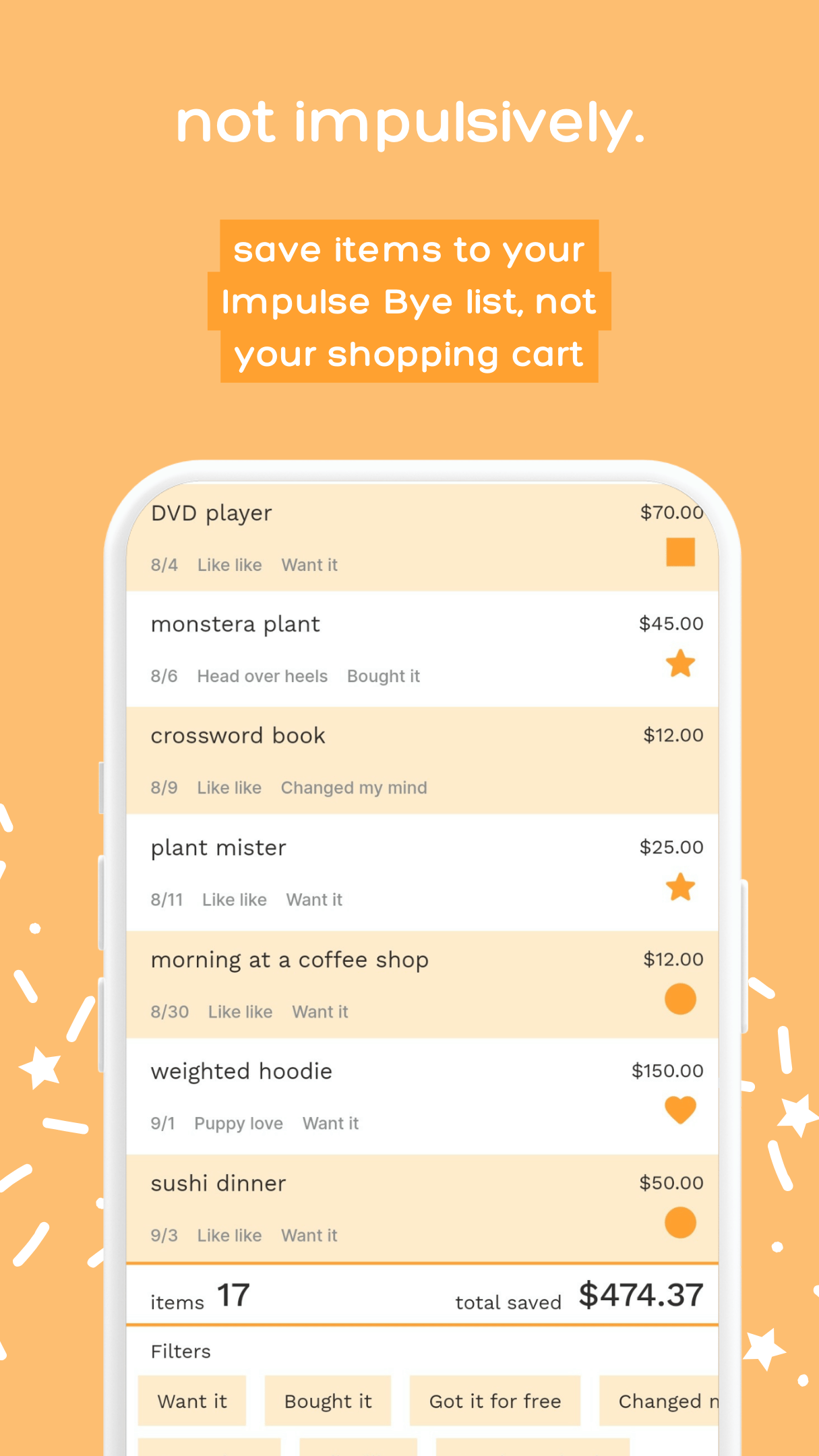
Impulse Bye is kind of like an expense tracking app, but it's for tracking the money you didn't spend on the things you wanted to impulse buy. When you add an item, you answer a few questions to help you overcome the urge to buy the thing right now. Then, you get a little boost of dopamine from some digital confetti and seeing your total saved amount go up (instead of from hitting the "Buy" button). You can also browse through the items you've added (search their titles and filter by status, want level, or tag), as well as edit or delete them. There are a few settings right now that allow you to adjust the level of confetti you experience after you add an item, as well as set the text for a small banner to remind you why you want to save.
RevenueCat integration
There is a 33 item free trial. After adding 33 items, you will see a paywall instead of the add item form. You can still browse, edit, and delete previously added items (and yes, if you delete items to have less than 33, the paywall will go away). There are two subscription options: a quarterly subscription and an annual subscription. You can upgrade from the paywall, the settings page, or the upgrade reminder that shows above the item form during the free trial.
I decided to go with an item-based trial instead of a time-based trial because time-based trials put pressure on people to make a decision, and that goes against the whole purpose of this app which is to help people feel more in charge of when and why they spend their money.
How I built it
I built it using FlutterFlow with a Supabase database. I also created the celebration confetti animations using LottieLab.
Built With
- flutterflow
- lottielab
- revenuecat
- supabase

Log in or sign up for Devpost to join the conversation.