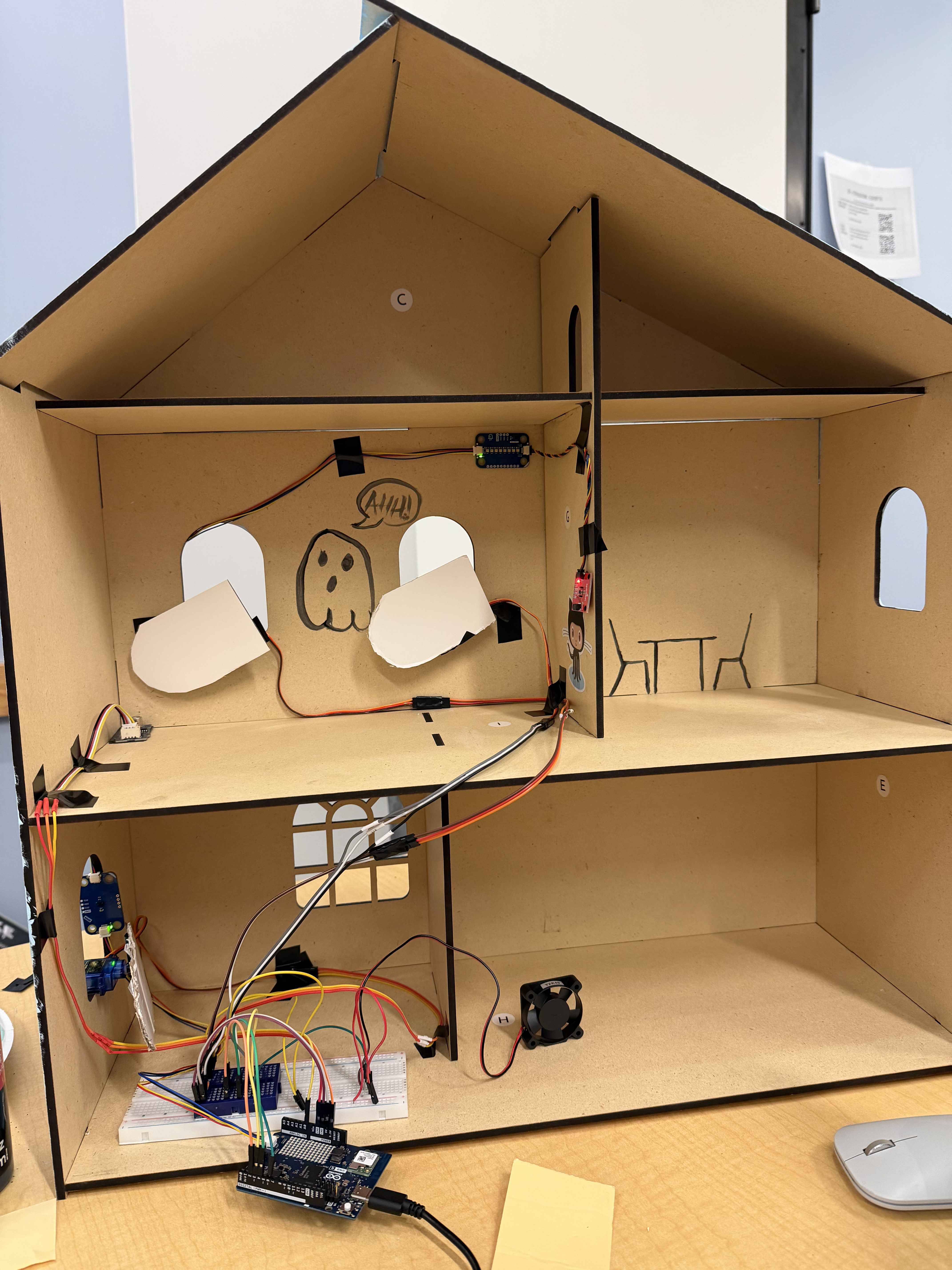
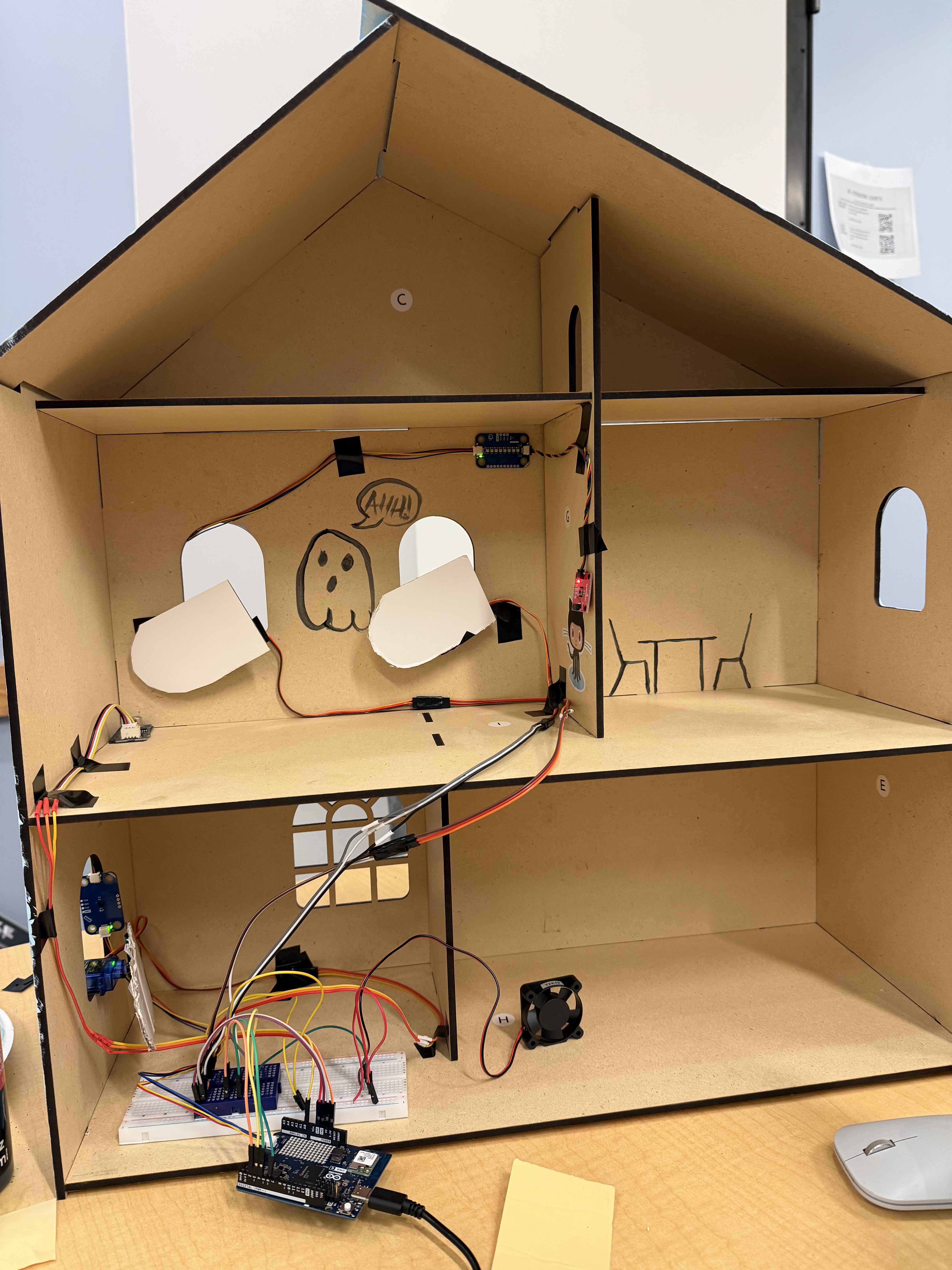
Smart Home Monitoring System
A secure, intelligent automation system built on the Arduino Uno Q dual-brain architecture. This project monitors temperature, security, and air quality while keeping data private and localized.
🌟 Inspiration
The core inspiration for this project was the Arduino Uno Q and its unique "dual brain" capability. This allowed us to monitor a home safely while ensuring all sensitive data was contained and processed directly on the Arduino.
🛑 Problem Statement & Solution
- Problem: Modern homes need intelligent monitoring without compromising privacy or sending sensitive data to third-party clouds.
- Solution: An Arduino-based automation system that monitors temperature, security, and air quality with real-time alerts delivered to a private web dashboard.
- In Our Example: We are using our beloved Jacob Hall’s Fallen Star to ensure its security and safety.
🛠️ How We Built It
💻 Development Tools
- Vibe Coding: We utilized Google AI Studio and Claude to prototype and iterate on our logic.
- Connectivity:
- We successfully connected the Arduino Uno R4 Wifi to Snowflake.
- We attempted to connect via serial to a Snowflake website for the Uno Q, but this was unsuccessful.
🔄 The Pivot
Due to the Uno Q connection issues, we had to pivot our architecture:
- We remade the dashboard using custom HTML code.
- We implemented a Localhost connection to maintain the real-time data stream.
⚠️ Challenges & Learnings
1. Snowflake Setup
Setting this up was a significant learning curve. While the R4 Wifi worked, the Uno Q refusing to connect forced us to switch our communication methods.
2. Sensor Interference
The air sensor was interfering with the security system, causing windows to open at the wrong threshold.
- The Fix: We resolved this by making the threshold adjustable within the code.
3. Servo Motor Issues
We faced several hurdles when switching from continuous servos to motion ones:
- The Arduino Uno R4 Wifi supported continuous servos better.
- The Arduino Uno Q required specific motion servos.
- The Result: We had to remake our code for the switch to the Uno Q. Since the switch, the servos have become more "twitchy," which is something we are continuing to calibrate.
🚀 Next Steps
- Servo Calibration: Fine-tuning the Uno Q code to reduce servo twitching.
- Dashboard Expansion: Adding more detailed historical data tracking to the local HTML dashboard.
- Enhanced Security: Further utilizing the "dual brain" of the Uno Q to encrypt local data.


Log in or sign up for Devpost to join the conversation.