-
-
loading screen
-
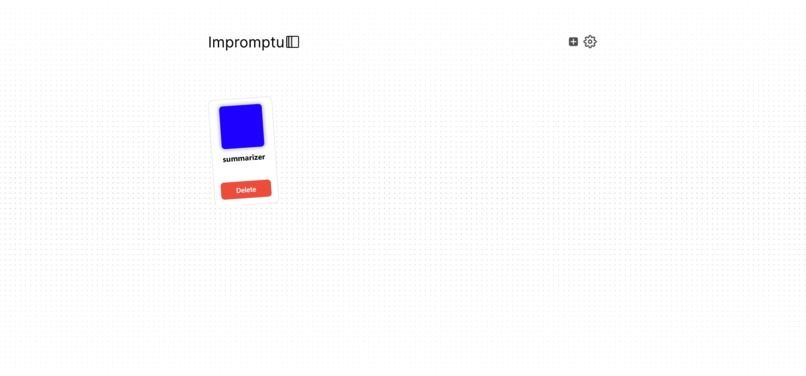
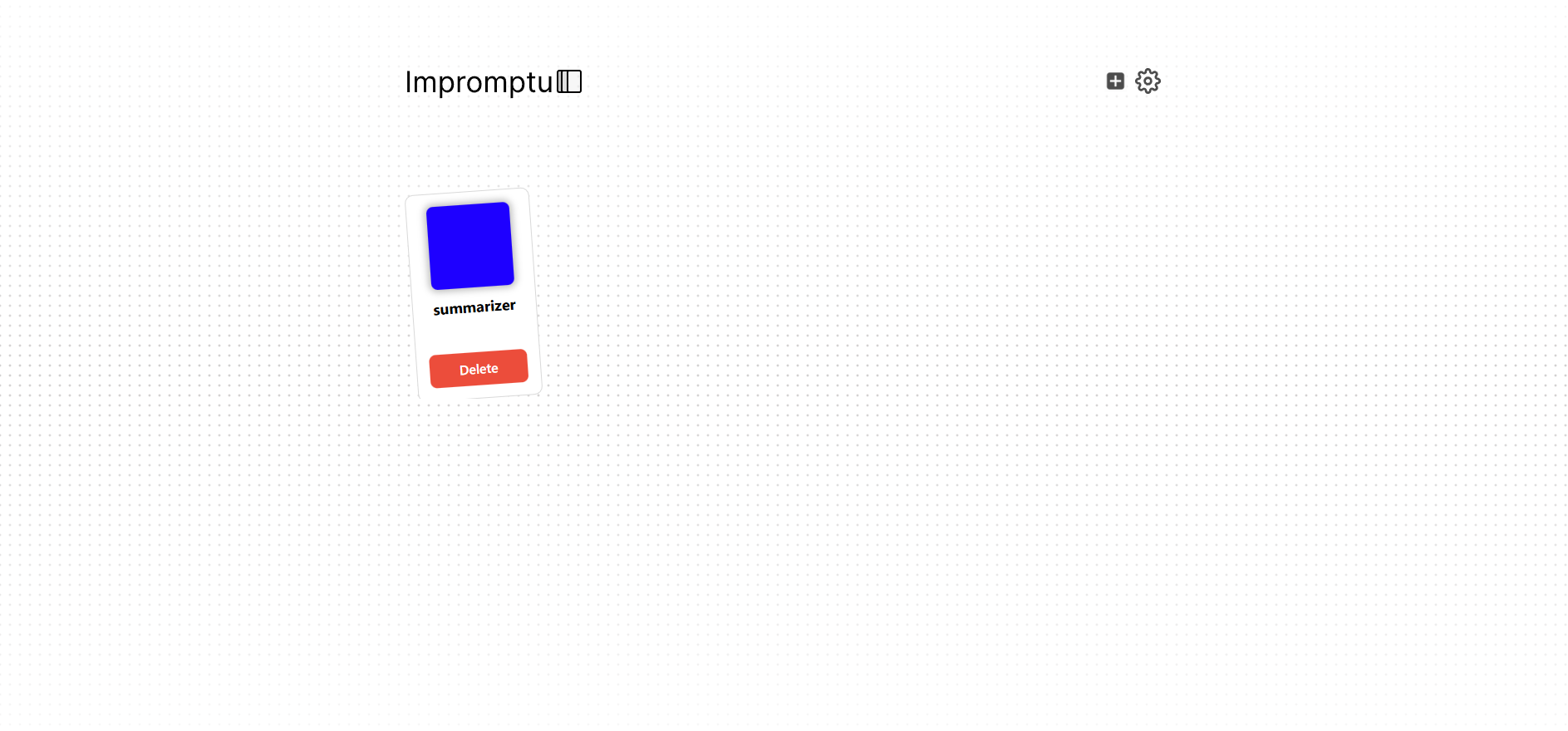
main menu
Inspiration
One common problem with current LLMs is that users need to transfer specific information from the website they are on to a chatbot and provide context. A tool like this eliminates the first step, analyzes the website for you, and provides the information one may want.
What it does
The user accesses the extension's main page to add a tool card. There are three tabs on the tool card: title, use case, and prompt. The user's title is purely cosmetic and serves no purpose for the AI; however, the prompt and use case tabs are essential. The prompt tells the AI what to do, and the use case helps guide its execution. Once the cards have been built, the user can access their desired site, and by pressing a hotkey, the PromptAPI will execute. We pass an image of the user's Chrome screen and have the AI generate potential vectorization keywords that also help it gain context for the website. With all the context provided, the user then provides the best option to users.
How we built it
For this project, we used only a frontend and did not provide a backend for simplicity. Our stack used Node.js, React, Tailwind CSS, Xenova transformers, and Google's Prompt API.
Challenges we ran into
The challenges that we ran into mostly revolved around the prompt API during our early testing. We initially wanted to paste raw HTML into the AI to help it understand the user's context, which would've made our workload much more manageable. Still, with the small context window we had, we had to find workarounds with the Xenova transformers and images. Another problem we had was finding the right temperature for the AI and understanding how to properly prompt the LLM to provide us with answers we could use. In early demos, we wanted the LLM to be able to execute specific functions, such as the summarizer screen, and even edit the CSS of the screen. However, as many of us were still learning JavaScript and the AI was very inconsistent, we learned to scale down our project and use parsing methods such as regex and sanitization to produce data that would not cause errors so easily. The third major constraint we faced was that the LLM could not provide too accurate information with such a strict prompt, so we had to divide the prompts into two separate outputs. The first API call allows the tool card to be selected, and the second prompt performs the necessary action with the given user context.
Accomplishments that we're proud of
As undergraduate students, this is one of our first major projects, and the final result is highly satisfying. Many of us had prior exposure to JavaScript, but to keep up with the project's workload, we had to learn the language's core fundamentals. This is also a project that many users may find helpful in their day-to-day needs, as it removes the redundancy of constantly tabbing out and opening new chats.
What we learned
The idea that LLMs are flawless and perfect is commonly held. Through this project, we have learned that this may not be the case. LLMs still suffer from many inconsistencies, and working with a smaller model made it easier to spot the issues. We learned how to navigate the inconsistencies of an AI by using proper sanitization techniques and implementing fail-safes when the LLM may not provide the correct selection. We also used multimodal inputs to ensure the AI received the most information by providing images. Outside of the AI, our whole team used many modern tools, such as React, Tailwind, and Figma, which will help us create better projects more efficiently.
What's next for impromptu
The project does not end with this submission. We believe that impromptu can make it further. With the new technical experience gained from this project, we want to expand on the program by first switching the LLM model to something more powerful. This way, it can reduce output latency and achieve the highest possible accuracy. Next, we want to implement a backend to ensure that users are not using too much of their resources, and we also want to remove the Xenova transformers and utilize Chrome's print feature to upload PDFs to the LLM to process, as we have seen that this may be more efficient than passing HTML data. Finally after all the changes are made we want to add more features such as allowing users to communicate with AI after context has been captured so they can get more information, and allow for more potential tools to be made besides pasting in a textbox or having a summarizer screen come up.
Built With
- promptapi
- react
- tailwind
- xenova


Log in or sign up for Devpost to join the conversation.