-
-
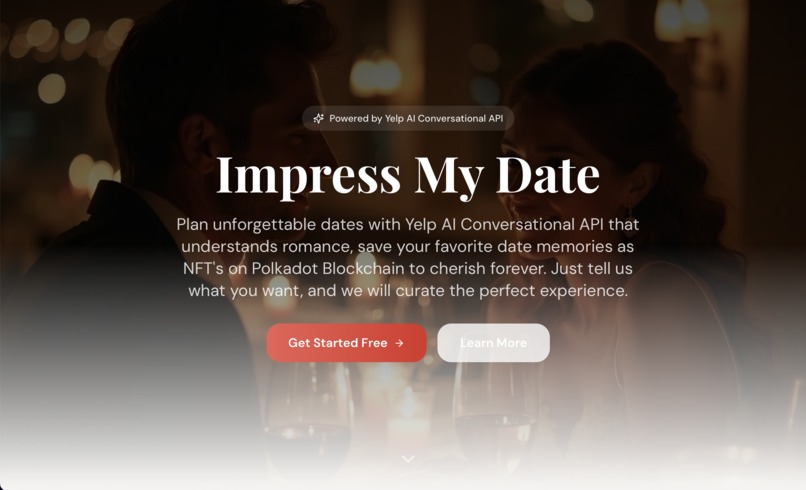
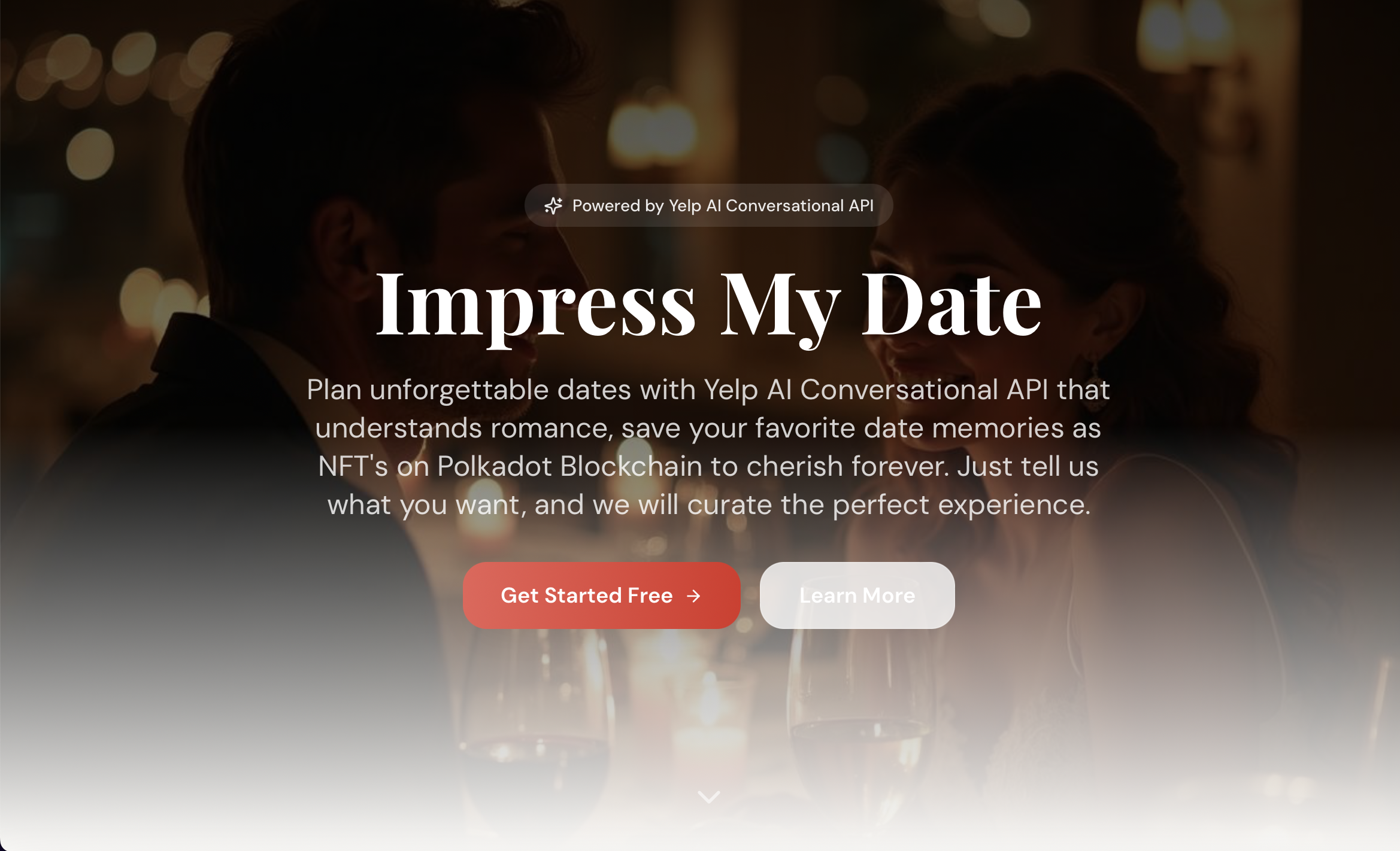
webpage
Inspiration
Planning a great date is stressful, with too many choices and not enough personalization. We wanted to make dating feel effortless, romantic, and memorable by combining AI, local restaurants, and digital keepsakes.
What it does
Impress My Date uses GPS to auto-detect your location and starts a natural conversation (text or voice) to plan the perfect date by:
- Finding nearby spots using Yelp AI API (Search & Chat)
- Showing restaurant details with a direct Yelp page link, along with estimated costs
- Suggesting before-and-after date spots (coffee, walks, bars, desserts) with a time-based date schedule
- Respects dietary restrictions, budget, and date style (romantic, adventurous, casual, etc.)
- Saves your favorite date memories and mints them as NFTs
How we built it
We built a conversational AI experience powered by Yelp AI API (Search & Chat), GPS location services, Polkadot blockchain NFT's, and ElevenLabs AI text to speech (example - https://vimeo.com/1147171771?share=copy&fl=sv&fe=ci). User preferences are stored in profiles, while memorable dates are minted as NFTs for permanent ownership.
Challenges we ran into
- Balancing detailed planning without overwhelming the user
- Making the AI's conversations feel natural
- Accurately estimating costs and timing across multiple venues
Accomplishments that we're proud of
- A truly conversational, voice-enabled date planner
- End-to-end date experiences, not just restaurant suggestions
- Seamless integration of real-world moments with blockchain memories
- Personalized planning that adapts to the user's style, budget, and location
What we learned
There's inherent value to simplicity over endless options. Romance is about timing, flow, and context, not just the venue. After all, NFTs are most powerful when tied to our real emotional moments.
What's next for Impress My Date
The future we see for Impress My Date is: couple profiles and shared date histories, AI-generated date recaps, social sharing and collaborative planning in more cities with real-time availability.
Testing Instructions
Important: To fully test the blockchain features, you’ll need a Polkadot wallet and test tokens.
Step 1: Wallet and Test Token Setup -Install a Wallet -Install the Polkadot.js Extension (Chrome or Firefox), or choose another supported wallet from -polkadot.com. -Get Test Tokens -Request test tokens from the Polkadot Westend faucet to enable blockchain transactions.
Step 2: Access the Application
- URL: https://impressmydate.vercel.app/
- Demo Account: User: [email protected] Password: demo123456
Step 3: Plan an AI-Powered Date
- Log in and allow GPS location access (or enter a location manually). Start a conversation using text or voice.
- Ask for ideas like: “Find romantic Italian restaurants nearby” “What about something more casual?”
- Customize your date using profile preferences: Budget Dietary restrictions Date style (romantic, adventurous, casual)
Step 4: Review Your Date Plan Once you’ve made your selections, you’ll see a complete date overview:
- All chosen venues
- Suggested timing for each stop
- Estimated total cost
- Direct links to Yelp pages Adjust anything you’d like until it feels perfect.
Step 5: Save Your Date
- Click Save Date to store your curated experience.
- You can view and manage all saved dates anytime in the My Dates tab.
Step 6: Mint a Date Memory NFT
- Open a saved date from My Dates.
- Click Mint Date NFT.
- Connect your Polkadot wallet and approve the transaction.
- Receive a transaction hash as proof of your minted memory on the blockchain.
Built With
- elevenlabs
- polkadot
- react
- supabase
- typescript
- yelp


Log in or sign up for Devpost to join the conversation.