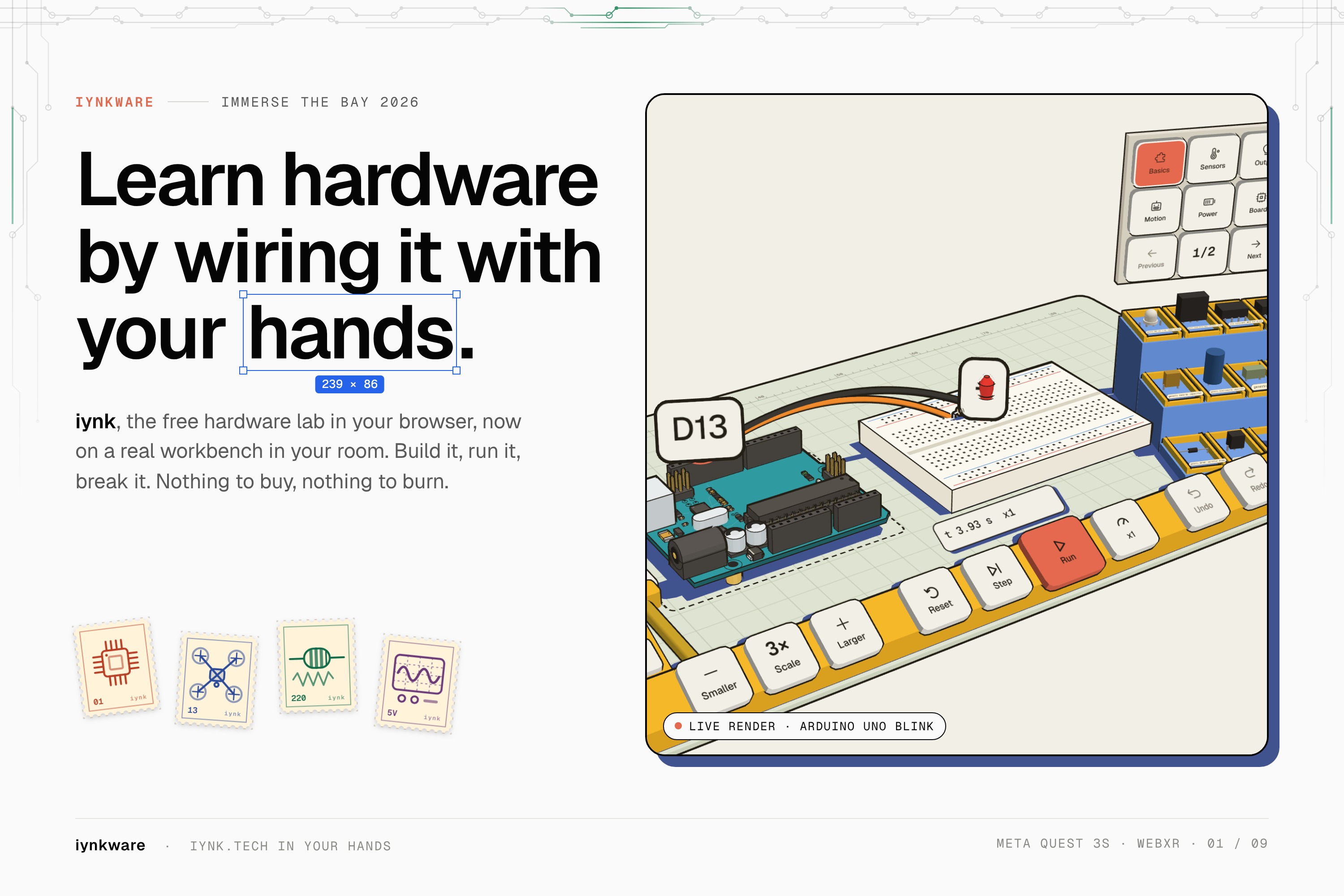
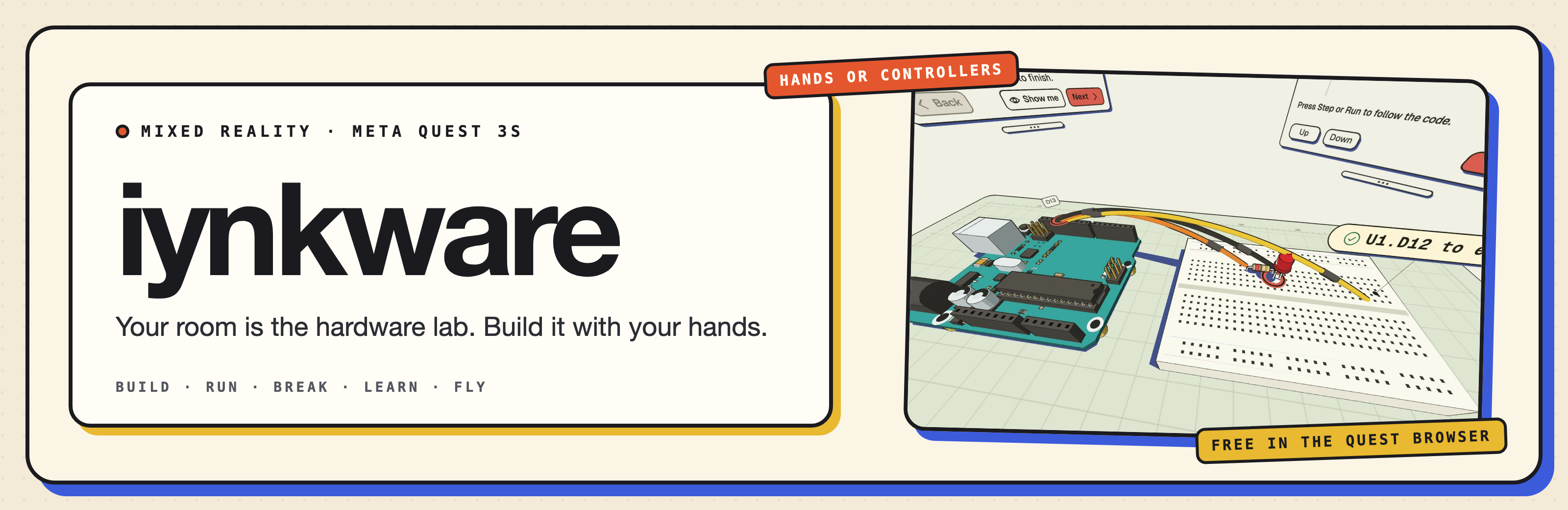
iynkware is a hardware lab you wear. On a Meta Quest 3S, in mixed reality, you build hardware projects on a workbench in your own room with your hands, run and stress-test them, and learn along the way. It runs in the Quest Browser, free.
Try it: Open on a Quest 3S (in the Quest Browser, then press Enter)
Tracks: Virtual Reality (Social Good) · AI Horizon (Best Use of AI in XR) · ManageXR
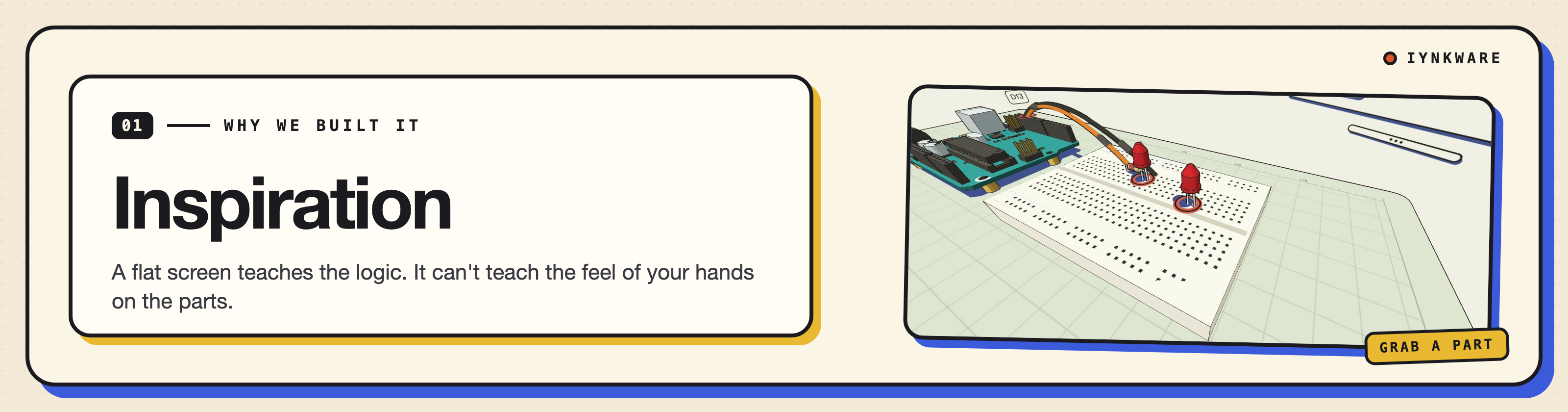
Learning hardware on a screen always hits the same wall: you want to build it with your hands. Wiring a circuit on a flat screen teaches the logic, but not the feel of reaching for a part, placing it, and running a wire from pin to pin.
A Meta Quest 3S has mixed reality, hand tracking and a browser. So we put the lab on a workbench in your own room.
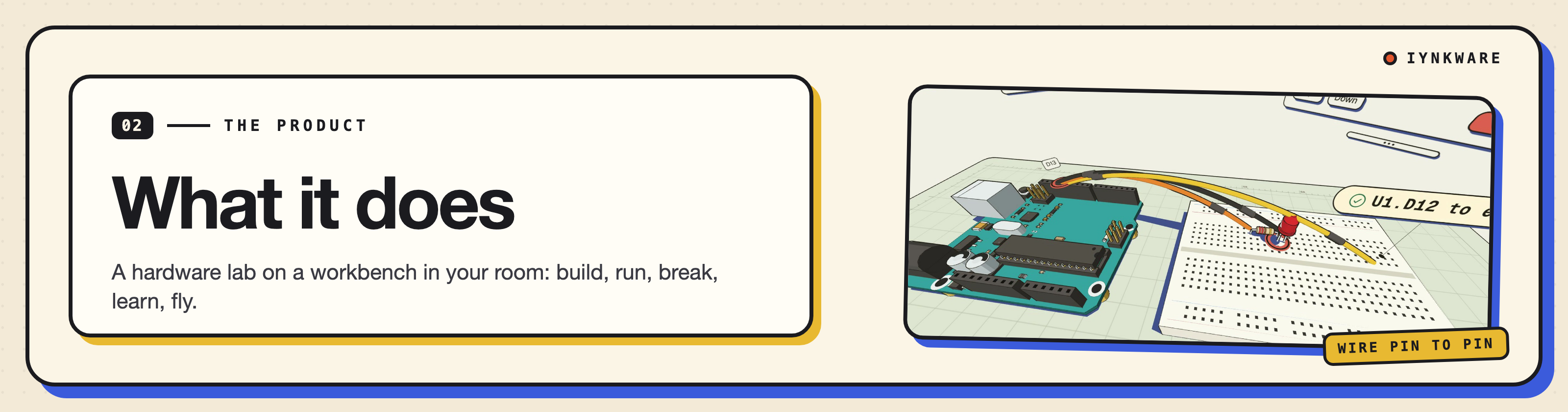
iynkware is a hardware lab you wear. On a Meta Quest 3S, in mixed reality, with hands or controllers, you build hardware projects on a workbench in your room, run and stress-test them, and learn along the way. It runs in the Quest Browser. It is free.
Build
- Grab parts from a shelf and place them on the bench.
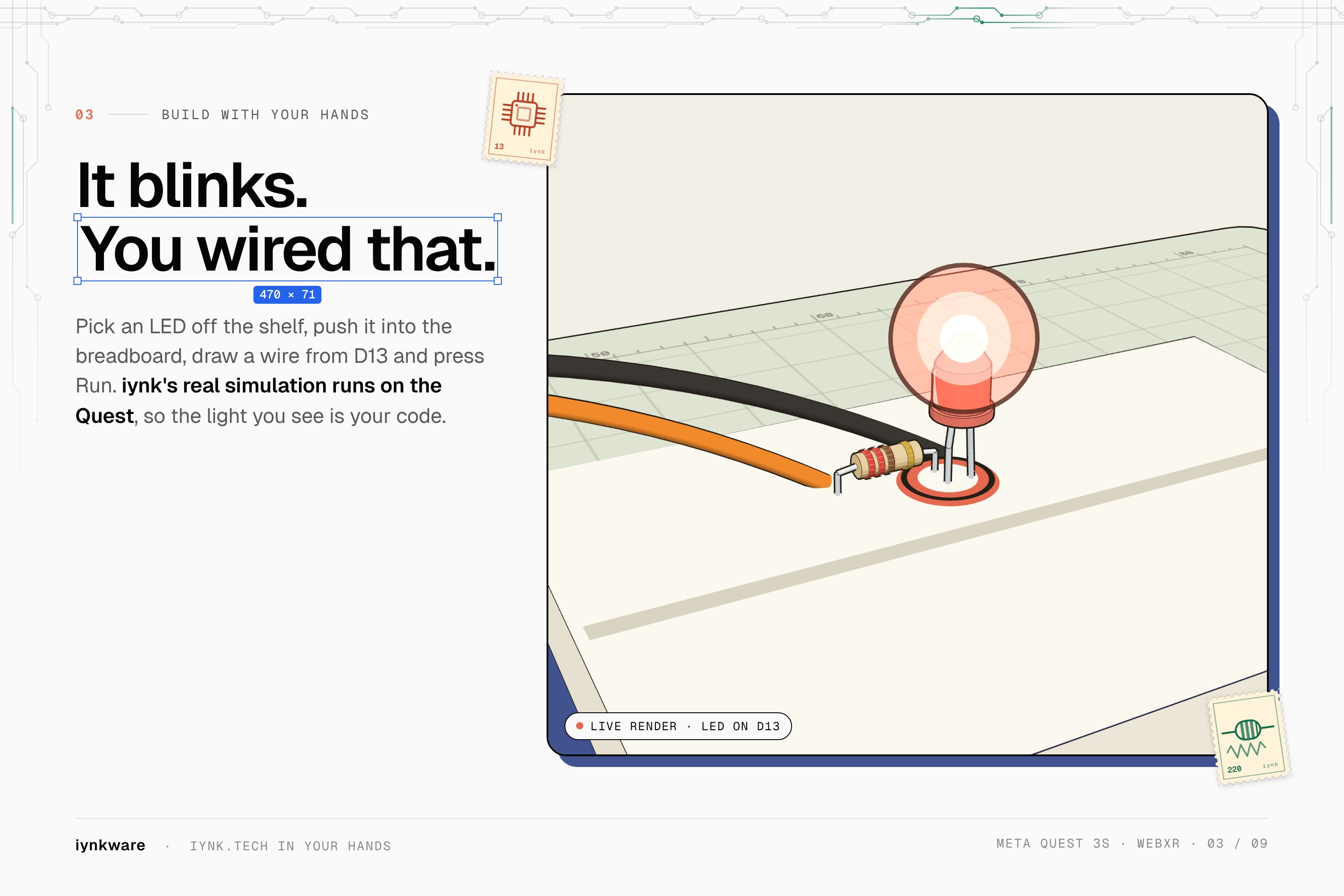
- Wire pin to pin by hand. Move or pull a wire end.
- Drop a part on the bin to remove it. Undo and redo.
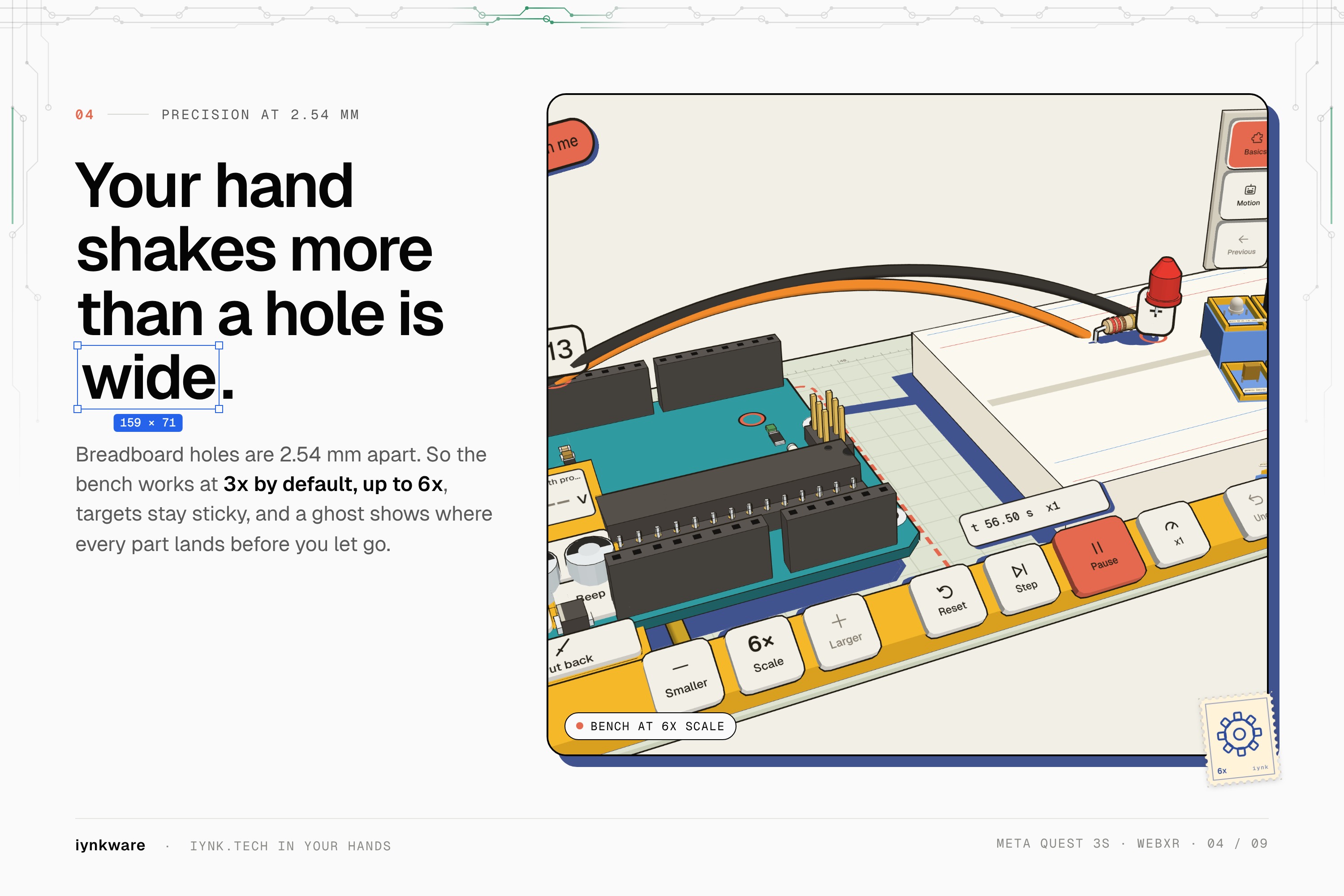
- Move the bench, the shelf and every panel by a grip.
Run and test
- Run, Stop and Step.
- A Code window highlights the line that is running.
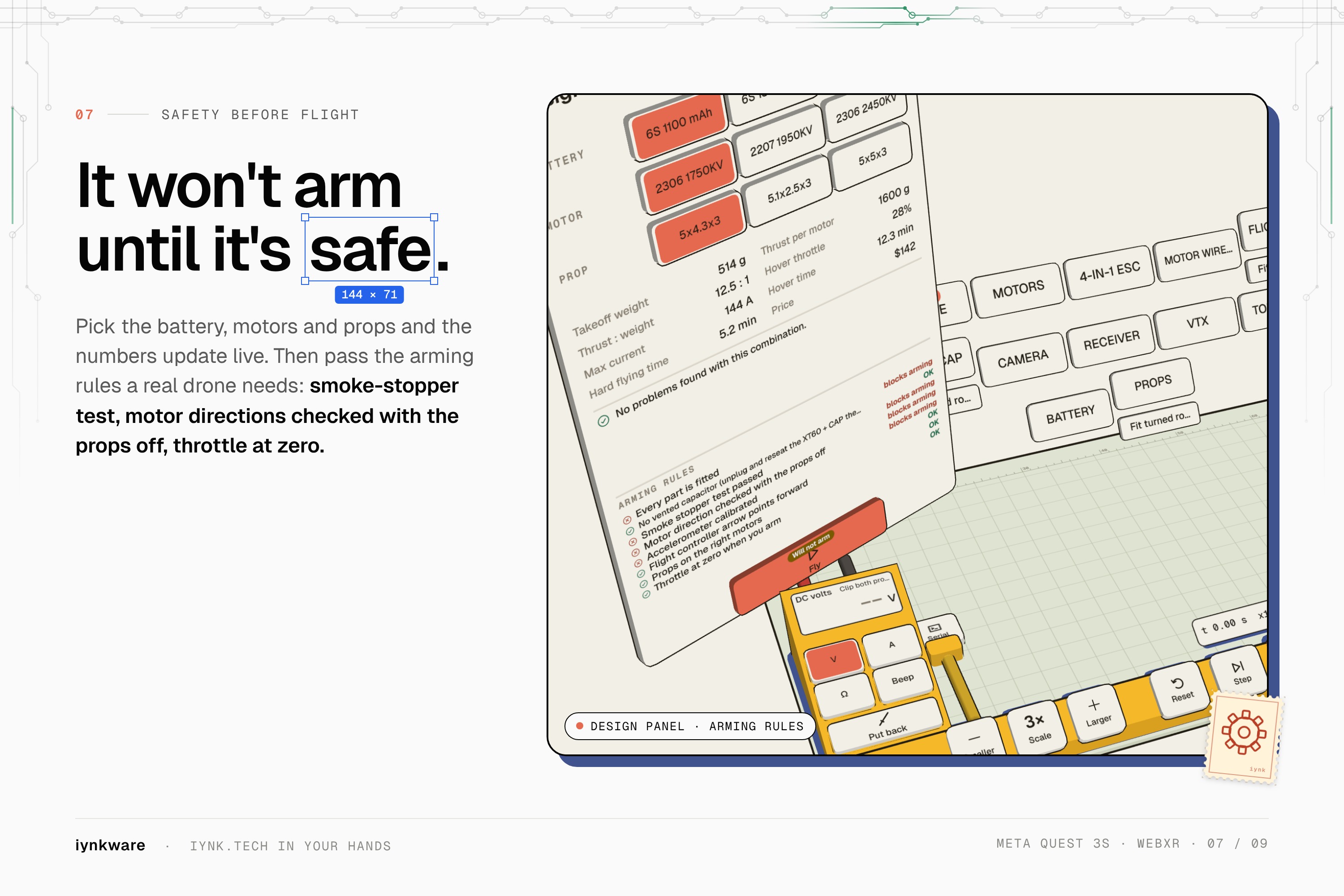
- Multimeter, scope and serial monitor.
- A fault lab to break things on purpose and find out why.
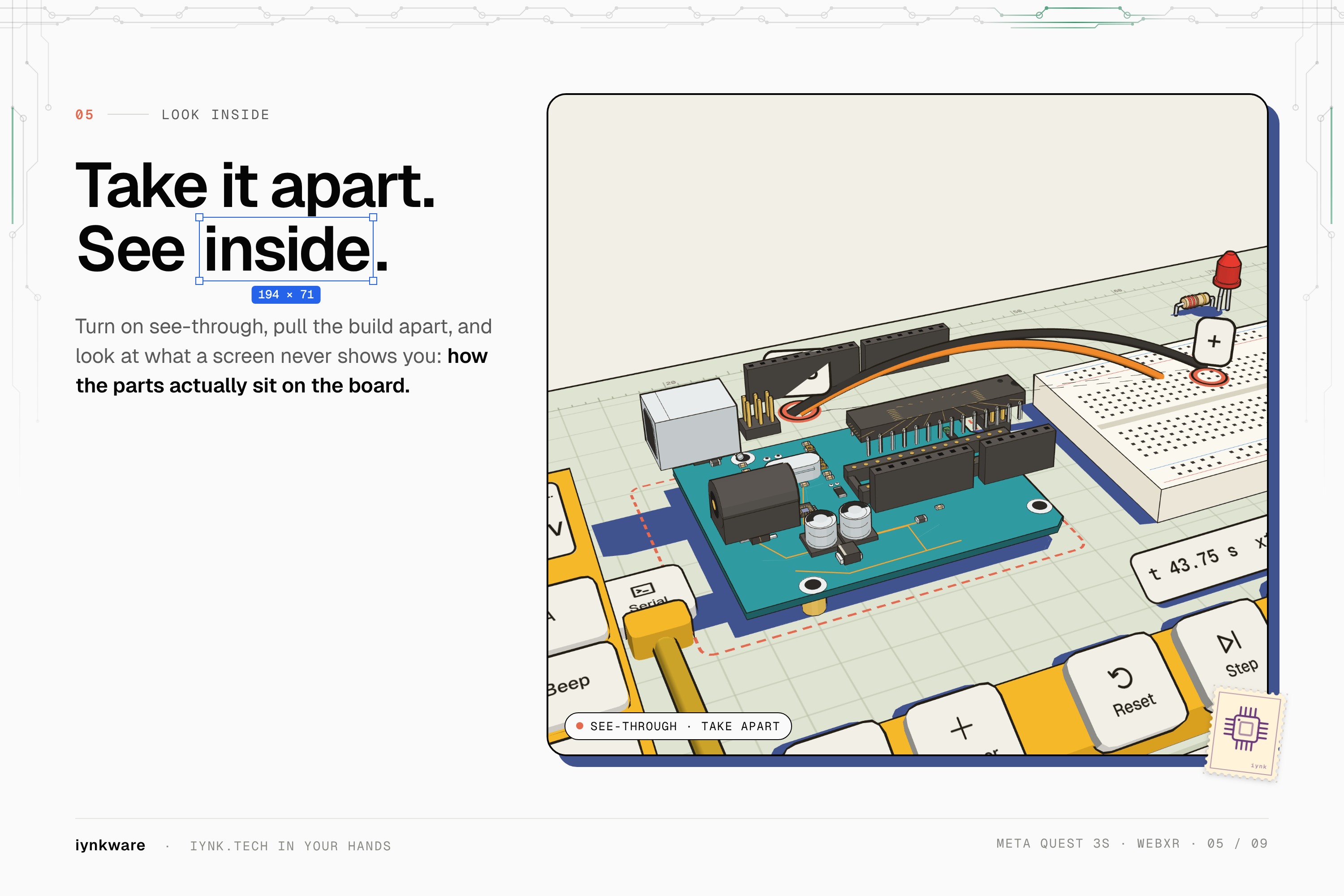
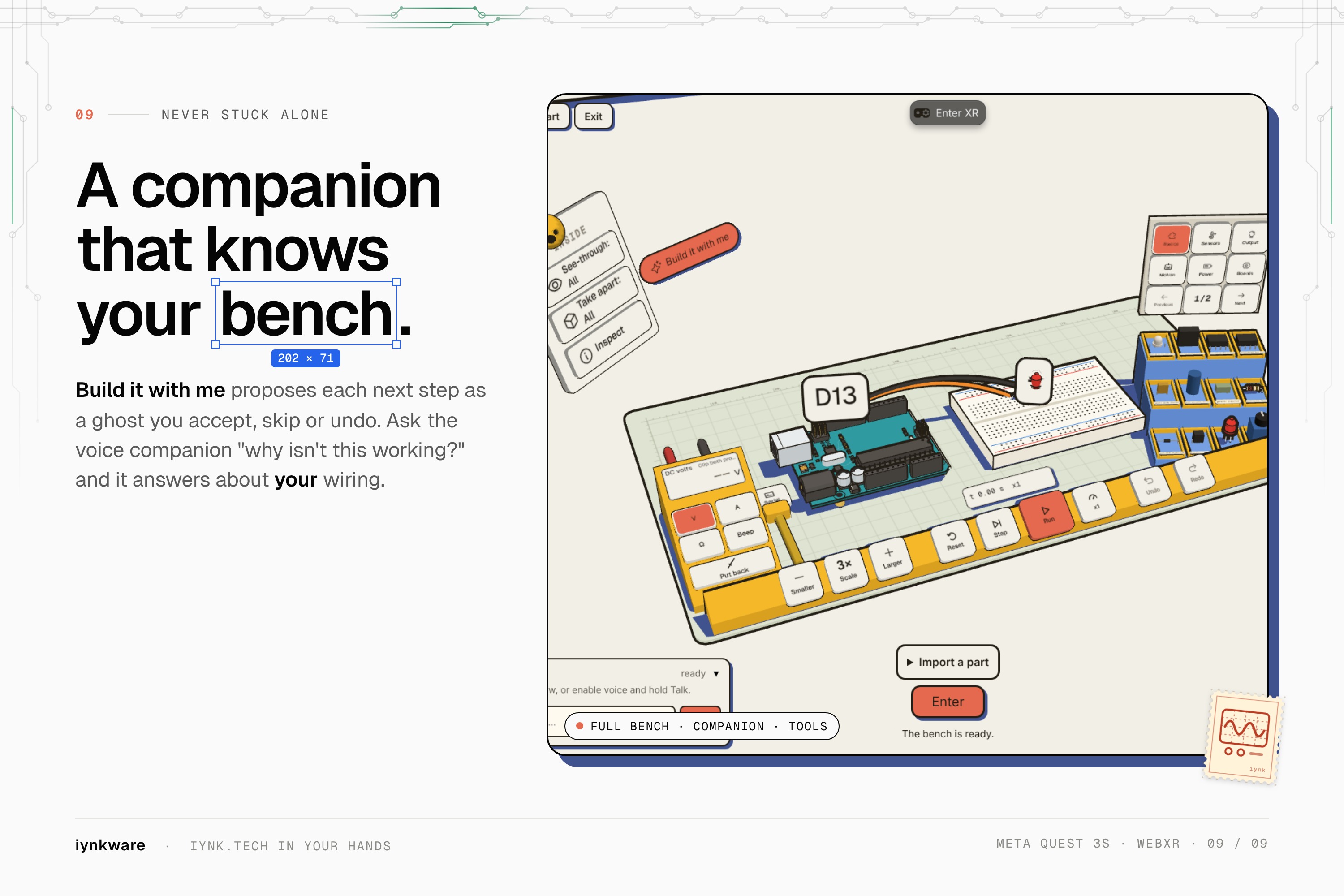
- See-through, take apart, a part inspector and current flow.
- Room size: walk around a giant version of your circuit.
Learn
- 128 lessons with a step guide, in six languages: English, German, Spanish, French, Hindi and Chinese.
- First-run onboarding.
- A voice assistant bunny that builds alongside you.
- A projects screen.
Fly
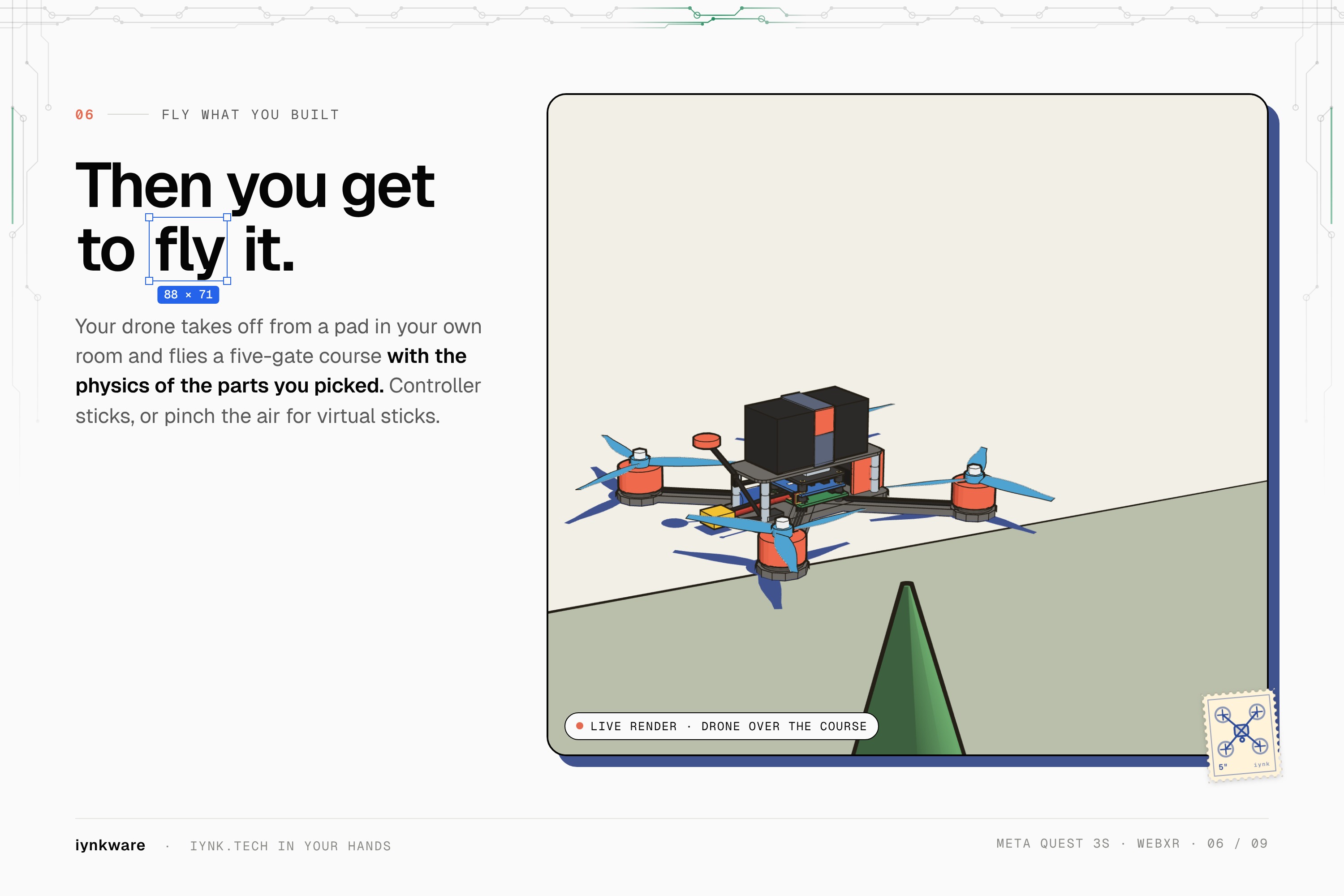
- Build a drone on the bench, then fly it with sticks or by hand.
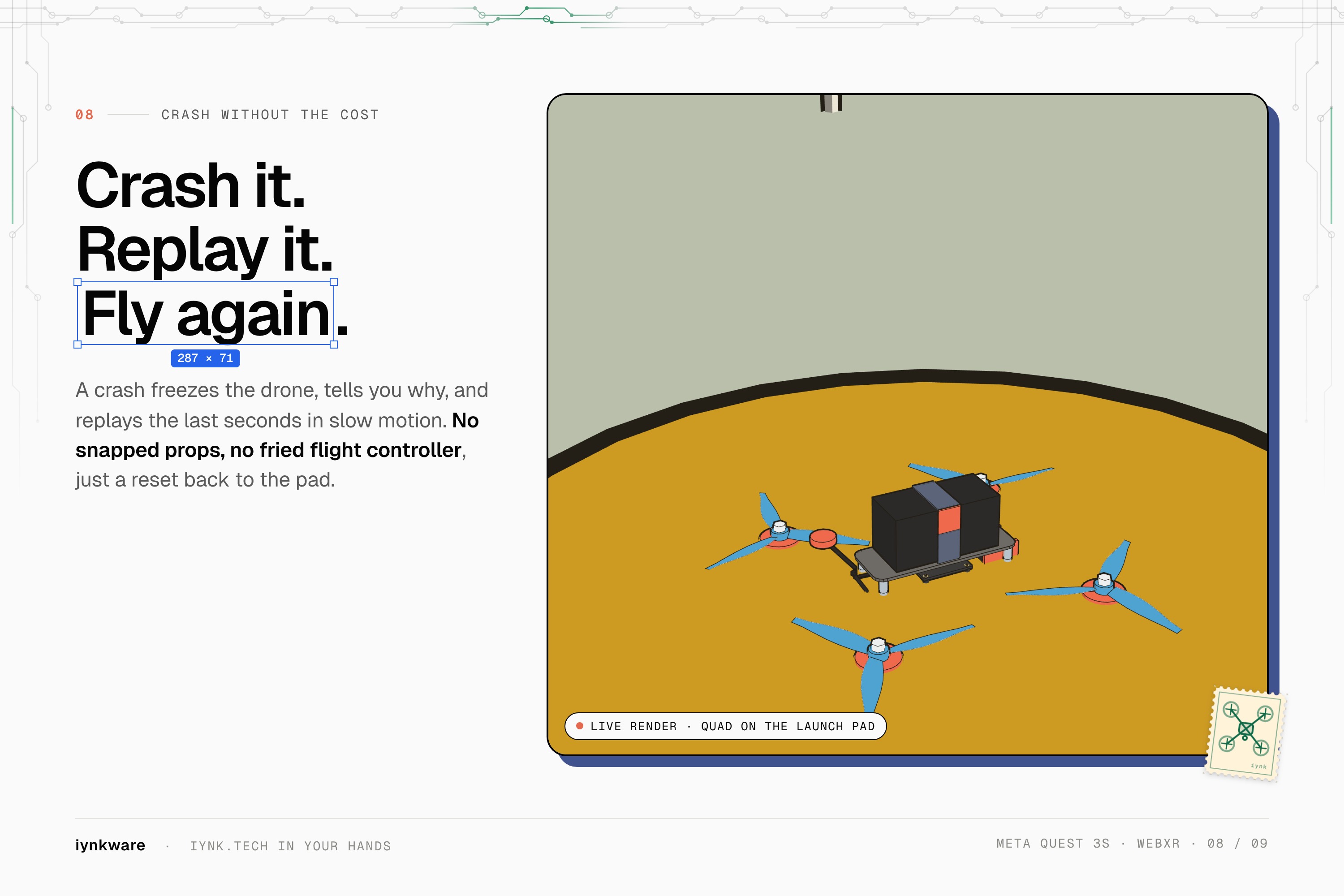
- Six craft, chase and first-person view, crash replay and motor sound.
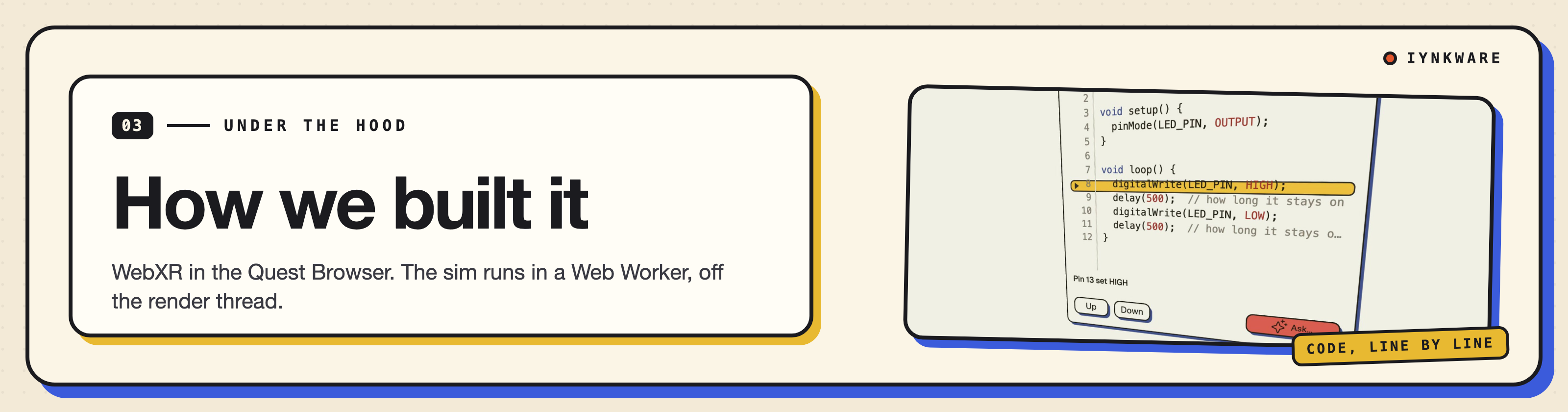
- WebXR on Meta's Immersive Web SDK and three.js, in TypeScript, built with Vite.
- The circuit simulation runs in a Web Worker, off the render thread, and every edit is an operation on one project document.
- The voice assistant runs on Gemini Live through a Cloudflare Worker.
- Deployed on Cloudflare Workers.
- About 88,000 lines of TypeScript in the headset app, built from 14 November 2026.
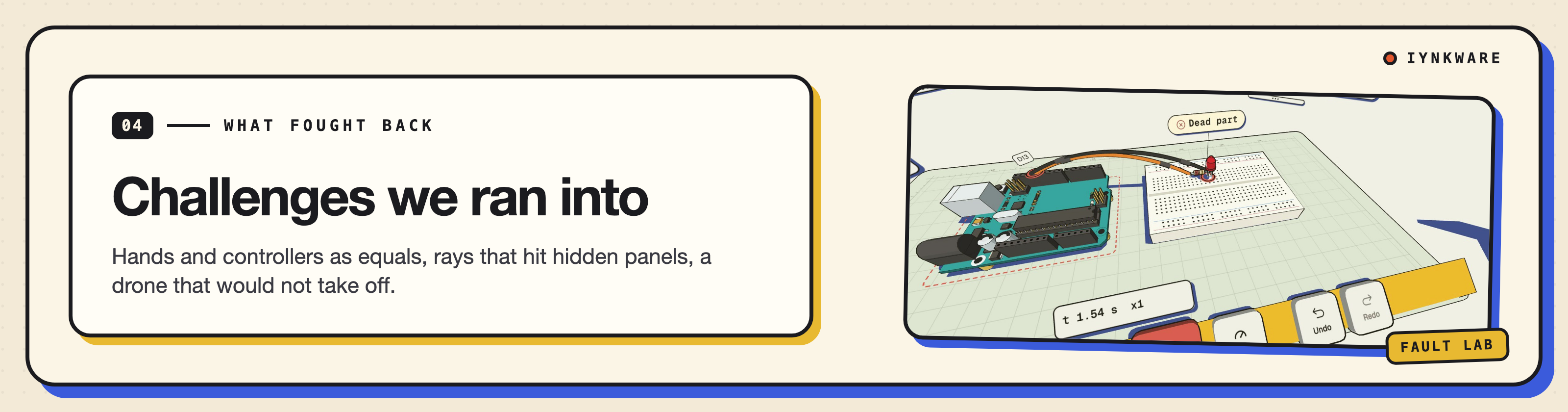
- Hands and controllers as equals. Every action had to work with both, and switching between them could not leave the app in a half state.
- Hidden panels still caught rays. three's raycaster ignores
visible, so a hidden panel kept stealing pointer hits until we switched pointer events off on hidden panels. - The drone would not take off. The stick was read once and never again. Reading input every frame fixed it.
- Bundle size. The headset downloads everything over the browser. We cut the main chunk from 10.3 MB to 2.2 MB.
- Frame time. Running the simulation in a worker kept it off the render thread.
- Six languages. Every user facing string ships in all six in the same change.
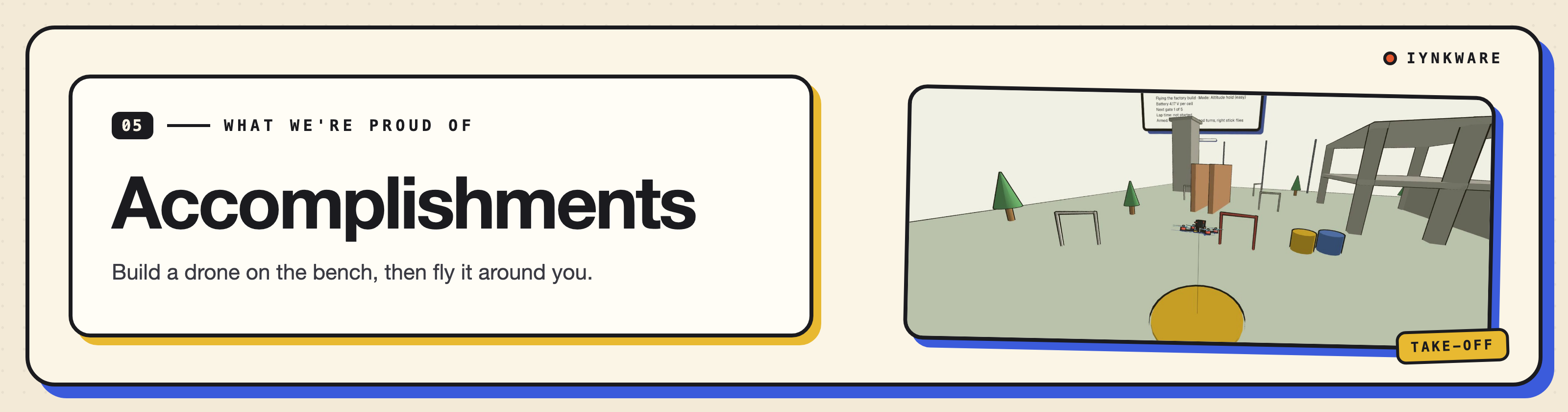
- A full hardware lab you use with your hands, in your own room, in a browser.
- A real circuit simulation and 128 lessons, not a scripted demo.
- Building a drone on the bench and then flying it around you.
- Every string in six languages.
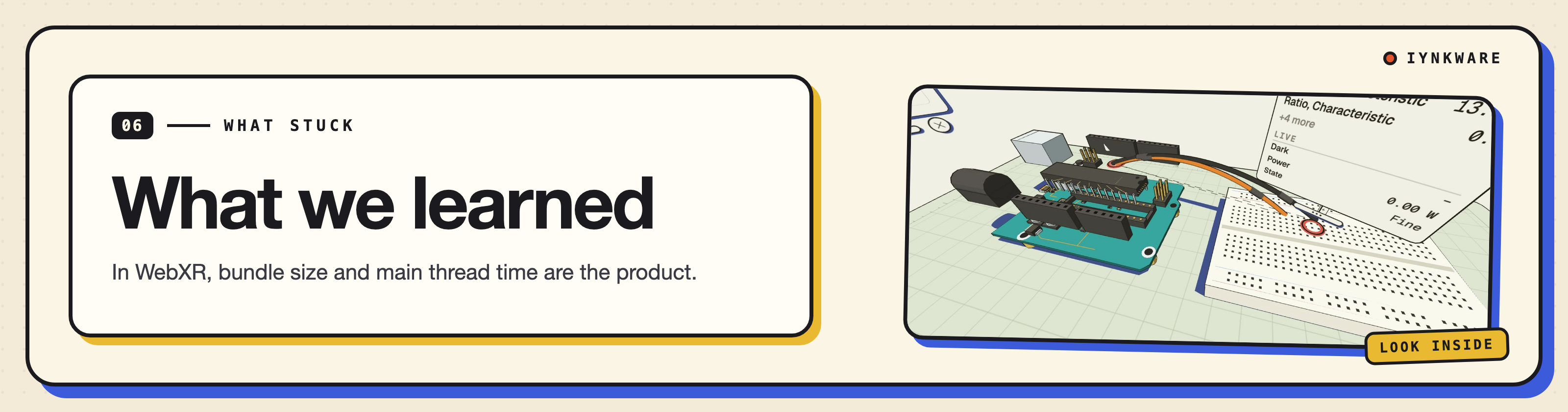
- Mixed reality needs input that never surprises you. Hands and controllers have to behave the same.
- Read engine docs closely. Small defaults, like the raycaster and
visible, cost us hours. - In WebXR, bundle size and main thread time are the product.
- Keeping the simulation separate from the scene let us spend our time on interaction.
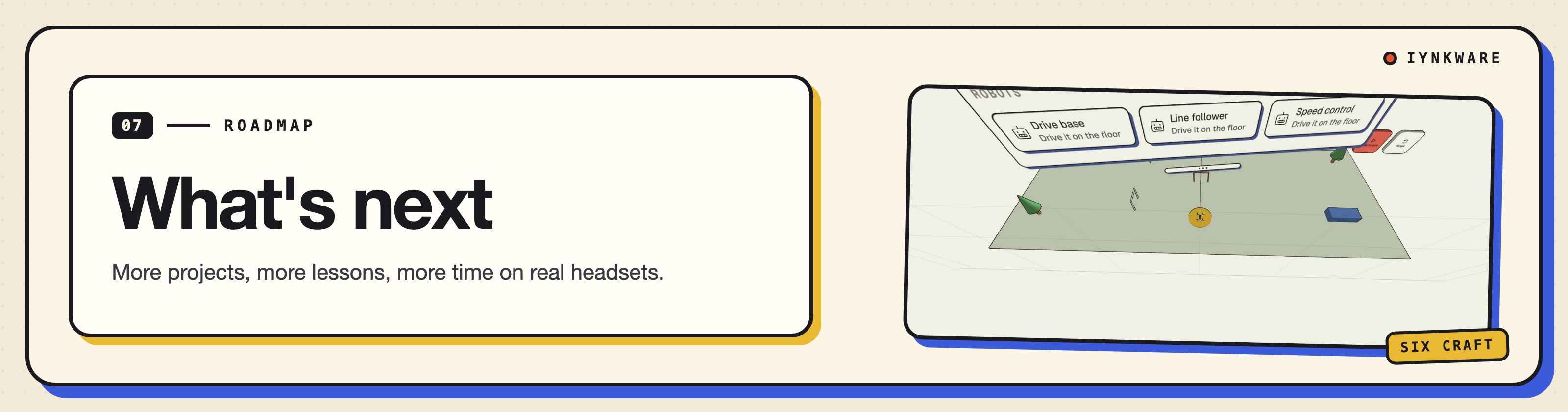
- More projects and lessons built for the headset.
- More time on real headsets with learners, and fixing what they hit.
- Keep it free and in the browser.
Built With
- claude
- cloudflare-workers
- gemini-live
- indexeddb
- javascript
- meta-immersive-web-sdk
- meta-quest-3s
- node.js
- three.js
- typescript
- webxr
