-
-
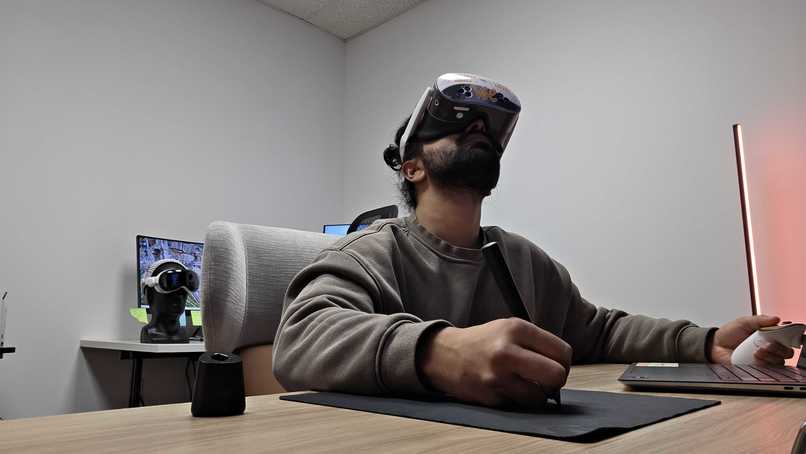
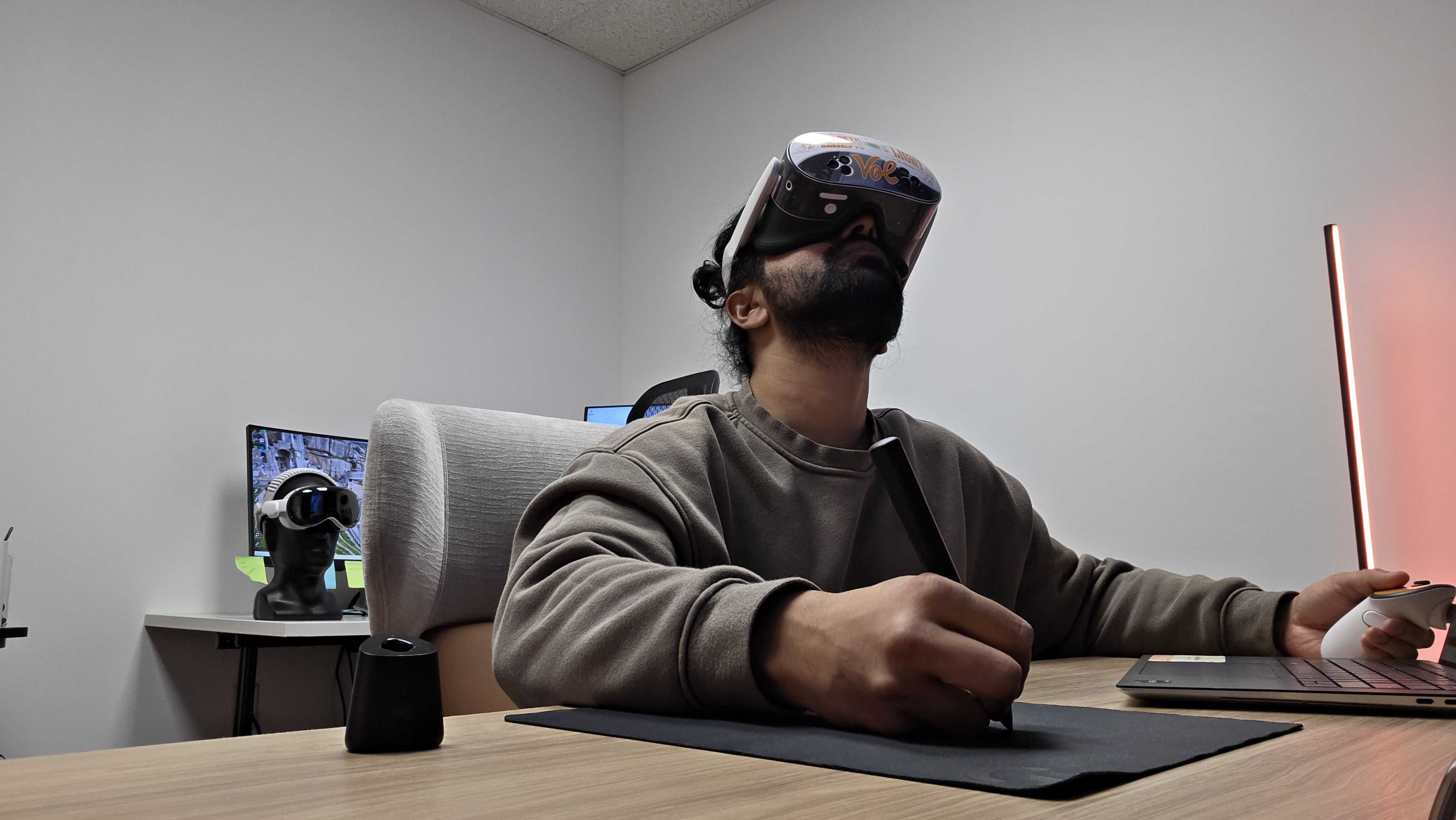
Using Logitech MX Ink VR Pen to take notes while watching a 360 video in VR
-
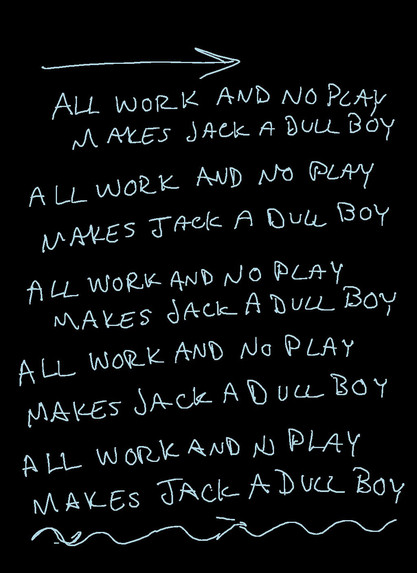
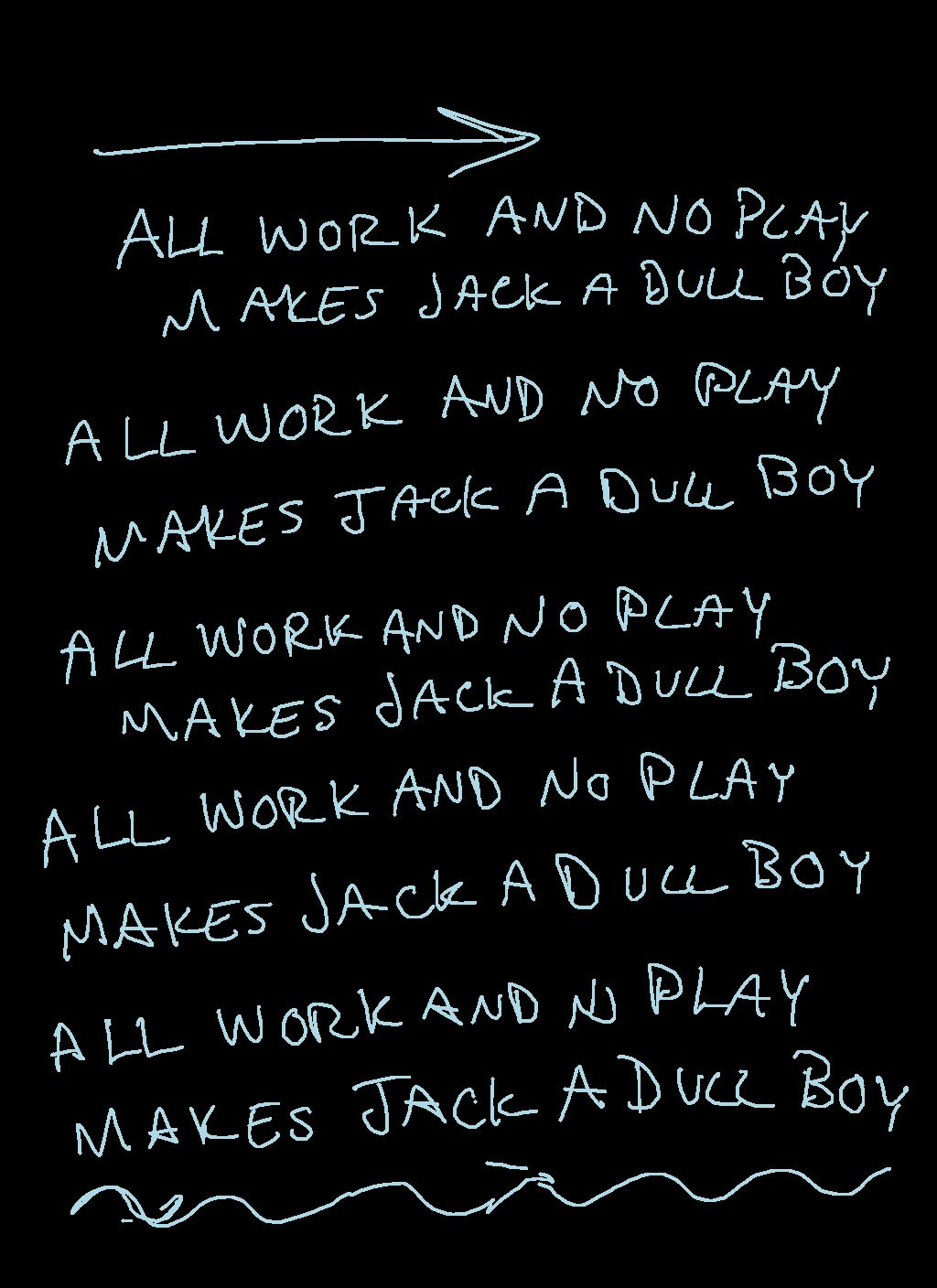
A sample Field Note taken in VR using Logitech MX Ink VR Pen
Inspiration
This project is a collaboration between the College of Social Work and Digital Learning at the University of Tennessee
Clinical social work education depends on observation, emotional awareness, and structured documentation. Students must recognize subtle facial expressions, tone shifts, and body language, then translate those observations into accurate clinical notes. Traditional methods like classroom roleplay or 2D video lack presence and realism. We asked: What if students could stand inside sessions, take notes naturally, and do other essential Social Work tasks just like they would in real practice?
Among other solutions that we implemented, the Logitech MX Ink Pen made that possible by enabling natural handwriting in immersive XR environments.
What it does
Immersive VR Training for Clinical Social Work Education is a full-stack immersive learning ecosystem that combines:
- 360° VR clinical simulations (recorded with 360 cameras with actors in different scenes)
- Real-time handwritten note-taking using Logitech MX Ink Pen
- A structured web platform for students and faculty
Throughout the course, students follow the journey of a client named Ms. Felicity Jones from her arrest for drug possession and petty theft, to being assigned a social worker (along with the student in VR), to navigating the challenges of life in a halfway house. They witness her struggles with employment, relationships, and attending AA meetings, all the way through to her graduation.
This story reflects a realistic and complex client journey, highlighting the challenges, setbacks, and growth that social workers often encounter in practice.
Inside VR
Students:
- Enter emotionally authentic clinical scenarios filmed with real actors using Insta Pro 2 360° camera
- Observe subtle behavioral and emotional cues essential for a social worker
- Use the Logitech MX Ink pen to write notes naturally in real time
- Conduct interviews with the client
The 360° camera represents the student’s perspective. Actors acknowledge the camera, reinforcing presence and immersion. Students can take notes and conduct client interviews in ways that closely mirror real-world clinical practice.
On the Website
Students:
- View their next assigned task
- Track course progression
- Access unlocked videos
- Review VR field notes
- Write or edit structured reflections
- Complete clinical progress reports using the VR Field Notes
Faculty:
- Monitor student completion progress
- Review student assignment submissions
- Review student VR Field Notes
This bridges immersive XR learning with academic accountability.
How we built it
We built the system using:
- Unity + Meta Interaction SDK + Logitech MX Ink SDK for Unity
- Meta Quest 3S
- Linux server infrastructure
- PHP + MySQL backend
- Role-based web dashboards (student, faculty, developer)
VR Layer:
- Logitech MX Ink captures natural handwriting input
- Spatial pen strokes are mapped onto a virtual clipboard surface
- Notes taken in videos are saved on the headset as jpeg and uploaded to the server for the student
- Tasks unlock sequentially based on completion (Next task gets unlocked after the previous task is completed)
Web Layer:
- Secure authentication system (UT CAS)
- Database tables like registration, field notes (pointing to the student folder where the notes need to be uploaded), journeyID for the students, etc
- Journey-based task unlocking logic
- Progress tracking via database-driven logic
- Reflection and Progress Note storage (text files)
- Faculty visibility into student advancement This architecture connects immersive hardware input directly to structured academic workflows.
Challenges we ran into
In Fall 2025, we launched two chapters with 18 Master’s of Social Work students at UTK College of Social Work. The feedback was phenomenal, but we also learned important ways to improve:
Scene Authenticity: Students wanted stronger client pushback and more realistic resistance. In the next two chapters, we improved the scripts to show real clinical dynamics.
Logitech MX Ink Connectivity: The pen occasionally disconnected during sessions when it wasn't being used while in VR. We are optimizing connection stability and improving reconnection handling in Unity.
Motion Sickness: Some participants experienced discomfort. We offered a parallel option to complete the course directly on the website to ensure accessibility.
Horizon Managed Services Data Reset: If participants ended sessions improperly on the headset (by clicking on the end session button in VR), data was wiped. We joined Horizon’s closed beta program, which alleviated this issue.
The pilot launch helped us understand that we were on the right path and the changes we needed to make to make the experience better
Accomplishments that we're proud of
- Building a full VR + web ecosystem
- Creating emotionally authentic 360° simulations using real actors
- Seamless integration of Logitech MX Ink into professional training workflows
- Enabling real-time handwritten documentation in immersive environments using Logitech MX Ink Pen
Most importantly, students reported:
- Higher engagement
- Stronger observational focus
- Improved clinical documentation skills
What we learned
For a course like social work, this is about much more than technology. It’s about helping students understand the real challenges that vulnerable populations face — and authentically representing those realities in a way that teaches the perils and complexities of society. Our goal is not to showcase VR. It is to fade away the technology so students can stay fully engaged, emotionally present, and focused on learning. When the hardware disappears, and the human story remains, that’s when immersive education truly works.
What's next for Immersive VR Training for Clinical Social Work Education
We are currently developing Chapters 3 and 4, with increased engagement and interactivity based on student feedback from the pilot launch. New features include:
- Branching scenarios with meaningful decision-making
- Greater interactivity within scenes
- Moments where students become part of the environment, such as joining a group photo with real actors or participating in shared activities like cutting a cake
We learned a great deal from the initial deployment and are actively implementing student feedback into these next chapters.
We also plan to conduct formal studies comparing VR-based learning with traditional computer-based learning to measure efficacy and impact.

Log in or sign up for Devpost to join the conversation.