Inspiration
ImgExpand was inspired by a common problem in image editing: many images are too tightly cropped or do not fit the aspect ratio required for banners, thumbnails, social media covers, ads, and website layouts.
Traditional resizing often forces users to crop important parts of the image or stretch the photo in an unnatural way. I wanted to build a simple AI tool that helps users extend images naturally, create more background space, and adapt one image to multiple formats without advanced editing skills.
What it does
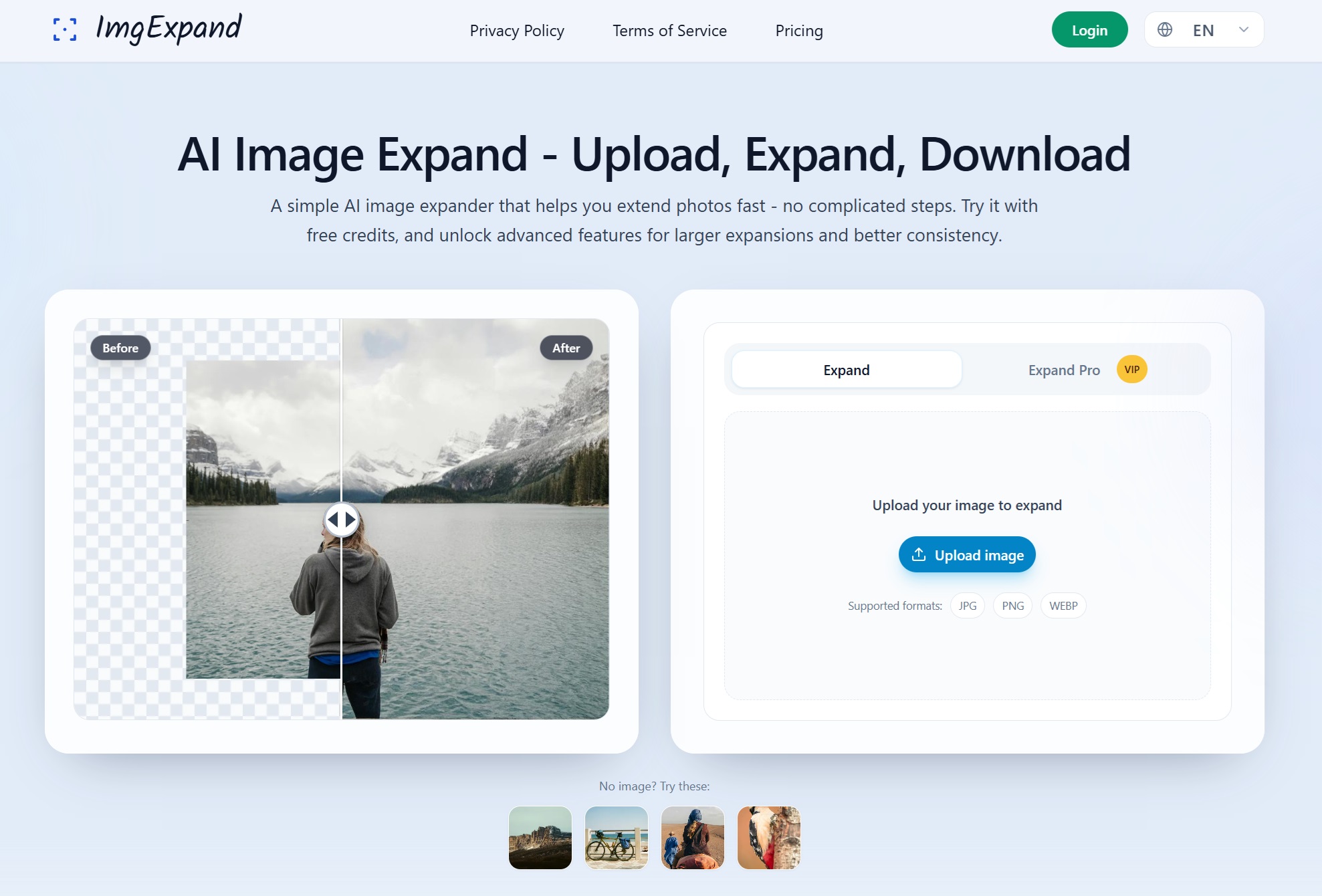
ImgExpand is an AI image expansion tool that helps users expand images and fill missing background areas naturally.
Users can upload an image, choose how they want to extend it, and let AI generate the surrounding areas. This is useful when users need a wider, taller, or more balanced image without cropping the main subject.
ImgExpand is especially helpful for:
- Creating social media covers and banners
- Making YouTube thumbnails and marketing visuals
- Extending product photos for ads or e-commerce layouts
- Adapting images to different aspect ratios
- Creating extra space around a subject for text, design, or composition
Key Features
- AI Image Expansion: Extend an image beyond its original borders and generate missing areas with AI.
- Natural Background Filling: Fill empty canvas areas while keeping the result visually consistent with the original image.
- Aspect Ratio Adjustment: Adapt images for different platforms such as YouTube, Instagram, Facebook, LinkedIn, and websites.
- Simple Workflow: Upload an image, expand the canvas, and generate the final result without using complex editing software.
- Useful for Creators and Marketers: Quickly prepare images for content creation, ads, thumbnails, banners, and design projects.
How I built it
I built ImgExpand as a web-based AI image editing tool focused on simplicity and speed.
The main workflow includes image upload, canvas expansion, mask generation, AI-based background generation, and result preview. The goal was to make the product easy enough for non-designers while still useful for creators, marketers, and small businesses.
The project was built with a modern web stack and integrates AI image generation models to handle the outpainting process. I also focused on making the interface clear, so users can understand the result before downloading or using the final image.
Challenges I faced
One of the main challenges was making the expanded area look natural. AI image expansion is not just about increasing the canvas size; the generated background needs to match the original image in lighting, texture, perspective, and composition.
Another challenge was designing a simple user experience. Many image editing tools are powerful but complicated. ImgExpand needed to feel lightweight and direct: upload an image, expand it, and get a usable result.
I also spent time improving how the tool handles different image sizes, aspect ratios, and expansion directions, because users may need very different outputs depending on whether they are creating a banner, thumbnail, social media post, or product visual.

Log in or sign up for Devpost to join the conversation.