-
-
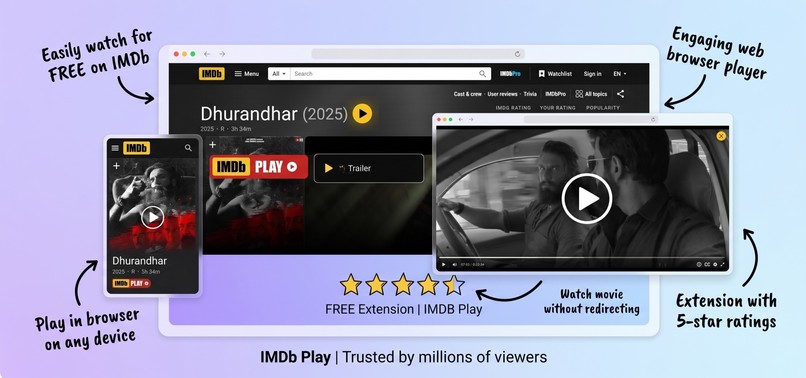
Watch Any Movie for FREE
Inspiration
IMDb is where millions of people discover movies and TV shows, but the experience usually ends once you decide what to watch. You then have to leave IMDb, search across different websites, deal with multiple tabs, and interrupt the discovery experience.
I wanted to explore whether that entire workflow could be simplified with browser technologies. The idea was straightforward: if IMDb already provides all the information users need to discover content, why not make watching feel like a natural continuation of that experience?
That idea became IMDbPlay.
What it does
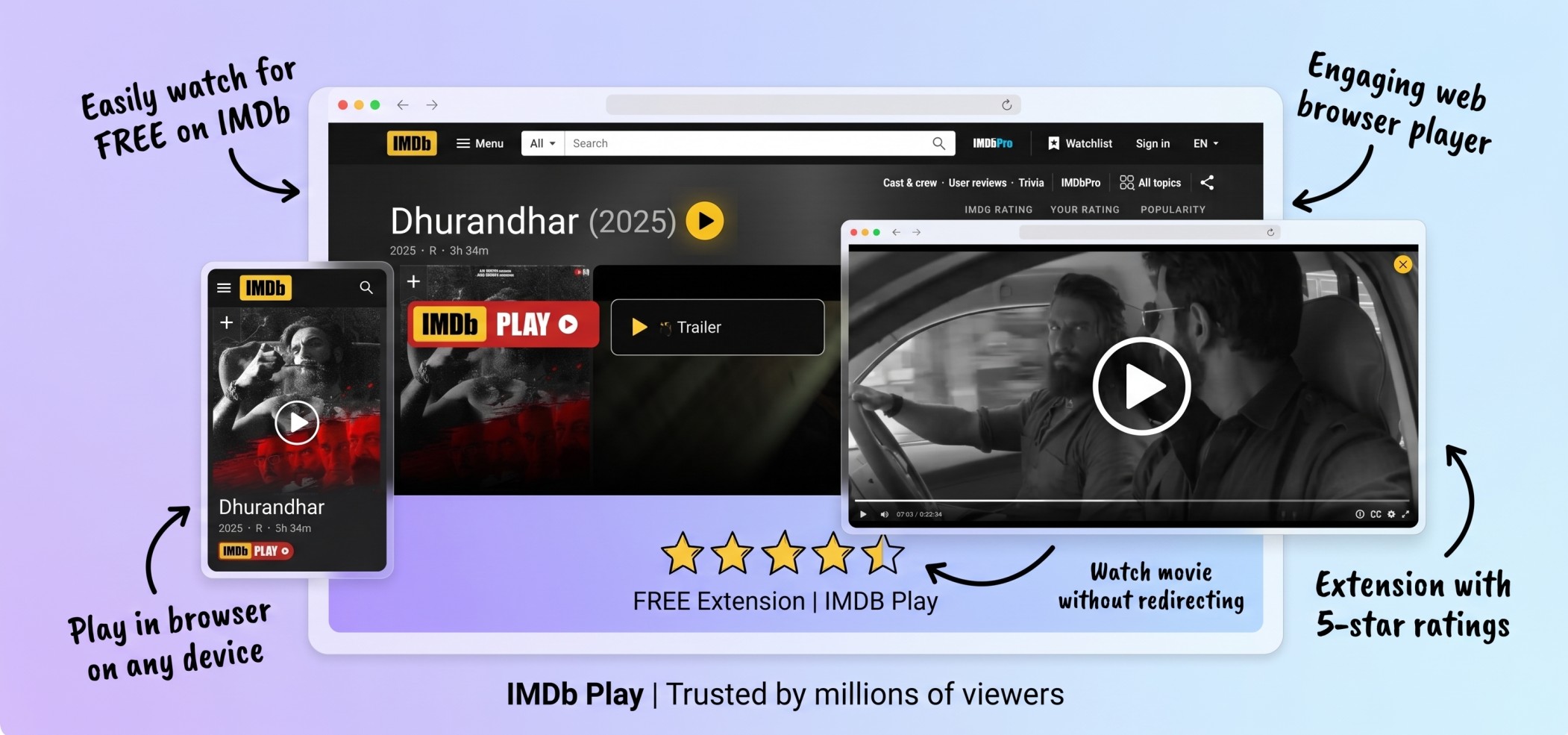
IMDbPlay is a lightweight browser extension and userscript that adds a play button directly to IMDb title pages.
With a single click, users can open a fullscreen overlay player without navigating away from IMDb. For TV shows, the player also includes season and episode selection, making it easy to continue watching without opening multiple pages.
The extension blends into IMDb's interface so the experience feels native instead of looking like an external add-on.
Key features include:
- One click playback directly from IMDb
- Fullscreen overlay player
- Built in TV season and episode selector
- Ctrl or Cmd click support to open the player in a new tab
- ESC key and outside click to instantly close the player
- Lightweight design with no accounts, tracking, or unnecessary permissions
How we built it
IMDbPlay is built entirely with standard web technologies.
The extension injects a small script into IMDb pages where it detects movie and TV show metadata from the page itself. It dynamically inserts a custom play button that matches IMDb's interface.
When activated, JavaScript creates a fullscreen overlay containing an embedded player while keeping the original IMDb page available underneath. Event handling manages keyboard shortcuts, overlay interactions, episode selection, and responsive behavior.
The project is also available as a Tampermonkey userscript, allowing users to install it without packaging a browser extension.
Challenges we ran into
The biggest challenge was making the extension feel like it belonged on IMDb instead of appearing as an obvious overlay.
IMDb frequently updates its page structure, so DOM selection needed to be reliable while remaining lightweight. Supporting both movies and TV series required handling different metadata structures, episode navigation, and dynamic page layouts.
Another challenge was ensuring the overlay behaved naturally by supporting keyboard shortcuts, click outside detection, fullscreen responsiveness, and clean transitions without affecting IMDb's existing functionality.
What we learned
This project was a deep dive into browser extension development and modern DOM manipulation.
We gained practical experience with:
- Browser extension architecture
- Content script injection
- Dynamic DOM rendering
- Event driven UI development
- Cross browser compatibility
- Responsive overlay interfaces
- Userscript distribution using Tampermonkey
The project also reinforced how much a thoughtful user experience can improve an existing website without requiring any changes from the original platform.
What's next for IMDbPlay
Future improvements include:
- Better subtitle customization
- Playback history and resume support
- Keyboard navigation improvements
- Custom themes
- Support for additional browsers
- Smarter stream selection
- Performance optimizations for future IMDb layout changes


Log in or sign up for Devpost to join the conversation.