-
-
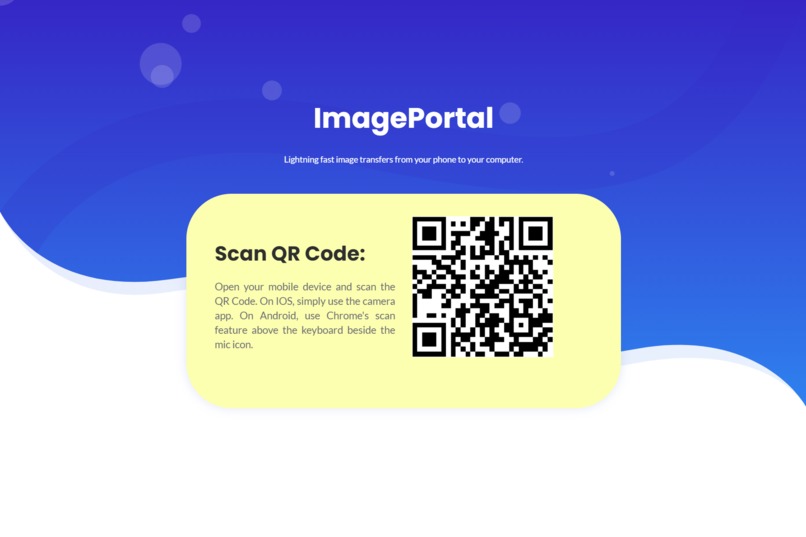
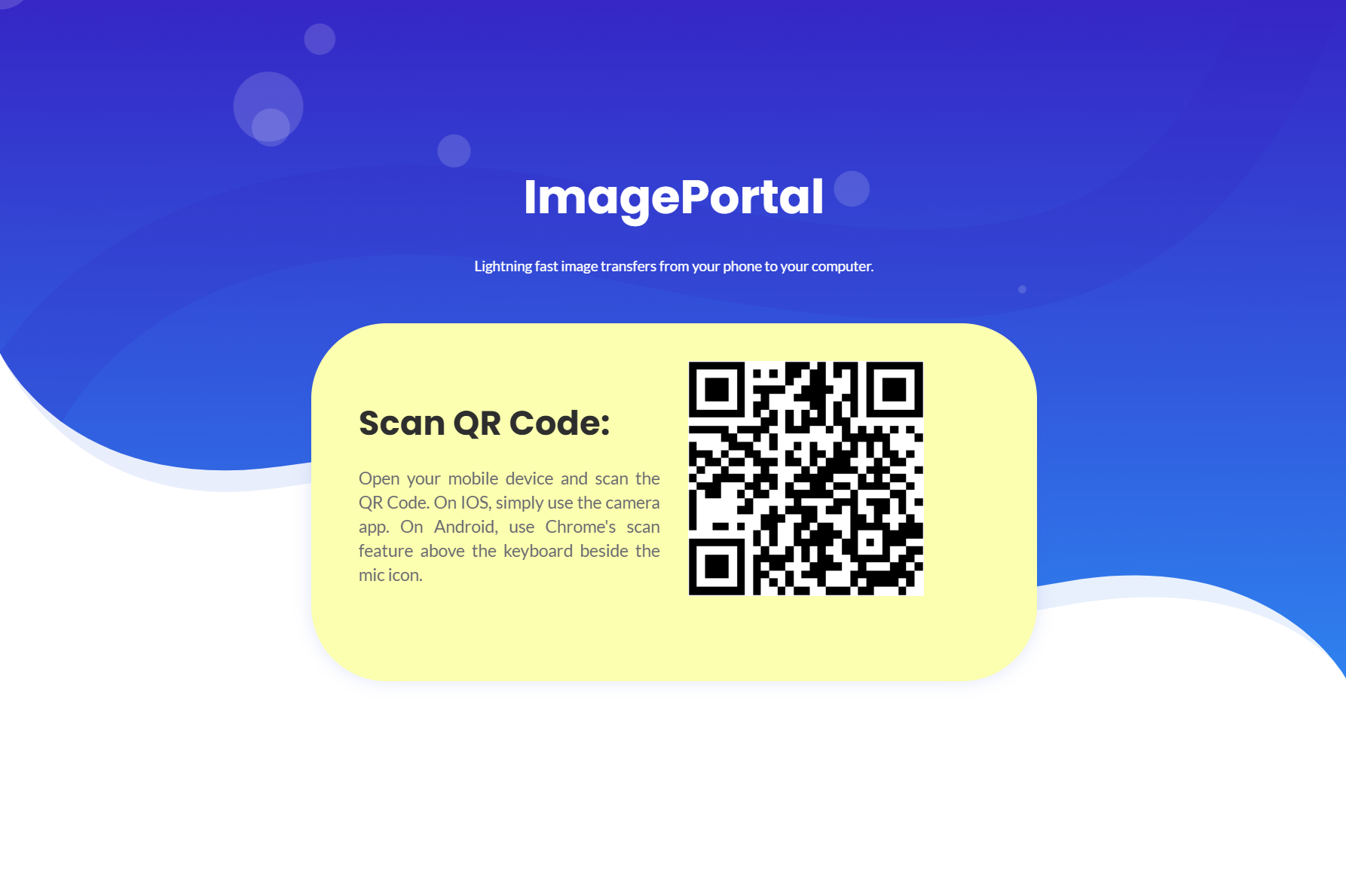
Computer view.
-
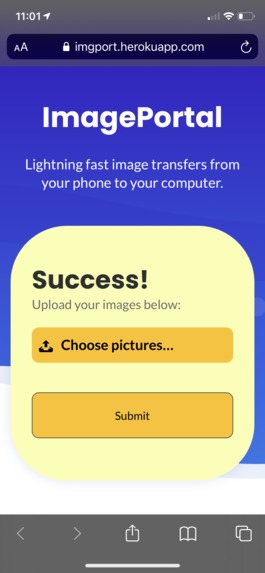
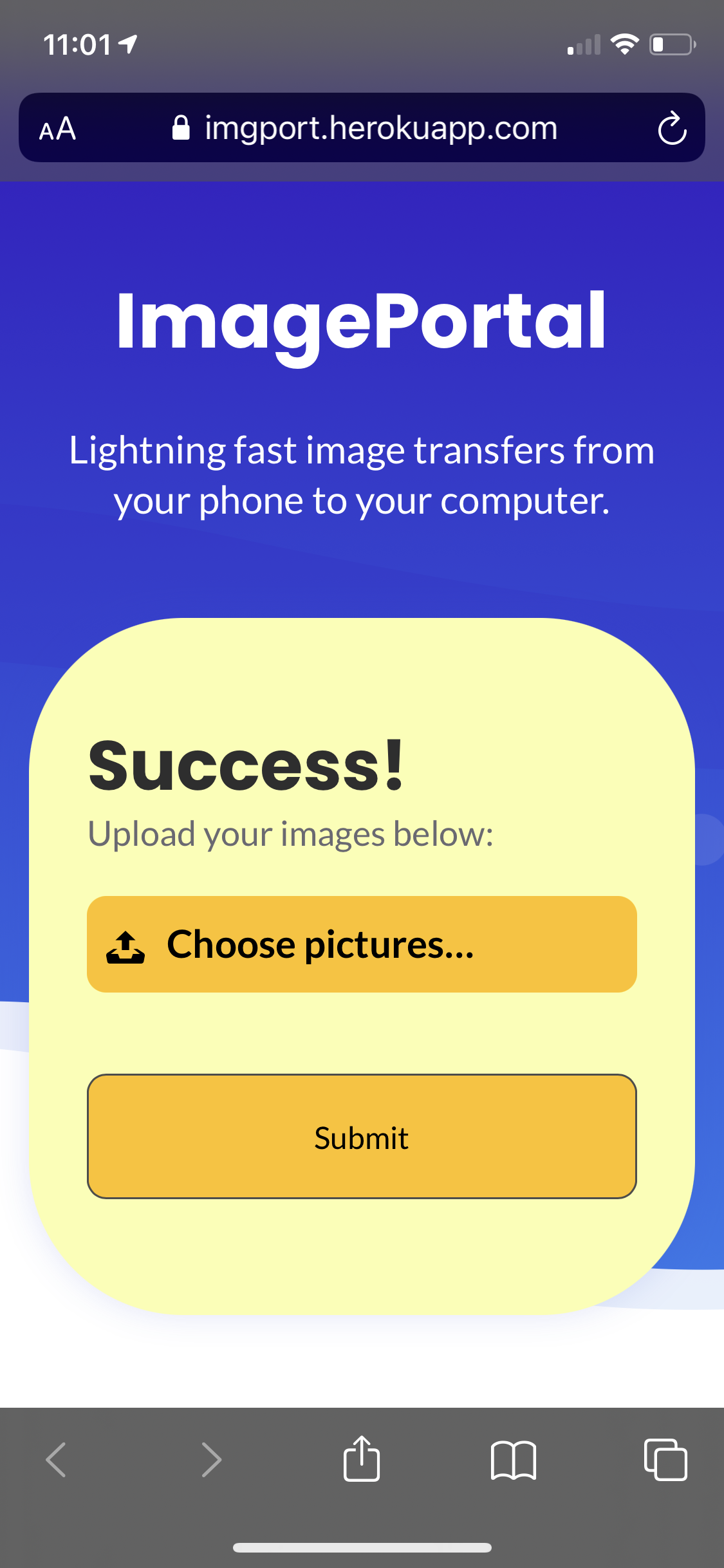
Mobile view after QR Code is scanned.
Inspiration
As students have made the shift to online learning, most written assignments are submitted as PDFs or images on platforms such as Crowdmark. The time given to complete tests and assignments, however, can easily be wasted by trying to send files to your desktop to submit. This was the inspiration for a quick file transfer platform.
What it does
imagePortal allows you to send images from your phone to your computer by scanning a QR code, without the need to log in. The process is as follows: open our website, go on your mobile device and scan the shown QR code, choose the images you want to upload and press submit. The files will then magically download on your computer.
How we built it
We built the website using HTML and CSS and used Node.js on the server side. Since the website depended on users being able to send files to each other, we could not use the traditional request-response approach, so we went for Socket.io to transfer data.
Challenges we ran into
One challenge was getting files to the server. Using the request-response approach in this case was fine, but we ran into many challenges that came with using multipart form-data. In the end, we used base64 encoding to send images in a parsable format that could be read and sent to the server.
Accomplishments that we're proud of
We are proud of having developed a fully-functional website that solves a real problem that students have, and can be used today.
What we learned
We gained valuable experience in all aspects of the development process. We learned about socket.io and frontend-backend integration.
What's next for imagePortal
Our next goals are to implement real-time encryption of the images, and to optimize the transfer process to make it as fast as possible. We also want to add support for other common file types like PDFs and add features to convert sets of images into PDFs on the fly.


Log in or sign up for Devpost to join the conversation.