-
-
User Freindly chatbot
-
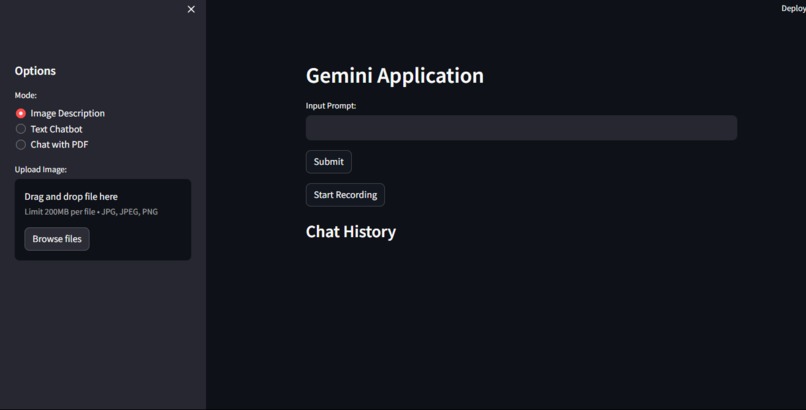
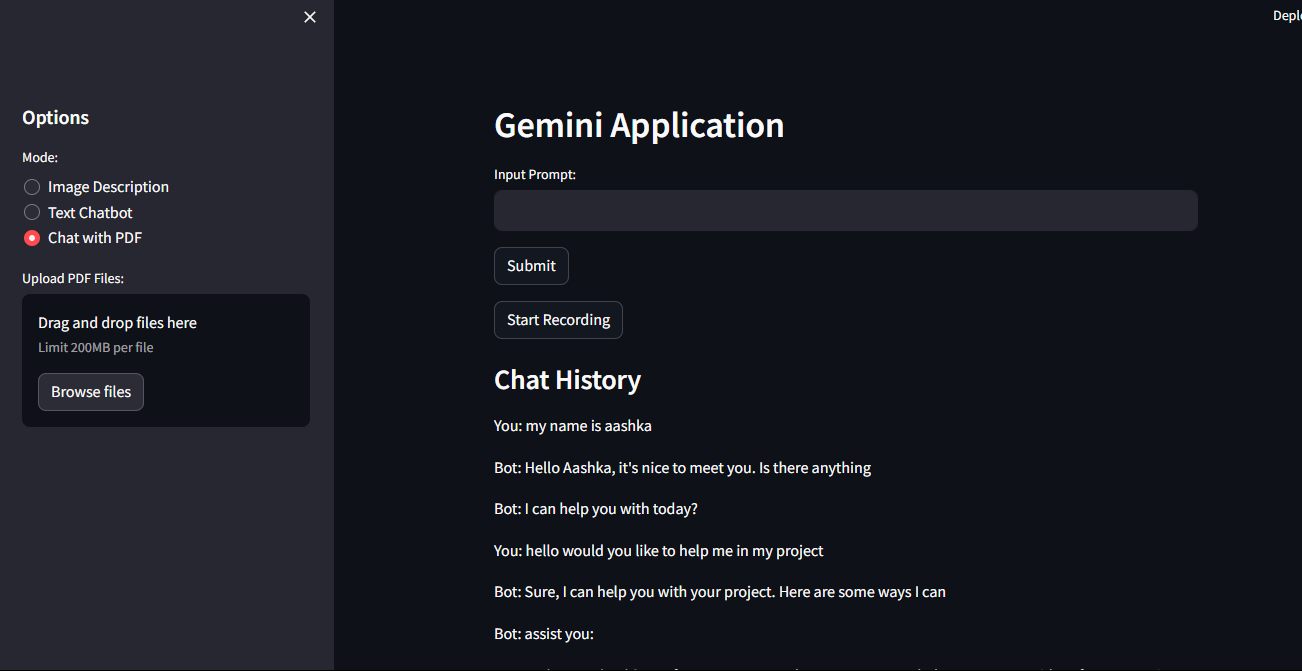
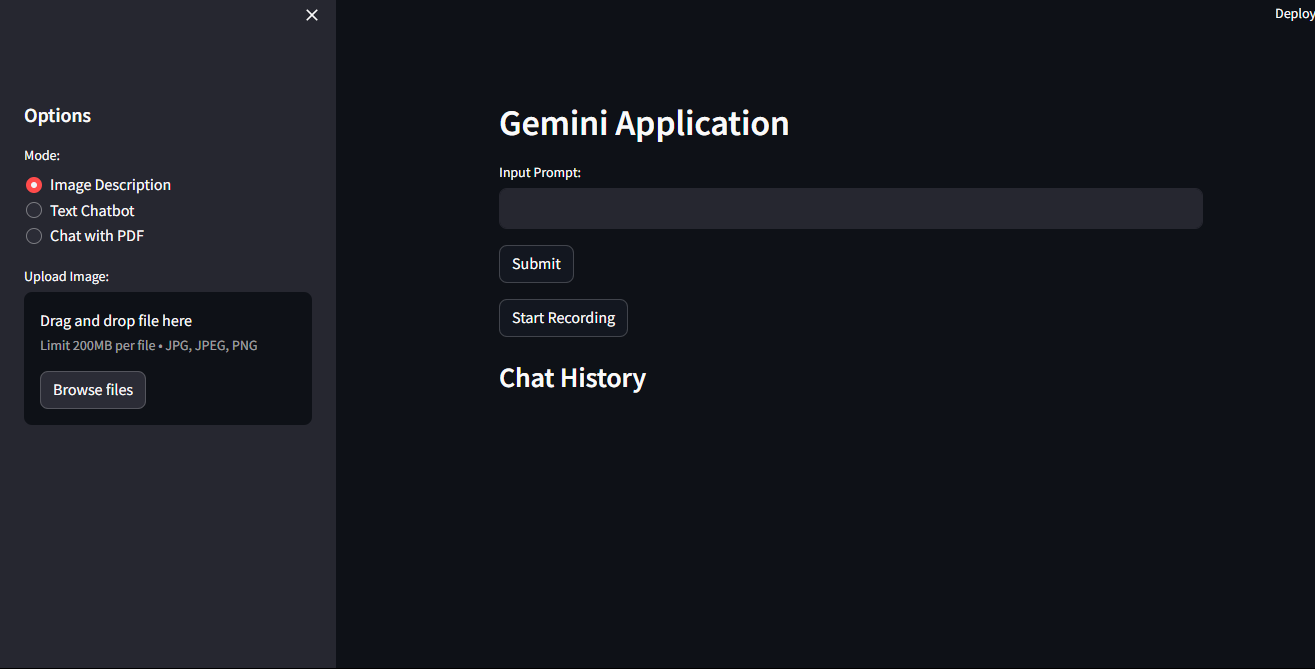
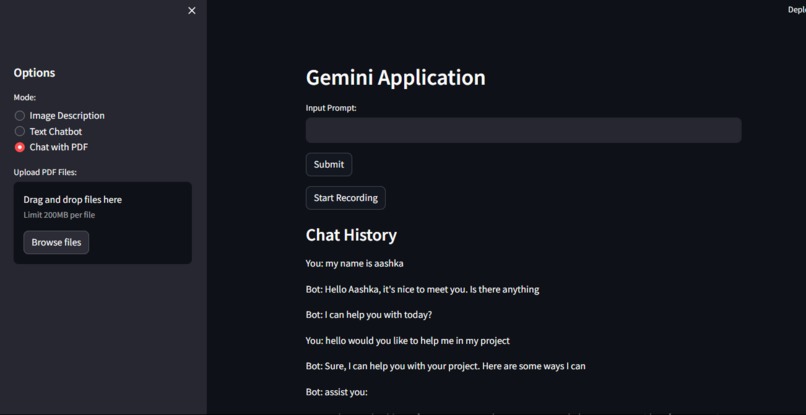
The project is a versatile application built using Streamlit, a popular Python library for creating web applications. It leverages Google's Generative AI model Gemini to provide users with a range of functionalities, including text-based/speech-based chat, image description, and question answering based on PDF documents.
Overview: The application serves as a multi-purpose tool, catering to different user needs such as conversational AI, image recognition, and document understanding. It combines several components to offer a seamless and interactive experience.
Key Components and Functionalities: Environment Setup and Configuration: The project begins by setting up the environment, importing necessary libraries, and configuring the Google API key for authentication. Gemini Model Initialization: The Gemini Pro model is loaded to enable text-based conversations and other AI-powered interactions. Function Definitions: Various functions are defined to interact with the Gemini model and process different types of input: get_gemini_response: Sends a question to the Gemini chat model and retrieves the response. get_gemini_response_image: Utilizes the Gemini vision model to describe images. get_pdf_text: Extracts text from uploaded PDF documents. get_text_chunks: Splits extracted text into manageable chunks. get_vector_store: Creates and saves a vector store from text chunks for efficient search. get_conversational_chain: Initializes a conversational chain for question answering. user_input: Handles user questions and provides responses based on the context from PDF documents. record_voice and speech_to_text: Functions to record voice input and convert it to text using Google Speech Recognition. Streamlit App Initialization: The application's layout is configured using Streamlit, with sidebar options for file uploaders and mode selection (Image Description, Text Chatbot, Chat with PDF). Main Content Area: Users interact with the application through an input prompt, a submit button, and a chat history display. The app dynamically updates based on user interactions, handling text input, voice input, and file uploads. Depending on the selected mode, the appropriate Gemini model is invoked to generate responses. Chat History Display: The application maintains a chat history that includes user inputs and bot responses, allowing users to track the conversation flow. Conclusion: This project showcases the integration of advanced AI models into web applications, providing users with powerful tools for communication, image recognition, and document understanding. By leveraging Streamlit's simplicity and Google's Gemini AI capabilities, the application offers a user-friendly interface for various tasks, making it accessible to a wide range of users.
Built With
- gemini-api
- google-generativeai
- langchain
- pil)
- pillow
- pypdf2
- python
- pyttsx3
- sounddevice
- soundfile
- speechrecognition
- streamlit

Log in or sign up for Devpost to join the conversation.