What it does
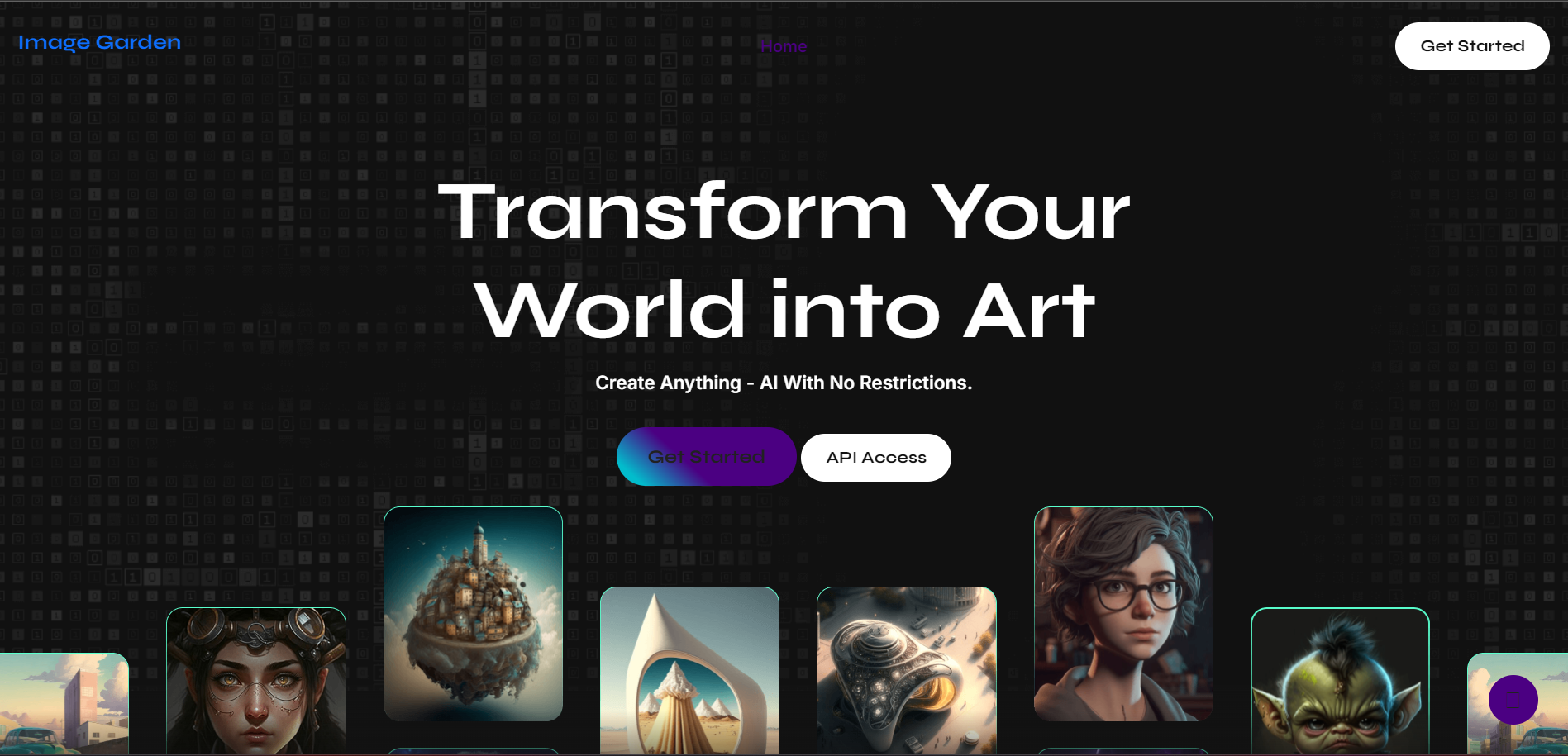
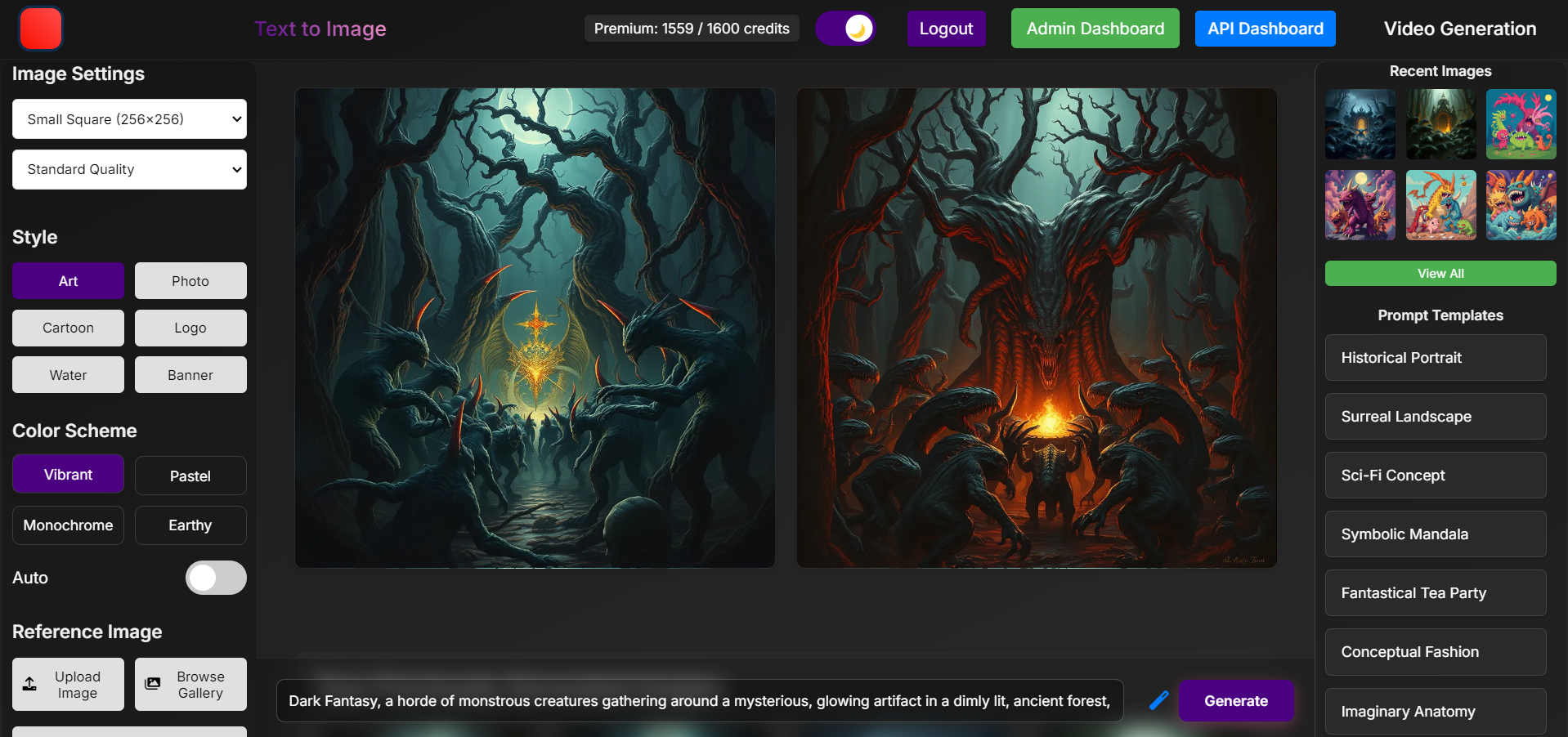
Image Garden is an innovative web application that revolutionizes the way users interact with and generate images. It provides a platform where users can not only upload and store their images but also generate new images based on their prompts. The application leverages advanced machine learning models to create unique images, catering to both casual users and professionals seeking creative inspiration or specific visual content.
How we built it
We built Image Garden using a stack of modern technologies. The frontend is developed using React, providing a responsive and interactive user interface. The backend is powered by Flask, a lightweight Python web framework, which handles user authentication, session management, and API integrations. We integrated Replicate's API to utilize state-of-the-art machine learning models for image generation. Data storage and retrieval are managed by PostgreSQL, ensuring secure and efficient data handling.
Challenges we ran into
One of the primary challenges was integrating the machine learning models for image generation. Ensuring that the models could handle a wide variety of user prompts and generate high-quality images in real-time was a significant technical hurdle. Additionally, optimizing the performance of the application to handle multiple concurrent users and large image files required careful tuning and optimization of both the frontend and backend.
Accomplishments that we're proud of
We are proud of successfully integrating complex machine learning models into a user-friendly web application. The ability for users to generate images based on their creative prompts opens up new avenues for artistic expression and problem-solving. We also achieved a high level of performance and scalability, ensuring that the application can handle a growing user base without compromising on speed or reliability.
What we learned
Throughout the development of Image Garden, we deepened our understanding of machine learning integration, performance optimization in web applications, and user experience design. We learned the importance of balancing cutting-edge technology with intuitive user interfaces to create a product that is both powerful and accessible.
What's next for Image Garden
Looking forward, we plan to expand Image Garden's capabilities by adding more sophisticated machine learning models for image manipulation and enhancement. We also aim to introduce collaborative features, allowing users to work together on image projects and share their creations. Additionally, we will focus on enhancing the social aspects of the platform, such as user profiles, galleries, and community forums, to foster a vibrant community of image enthusiasts and professionals.
Project Overview
This project is a web application built using Flask, a lightweight WSGI web application framework in Python. The application provides various functionalities related to image and video generation, user management, and API management. It integrates with several external services and libraries to achieve its goals.
Key Features
User Authentication and Management:
- User registration and login with password hashing for security.
- OTP-based email verification during signup.
- User profile management with the ability to update usernames.
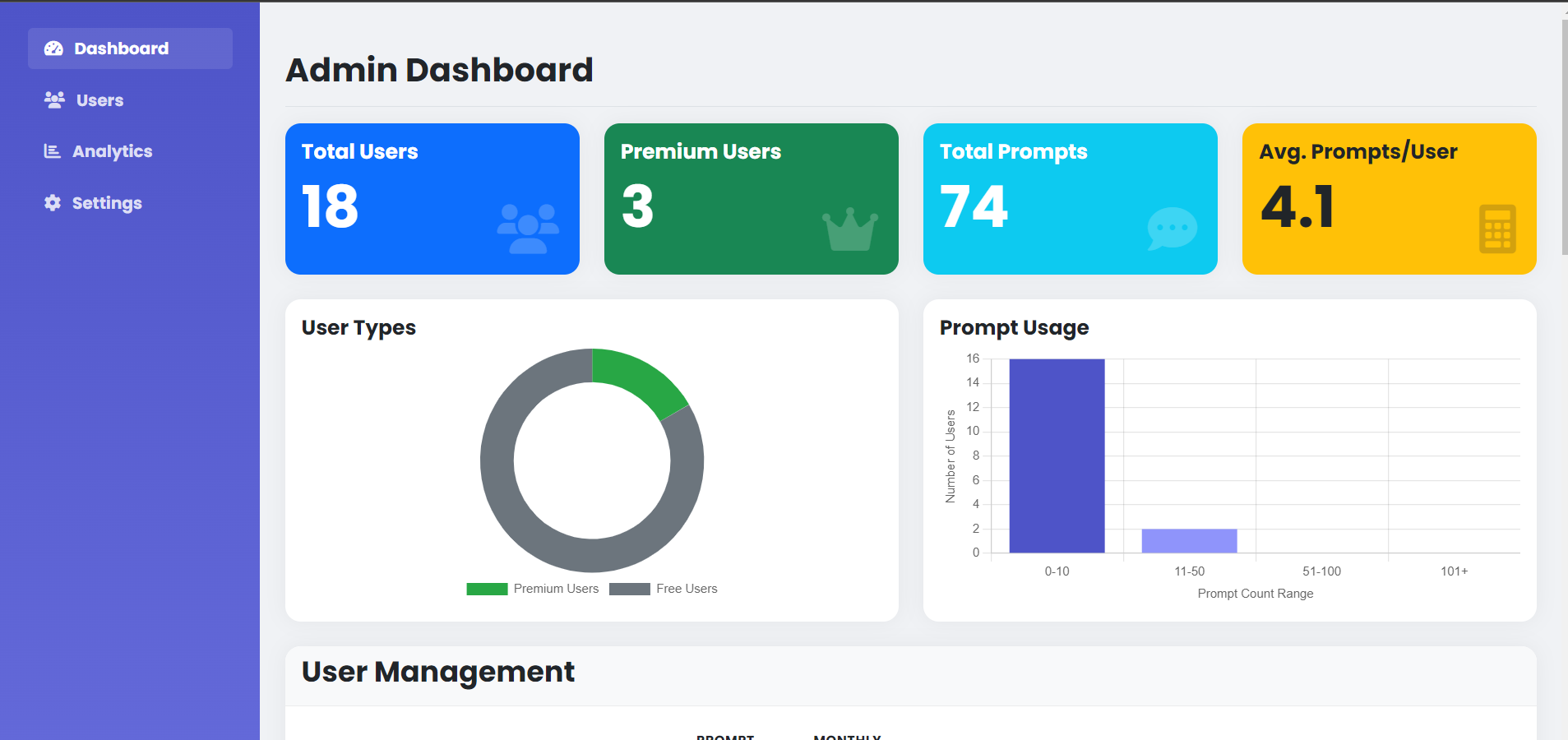
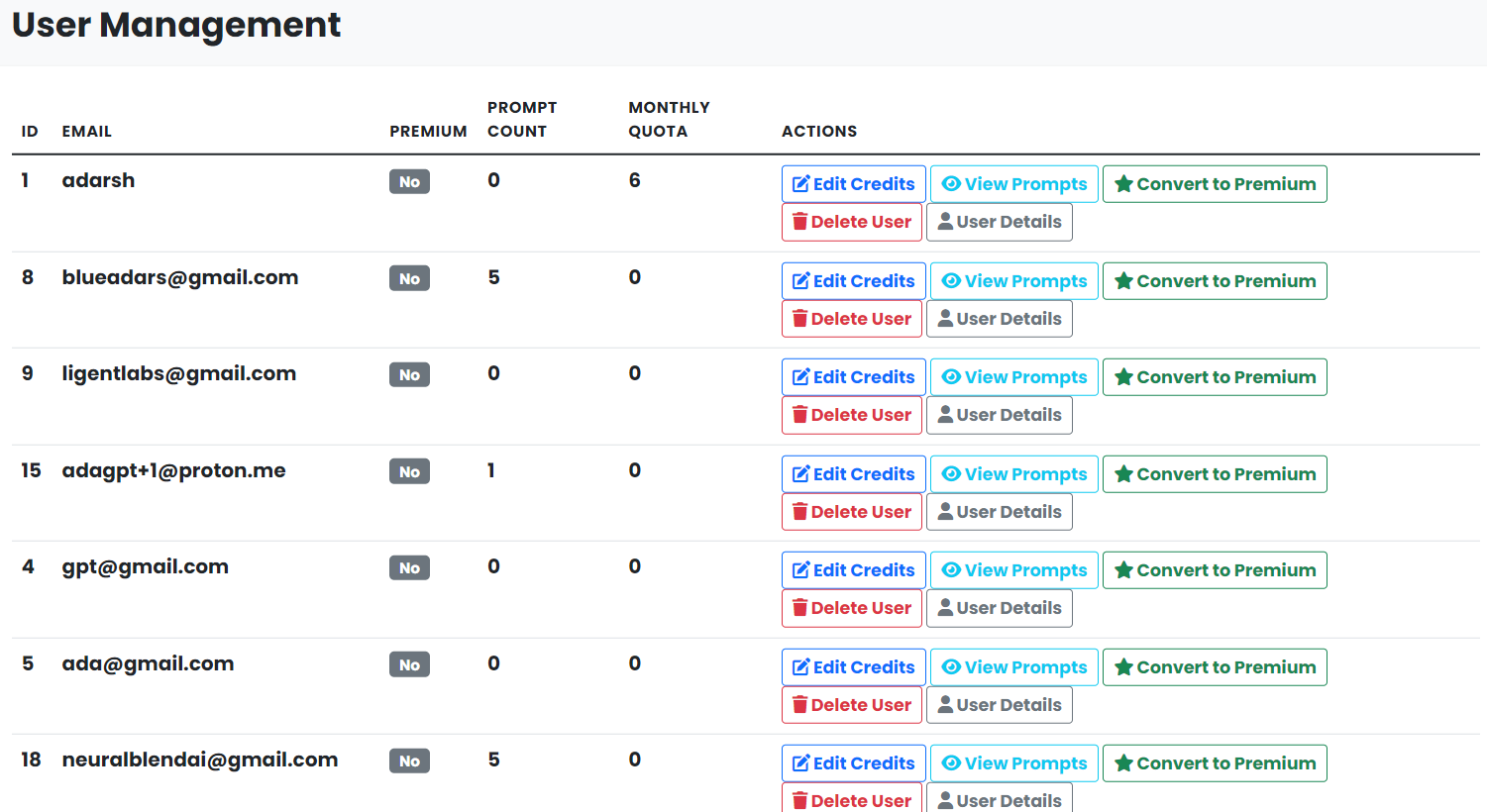
- Admin dashboard for user management, including promoting users to admin, updating user credits, and converting users to premium.
Image Generation and Transformation:
- API and web interface for generating images based on user prompts.
- Image enhancement and editing capabilities.
- NSFW content detection (implementation not provided in the code).
- Quota management for free and premium users.
Video Generation:
- API for generating videos based on user prompts.
- Storage and retrieval of generated videos.
API Management:
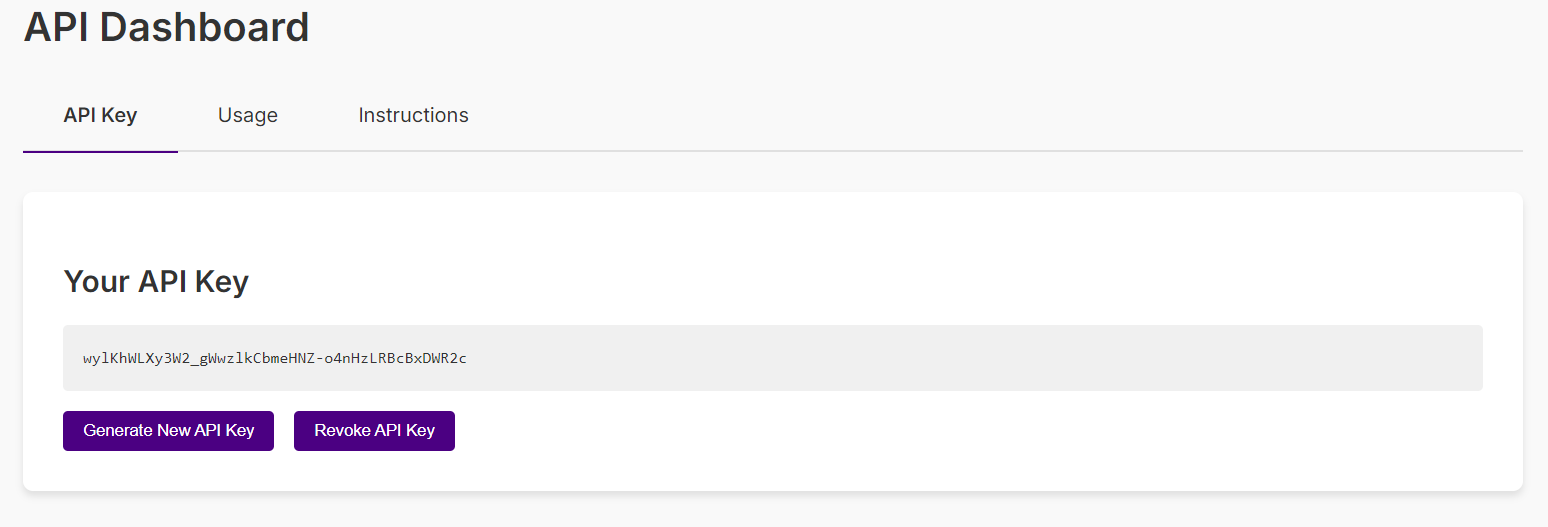
- API key generation and revocation.
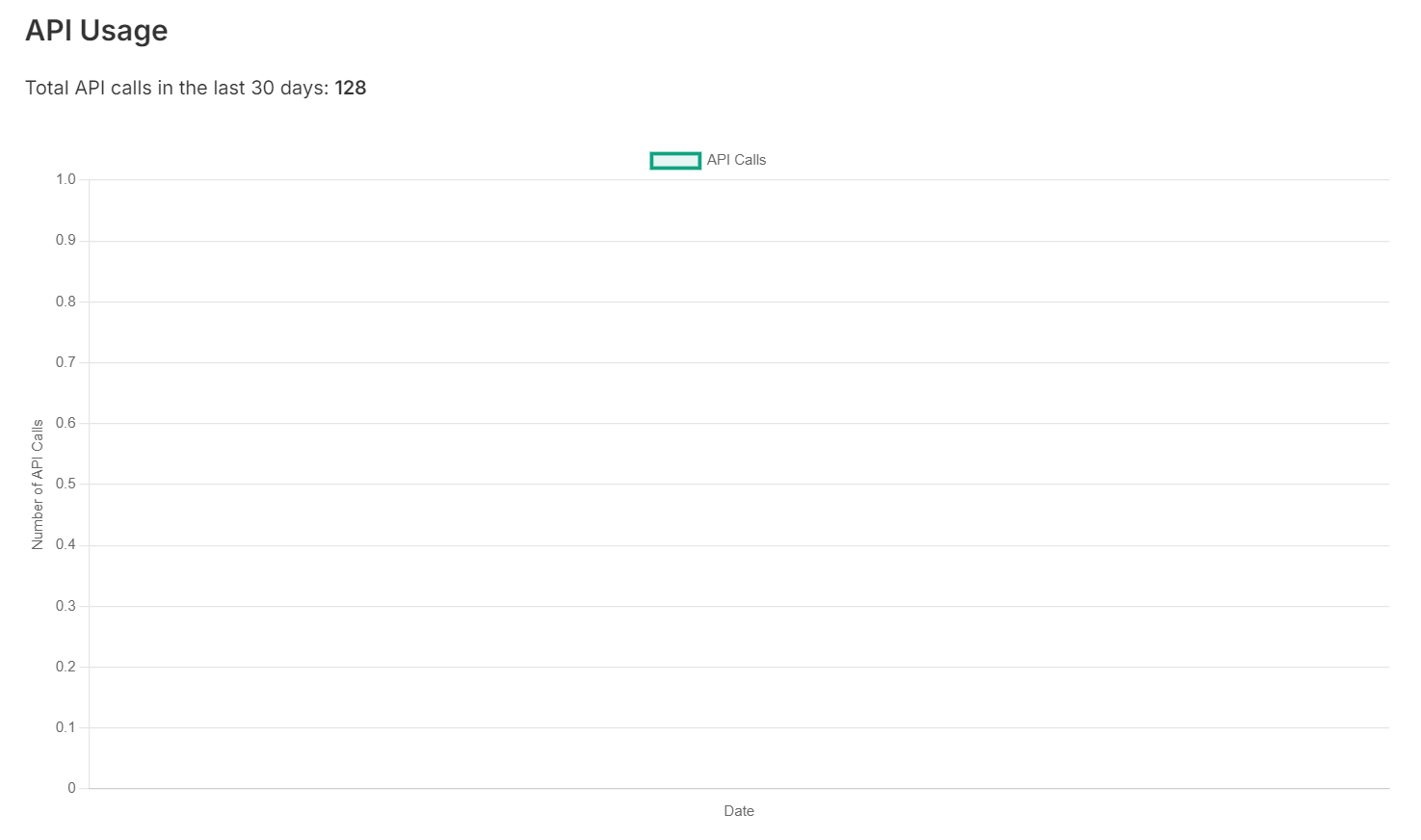
- API usage tracking and statistics.
Premium Features and Subscription Management:
- Integration with Razorpay for handling premium subscriptions.
- Monthly quota management for premium users.
Admin Dashboard:
- Admin-only access to manage users, view user prompts, and update user details.
Background Tasks:
- Scheduled task to reset monthly quotas for premium users.
Technologies Used
- Flask: Web framework for building the application.
- Flask-Login: For user session management.
- Flask-Session: For server-side session management.
- Redis: For caching and session storage.
- PostgreSQL: Database for storing user and image/video data.
- Replicate: For running machine learning models to generate images and videos.
- Razorpay: For handling payment transactions.
- APScheduler: For scheduling background tasks.
- SMTPLib: For sending OTP emails.
- Werkzeug: For secure file handling and password hashing.
- Base64: For encoding image data.
- Requests: For making HTTP requests to external services.
- Dotenv: For loading environment variables.
Project Structure
Flask Application Setup:
- Configuration settings for various components like database, session, and file uploads.
- Initialization of Flask app, login manager, and database connection.
Database Initialization:
- Creation of necessary tables for users, images, videos, and API usage.
- Adding columns to existing tables as needed.
User Management:
- User model definition with attributes like email, password, username, and subscription details.
- User registration, login, and logout routes.
- OTP-based email verification during signup.
Image and Video Generation:
- Routes for generating images and videos based on user prompts.
- Integration with Replicate API for image and video generation.
- Storage of generated images and videos in the database.
API Management:
- API key generation and revocation.
- API usage tracking and statistics.
Premium Features and Subscription Management:
- Integration with Razorpay for handling premium subscriptions.
- Routes for creating checkout sessions and handling successful payments.
- Background task to reset monthly quotas for premium users.
Admin Dashboard:
- Admin-only access to manage users, view user prompts, and update user details.
- Routes for promoting users to admin, updating user credits, and converting users to premium.
Background Tasks:
- Scheduled task to reset monthly quotas for premium users using APScheduler.
Deployment and Execution
- The application is configured to run in debug mode and on port 4000.
- The
init_db()function is called to initialize the database schema on startup. - The application uses environment variables for configuration settings, which are loaded using
dotenv.
Security Considerations
- Password hashing using Werkzeug's
generate_password_hashandcheck_password_hash. - OTP-based email verification during signup to prevent spam and ensure valid email addresses.
- API key management for secure API access.
- Rate limiting using Redis to prevent abuse of the image generation API.
Future Enhancements
- Implementing a more robust NSFW content detection mechanism.
- Enhancing the admin dashboard with more detailed user statistics and management capabilities.
- Adding more payment options for premium subscriptions.
- Improving error handling and logging for better debugging and maintenance.
Conclusion
This project showcases a comprehensive web application built with Flask, integrating various technologies and external services to provide a rich set of features for image and video generation, user management, and API management. The application is designed with security, scalability, and maintainability in mind, making it a robust solution for its intended use cases.
Built With
- apscheduler
- celery
- flask
- flask-caching
- flask-cors
- flask-login
- flask-session
- gunicorn
- javascript
- pillow
- postgresql
- psycopg2-binary
- pygame
- python-dotenv
- razorpay
- redis
- replicate
- requests
- stripe
- werkzeug

Log in or sign up for Devpost to join the conversation.