-
Team Analysis
As of right now it is 4:54 am on the day of the Sun in the first month of the 17th year of the 3rd millennium A.C. and we have (almost) completed our image-translator. Since the dawn of time man has been in an unstoppable march into progress, but could never overcome the frustration being unable express without words a simple solid object. From the grunts of the first fire-worshippers, to couple-destroying modern-day charades, describing simple concrete objects has proven to be more difficult than conquering sea, air, and space. However, that all ends today as the final frontier is breached, and humanity can finally ascend. Now, pointing at an object shall finally translate its existence into words spoken by man via our device that shall forever echo in history as “The Image Translator”.
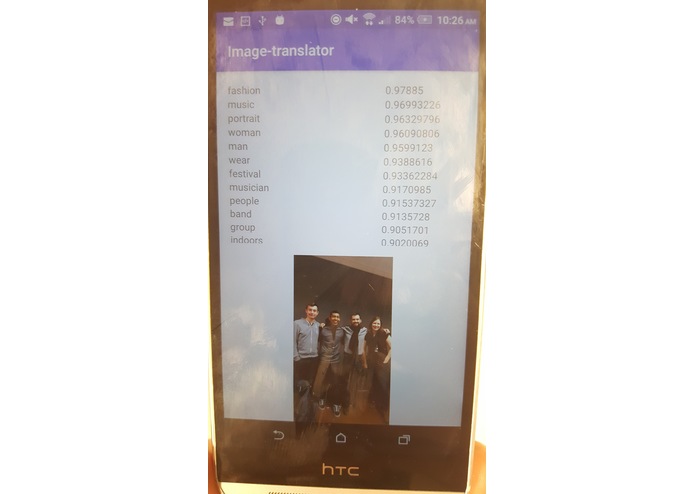
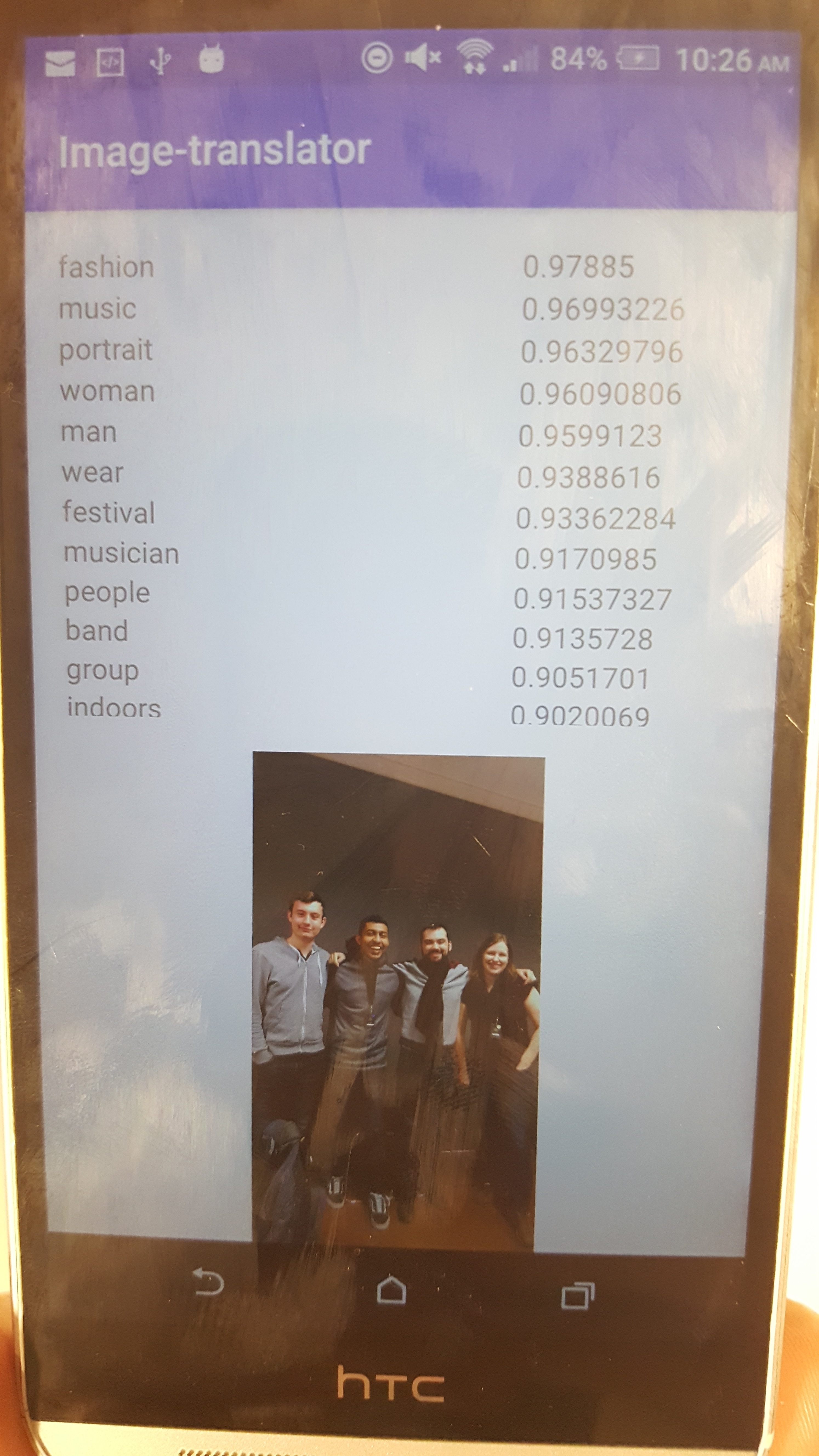
On a slightly more serious note, our image-translator is an Android application whose purpose is to express an object in multiple languages. This can aid in learning new languages, in travel, or just for delighting in foreign-sounding vernacular.Everyone on team Lada had a different idea of what to use it for, and these are just a few more of the more general ones. The outline of the image translator is that by simply taking a picture, and passing it through the Clarifai API we can generate a list of tags associated with that picture. If we then translate those tags, we obtain a translator of multiple words with a common theme. For language students and teachers alike, this is a dream come true, as now they can visually associate multiple words with a picture. For foreign tourists, this can create situations where they can say words with the object of their meaning nearby, facilitating conversations, and perhaps even starting some quite memorable ones. Who knows.
The functionality of our program is as follows: From the Base Activity, we select the language we want to translate to, and then use the internal camera of the Android device to take a picture. That picture is then sent over to the RecogniseConcepts Activity, the portion in charge of assigning tags to the picture. The tags are then sent over to the RecognizeConcepts Adapter where they are translated.
Built With
- android-development-studio
- clarifai
- google-cloud
- java


Log in or sign up for Devpost to join the conversation.