-
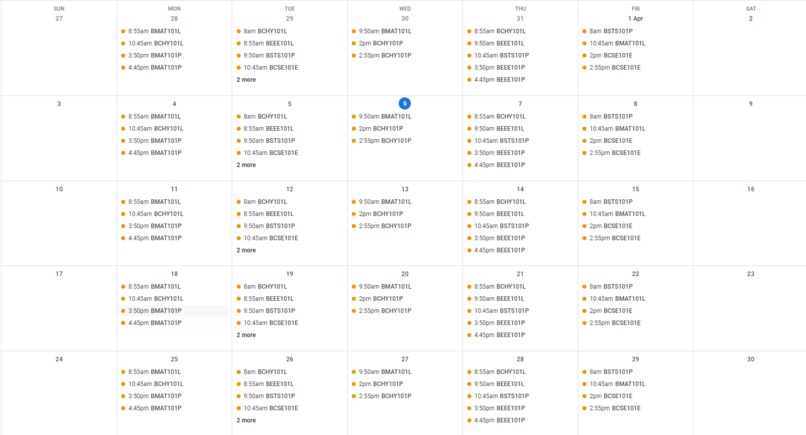
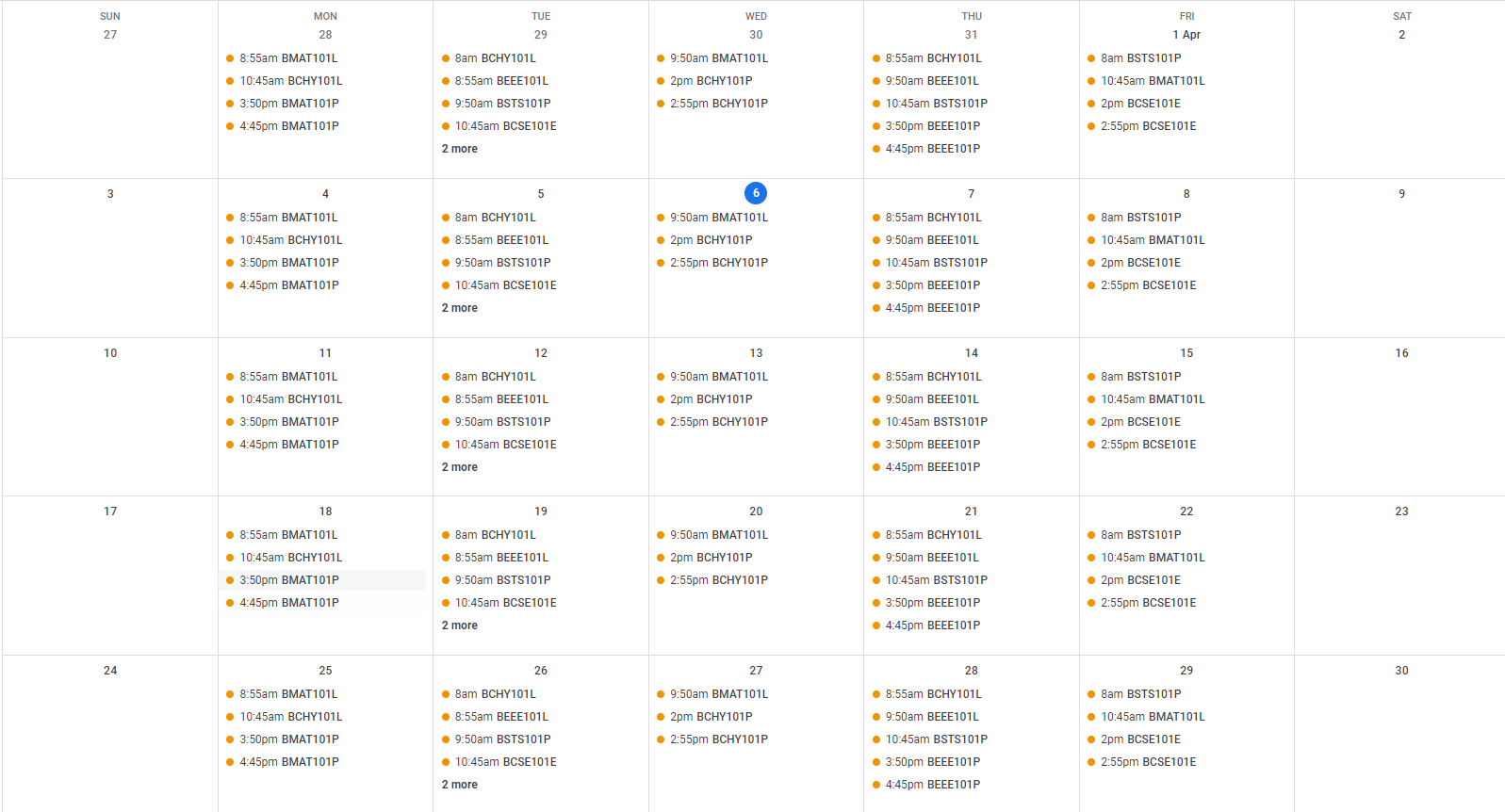
The final result on Google Calendar
Inspiration
Every day I had a habit of scheduling the next day's events (via google calendar) to make my days productive. My university classes were always constant weekly and I had an image of the timetable to reference each time I needed to schedule. Upon thinking further I realised that I should try saving my valuable time and try making a fun python project which was how Image to Calendar was born!
What it does
Converts an image (screenshot) of the timetable of my university (VIT) to a calendar which can be synced with my personal/work google calendar with a simple click.
How we built it
I was able to build this with the help of python 3, google calendar API and Nanonets API. The Nanonets API essentially converted the inputted image into a CSV file for easy access for the google calendar API to process, which was connected to Google's OAuth2.0 which authenticates and asks for the user's consent for the program to access his/her account.
Challenges we ran into
During the build of this project, I had faced various issues with how API calls and responses were made as it was my first time working with an API. Most of the issues were solved upon extensive reading of the documentation and various other blog posts.
Accomplishments that we're proud of
Made the Project Successfully!
What we learned
- how to use the requests module
- how to setup OAuth2.0, Google calendar API, Nanonets
What's next for Image to Calendar
I hope to add a graphical user interface so as to let folks who've never programmed before use it.
Built With
- google-calendar
- google-cloud
- nanonets
- oauth2.0
- python


Log in or sign up for Devpost to join the conversation.