-
-
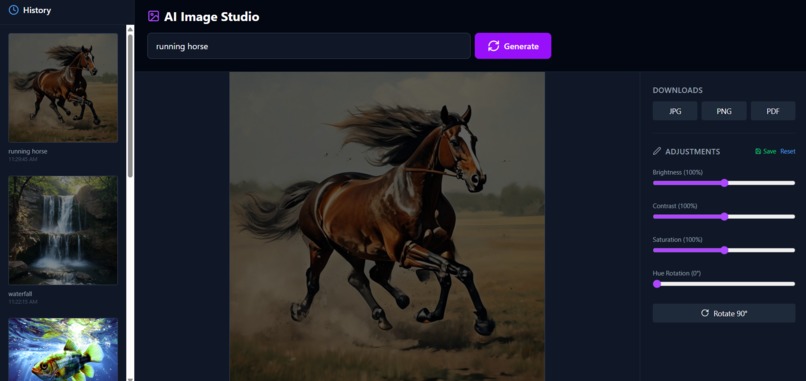
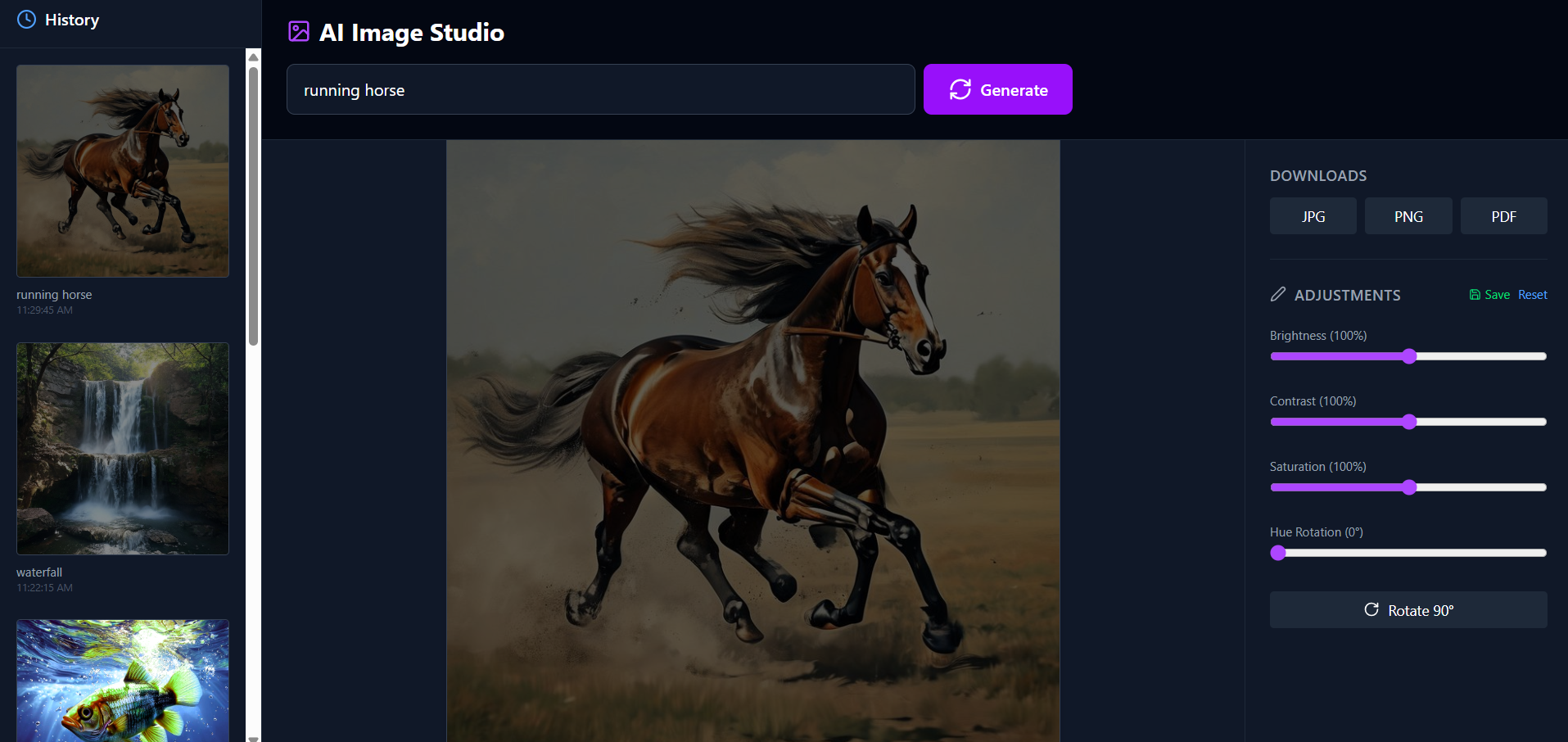
Dashboard
-
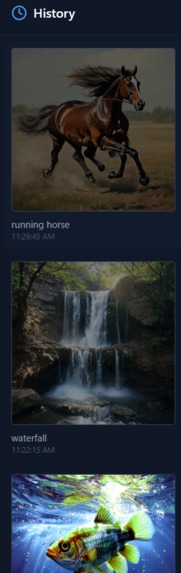
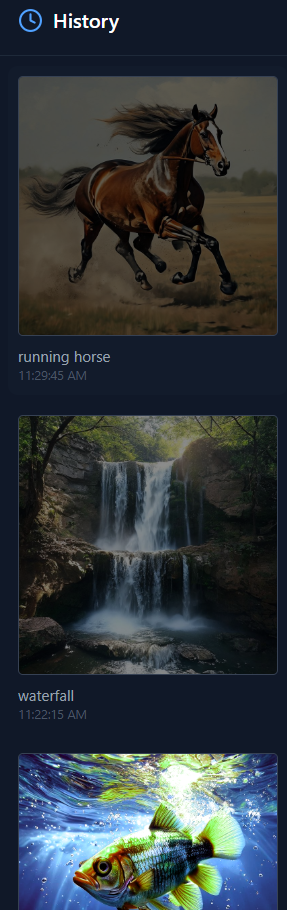
History Section
-
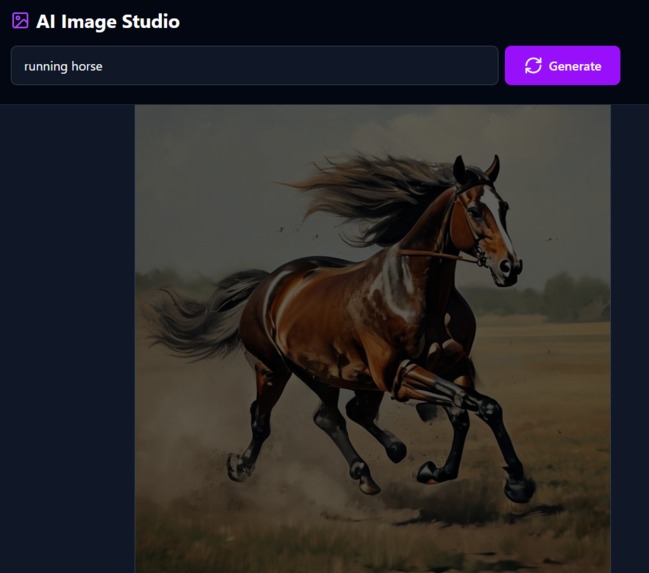
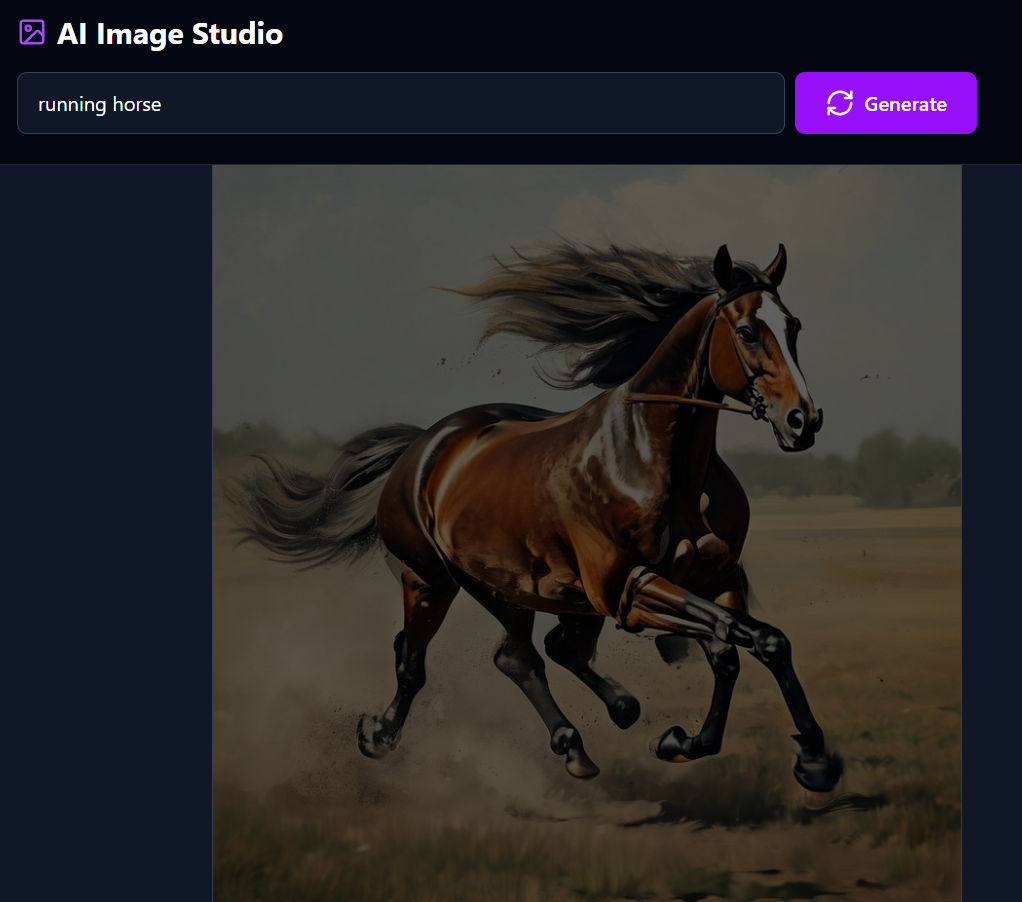
Image genaration section
-
Download Section
-
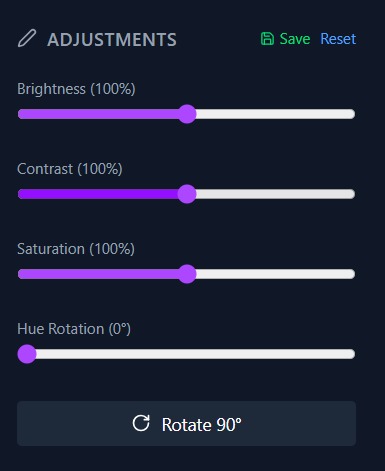
Image Editing Section
Inspiration
I wanted to bridge the gap between AI imagination and practical utility. Most AI generators give you an image and leave you there if the colors are slightly off or the orientation is wrong, you're stuck. I inspired ourselves to create a "Full-Cycle" creative tool: one that doesn't just create an image, but gives the user the manual control to refine and export it exactly how they need it for their specific workflow.
What it does
My application is an all-in-one creative suite powered by AI.
- Generate: Users can turn text prompts into high-quality images using state-of-the-art diffusion models.
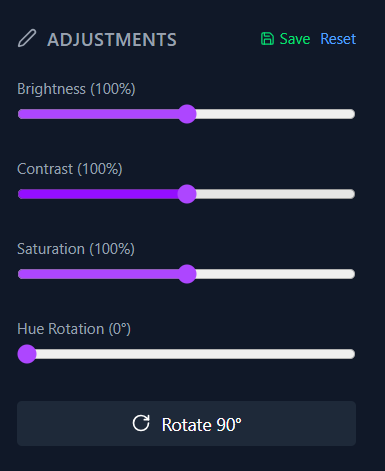
- Refine: An integrated editor allows for real-time color adjustments (brightness, contrast, saturation) and 90° rotations.
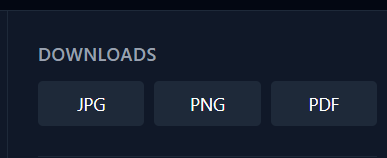
- Convert & Export: Unlike standard tools that only offer one format, our app allows users to download their final, edited creations in JPG, PNG, or PDF formats instantly.
How I built it
IDE: Developed using Visula Studio Code
Frontend: Built with React and Tailwind CSS for a responsive, modern interface.
Image Processing: Used HTML5 Canvas and libraries like fabric.js to handle real-time image manipulation and filters.
Backend/API: Integrated with OpenAI's DALL-E for the core generation engine.
Export Logic: Utilized jsPDF for generating documents and custom canvas-to-blob functions for multi-format downloads.
Challenges I ran into
The biggest hurdle was preserving edits during export. Initially, downloading an image would only save the original AI-generated version, ignoring the user's color changes and rotations. I had to implement a "Virtual Canvas" system that re-renders the manipulated pixels into a data stream before triggering the download to ensure the user gets exactly what they see on screen.
Accomplishments that we're proud of
- Seamless UX: Moving from a text prompt to a fully edited PDF in under 60 seconds.
- Visual Fidelity: Maintaining high resolution even after applying multiple CSS-based filters and rotations.
- Format Flexibility: Successfully implementing the PDF export feature, which is a rare but highly requested feature for design mockups.
What I learned
I learned the intricacies of Canvas manipulation and how browsers handle image data security (CORS). I also gained deep insight into Prompt Engineering learning how to help users get better results by structuring their inputs before they even hit the AI model.
What's next for Image Genaration
The future isn't just about creating an image; it's about Consistency and Control.
Character Consistency: Our next step is allowing users to "lock" a character or style and generate new scenes with them.
In-painting: Adding the ability to brush over a specific part of an image and let AI "fix" or change just that area.
Smart Layouts: Using AI to automatically suggest the best crop or color grade based on where the image will be used (e.g., Instagram vs. a professional LinkedIn banner).

Log in or sign up for Devpost to join the conversation.