Project Report: Image Generation and Management Web Application
Table of Contents
- Introduction
- Technologies Used
- System Architecture
- Database Design
- User Authentication and Authorization
- Image Generation and Transformation
- API Management
- Premium Features and Payments
- Admin Dashboard
- Video Generation
- Profile Management
- Error Handling and Logging
- Deployment and Configuration
- Conclusion
1. Introduction
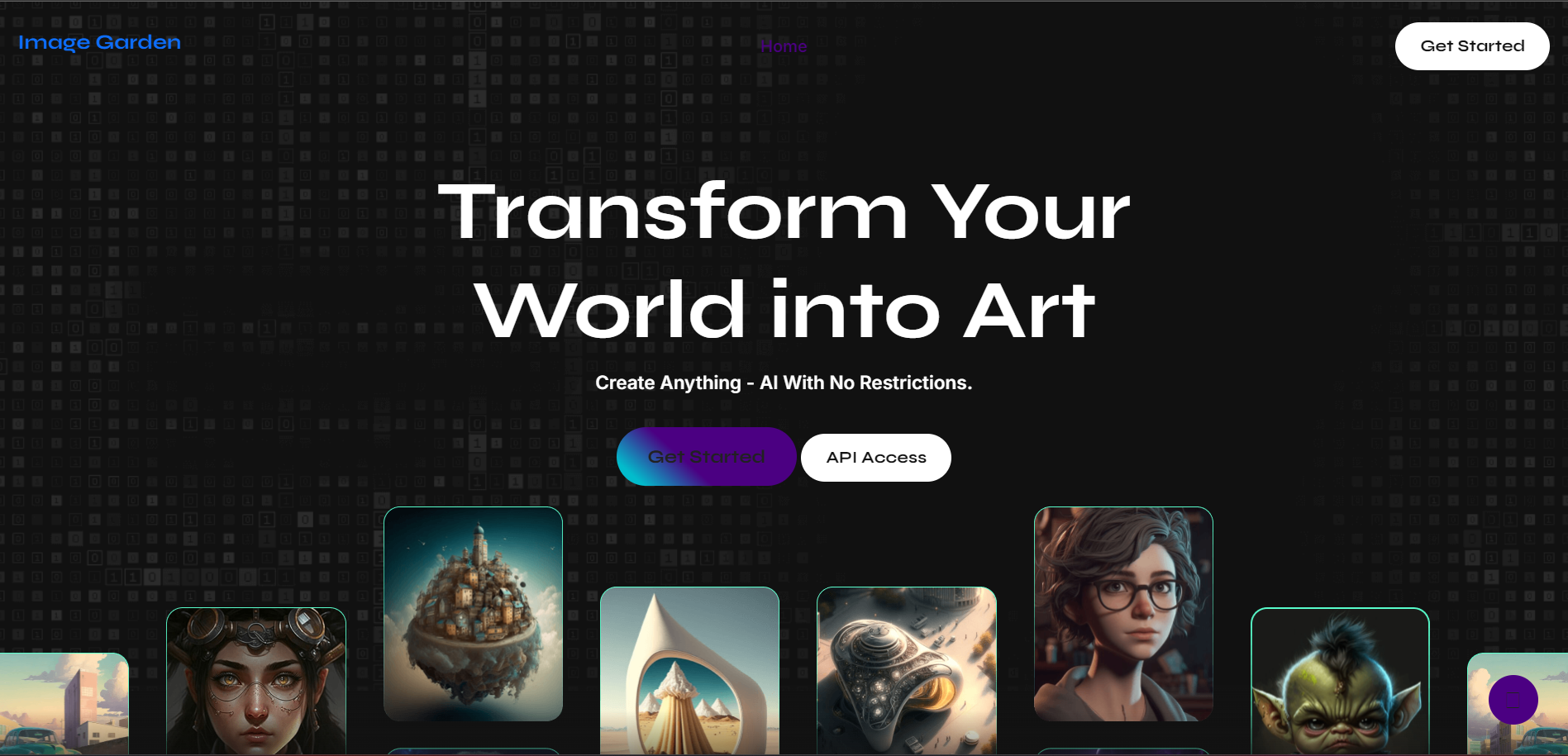
The Image Generation and Management Web Application is a sophisticated Flask-based web service designed to empower users with the ability to generate, transform, and manage images through the utilization of advanced AI models. This application caters to both free and premium users, offering a spectrum of features ranging from basic image generation to advanced video creation. The inclusion of an admin dashboard further enhances the application's utility by providing comprehensive tools for managing user accounts and their associated privileges.
2. Technologies Used
The backbone of this application is built upon a robust stack of technologies, each chosen for their specific capabilities and integration potential:
- Flask: A lightweight WSGI web application framework in Python, known for its simplicity and flexibility, which forms the core of the application's backend.
- Flask-Login: A Flask extension that simplifies user session management, ensuring secure and seamless authentication and authorization processes.
- Flask-Session: Another Flask extension, this one focused on session management, leveraging Redis for efficient and scalable session storage.
- Replicate: An API service that provides access to state-of-the-art AI models for image and video generation, enabling the application to deliver high-quality content creation capabilities.
- PostgreSQL: A powerful, open-source object-relational database system that ensures data integrity and reliability, storing user information, images, and videos securely.
- Redis: An in-memory data structure store used as a database, cache, and message broker, which plays a crucial role in session management and rate limiting to prevent abuse.
- Razorpay: A comprehensive payment gateway solution that facilitates secure and seamless payment processing for premium subscriptions, enhancing the application's monetization capabilities.
- APScheduler: A lightweight, in-process task scheduler that allows the execution of jobs in the background, crucial for managing periodic tasks such as subscription renewals.
- SMTP: Standard protocol for email transmission, utilized for sending OTP (One-Time Password) verification emails during the user registration process.
3. System Architecture
The architecture of the Image Generation and Management Web Application is designed to ensure scalability, security, and efficiency. It adopts a client-server model where the client, typically a web browser, interacts with the server through HTTP requests. The server processes these requests, interacts with the database, and communicates with external APIs to fulfill the client's requests.
Components:
- Flask App: Serves as the central processing unit, handling all incoming HTTP requests, processing them, and returning appropriate responses. It integrates with various extensions and libraries to manage user sessions, handle form data, and interact with the database.
- Database: PostgreSQL is the chosen database management system, responsible for storing all persistent data including user profiles, generated images, and videos. The database schema is carefully designed to ensure efficient data retrieval and storage.
- Redis: Acts as a high-speed data store, primarily used for managing user sessions and implementing rate limiting to prevent abuse of the system. Its in-memory nature ensures fast data access and manipulation.
- Replicate API: This external API is pivotal for the image and video generation features of the application. It communicates with the server to process user prompts and return generated content.
- Razorpay API: Integrated to handle all payment-related functionalities for premium subscriptions, ensuring secure transactions and managing subscription statuses.
4. Database Design
The database schema is meticulously designed to cater to the diverse needs of the application, ensuring that data is stored efficiently and can be retrieved quickly:
Tables:
- users: This table stores essential user information such as email, hashed password, premium status, count of prompts used, subscription start date, monthly quota, and admin status. Each user is uniquely identified by an ID.
- images: Contains details of each image generated by users, including the image URL, the prompt used, style information, color details, and the timestamp of creation. Each image is linked to a user via a foreign key.
- videos: Similar to the images table, this stores metadata for videos generated by users, including the video URL, prompt, and creation timestamp.
- api_usage: Tracks the usage of the API by users, recording the date of usage and the count of API calls made, which is crucial for monitoring and managing user quotas.
5. User Authentication and Authorization
Security is paramount in the application, and this is reflected in the robust authentication and authorization mechanisms implemented:
- Registration: Users initiate their journey by registering with an email and password. The registration process includes an OTP verification step, ensuring that the email provided is valid and belongs to the user.
- Login: Upon registration, users can log in using their credentials. Flask-Login manages the session, ensuring that the user remains authenticated across requests.
- Session Management: Flask-Session, coupled with Redis, manages user sessions efficiently. Sessions are stored in Redis, allowing for fast access and ensuring that session data is not lost if the server restarts.
- Authorization: Flask-Login is also used to manage user authorization, protecting routes that require specific permissions, such as premium features or admin functionalities.
6. Image Generation and Transformation
The core functionality of the application revolves around image generation and transformation, powered by advanced AI models:
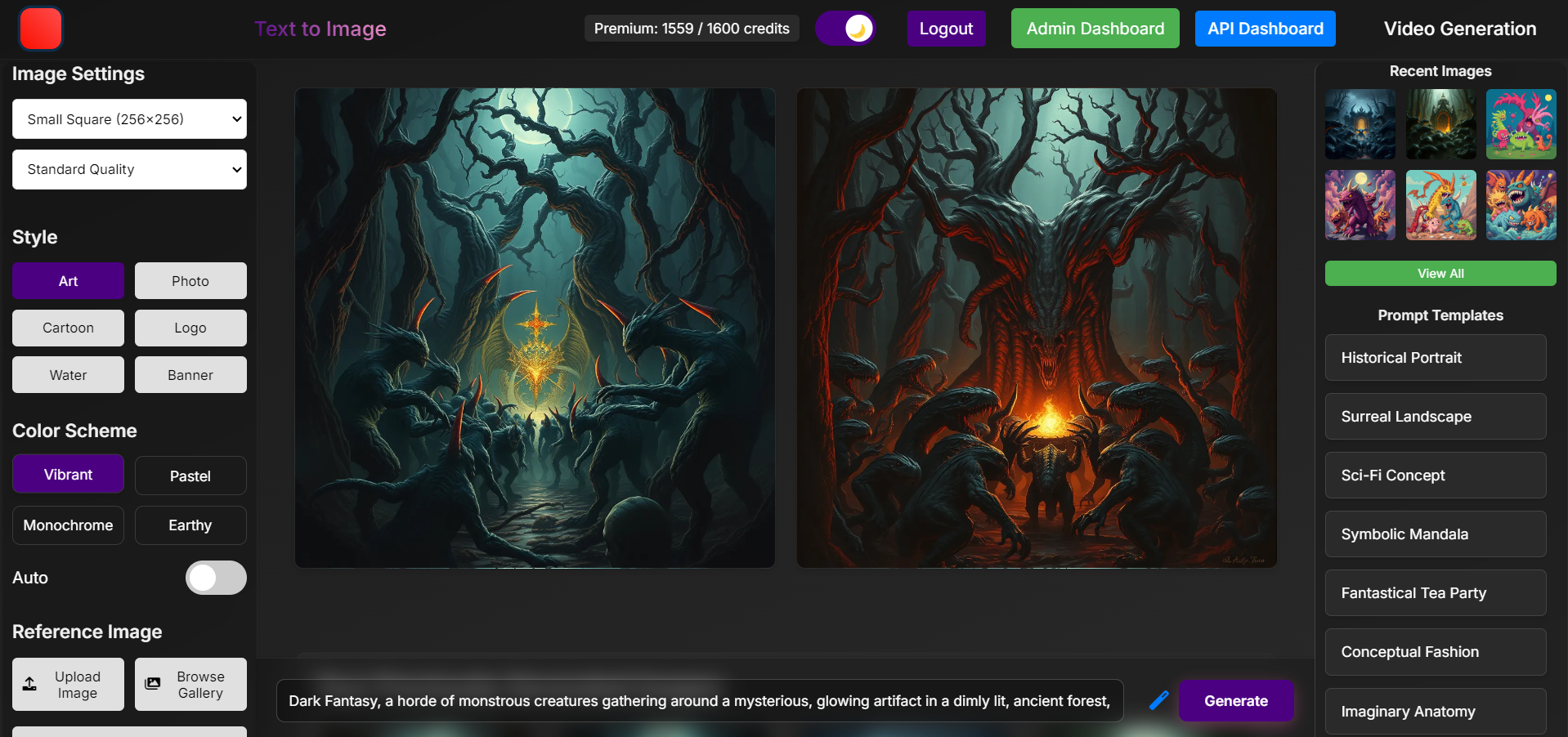
- Image Generation: Users can generate images by submitting a text prompt. The application communicates with the Replicate API, which processes the prompt and returns a generated image. This image is then stored in the database and linked to the user.
- Image Enhancement: To improve the quality of user prompts, the application offers an enhancement feature. Users can submit their basic prompts, which are then refined by an AI model to produce a more detailed and effective prompt for image generation.
- Image Transformation: Users have the option to upload their images for enhancement or inpainting. The application processes these images using AI models to apply the requested transformations, such as improving image quality or filling in missing parts.
7. API Management
The application includes comprehensive API management features to ensure secure and controlled access to its functionalities:
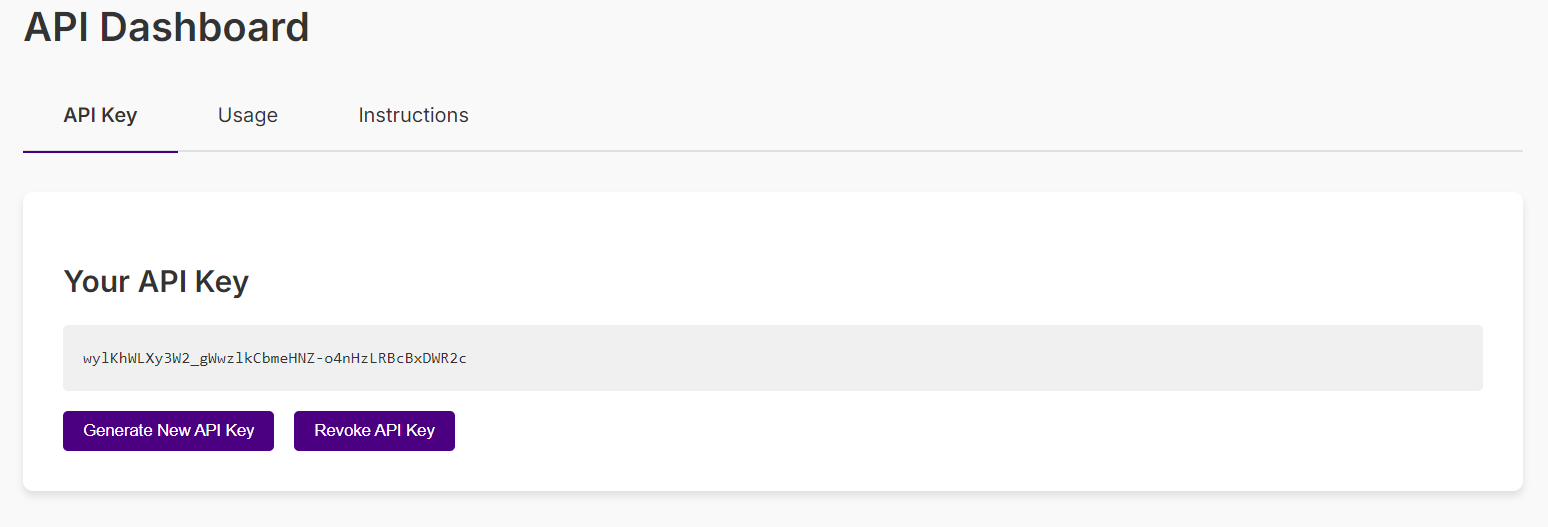
- API Key Management: Users can generate and revoke API keys, which are required for accessing the application's API. These keys are stored securely and linked to the user's account.
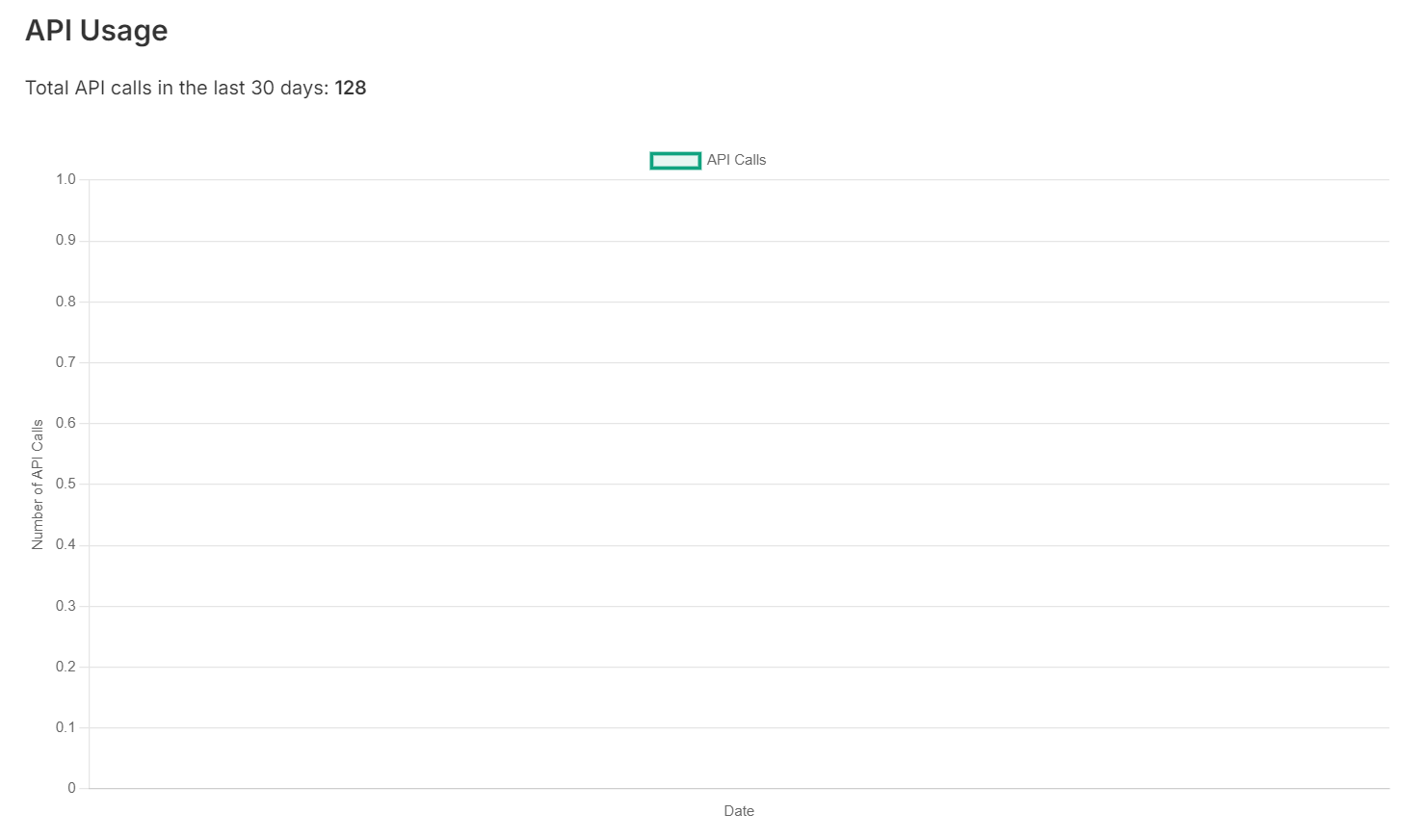
- API Usage Tracking: The application tracks the usage of the API by each user, recording the number of calls made and the date of usage. This data is crucial for managing user quotas and preventing abuse.
- Rate Limiting: To prevent excessive usage and ensure fair access for all users, the application implements rate limiting. This is managed through Redis, which allows for efficient counting of requests and enforcement of limits.
8. Premium Features and Payments
Premium features are a key aspect of the application, offering enhanced capabilities to subscribed users:
- Premium Subscription: Users can opt for a premium subscription, which provides access to additional features and higher usage quotas. Payments are processed securely through the Razorpay API, ensuring a smooth and secure transaction process.
- Monthly Quota: Premium users are allocated a monthly quota of image generations, which is tracked and managed by the application. This ensures that premium users can enjoy their enhanced features without unlimited usage affecting server resources.
- Subscription Management: The application automatically manages subscription statuses, including renewals and expirations. This is facilitated by the integration with the Razorpay API and periodic checks using APScheduler.
9. Admin Dashboard
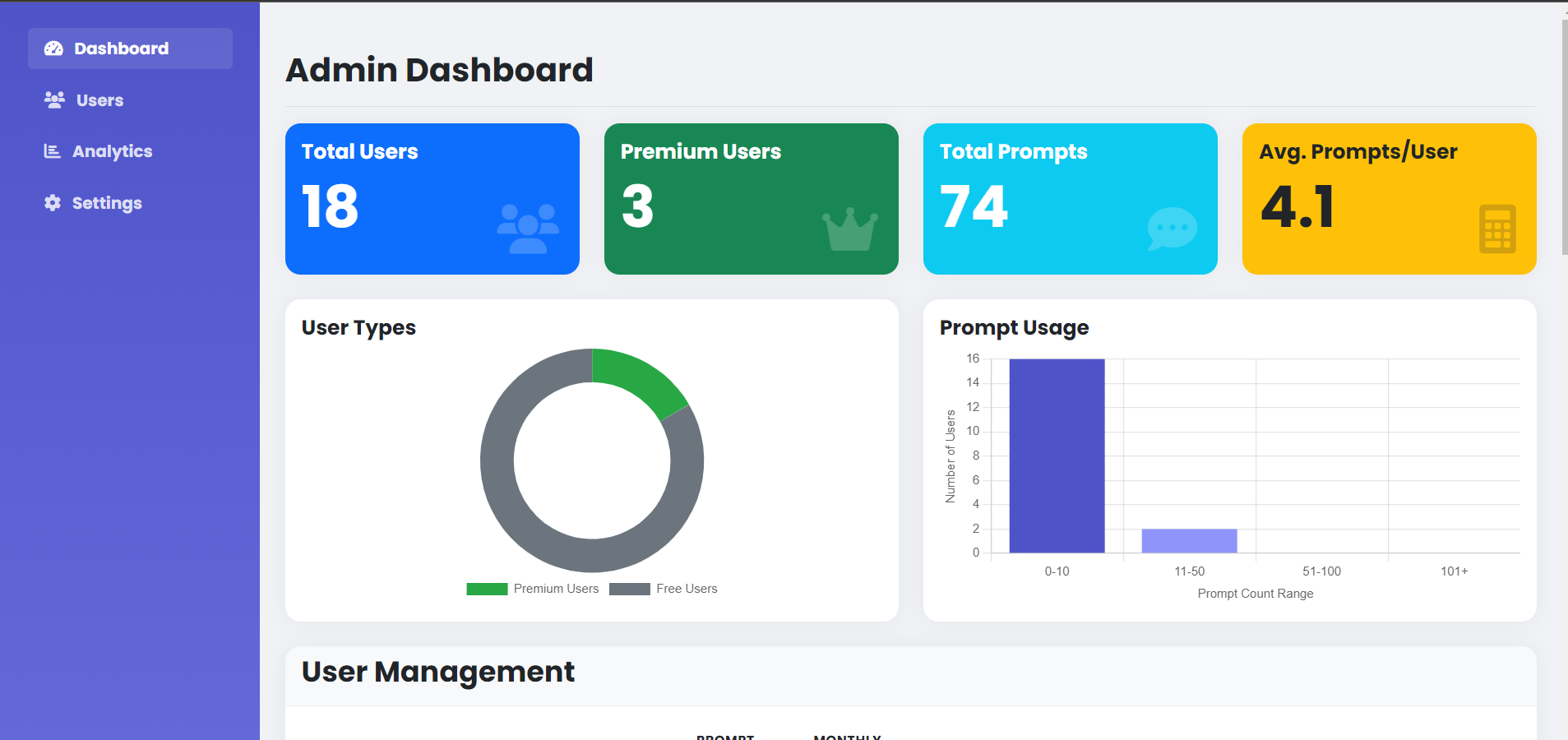
The admin dashboard is a powerful tool for managing the application at a higher level, providing insights and control over user accounts and system status:
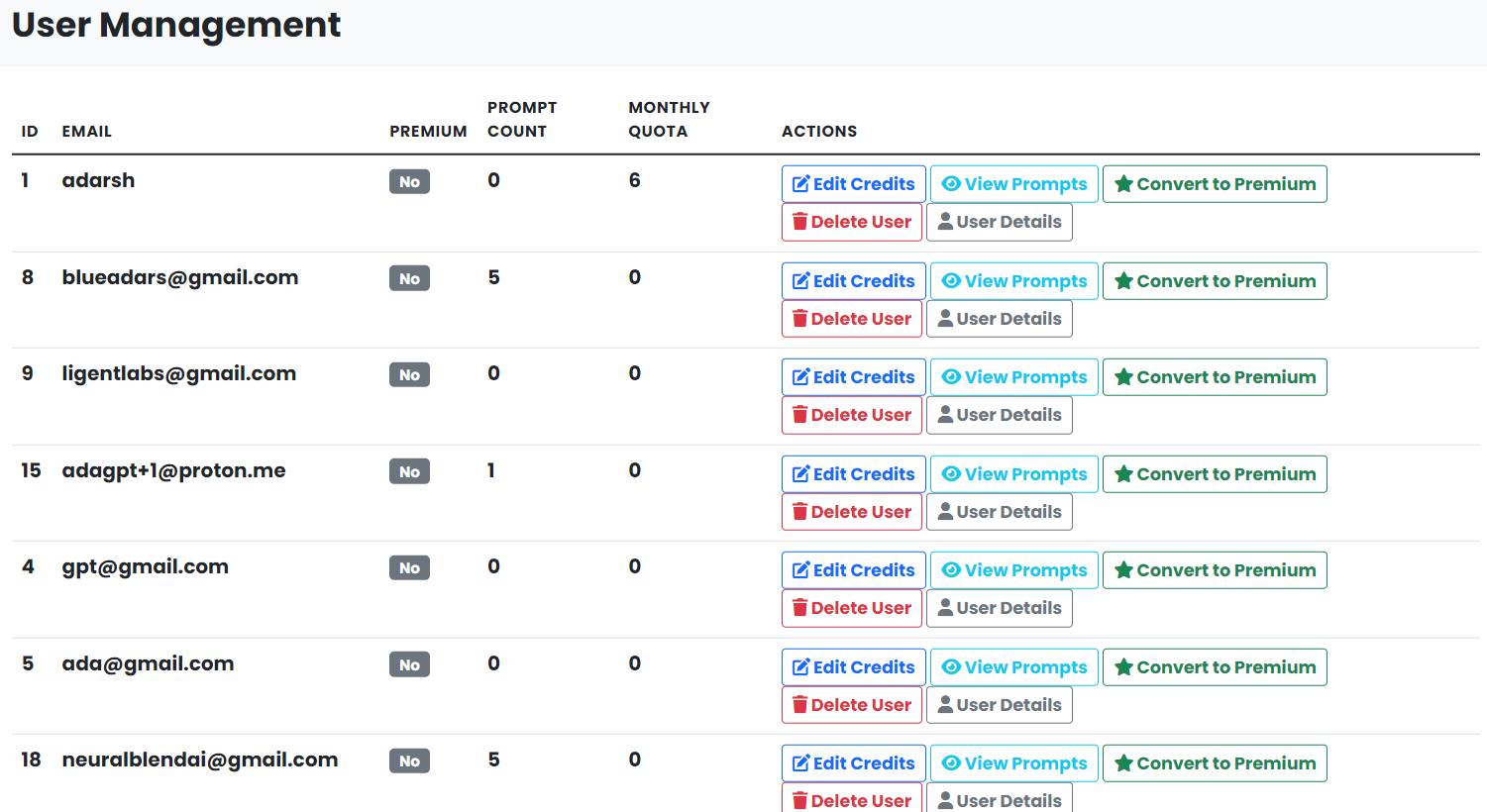
- User Management: Admins have the ability to view and manage user accounts, including promoting users to admin status, converting users to premium, and deleting user accounts if necessary.
- User Details: Detailed information about each user, including their prompt history and subscription status, can be accessed through the admin dashboard. This is crucial for understanding user behavior and managing their experience.
10. Video Generation
In addition to image generation, the application offers video creation capabilities, expanding the range of content users can generate:
- Video Generation: Users can generate videos by submitting a prompt. The application leverages the Replicate API to process the prompt and create a video, which is then stored in the database and linked to the user.
- Video Management: Generated videos are managed similarly to images, with metadata stored in the database and accessible through the user dashboard.
11. Profile Management
Users have the ability to manage their profiles, ensuring that their information is up-to-date and their preferences are reflected:
- Profile Editing: Users can edit their profile information, including their username. This ensures that their profile remains personalized and relevant.
- Subscription Details: Users can view their subscription status and the end date of their subscription, providing transparency and allowing them to plan their usage accordingly.
12. Error Handling and Logging
The application includes robust error handling and logging mechanisms to ensure that issues are detected and resolved efficiently:
- Error Handling: The application is designed to handle common errors gracefully, providing users with meaningful error messages and logging detailed information for developers to diagnose and fix issues.
- Logging: Detailed logging is implemented throughout the application, capturing information about requests, errors, and other significant events. This log data is invaluable for troubleshooting and maintaining the application.
13. Deployment and Configuration
The application is designed to be deployed in a scalable and configurable manner, ensuring that it can adapt to various environments and requirements:
- Environment Variables: Configuration settings, such as database URLs, secret keys, and API keys, are managed through environment variables. This ensures that sensitive information is kept secure and configuration can be easily changed without modifying the code.
- Deployment: The application is intended to be deployed using a WSGI server such as Gunicorn, which serves the Flask app, and Nginx, which acts as a reverse proxy and handles static file serving. This setup ensures high performance and reliability.
14. Conclusion
The Image Generation and Management Web Application represents a sophisticated and comprehensive solution for users seeking to generate, transform, and manage images and videos using advanced AI technologies. With its robust feature set, secure and scalable architecture, and user-friendly interface, the application is well-positioned to serve a wide range of users, from individual creators to enterprise-level deployments. The careful selection and integration of technologies ensure that the application delivers high performance, security, and reliability, making it a compelling choice for anyone in need of advanced content creation capabilities.

Log in or sign up for Devpost to join the conversation.