-
-
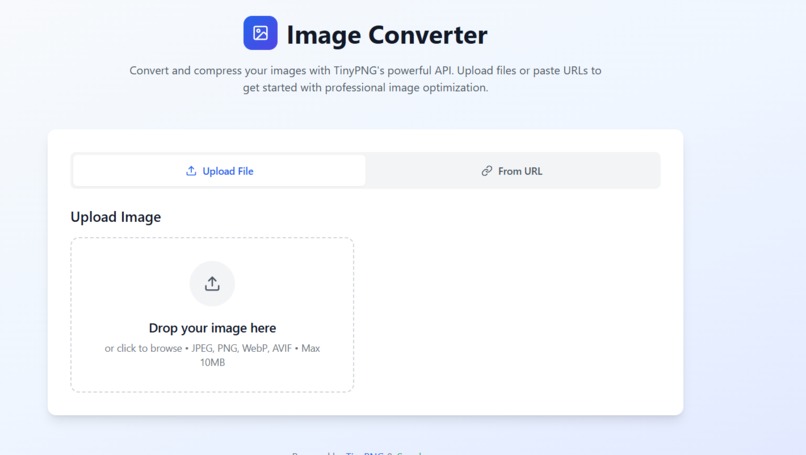
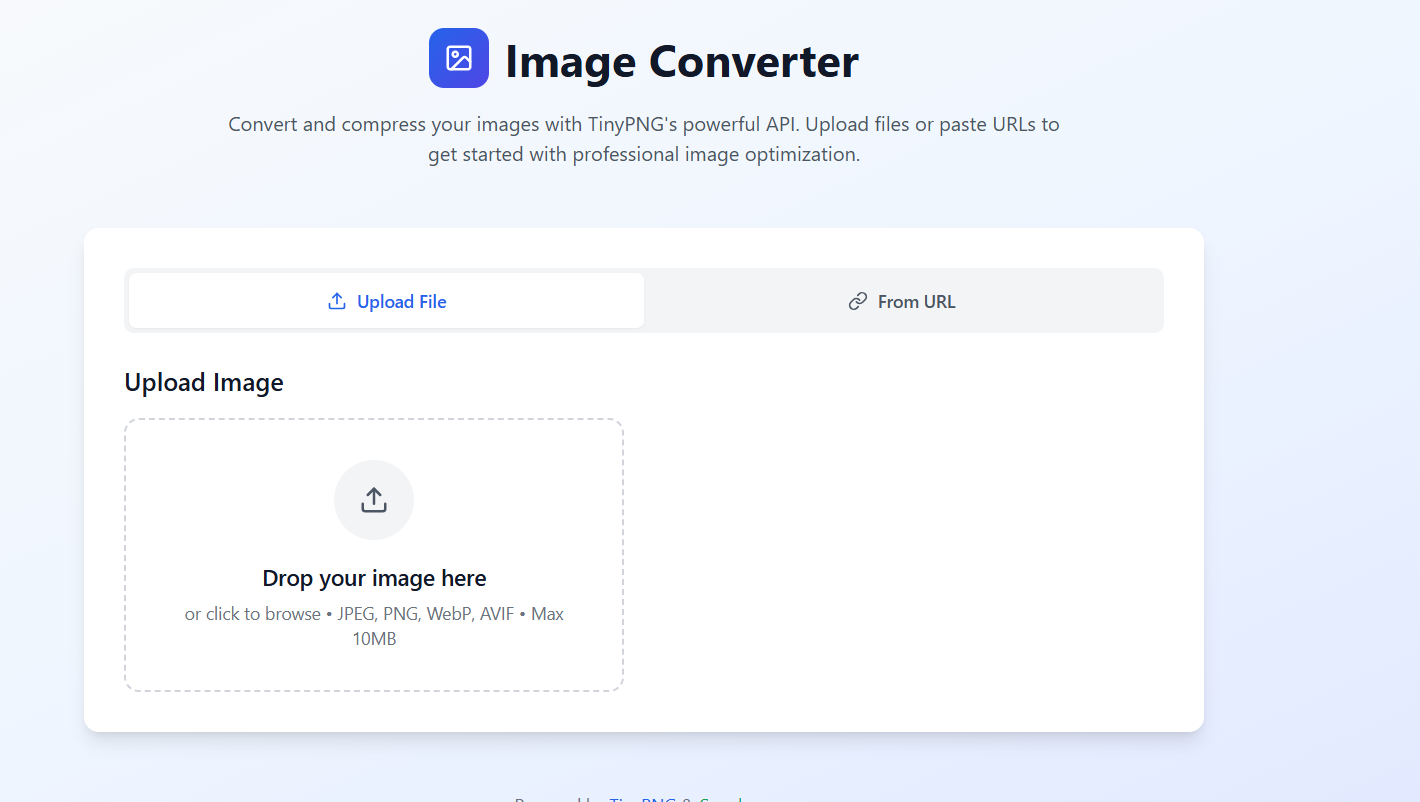
main page
written by bolt-discuss
Inspiration
The inspiration behind the Image-Converter project was to create a user-friendly and efficient tool for optimizing and converting images. In today's web-centric world, image optimization is crucial for website performance and user experience. Many existing tools are either overly complex, require software installation, or lack the flexibility of both file uploads and URL-based conversions. This project aims to provide a seamless, web-based solution leveraging powerful APIs for professional-grade image processing.
What it does
The Image-Converter is a web application designed to convert and compress images. Users can either upload image files (JPEG, PNG, WebP, AVIF) directly from their device or provide an image URL. The application intelligently detects the input image format and suggests valid conversion options. After conversion, it displays detailed statistics, including original size, compressed size, and compression ratio, allowing users to see the efficiency of the conversion. Finally, users can download the optimized image. It also includes robust error handling and clear loading states to provide a smooth user experience.
How we built it
The Image-Converter was built as a modern web application using a combination of cutting-edge technologies:
Frontend: Developed with React for a dynamic and responsive user interface, leveraging TypeScript for type safety and improved code quality. Tailwind CSS was used for rapid and consistent styling, ensuring a clean, modern, and responsive design across various devices. Vite served as the build tool, providing a fast development experience. Backend/Conversion Logic: The core image conversion and compression functionality is handled by a Supabase Edge Function. This serverless function receives image data (either from a file upload or fetched from a URL), processes it using the TinyPNG API for optimization and format conversion, and then returns the converted image and metadata to the frontend. Image Processing API: The TinyPNG API was integrated to perform the actual image compression and format conversion, ensuring high-quality optimization. File Handling: Client-side file validation and reading were implemented using the FileReader API to ensure only supported image types are processed and to provide immediate feedback to the user.
Challenges we ran into
During the development of the Image-Converter, several challenges were encountered:
Supabase Edge Function Integration: Setting up the Supabase Edge Function to correctly handle image data (especially base64 encoding/decoding) and interact with the TinyPNG API required careful attention to data formats and API specifications. CORS and API Keys: Ensuring proper Cross-Origin Resource Sharing (CORS) headers were set for both the frontend-to-Supabase function calls and the Supabase function-to-TinyPNG API calls was crucial. Securely managing and using the TinyPNG API key within the Edge Function environment also needed consideration. File Type Detection and Validation: Accurately detecting various image file types (JPEG, PNG, WebP, AVIF) on the client-side using file signatures and providing appropriate validation messages was a nuanced task. State Management: Managing the various states of the application, including file selection, URL input, loading, conversion results, and errors, required careful planning of React hooks to ensure a smooth user flow. Responsive Design: Achieving a beautiful and fully responsive UI with Tailwind CSS, especially for the complex layout involving file upload, URL input, and conversion options, demanded iterative adjustments and testing.
Accomplishments that we're proud of
We are proud of several accomplishments in the Image-Converter project:
Seamless User Experience: The application provides a very intuitive and clean interface, making image conversion accessible to users of all technical levels. The clear loading indicators and error messages enhance usability. Robust Conversion Pipeline: The integration of Supabase Edge Functions with the TinyPNG API creates a powerful and scalable backend for image processing, capable of handling various image formats and delivering optimized results. Comprehensive File Handling: The client-side file validation and dynamic suggestion of conversion formats based on the input file type contribute to a smart and efficient workflow. Detailed Conversion Statistics: Presenting clear and concise statistics (original size, compressed size, compression ratio) empowers users to understand the benefits of image optimization. Responsive and Modern UI: The application's design is modern, clean, and fully responsive, providing an excellent experience on both desktop and mobile devices.
What we learned
Throughout this project, we gained valuable experience in:
Supabase Edge Functions: Deepened understanding of deploying and managing serverless functions with Supabase, including handling API integrations and environment variables. TinyPNG API: Learned the intricacies of integrating with a third-party image optimization API, including authentication, request/response formats, and error handling. Advanced React State Management: Practiced managing complex application states using React hooks (useState, useCallback) for various UI components and asynchronous operations. Client-Side File Processing: Gained insights into reading and validating file data in the browser using FileReader and byte-level analysis for format detection. Tailwind CSS for Complex Layouts: Enhanced skills in building sophisticated and responsive layouts purely with utility-first CSS.
What's next for Image-Convertor
For the future of Image-Converter, several enhancements could be considered:
Batch Conversion: Allow users to upload and convert multiple images simultaneously. More Output Options: Introduce more advanced compression settings or quality sliders for fine-grained control over the output. User Accounts and History: Implement user authentication with Supabase to allow users to store their conversion history and access previously converted images. Direct Cloud Storage Integration: Offer options to directly save converted images to cloud storage services like Google Drive or Dropbox. Advanced Image Editing: Integrate basic image editing features like resizing, cropping, or watermarking before conversion. Performance Monitoring: Implement logging and monitoring for the Supabase Edge Function to track performance and identify potential bottlenecks.
Built With
- bolt.new
- netlify
- react
- supabase
- typescript


Log in or sign up for Devpost to join the conversation.