-
-
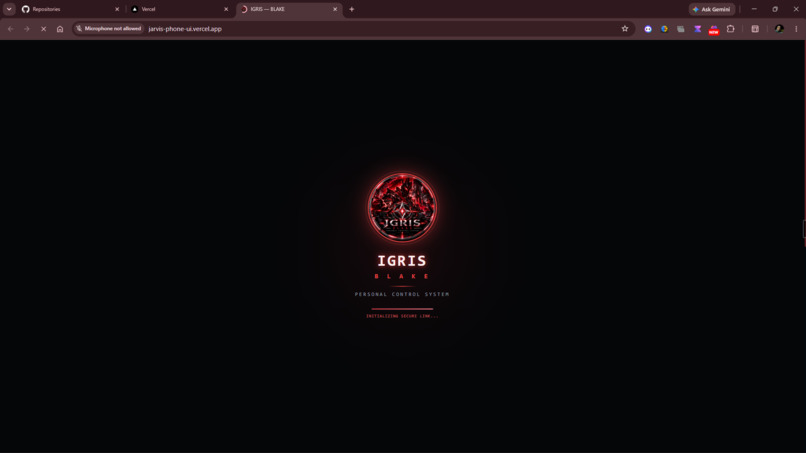
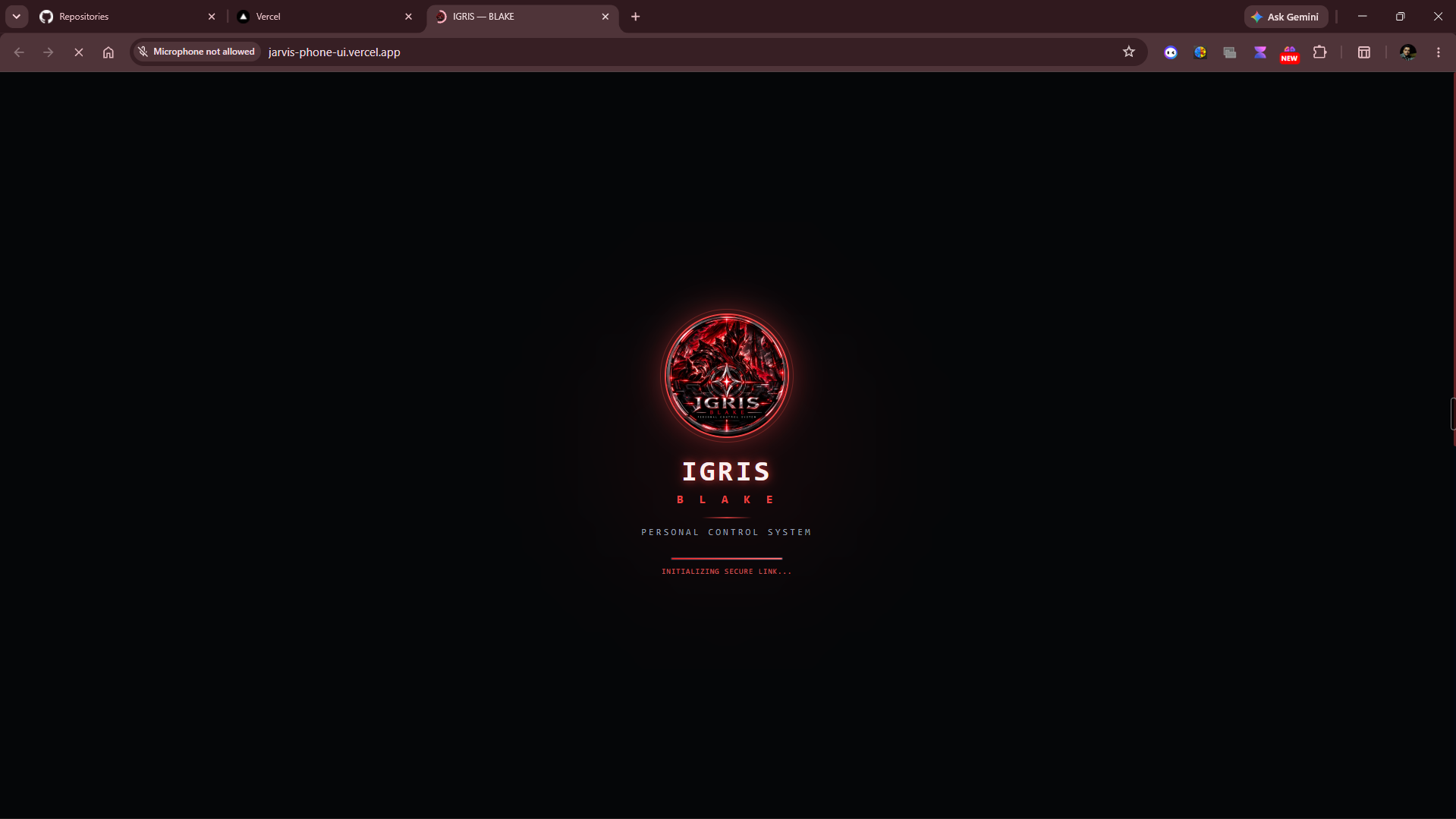
Intro While Starting the App
-
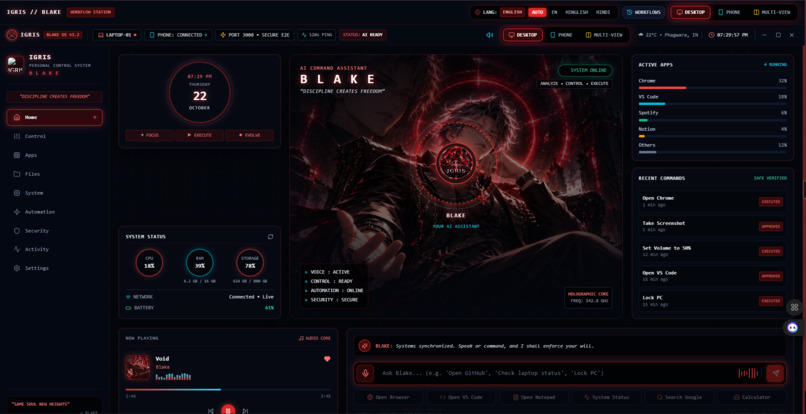
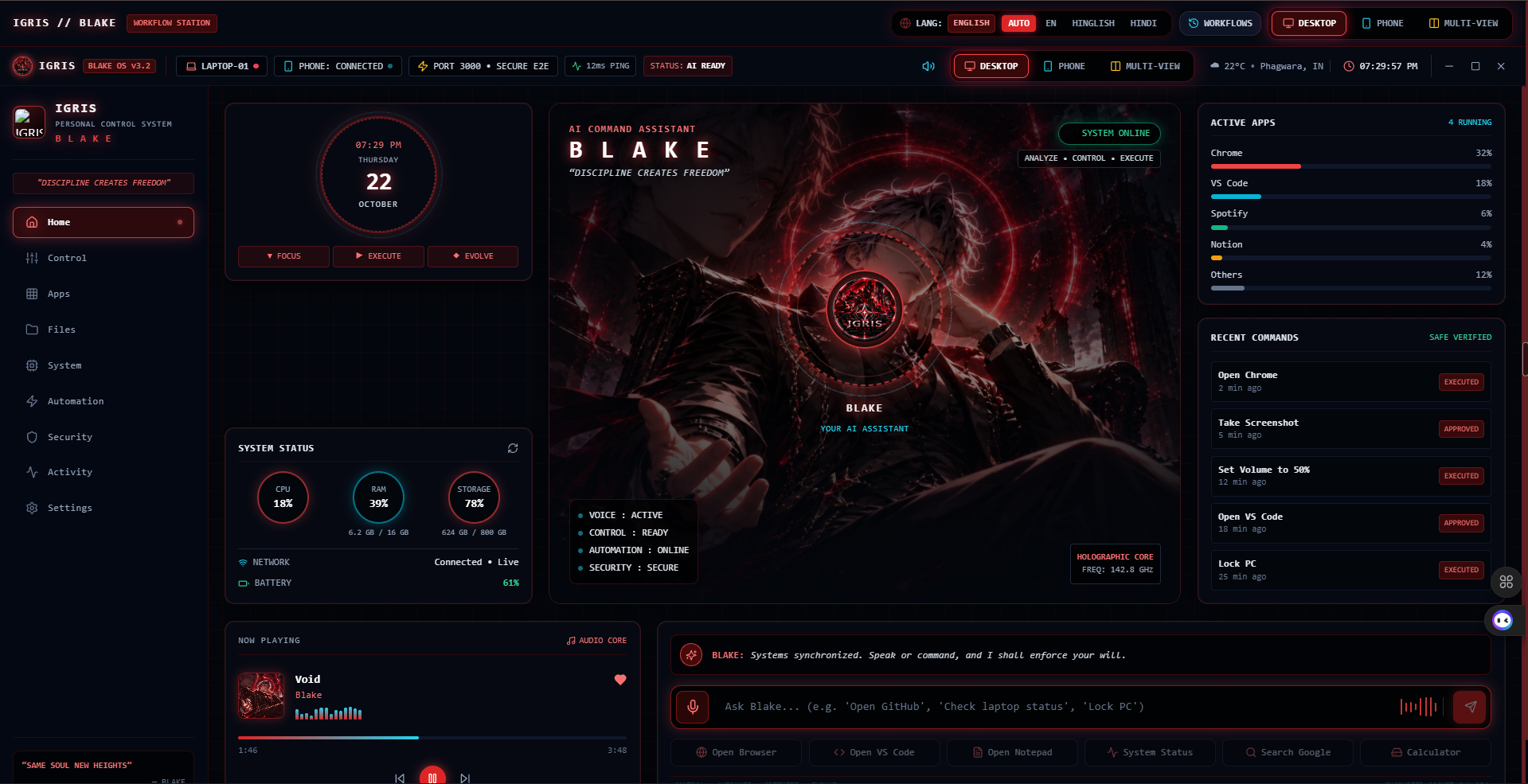
Desktop Mode
-
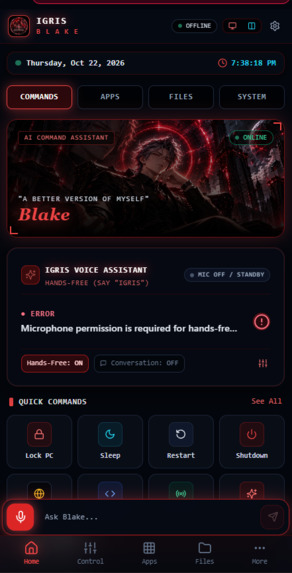
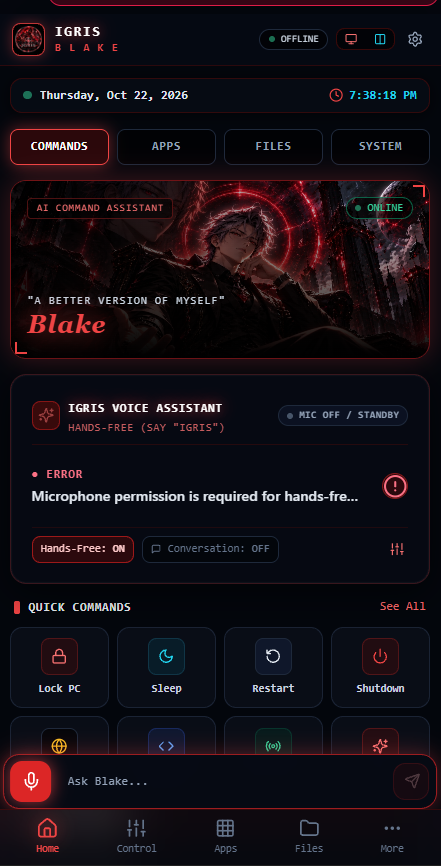
Phone Mode
Inspiration
The inspiration behind IGRIS: NEXUS came from the vision of creating a personal AI assistant that makes controlling a computer as simple as speaking a command. Inspired by futuristic AI assistants, we wanted to bridge the gap between smartphones and laptops by building a system that allows users to interact with their Windows computers remotely, naturally, and securely.
Instead of manually performing every task on a laptop, users should be able to issue voice commands from their phones, receive intelligent responses, and monitor their laptop's performance through a unified interface.
Our goal was to turn this vision into a working prototype that combines AI, voice interaction, cross-device communication, and safe desktop automation.
What it does
IGRIS: NEXUS is an AI-powered personal desktop assistant that connects a smartphone interface to a Windows laptop.
Its core capabilities include:
- Voice Commands: Interact with IGRIS using voice input and receive spoken responses.
- Remote Laptop Control: Execute predefined tasks on a connected Windows laptop using commands from a smartphone.
- AI Command Interpretation: Interpret user requests and translate supported commands into appropriate actions.
- Safe Task Execution: Use predefined actions and controlled execution rules instead of allowing unrestricted shell commands.
- Real-Time System Monitoring: Display system information and performance metrics, including CPU and memory usage, where supported.
- Conversational Interaction: Maintain context across multiple messages to support more natural conversations.
- Secure Communication: Authenticate connections between the phone interface, server, and laptop agent.
- Desktop Companion: Provide a foundation for a dedicated desktop experience alongside the mobile interface.
The project aims to make everyday computer interactions more accessible, convenient, and efficient.
How we built it
IGRIS: NEXUS was developed using a modular architecture in which each component has a specific responsibility.
1. Smartphone Interface
We built a web-based interface that allows users to interact with IGRIS, issue commands, and view system information. The interface was deployed using Vercel, making it accessible through a browser on compatible devices.
2. Node.js Communication Server
We used Node.js, Express, and Socket.IO to establish real-time communication between the smartphone interface and the Windows laptop agent. The server handles authenticated connections and coordinates communication between the components.
3. Python Laptop Agent
A Python-based agent runs on the Windows laptop and listens for authorized commands. It executes supported actions, such as opening applications, opening URLs, creating folders in the designated workspace, and retrieving system information.
4. AI and Voice Interaction
We integrated AI-assisted command interpretation and voice interaction to make the experience more natural. The system also supports conversational context and spoken feedback.
5. Security and Controlled Execution
Security was an important design consideration. We implemented token-based authentication for communication and a controlled action system that restricts laptop operations to supported commands instead of permitting arbitrary shell execution.
6. System Monitoring and Desktop Integration
We extended the architecture to support live system information and began developing a dedicated desktop companion using Electron and Socket.IO.
The modular design allows each component to be tested independently and makes future improvements easier to implement.
Challenges we ran into
Building IGRIS: NEXUS involved several technical challenges.
Connecting devices across different networks: Establishing reliable communication between a smartphone and a Windows laptop required careful server configuration and real-time connection handling.
Authentication and environment configuration: Managing separate authentication tokens for the phone and laptop agent required attention to environment variables, deployment settings, and connection validation.
Cloud deployment: Deploying the communication server and phone interface separately introduced configuration challenges, particularly when ensuring that the server was correctly configured to accept authenticated connections.
Voice interaction and command interpretation: Converting natural-language requests into predictable computer actions required a clear separation between understanding a command and executing it.
Safe desktop automation: We wanted IGRIS to perform useful tasks without introducing the risks associated with unrestricted command execution. Designing a controlled action system was therefore an important part of development.
Real-time monitoring: Retrieving system information and presenting it in a useful interface required coordination between the laptop agent, communication server, and frontend.
Desktop companion integration: Developing a dedicated Windows application introduced additional challenges involving Electron configuration, dependency management, and communication with the existing server.
These challenges helped us understand that building an AI assistant requires more than an AI model. Reliable communication, security, operating-system integration, and thoughtful interface design are equally important.
Accomplishments that we're proud of
We are proud to have developed a modular prototype that brings together several technologies into one connected system.
Our key accomplishments include:
- Building a smartphone-to-Windows-laptop communication architecture.
- Implementing real-time communication using Socket.IO.
- Developing a Python laptop agent for controlled remote actions.
- Integrating voice interaction and spoken feedback.
- Implementing multi-turn conversational context.
- Creating a controlled task execution mechanism.
- Adding support for live system monitoring.
- Deploying the smartphone interface and configuring the backend for remote connectivity.
- Establishing a foundation for a dedicated Windows desktop companion.
- Developing a phased architecture that can be extended with additional capabilities.
The most important accomplishment is turning an ambitious concept into a working prototype with a clear path toward becoming a more capable personal computing assistant.
What we learned
Developing IGRIS: NEXUS taught us valuable lessons about full-stack development, AI integration, and system design.
We learned how to connect a web-based interface to a desktop agent through a real-time communication server. We also gained practical experience with authentication, environment variables, cloud deployment, and cross-device communication.
Another important lesson was the difference between an AI system that can understand a request and one that can safely execute it. We learned to treat AI interpretation and action execution as separate responsibilities, with explicit controls governing which operations are permitted.
We also learned the importance of modular architecture, incremental development, regression testing, and debugging each component independently.
Most importantly, we learned that a useful AI assistant must be reliable, secure, responsive, and easy to use—not simply intelligent.
What's next for IGRIS: NEXUS
Our vision is to evolve IGRIS: NEXUS into a more capable personal AI ecosystem that connects devices, understands user intent, and helps automate everyday computing tasks.
Our future plans include:
- Dedicated Windows Application: Complete and improve the desktop companion for a more integrated experience.
- Wake-Word Activation: Expand hands-free interaction so users can activate IGRIS using a configurable wake phrase, subject to platform capabilities.
- Improved Natural-Language Understanding: Support more complex requests and better handling of ambiguous commands.
- Expanded Language Support: Improve English and Hinglish interaction.
- Smarter System Awareness: Enhance real-time monitoring and provide useful explanations of system performance.
- More Supported Applications: Expand the library of predefined actions for common Windows applications and workflows.
- Stronger Security Controls: Add granular permissions, clearer user confirmations for sensitive actions, and improved auditing.
- Better Connectivity: Improve connection recovery, error handling, and communication reliability.
- Personalized Assistance: Explore configurable workflows and preferences that adapt to the user's needs.
- Broader Device Integration: Investigate support for additional devices and platforms as the architecture matures.
Ultimately, we want IGRIS: NEXUS to become more than a remote-control application. We envision a personal AI companion that connects devices, simplifies computer interactions, and gives users a more natural and secure way to manage their digital environment.
Built With
- ai
- api
- css
- generativeai
- html
- javascript
- natural-language-processing
- python
- render
- rest
- socket.io
- vercel
- voicecontrol
- websockets

Log in or sign up for Devpost to join the conversation.