Inspiration
We wanted to build something simple, fast, and powerful — a tool that shows how accessible AI can be when paired with clean engineering. Our goal was to create a lightweight system that anyone can run locally, understand easily, and extend into a full product. That idea became the foundation for Ignisia Creative Engine.
What it does
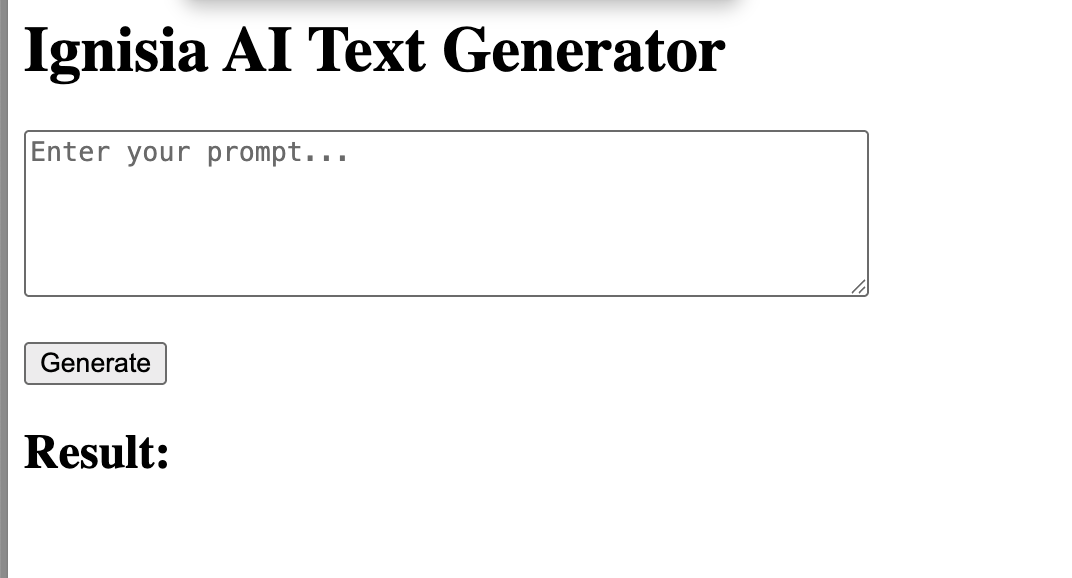
Ignisia Creative Engine generates text based on user prompts using a transformer model.
The user enters a prompt in the frontend, the backend processes it through a text‑generation pipeline, and the result appears instantly on the screen.
It’s a minimal but complete AI workflow: UI → API → Model → Response.
How we built it
- Backend: FastAPI + Uvicorn
- AI Model: HuggingFace Transformers (GPT‑2)
- Frontend: HTML + JavaScript
- Environment: Python virtual environment
Development process
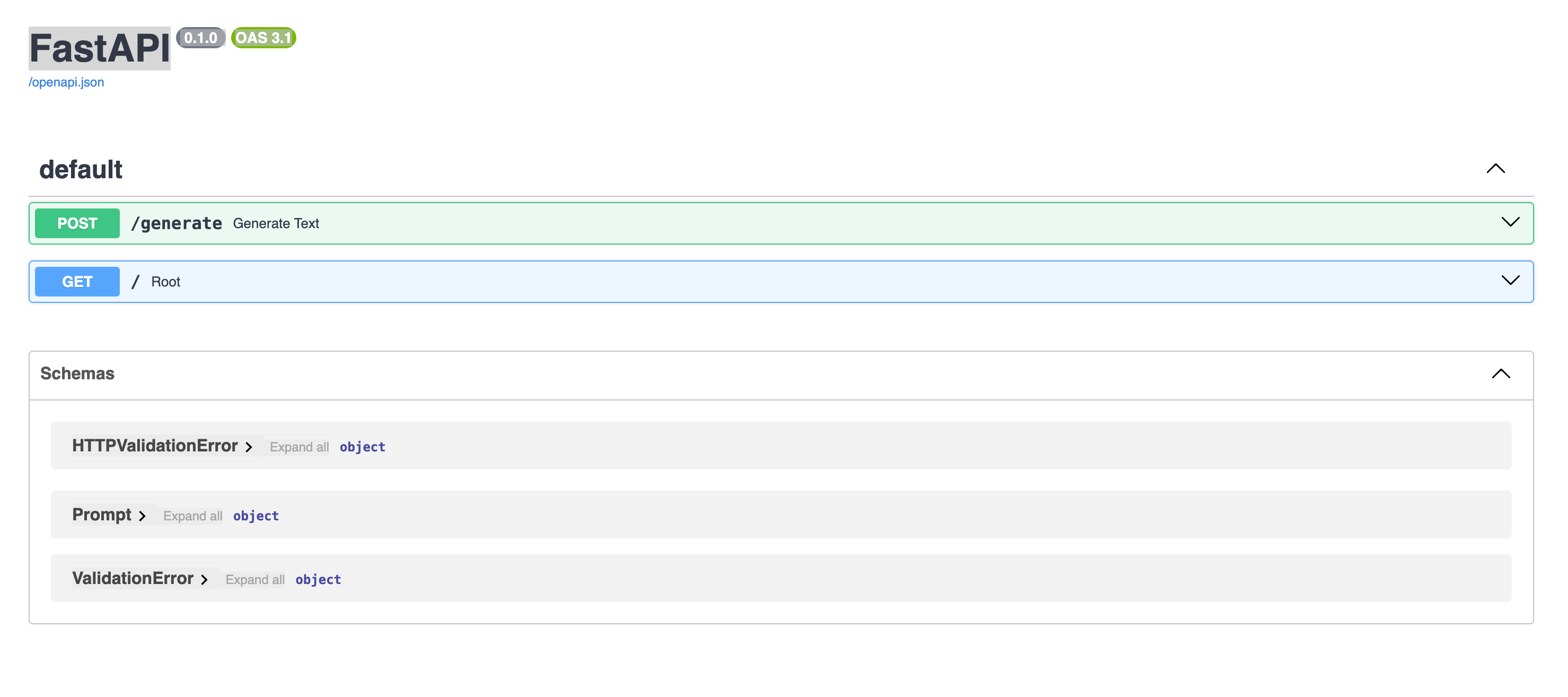
- Set up a FastAPI server with a
/generateendpoint - Integrated a transformer model for text generation
- Built a simple frontend interface to interact with the backend
- Connected everything into a smooth, responsive local demo
Challenges we ran into
- Virtual environment activation issues
- Missing dependencies (Torch, Transformers)
- Model loading errors
- Routing problems when the server was launched from the wrong directory
- Ensuring the frontend communicated correctly with the backend
Each challenge helped us better understand the full stack and refine the workflow.
What we learned
- How to integrate transformer models into a FastAPI backend
- How to debug environment and dependency issues
- How to build a minimal but functional AI pipeline
- How to structure a clean UI → API → Model architecture
What's next
- Improved UI/UX
- More advanced models
- Additional AI tasks (summaries, chat, classification)
- Cloud deployment
- User accounts and saved generations
Ignisia Creative Engine is just the beginning — a foundation for a more powerful AI platform.
Built With
- fastapi
- html
- huggingface
- javascript
- python
- pytorch
- transformers


Log in or sign up for Devpost to join the conversation.