-
chrome extension
-
website and chrome extension
Inspiration
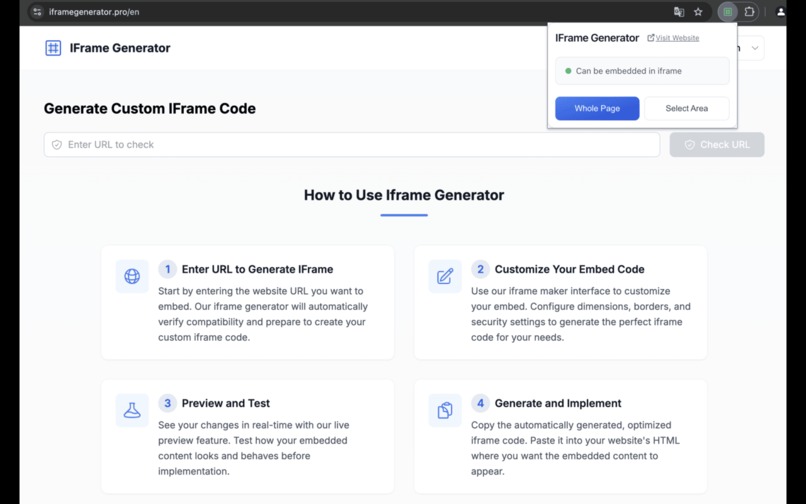
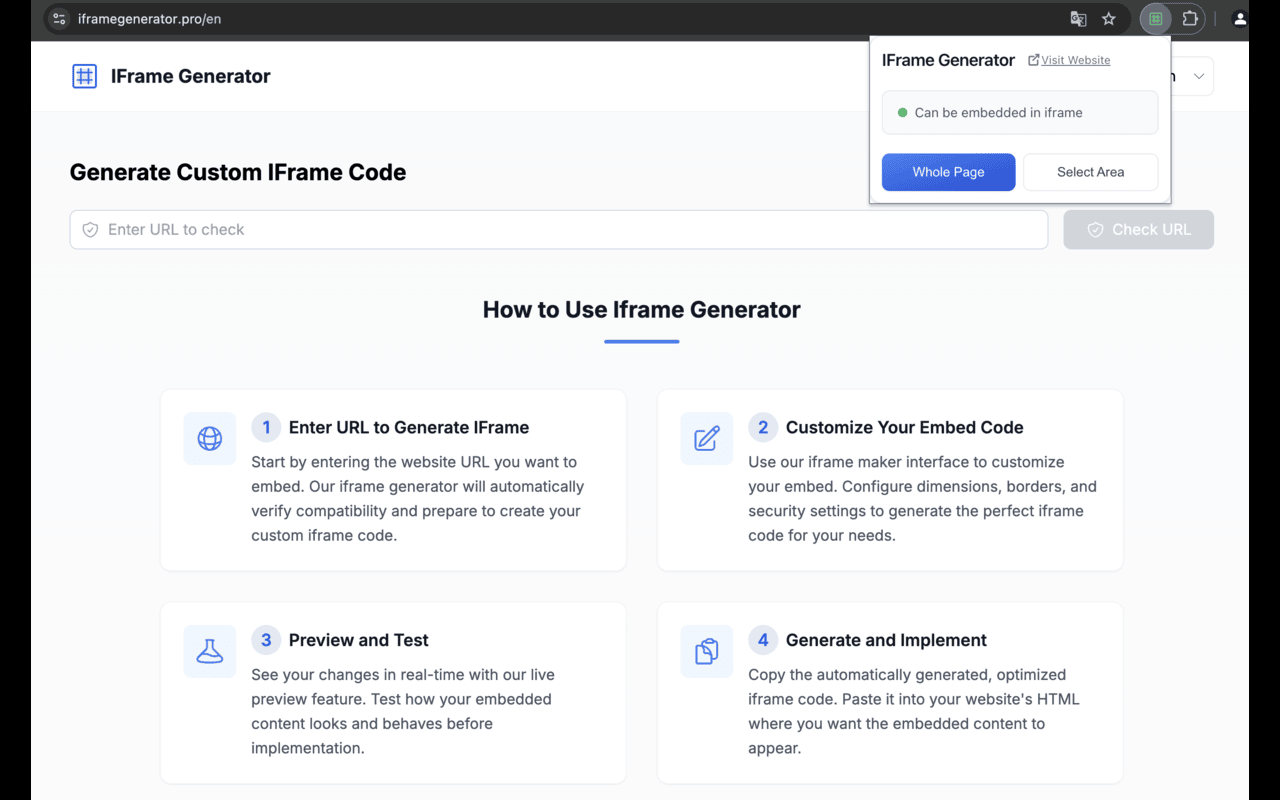
As an independent developer, I frequently encounter scenarios where I need to embed the content of a website within an iframe. This involves two primary tasks: quickly determining whether a site allows itself to be embedded in an iframe and generating the desired iframe code swiftly. To streamline this process for myself and other developers, I decided to create both an online tool and a Chrome extension. The Chrome extension seemed particularly suitable for real-time detection of whether a webpage permits embedding.
What it does
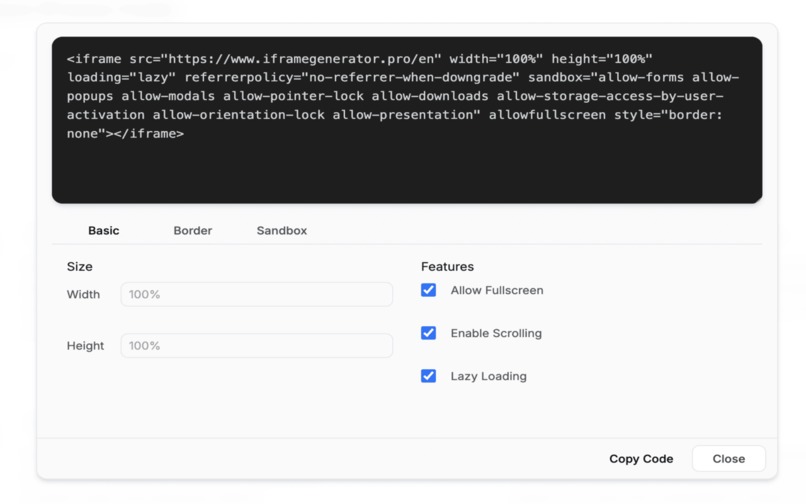
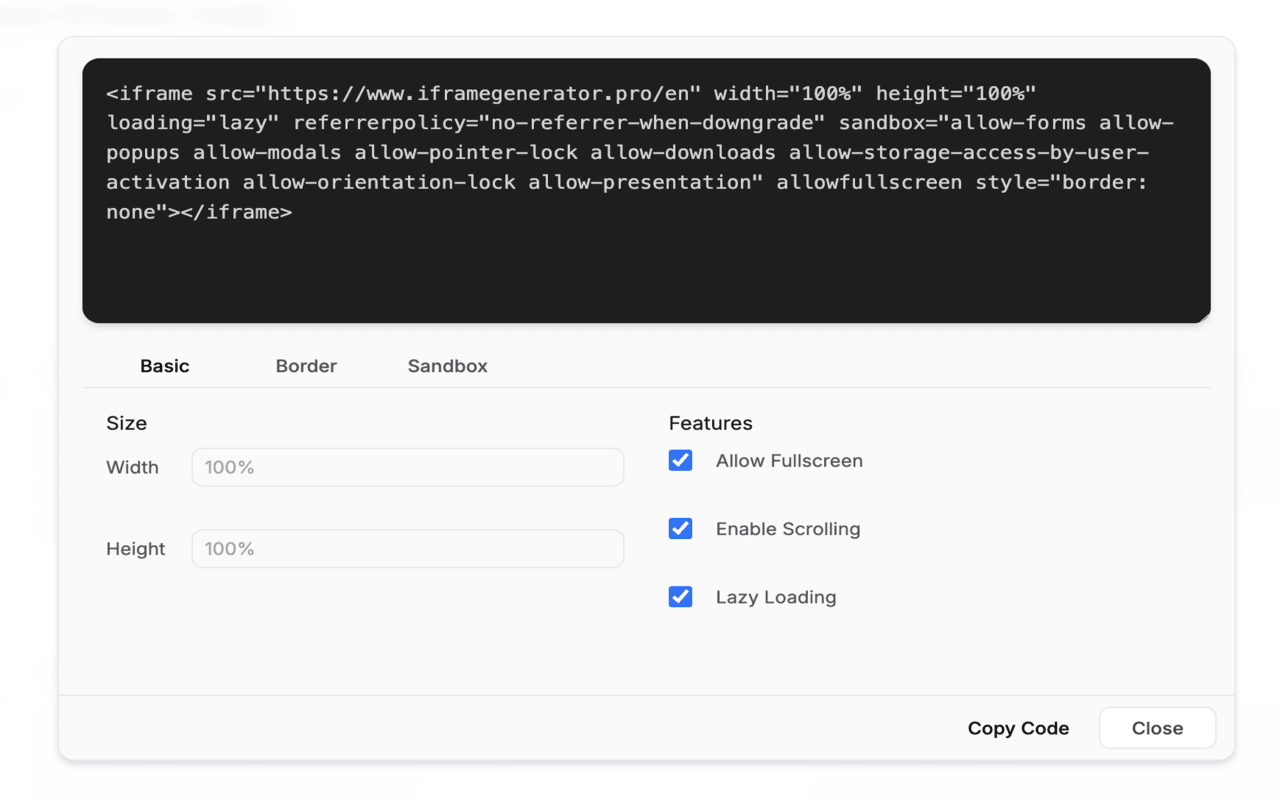
This solution offers two main functionalities: Real-Time Detection : It checks if a website allows itself to be embedded in an iframe. Code Generation : Once the embeddability is confirmed, it generates the appropriate iframe code instantly.
How I built it
For this project, I chose Next.js for developing the online tool due to its robustness and ease of use, especially when dealing with server-side rendering. During development, I utilized AI tools to assist in improving efficiency. This not only streamlined the process but also enabled me to focus more on designing an intuitive interface.
Challenges I ran into
The most significant challenge during development was indeed designing a user-friendly interaction that would make it easy for users to navigate through the functionalities without confusion. Ensuring this required dedicating substantial time to planning and iterative testing phases, focusing on clear instructions and immediate feedback to users.
Accomplishments that I'm proud of
I am especially proud of crafting an interface that prioritizes ease-of-use, making it accessible even to those with varying levels of technical expertise. The extensive research into user behavior and experience was instrumental in achieving this goal, reflecting hours of analysis on how best to simplify the interaction process for better outcomes.
Built With
- nextjs


Log in or sign up for Devpost to join the conversation.