Inspiration
We've all been there - you're coding for hours, switching between files, making changes, and then an AI assistant asks you to explain your entire project setup again. Or worse, you come back after a break and can't remember what you were working on. We realized that AI coding assistants are incredibly powerful, but they're essentially blind to what developers actually do between prompts. We wanted to build something that gives AI the same context a human pair programmer would have - a complete understanding of your workflow, your patterns, and your progress.
What it does
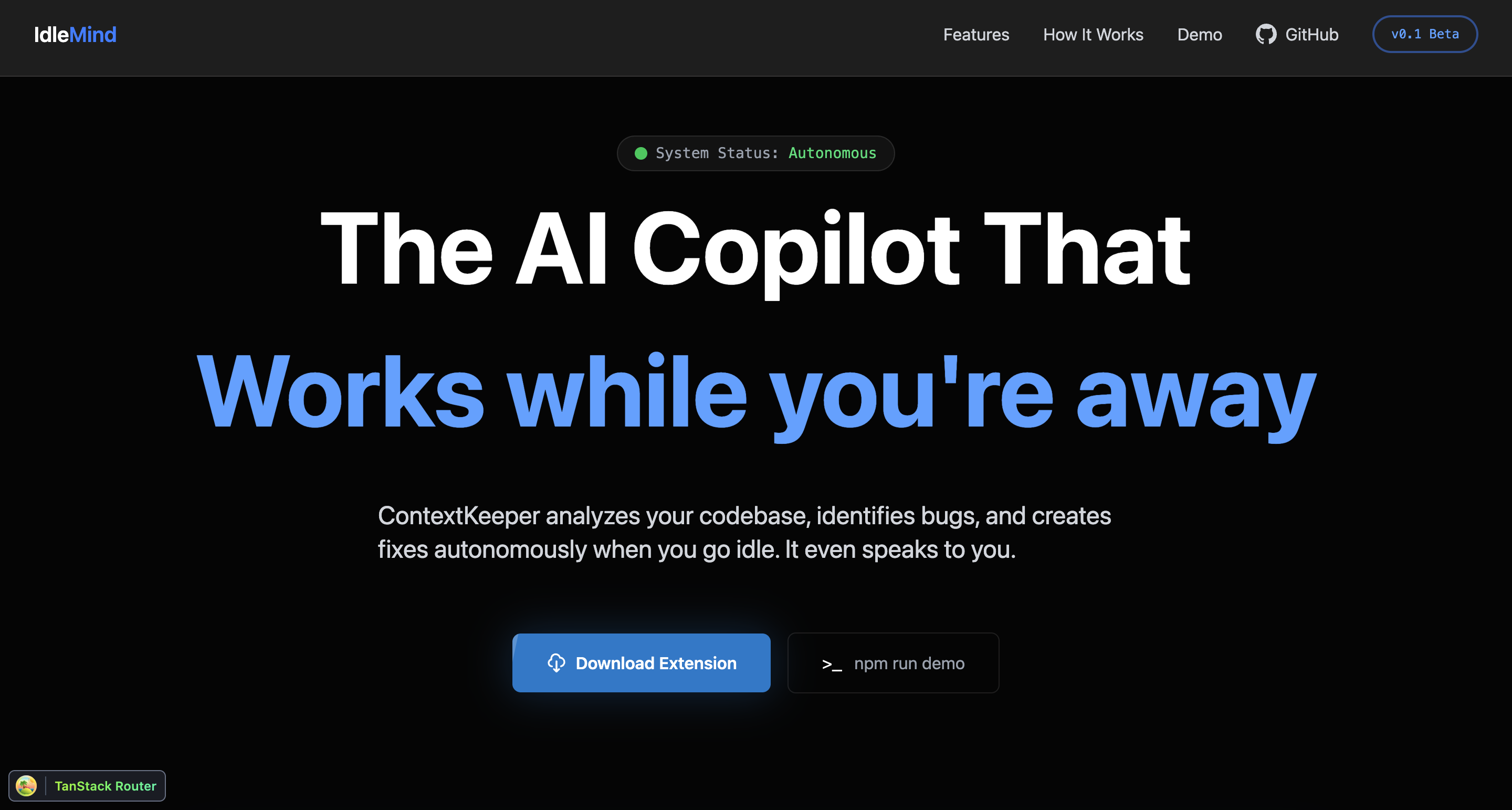
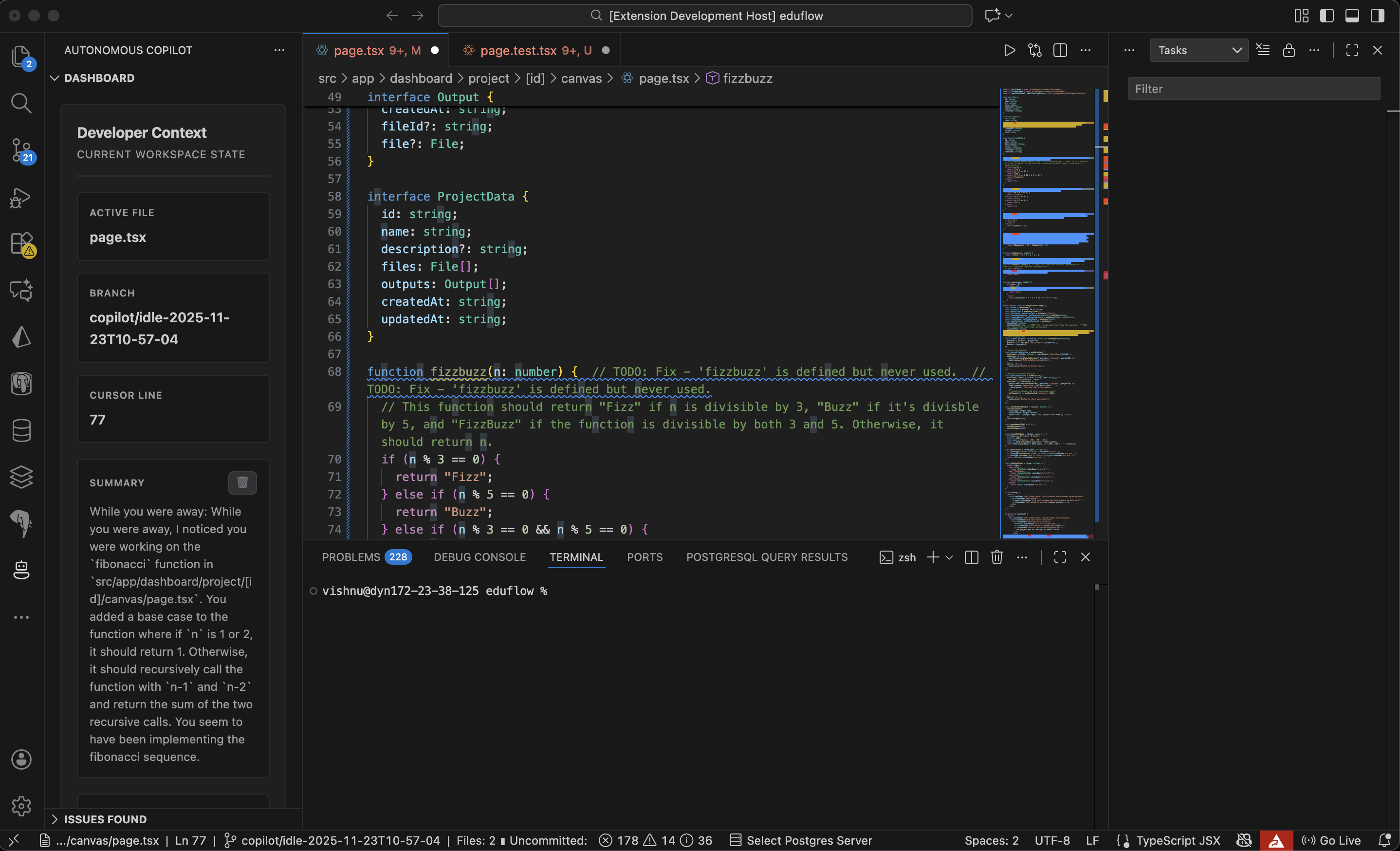
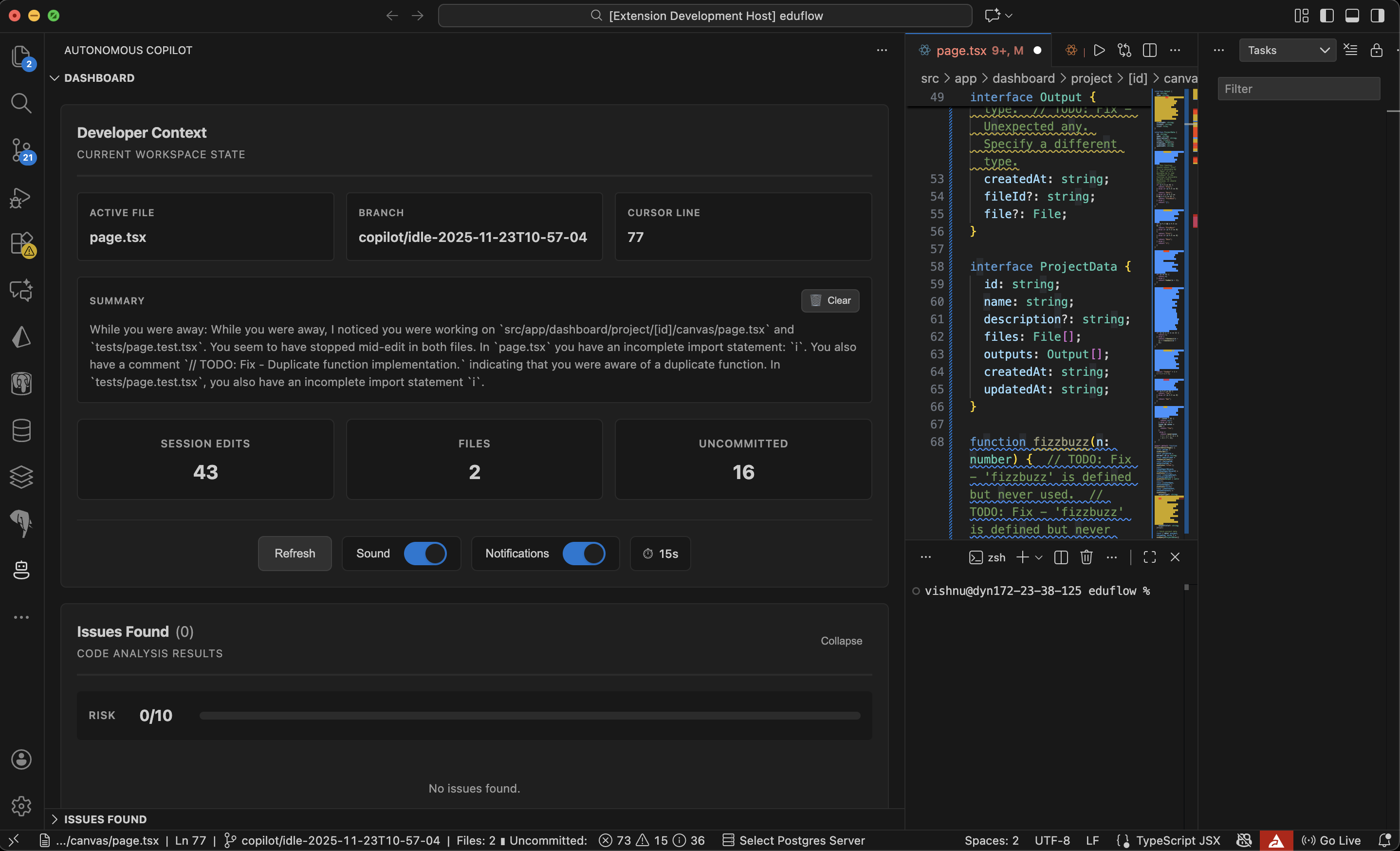
IdleMind is an autonomous AI-powered VS Code extension that monitors your development workflow in real-time and provides intelligent, context-aware assistance. Here's what makes it special:
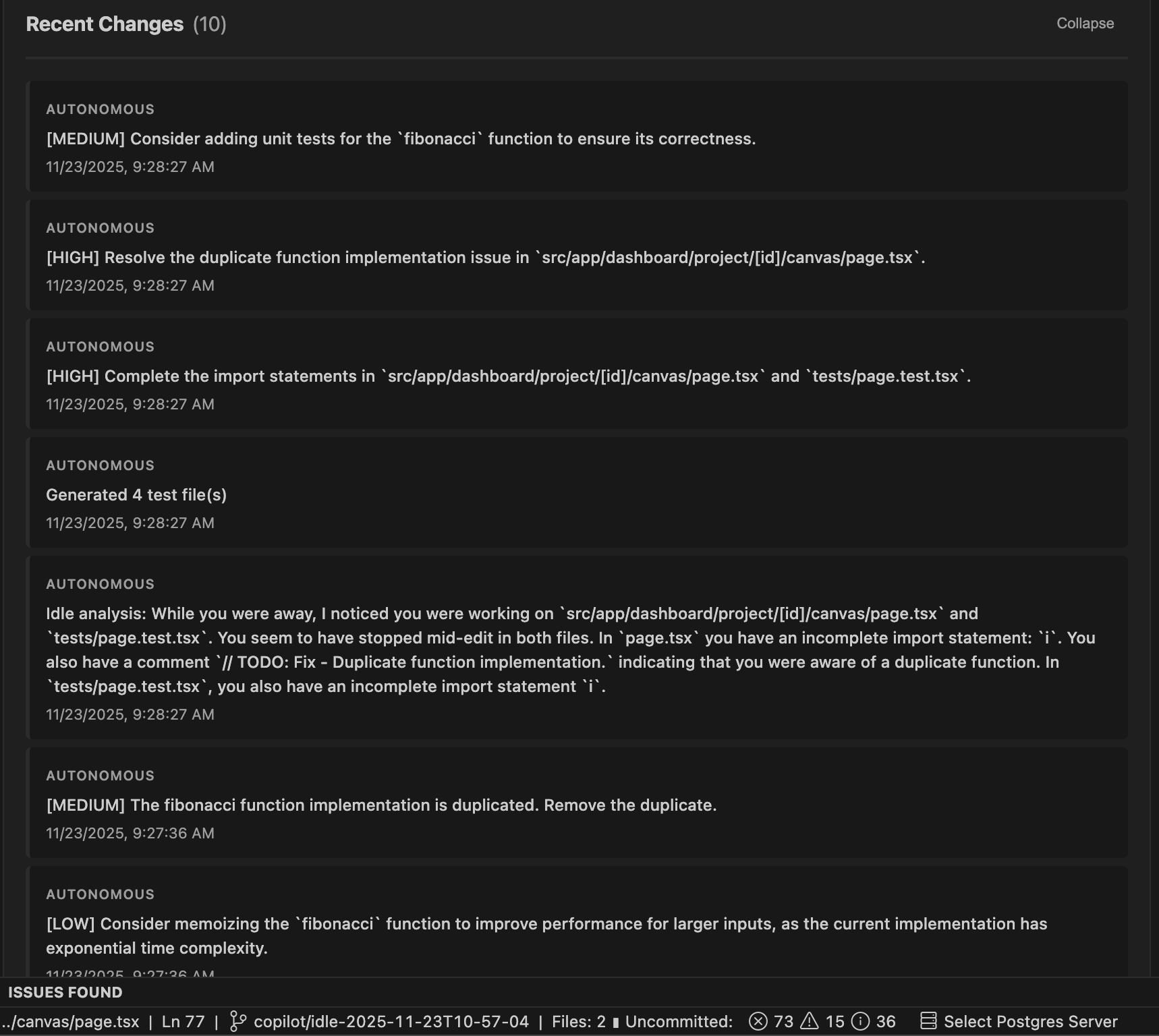
Continuous Activity Tracking: Monitors git commits, file operations, and code changes automatically Intelligent Code Analysis: Detects functions, React components, and meaningful code patterns using advanced regex parsing Timeline Visualization: Beautiful React dashboard showing your entire development journey with timestamps and statistics Smart Assistance: AI assistance that actually knows what you've been working on - no need to re-explain your context Export Capabilities: Save your development timeline as JSON for documentation or analysis Multi-Service Integration: Cloudflare Workers for intelligent linting, ElevenLabs for audio features Enhanced File Watching: Real-time detection of workspace changes with comprehensive logging
How we built it
We built IdleMind as a multi-layered system: Backend (VS Code Extension):
TypeScript-based extension using VS Code's Extension API Modular architecture with dedicated modules: activity-logger.ts, function-detector.ts, enhanced-file-watcher.ts Git integration for commit tracking File system watchers for real-time change detection Command Palette integration for easy access Comprehensive configuration system
Frontend (Dashboard):
React with TypeScript for type safety TanStack Router for seamless navigation Tailwind CSS for responsive, modern UI Glass-morphism effects and gradient styling Interactive components with smooth 300ms transitions Timeline visualization with statistics
External Integrations:
Cloudflare Workers API for distributed linting services ElevenLabs API for audio features RESTful architecture for scalability
Challenges we ran into
Context Management: Figuring out how to capture meaningful context without overwhelming the system with noise was tricky. We had to develop smart filtering to distinguish between important changes and trivial edits. Real-time Performance: Monitoring file changes without impacting VS Code's performance required careful optimization of our watchers and event handlers. Function Detection: Writing regex patterns that could reliably detect functions across different programming languages and styles took multiple iterations. State Persistence: Ensuring the activity log persisted across VS Code restarts while remaining performant required careful architecture decisions. UI/UX Balance: Creating a dashboard that was informative without being overwhelming - finding the right balance of data visualization.
Accomplishments that we're proud of
Seamless Integration: The extension feels native to VS Code - developers barely notice it's running until they need it Comprehensive Tracking: We capture everything from git commits to individual function changes Beautiful UI: Our React dashboard with glass-morphism and smooth animations looks professional and modern Modular Architecture: The codebase is clean, maintainable, and ready to scale Real-World Utility: This actually solves a problem we face daily as developers
What we learned
Context is King: AI is only as good as the context it has - giving it visibility into developer workflows unlocks massive potential Performance Matters: Real-time monitoring requires thoughtful optimization to avoid becoming a burden UI Polish Makes a Difference: Smooth transitions and thoughtful design turn a functional tool into something developers actually want to use Modular Design Pays Off: Separating concerns into dedicated modules made debugging and feature additions much easier Integration Challenges: Working with multiple external APIs (Cloudflare, ElevenLabs) taught us a lot about API design and error handling
What's next for IdleMind
AI Chat Integration: Direct chat interface within VS Code that uses the full context timeline Team Collaboration: Share timelines with team members for better code reviews and onboarding Language Expansion: Support for more programming languages and frameworks Smart Suggestions: Proactive suggestions based on detected patterns and common mistakes Analytics Dashboard: Deeper insights into coding patterns, productivity metrics, and time tracking Plugin Marketplace: Allow developers to create custom monitors and analyzers Cloud Sync: Backup and sync timelines across multiple machines Voice Commands: Full voice control using our ElevenLabs integration Automated Documentation: Generate documentation automatically from your activity timeline IDE Expansion: Port to other IDEs like JetBrains, Sublime, and Vim


Log in or sign up for Devpost to join the conversation.