-
-
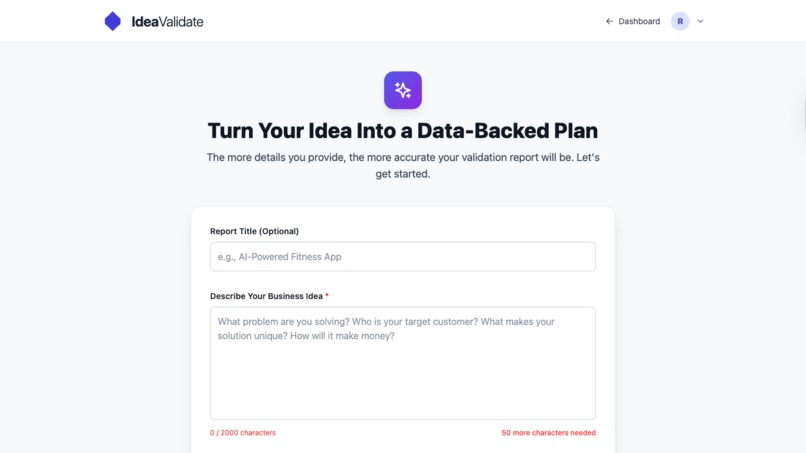
FORM PAGE
-
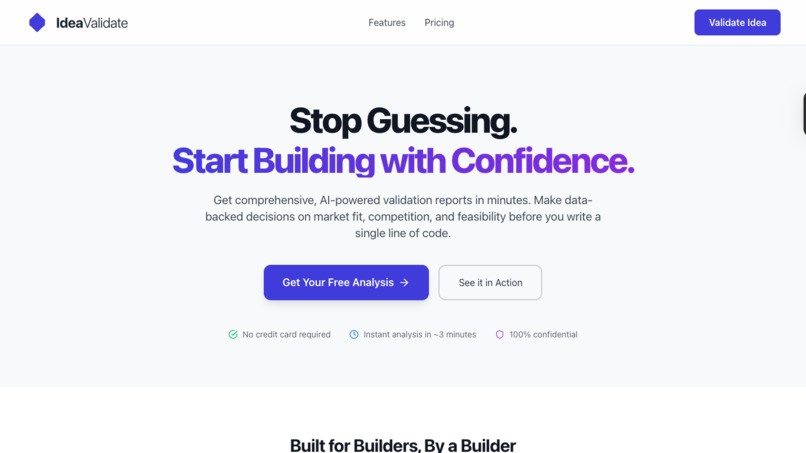
LANDING PAGE
-
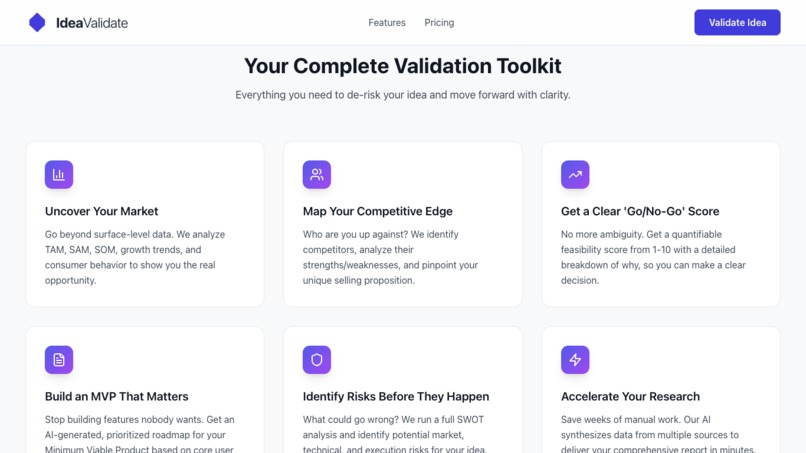
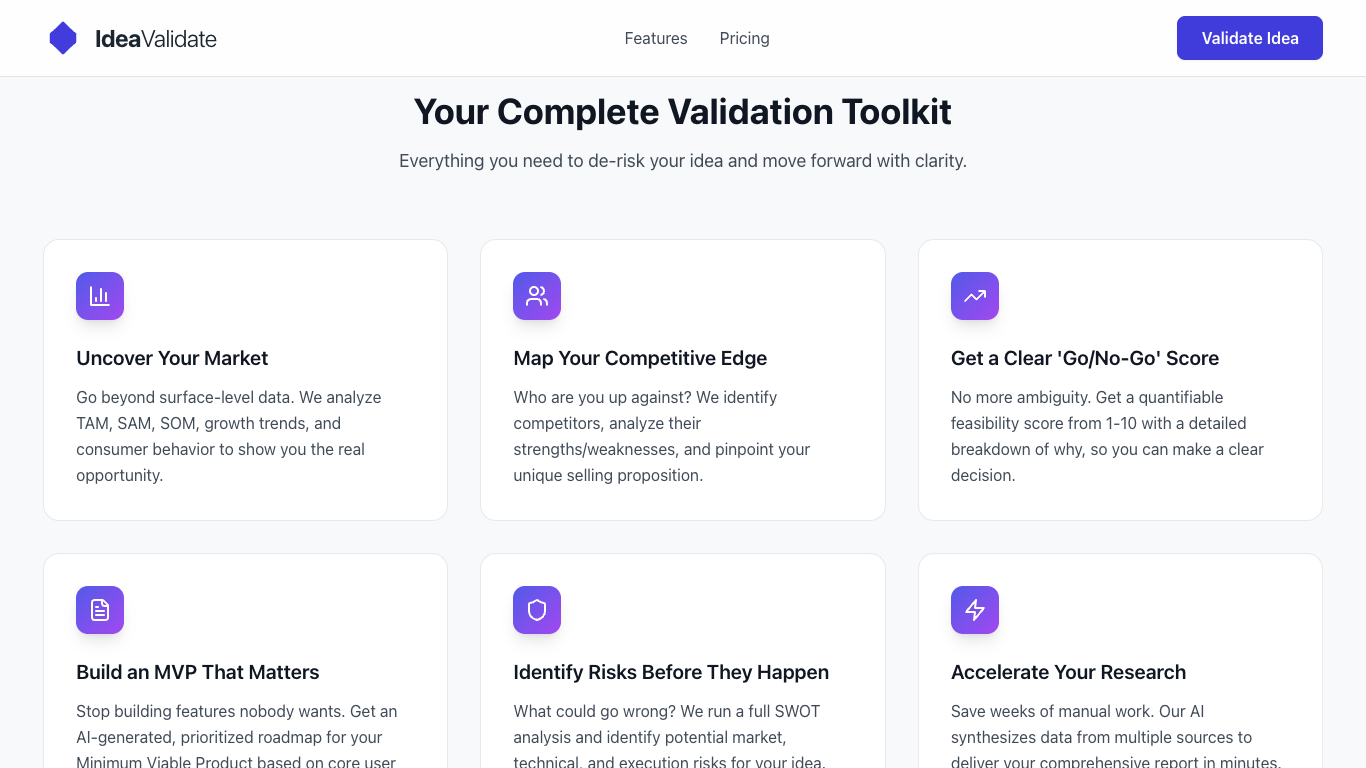
FEATURES
-
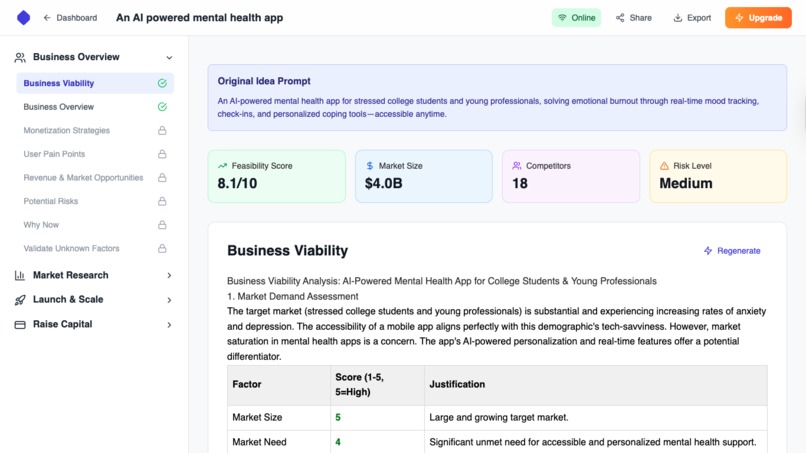
REPORT PAGE
-
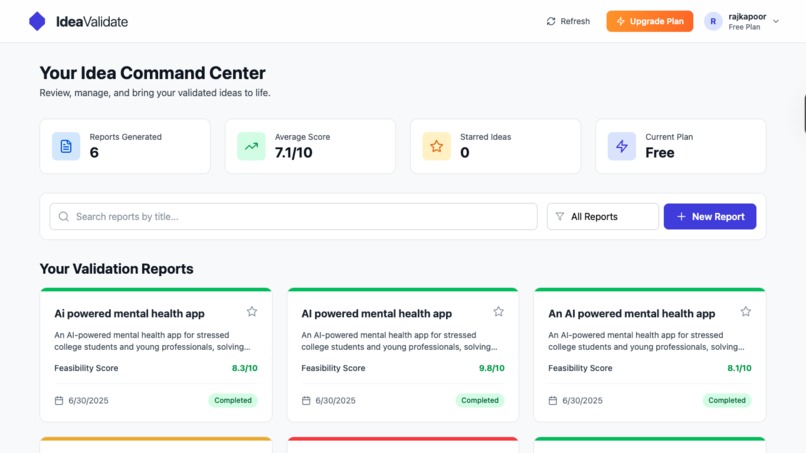
DASHBOARD PAGE
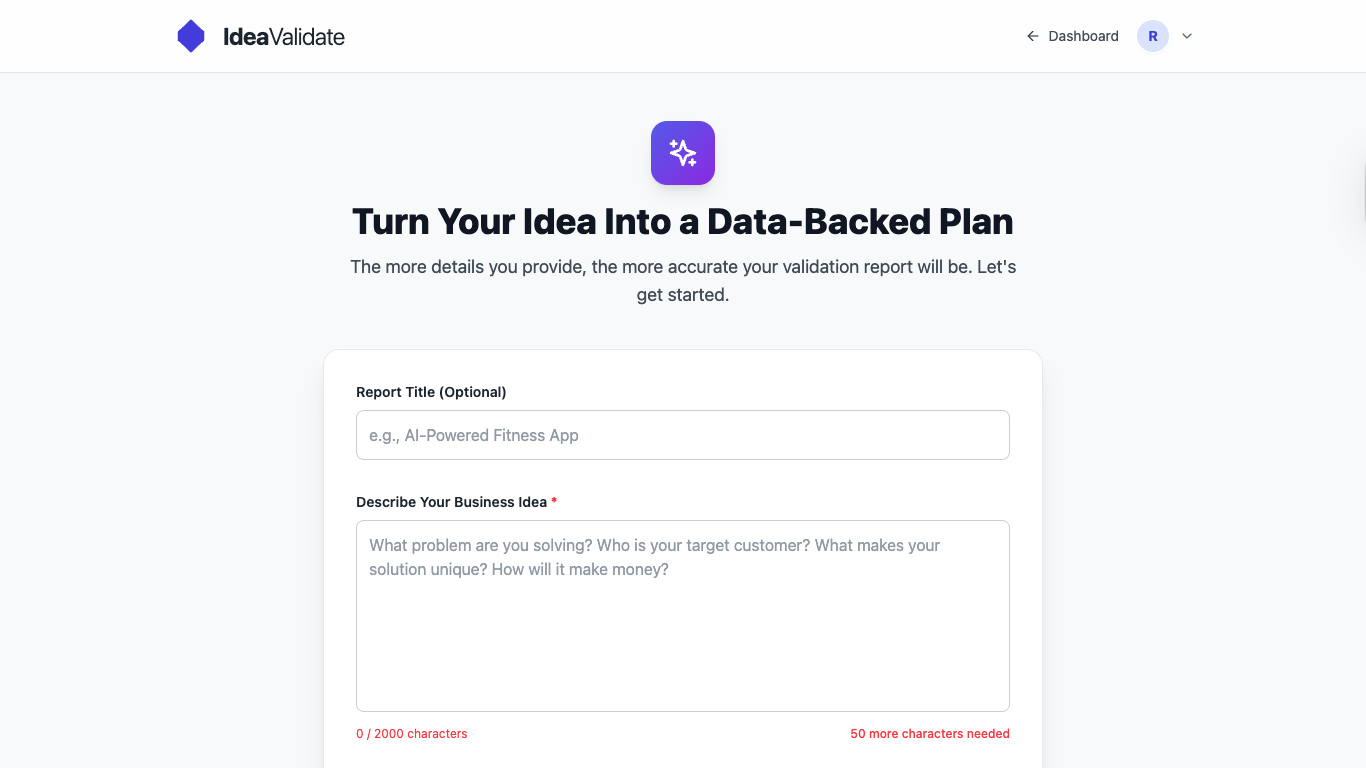
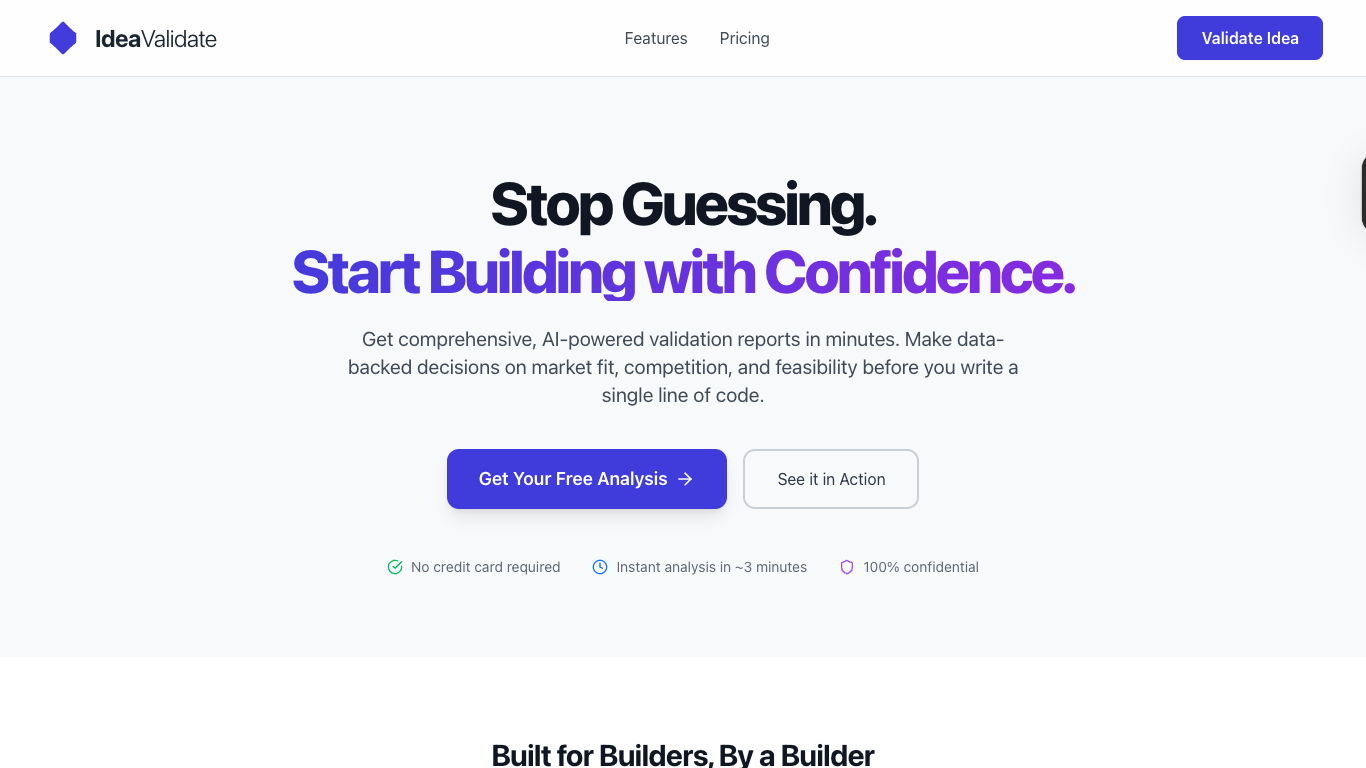
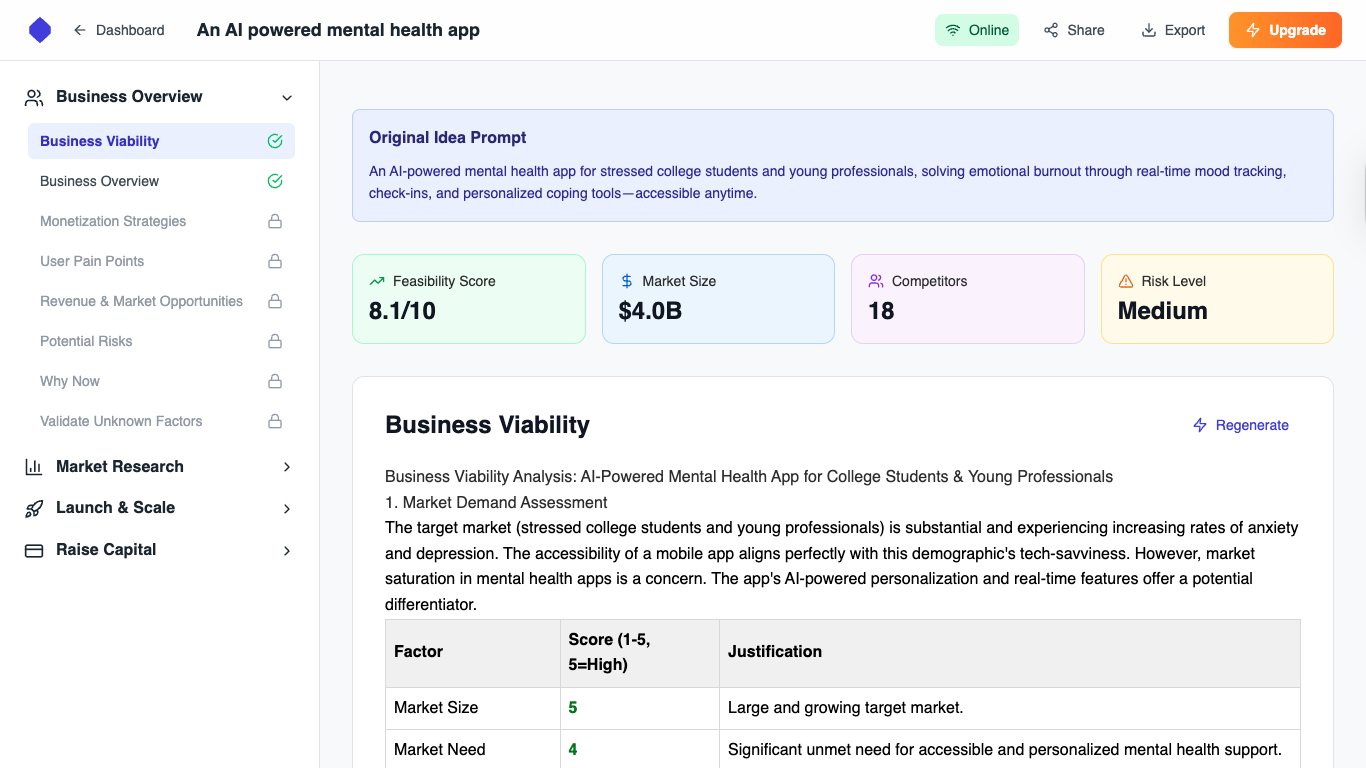
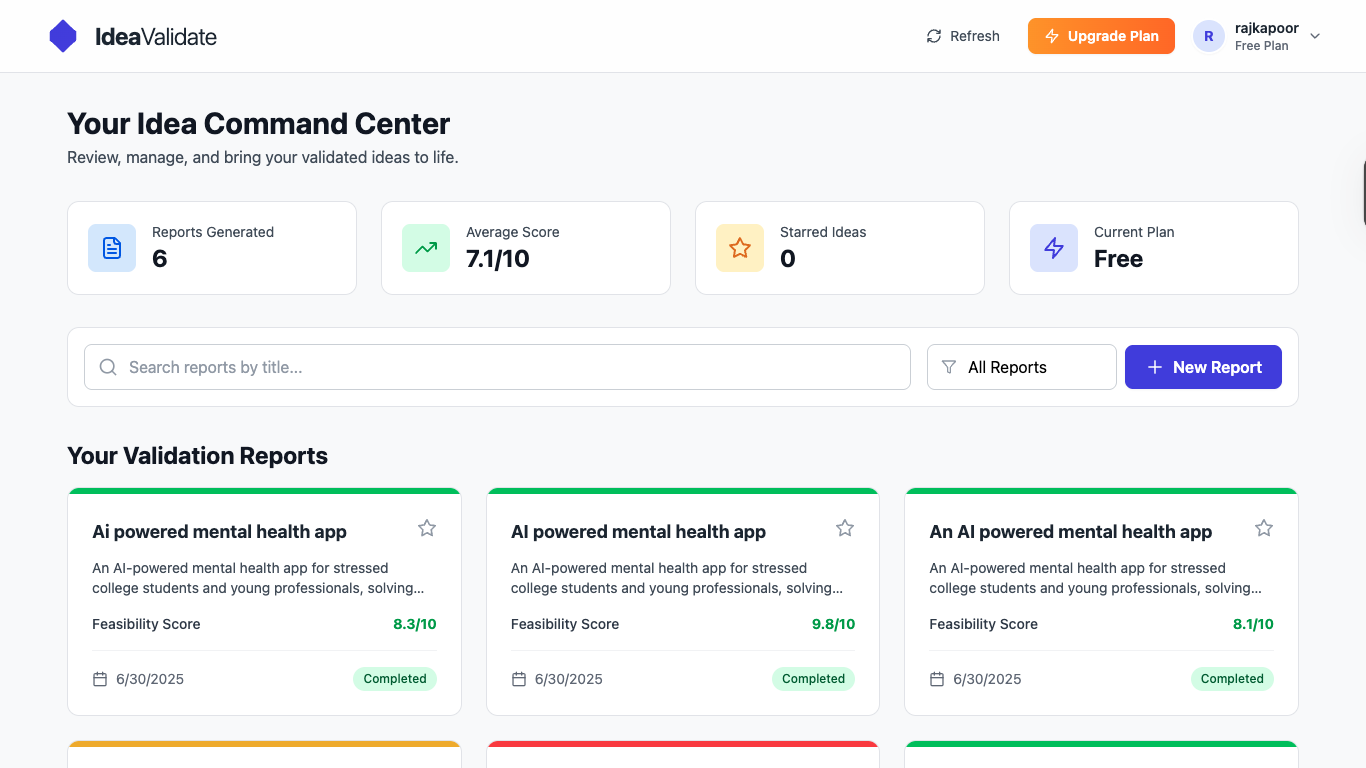
Idea Validate is an AI-powered co-pilot I designed to de-risk new ventures. It transforms a simple business idea into a comprehensive, data-backed validation report in minutes, empowering founders and builders to make informed decisions before investing significant time and money.
Tagline: Idea Validate: Data, not doubt.
Inspiration
Every builder has a graveyard of good ideas. They die not from a lack of passion, but from a wall of uncertainty: Is this a real problem? Is the market big enough? Will anyone actually pay for this?
I've experienced this "analysis paralysis" myself and have seen countless brilliant aspiring founders get stuck. The traditional process of market research is slow, expensive, and often inconclusive.
I was inspired to build a tool that acts as a data-backed compass. I wanted to give every founder, from a student in a dorm room to a product manager in a large corporation, the power of an entire research team, accessible with a single click. Idea Validate was born from my desire to help people build with confidence, not just hope.
How I Built It
My platform is engineered as a modern, full-stack application with a sophisticated AI core.
The Frontend: I chose React with TypeScript for a robust, type-safe, and scalable user interface. The entire experience, from the interactive landing page to the dynamic report view, is styled with Tailwind CSS for rapid and consistent design. My goal was a clean, intuitive UI that makes complex data feel accessible and easy to digest.
The Backend: A FastAPI (Python) server acts as the central nervous system. It handles user authentication, manages database interactions with PostgreSQL, and, most importantly, orchestrates the complex AI generation tasks through a background job queue.
The AI Core: This is where the magic happens. I didn't just wrap a single API call. I designed a multi-agent system powered by the Gemini API:
- Orchestrator Agent: Receives the user's idea and breaks it down into specific tasks.
- Specialist Agents: Multiple agents then work in parallel, each with a unique role (e.g., a Market Research Agent, a Competitive Analyst Agent, a Financial Modeler Agent). Will make these agents more better by providing them internet access to increase scope of in depth research, possibly using better LLMs which might be paid but help generating better results.
- Synthesizer Agent: Once the specialists are done, this final agent gathers all the structured data and assembles it into the cohesive, human-readable report you see on the front end.
What I Learned
Beyond the code, this project taught me several crucial lessons:
The Art of Prompt Engineering: I learned that the quality of my AI's output is directly proportional to the sophistication of my prompts. Moving from simple questions to a multi-step, role-playing agent system was the key to generating deep, reliable insights instead of generic text.
The UX of Asynchronous Tasks: Report generation isn't instant. I learned how critical it is to manage user expectations with clear loading states, real-time status polling, and a robust background job queue. A user should always know what's happening.
Data-Dump vs. Actionable Insight: A raw dump of AI-generated text is useless. The biggest product challenge was designing a UI—with clear metric cards, a navigable sidebar, and structured content—that transforms complex data into something a founder can actually use to make a decision.
Challenges I Faced
AI Consistency and Hallucinations: Early on, my AI would occasionally "hallucinate" data or produce inconsistent results. I overcame this by implementing a multi-agent system. By giving each agent a very specific, narrow task and demanding structured JSON output, I drastically reduced errors and improved the reliability of the final report.
Managing Long-Running Processes: A full report can take 2-3 minutes to generate. A simple HTTP request would time out. I solved this by implementing a proper background job queue. The frontend creates a task, and then polls the backend for status updates, ensuring a smooth and non-blocking user experience.
Preventing Information Overload: The AI can generate a massive amount of information. My first reports were overwhelming. The main challenge was designing for clarity. I solved this by creating the collapsible, multi-category sidebar and the at-a-glance metric cards at the top of the report. This allows users to get the high-level picture instantly and dive deeper into the sections that matter most to them.
I also leveraged several powerful tools to accelerate development and ensure robustness:
- Bolt: This platform was instrumental in getting a significant portion of the boilerplate code written insanely fast, accelerating initial setup and feature development.
- Supabase: It provided a robust and scalable backend for authentication and our database, simplifying critical infrastructure.
- Netlify: For rapid and seamless deployment of the frontend, allowing me to focus on building features rather than infrastructure.
Built With
- ai
- bolt
- gemini
- netlify
- supabase

Log in or sign up for Devpost to join the conversation.