Inspiration
In many stores, offices, and everyday administrative tasks, people still need to copy both sides of an ID card onto a single sheet of paper.
Existing scanner apps are often designed for general documents, require too many steps, include intrusive ads, or upload images to cloud services. I wanted a faster and more private workflow: capture the front and back, correct the edges, and create a print-ready document in seconds.
What it does
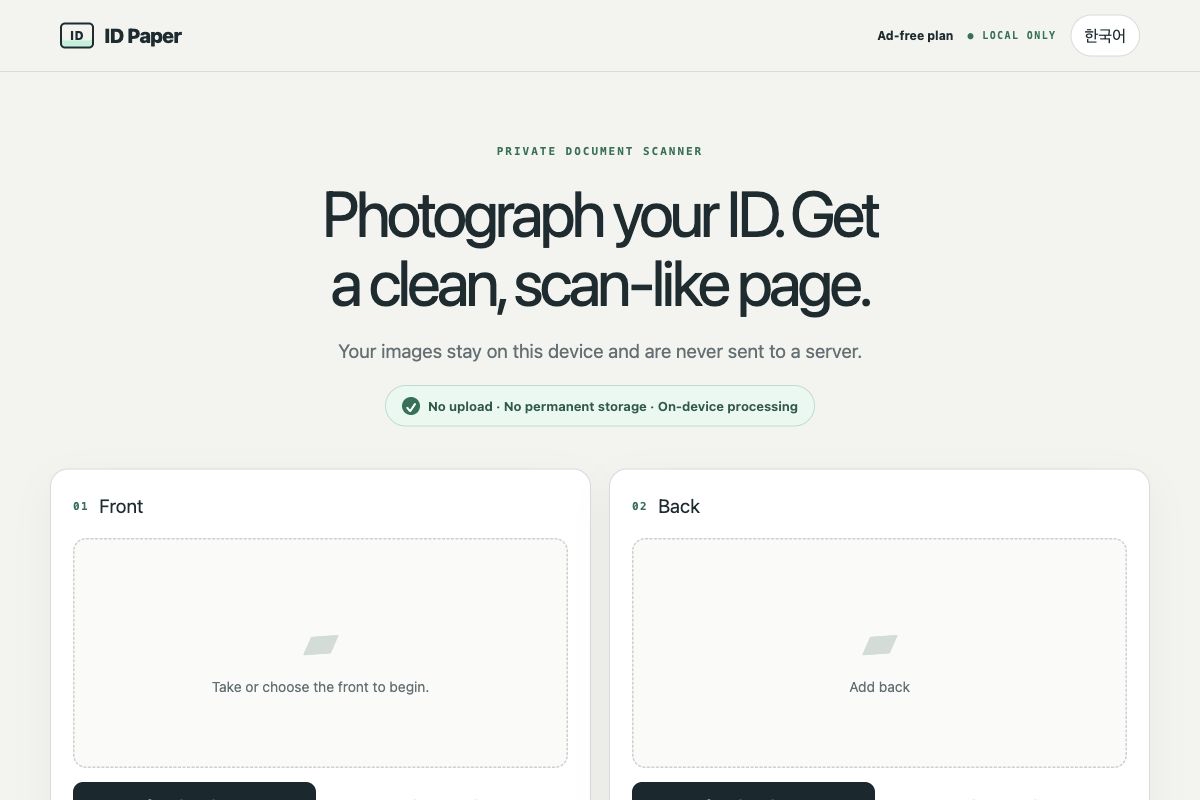
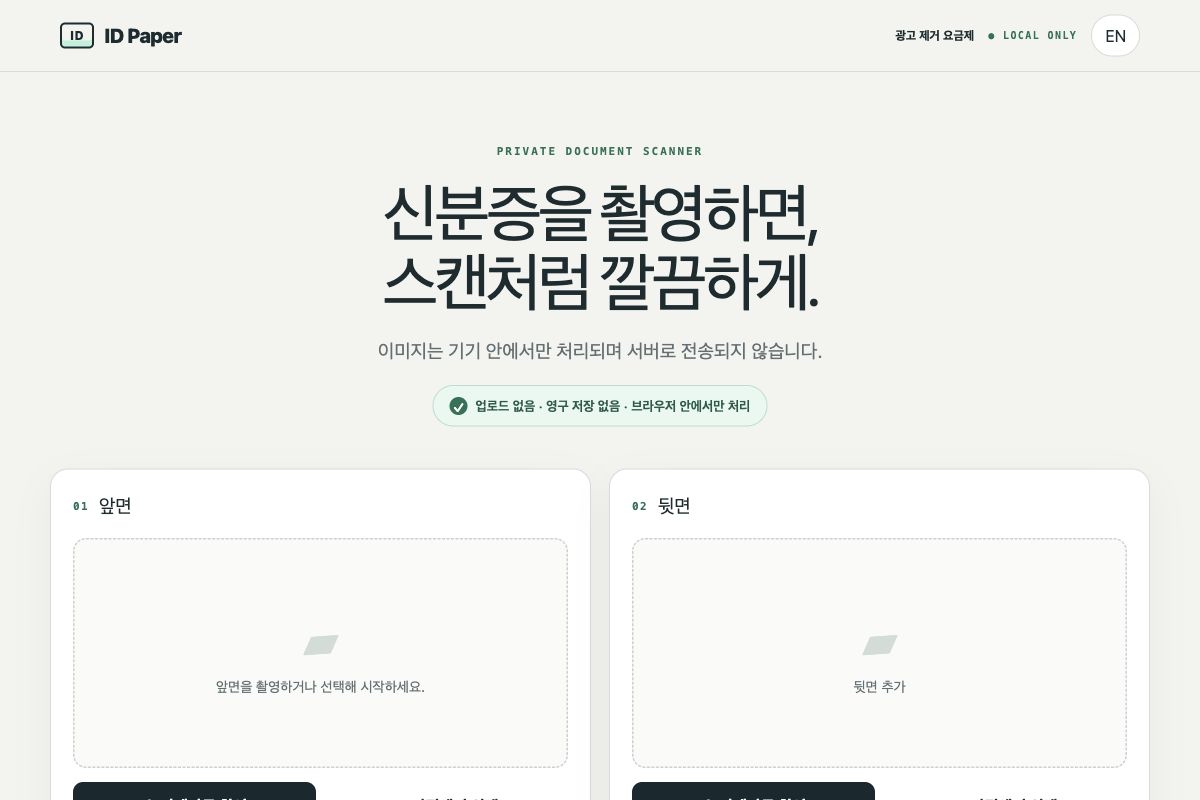
ID Paper turns photos of both sides of an ID card into a clean A4 or US Letter document.
The workflow is simple:
- Capture or select the front of the card
- Capture or select the back
- Automatically detect and correct the card boundaries
- Manually adjust the four corners if needed
- Arrange both sides on a print-ready page
- Export the result as a PDF or image
All image processing is designed to happen locally on the user's device. ID Paper does not require an account, cloud upload, or OCR.
How I built it
I used OpenAI Codex to help plan the architecture, implement the interface, debug image-processing workflows, and improve the mobile user experience.
The project is being developed as a mobile-first web application that can be hosted on Cloudflare and later packaged as an Android app.
The application uses browser-based image processing for edge detection, perspective correction, rotation, brightness adjustment, page layout, and PDF generation.
The code is separated into modules for:
- Image capture and import
- Automatic edge detection
- Manual corner adjustment
- Perspective correction
- A4 and US Letter layout
- PDF and image export
- Privacy and temporary memory cleanup
Challenges I faced
The biggest challenge was making automatic card detection reliable across different backgrounds, lighting conditions, camera angles, shadows, and reflections.
High-resolution images can also consume a large amount of memory on mobile browsers, so the app needs to resize images carefully without reducing print quality.
Another challenge was designing a workflow that remains useful when automatic detection fails. Instead of blocking the user, ID Paper provides a simple manual four-corner adjustment tool.
What I learned
I learned how to break a real-world problem into smaller modules and use Codex as a development partner rather than relying on a single large prompt.
I also learned that privacy should be part of the technical architecture, not just a policy statement. Keeping ID images on the device reduces both user risk and server infrastructure costs.
What's next
Next, I plan to:
- Improve automatic edge detection accuracy
- Test on more Android and iOS devices
- Add offline PWA support
- Support additional paper sizes and card formats
- Package the web app for Google Play
- Add optional, privacy-friendly monetization after the core experience is stable
Built With
- canvas
- chatgpt
- cloudflare
- codex
- css3
- github
- html5
- javascript
- mobile
- openai
- opencv.js
- privacy
- pwa
- web

Log in or sign up for Devpost to join the conversation.