TA Notified
App Overview
This app enhances the management of office hours by notifying the TA when the session has started but the TA is not present. It calls the TA's phone number(U.S. phone only) and sends notifications via the BARK app. It also provides an admin portal for the TA to manage their office hours, and offers students a quick way to join Zoom rooms.
When students visit this page, the system responds based on the current office hour status:
Greeting Page
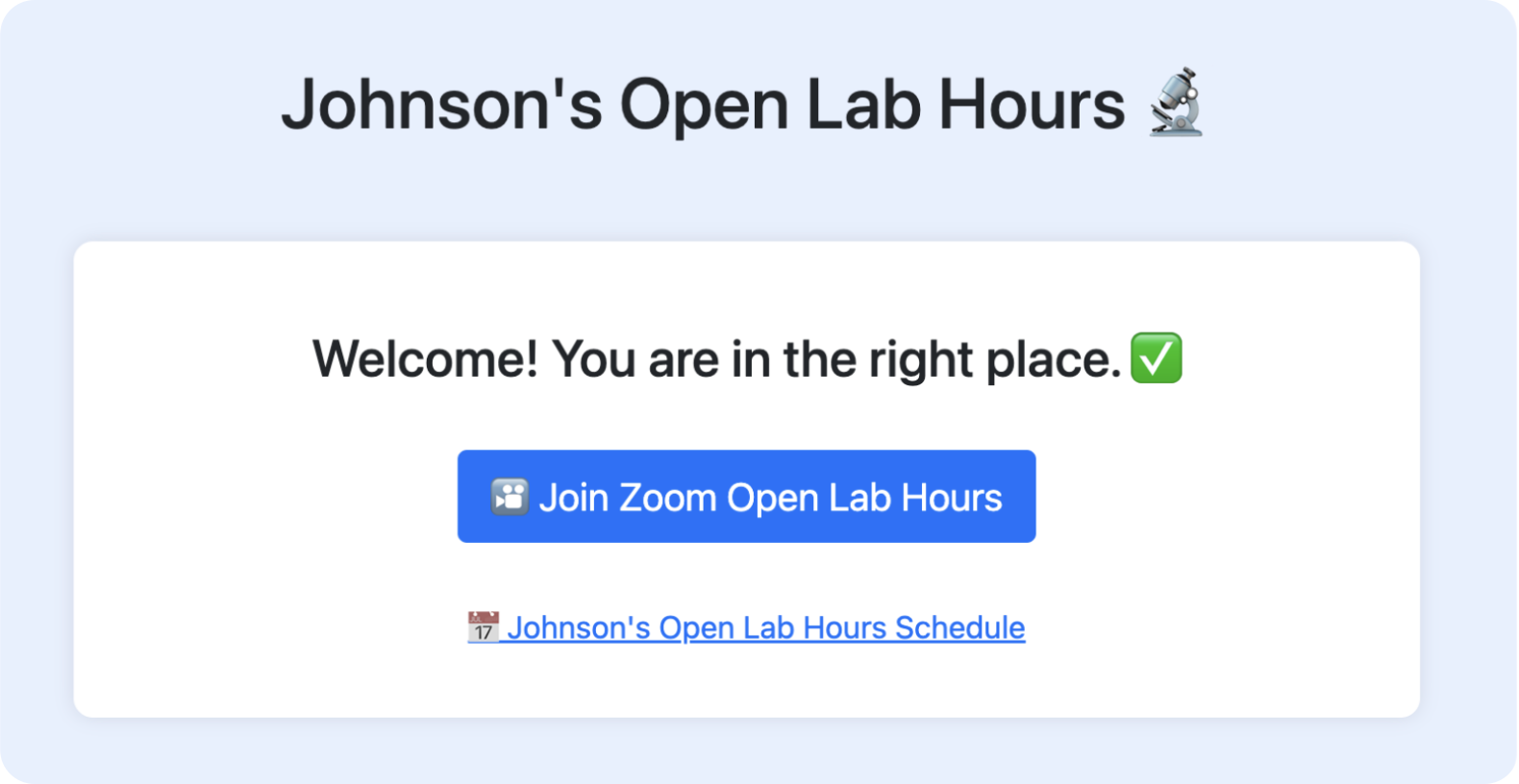
Office hours are in session and the TA is available
- Students are automatically redirected to the Zoom meeting.
Office hours are in session but the TA is not present
- Students see a countdown displaying the estimated wait time and their queue position (queue system to be implemented).
- The system automatically places a call from a US toll-free number to notify the TA to join the Zoom session.
The office hour slot has been rescheduled
- Students are notified that the office hours have been rescheduled when they visit the page.
Students visit outside scheduled office hours
- The system informs students that office hours are closed and displays the next available time slots.
- The system informs students that office hours are closed and displays the next available time slots.
Deployment Guide
You need:
- twilio.com account
- A phone number to receive calls.
To deploy the app, complete the following steps:
- Create a folder called
configin the root directory and create filesecret.incinconfigfill in the necessary credentials:- Register for a Twilio account and provide your Twilio ID and token.
- Add the TA's phone number to
MY_PHONE_NUMBER. - Set the username and password for admin access.
- Optionally, provide a BART notification URL.
define("TWILIO_ACCOUNT_SID", ""); // Your Twilio Account SID
define("TWILIO_AUTH_TOKEN", ""); // Your Twilio Auth Token
define("TWILIO_PHONE_NUMBER", ""); // Your Twilio phone number
define("MY_PHONE_NUMBER", ""); // TA’s phone number
define("CORRECT_USERNAME", ""); // Admin username
define("CORRECT_PASSWORD", ""); // Admin password
define("BART_BASE_URL", ""); // (Optional) BART notification URL
- create file
timeslot.json,meeting_status.txt, andqueue.jsonin the root directory of the project. - Run the following command to install the necessary dependencies:
bash
composer install

Log in or sign up for Devpost to join the conversation.