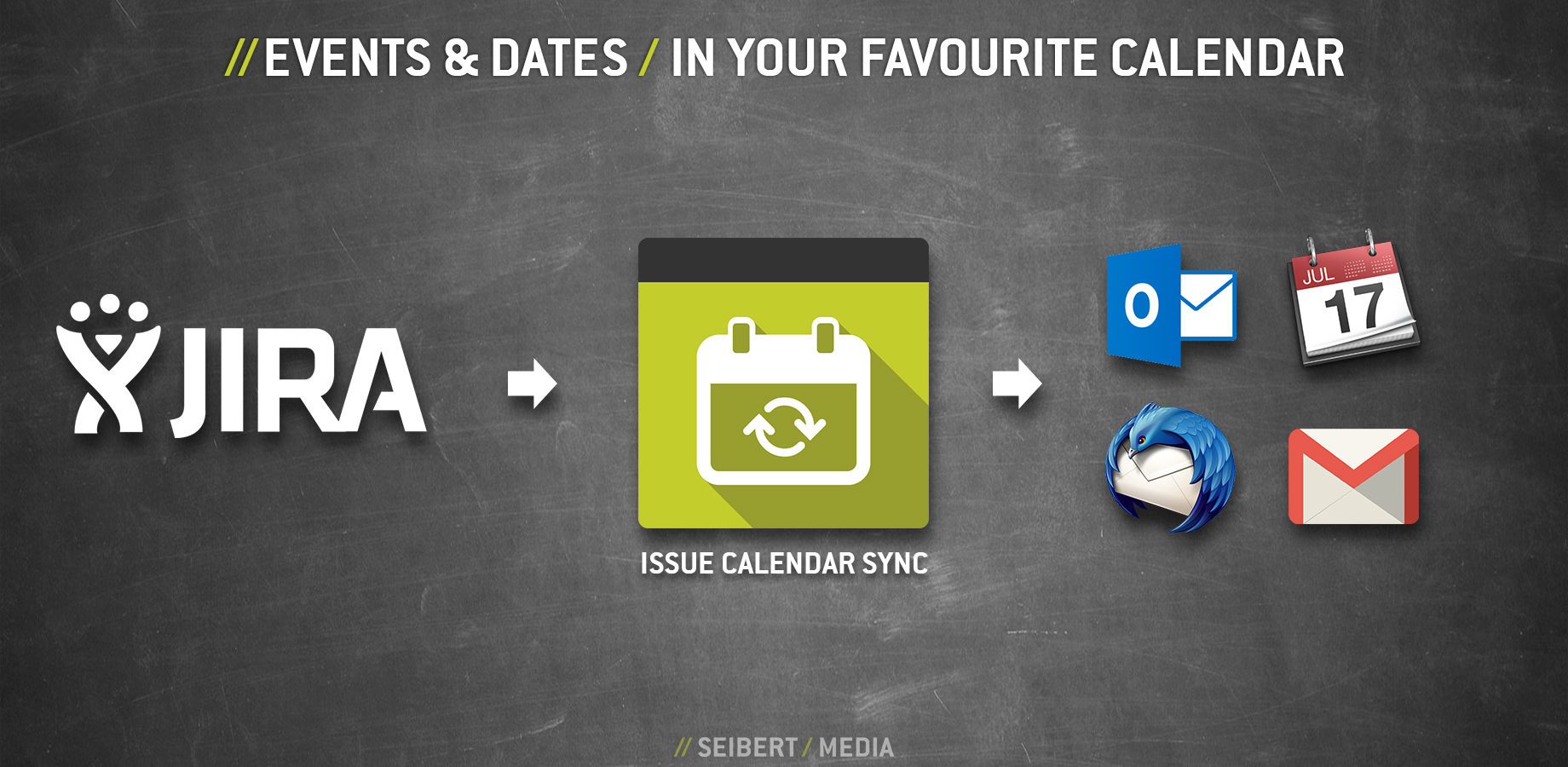
Issue Calendar Sync helps to keep an eye on dates & events without having to start up JIRA. Start/end dates as well as due dates of issues can easily be integrated into the calendar. The events in the calendar are synched with JIRA with every refreshing of the calendar.
The issues that are displayed in the calendar are searched in the JIRA issue search via a JQL search (If an issue has no date, it will not be displayed in the calendar). In version 2.0 we are introducing several new features:
Subscription Wizard
- The Subscription Wizard helps you to create a new subscription: Just fill out the simple form and you are ready to go!
Subscription Manager
- The Subscription Manager displays all your subscriptions as well as the used JQL search so you will never loose track of them.
Issue Calendar Sync for JIRA supports Outlook, Apple Calendar, Thunderbird Lightning and other common calendar tools.


Log in or sign up for Devpost to join the conversation.