-
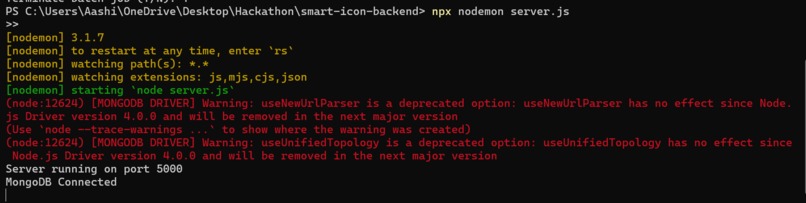
Backend
-
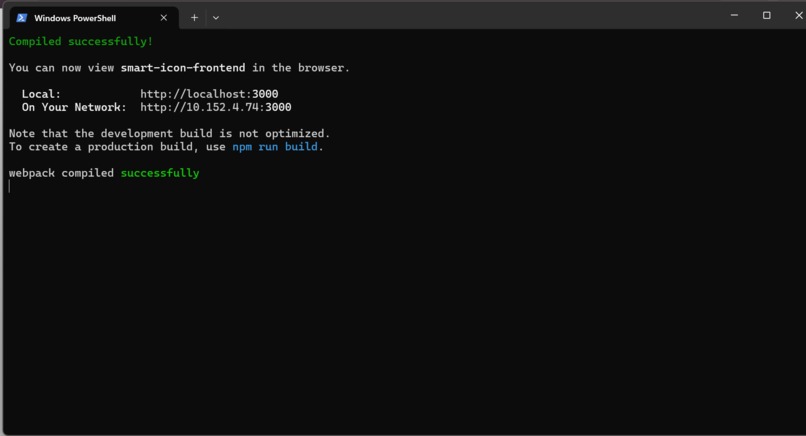
Frontend
-
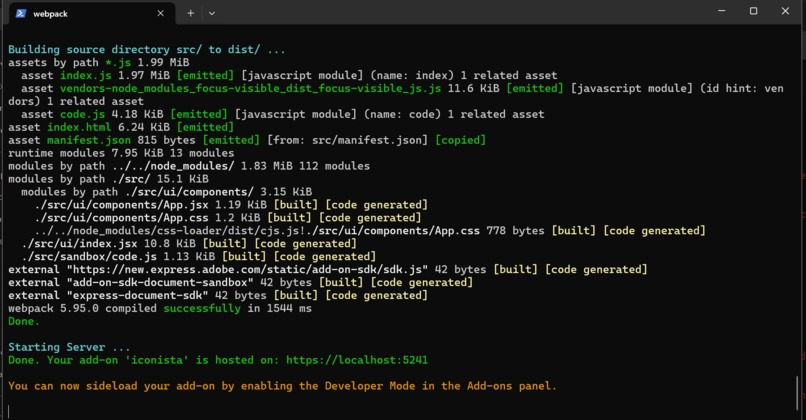
Hosting the Add-On
-
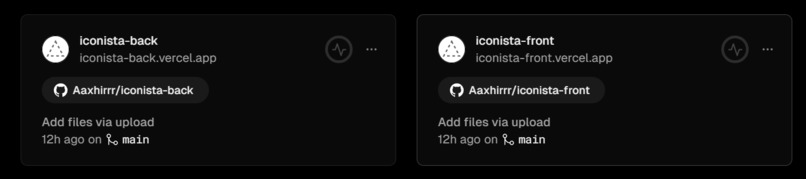
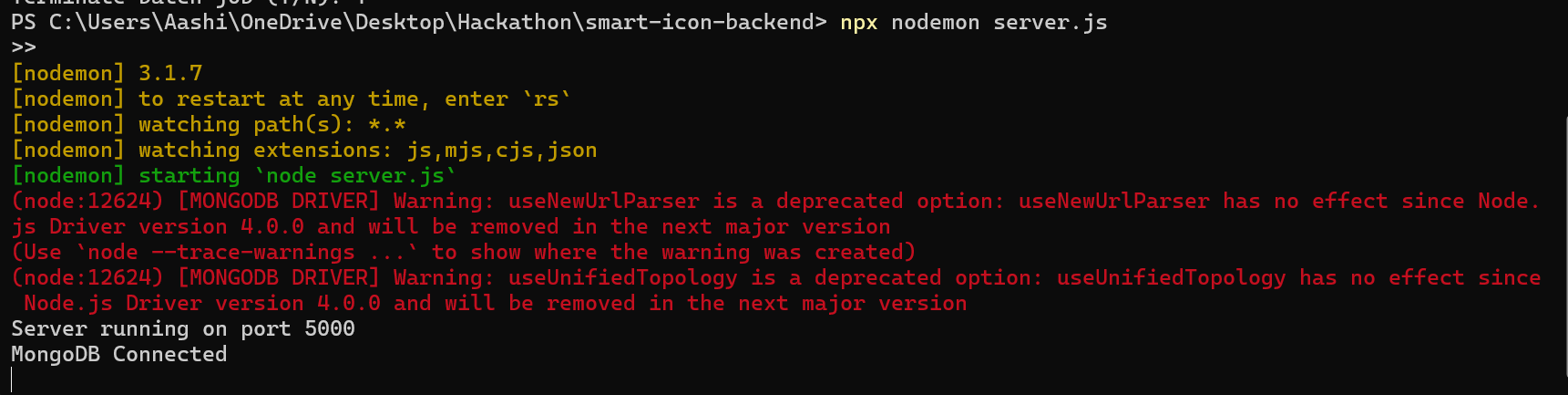
Deployment of the stack
-
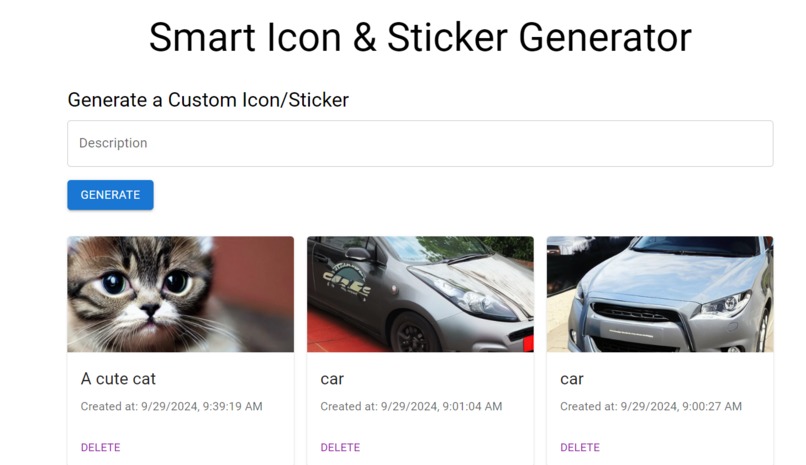
Frontend page (NOT FOR USERS)
-
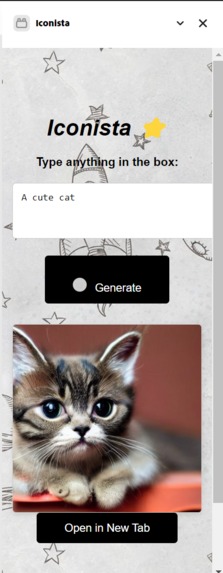
Functional Add-On
-
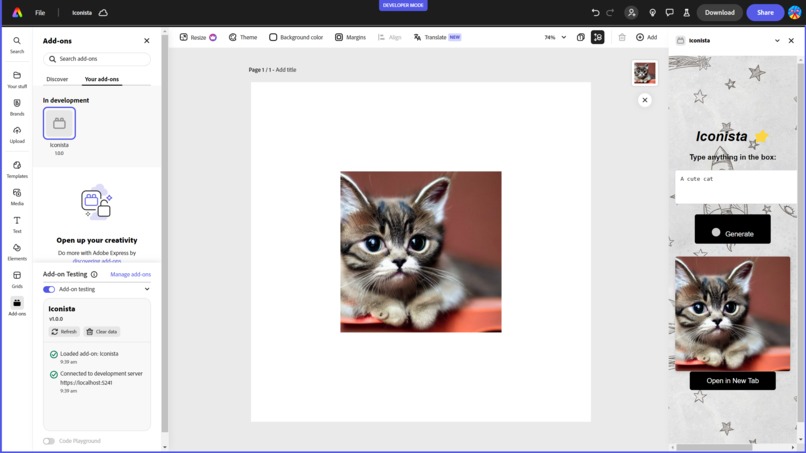
FINAL WORKSPACE AND ADD-ON
Project Overview
Iconista was born out of a desire to streamline the process of creating visually appealing icons and stickers using the power of Artificial Intelligence. The inspiration came from the challenge of manually designing unique and intricate icons for various use cases, which can be both time-consuming and creatively draining. With AI advancements, we wanted to leverage technology to simplify this process and allow users to focus on creativity rather than the technicalities of design
Inspiration
Creating icons from scratch often requires specialized skills, tools, and a lot of patience. We envisioned a tool that could harness AI to automate repetitive tasks and deliver high-quality results in a matter of seconds. The idea was to make design accessible for everyone, from beginners to seasoned designers, by letting AI handle the heavy lifting.
Technologies Used
Backend:
- Node.js: Used as the primary runtime environment for building the backend server.
- Express.js: Utilized for handling routing and API requests to facilitate communication between the frontend and external services.
- MongoDB: A NoSQL database used to store user-generated icons and asset metadata.
- Mongoose: An Object Data Modeling (ODM) library for MongoDB and Node.js that helped in schema definition and querying.
AI & Image Generation:
- DeepAI API: Implemented to generate specific art styles and variations using the text input provided by the user.
Frontend:
- React.js: Built using React components to maintain a modular structure and easy state management.
- Adobe Add-On SDK: Integrated with Adobe Express using the Adobe AddOnStore SDK, allowing the add-on to interface directly with the Adobe Express environment.
- Material-UI (MUI): Used to style the components and create a responsive and aesthetically pleasing UI.
Deployment:
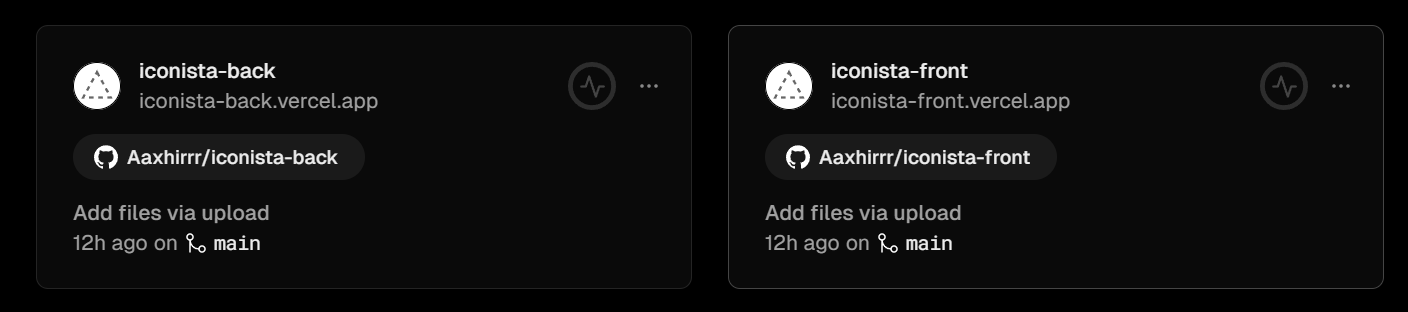
- Vercel: Deployed the frontend on Vercel for fast and scalable hosting.
- AWS EC2: The backend is hosted on an AWS EC2 instance, allowing us to handle high API request volumes and secure data storage.
How We Built It
Setting Up the Backend:
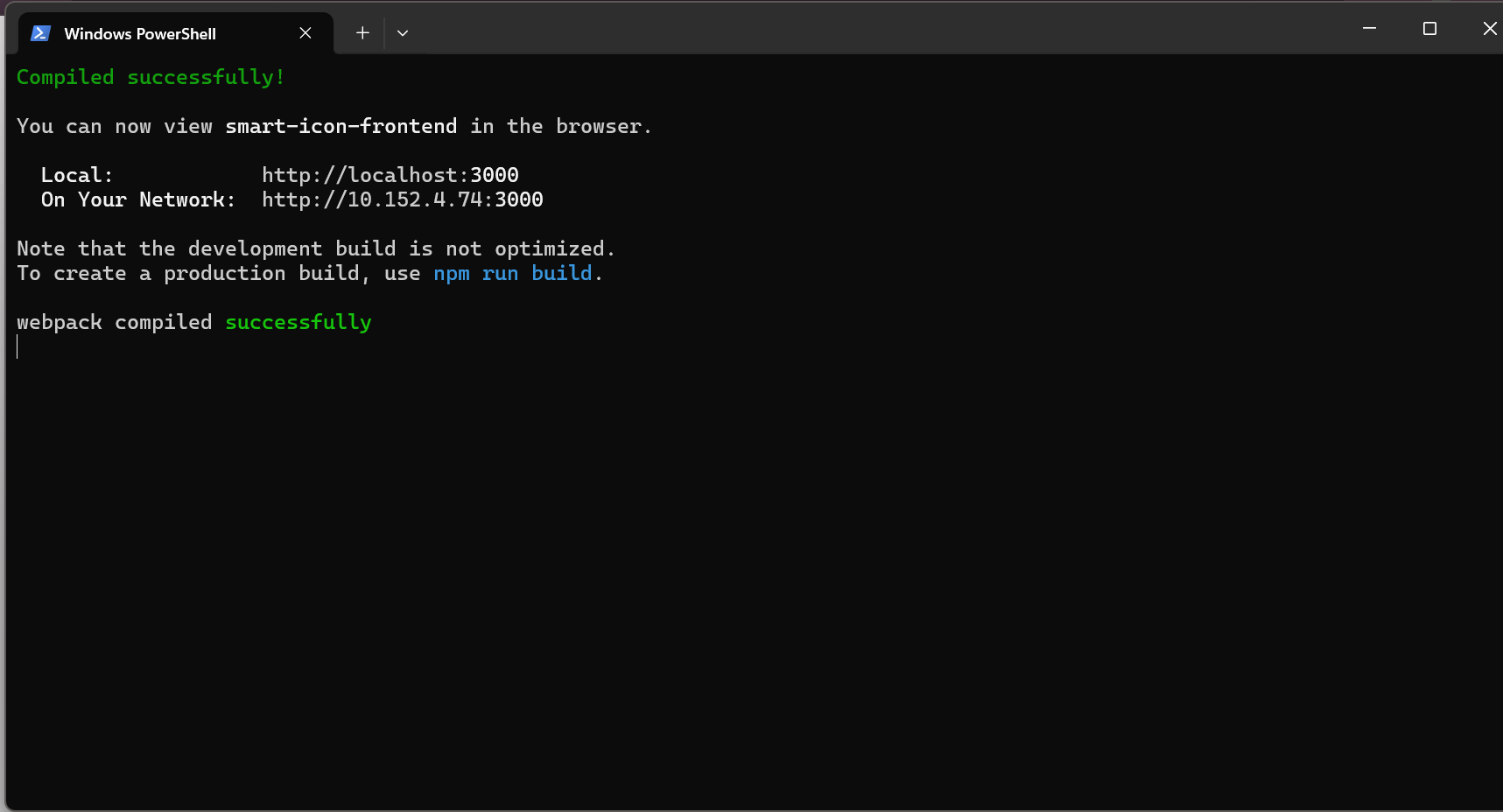
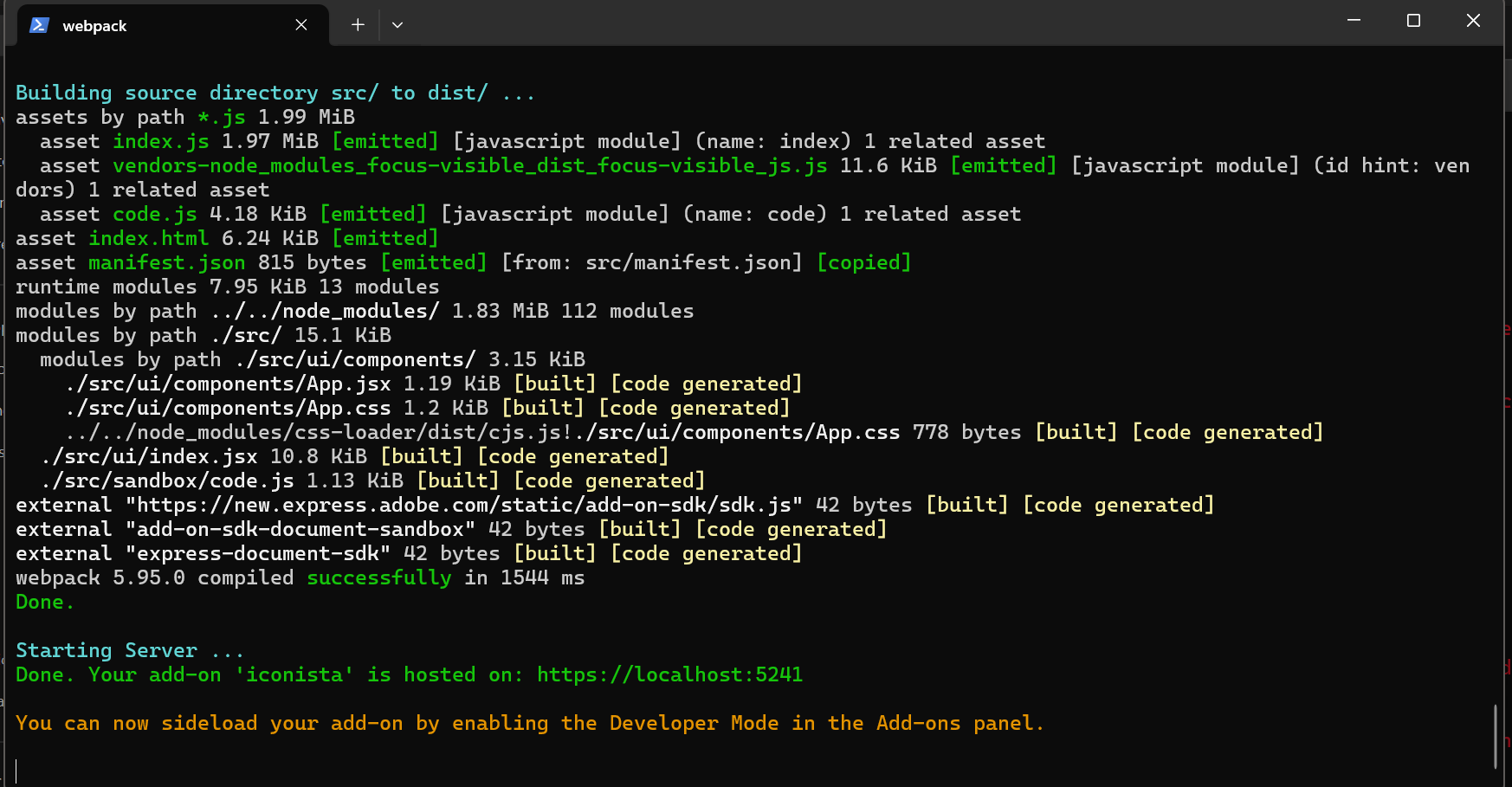
- We started by configuring a Node.js environment and setting up an Express server to handle user requests.
- MongoDB was connected using Mongoose for seamless schema management and to store generated icons with metadata (e.g., descriptions, timestamps).
- Integrated DeepAI's image generation API to support image creation based on user input. Each request is routed through an
assetsendpoint that triggers the AI model and returns a link to the generated asset.
Frontend and Adobe Express Integration:
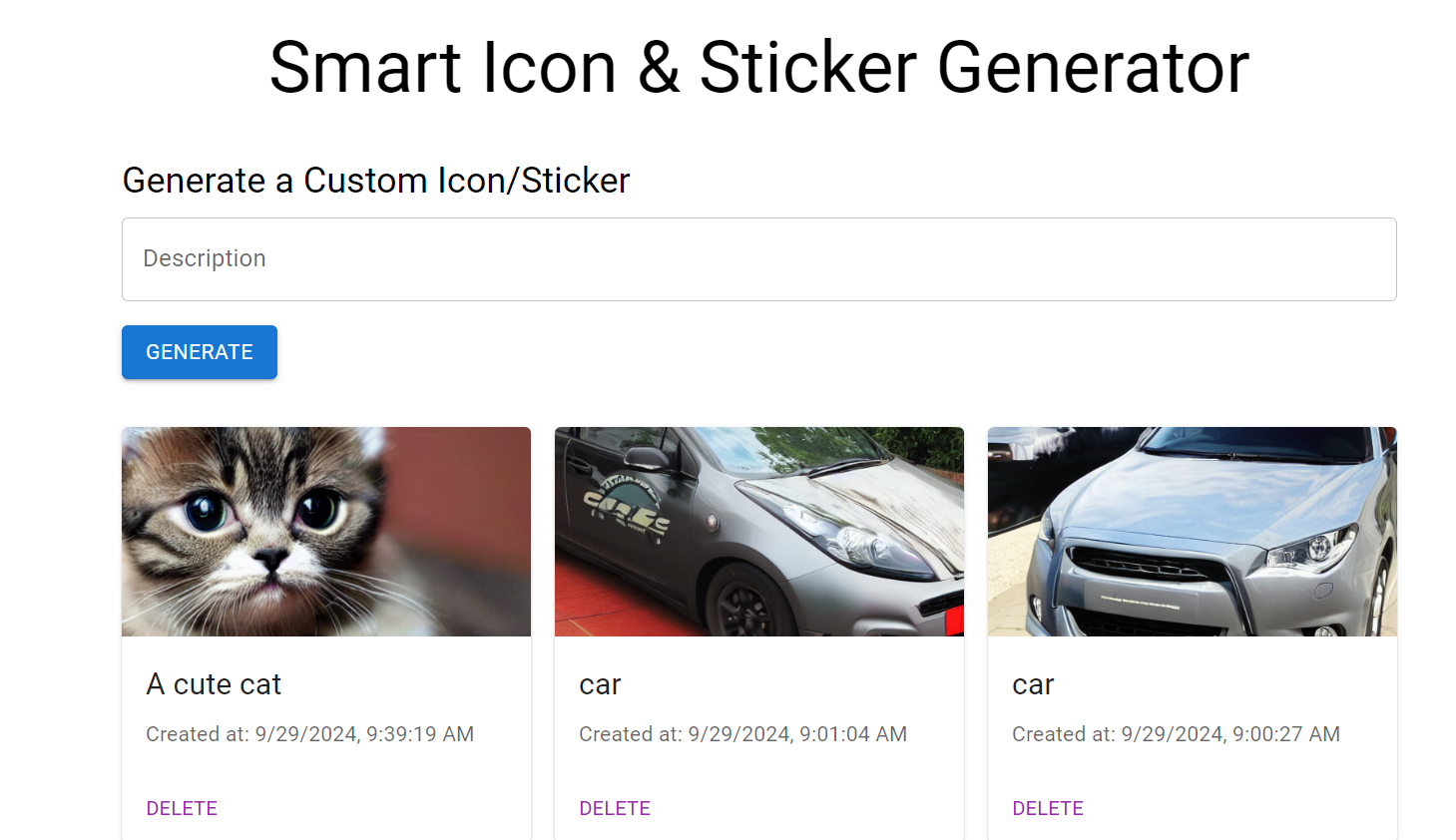
- The frontend was built with React and designed using Material-UI components to create an interactive interface.
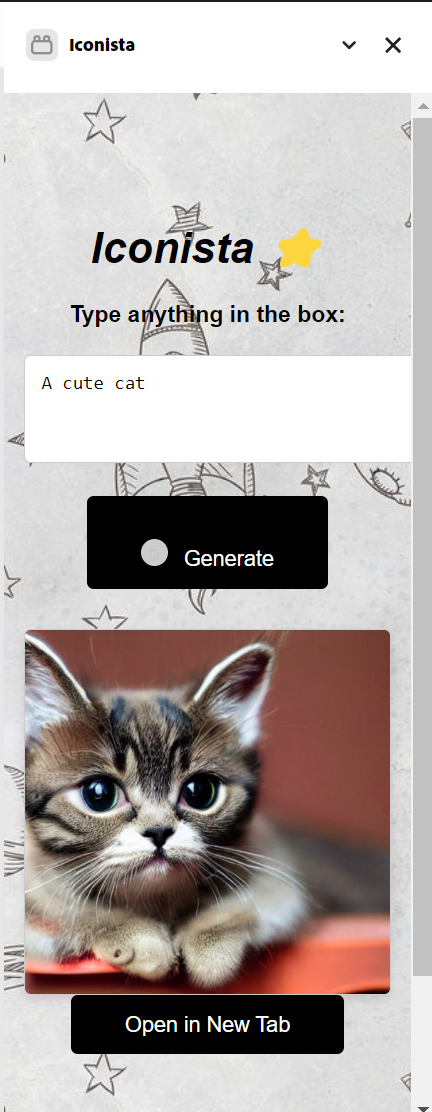
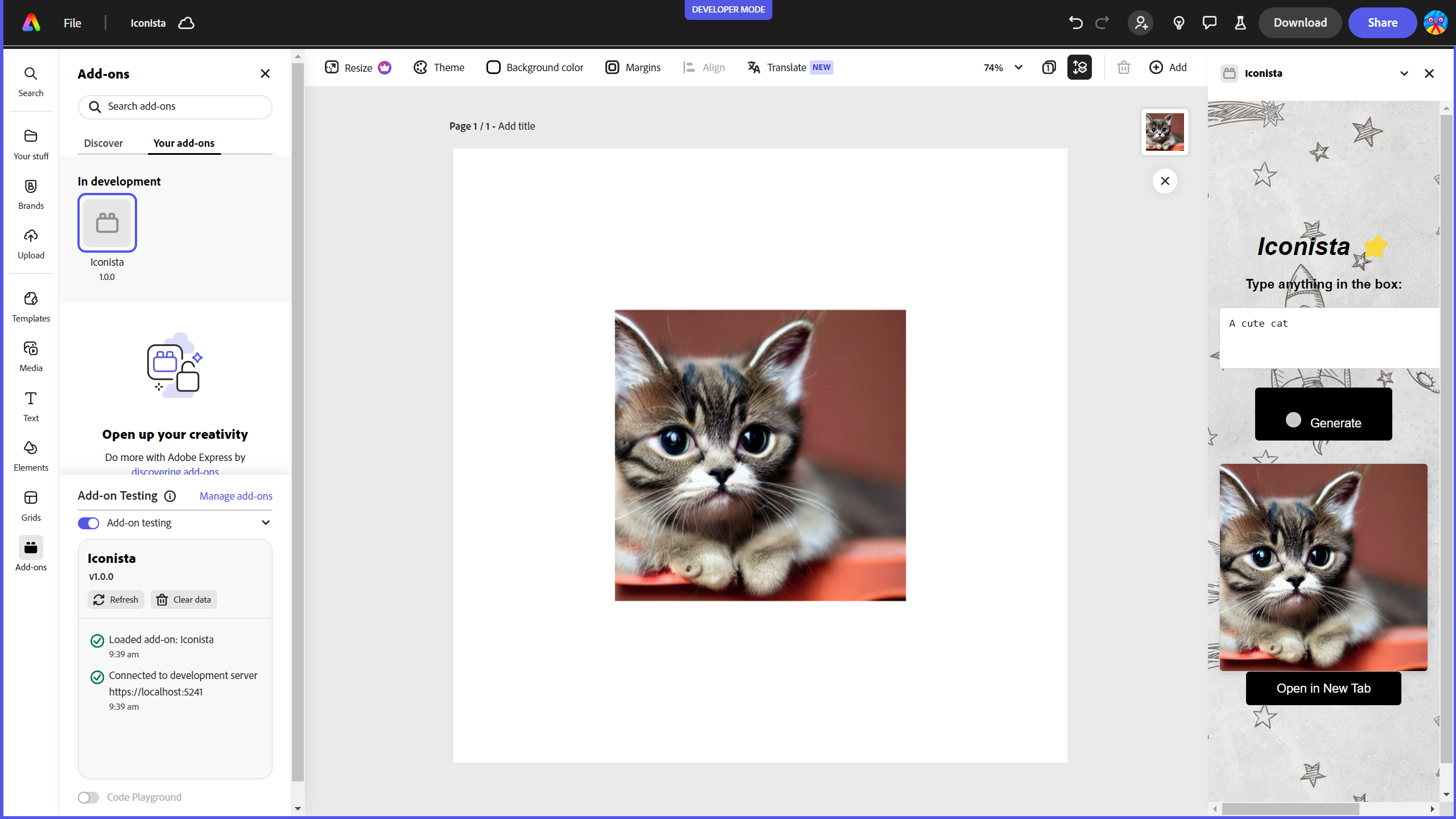
- We used the Adobe Add-On SDK to create a custom panel within Adobe Express where users can type in prompts, generate icons, and drag-and-drop these assets into their design projects.
- Added error handling and fallback mechanisms for different image generation scenarios, ensuring a smooth user experience.
Drag-and-Drop Implementation:
- Initially, we attempted native HTML5 drag-and-drop functionality for moving generated images into Adobe Express canvases.
- However, to ensure tighter integration, we attempted configuring the
enableDragToDocumentmethod using Adobe’s SDK, allowing users to seamlessly drag assets without leaving the application environment. -We also implemented a "Open in new tab" button, which lets the users enlarge and easily cop the image in a new tab, and hence paste it in the canvas.
Deployment:
- The frontend was deployed on Vercel, taking advantage of its optimized deployment pipeline for React apps.
- The backend was deployed on AWS EC2, ensuring scalability and secure handling of API keys for the image generation models.
Challenges Faced
Integrating the DeepAI API:
- One of the major challenges was integrating DeepAI’s API into the backend and ensuring the server could handle multiple requests without timing out. This required optimizing request handling and caching mechanisms.
Drag-and-Drop Issues with Adobe Express:
- Implementing drag-and-drop using the Adobe AddOnStore SDK was really problematic, but we figured it out at the end.
Handling Image Generation Latency:
- AI image generation is computationally intensive, leading to delays. We optimized API requests using asynchronous calls and displayed real-time loading indicators on the frontend to improve the user experience.
CORS and Security:
- Deployed the backend with strict CORS policies and JWT-based authentication to secure API endpoints, ensuring only our frontend could make requests to the server.
What We Learned
- API Integration: Gained in-depth knowledge on integrating the DeepAI API, handling different response structures, and optimizing authentication methods.
- React and Adobe Add-On SDK: Enhanced our understanding of building React components that interact seamlessly with Adobe's ecosystem using the AddOnStore SDK.
- Backend Development with Node.js and Express: Developed advanced backend logic to handle complex request pipelines and synchronous API calls.
- Database Management with MongoDB: Learned schema design and querying using Mongoose, along with efficient data storage strategies.
- Handling Async Operations: Improved our skills in managing asynchronous operations in JavaScript using
async/awaitandPromise.allfor concurrent API calls. - Deployment Best Practices: Understood the importance of secure deployment practices, such as environment variable management and API key handling, using AWS EC2 and Vercel.
Future Enhancements
Add Full Drag-and-Drop Functionality:
- We plan to refine the drag-and-drop functionality to enable seamless integration with Adobe Express. This would allow users to drag generated images directly into their Express canvas.
Image Editing Features:
- Implement in-app image editing features, allowing users to adjust colors, sizes, and add filters to the generated icons before inserting them.
Enhanced Search Functionality:
- Develop a search feature that lets users find previously generated icons or browse through a library of public assets.
This project not only helped us build an innovative tool for designers and marketers but also improved our skills in backend development, API integration, and Adobe SDK utilization. We are excited to see how Iconista evolves and enhances the creative experience for Adobe Express users!


Log in or sign up for Devpost to join the conversation.