-
-
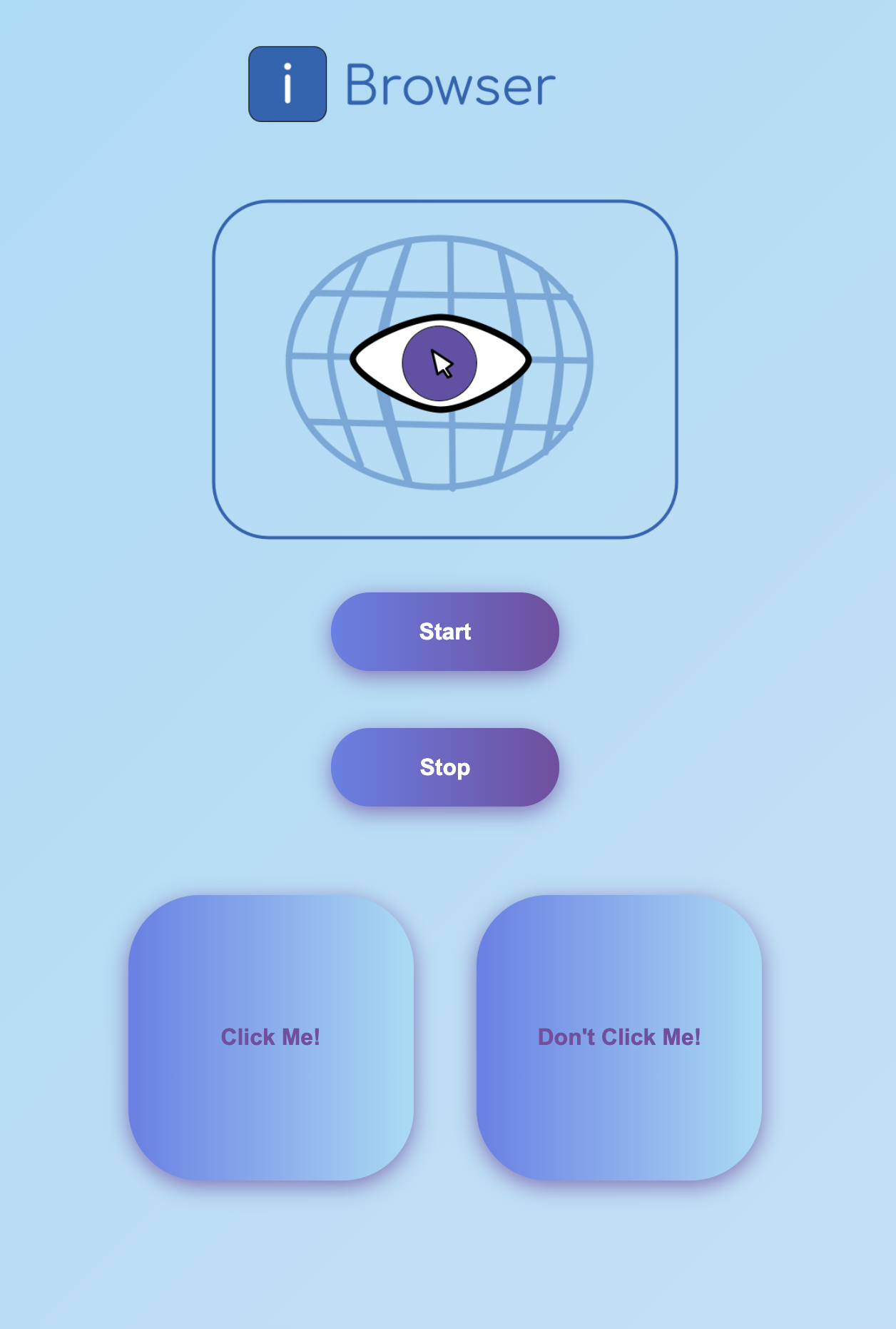
Logo (spent wayyy too much time on this)
-
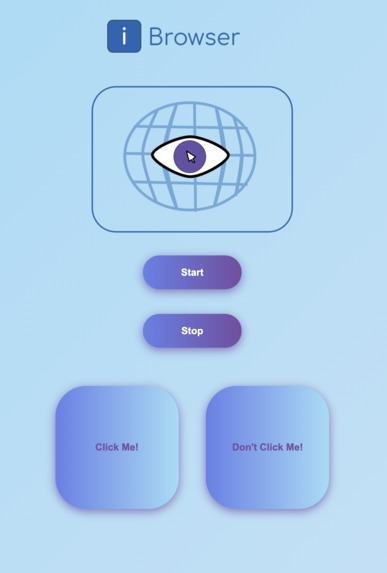
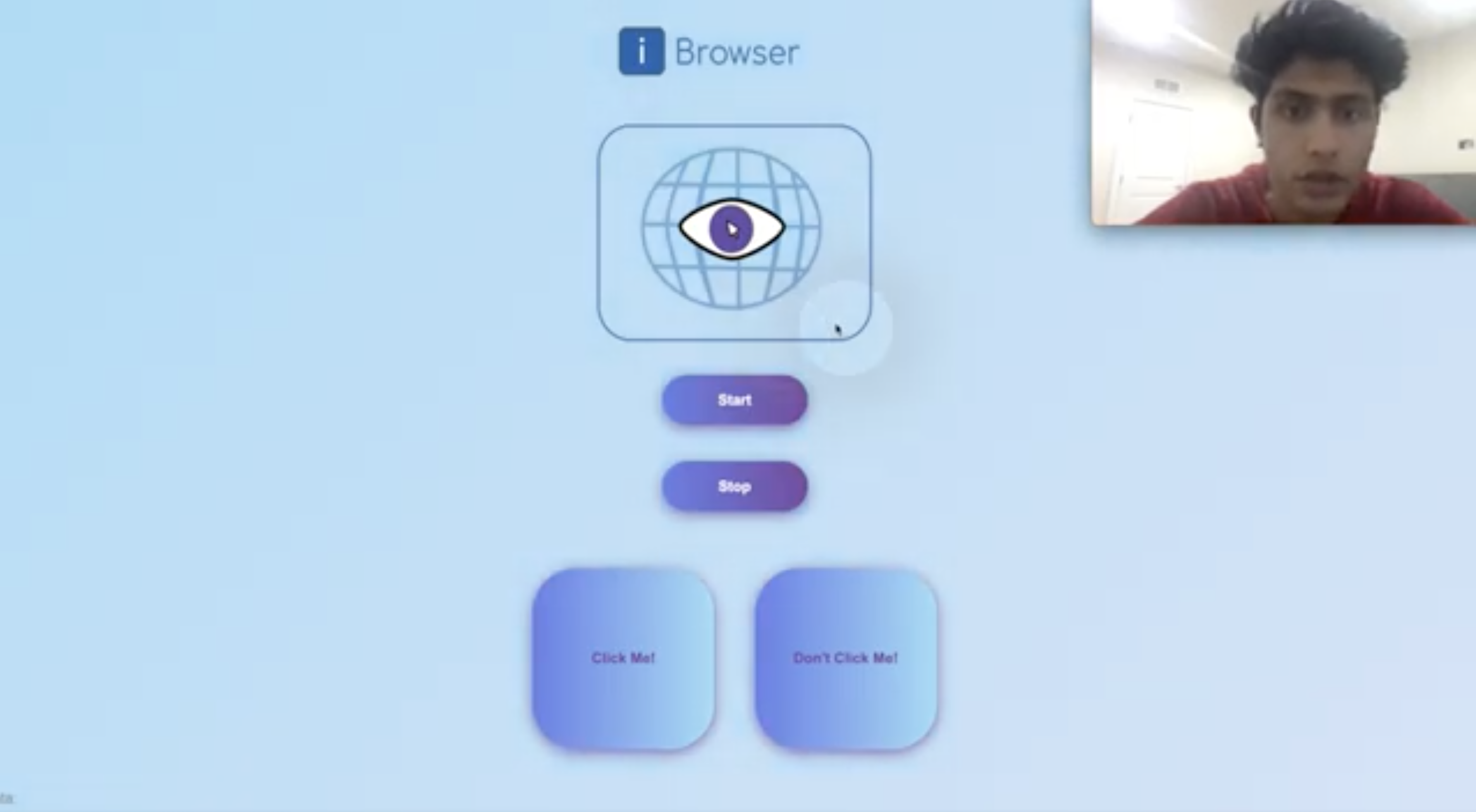
Website
-
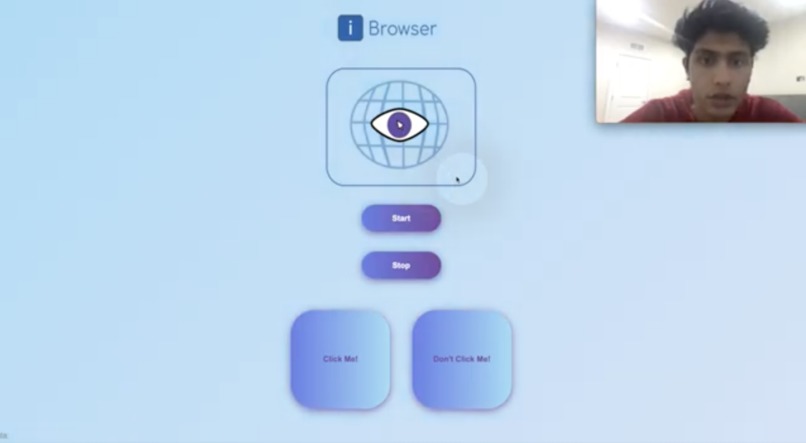
Eye tracking being used to control the mouse
Inspiration
People who cannot use their arms cannot effectively use a modern computer. While there are many tools like speech recognition to help them type, there are none that help them efficiently use a mouse. This product is a free browser-based webcam eye tracker that can control a mouse.
What it does
After a quick calibration, the app tracks where the user is looking on the screen and moves the cursor there. The user can click by winking (left and right eye, respectively).
How we built it
The eye tracking and wink detection use facial landmarks and haarcascades to isolate facial features, and then additional computer vision algorithms to determine the gaze vectors of both eyes. The HTML/CSS frontend tracks the eyes of the user and sends the screen coordinates to the Flask API, which then uses PyAutoGui to move the mouse.
Challenges we ran into
I am not a frontend developer, so developing the actual website in HTML was a new experience. It took some time to make it look nice.
Accomplishments that we're proud of
The product is a free webcam eye tracker capable of accurately operating a mouse without the user using his hand.
What we learned
How to integrate ML and CV with an HTML frontend and Flask backend.
What's next for iBrowser
Improved eye tracking and mobile integration.


Log in or sign up for Devpost to join the conversation.