-
iBinRecycling
-
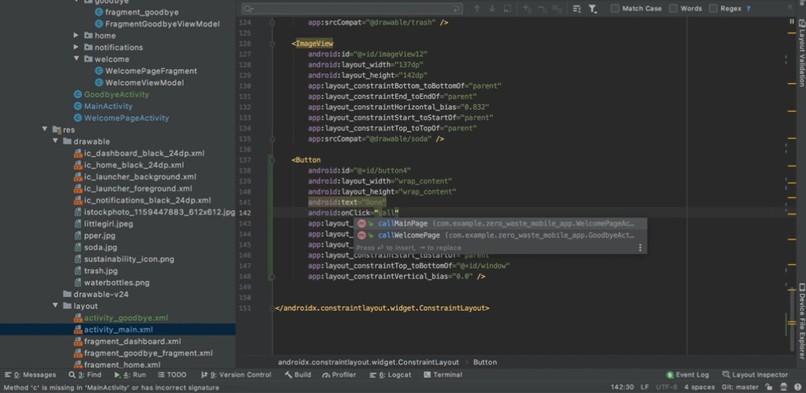
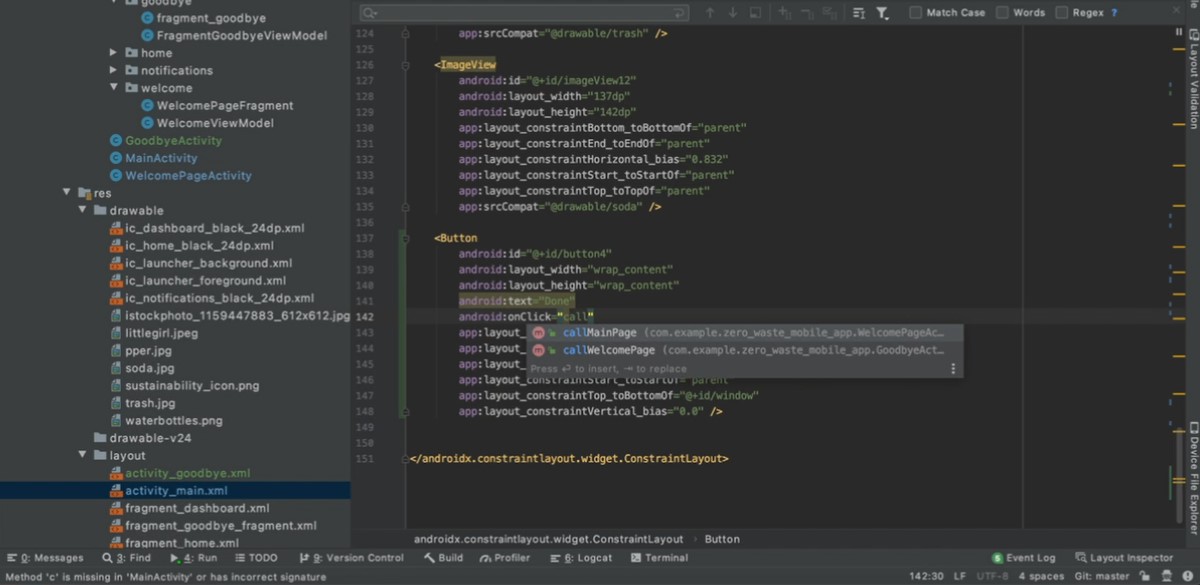
Activity Page Code Edits to Switch Screens
-
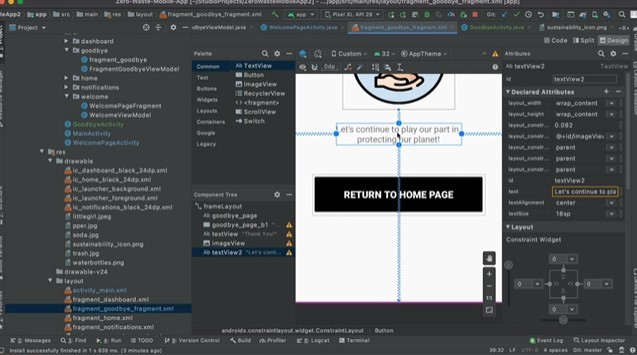
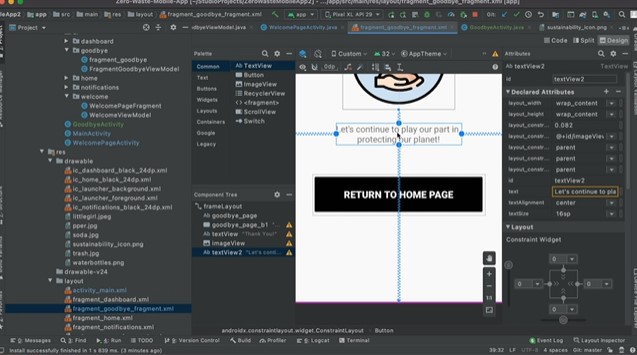
Design Example for Thank You Screen
Inspiration
There is a large number of takeout, paper, and food containers. The EPA states that each day, 1 person contributes about 1 pound of recycling and 4 pounds of trash. What's even more alarming than the low recycling numbers, is that people often do not take the time to recycle materials properly through separation or they are unaware that recycling requires more than a toss into the bin.
What it does
iBinRecycling is a mobile app tool to support accurate sorting behavior at the bin and interactivity at campus waste stations, to demonstrate to users the correct materials' locations to encourage healthy environmental habits!
How we built it
Android Developer Studio was used to build the app. We created activities to simulate the screens, added buttons to demonstrate the user clicking the material that they wanted to throw out. The files itself were .xml for front-end development and .java for back-end development. We also used Git for version control. We figured out how to program the buttons to change text and activity screens based on the user clicking it.
Challenges we ran into
Using Git was a struggle as we had to figure out how to merge commits together into 1 commit because multiple teams were working on different screens. We also had trouble figuring out how to change the screen and add functions communicating both the front and back end, like onClick since the experience of having the front-end call the back-end in Android Studio was new to us.
Accomplishments that we're proud of
We were extremely proud to have learned how to create a basic app. We worked on switching screens, which was a huge accomplishment for us as we were stuck on having the layouts change. We also had trouble with an idea for a point system, but decided that keeping it sweet and simple was the way to go as the user's time is important. We also struggled with Git, but we were able to commit and merge changes without losing work! :)
What we learned
We learned to create multiple activities to change layouts. We learned how to integrate Git with the Android Studio Code and clone/commit and push/pull to and from repositories. We learned how the .xml files communicate with the .java files to display the information as it changes. We also learned how the emulator works. Finally, we learned how to add assets to the app in the form of images, widgets, and buttons.
What's next for iBinRecycling
A raffle would be wonderful to encourage college students to recycle! The raffle could be conducted as the student takes a quiz on the app to enter their name and email into a drawing. The prize would incentivize students to take the quiz, allowing them to learn healthy sorting behavior on the way!
Another idea, although a bit more idealistic, is to implement weight sensors in the trash cans. Students then could "capture" the amount of trash/recycling they correctly threw away and earn points by swiping their Mason ID card. This would allow the university to create a point system and reward good behavior!
iBinRecycling would also love to have a camera component where students hold the item up to the camera and the screen directs them to the right bin using machine learning!


Log in or sign up for Devpost to join the conversation.