-
-
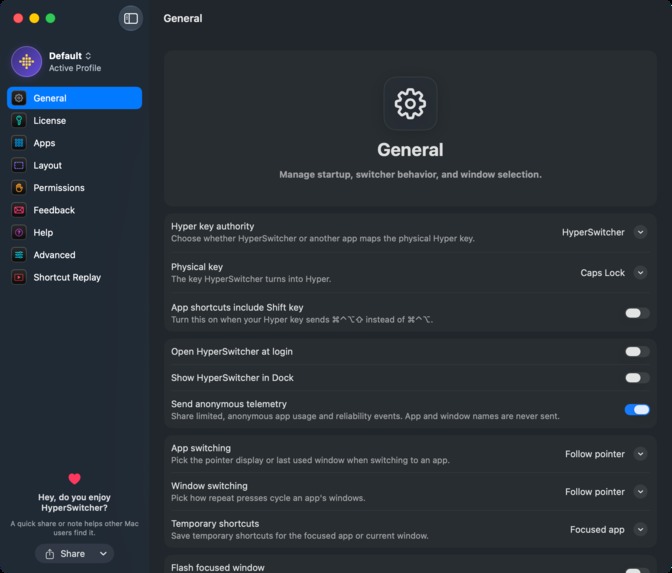
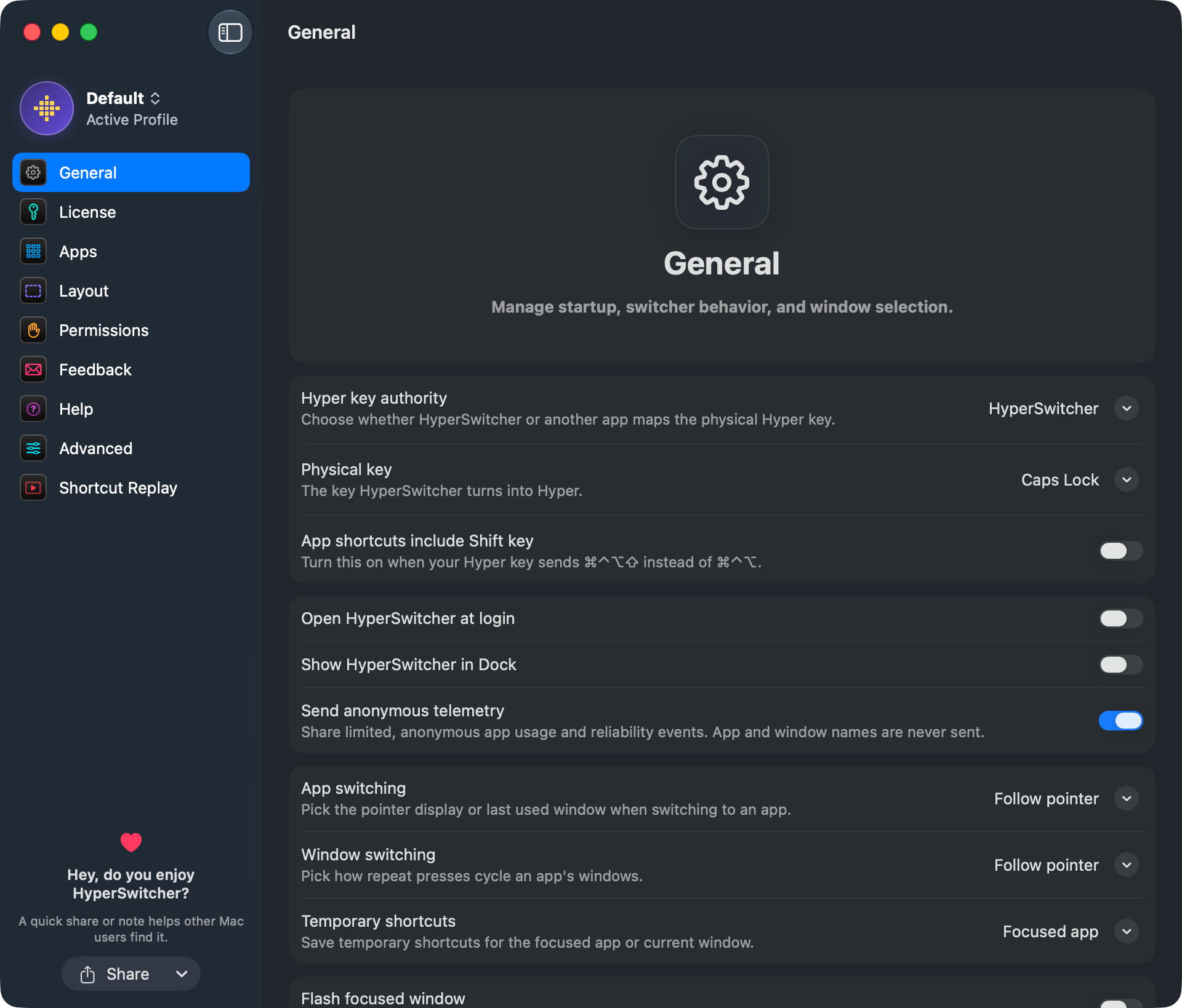
The general settings
-
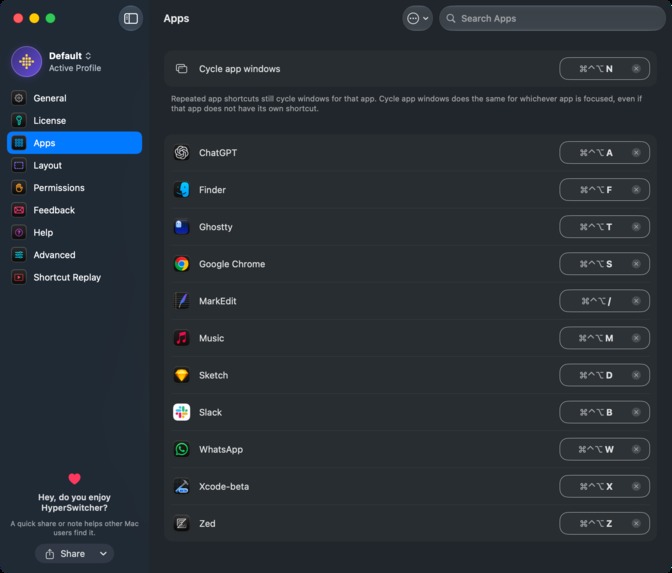
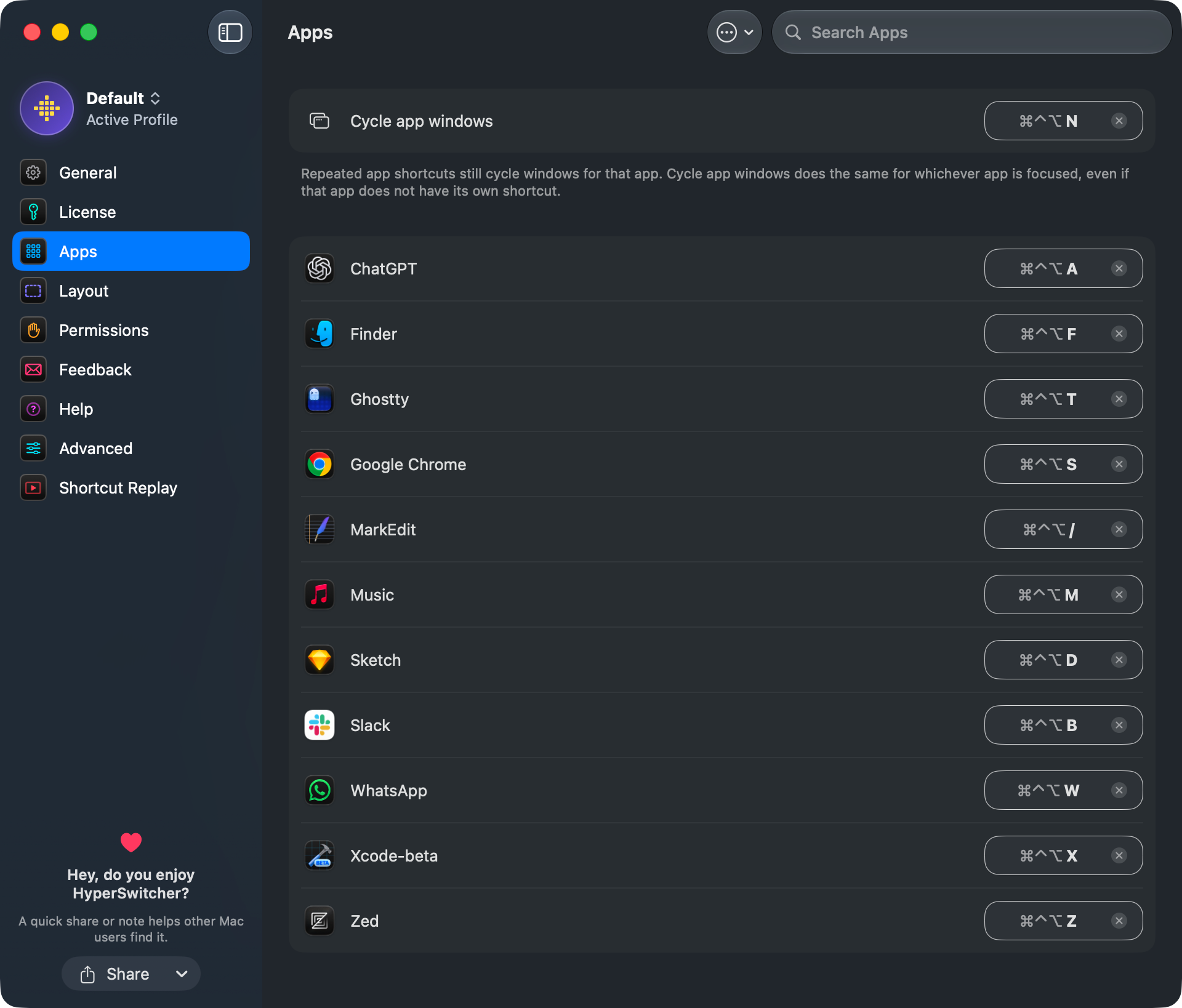
The apps settings
-
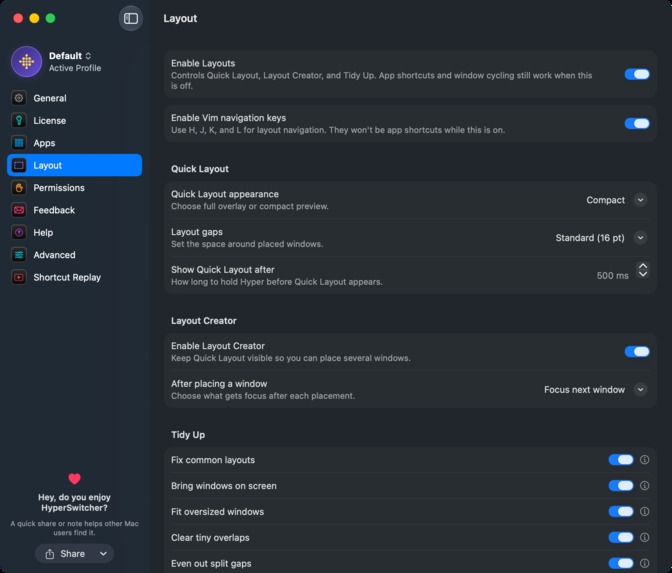
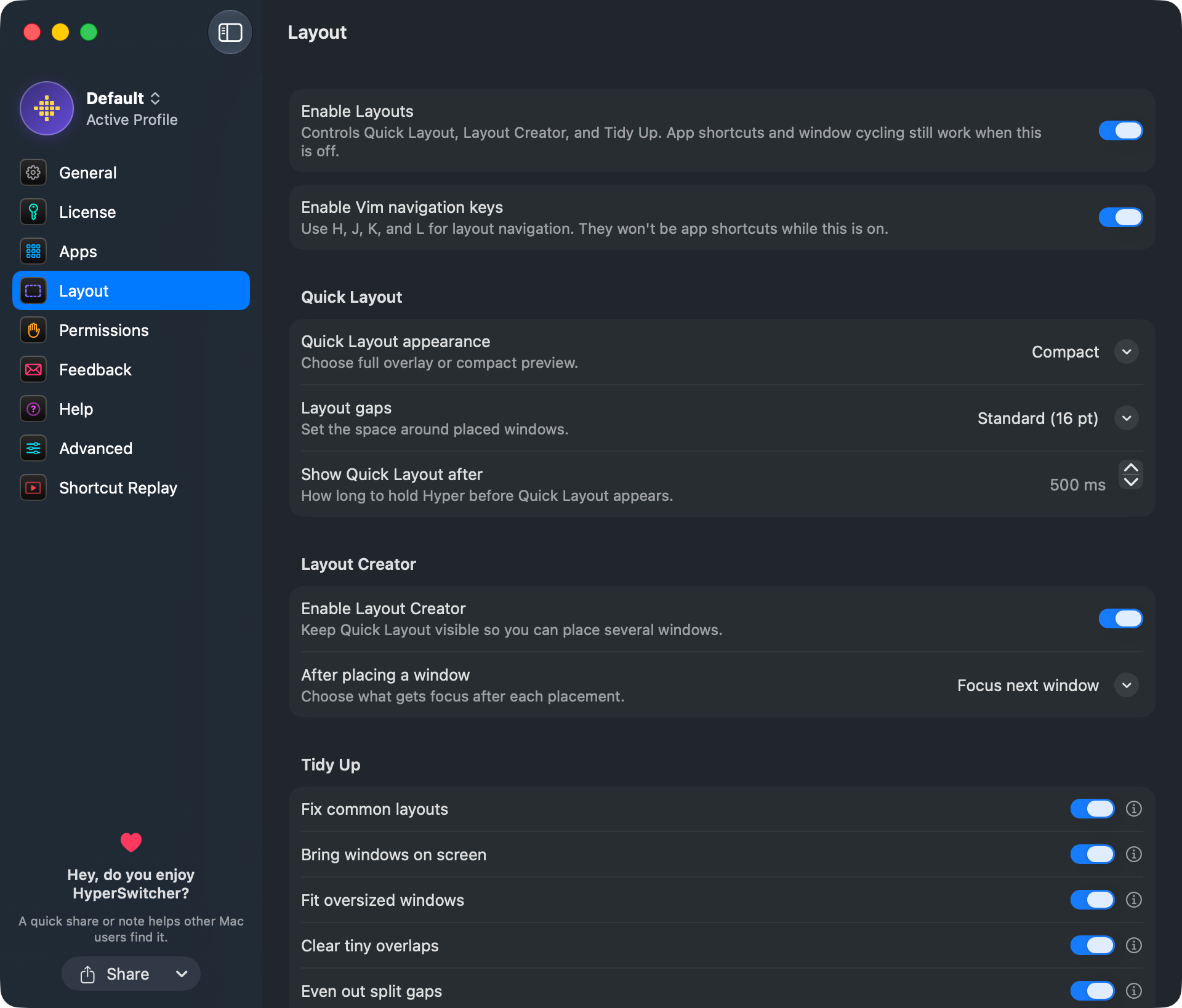
The layout settings
-
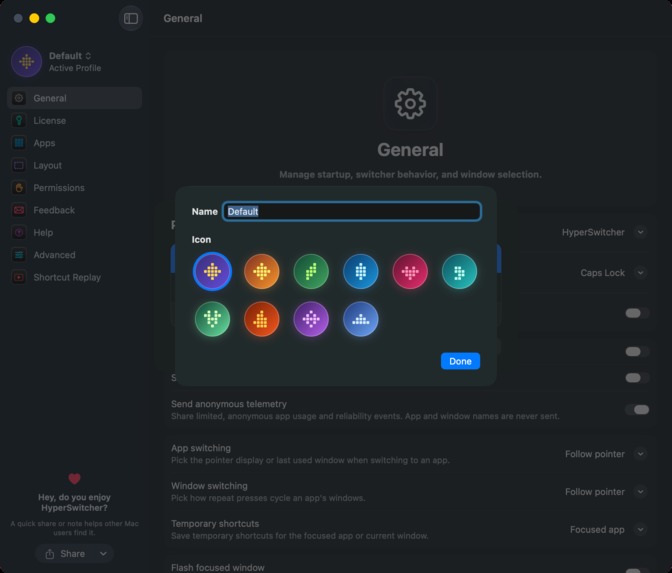
Profiles settings
-
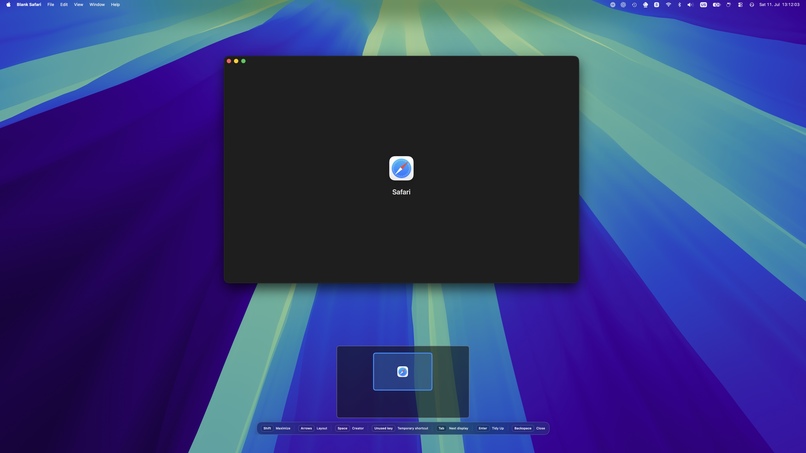
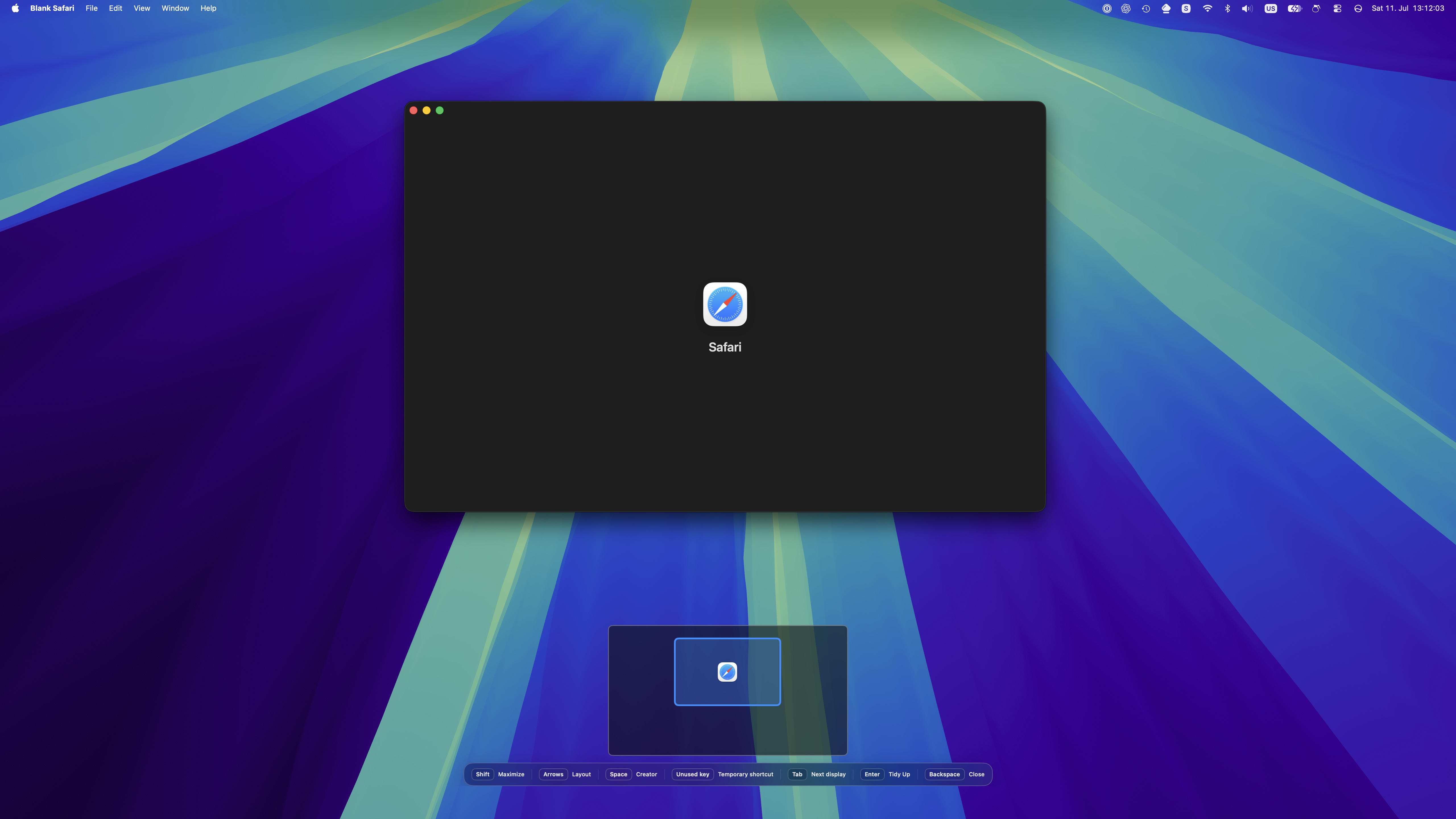
Quick Layout Example 1
-
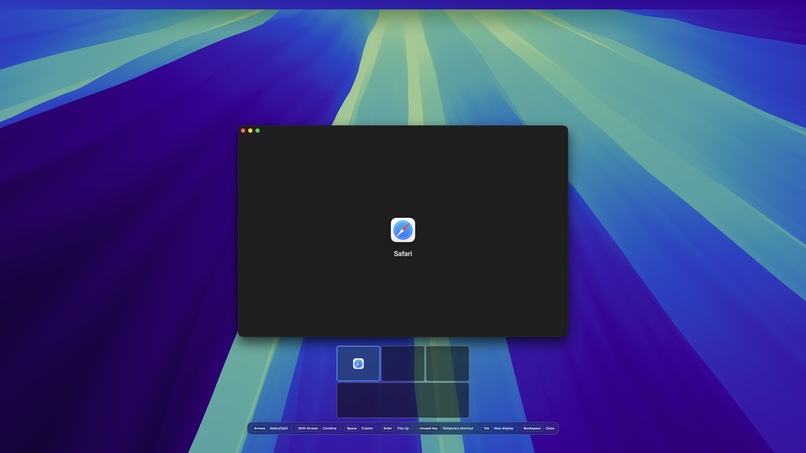
Quick Layout Example 2
-
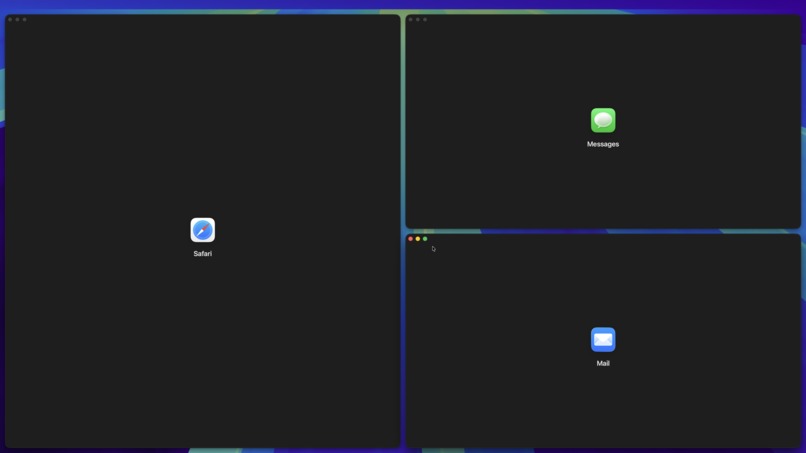
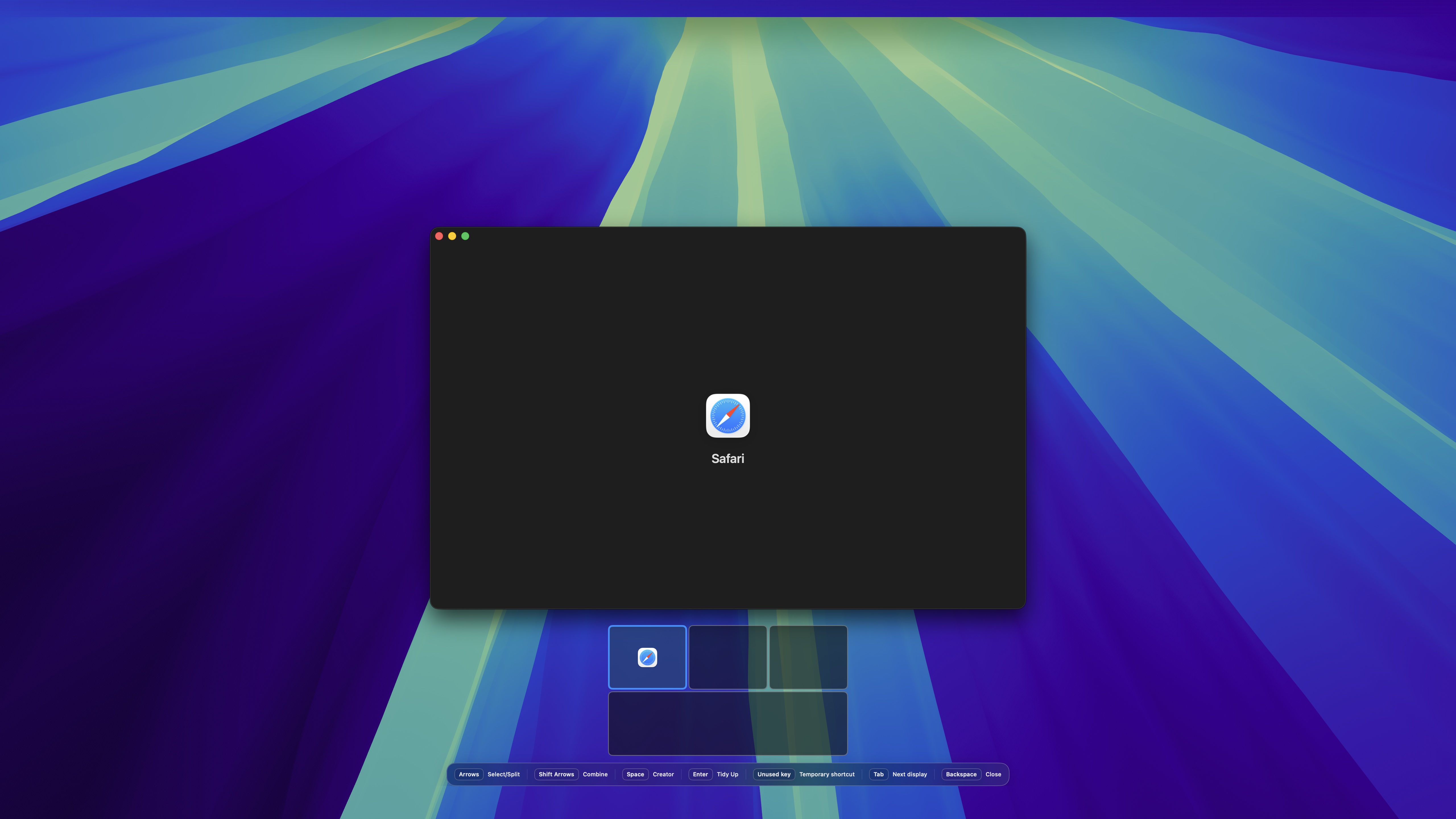
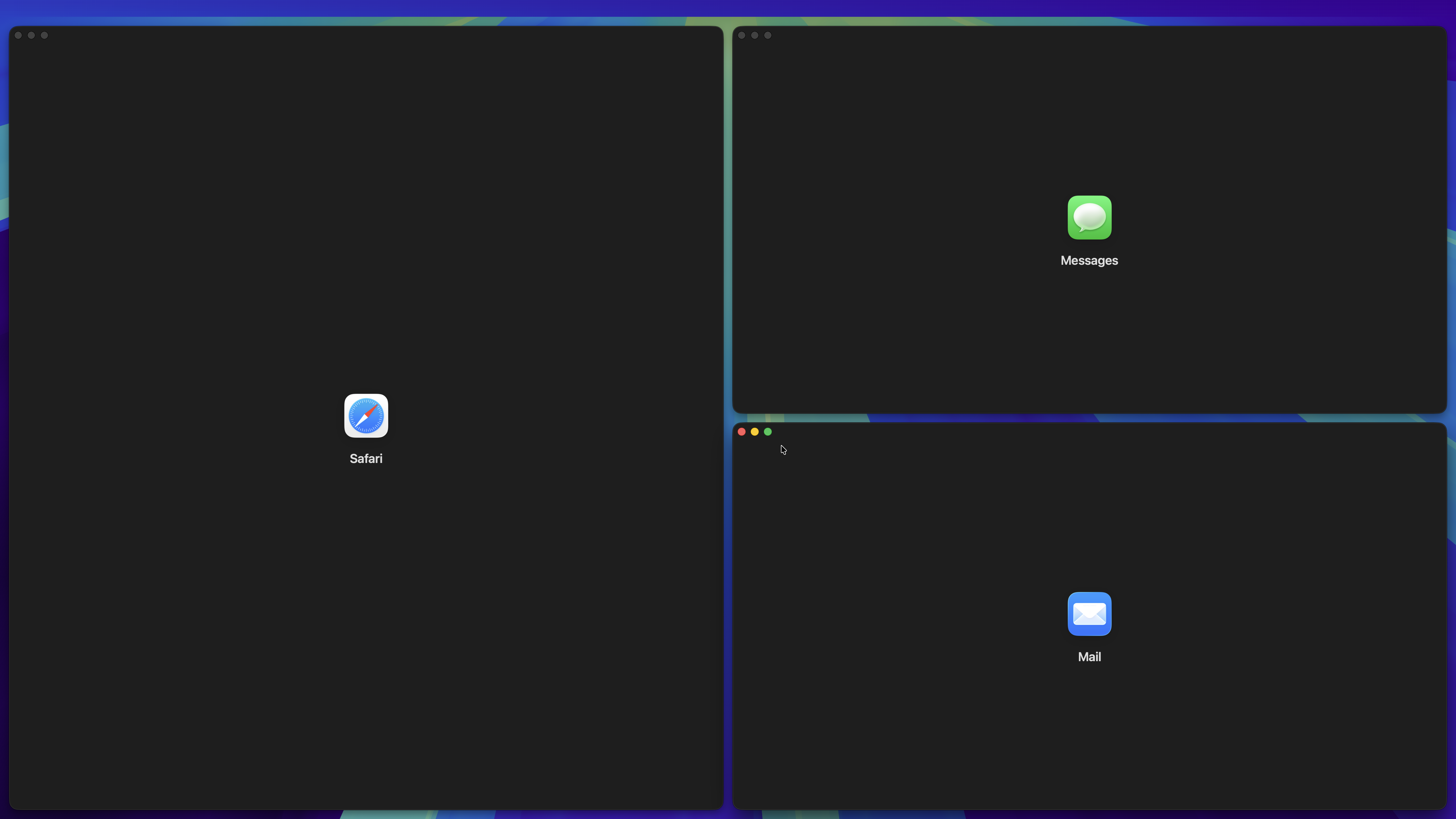
Layouts Example 1
-
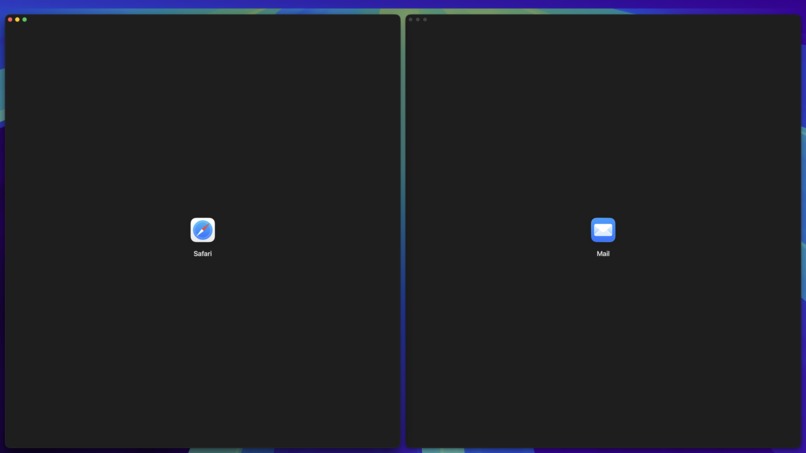
Layouts Example 3
-
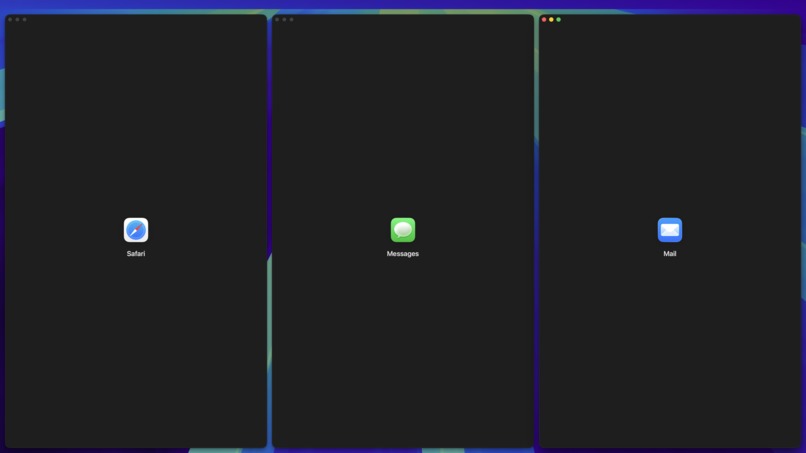
Layouts Example 2
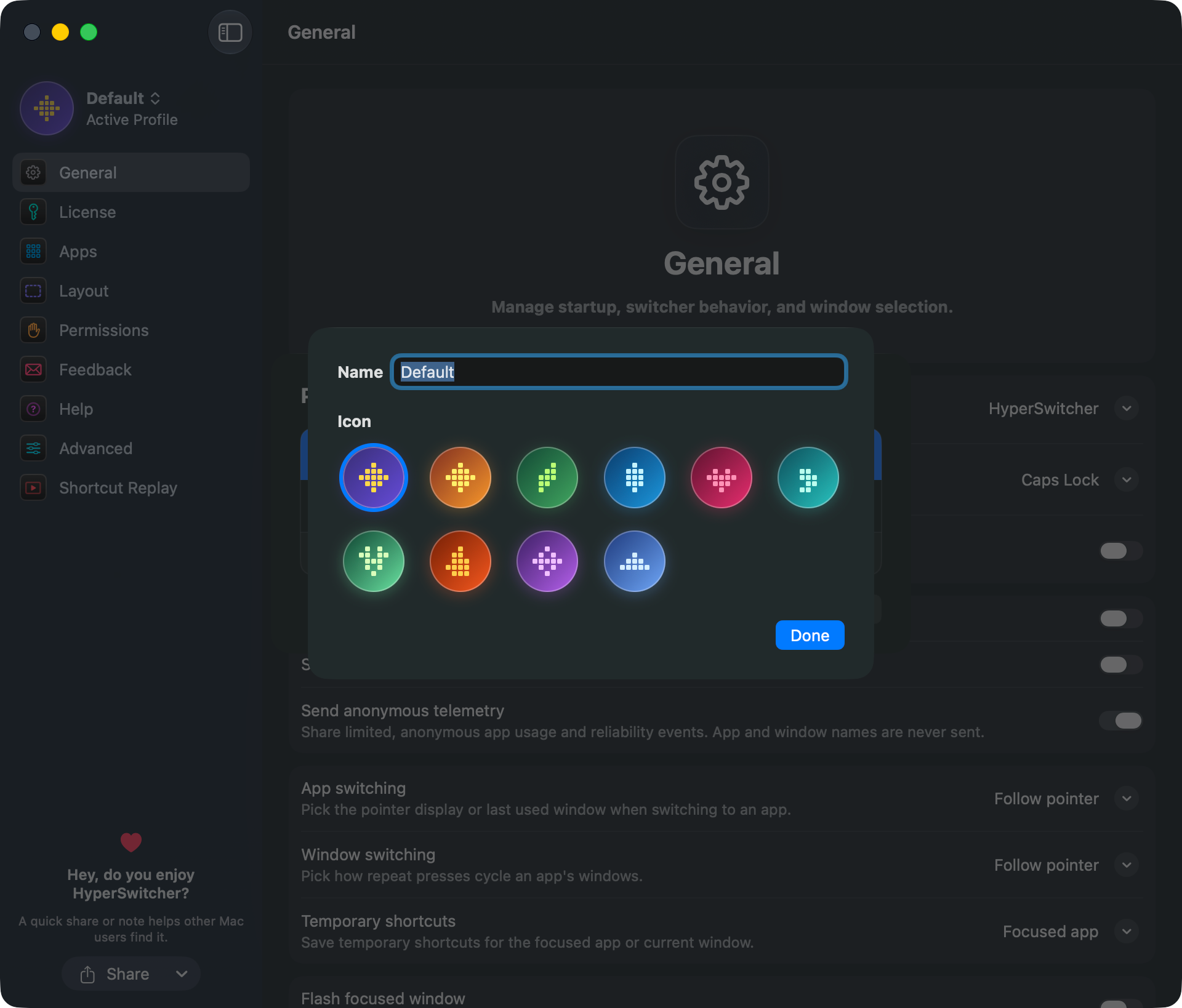
I've tried every app switcher out there. None of them clicked. Parsing menus and lists is slow, so I wanted switching that needs zero looking: no scanning, no typing, no grids. Just muscle memory.
What is HyperSwitcher?
Caps Lock becomes Hyper (Control+Option+Command), a dedicated layer free of conflicts with other app or system shortcuts.
- Set your App shortcuts: Hyper+S opens Safari, Hyper+M opens Mail, and so on
- Window sizing: Hyper+Shift maximizes, Hyper+Plus/Minus resizes, Hyper+0 centers
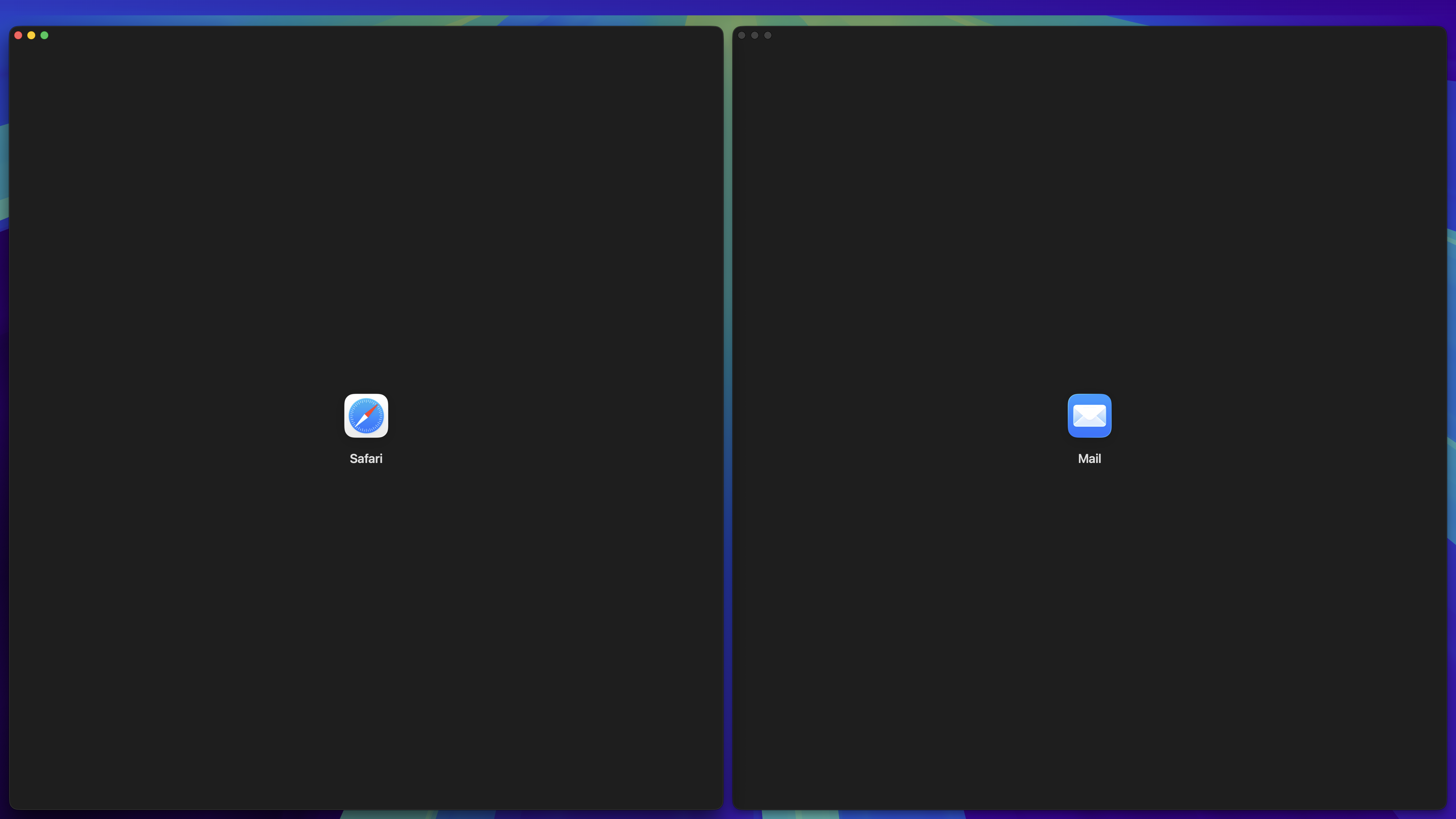
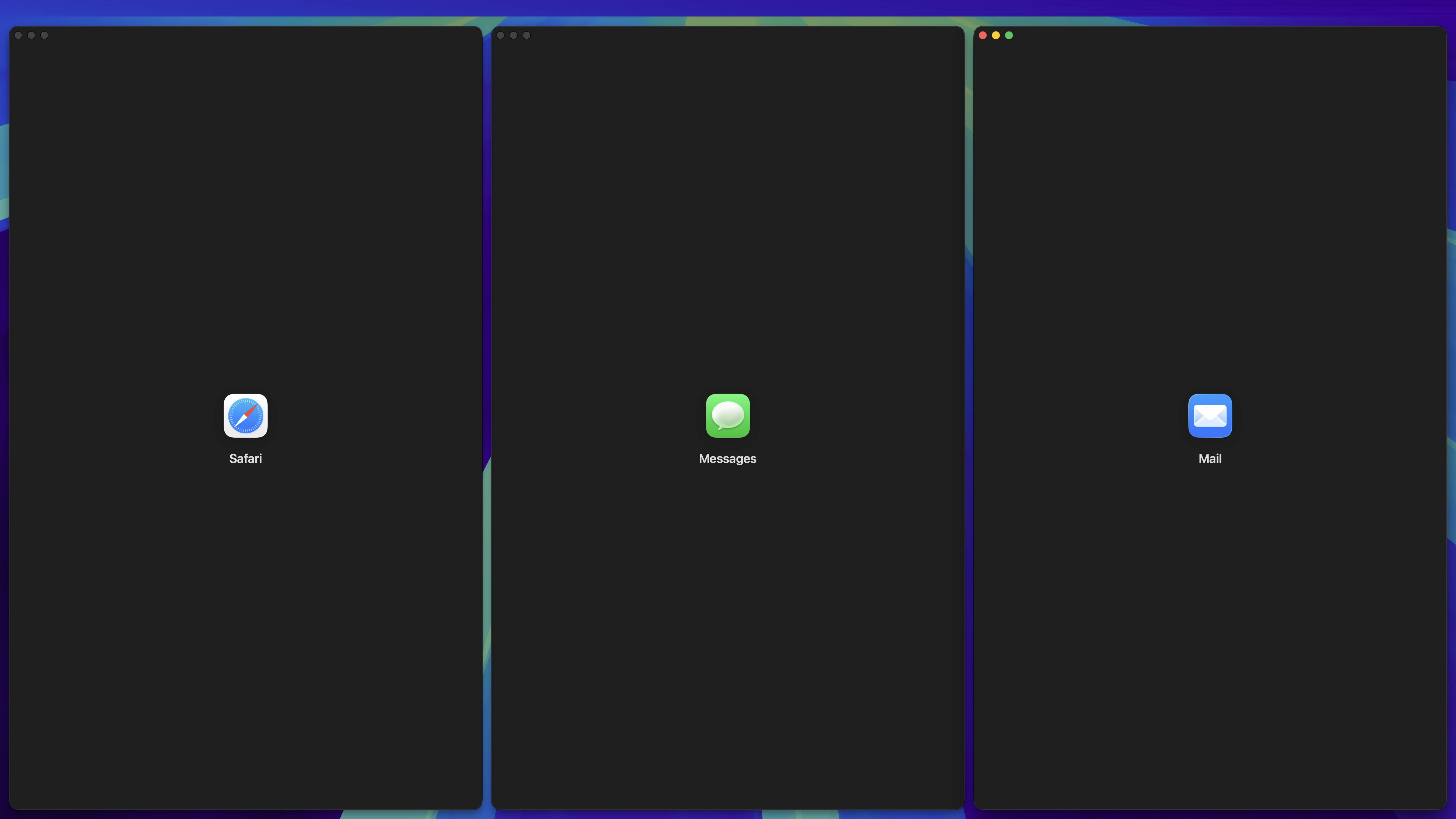
- Layouts: arrow keys snap windows to halves or corners
- Multi-window apps: repeat a shortcut to cycle windows, or let cursor position pick the nearest one automatically
What I built during Build Week
HyperSwitcher already existed before the Build Week. Using GPT-5.6 through Codex, I pushed five things forward:
- Workspaces: persistent, multi-window layouts you can restore, cycle, or send to another display
- Smarter Quick Layout: animated placement, plus a keyboard-driven resize grid
- Interactive Hands-on Onboarding: pick a key, assign an app, try it, then put it into a layout
- Huge architecture overhaul: cleaner shortcut/overlay code, fixed multi-display cycling, reorganized into clear feature, runtime, and platform layers
- End-to-end regression testing: unit and ui tests cannot simulate the real accessibility layer that HyperSwitcher needs to find and manipulate apps and windows. Codex built a fully end-to-end regression system that lets me reliably and realistically test the actual production paths.
How I used Codex and GPT-5.6
Less "spec in, code out," more ongoing back and forth. I tend to start with a dictated ramble about what I want to do. I instruct Codex to do research, evaluate the feasibility and problems with my ideas and encourage pushback. I like to phrase my prompts openly with questions like "What do you think?" or "Is this a good idea?" to open up valuable and productive discussions. One thing I noticed with GPT-5.6 is how well it reacts to this kind of collaboration. It keeps the flow going and helps me find the best approach ... and then it just start implementing for 30, 40, 50+ minutes and comes back with a surprisingly thought-through and fleshed out feature or refactor!
One noteworthy situation where a pushback of GPT-5.6 led to a much better outcome is the implementation of the end-to-end regression testing system. Due to the interaction of HyperSwitcher with various private APIs and accessibility APIs in macOS, it is basically impossible to write unit or UI tests that cover realistic scenarios. And I've always wanted to improve that, and I have tried it with previous models, but had to throw out all the attempts. With GPT-5.6, however, it pushed back against my ideas on how to do this, and came up with a much better system that can now realistically and consistently test the real‑world production usage of the app in a repeatable way. It blew my mind!
I do still have a soft spot for well-written code and a clean, workable codebase and GPT-5.6 tends to over-engineer things at times, so I spend a lot of time working with it to refactor and improve the project. With some careful steering, that is also super easy to do!
- Persistent Workspaces: 019f64b0-9499-7d80-9c77-42ae82da0f5f
- Quick Layout improvements: 019f6a6b-c2e9-7191-825d-7645272cf094
- End-to-end Regression Testing: 019f6eb7-8542-7851-83d9-9834b2bf0dc9
- Architecture overhaul, Part 1: 019f5c86-4fe4-7042-b908-e24e72c0e000
- Architecture Overhaul, Part 2: 019f6c0f-b4a6-76a1-a4fe-5f292860a9c9
What's next
More customization, custom keyboard layout support, smarter window switching, deeper Workspaces, and UI polish throughout. Codex is already burning tokens on it.


Log in or sign up for Devpost to join the conversation.