-
-
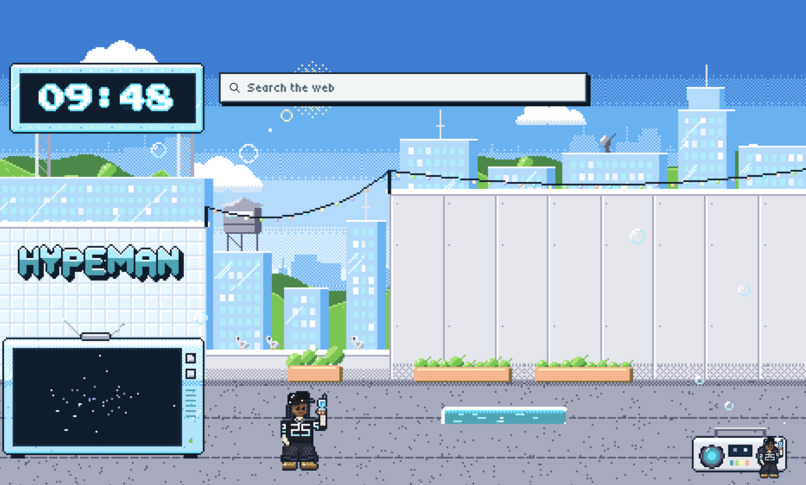
New Tab Page
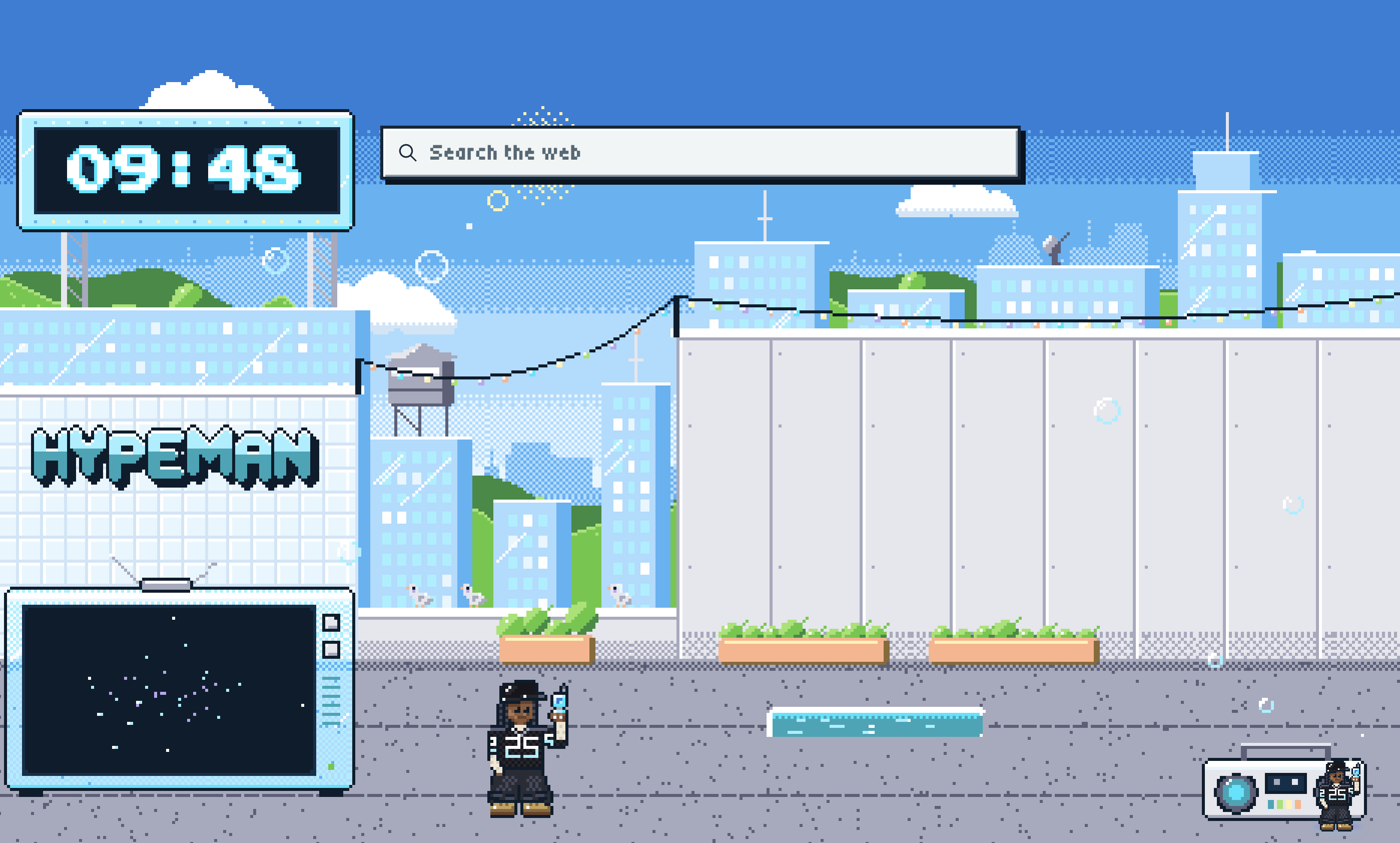
Inspiration
Our work happens in the browser, but using AI often means switching tabs, copying context, and explaining what we are looking at. We wanted a companion that stays beside the work: something that understands the current page, offers help, and can act when asked. HypeMan brings that idea to life with a little personality. If you are working hard online, everybody deserves a hype man.
What it does
HypeMan is a pixel-art companion for Chrome with a retro Y2K interface. It appears on ordinary webpages and can research information, compare options, navigate, and prepare forms. It requests confirmation for actions it identifies as consequential, while passwords, payment details, and verification codes remain user-operated.
Optional learning features explain highlighted text and provide graduated hints. Source-linked notes, a shared whiteboard, PDF tools, and saved projects help users keep useful work together. Chat and tools open beside the page in movable, resizable windows.
How we built it
We built a Chrome Manifest V3 extension using TypeScript and React, connected to a local Node.js gateway. Live AI uses Sign in with ChatGPT. Our sample configuration prefers GPT-6 Astra, while users can select models available through their connected account.
Browser actions follow a consistent loop: observe the page, decide what to do, check the action against policy, execute it, and verify the result.
AI coding tools helped us build and iterate quickly. An optional Photon Spectrum integration supports phone pairing, text requests, reminders, and access to saved work while the computer and gateway are running.
Challenges we ran into
Access was one challenge. Live AI requires an eligible ChatGPT account and permission to use its plan; the current integration supports eligible Plus and Pro users. Local notes, whiteboard editing, and PDF viewing remain available without live AI. Official OpenAI documentation
Browser reliability was another challenge. Pages change, navigation interrupts execution, and forms can change after a user reviews them. We worked on stale-target detection, confirmation checks, cancellation, and preserving conversations across navigation.
Accomplishments that we’re proud of
We’re proud of bringing browser assistance, learning tools, and persistent work into one companion. Users can ask a question, save its source, develop an explanation on the whiteboard, and return to their work later.
We also built controls that make assistance easier to trust: visible confirmations, cancellation, source links, and verification before project progress advances. The pixel-art interface gives those practical tools a recognizable personality.
What we learned
We learned that useful AI assistance depends on more than the quality of an answer. Context, timing, clear feedback, and reliable controls matter just as much.
For learning, we wanted help that supports the user’s thinking. Optional hints and explanations give users room to work through a problem themselves. For productivity, keeping the assistant beside the source reduces the friction of moving between tools.
What’s next for HypeMan
We want to make HypeMan a more dependable daily companion. Our next goals include reusable routines that recheck each page before acting, better retrieval of previous findings, and clearer histories showing what happened during a task.
Phone integration already provides a starting point for working across devices. We want to build on that with smoother continuation, stronger synchronization, and broader testing across real websites and devices.
Built With
- chrome
- chromeextension
- css
- esbuild
- gptastra6
- html
- javascript
- jsdom
- node.js
- openaisdk
- playwright
- react
- tsx
- typescript
- vitest

Log in or sign up for Devpost to join the conversation.