-
-
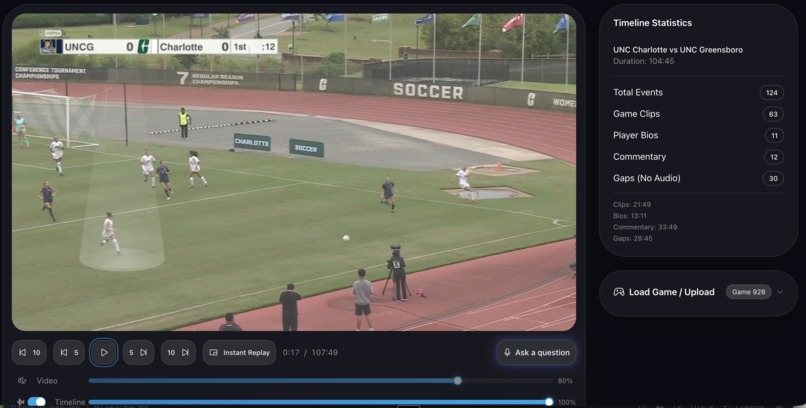
Click to highlight a player
-
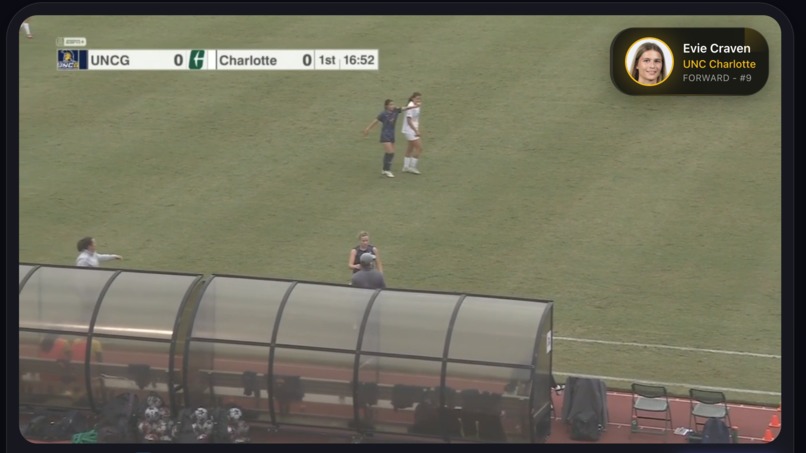
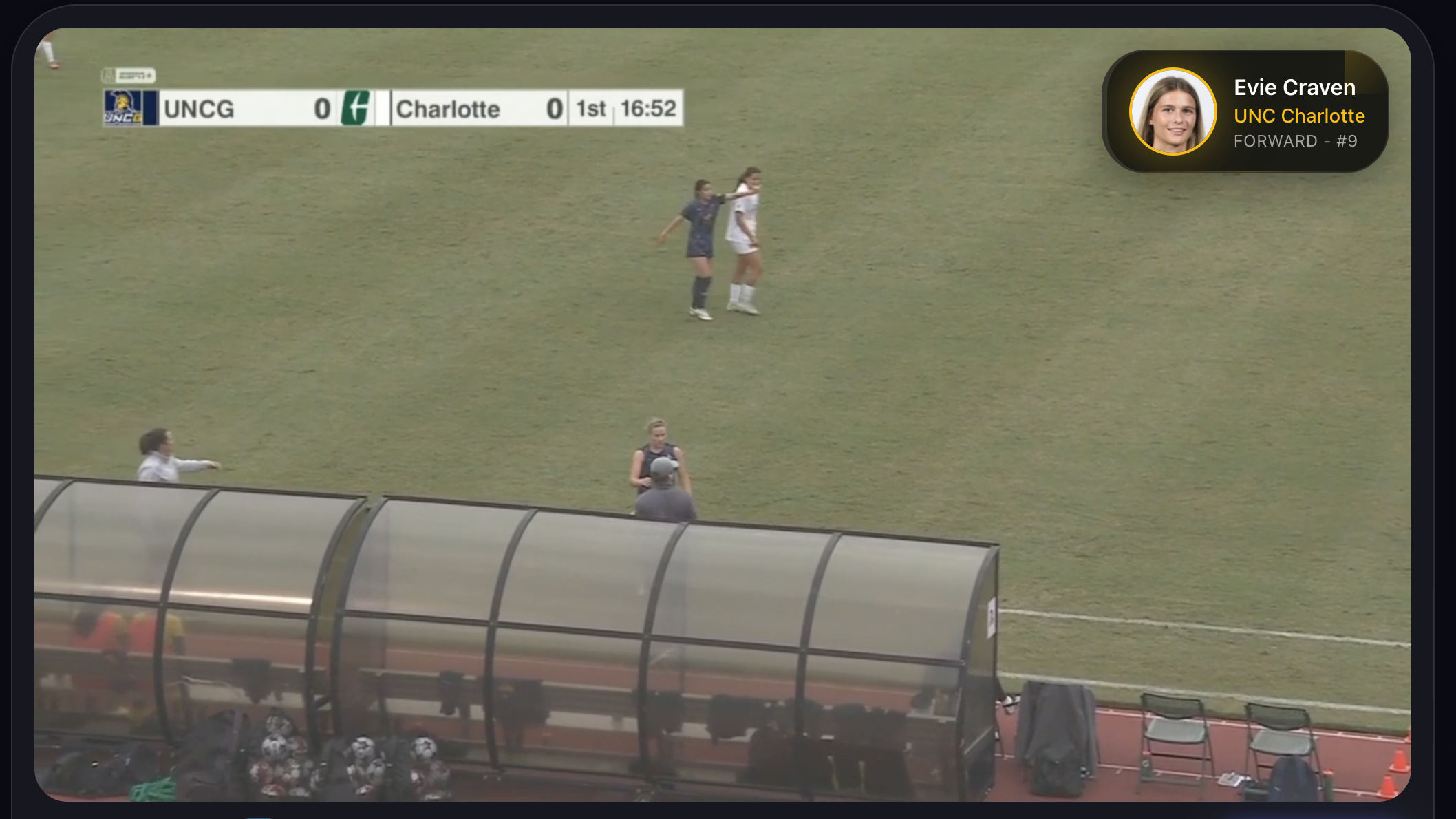
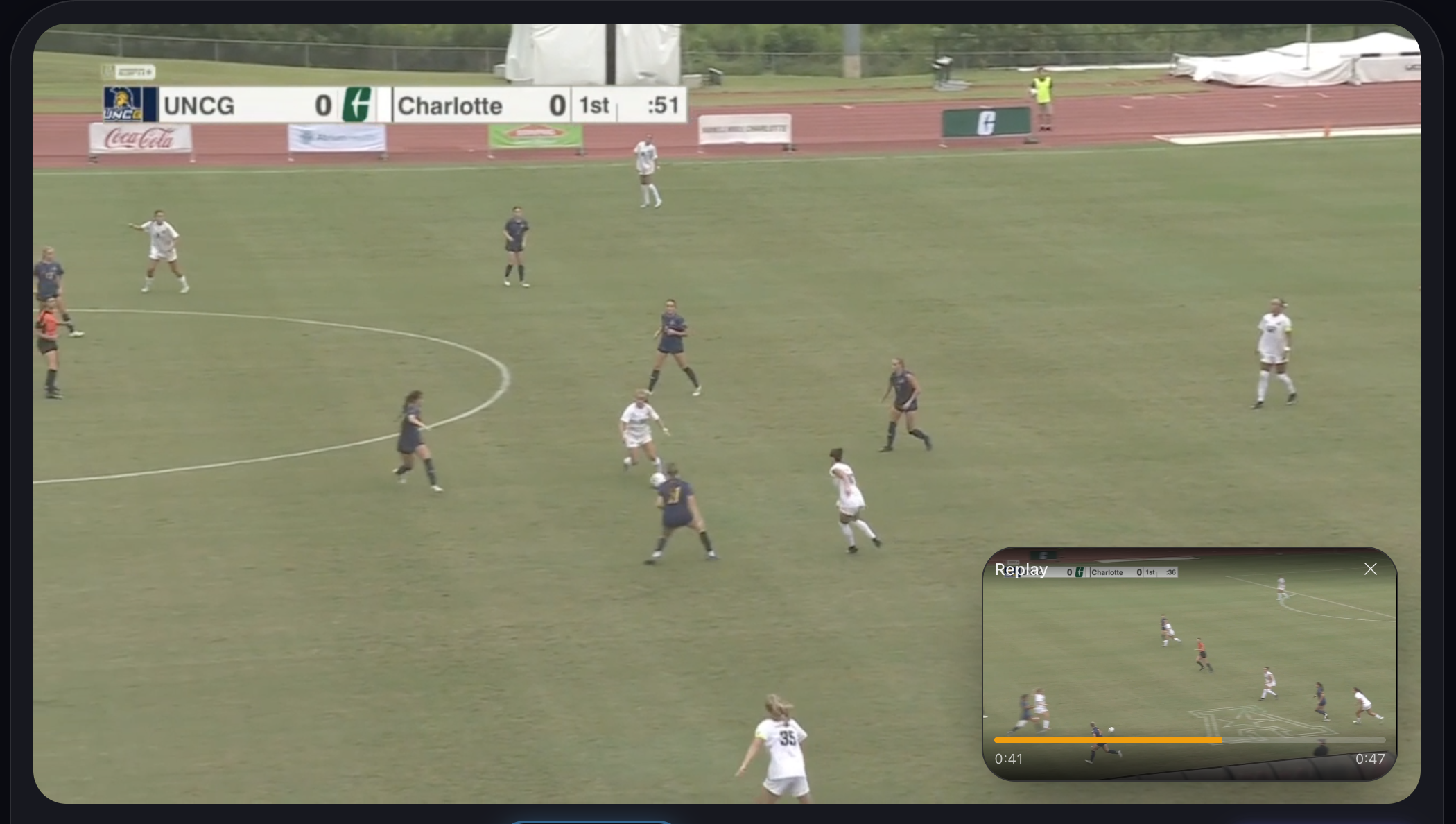
Player bio overlays
-
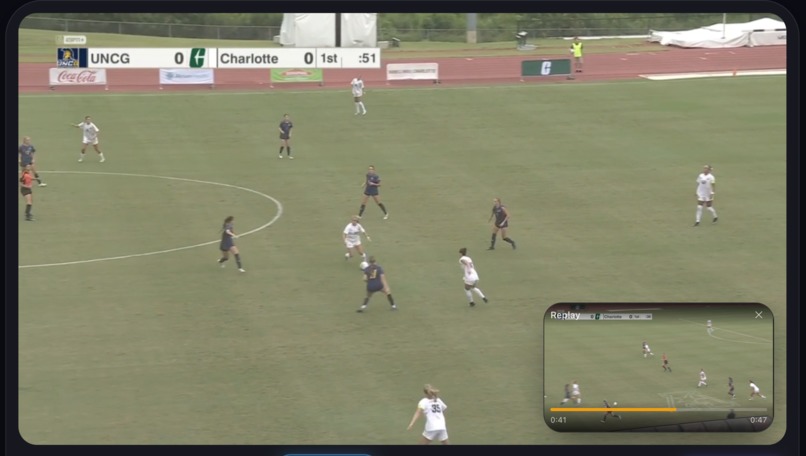
Instant PIP replays
-
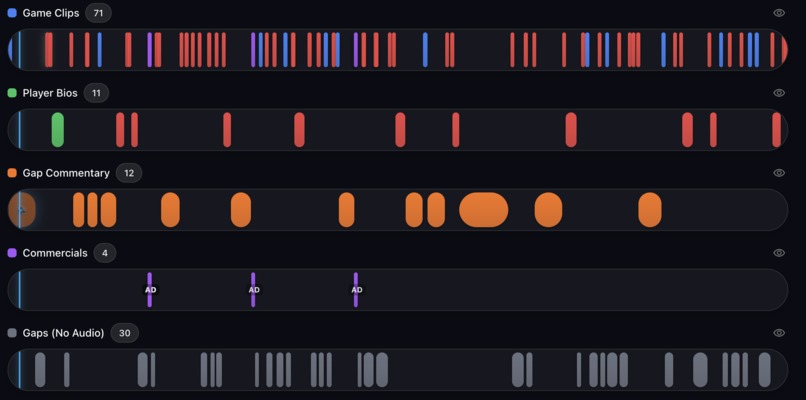
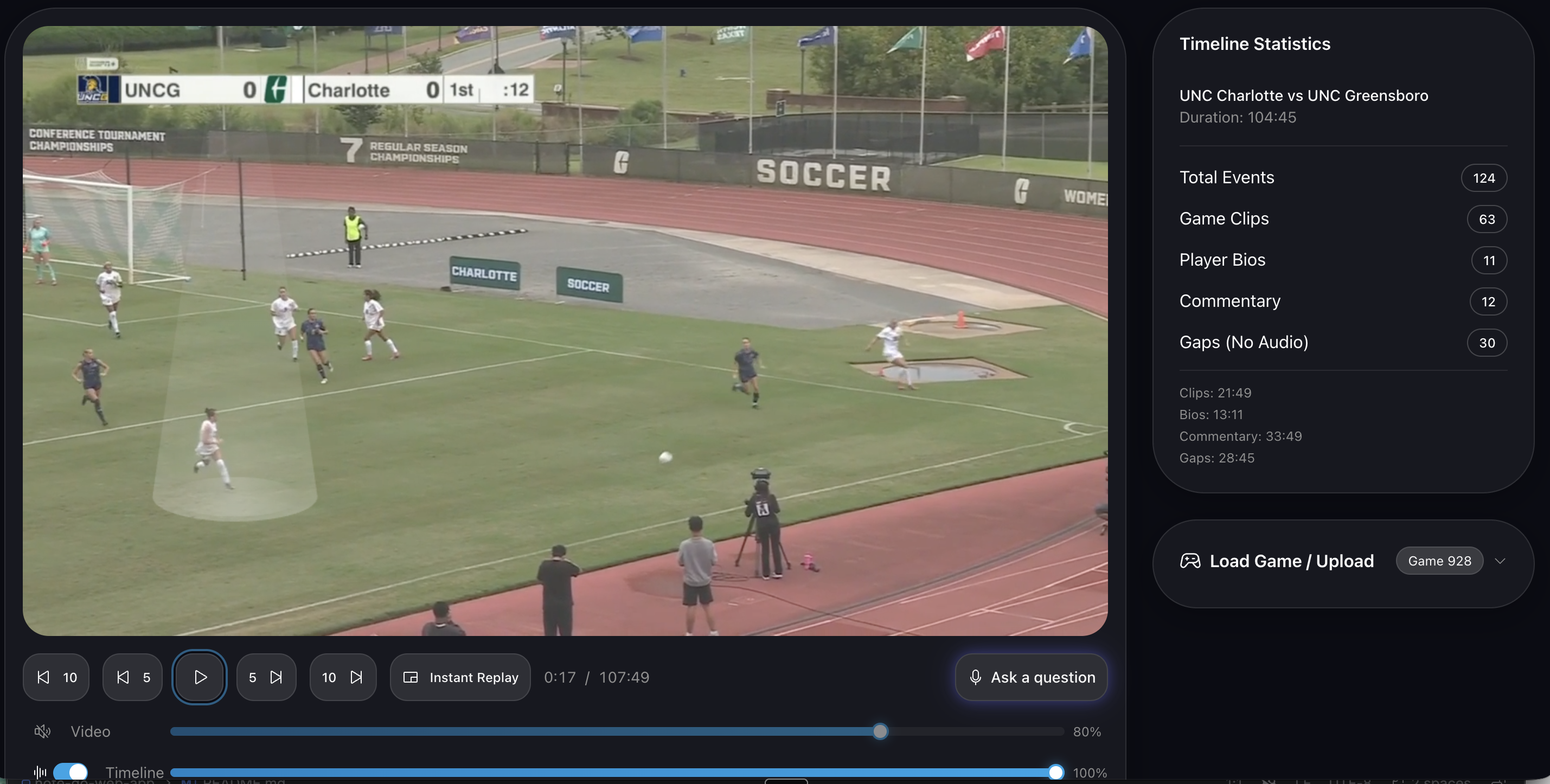
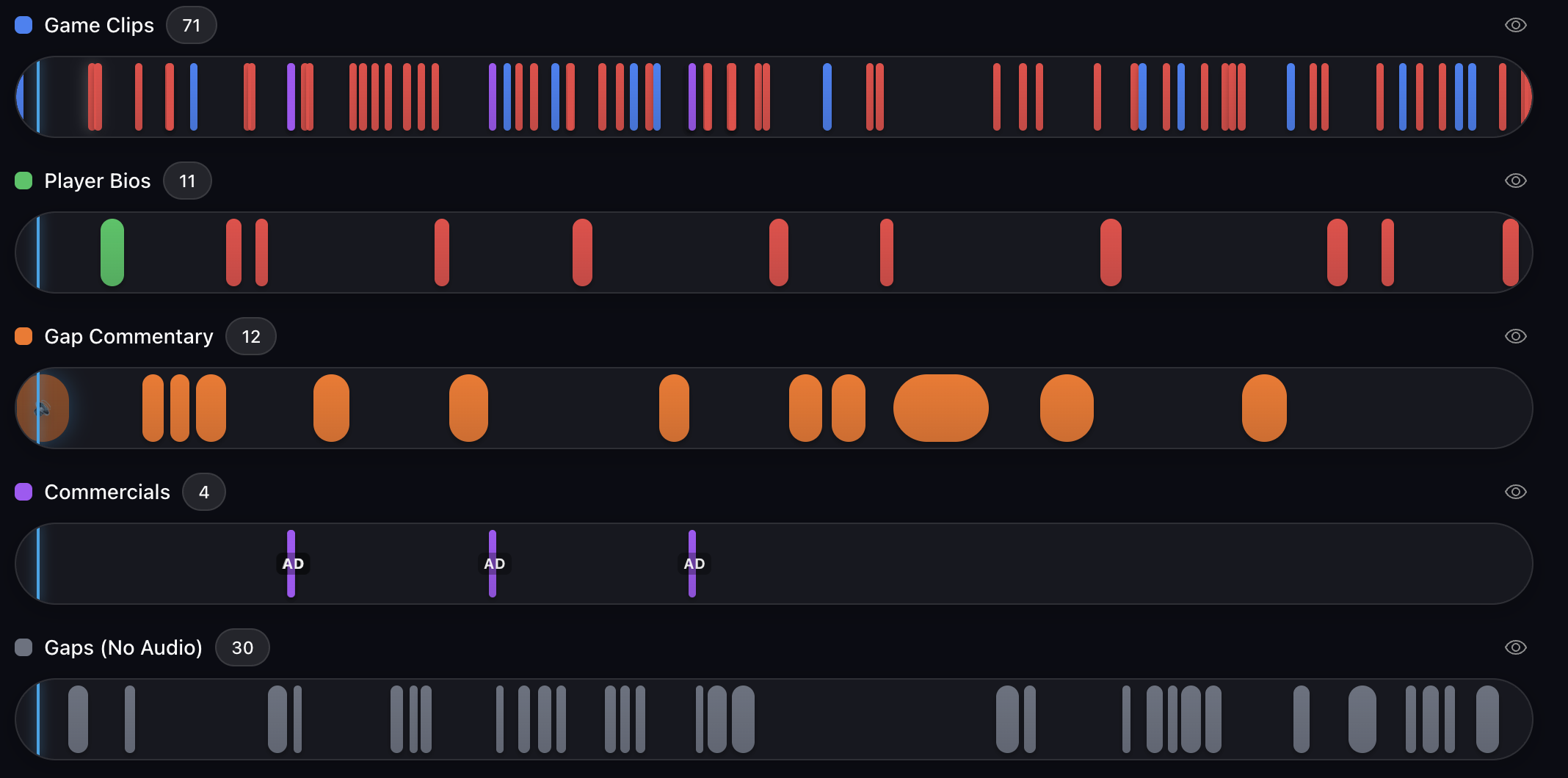
Multiple layers of data visualization
-
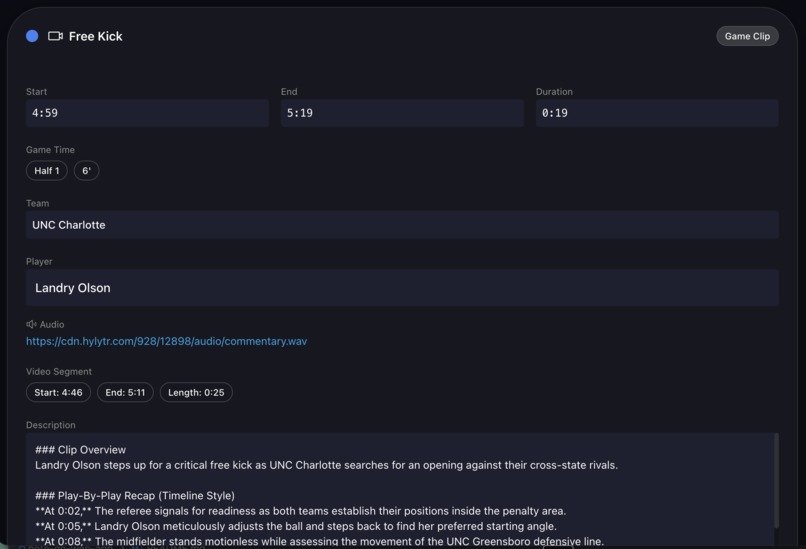
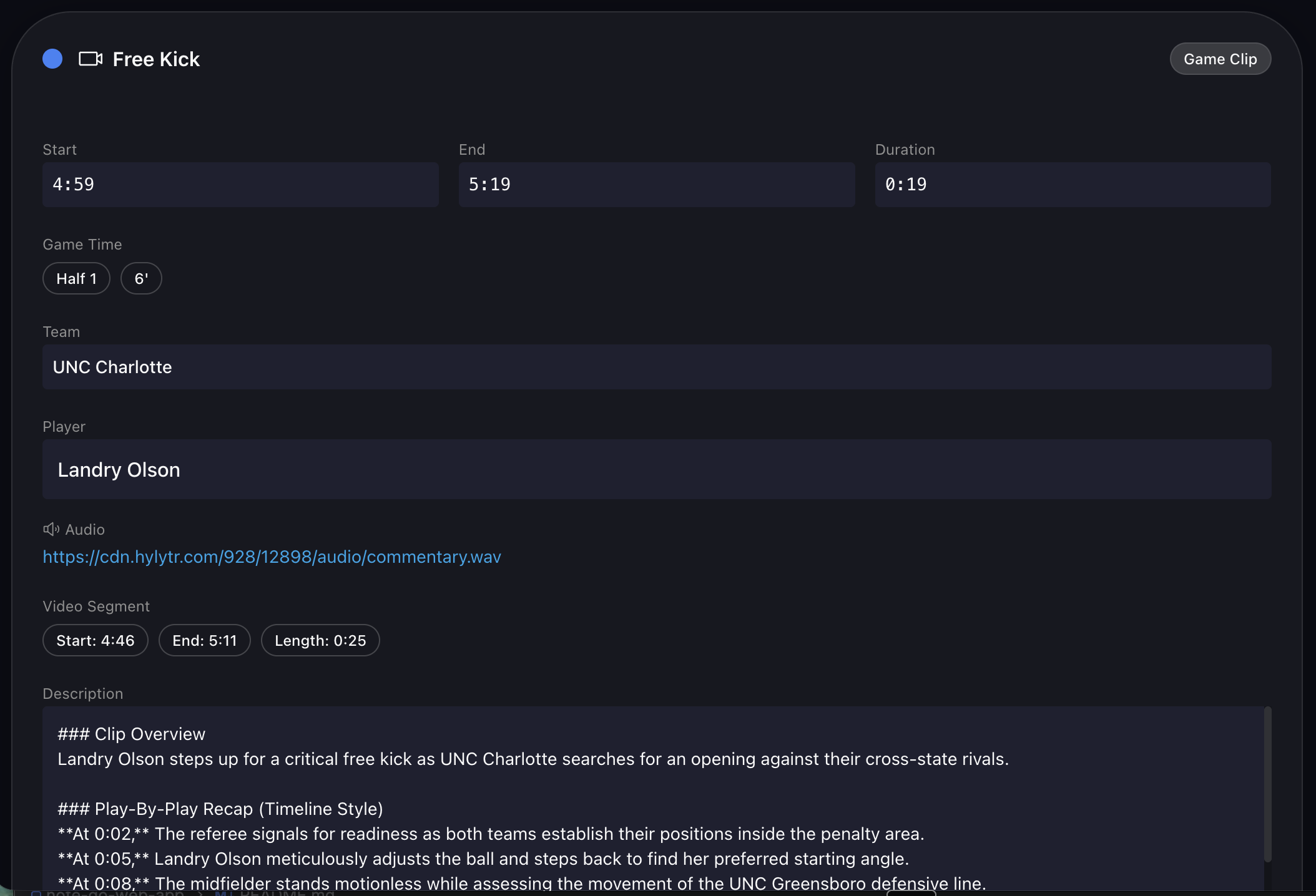
Expanded detail
-
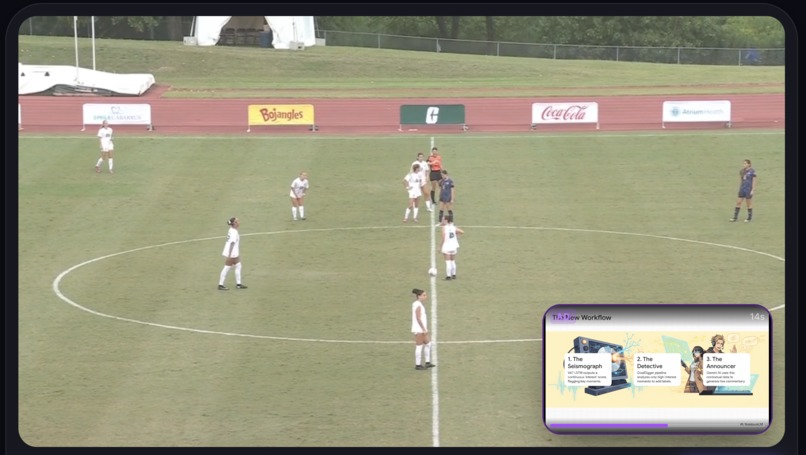
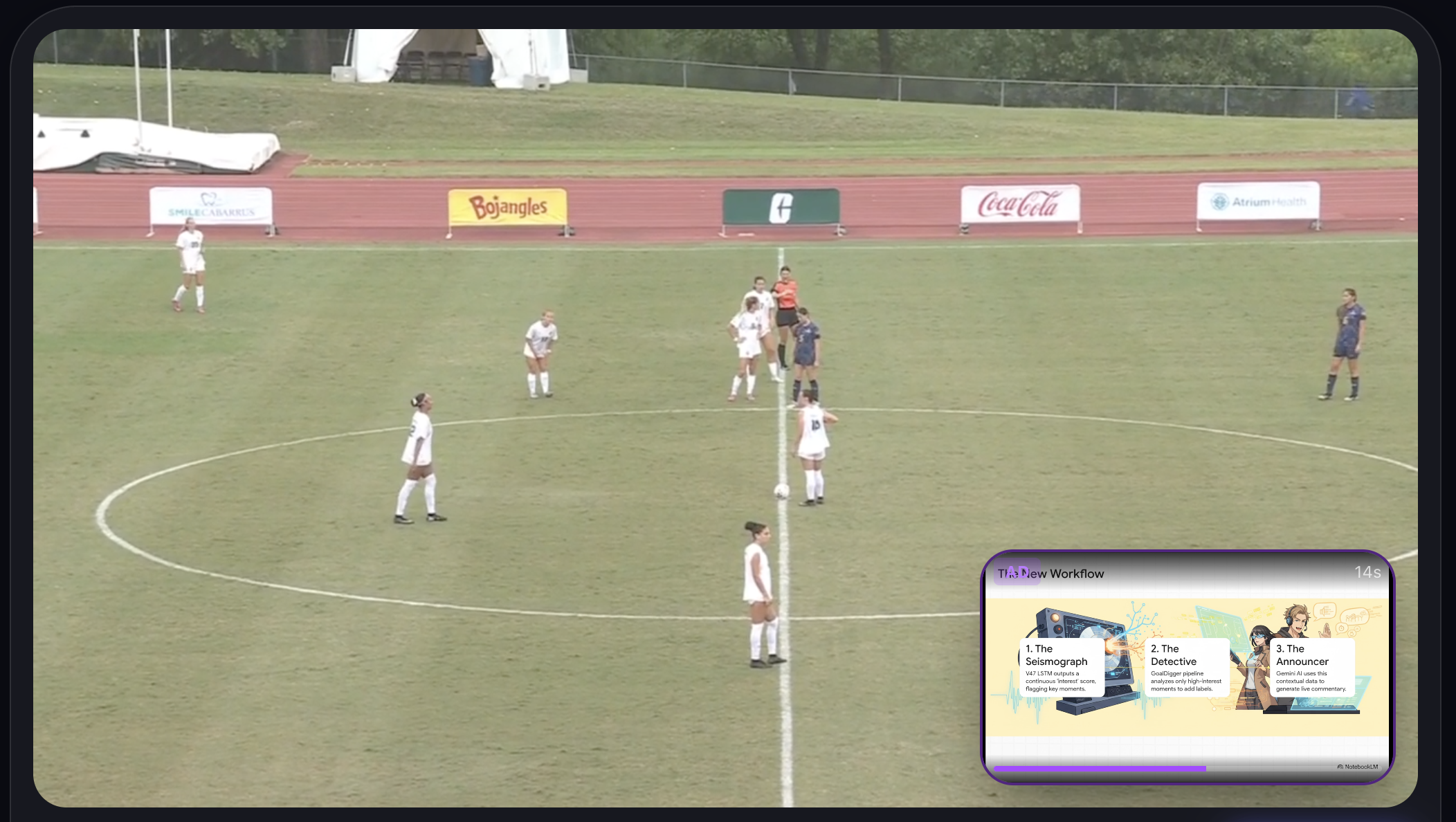
Commercial insertion in PIP
The Inspiration
I've been obsessed with sports video for years — building platforms to help coaches analyze games, highlight players, and share moments. But there was always one missing piece: the voice. Every time I watched a recorded match, I wanted to be able to ask questions. "Who scored that?" "What happened before that tackle?" "Show me that again." The commentary on broadcast TV is a one-way experience. No one talks back.
When Google announced the Gemini Live API with real-time bidirectional audio and function calling, I immediately saw it: an AI announcer you can actually have a conversation with.
What I Built
Hylytr AI Sports Commentator is a real-time, voice-driven sports viewing experience. Load a soccer match, click the microphone, and start talking. The AI announcer — powered by via the Live API — watches the game with you. It knows the score, the players, the recent events. You can interrupt it mid-sentence. You can ask it to replay a moment. You can ask about a specific player and an ESPN-style bio card will slide onto the screen.
This is not text-in / text-out. It is a full-duplex voice agent that controls the UI through function calling.
Ask "Show me the goal" and the AI searches the timeline, finds the event, seeks the video to that moment, and announces it with the energy of a real commentator — all in a single flowing voice response.
How I Built It
The stack is React 19 + TypeScript + Vite on the frontend, deployed to Firebase Hosting on Google Cloud. The Gemini Live API connection is a persistent WebSocket managed by a custom hook (useGeminiLiveConnection).
The hardest part was the audio pipeline. Browser microphone capture via ScriptProcessorNode is deprecated and introduces unacceptable latency. I rebuilt the capture layer using AudioWorklet, which runs on a dedicated thread and produces clean 16kHz mono PCM — the exact format Gemini Live API expects. Response audio from Gemini comes back as base64-encoded PCM at 24kHz, which I decode and schedule through the Web Audio API for playback without gaps or pops.
The game data lives in a structured CDN-served folder: a timeline.json with every tagged event, commentary audio clips, player rosters with bios and photos, and a tracking.csv with per-frame player detection data from a computer vision pipeline. At voice session start, a system instruction is dynamically assembled with the current score, half, minute, active event, and full player rosters for both teams — giving the AI enough context to sound genuinely knowledgeable without ever "seeing" the video.
Challenges
VAD tuning was everything. The default Voice Activity Detection settings in the Gemini Live API cut speech off too aggressively — in the middle of a sentence. I tuned endOfSpeechSensitivity to END_SENSITIVITY_LOW and silenceDurationMs to 300ms. This created the "sports fan" feel: natural pauses, excited rambling, and genuine back-and-forth.
The audio handoff is the magic moment. The app has two audio systems: timeline commentary audio (pre-recorded clips that play automatically as events unfold) and the live Gemini voice. When the user activates voice chat, the timeline audio must pause instantly — and resume exactly where it left off when the session ends. Getting this transition seamless, without pops, delays, or dropped states, required careful coordination between the useTimelineAudio hook and the LiveVoiceContext.
Tool calling during live audio is timing-sensitive. Gemini can call tools mid-voice-stream, and the state machine managing LISTENING → THINKING → PROCESSING (tool call) → SPEAKING transitions had to be bulletproof. A stale closure during a rapid sequence of tool calls could put the app in an unrecoverable state. I rewrote this twice before getting it right.
Context injection makes the AI feel omniscient. The most surprising learning: you don't need the AI to "see" the video to make it feel like it can. By feeding it structured game state — score, minute, last five events, player rosters — it answers detailed questions confidently. The system instruction is rebuilt fresh each time a voice session starts, so it always reflects the current moment in the match.
What's Next
This demo is locked to Game 928 — a real women's soccer match with full tracking data, timeline events, and commentary audio. The pipeline to produce that data (YOLO-based player detection, audio clip generation, event tagging) exists and can be applied to any game. The vision is a platform where any match can become an interactive experience: coaches, fans, and analysts having real conversations with a knowledgeable AI announcer, not just watching passively.
The Gemini Live API made this feel possible in a way that nothing has before. Real-time interruption, tool calling mid-conversation, sub-500ms response latency — these were the missing pieces. This is what sports media can become.
Built With
- cloud-firestore
- firebase-authentication
- firebase-hosting
- framer
- gemini-live-api
- google-cloud
- google-genai-sdk
- javascript
- radix-ui
- react-19
- tailwind-css-4
- typescript
- vite-7
- web-audio-api


Log in or sign up for Devpost to join the conversation.