-
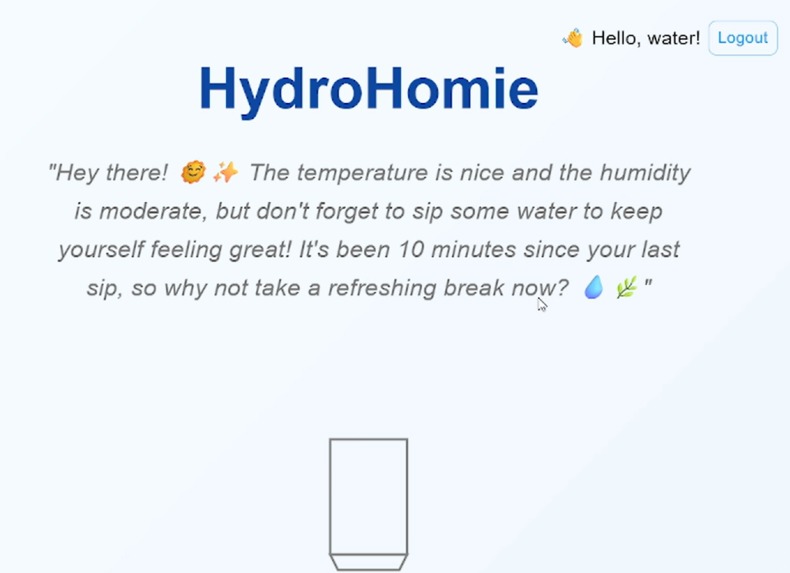
Homepage
-
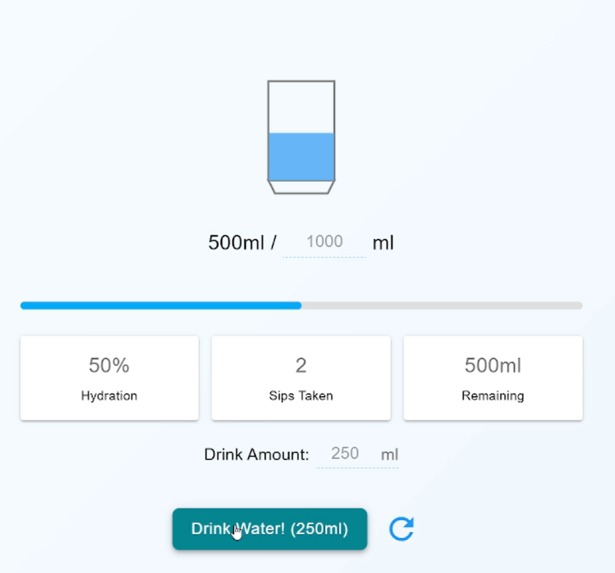
Water section
HydroHomie
This is Infinite Loop's entry for the HuddleHive 2025 Hackathon!
Welcome to HydroHomie! This is a smart hydration tracking application designed to help you build and maintain healthy water-drinking habits. It provides personalized, AI-powered encouragement to keep you motivated and on track with your hydration goals, and a healthy dose of competitiveness and cooperative habit-building with your friends.
Features
- Daily Water Intake Tracking: Easily log every sip of water you take throughout the day.
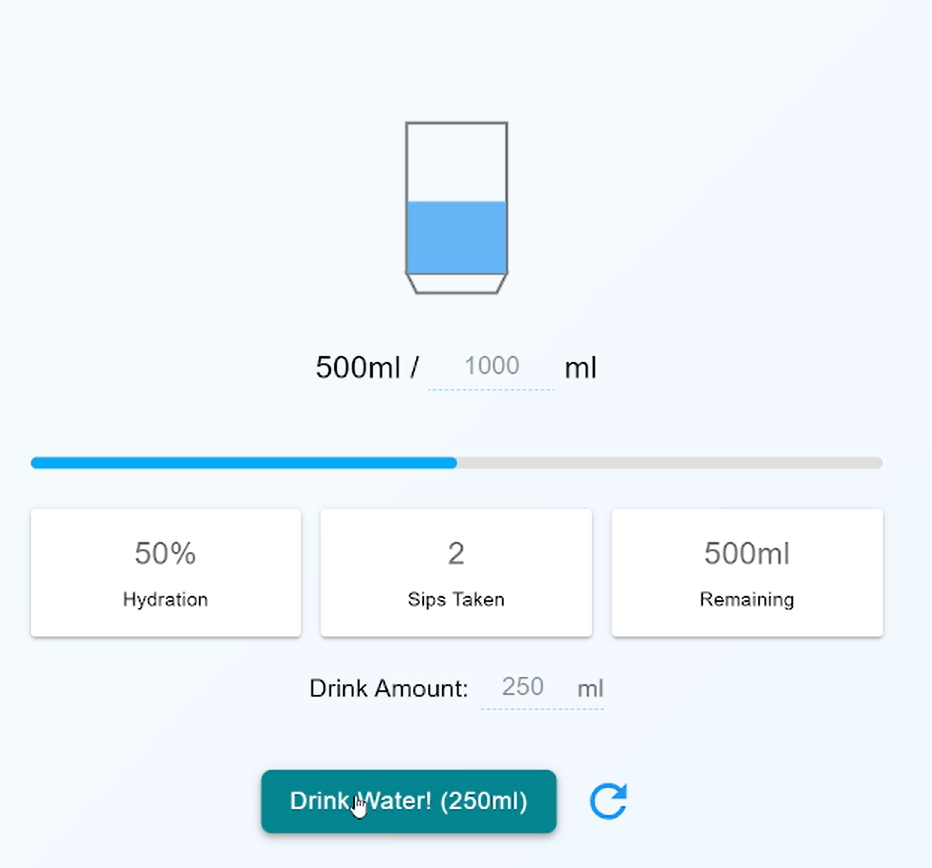
- Goal Setting: Set a daily hydration goal and monitor your progress with a visual water bottle interface.
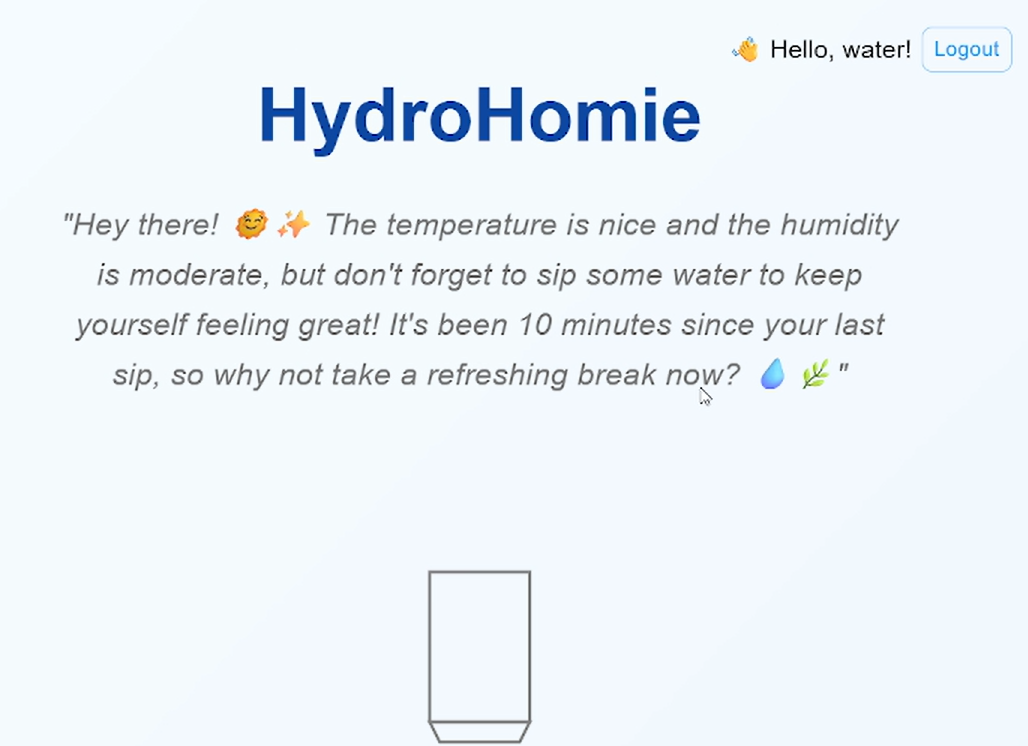
- AI-Powered Encouragement: Receive unique motivational messages generated by OpenAI's GPT model, tailored to your local weather conditions and stats on your water intake.
- User Authentication: Secure login and registration system to keep your data private.
- Performance Optimized: Caches weather and encouragement data to reduce API calls and improve loading times.
Tech Stack
Frontend:
- React
- TypeScript
- Vite
- Material-UI
- Axios
Backend:
- Python
- FastAPI
- OpenAI API
- IP API
- OpenMeteo API
Prerequisites
Before you begin, ensure you have the following installed:
- Node.js and npm (or yarn/pnpm)
- Python 3.8+ and pip
- An OpenAI API Key
Setup and Installation
Follow these steps to get your development environment set up.
1. Clone the Repository
git clone <https://github.com/karikowska/hydro-homie.git>
The targeted branch is main. If you are not in the targeted branch, please
git fetch origingit checkout main
2. Backend Setup
Navigate to the backend directory:
cd backend(Optional but recommended) Create and activate a virtual environment:
# For Windows
python -m venv venv
.\\venv\\Scripts\\activate

# For macOS/Linux
python3 -m venv venv
source venv/bin/activate
Install Python dependencies: Create a file named
requirements.txtin thebackenddirectory and add the following lines:fastapi uvicorn[standard] requests openai python-dotenvThen, run the installation command:
pip install -r requirements.txtSet up environment variables: Create a file named
.envin thebackenddirectory and add your OpenAI API key:OPENAI_API_KEY="your_openai_api_key_here"Create a file named
.envin thefrontenddirectory and add your BASE_URL API key:BASE_URL="http://localhost:8000" (adjust the port according to your backend service)
3. Frontend Setup
Navigate to the frontend directory:
cd ../frontendInstall Node.js dependencies:
npm install
Running the Application
Start the Backend Server: In your terminal, from the
backenddirectory, run:uvicorn gpt_encourage:app --reloadThe backend server will start on
http://localhost:8000.Start the Frontend Development Server: In a new terminal, from the
frontenddirectory, run:npm run devThe application will be available at
http://localhost:5173(or another port if 5173 is in use).
Enjoy staying hydrated with HydroHomie!

Log in or sign up for Devpost to join the conversation.