-
-

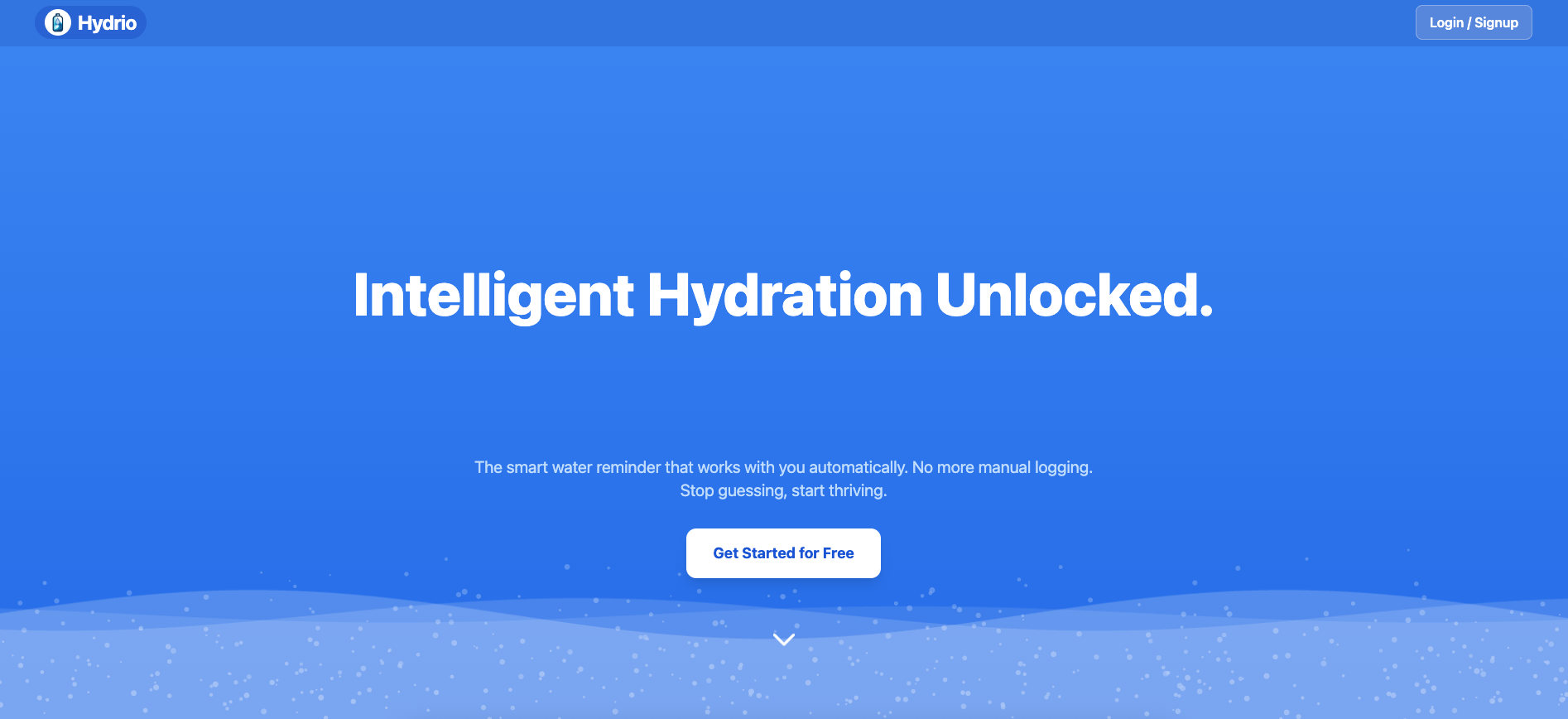
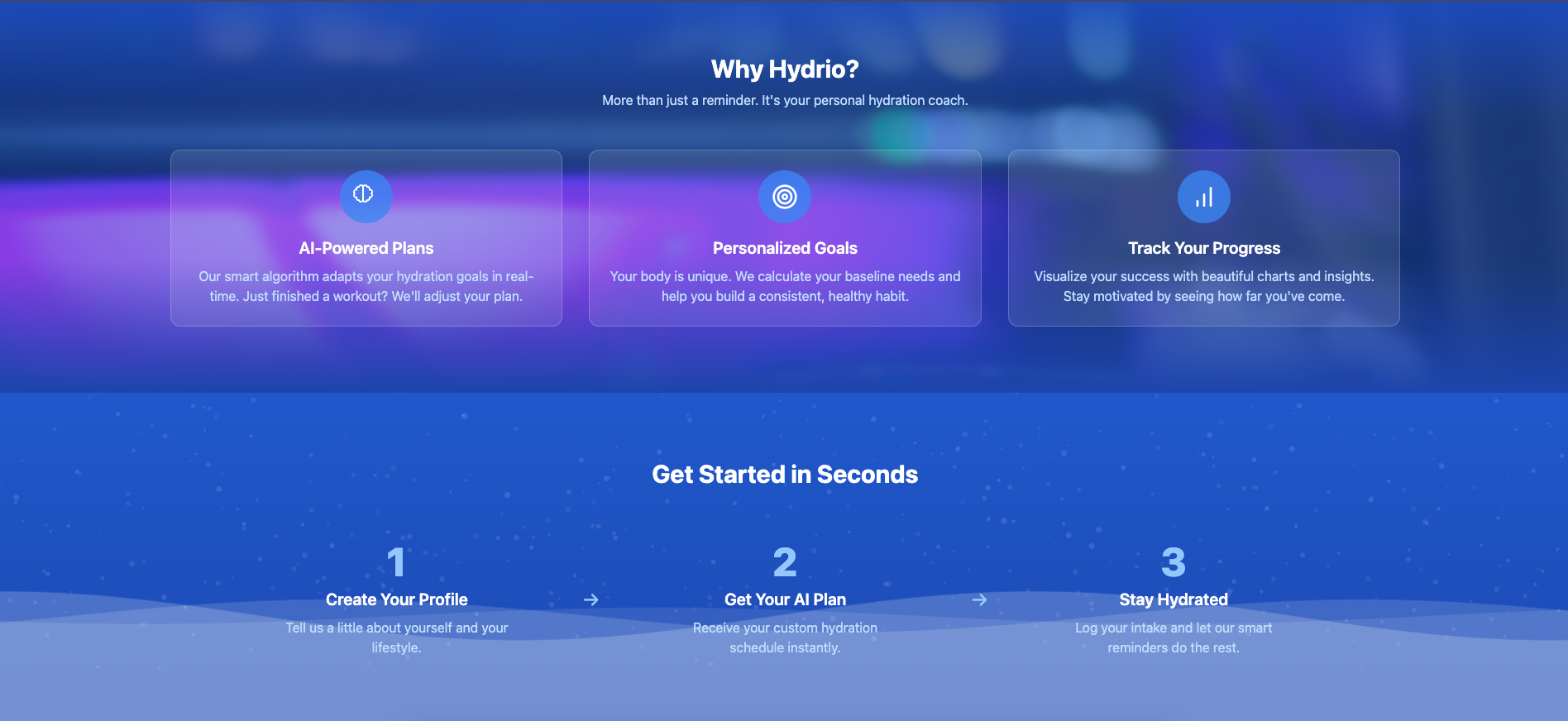
Landing Page
-
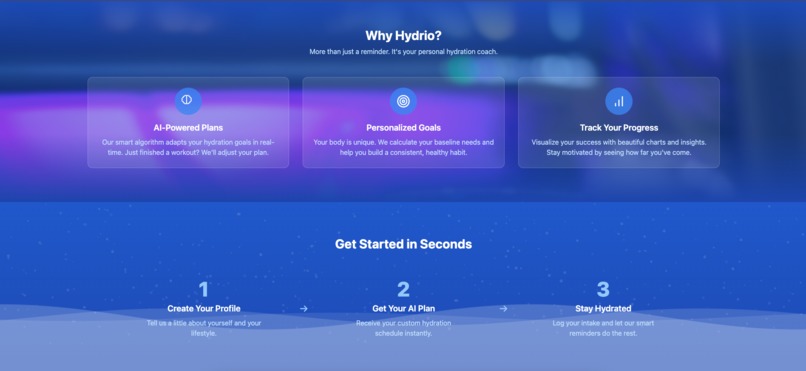
Landing Page
-

Login Page
-
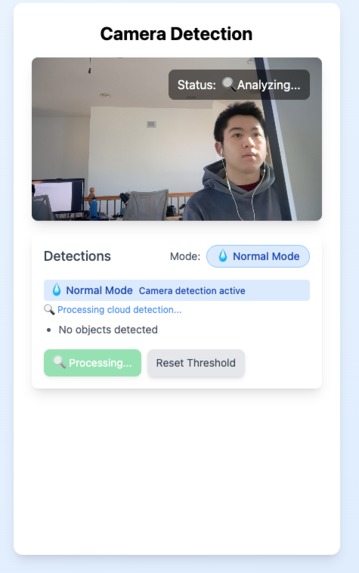
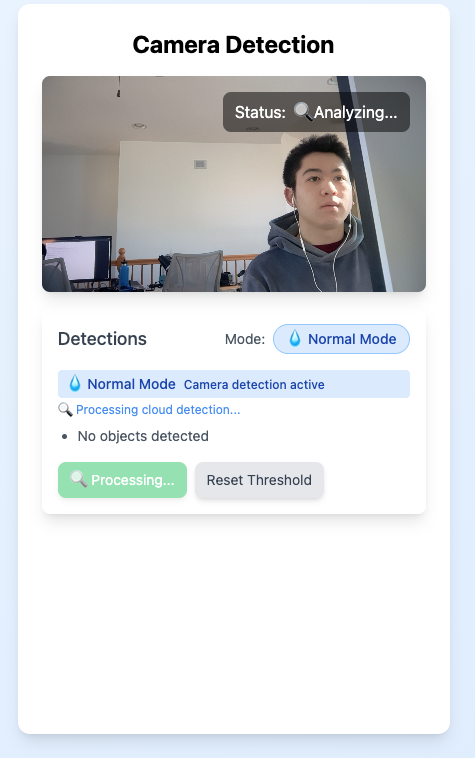
Drinking Detection Interface
-
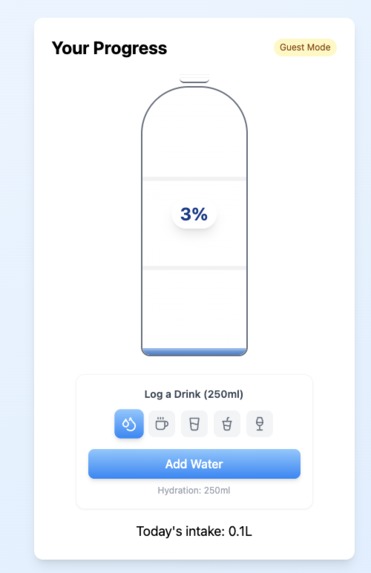
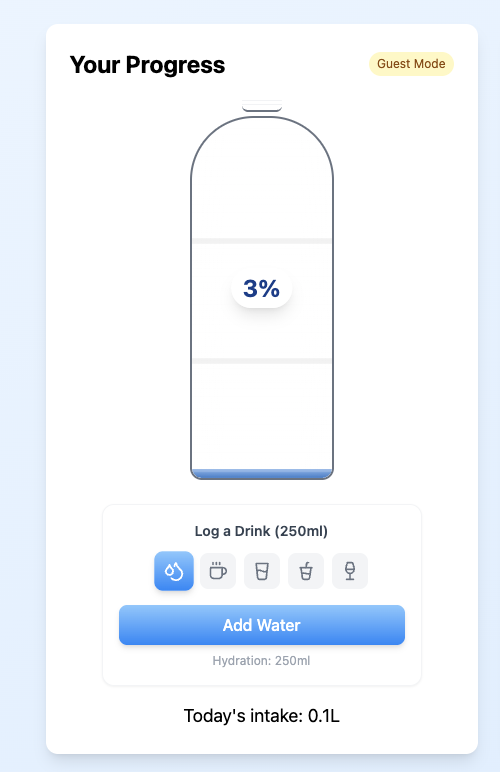
Water Progress
-
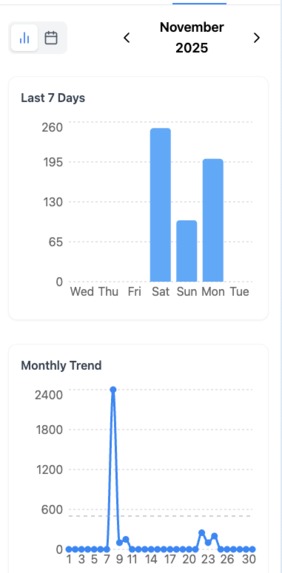
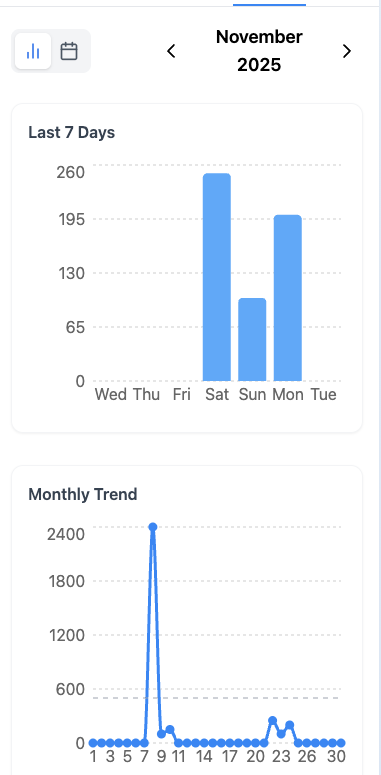
Drinking History Graphs
-
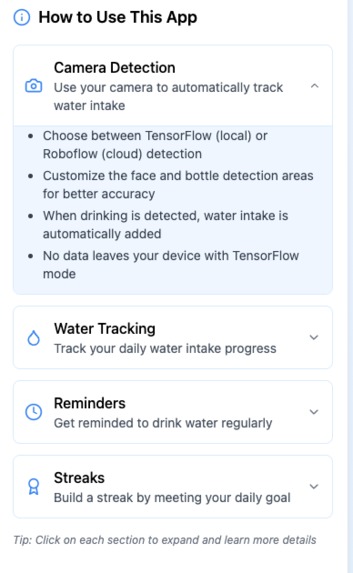
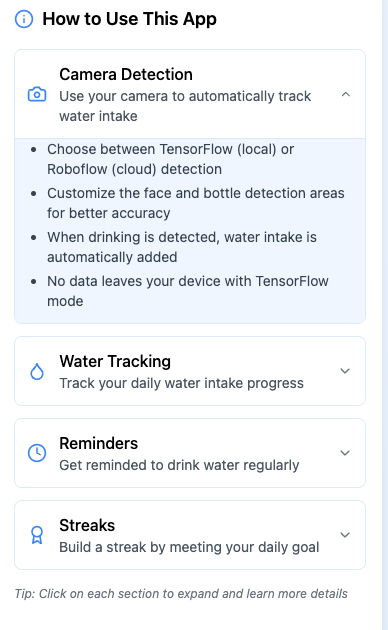
How To
-
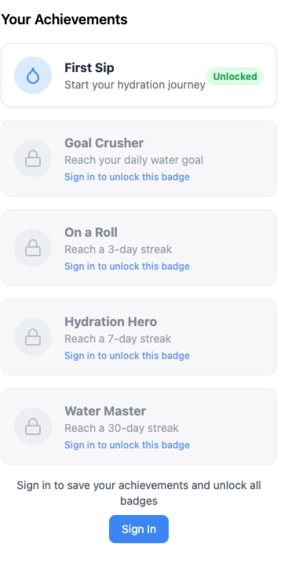
Goals

Inspiration As a researcher and analyst often intensely focused on data algorithms, I frequently lose track of basic needs like hydration. Most apps fail because manual logging creates friction. I wanted to apply my knowledge of Convolutional Neural Networks (CNNs) and Object Recognition to build an automated, gamified solution that looks out for users when they are too busy to look out for themselves.
What it does
Hydrio is a modern web application that helps users maintain optimal hydration through a "hands-free" experience. The core features include:
AI-Powered Detection: Uses a webcam and computer vision to automatically detect when a user is drinking and logs 50ml of water per detection.
Intelligent Dashboard: A personalized visual interface featuring a "Water Bottle" progress bar and real-time intake tracking.
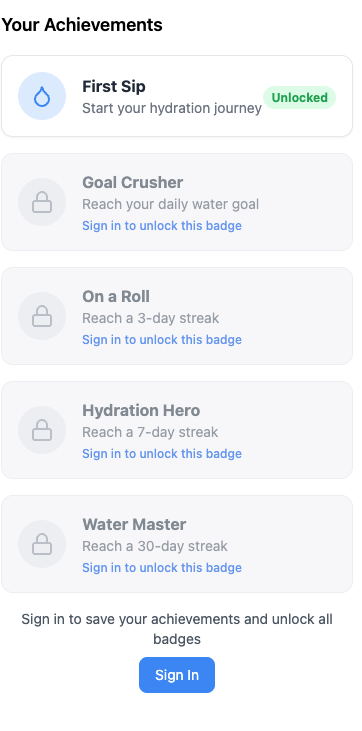
Habit Gamification: Encourages consistency through a daily streak system, milestone badges, and a celebration (confetti) when the daily goal is met.
Smart Reminders: Features a customizable timer that alerts users when it is time to drink, resetting automatically whenever a drink is detected.
How I built it
The project uses a high-performance, modern tech stack to ensure a responsive and reliable experience:
Frontend: Built with React and TypeScript for a robust, type-safe user interface.
AI/Machine Learning: Integrated the Roboflow Cloud API to handle the "Drinking Detection" model, which analyzes live video frames.
State Management: Used Zustand to manage complex global states, including water intake levels, timers, and UI themes.
Backend & Auth: Leveraged Firebase (Firestore and Authentication) to persist user data, streaks, and drinking history across sessions.
Styling: Tailwind CSS was used to create a clean, "water-inspired" responsive design with backdrop blurs and gradients.
Challenges I ran into
AI Accuracy vs. Performance: Finding the right balance for the detection threshold was critical. We settled on a 30% confidence threshold to ensure the AI captures drinking actions reliably without being triggered by false positives.
Real-time Frame Processing: Capturing video frames from the browser and sending them to a cloud API every few seconds required careful management of asynchronous calls to prevent the UI from lagging.
Data Consistency: Synchronizing the local state (Zustand) with the cloud database (Firebase) while handling "Guest Mode" users required a complex conditional logic flow to ensure no progress was lost.
Accomplishments that I'm proud of Frictionless UX: Successfully creating a system where a user can simply sit at their desk, drink water, and see their progress update on-screen without ever touching their mouse or keyboard.
Visual Design: Developing a sleek, modern landing page and a dashboard that feels both professional and encouraging.
Robust Architecture: Building a full-stack application that handles authentication, real-time AI, and persistent data storage seamlessly.
What I learned
Computer Vision Integration: Gained deep experience in integrating cloud-based ML models (Roboflow) into a standard React frontend workflow.
State Logic: Learned how to manage time-sensitive states (like hydration timers) alongside persistent database states in a unified store.
User-Centric Design: Reaffirmed that reducing "user friction" through automation—much like the data pipelines I build—is the key to successful software adoption.
What's next for Hydrio
Context-Aware AI Plans: Developing algorithms that adjust hydration goals in real-time based on local weather data or the user's workout intensity.
Expanded Recognition: Improving the model to distinguish between different types of containers (cups, bottles, straws) to more accurately estimate volume.
Mobile Integration: Creating a mobile version with push notifications and background camera detection for hydration tracking on the go.
Built With
- bolt
- css
- docker
- firebase
- html5
- javascript
- roboflow
- roo
- tailwind
- typescript
- ultralytics

Log in or sign up for Devpost to join the conversation.