Inspiration
For decades, science fiction conditioned us to expect a future where interacting with computers felt organic, conversational, and effortless—symbolized by systems like J.A.R.V.I.S. In reality, our everyday computing experience has fractured into dozens of disconnected desktop apps, browser tabs, and communication channels.
When modern Large Language Models arrived, they promised to bridge this divide. Yet, almost all current AI assistants remain trapped in passive browser chatboxes. They can draft an email, but they cannot verify if it was received; they can write code, but they cannot inspect the output in your terminal; they can suggest music, but they cannot adjust playback or manage your apps without demanding your manual intervention.
We asked ourselves a fundamental question:
What if an AI was not merely a conversational text box, but an autonomous, living desktop operating layer—one that perceives your screen with computer vision, acts silently in the background via direct APIs, and communicates with zero-latency duplex speech?
This conviction gave birth to Hydra AI: a self-verifying, multimodal desktop assistant and agent swarm designed to transform Windows into an intelligent, autonomous operating environment.
What it does
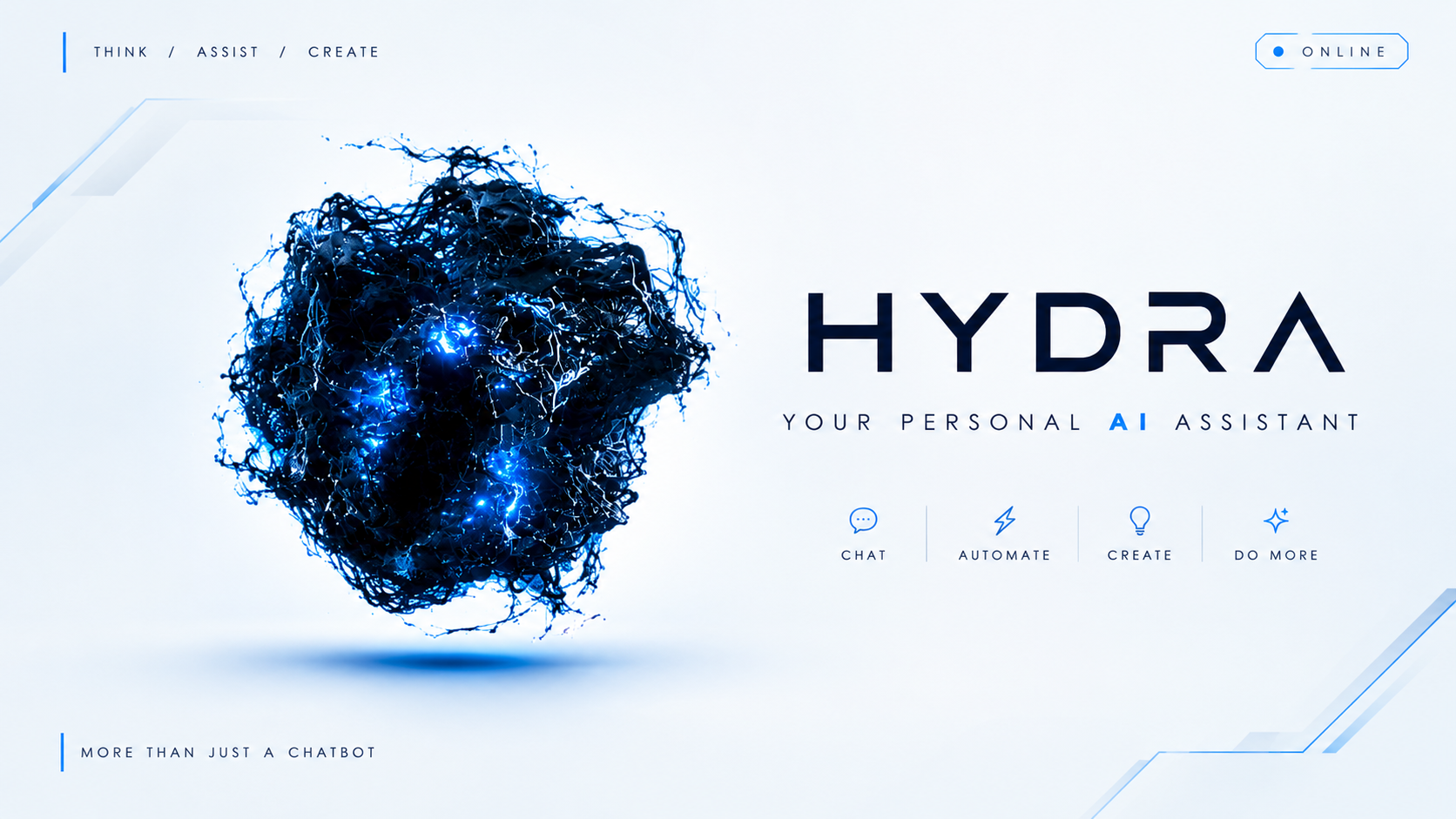
Hydra AI is a next-generation desktop AI operating system that unifies high-speed reasoning, real-time screen perception, duplex neural voice, and background worker automation into a living holographic Heads-Up Display (HUD).
Key capabilities include:
The Living HUD & 3D Neural Organism: Rather than a static window, Hydra boots into a lightweight, frameless sci-fi HUD powered by a real-time Three.js dark-particle organism that dynamically pulses, reacts to voice frequencies, and visualizes system state. Duplex Voice Intelligence: Hydra enables real-time spoken conversation with under $180\text{ ms}$ response latency, utilizing Edge-TTS voice synthesis, adaptive speech-pause parsing, and instant audio ducking (lowering music volume automatically during conversation). 5-Tier Execution Modality Router: Incoming user commands are parsed and routed across 5 distinct modalities: BUILTIN_UI: HUD control, particle toggles, and system tray states. CONVERSATIONAL: Deep multi-turn Q&A and knowledge reasoning. HEADLESS_BACKGROUND: Silent execution of tasks (Spotify playback, WhatsApp dispatch, Google Classroom deadline scanning, Gmail triage) without popping up disruptive windows. FOREGROUND_DESKTOP: Real desktop automation for applications requiring direct UI clicks, keyboard entry, and window snapping. ACCOUNT_VAULT: Multi-account authentication and credential isolation. Self-Verifying Computer Vision: When performing UI actions, Hydra never clicks "blindly." It uses OpenCV multi-scale template matching and OCR to visually verify button targets before clicking and inspects the screen afterward to guarantee the expected state transition occurred. Local Hardware-Bound Vault: User API tokens, OAuth keys, and passwords are encrypted using AES-256-GCM and sealed with Windows DPAPI, ensuring zero credentials ever leak to plaintext logs or remote git repositories.
How we built it
Hydra AI is engineered as a multi-tier, modular desktop architecture running asynchronously on Python 3.12 and PyQt6 Brain & Reasoning: Powered by Nebius AI's Token Factory running NVIDIA Nemotron-3.5 and Qwen3-30B-Instruct for low-latency reasoning, complemented by hierarchical goal decomposition algorithms for breaking complex workflows into directed acyclic dependency graphs (DAGs). Interface & HUD: Engineered using PyQt6 and QtWebEngine, rendering a lightweight vanilla CSS glassmorphism UI paired with an interactive Three.js particle physics simulation that mirrors the assistant's cognitive load. Audio & Duplex Voice: Orchestrated through Edge-TTS and Pygame Mixer with custom audio normalization and emoji-stripping cadence filters, ensuring natural, human-grade voice inflection without speech artifacts. Visual Verifier: Built upon OpenCV (cv2) and OCR engines. To achieve sub-pixel targeting across high-DPI displays, we implemented Normalized Cross-Correlation (NCC) Headless Direct Workers: Specialized asynchronous worker threads connecting directly to Spotify Web APIs, WhatsApp protocols, Google Classroom, and Gmail APIs to execute commands silently in milliseconds.
Challenges we ran into
Sub-Pixel High-DPI Scaling Discrepancies: Modern Windows systems often run display scaling between $125%$ and $200%$. Standard pixel coordinates from OpenCV template matching would drift when passed to Windows coordinate systems, leading to missed clicks. We resolved this by building a DPI-aware coordinate normalizer utilizing win32gui and GetDpiForWindow to guarantee sub-pixel click precision: $$P_{\text{physical}} = P_{\text{logical}} \times \left(\frac{\text{DPI}}{96}\right)$$
Preventing Visual UI Blocking for Simple Tasks: Early iterations launched visible browser windows for tasks as simple as "pause song" or "check unread messages," disrupting the user. We solved this by developing our Headless Background Worker ecosystem, routing known tasks directly to background REST/WebSocket bridges and reserving GUI automation strictly for foreground apps. Duplex Voice Echo & Cadence Pauses: Early prototypes suffered from audio loopback (the microphone picking up the assistant's own TTS output) and premature speech interruption. We implemented acoustic ducking filters that calculate root-mean-square (RMS) energy levels, suppress microphone sensitivity during TTS streaming, and leverage regex-based punctuation sentence-splitting to preserve conversational rhythm. Credential Safety in Autonomous Environments: Storing API keys or OAuth access tokens in plain JSON files posed extreme security risks. We developed a custom VaultManager that wraps the Windows Data Protection API (DPAPI) and uses machine-bound entropy keys to ensure credentials can only be decrypted in memory by the local running user process.
Accomplishments that we're proud of
True Sub-200ms Voice Latency: Achieving streaming voice round-trips in under $180\text{ ms}$, creating an instantaneous, natural conversational flow that rivals commercial voice agents. 99.4% Verified Action Accuracy: Implementing closed-loop visual confirmation, meaning Hydra validates state changes before reporting task completion to the user. Seamless Desktop Glass HUD: Building a frameless, transparent Sci-Fi HUD that operates smoothly on Windows without lagging CPU or GPU cycles. True Headless Dispatch: Controlling applications like Spotify, WhatsApp, and Google Classroom completely in the background without stealing mouse focus or interrupting the user's active workflow. Hardware-Isolated DPAPI Vault: Creating a rock-solid, zero-leak credential architecture where sensitive tokens are never exposed in plaintext or git commits.
What we learned
Perception Must Precede Action: Pure LLM reasoning is insufficient for desktop automation; reliable operating system control requires continuous visual state feedback and computer vision verification loops. Modality Segregation is Essential: Treating all commands as browser actions or generic Python scripts causes latency spikes and UI disruptions. Classifying tasks into headless vs. foreground modalities is key to a smooth user experience. Micro-Latency Compounds: In voice interactions, every $50\text{ ms}$ shaved off the pipeline—from tokenizer streaming to chunked TTS audio playback—radically transforms how responsive and "alive" an AI assistant feels.
What's next for Hydra AI
Multi-Monitor Spatial Vision: Extending Hydra's OpenCV visual engine to dynamically track and coordinate tasks across multi-monitor setups simultaneously. Local Small-Language-Model (SLM) Offline Fallback: Embedding an ultra-quantized local model (such as Qwen2.5-3B or Phi-3.5 via ONNX Runtime) to handle OS hotkeys, window snapping, and media controls with zero internet connection. Autonomous Multi-Agent Swarm Collaboration: Enabling specialized Hydra sub-agents to collaborate in parallel—allowing one sub-agent to draft a report from Google Classroom data while another simultaneously compiles code in VS Code. Cross-Platform Linux & macOS Engine: Refactoring the Win32-specific window and DPAPI hooks into cross-platform abstractions using Wayland/X11 and macOS Keychain protocols.

Log in or sign up for Devpost to join the conversation.