-
-
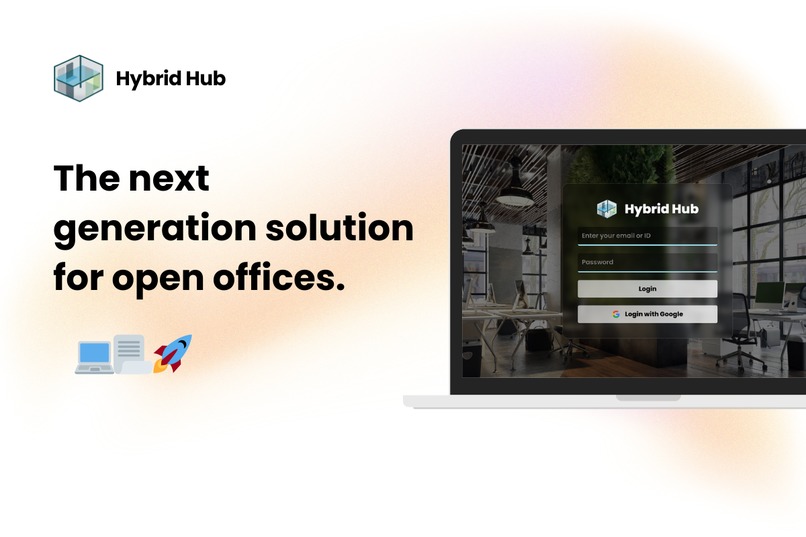
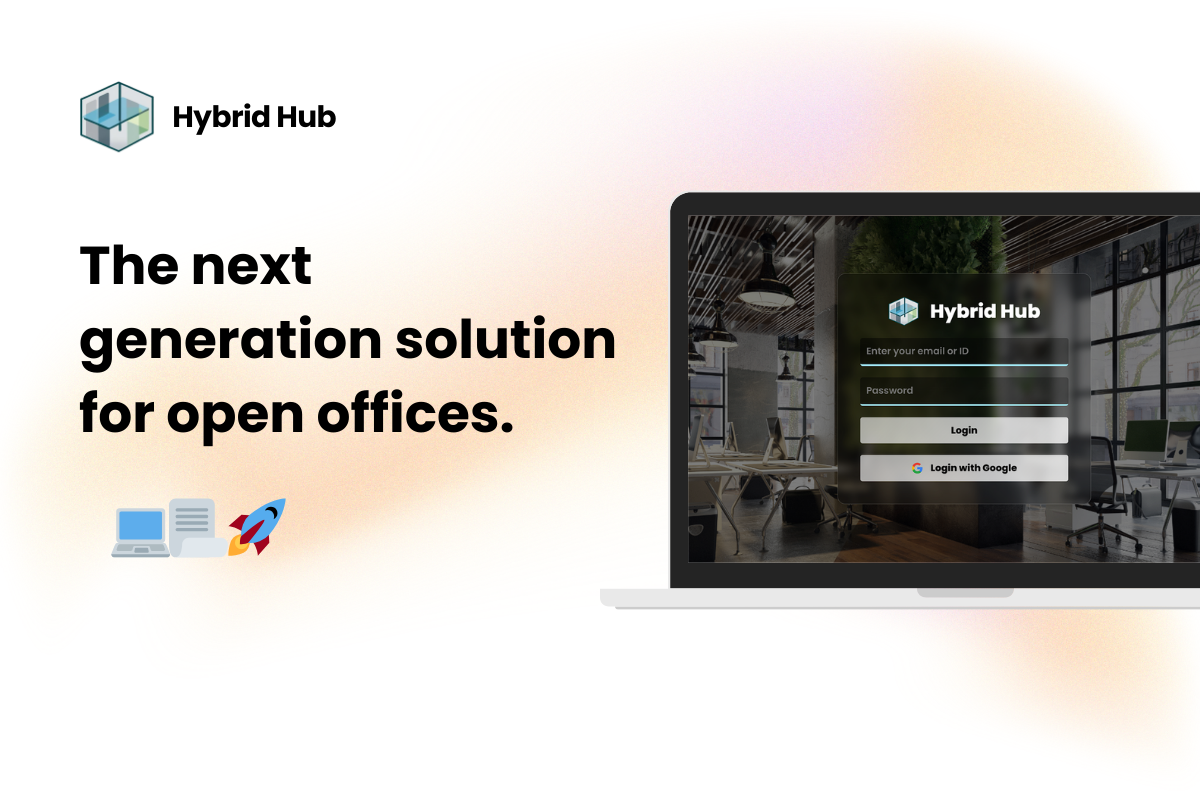
User login with a choice to login with Google securely. (Google account has to be bound to a user account)
-
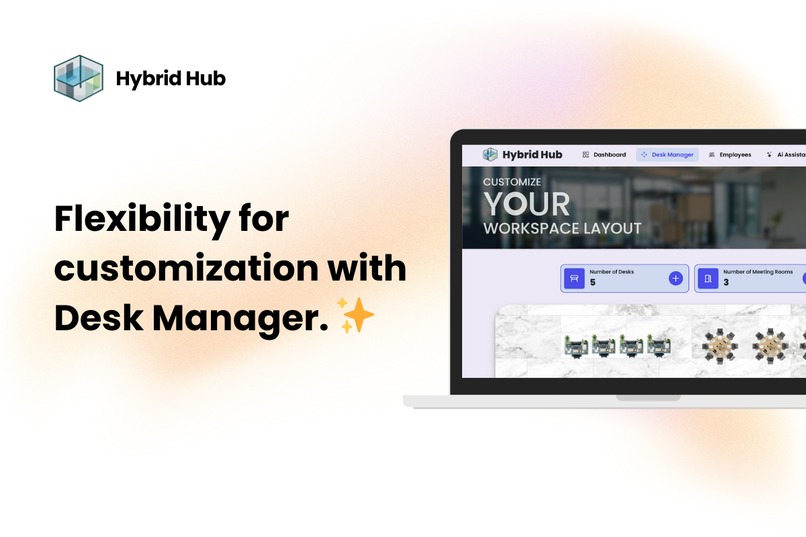
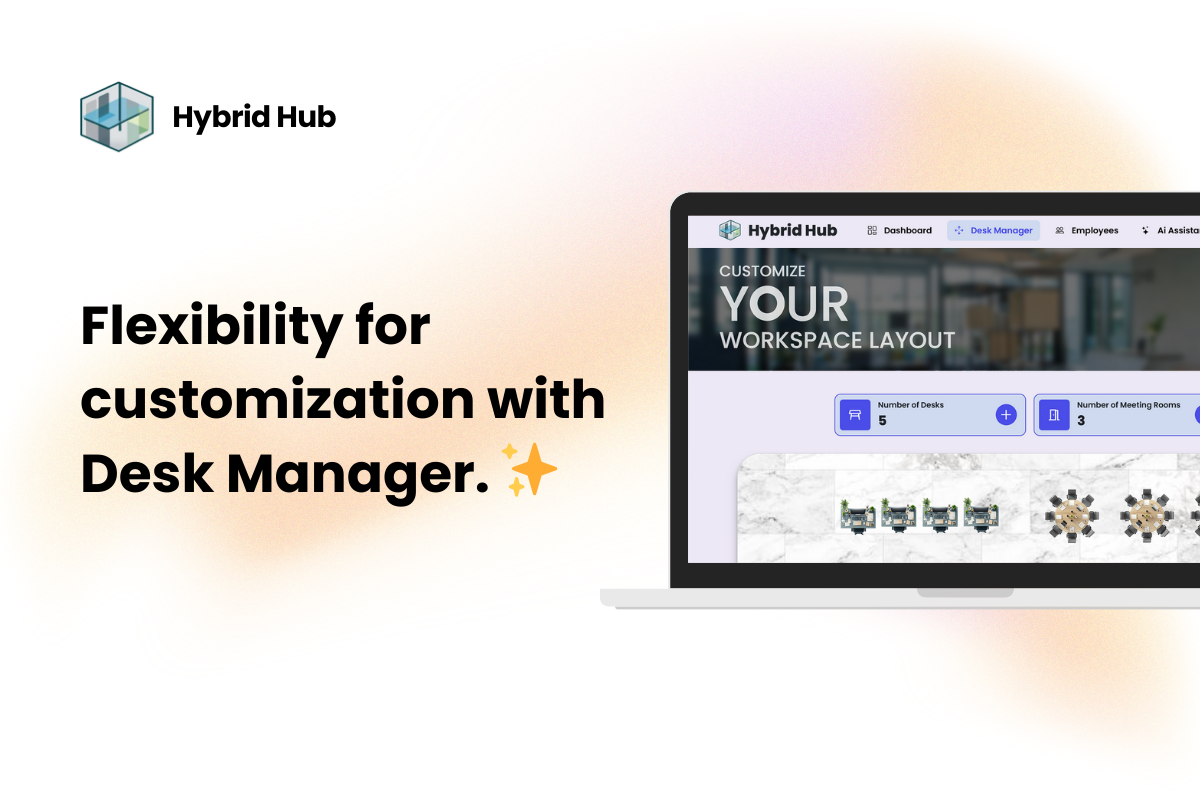
Flexible office layout editor for employers.
-
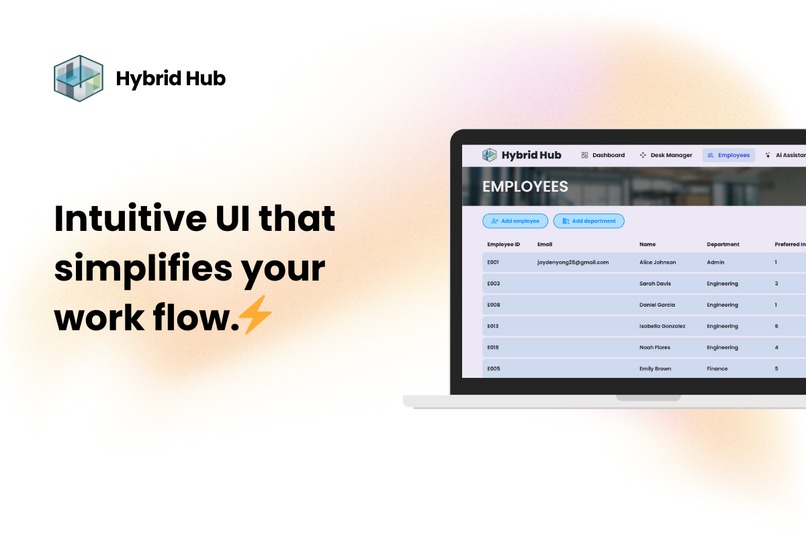
An employee management system that is simple and pleasant to use.
-
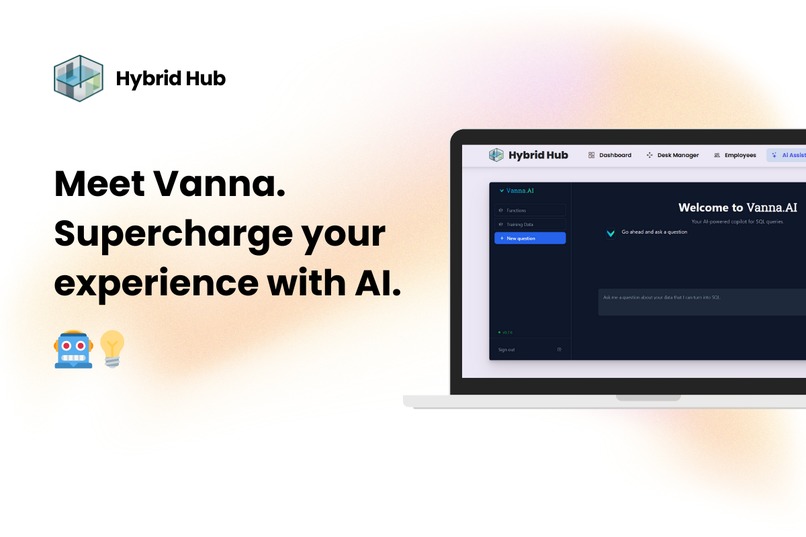
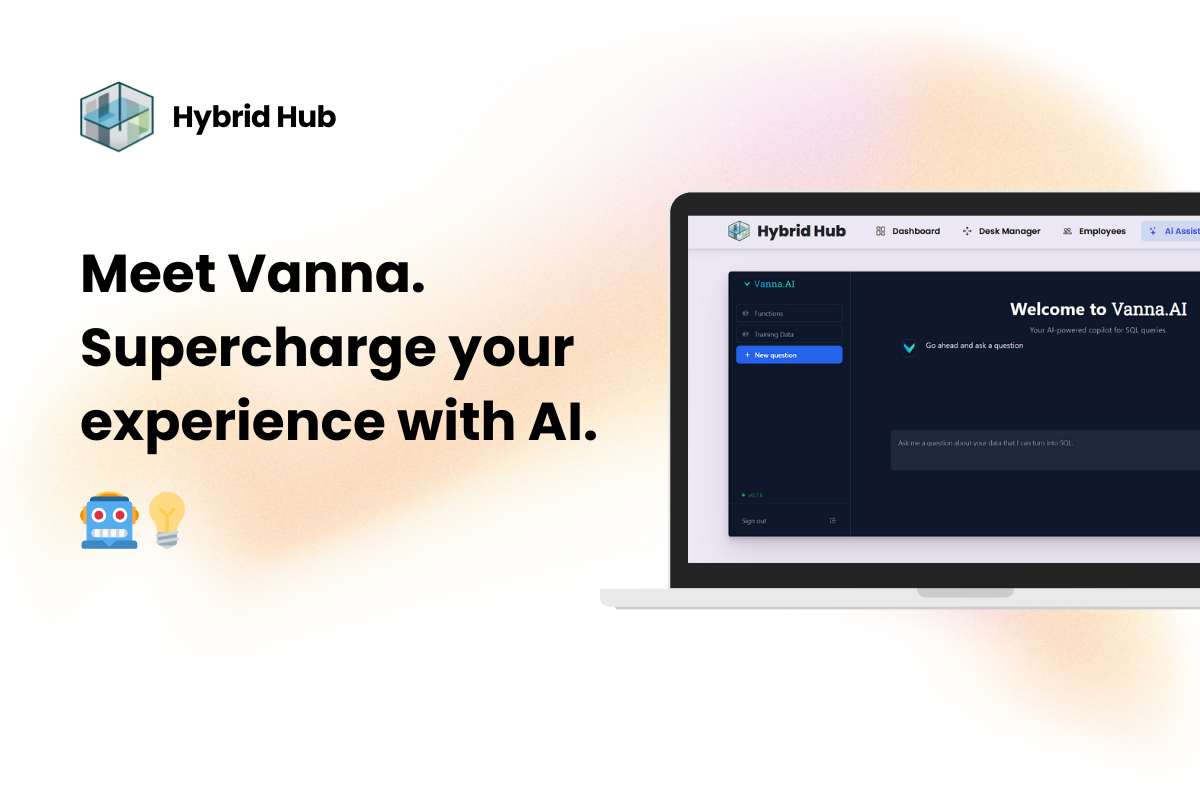
Supercharged with an AI assistant to make work flows easier than ever.
-
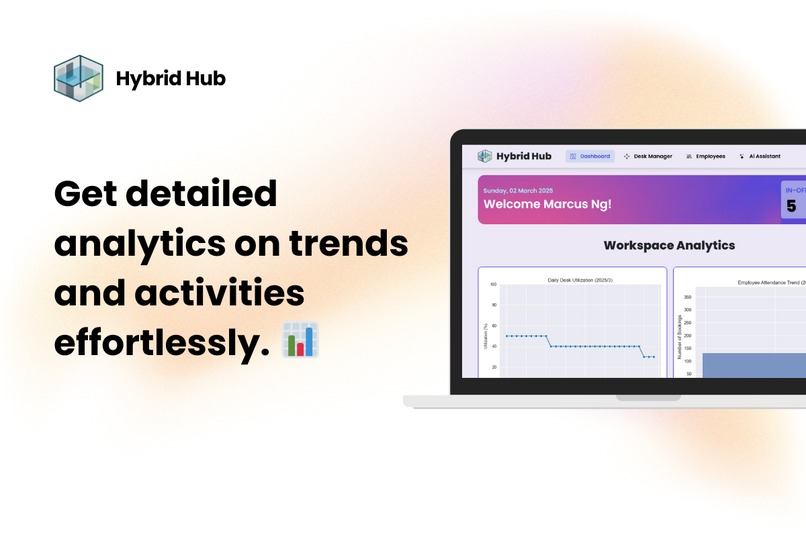
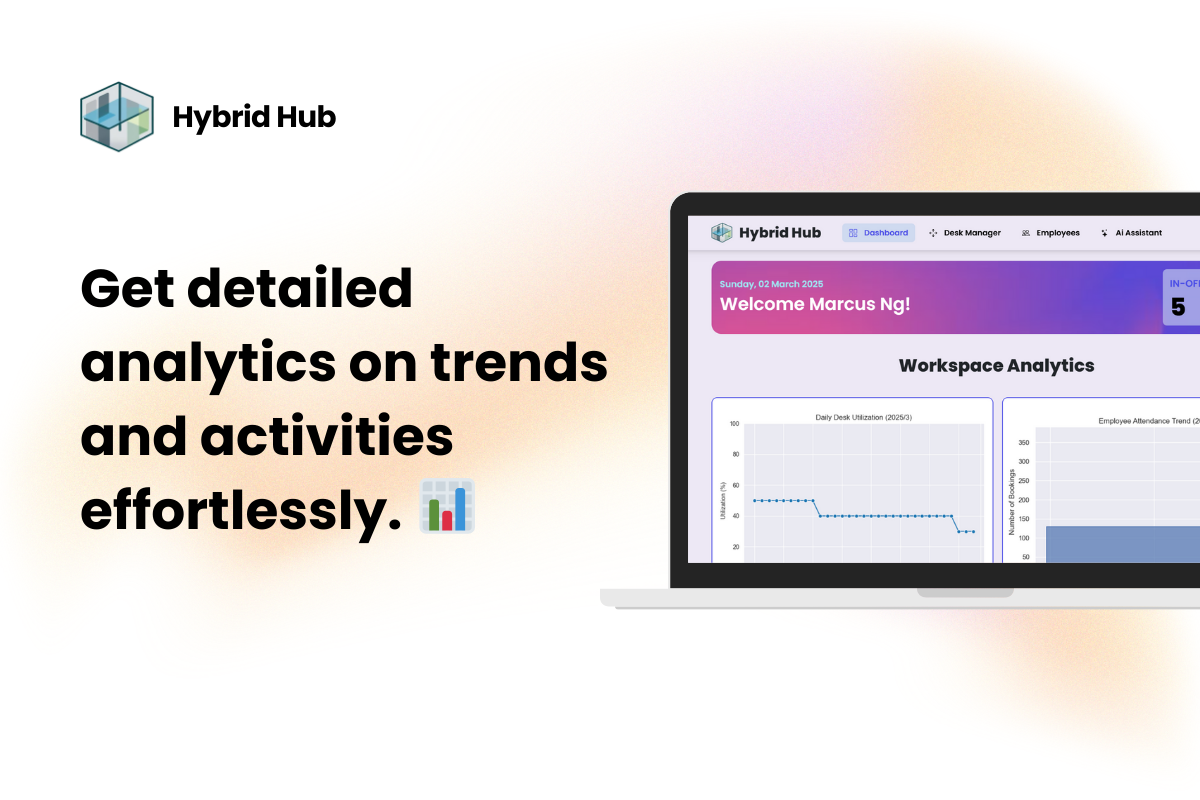
Detailed trend analysis for employers to gain new insights.
-
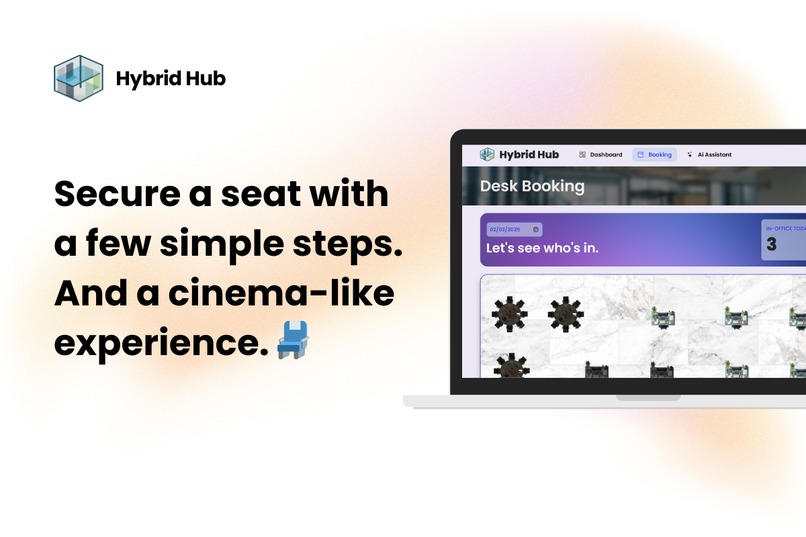
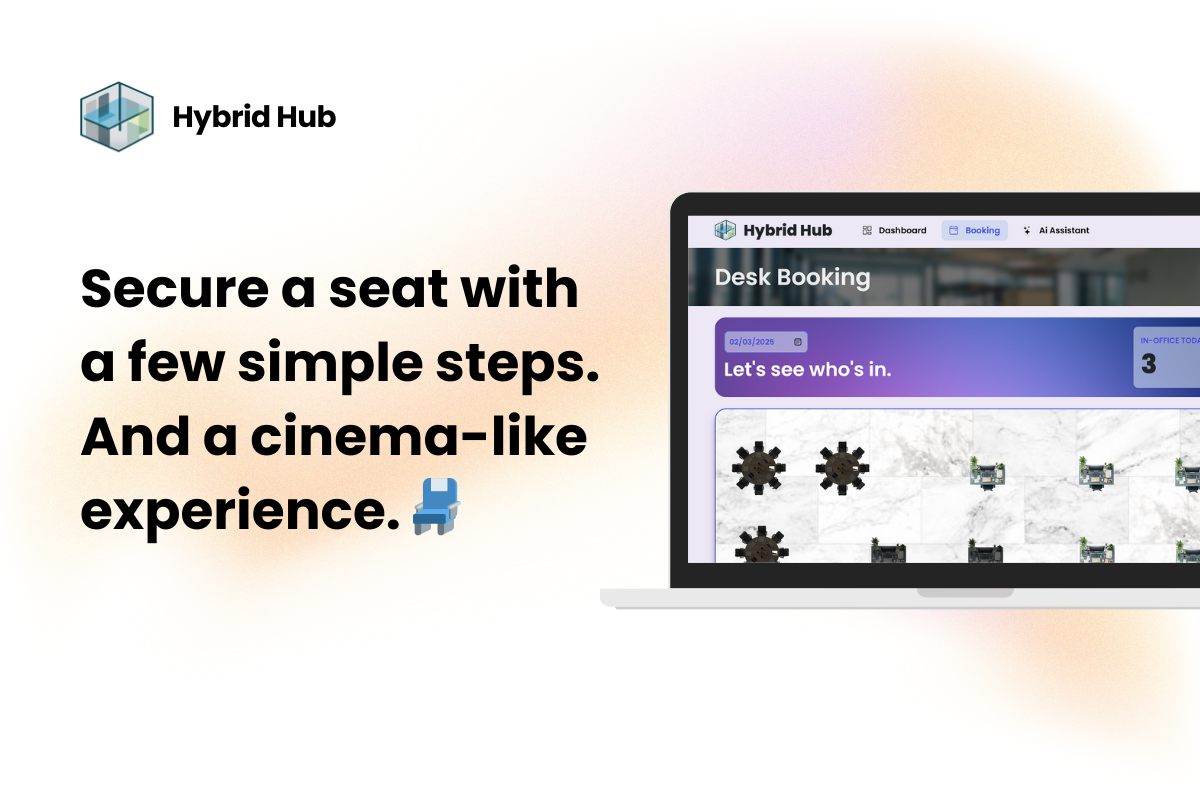
Employees can book desks and meeting rooms swiftly in 3 simple steps
-
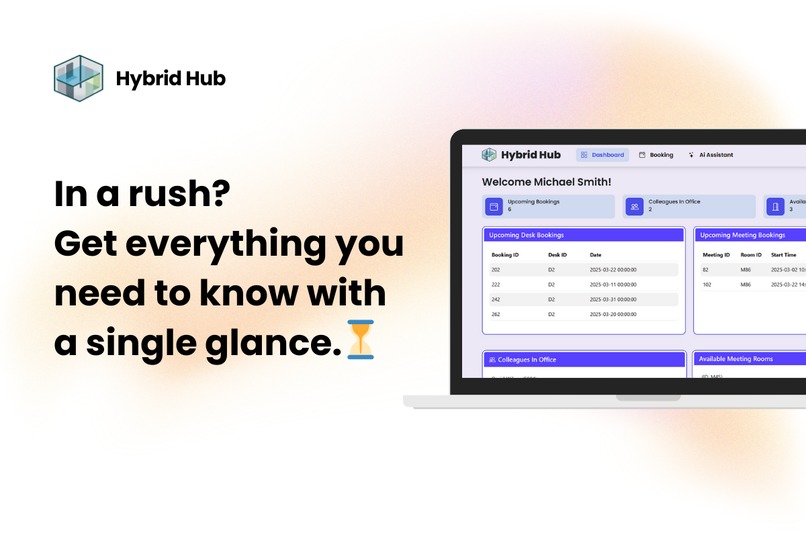
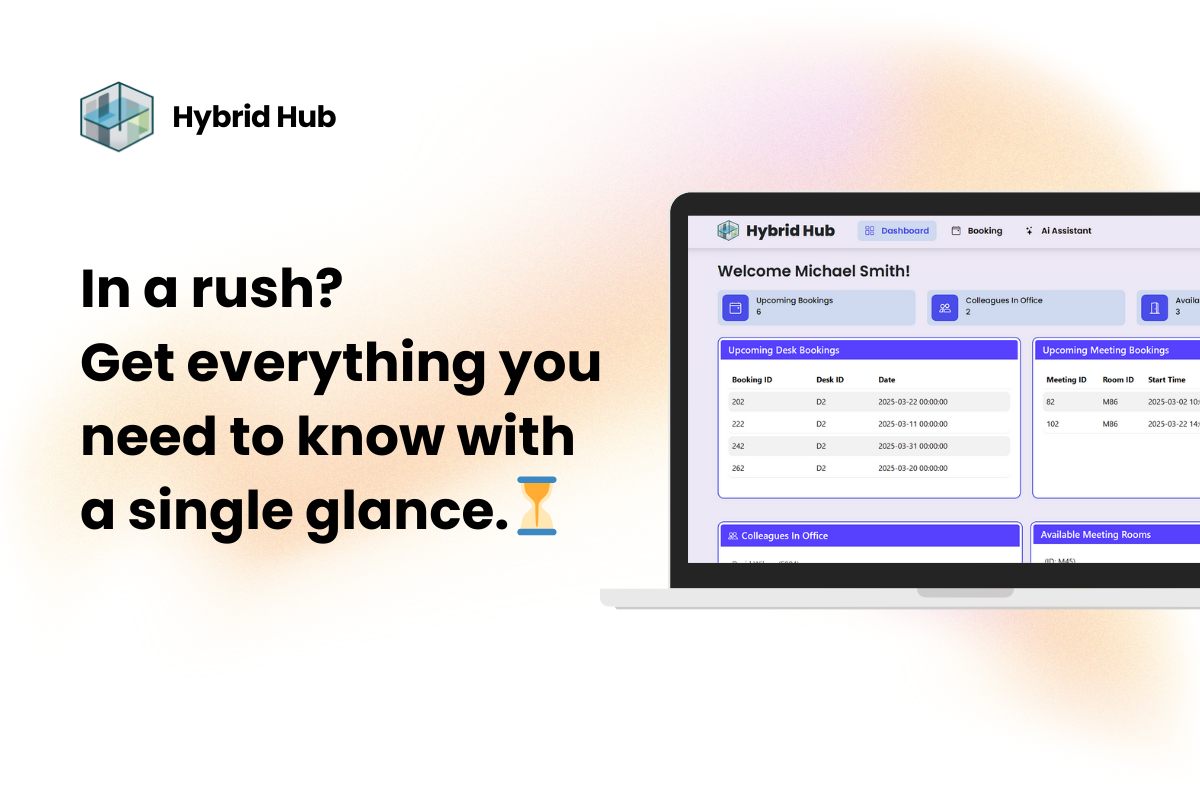
Get all booking information in one place as soon as you login.

HybridHub 💻
HybridHub is a hybrid work management assistant website designed to help startup companies reduce overhead costs by optimizing office space and enabling flexible work arrangements. Our platform provides powerful analytics, intuitive UI customization, and AI-driven insights to improve workspace efficiency and employee satisfaction.
Problem Statement 📃
Many startups face high overhead costs due to renting large office spaces, even though their teams might not require full-time occupancy. Traditional office setups often result in underutilized desks and meeting rooms. Additionally, as work becomes more flexible, both employers and employees need a better way to manage and visualize workspace usage and trends.
Our Solution 🎯
HybridHub addresses these challenges by offering:
Flexible Workspace Management:
- For Employers:
- A dashboard with analytics graphs (e.g., daily desk utilization, booking trends) to track and optimize workspace usage.
- A desk manager page with a draggable UI for customizing office layouts—allowing employers to adjust the number of desks and meeting rooms based on current needs.
- An employee manager page to easily update and manage employee information.
- For Employees:
- An intuitive interface to visualize available desks and book them—similar to selecting a seat in a cinema. Occupied desks are clearly marked, helping employees choose their preferred seating location.
- A personal dashboard displaying booking history and attendance trends.
- For Employers:
Google Login Integration:
- Secure and easy authentication through Google, ensuring a smooth user experience.
Vanna AI Integration:
- An AI-powered SQL assistant (Vanna AI) that helps both employers and employees analyze data, ask questions about trends, and gain actionable insights from the workspace analytics.
Account Settings:
- Allows both employers and employees to change their personal information such as name , preference days to work in office
- Changing password is also available , where password is hashed via bcrpyt to protect user's account.
Impact 📈
By using HybridHub, startup companies can:
- Reduce Costs:
Minimize rental expenses by optimizing the office layout and ensuring only necessary space is utilized. - Boost Efficiency:
Make data-driven decisions with comprehensive analytics and AI insights. - Enhance Flexibility:
Support hybrid work models, offering employees a seamless and engaging booking experience. - Improve Resource Allocation:
Visualize workspace usage and adjust resources dynamically to meet changing demands.
Features 💡
Dynamic Analytics Dashboard:
Real-time graphs and trends such as daily desk utilization and booking history.Customizable Office Layout:
A drag-and-drop interface for managing desks and meeting rooms.Employee & Desk Management:
Tools for updating employee details and managing desk availability.Intuitive Booking System:
Visual booking interface with clear indicators for available and occupied desks.AI-Driven Insights:
Integration with Vanna AI to analyze SQL data and provide insights on workspace trends.Secure Authentication:
Google login for streamlined and secure user access.
HybridHub Installation Guide 📖
Step 1: Create a Virtual Environment
Before installing dependencies, create and activate a virtual environment.
Windows
python -m venv venv
venv\Scripts\activate
macOS/Linux
python3 -m venv venv
source venv/bin/activate
Step 2: Install Dependencies
pip install -r requirements.txt
Step 3: Set Up the Database
Open MySQL Workbench. Copy and paste the SQL scripts from hybridhub.sql into the Workbench query editor. Execute the script to set up the database.
Step 4: Configure API Keys
Go to the Vanna Website and get your API key and model name. Modify the config.py file in the project directory. Add your configuration for database and Vanna API key:
Step 5: Run the Application
Run the following :
python app.py
python vanna_ai.py
(Note : Please uncomment the vanna_train() in vanna_ai.py if u are first using this project)
Your first login
The SQL script from hybridhub.sql will only import the structure of the database designed for HybridHub. However, an admin account is included in the database with the following information:
Admin ID: A1 Password: admin123
NOTE: To use a Google Account to login, please bind the Google Account with the given admin account via Account Settings once signed in.
Your HybridHub system should now be up and running! 🚀
Connect with us
Discord
- JaydenYong#3470
- marcusng88


Log in or sign up for Devpost to join the conversation.