-
-
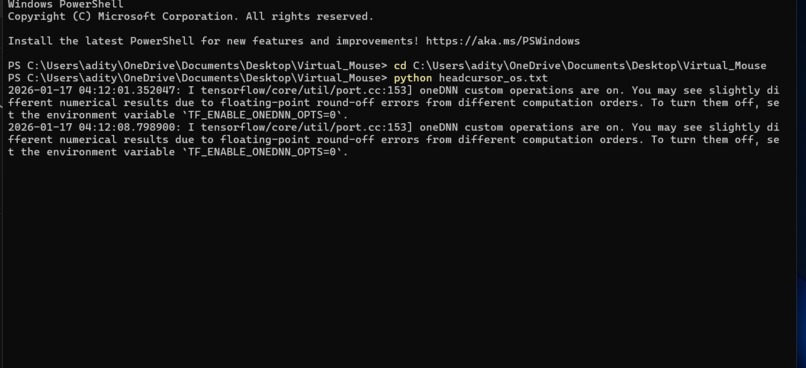
Before running the code
Inspiration
The idea for this project came from observing how people with limited mobility or those wanting hands-free computing struggle with traditional mouse and keyboard setups. I wanted to create a solution that allows intuitive, natural, and accessible control of a laptop using just head movement and simple hand gestures. “Technology should adapt to humans, not the other way around.”
What it does
This system lets a user control a laptop without a mouse. The cursor moves based on head movement, and simple hand gestures are used to click or select items. It helps users who find traditional input devices difficult to use.
How we built it
1) Head Tracking: *Used a camera to capture head movement. *Implemented real-time cursor movement with Python and OpenCV / MediaPipe. *Head orientation(x,y)maps to screen coordinates using the formula: $$ (X,Y)=f(x,y)$$ 2) Hand-Based Click: *Used gesture detection / sensor input to trigger click actions. *Hand gestures interpreted as: Single tap --> left click Thumb --> double click
Challenges we ran into
1) Noise in Head Tracking: *Head jitter caused pointer shaking. *Solved with smoothing algorithm / moving average: X(smooth)=aX(new)+(1-a)X(previous) 2) Reliable Gesture Detection: * Hand misread due to lighting or background. * Solved by thresholding gesture detection and adding visual feedback. 3) Real-Time Latency: * Delay between head movement and cursor response. * Reduced by optimizing frame processing and limiting sensor noise.
Accomplishments that we're proud of
          1)Designed and demonstrated a novel hybrid human–computer interaction system that separates cursor navigation (head movement) from action confirmation (hand gestures).
          2)Achieved hands-free, real-time laptop cursor control using standard camera input, improving accessibility without specialized hardware.
          3)Reduced accidental actions by introducing a two-channel control mechanism, increasing reliability and user confidence.
          4)Built an assistive interaction model focused on inclusivity for users with limited mobility or alternative input needs.
          5)Developed a concept that is scalable, device-independent, and suitable for future patent protection in assistive and adaptive computing systems.
What we learned
       *Real-time computer vision and gesture recognition integration.
       *Importance of user experience: calibration, smoothing cursor movement, and   error handling.
       *Building assistive tech requires considering accessibility, usability, and   \intuitiveness.
        *Mapping physical movements(x,y)to digital actions on the screen.
What's next for Hybrid Head-Hand Assistive Navigation System
     *  Improve head-tracking accuracy and gesture reliability
     * Add personalized calibration for different users
     *Extend support to tablets and other devices
     * Prepare the system for patent filing and real-world testing


Log in or sign up for Devpost to join the conversation.