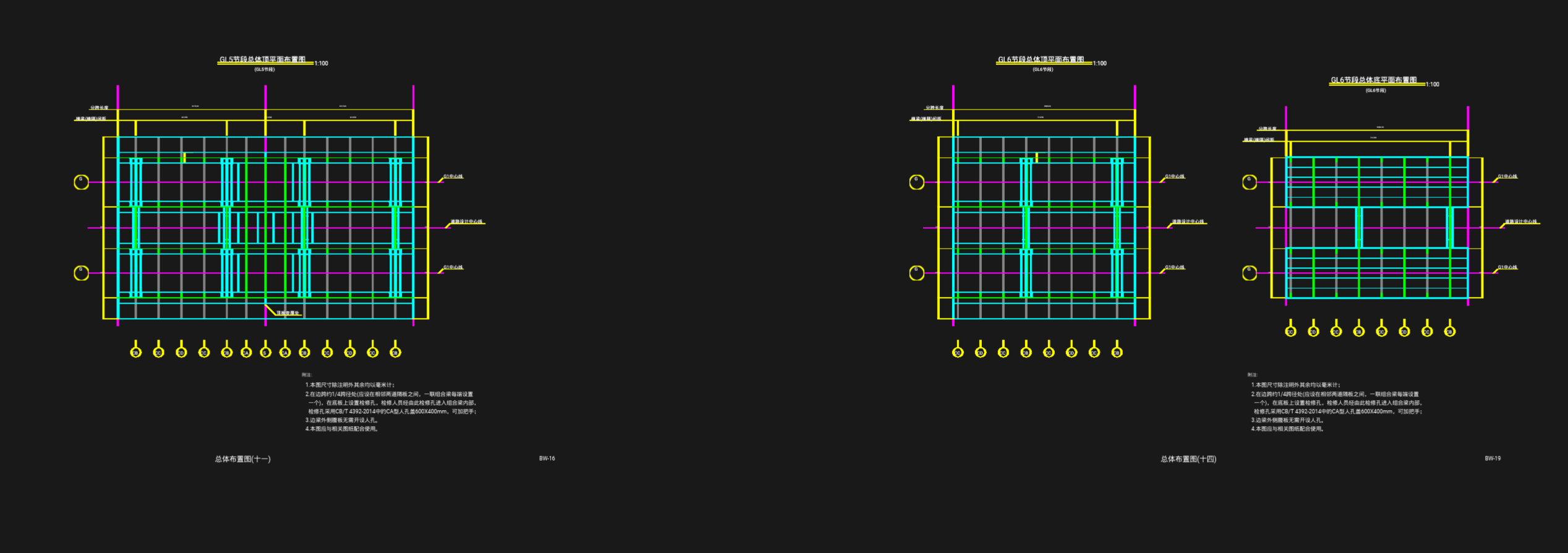
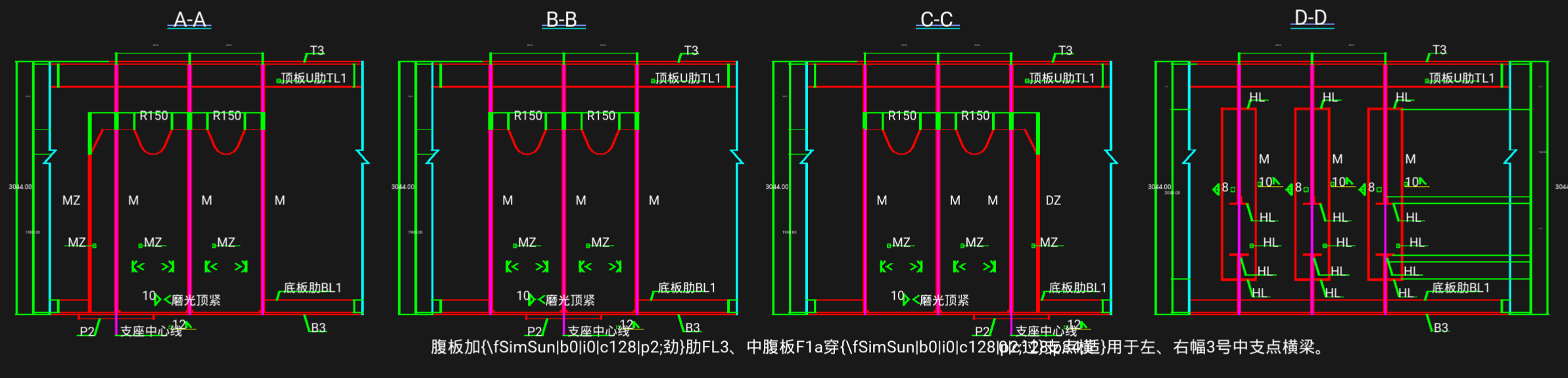
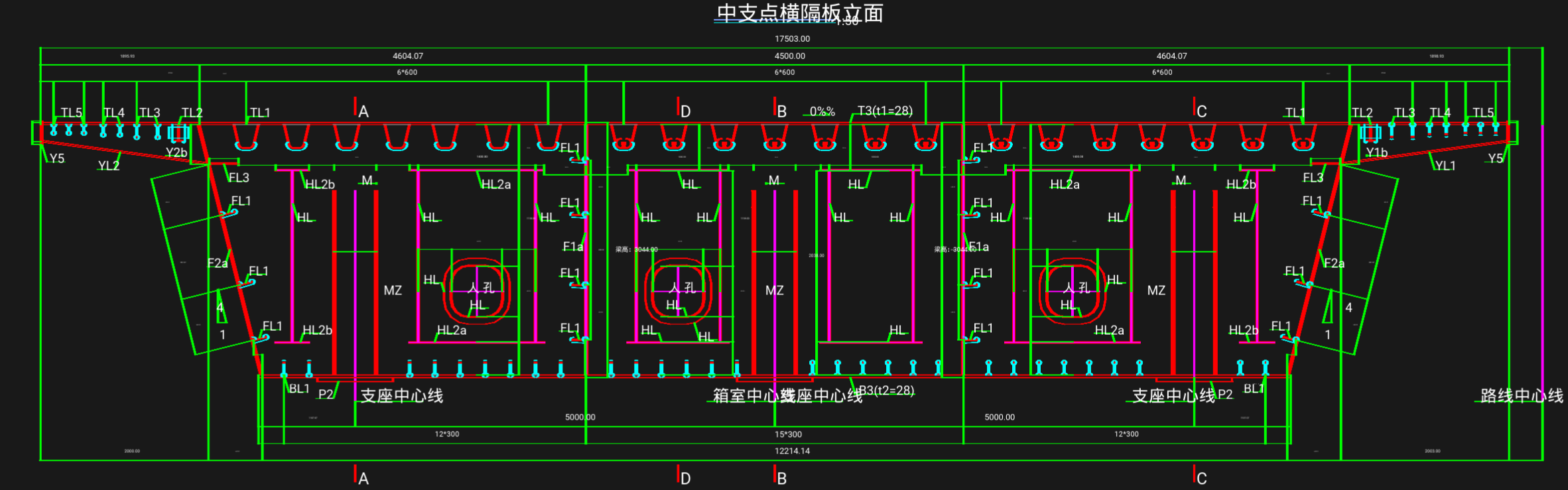
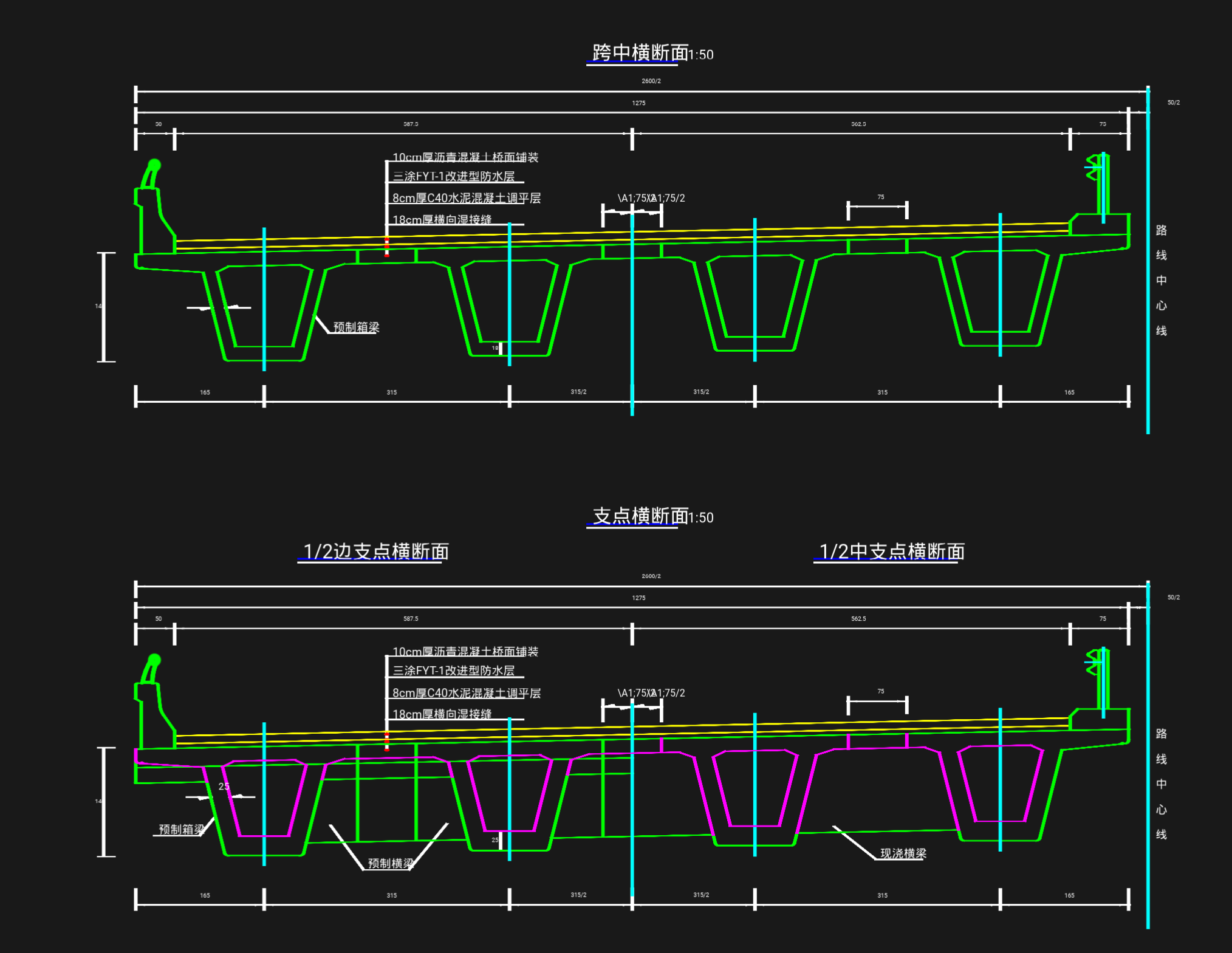
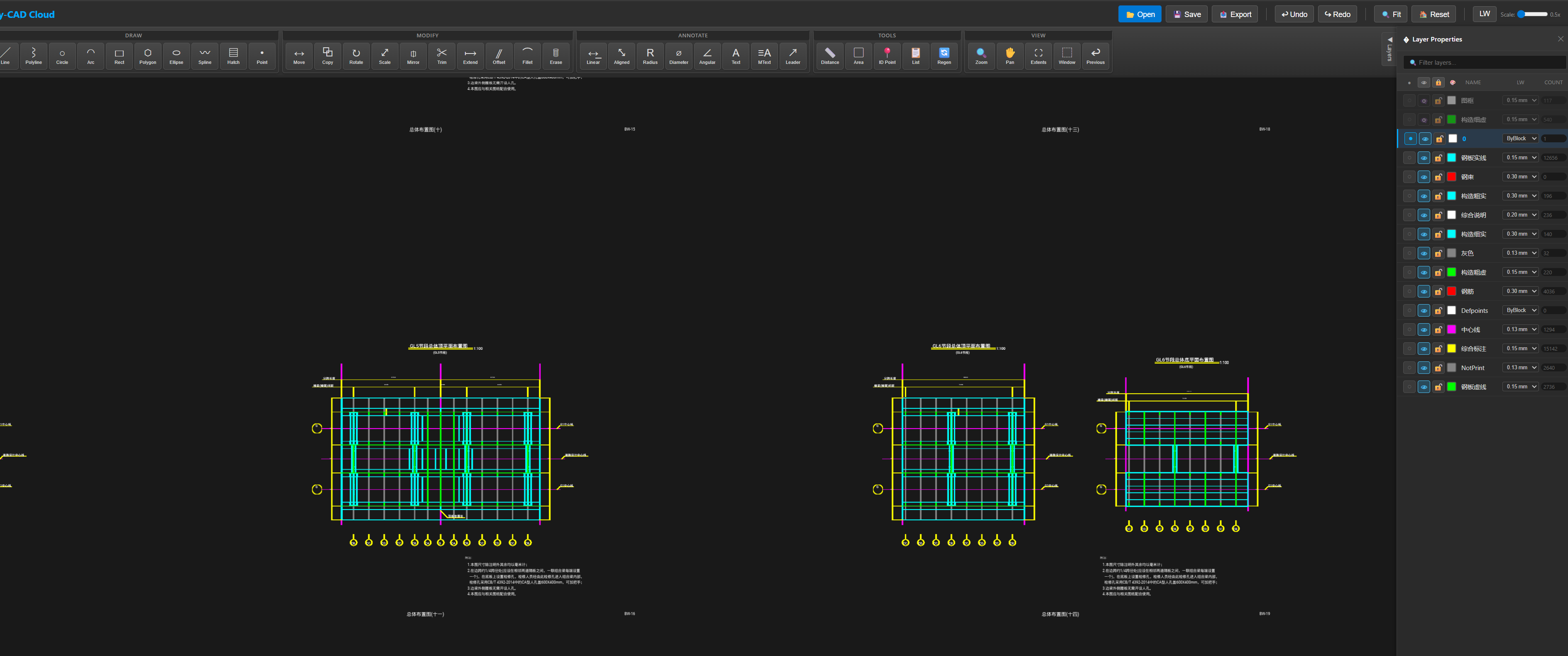
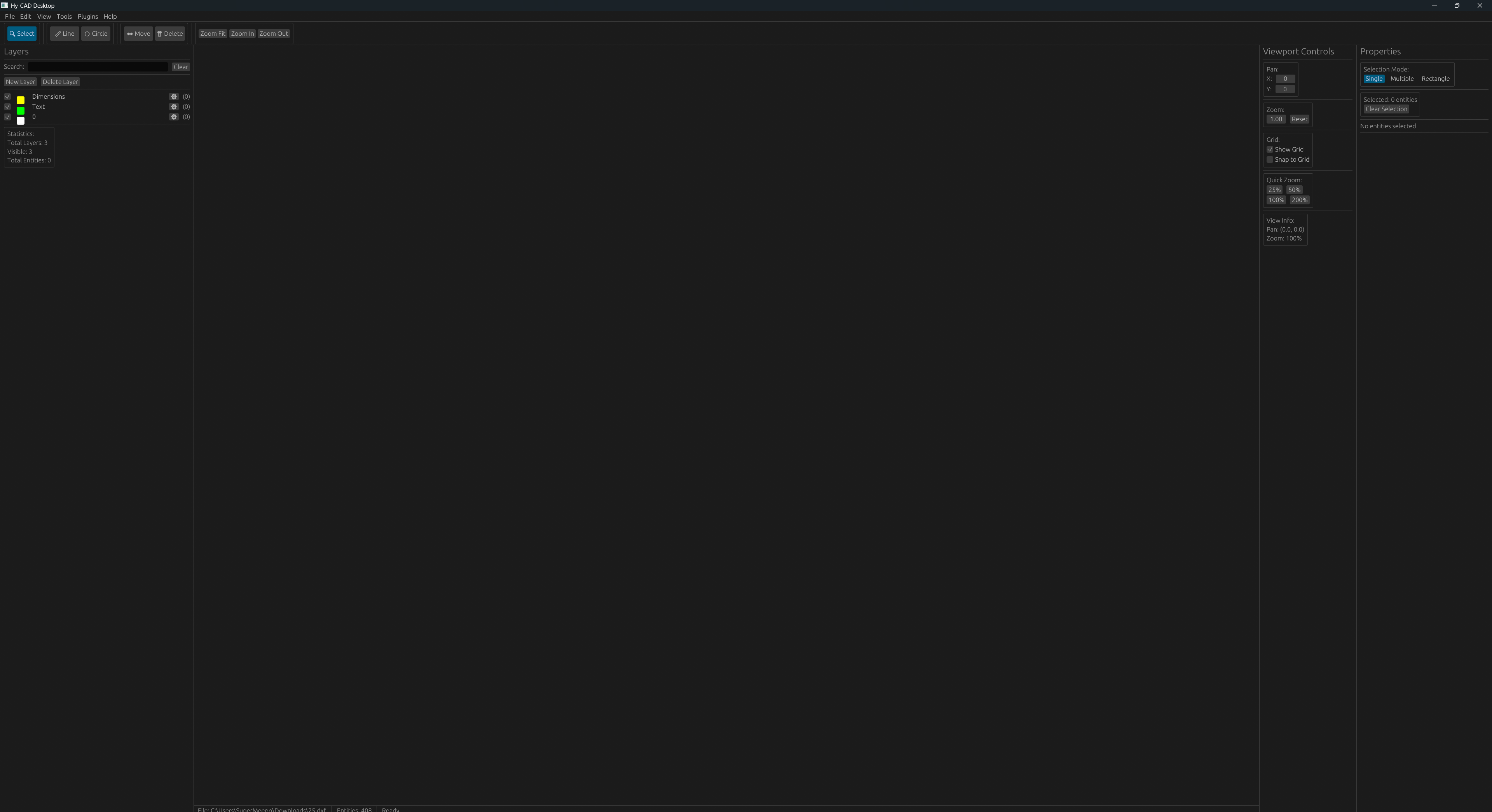
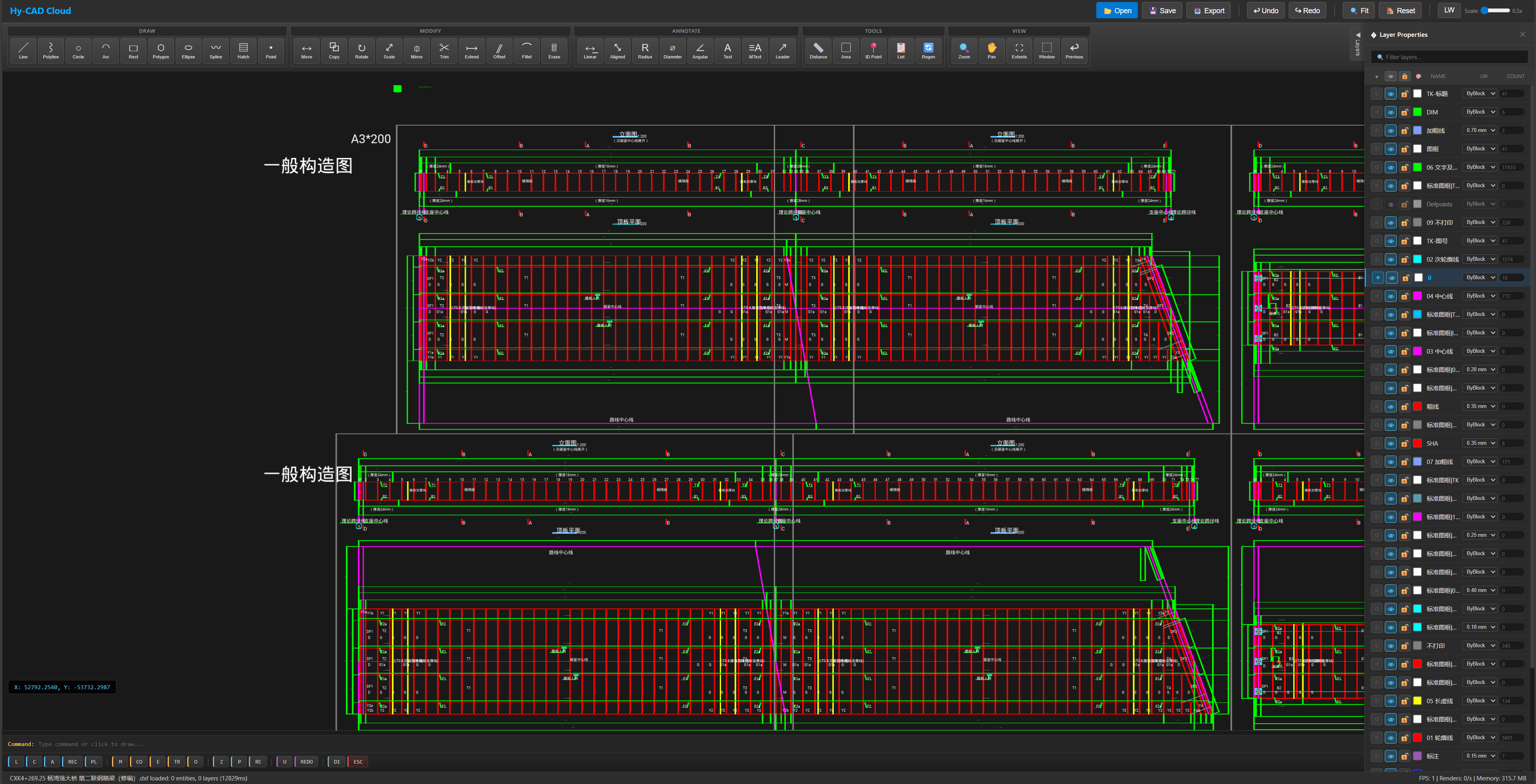
Inspiration Why should viewing a CAD drawing require installing gigabytes of proprietary software? Engineers in the field, architects on-site, and collaborators across continents all face this barrier. We envisioned opening a DXF file as effortlessly as viewing a photograph—professional CAD rendering in your browser, instantly accessible, universally compatible.
What It Does Hy-CAD is a cloud-first CAD system delivering AutoCAD-grade rendering directly in web browsers. It handles complex drawings with 100,000+ entities, renders via WebGPU acceleration, and matches native desktop performance.
Key capabilities: Instant DXF viewing (up to 50MB, zero installation) · GPU-accelerated pan/zoom · Full entity support (lines, arcs, splines, hatches, dimensions, text) · Complete layer management · Cross-platform (Windows, macOS, Linux, any modern browser)
How We Built It We chose Rust for its dual compilation to native binaries and WebAssembly with near-zero overhead. The rendering pipeline uses wgpu, abstracting WebGPU, Vulkan, Metal, and DirectX.
Architecture: hycad-core-types (foundation) → hycad-parser (DXF streaming) + hycad-core (GPU engine) → hycad-app-cloud (WASM app)
Optimizations: R-tree spatial indexing for (O(\log n)) queries · Geometry batching minimizing draw calls · Progressive streaming for large files · Tessellation caching
Challenges We Faced Font Rendering: CAD fonts (SHX, TTF variants) aren't browser-compatible. We built a font mapper translating CAD references to web-safe equivalents while preserving metrics.
Precision at Scale: Engineering coordinates span micrometers to kilometers. Float32 precision (\epsilon \approx 1.19 \times 10^{-7}) causes artifacts. Our large-coordinate system dynamically re-centers the view origin, maintaining sub-pixel accuracy.
WebGPU Compatibility: As an emerging standard, WebGPU varies across browsers. Our abstraction layer gracefully falls back to WebGL2 when needed.
What We Learned The browser is no longer a limitation—it's liberation. WebAssembly runs at 95% native speed. Progressive enhancement ensures every user gets a functional experience regardless of hardware.
What's Next Real-time collaboration with CRDT-based conflict resolution. AI-assisted drafting for intelligent completions and error detection. Hy-CAD isn't just a viewer—it's the foundation for accessible, collaborative CAD.
Built with Rust · wgpu · WebAssembly · egui
Built With
- axum
- egui
- rust
- wasm
- wgpu


Log in or sign up for Devpost to join the conversation.