-
-
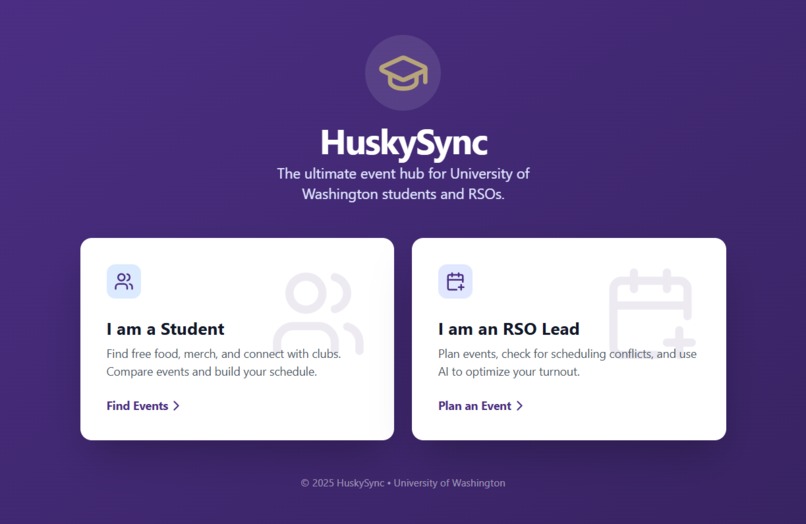
Picture of UI
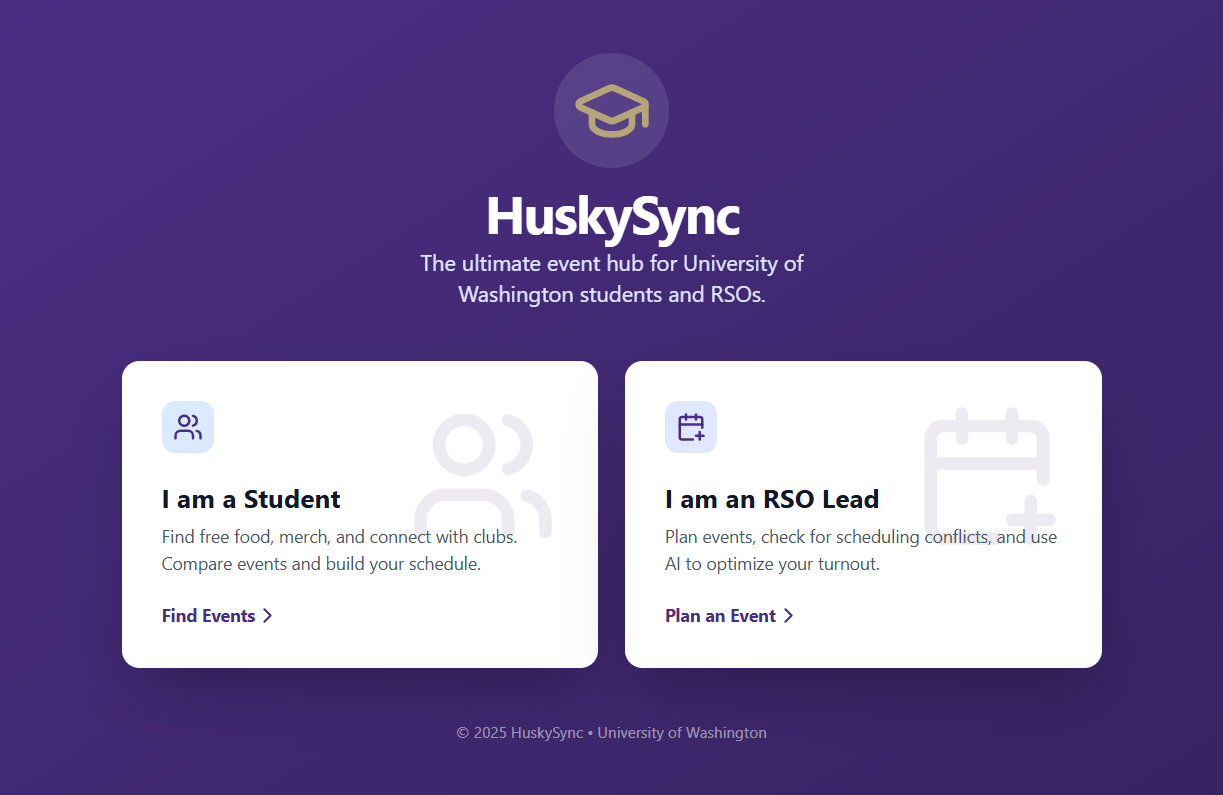
*PLEASE CHECK LOOM VIDEO ON "TRY IT OUT" SECTION FOR ACTUAL DEMO!! *
Please ignore the Youtube Video about the AI House Helper
Actual video for HuskySync: https://www.loom.com/share/1bf9eef63a694c38b06ea42dc9bee4bc
HuskySync - UW Event Planner
Inspiration
The inspiration for HuskySync came from a very common struggle at the University of Washington: FOMO and fragmentation.
As a student, I realized that there are hundreds of amazing events happening on campus every week—from hackathons to cultural mixers—but finding them requires checking five different Instagram pages, three Discord servers, and a bulletin board in the HUB. I often found out about cool events (with free food!) only after they had already happened.
On the flip side, speaking with RSO (Registered Student Organization) leaders, I learned how frustrating it is to spend weeks planning an event, only to realize too late that another major club is hosting a similar event at the exact same time, splitting the audience.
I wanted to build a bridge: a platform that helps students find their community (and free pizza) while helping organizers plan smarter, not harder.
What it does
HuskySync is a dual-purpose platform designed for the UW ecosystem:
- For Students: It's the ultimate discovery tool. Students can filter events by tags (e.g., "Free Food", "Career", "Social"), view them on an interactive campus map to see exactly where they are, and RSVP instantly.
- For RSOs (Organizers): It's a smart planning dashboard. When an organizer drafts an event, the system checks for conflicts in real-time. It doesn't just check for time overlaps; it detects "Audience Clashes"—warning organizers if they are competing for the same demographic (e.g., two "Career" events at the same time). It also features an AI Marketing Studio that generates social media posts and flyer art in seconds.
How we built it
This project was built using React and TypeScript to ensure a robust and type-safe codebase.
- Frontend: We used Tailwind CSS to rapidly style the application, strictly adhering to the UW brand colors (Purple and Gold) to give it an official, collegiate feel.
- Mapping: We integrated Leaflet maps to provide real-time location context, helping students visualize exactly where on campus they need to go.
- AI Integration: The "Planning Assistant" and "Marketing Studio" are powered by Google Gemini. This allows RSOs to generate professional emails, flyers, and get advice on their event themes instantly.
- Development: The code for this project was built with the assistance of Claude AI, which helped accelerate the development process, debug complex state logic, and refine the UI components.
- Deployment: The application is deployed using Google infrastructure.
Challenges we ran into
One of the biggest technical challenges was the Conflict Detection Logic. It wasn't enough to just check if two events overlapped in time. We had to implement "Audience Clash" detection—logic that analyzes if two events share similar tags (like "Career" + "Business"). If two career fairs happen at the same time, that's a major conflict, whereas a "Career Fair" and a "Social Mixer" might be fine.
Another hurdle was the Map Integration. Getting the map to render correctly inside a modal (popup) without breaking the layout or causing memory leaks required careful handling of the map instance lifecycle in React.
Accomplishments that we're proud of
We are particularly proud of the Marketing Studio. It transforms a boring data entry form into a creative tool. Seeing the AI generate a custom, high-quality image for a "Pizza Night" event in seconds was a "wow" moment for us. We are also proud of the clean, intuitive UI that effectively manages two distinct user roles without feeling cluttered.
What we learned
Building HuskySync taught us the importance of User Experience (UX) for dual audiences. Designing for a student looking for fun is very different from designing for an organizer looking for logistics. Separating the app into two distinct flows ("Student View" vs. "RSO Planner") was a crucial design decision.
We also learned how to leverage AI tools like Claude to turn a concept into a fully functional application, and used Google Studio to push to Github.
What's next for HuskySync
Next, we plan to integrate Ticketing & RSVP tracking directly into the app so RSOs can manage attendance. We also want to expand the map features to include Indoor Navigation for complex buildings like the HUB or CSE, ensuring students never get lost looking for room G10 again.
Built With
- claude

Log in or sign up for Devpost to join the conversation.