-
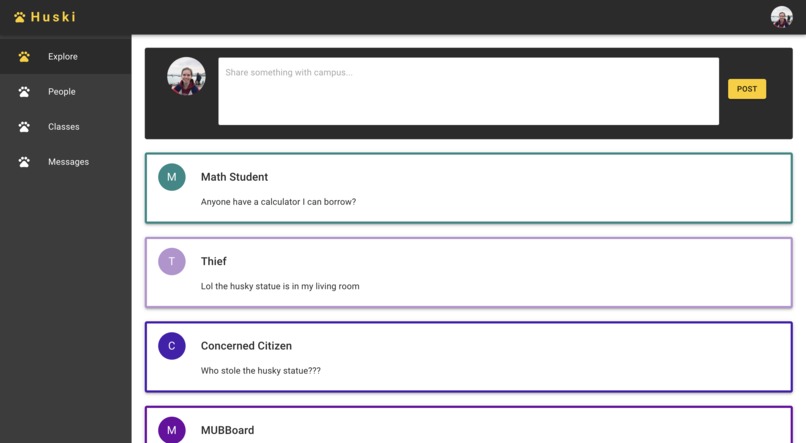
The Explore page (with a few sample posts)
-
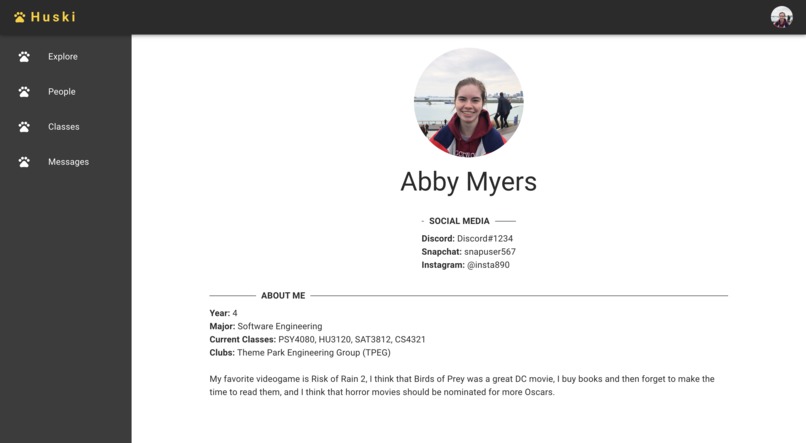
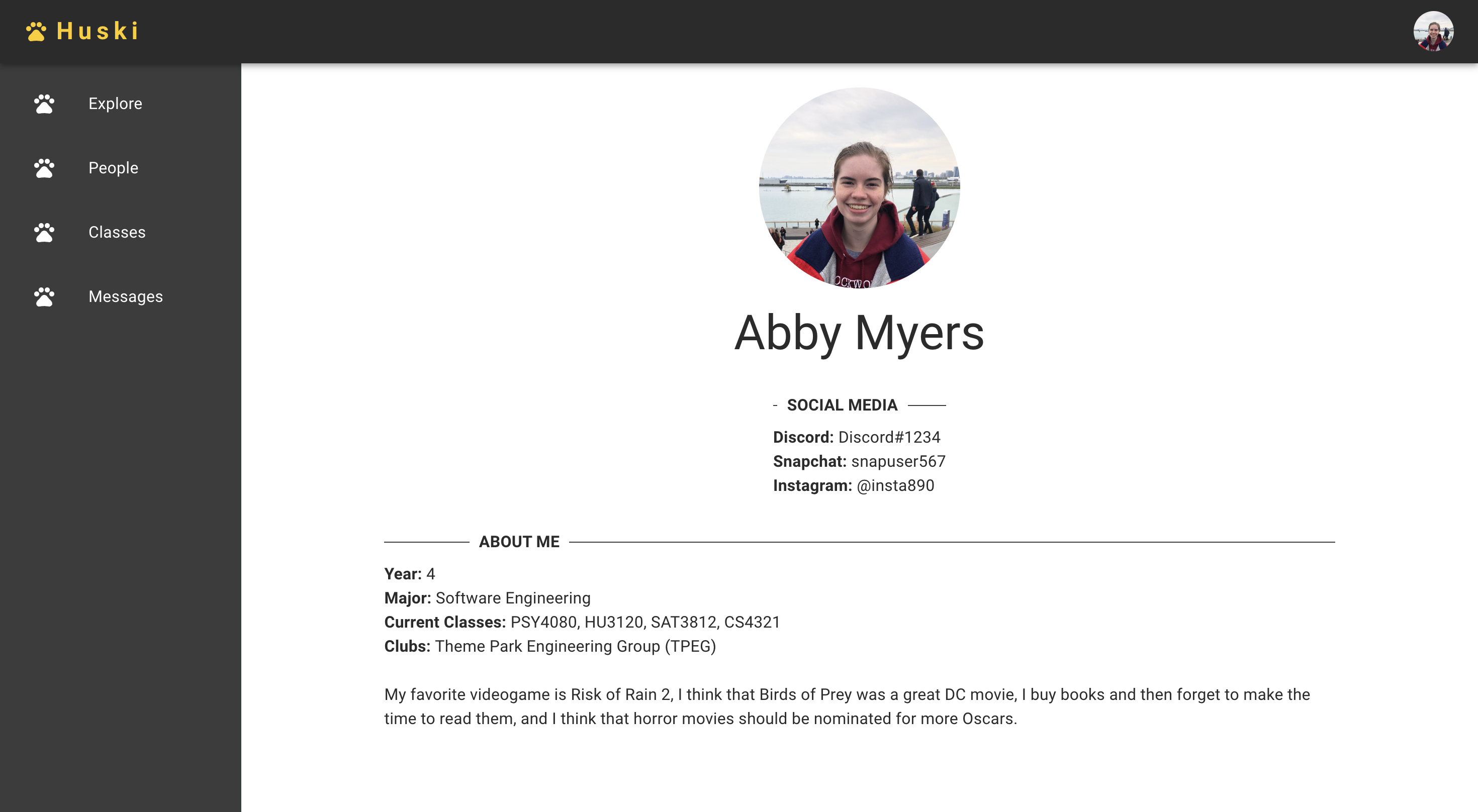
The Profile page (with myself as an example)

Inspiration
After about 4 years at Michigan Tech, I noticed that social media presence for students is split across websites like Reddit, Yik Yak, and Discord. It can be difficult to find which website a certain conversation is taking place on, and it's nearly impossible to connect students to the posts they make on many of these platforms.
What it does
Huski acts as a social media hub for MTU students. Instead of browsing anonymous posts or connecting 3 different story sources, Huski makes everything available in one place. The idea is that each MTU student gets the opportunity to create their profile to the extent they are comfortable with - name, year, major, classes, clubs, social media, and a personal bio. This information allows Huski to fill in the blanks.
Users can scroll text posts on the Explore page, which allows all of campus to post in one place from wherever whenever. The catch is that these posts each show their author, hopefully cutting down on anonymous online bullying. Users can also search for their fellow students profiles or for a class to look at who else is taking it. Lastly, Huski will allow for students to message one another.
*As of this hackathon, the only current functionality is a mock Explore and Profile page using sample data.
How we built it
I used create-react-app to begin the project, which is a simple template for a React project. I then installed Material UI, a popular UI library for React. With React and MUI ready, I spent the remainder of my time focused on adding front end components to make the site look nice.
Challenges we ran into
I did not have a lot of time to dedicate to this hackathon, between homework and other responsibilities, so my biggest challenge was finding the most useful tasks to get done in the time I did have. React and Material UI often involve frequent bugfixing/tinkering, so even the road to a shallow front end demo was not easy.
Accomplishments that we're proud of
I'm proud that I managed to wrangle the Material UI components to look as nice as they do. I created a wireframe for the site in Figma before I started coding, and my finished product ended up looking nicer (in my opinion) than the wireframe.
What we learned
I learned how to prioritize a task list under heavy time pressure.
What's next for Huski
I wasn't able to tackle the People, Classes, or Messages tabs on the site at all with the time I had. I would have liked to finish the functionality I talked about in the "What it does" section. Additionally, I think it would be cool if people could post images and videos on the Explore page. I also wanted to add an "edit" page for the Profile page, but I ran out of time.
Built With
- javascript
- material
- react

Log in or sign up for Devpost to join the conversation.