-
-
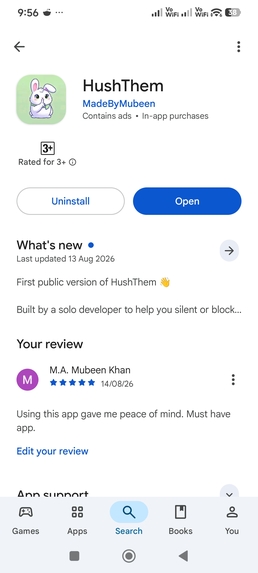
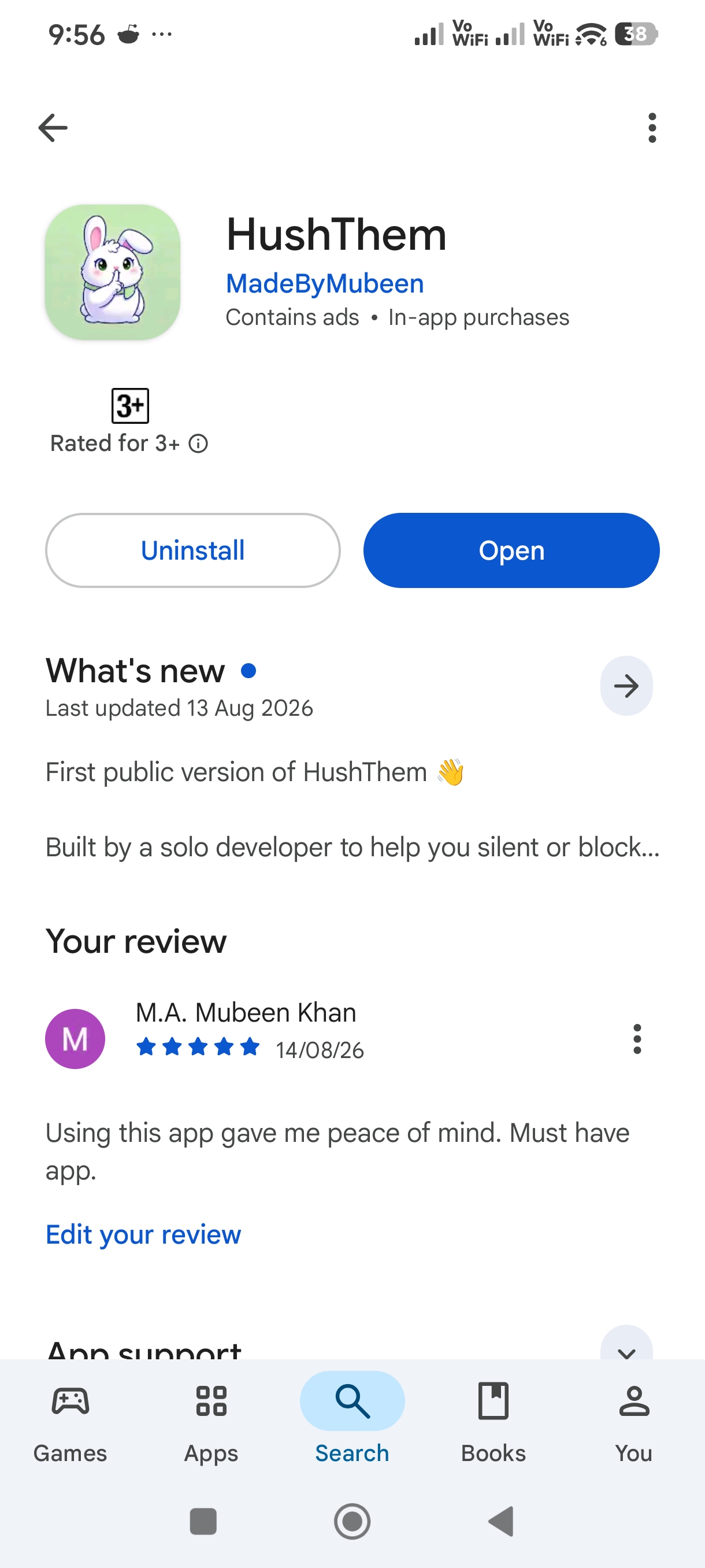
It's available for free on Google Play Store.
-
-


Inspiration - My mom is old and fragile and sometimes she used to call me on my phone for minor needs for which I don't keep my phone on silent. But some irrelevant calls would disturb my sleep so I came up with this idea .
What it does - Whitelist-first blocking. Add the contacts allowed to reach you.
Anyone not on that list never rings your phone.
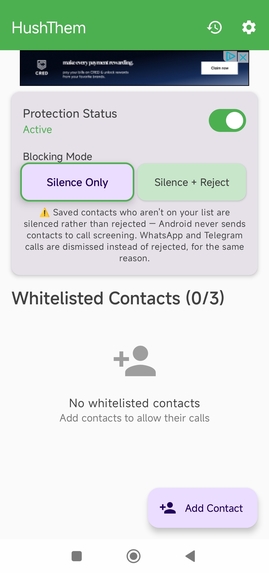
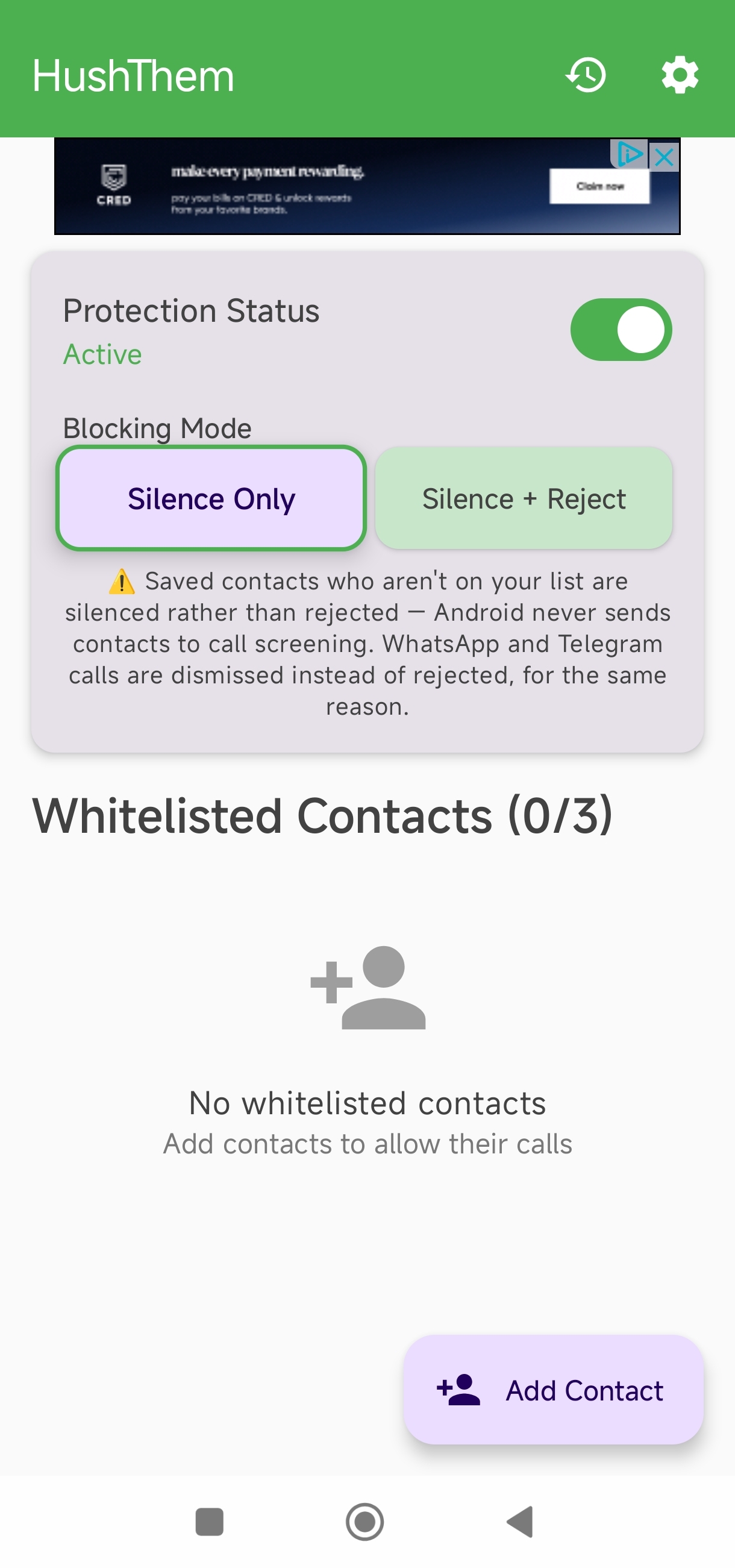
Two modes: Silence Only (free) — the call never rings and is logged; Silence + Reject (Premium) — the call is hung up automatically.
Covers three separate paths Android treats differently:
- Unknown numbers, via the Caller ID & spam app role (CallScreeningService).
- Saved contacts who aren't on your list, via an app-owned Do Not Disturb rule — Android never routes contacts through call screening, so DND is the only lever that works here.
- WhatsApp and Telegram calls, via a notification listener that dismisses the incoming-call notification.
Blocked-call history, so you can see exactly what it stopped and confirm nothing important was missed. Nothing is hidden from you.
Night Mode (Premium): protection turns itself on and off on a schedule you set.
Biometric Lock (Premium): the app itself is locked behind fingerprint, face unlock, or device credential.
Honest about its limits, in the app: saved contacts are silenced rather than rejected, and VoIP calls are dismissed rather than rejected, because Android does not allow otherwise. That warning is on the main screen, not buried in a FAQ.
How I built it - Native Android, Kotlin, Jetpack Compose, Material 3.
CallScreeningService for the unknown-number path. The platform gives a screening callback roughly five seconds to answer, so the app never touches the database on that path: an in-memory snapshot (WhitelistCache) is warmed at app start, at boot, and after every edit, with an encrypted-preferences mirror so a cold process still answers in milliseconds.
Phone numbers are matched on a normalised key rather than by string equality, so +44, 0044 and local formats all resolve to the same contact.
An app-owned AutomaticZenRule for the saved-contact path, which restores the user's own Do Not Disturb state when protection is turned off — it never leaves the phone silently filtered.
Room + SQLCipher for the local database; EncryptedSharedPreferences for settings. The whitelist never leaves the device.
WorkManager for the Night Mode schedule and log cleanup.
RevenueCat for subscriptions and entitlements. A single "premium" entitlement gates everything paid, with prices, currency and the yearly saving all read from the live offering rather than hardcoded, and it is mirrored into encrypted local storage so the offline call-screening path can enforce it inside its five-second budget without a network round trip. Signing in calls Purchases.logIn, merging anonymous purchases into the account so a subscription follows the user to a new device.
A seven-day, no-card free trial on first launch: the full paid product, granted locally, with no payment details required. It grants entitlement but records no purchase, so RevenueCat stays the only source of truth for anything actually paid for.
AdMob on the free tier, removed entirely by the subscription.
Challenges I ran into - The hardest part was discovering that "block a call" is not one problem on Android — it is three, with three different APIs and three different sets of things that are impossible.
Call screening never sees saved contacts. That is not a bug we could fix; it is the platform's design. Solving it meant learning the Do Not Disturb / AutomaticZenRule API and accepting a weaker outcome (silenced, not rejected) for that path — and then telling the user that plainly on the main screen instead of pretending it worked.
The five-second screening budget forced a rewrite of the data layer. The first version opened an encrypted database inside the callback, which on a cold process was slow enough to miss the window and let the call through. The cache-and-mirror design was the fix.
Permissions are also revocable at any moment, and another caller-ID app taking the role revokes ours silently. So protection state is reconciled on every resume and on boot, and the main screen shows a banner naming exactly which half of the protection is currently not working, rather than displaying a green "Protected" badge that lies.


Log in or sign up for Devpost to join the conversation.