Inspiration
During a hurricane, fake alerts spread faster than real ones. A message like “Category 6 tonight, share before it’s deleted” gets forwarded by people who are scared and trying to protect their families. We live in Miami, where this is a real problem, and we wanted a way for anyone to check an alert in seconds before passing it on.
What it does
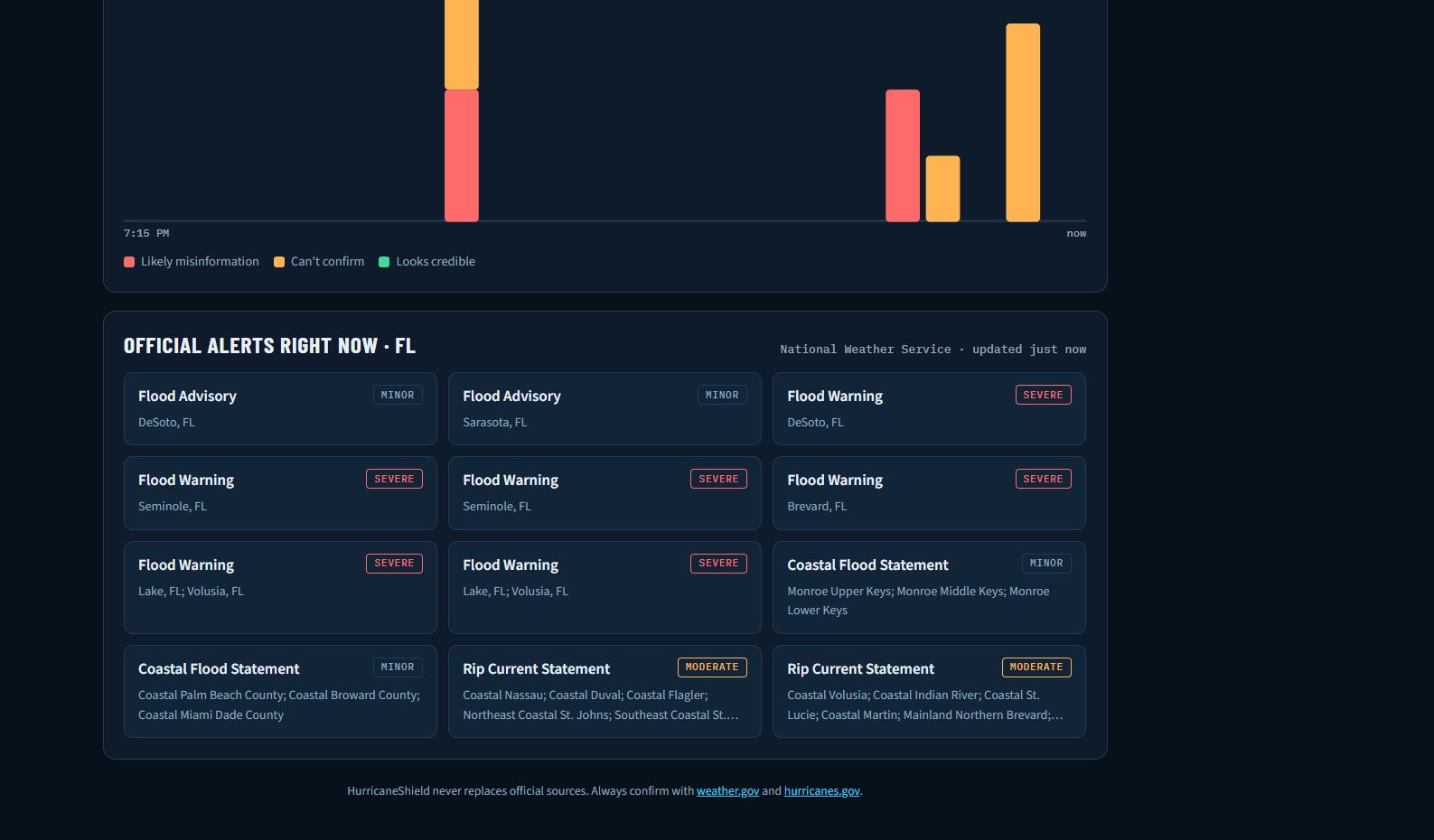
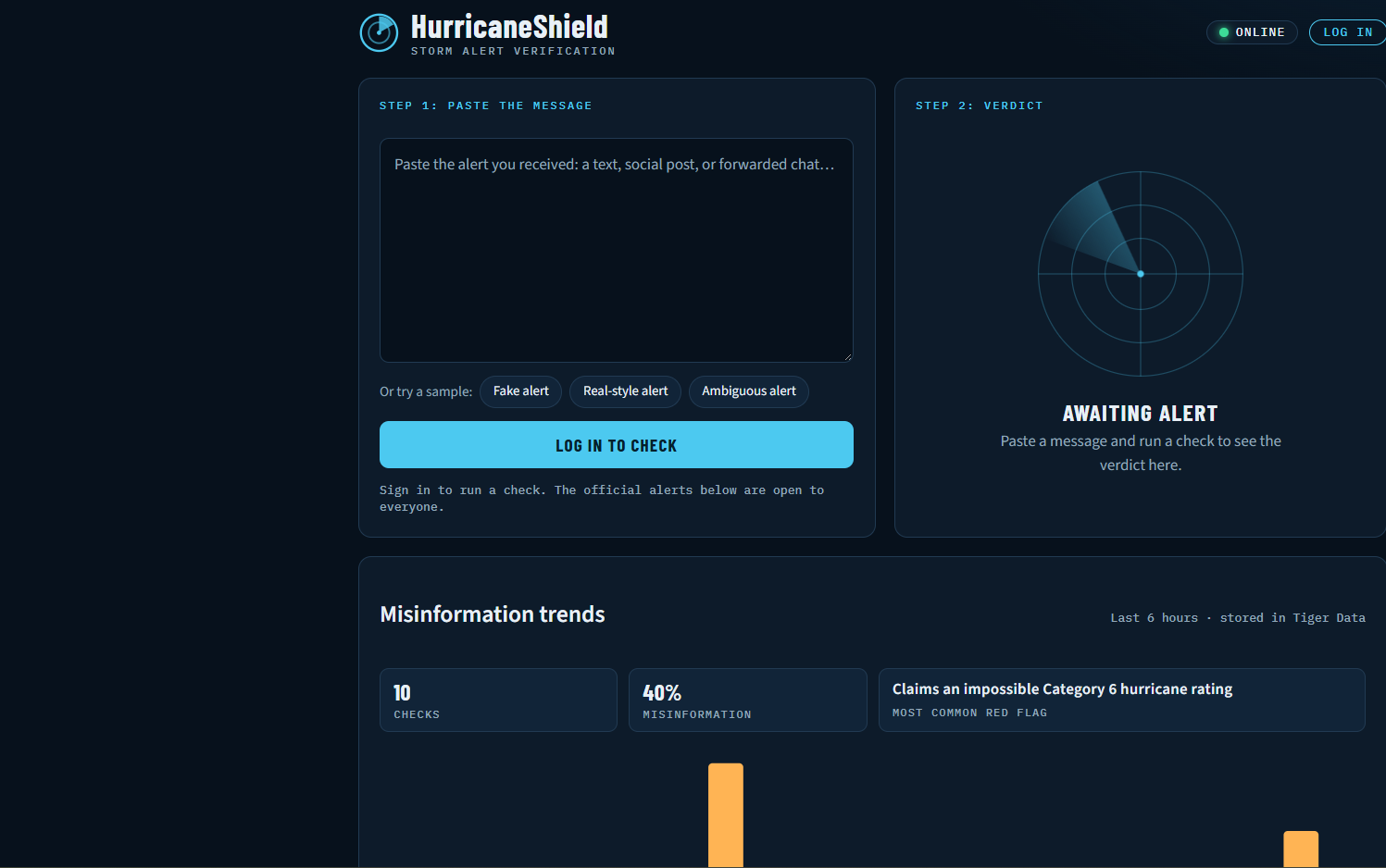
HurricaneShield lets you paste any storm alert and get a verdict: Looks credible, Likely misinformation, or Can’t confirm. Each verdict comes with a confidence score, a plain-language explanation, and the specific red flags it found. The app compares the message with live National Weather Service alerts, and it always points people back to hurricanes.gov and weather.gov. It never tells anyone it’s safe to ignore a storm.
It also works offline. It saves the latest official alerts on the device, and if the internet or the AI is unreachable, it falls back to built-in rules that catch common warning signs such as fake categories, requests for money, shortened links, and pressure to share.
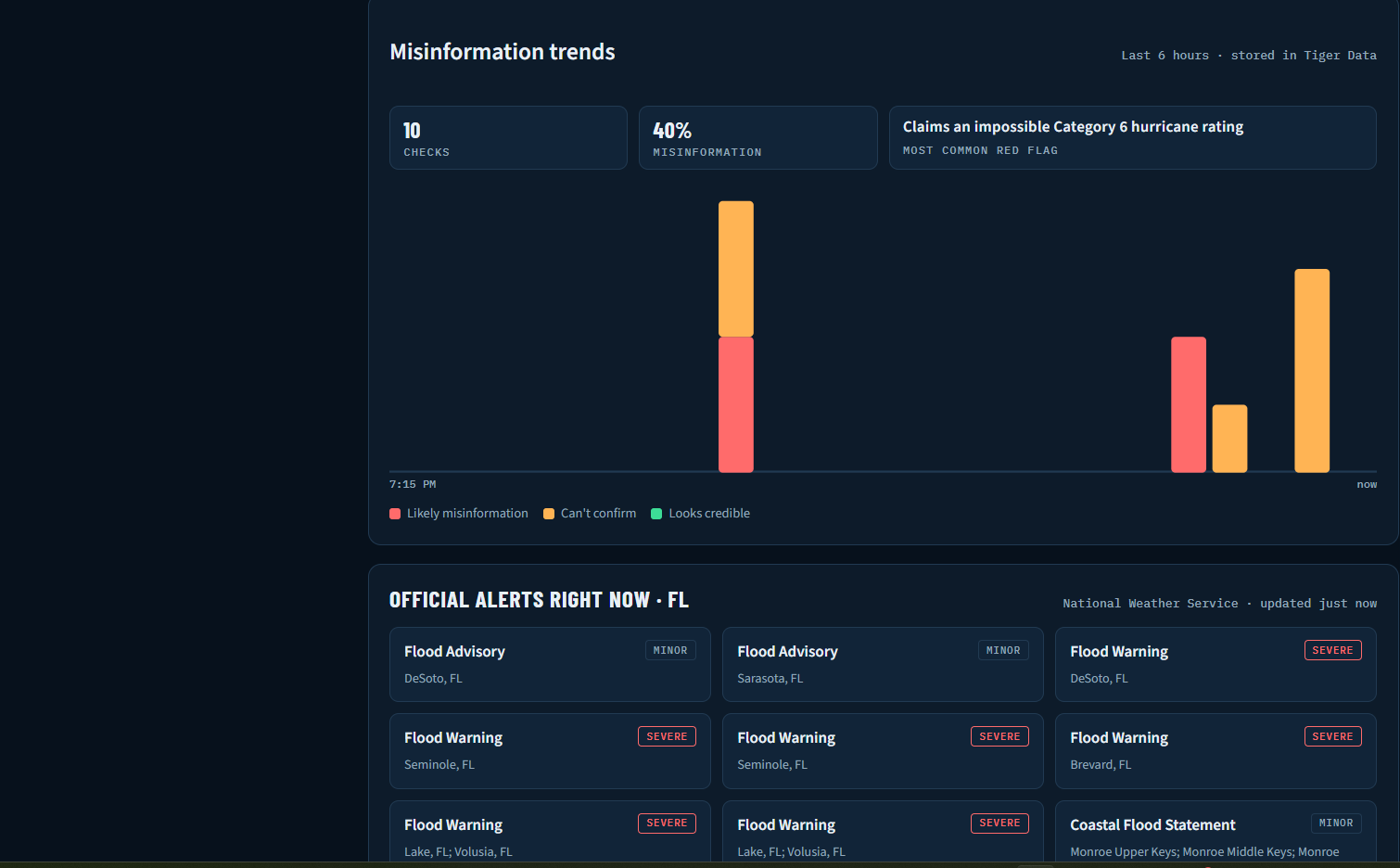
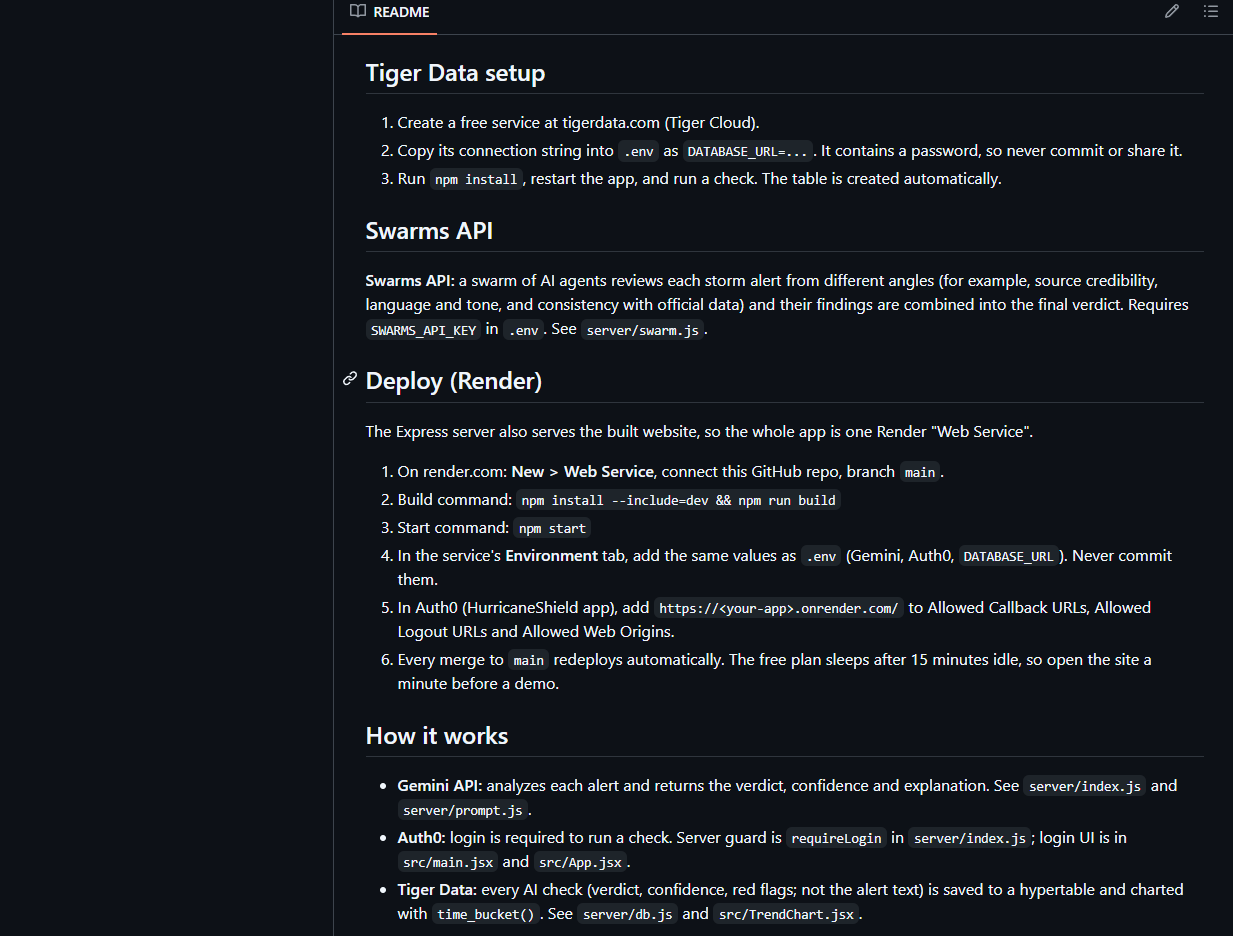
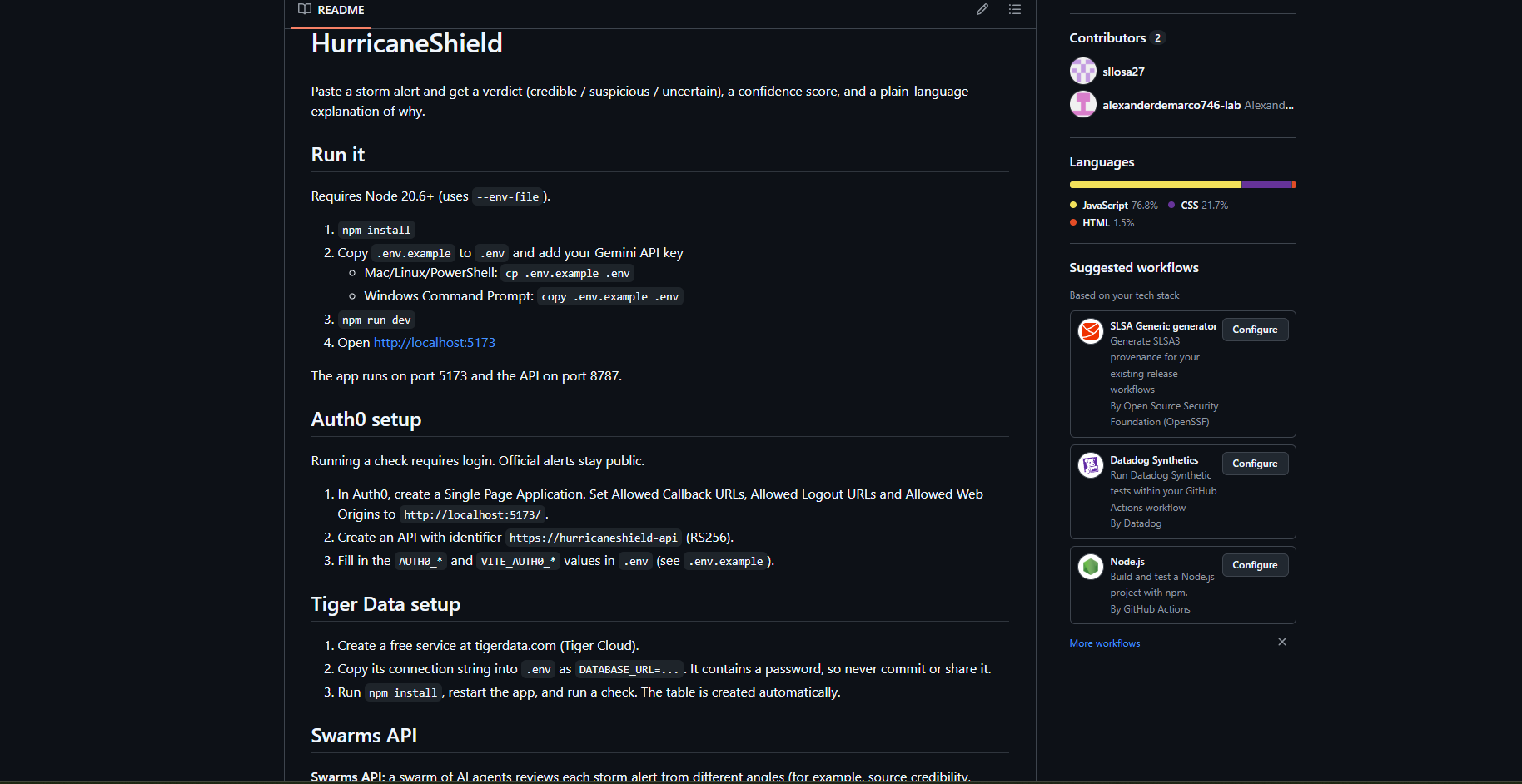
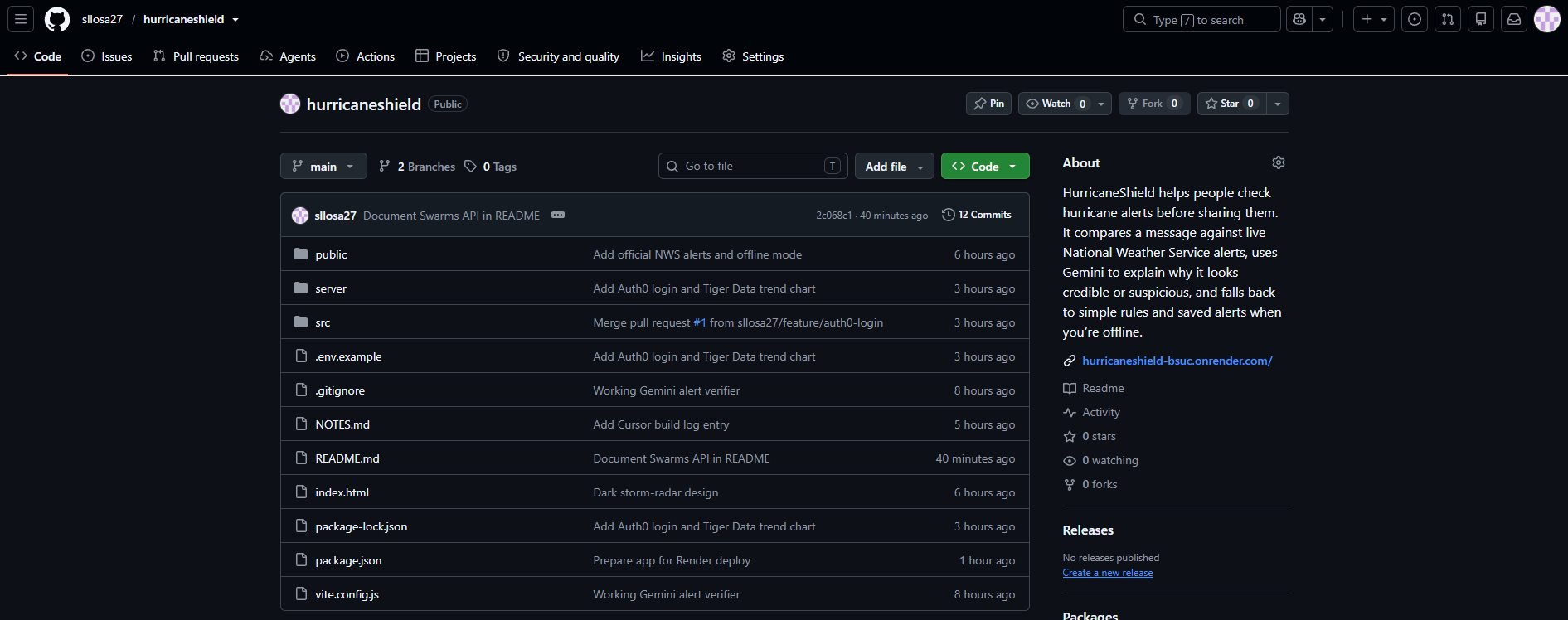
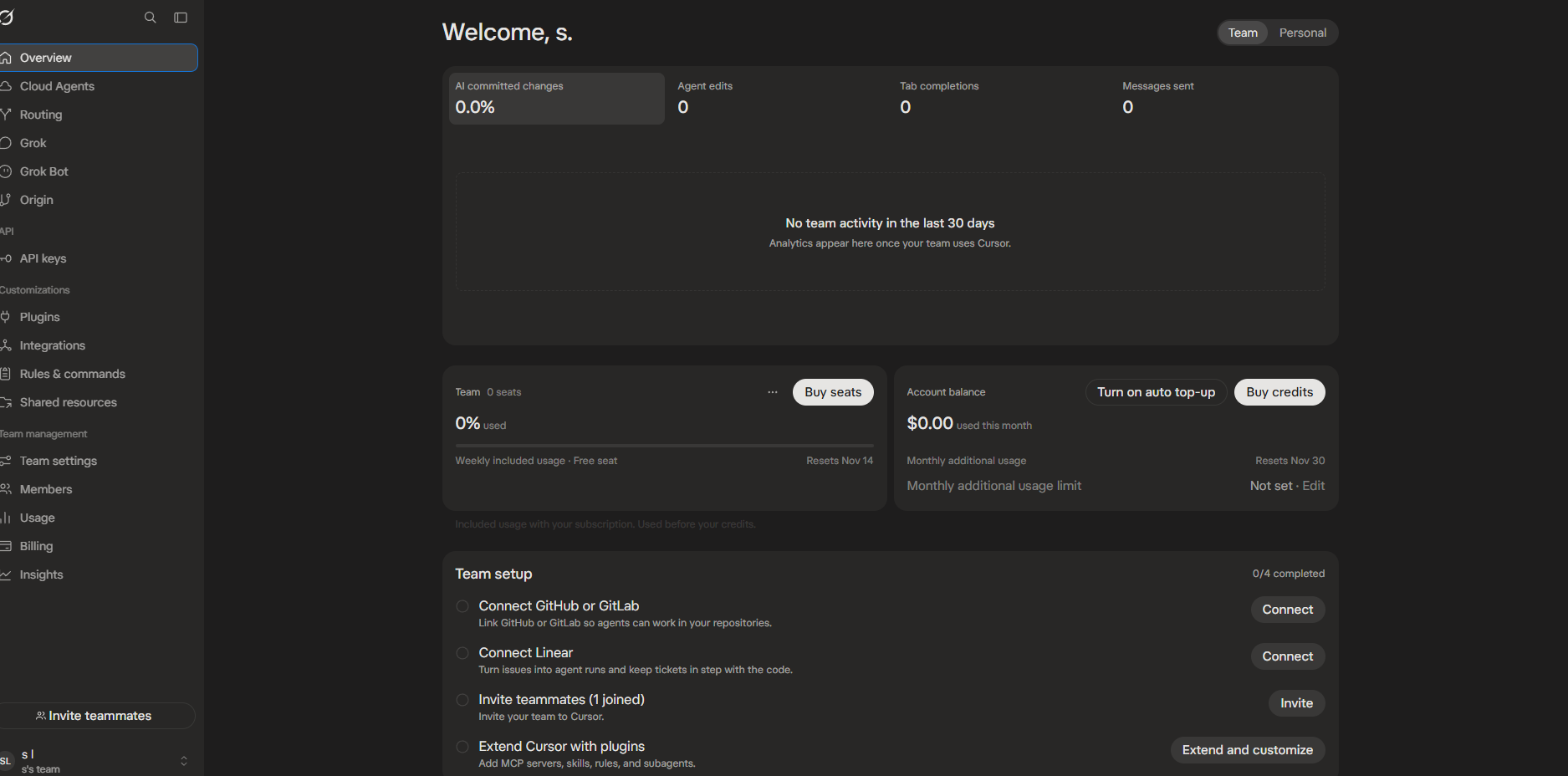
How we built it Frontend: React with Vite, in a dark storm-radar design. Backend: a Node and Express server that keeps the API key private and calls Gemini. AI: the Gemini API produces the verdict, confidence, explanation, and red flags as structured JSON. Official data: the National Weather Service alerts API, cached for two minutes on the server. Offline mode: the last official alerts are saved on the device, plus a rules-based checker and a service worker so the app can load without a connection. Deployment: the code is on GitHub and deploys to Render. Cursor: [describe what you really did, e.g. “we used Cursor’s agent to add the footer disclaimer, which edited App.jsx and styles.css and verified the result in the browser”]. Grok Bot: [add only after it has done a real task, e.g. “a QA Bot tested the live site against our three demo alerts”]. We also used an AI chat assistant to plan the architecture and draft the first version of the code. Challenges we ran into Retired model name. Our first Gemini calls failed with a 404 because the model name we started with had been retired, so we looked up the current model list and updated it. Windows blocking npm. PowerShell refused to run npm, and we had to use npm.cmd instead. Honest verdicts with real data. After we connected live alerts, our sample “official-looking” hurricane warning came back as “Can’t confirm” because no such warning was active. That was the correct behavior, but it meant rethinking our demo alerts. Offline testing. Making sure the fallback checker gave sensible results with no network took repeated testing. Accomplishments that we’re proud of A working, deployed app that gives correct verdicts on a fake, a real-style, and an ambiguous alert. Offline mode that still works when the AI and internet are gone, which is exactly when a hurricane is hitting. A verdict that admits uncertainty instead of guessing, with official sources always one click away. [Add: Auth0, Tiger Data, Swarms, or Grok Bot, only if they’re actually working by submission.] What we learned Keep API keys on the server and out of the code, using environment variables. In a safety setting, “I can’t confirm this” is a better answer than a confident guess. Offline-first design takes real planning, and it matters most when connectivity fails. [Add one or two real lessons about using Cursor or working with your teammate.] What’s next for Hurricane Shield Spanish and Haitian Creole support for South Florida communities Upload a screenshot of an alert, since most fake alerts spread as images Multiple AI agents that cross-check each alert (source, language, official data) A dashboard showing which kinds of misinformation are spreading Sign-in and a shareable “debunk card” for flagged alerts
Built With
- cursor
- express.js
- gemini-api
- github
- javascript
- national-weather-service-api
- node.js
- react
- render
- service-worker
- vite
