-
-
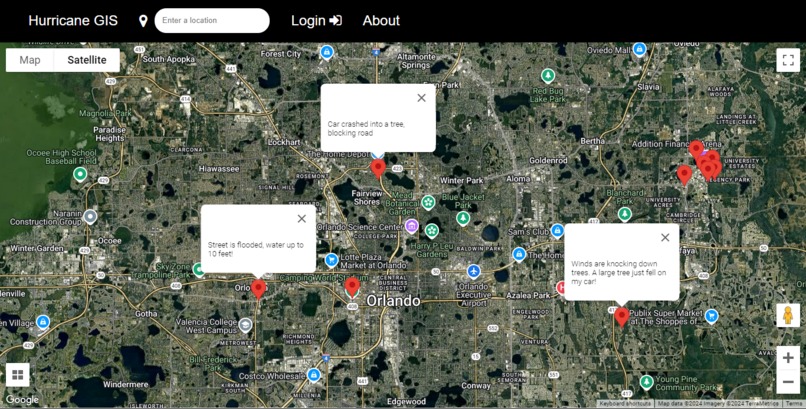
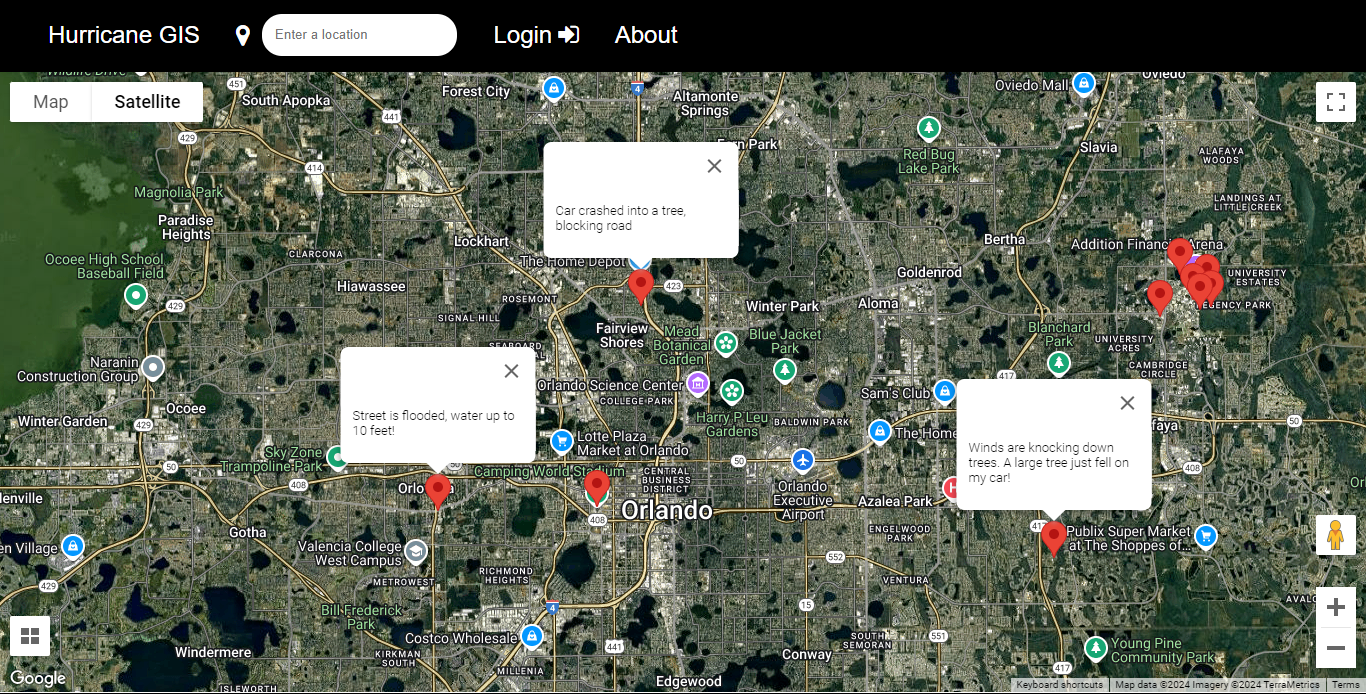
Users can view reports on the shared map.
-
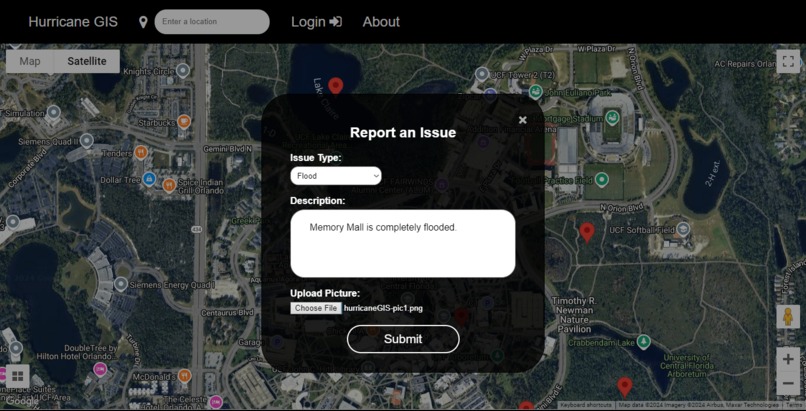
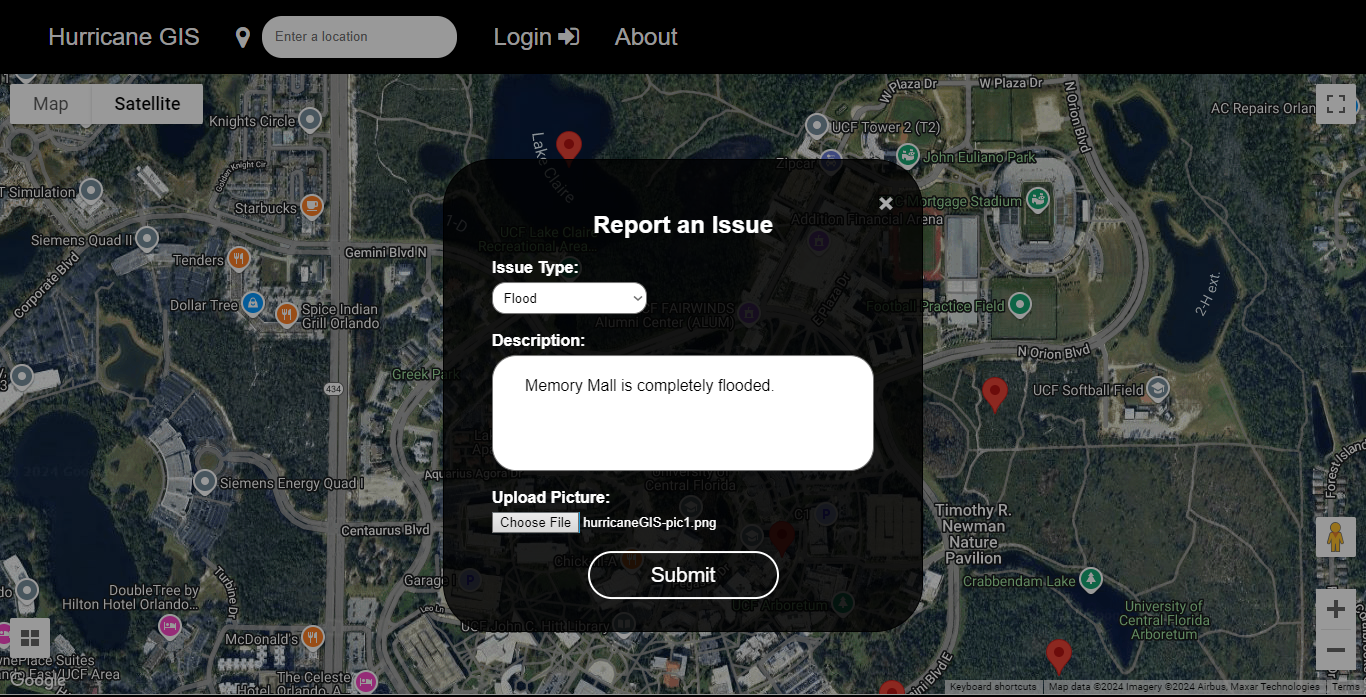
Creating a pin.
-
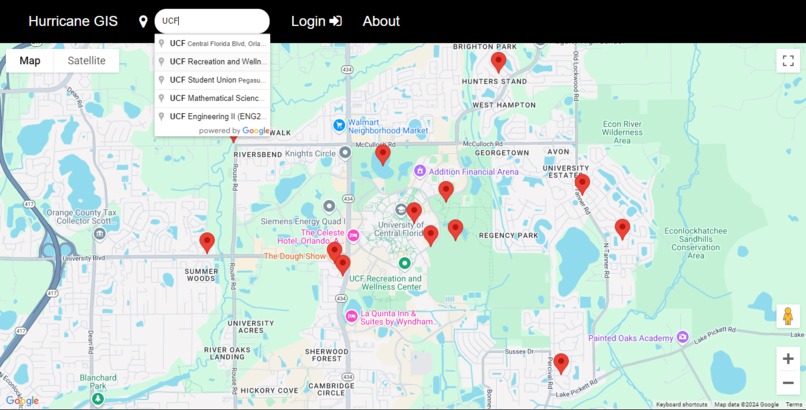
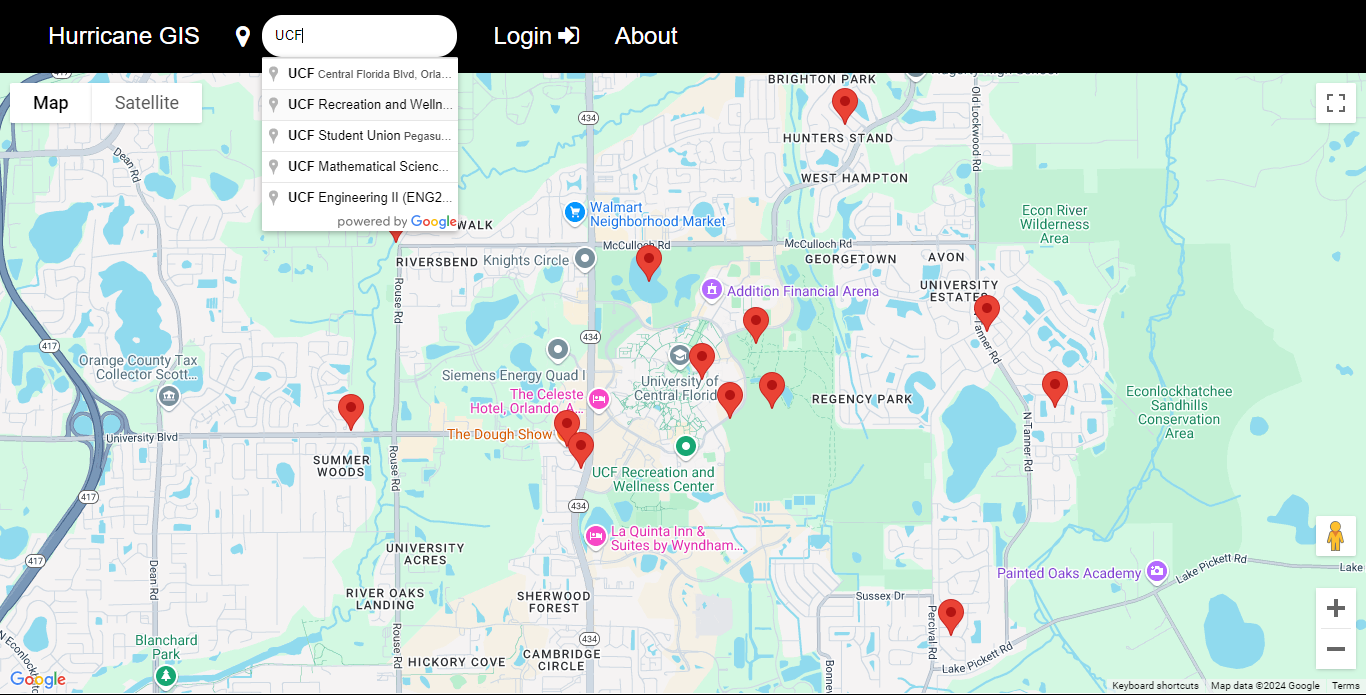
Address search for efficient navigation.
-
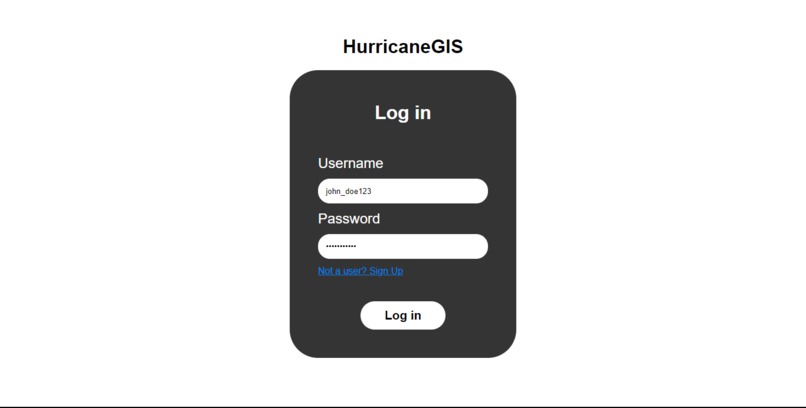
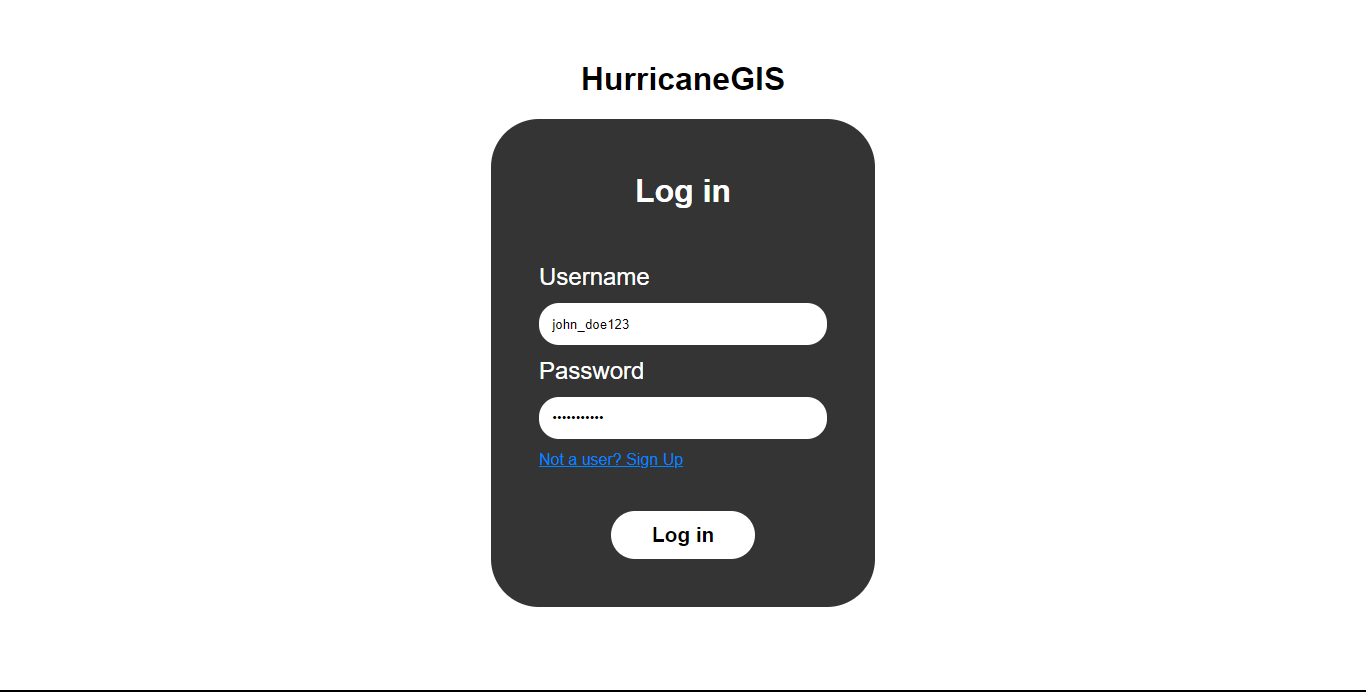
Login page. Users must create an account to create pins.
-
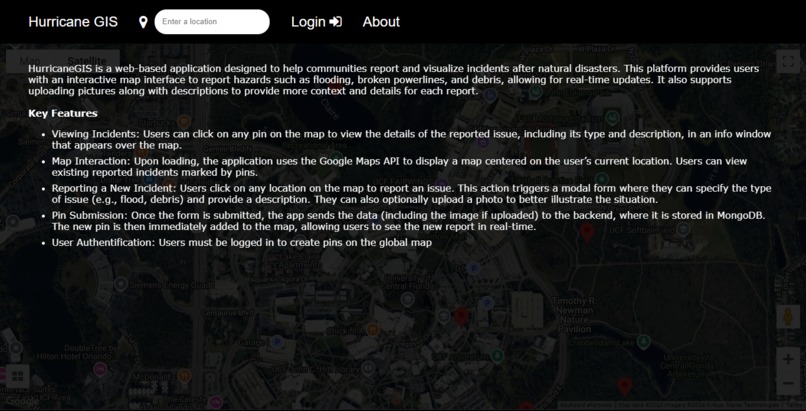
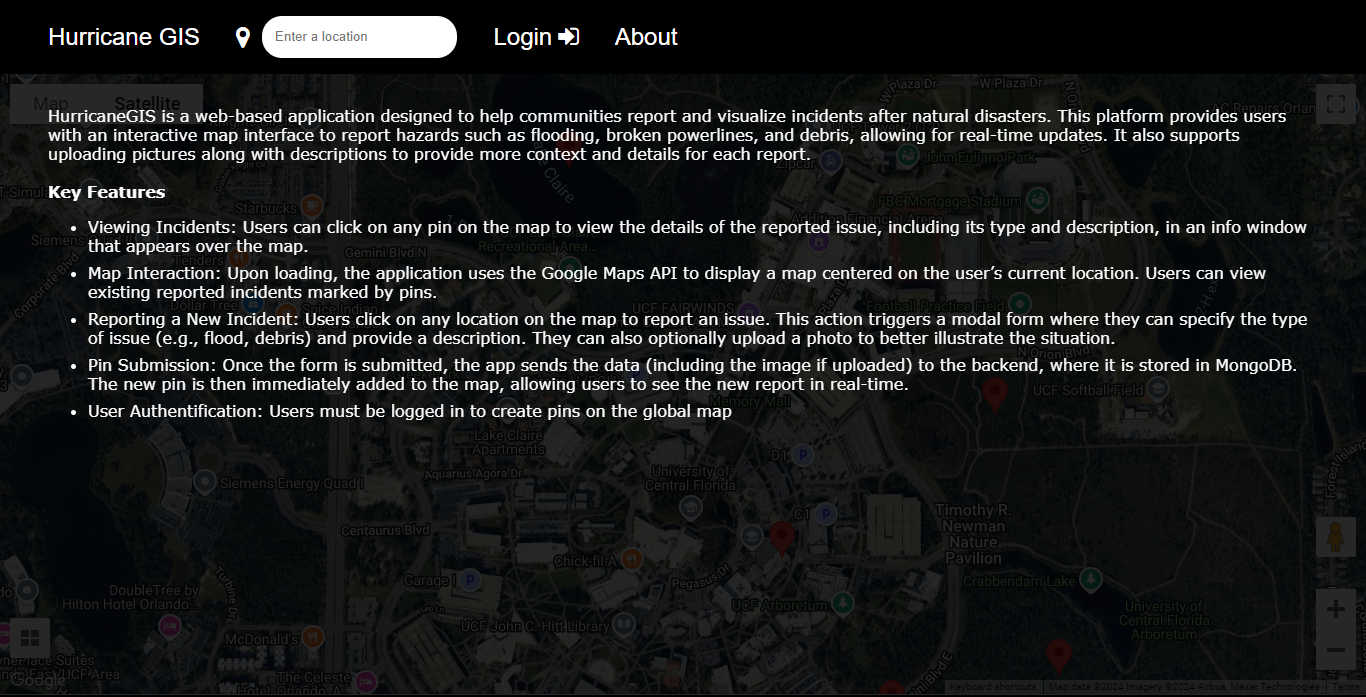
About section.
Inspiration
HurricaneGIS was born out of our experiences during hurricane season here in Florida. After a recent storm hit our area, we wanted to create an easy way for people to report what they were seeing. So, we built this app to help people connect and stay informed during these challenging events.
What it does
HurricaneGIS gives users access to a global map, that has pins on it created by other people. These pins represent incidents related to natural disasters (i.e. debris, flooding, broken powerlines, crashed cars). HurricaneGIS provides people with real-time updates about surrounding areas during these events using the pins created by locals.
- Viewing pins on the map - Clicking on pins displays the incident report, containing the incident type, description, and location. Also storing the user meta data of who made the report
- Adding pins - Users can add pins by clicking on the map.
- User authentication - Users can not add pins if they are not registered on the site. Only until they register or log in are they able to do so.
- Address search - Users can type in an address in the search bar to zoom in on the location. This makes it easy to navigate to locations far away on the map.
How we built it
Back-end: MongoDB, Node.js, Express.js, Google Cloud
Front-end: Google Maps API, JavaScript, HTML/CSS, SASS
We built HurricaneGIS by first using the Google Maps API to add the map interface to the website. The UI was created using base HTML, CSS, and JavaScript with the API to get information about where the user adds a pin on the map, and we used to create a form for the incident report.
We stored the coordinates and incident report input using MongoDB and hosted it on a Google Cloud server so pins would be shared between users. We added user authentication using Express.js, making it so that only registered users could create pins. However, any guest would still be able to view the map even if not logged in.
Challenges we ran into
The most significant challenge we had was learning version control and collaboration using Git. This was our first hackathon, and our first time programming within a team so the workflow was a learning curve. As a team, we encountered numerous issues with merging files, which often led to confusion and setbacks. There were times when we didn’t make enough commits, resulting in lost code when we pulled or merged our work incorrectly. We were able to overcome these difficulties through extensive communication with each other about what changes we were working on, and what to merge and when.


Log in or sign up for Devpost to join the conversation.