-
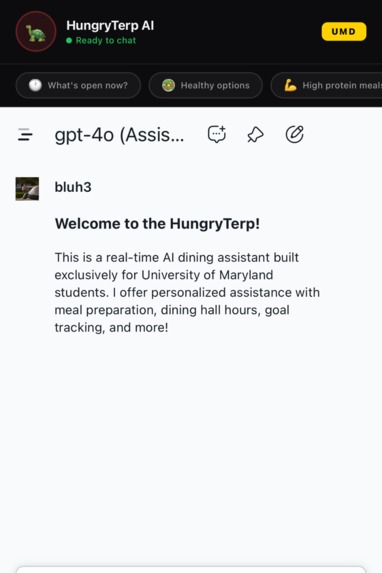
Chatbot Preview
-
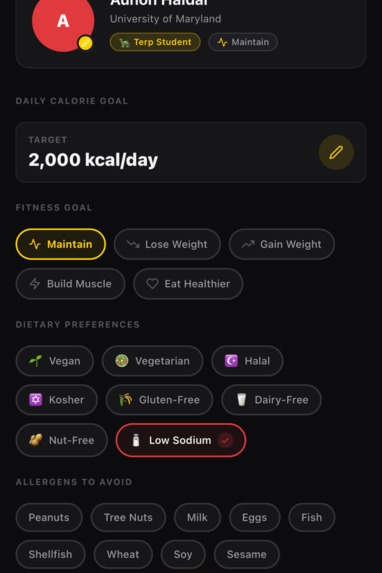
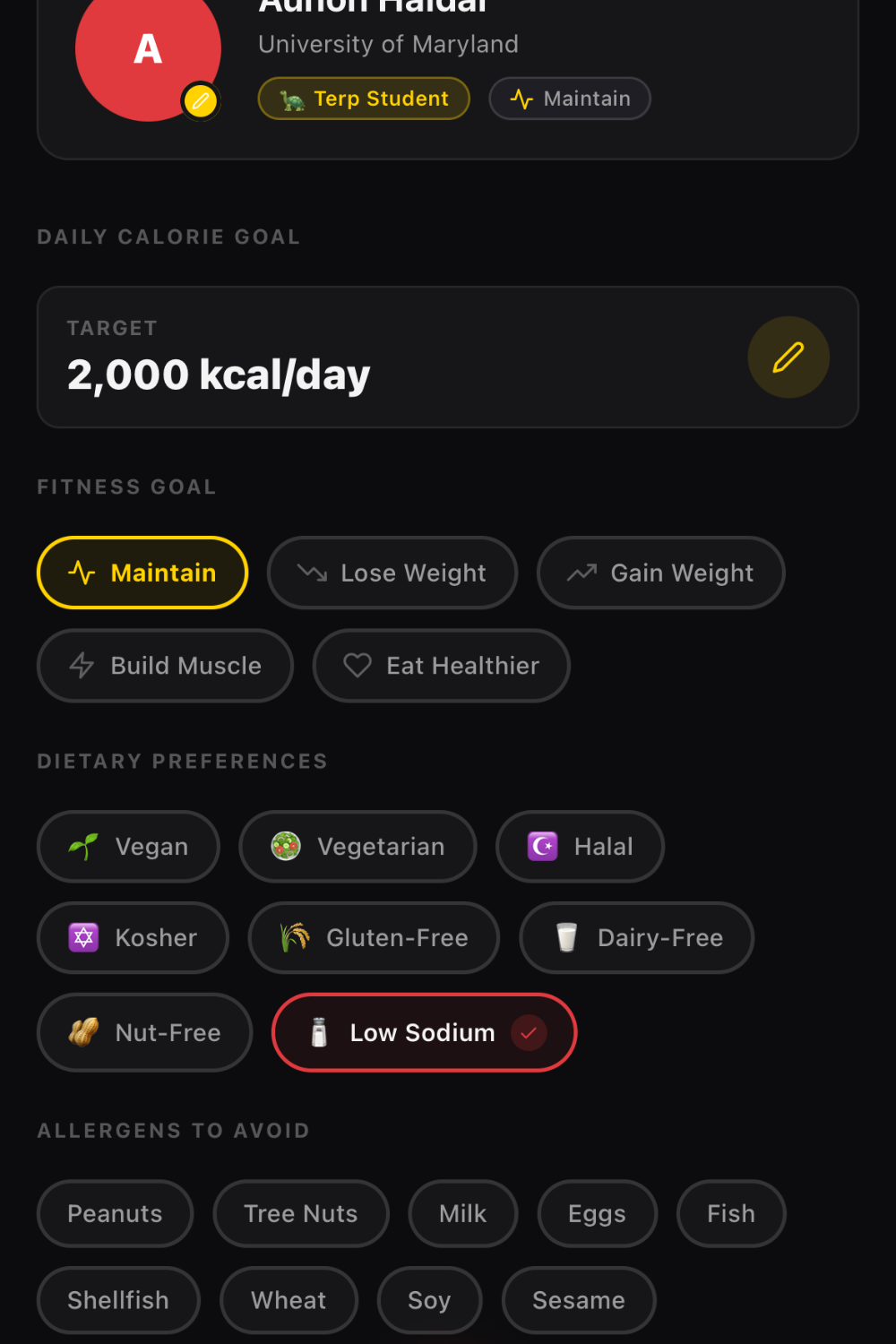
Example User Profile
-
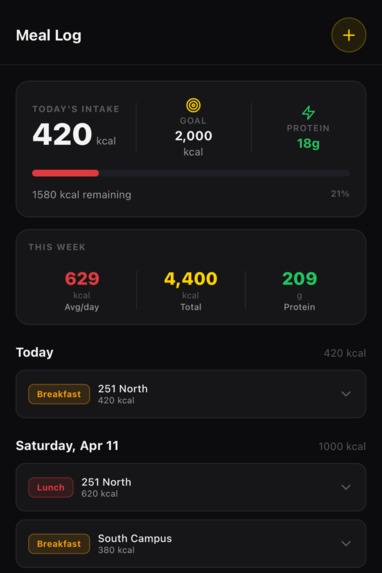
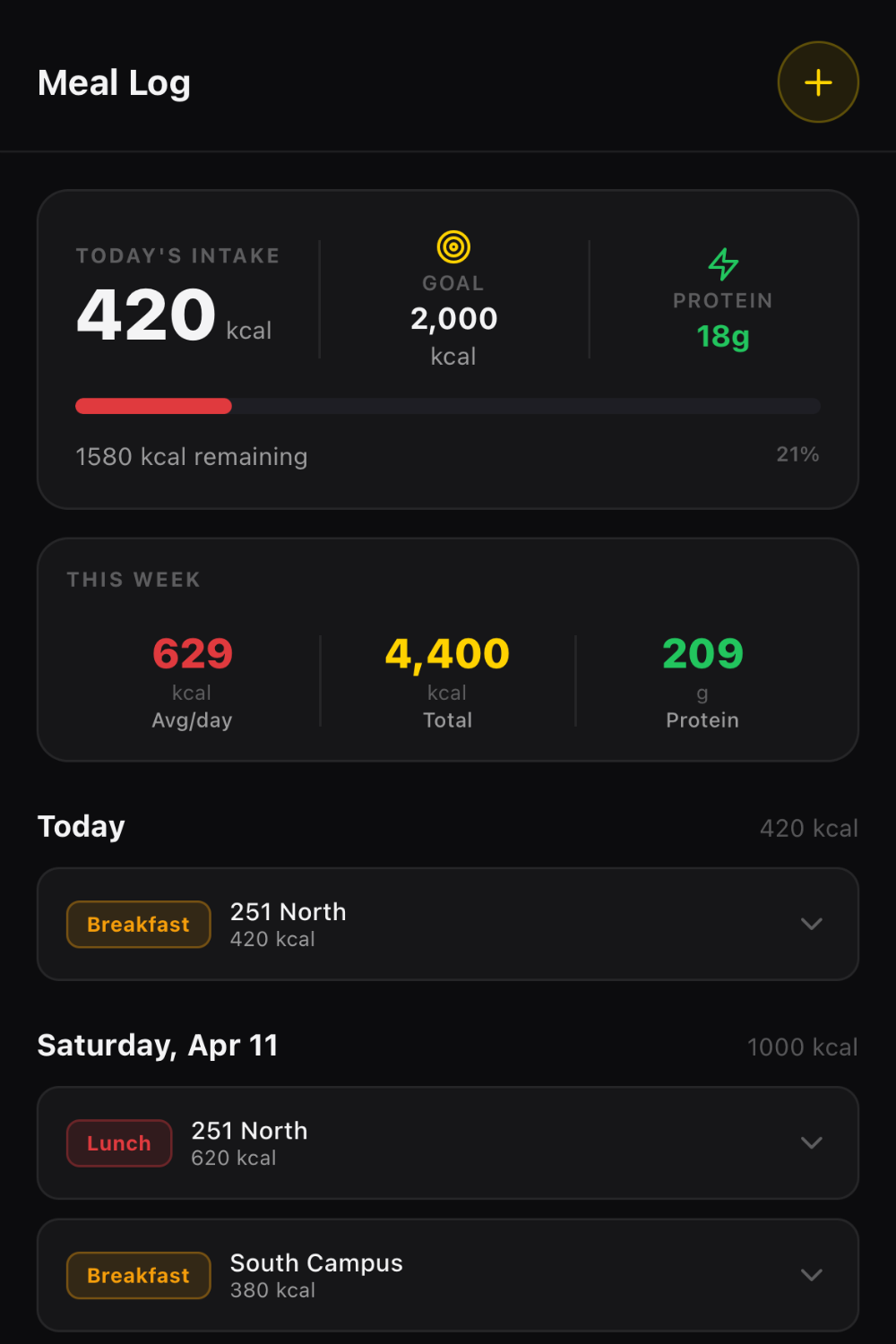
Example Meal Log
HungryTerp
A React Native mobile app for University of Maryland students to explore dining hall hours, track meals, scan food for nutrition info, and chat with an AI dining assistant.
Features
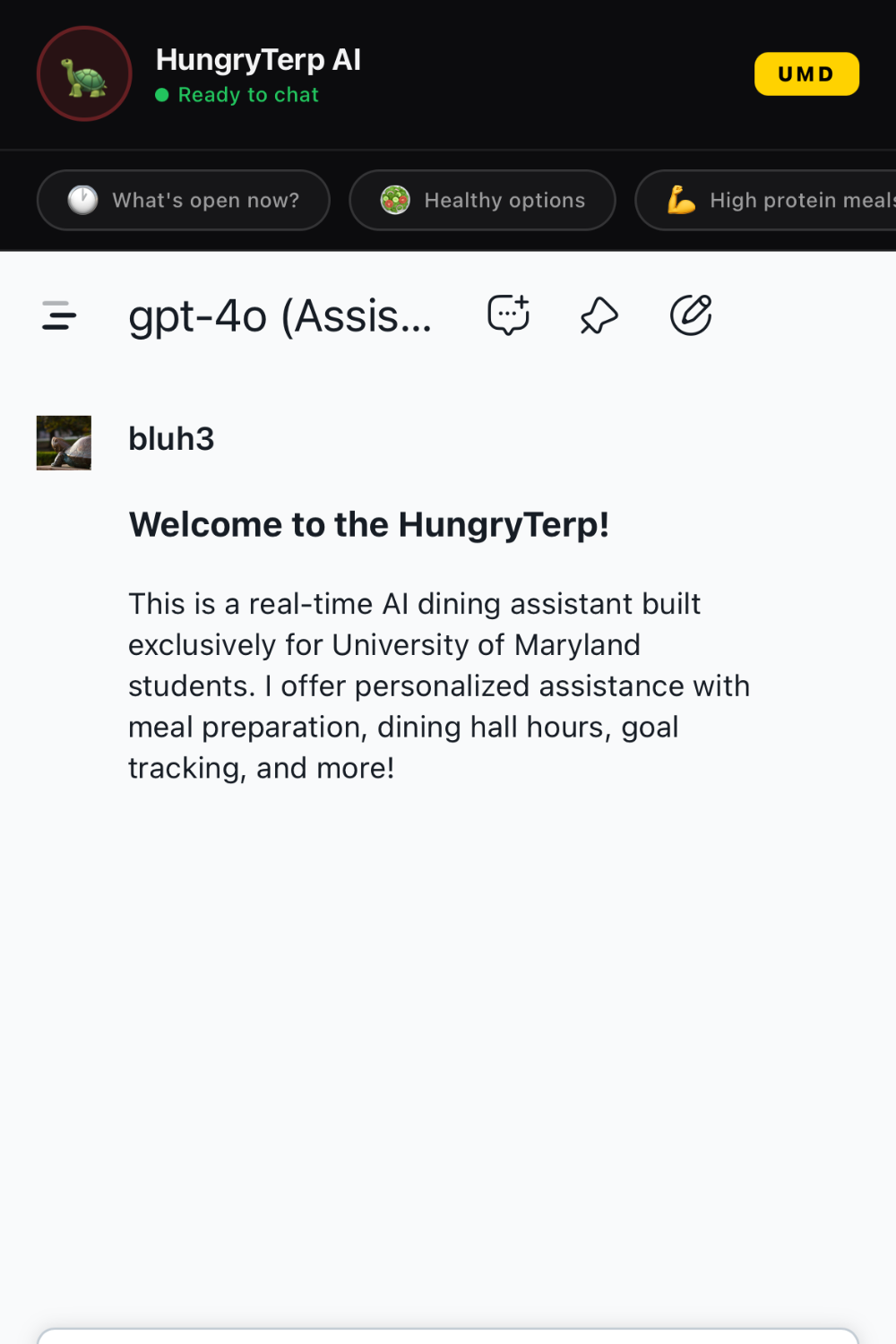
- HungryTerp — AI chat agent powered by UMD's TerpAI, embedded via WebView with quick-prompt chips
- Dining Hours — Interactive calendar showing open/closed status, crowding levels, and live "Open Now" detection for 251 North, South Campus, and Yahentamitsi
- Food Scanner — Demo food scanner with hardcoded dining hall items showing full macro/micronutrient breakdowns and allergen warnings
- Meal Log — Daily calorie tracker with weekly stats, expandable meal cards, and a modal to log custom meals
- Profile — Dietary preferences, allergen settings, fitness goals, and app preferences
Tech Stack
- Expo ~54 / React Native 0.81
- Expo Router v6 — file-based navigation
- react-native-webview — TerpBot agent
- react-native-calendars — dining hours calendar
- react-native-reanimated — tab transitions
- @expo/vector-icons — Feather icon set
Project Structure
hungry-terp/
├── app/
│   ├── _layout.js           # Root stack + dark status bar
│   └── (tabs)/
│       ├── _layout.js       # Tab bar (TerpBot / Hours / Scan / Meals / Me)
│       ├── index.js         # TerpBot — WebView AI agent
│       ├── calendar.js      # Dining hours with live open/closed detection
│       ├── history.js       # Meal log + weekly stats + Add Meal modal
│       ├── profile.js       # Profile, dietary prefs, allergens, settings
│       └── scanner.js       # Food scanner with nutrition breakdown
├── constants/
│   └── theme.js             # UMD color system, typography, spacing, radius
├── assets/                  # App icons and splash screen
├── app.json                 # Expo config (name: HungryTerp, scheme: hungryterp)
├── babel.config.js          # babel-preset-expo + reanimated plugin
└── package.json
Getting Started
Prerequisites
- Node.js v18+
- Xcode (for iOS simulator / device)
- CocoaPods (
brew install cocoapods) - An Apple Developer account (free tier works for device testing)
Install
git clone <repo-url>
cd hungry-claude
npm install --legacy-peer-deps
Run on iOS Simulator
npx expo run:ios
If you see a Metro cache error on first launch:
rm -rf .expo node_modules/.cache
npx expo run:ios --no-build-cache
Run on Physical iPhone (USB)
Plug in your iPhone via USB, trust the computer on the device, then:
npx expo run:ios --device --configuration Debug
Expo will detect your phone, build the app, and inject the Metro dev server URL automatically. If the app opens to a red error screen, wait for Metro to finish starting and tap Reload JS.
In Xcode: select the HungryTerp target → Signing & Capabilities → enable Automatically manage signing → select your Apple ID as the team → set a unique Bundle Identifier (e.g. edu.umd.hungryterp.yourname).
Agent
The TerpBot tab loads the UMD TerpAI agent via WebView:
https://terpai.umd.edu/chat/7f223670-26c1-4466-9af7-4e63c82cd173
All other data (dining hours, meal history, food scanner items) is either pull from online sources or hardcoded for demo purposes.
Colors
| Token | Hex | Usage |
|---|---|---|
umdRed |
#E03A3E |
Primary actions, scan button, tags |
umdGold |
#FFD200 |
Active tabs, highlights, UMD badge |
bg |
#0C0C0E |
App background |
bgCard |
#161618 |
Cards, modals |
success |
#22C55E |
Open Now, protein |
warning |
#F59E0B |
Moderate crowding, allergens |
Known Limitations
- Food scanner is demo-only — no real camera or image recognition
- Dining hours are pulled from UMD's online sources, but availability is hardcoded based on existing trends
- Meal log resets on app restart (no persistence layer)


Log in or sign up for Devpost to join the conversation.